A:AnswerYou could try to connect an external Fire Stick to the TV.
If you need personalized assistance, please call 1 (855) 527-2411 available from 8 am to 9 pm CT everyday.
David M. - Toshiba Support
A:AnswerUnfortunately, the Xfinity Streaming app is not available for the Fire TV Edition experience.
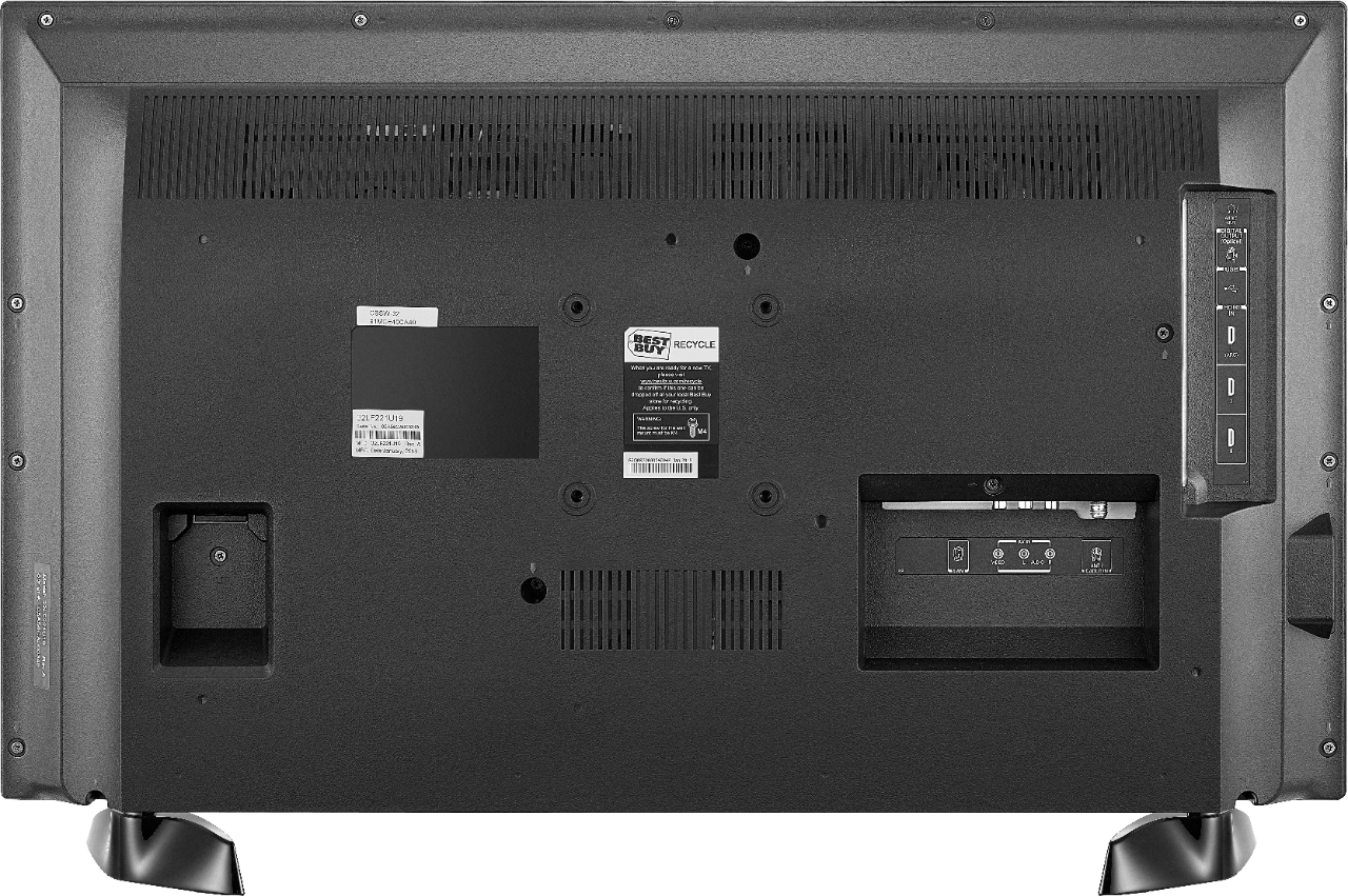
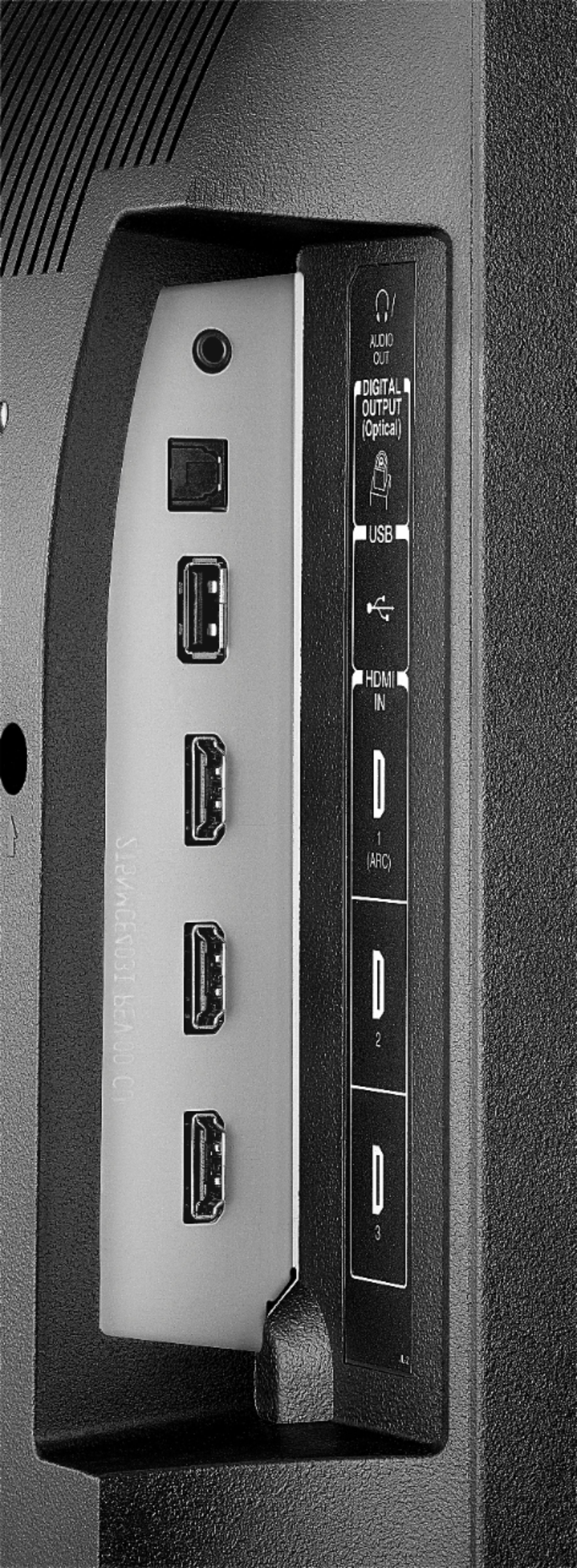
You can connect an external streaming device using HDMI.
David M. - Toshiba Support
A:AnswerJust connect your Satellite box and enable the Power On feature, for the TV to turn on displaying your channels.
Go Home > Settings > Display & Sounds > Power On and select Last Input.
A:AnswerHi,
You can try to pair your headphones to the TV via Bluetooth. To pair a Bluetooth device, go Home > Settings > Controllers & Bluetooth Devices.
Alan O. - Toshiba Support
A:AnswerHi,
You can loop a video from a USB Flash Drive using the app VLC for Fire.
The app VLC for Fire supports the following formats:
MKV, MP4, AVI, MOV, Ogg, FLAC, TS, M2TS, Wv and AAC
The VLC app features a repeat function.
Alan O. - Toshiba Support
A:AnswerTry to press and hold the Home button for 3 seconds to launch the Quick Access menu, select Display settings to adjust the Picture Size and Aspect Ratio.
David M. - Toshiba Support
A:AnswerYou could try to connect a different multimedia device.
For product support please call 1 (855) 527-2411 available from 8 am to 9 pm CT everyday.
David M. - Toshiba Support
A:AnswerHi,
To change channels press the TV button on the remote to launch the Live TV guide, use the up or down buttons to navigate through the list and press the center button to select the highlighted option to start watching.
Alan O. - Toshiba Support

A:AnswerFor best video quality connect your Satellite Box to the television using an HDMI cable.
The app AT&T TV by AT&T Services, Inc. shows as available for the Fire TV Edition experience.
For more information, please visit: https://att.com/directvnowhelp
David M. - Toshiba Support

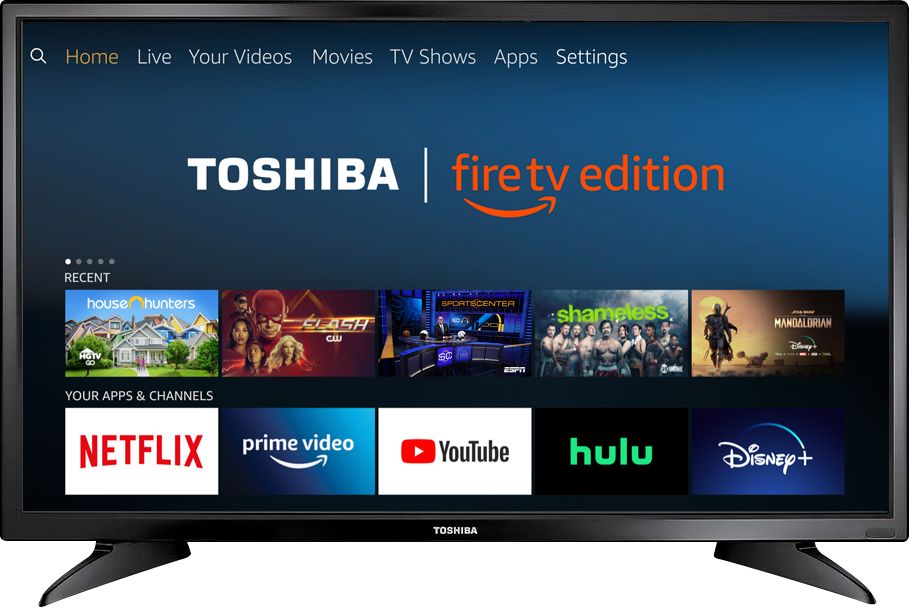
A:AnswerPress the home button on the tv remote; then locate which HDMI cord your cable, video game console etc is connected. For example, my cable box is connected to HDMI cord 1, so when I go to the home screen when the tv is first turned on, press the down button on the tv remote and select ‘HDMI 1’ and it should go to the cable. To go back to the tv’s home screen, press the home button and there you will see Netflix, Hulu, etc.
A:AnswerAmazon Prime is not required to use this Fire TV Edition television.
The Fire TV experience is free to use.
To watch Fire TV Edition TV Help Videos, please visit:
https://www.amazon.com/gp/help/customer/display.html?nodeId=202162190
David M. - Toshiba Support