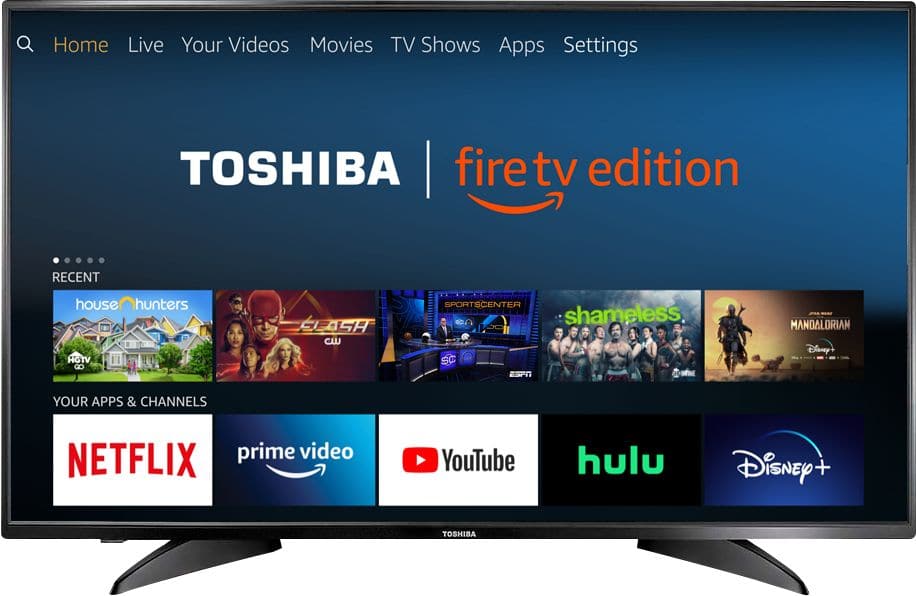
A:AnswerUsing the included Voice Remote, while watching a video, press and hold for 3 seconds the Home button to launch the Quick Access Menu, select Picture to adjust the Picture Settings on the Fire TV Edition television.
David M. - Toshiba Support
A:AnswerThe YouTube TV app is now available for the Fire TV Edition experience.
For more information, please visit https://tv.youtube.com/welcome/
David M. - Toshiba Support
A:AnswerConnect your Chromecast device to the Fire TV Edition television using HDMI.
Download the Amazon Fire TV app on your smartphone to control your Fire TV Edition television.
David M. - Toshiba Support
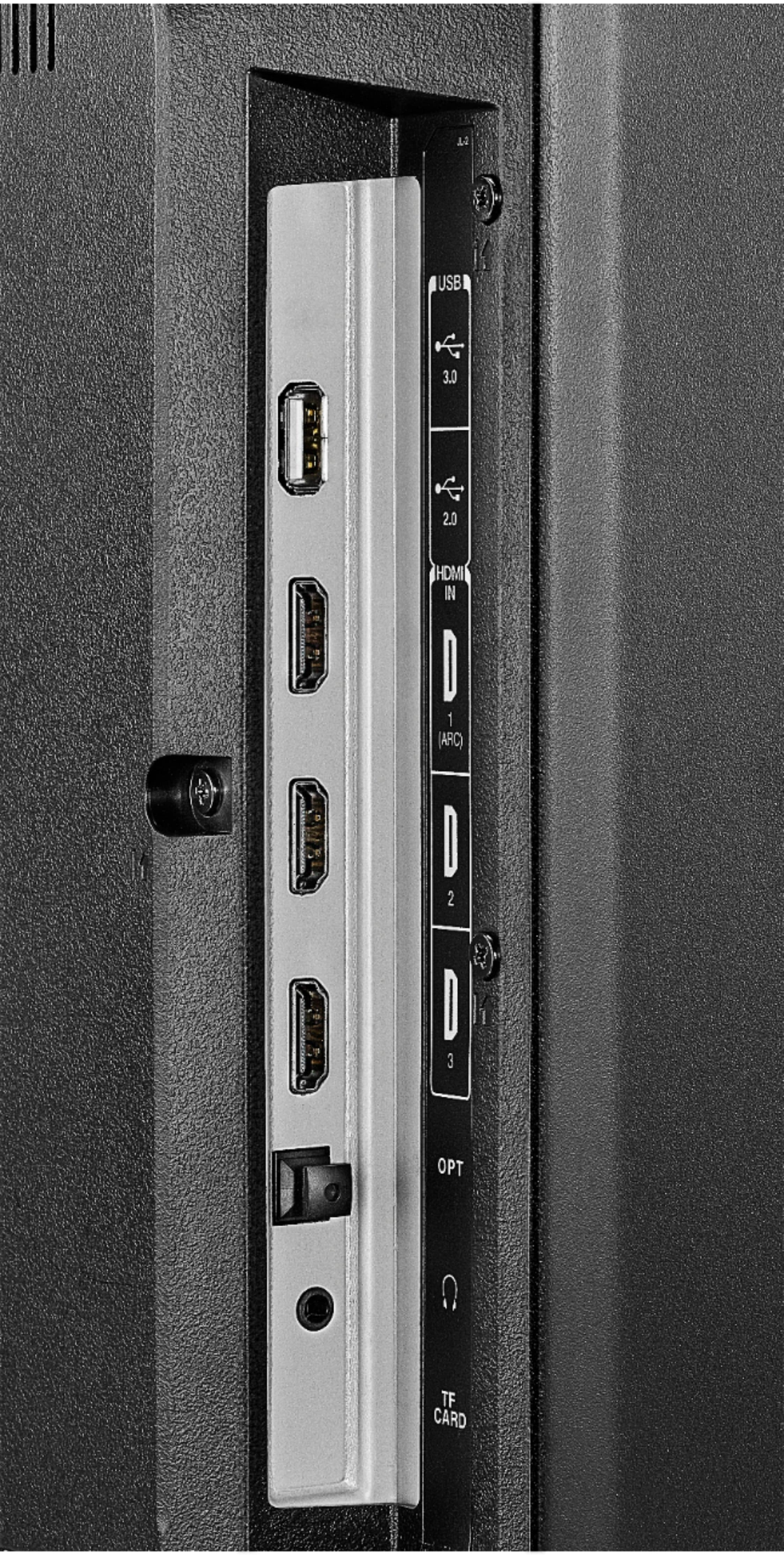
A:AnswerThe Fire TV Edition television features the following Audio Outputs:
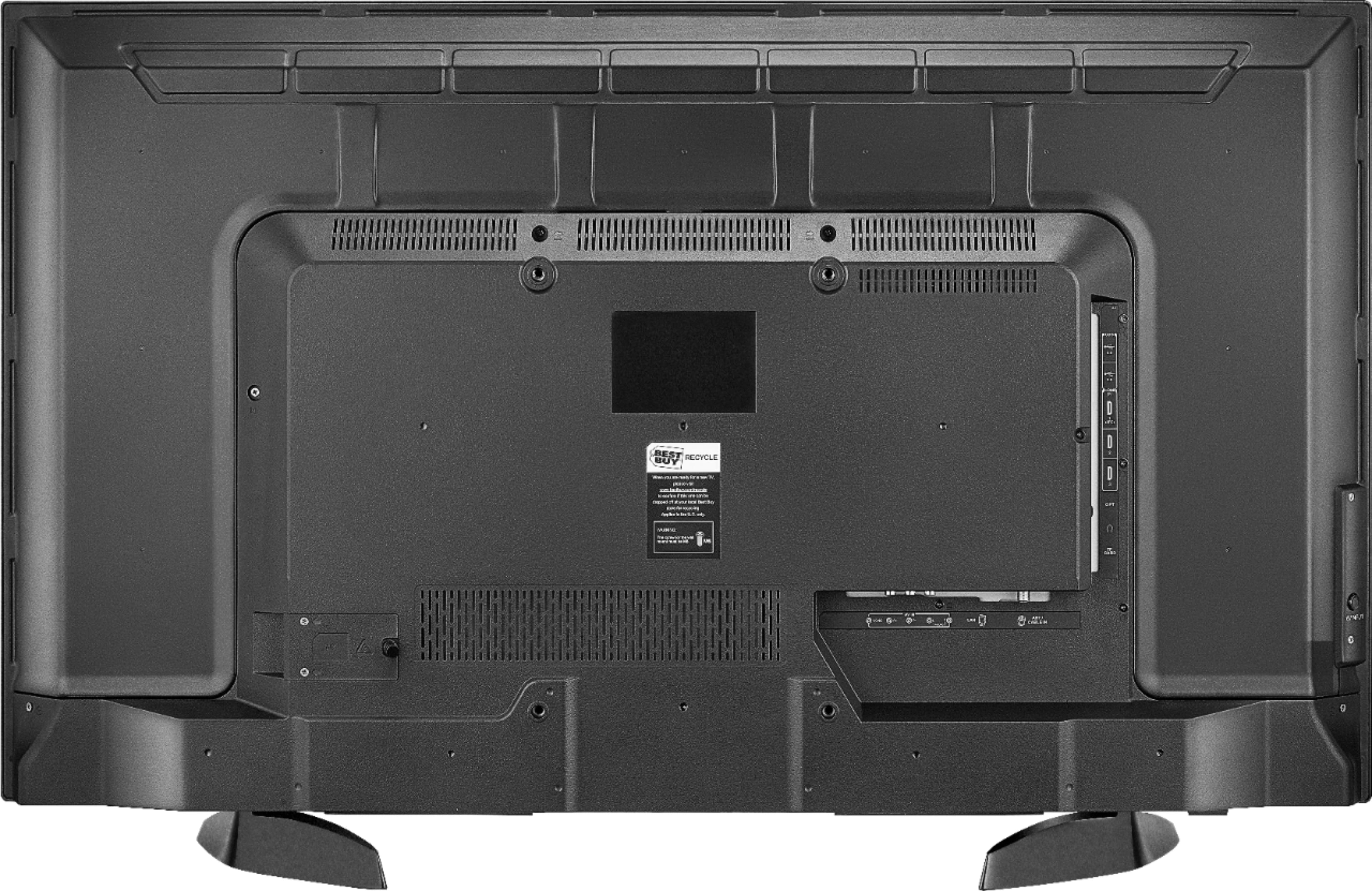
Bluetooth (for audio devices), 3.5 mm (Headphone Jack) and Digital Optical Output. Try to connect your soundbar using one of these Audio Outputs.
David M. - Toshiba Support
A:AnswerThe YouTube TV app is now available for the Fire TV Edition experience.
For more information, please visit https://tv.youtube.com/welcome/
David M. - Toshiba Support
A:AnswerWhile watching Live TV, press and hold the Home button for 3 seconds to launch the Quick Access menu, select Display settings to adjust the Picture Size and Aspect Ratio on the Fire TV Edition television.
If the issue persists please contact your Cable provider for assistance.
David M. - Toshiba Support

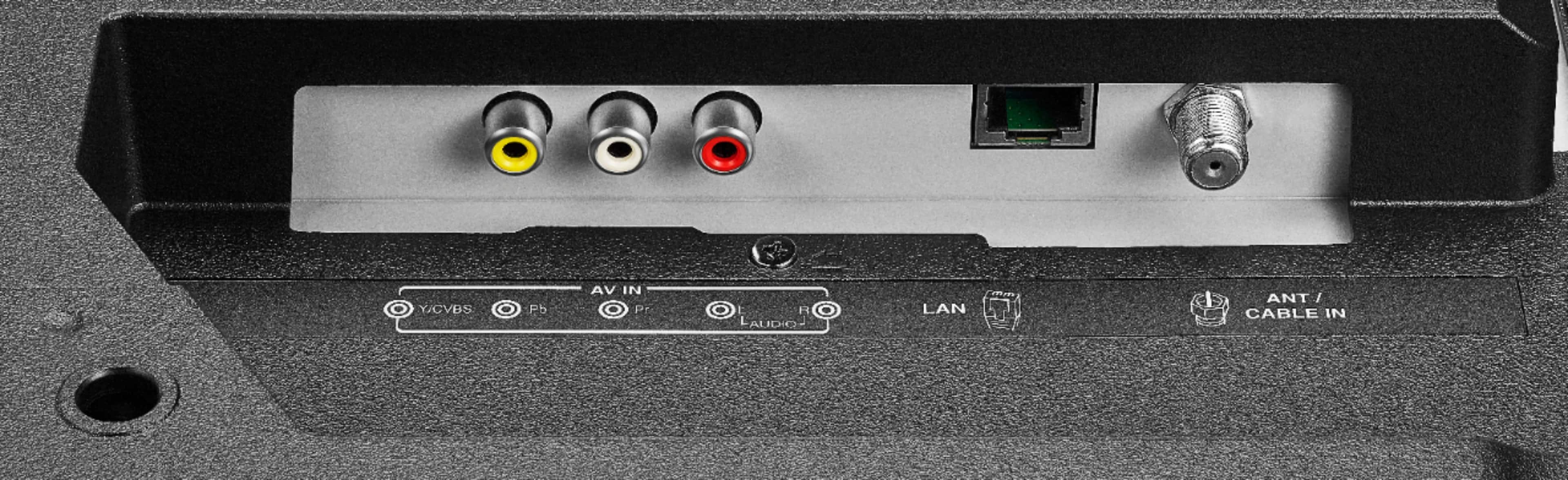
A:AnswerConnect an antenna to the Fire TV Edition television to watch free over-the-air broadcasts from your local channels.
David M. - Toshiba Support

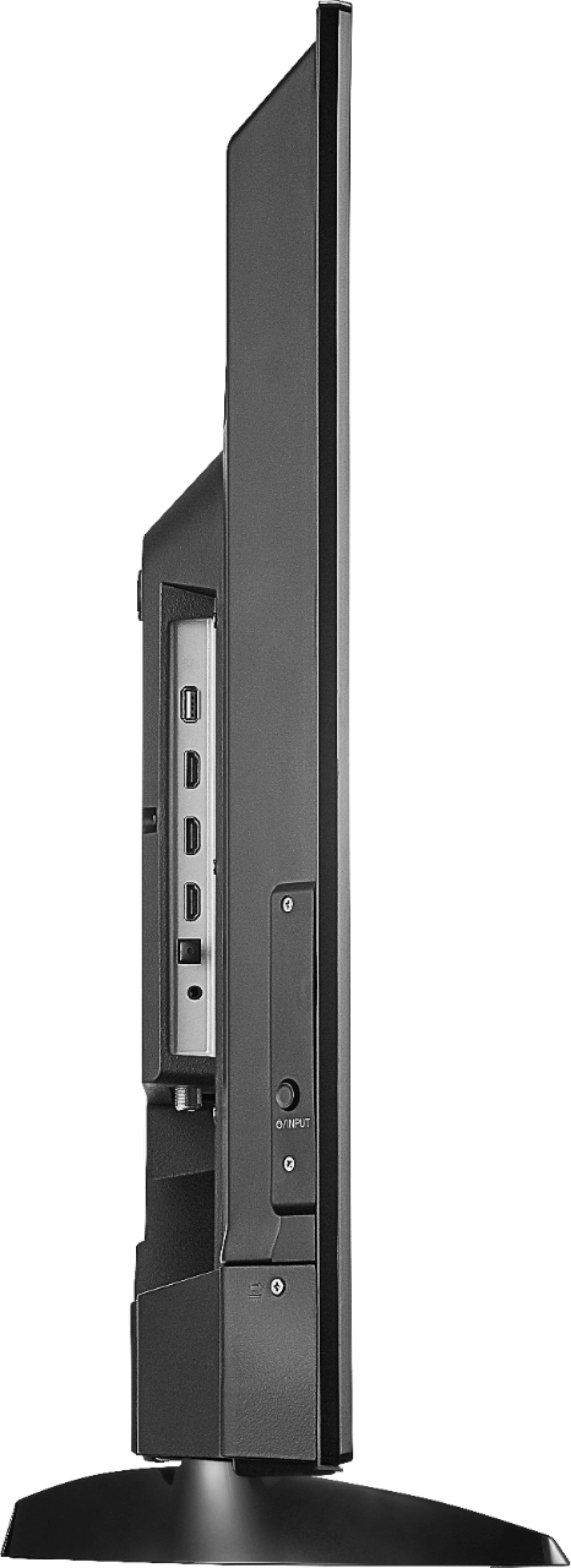
A:AnswerThe dimensions with stand (HxWxD): 23.9 x 38.1 x 9.1 inches (60.6 x 96.8 x 23.2 cm).
The screen measures diagonally 42.5 inches (107.9cm).
The stand measures from left to right at the widest part (footprint): 28 inches (71.12 cm).
David M. - Toshiba Support

A:AnswerTo search for available apps, go to:
amazon.com > Menu - Shop By Category > Fire TV > Fire TV Apps & Channels > Refine by Device Type select Fire TV Edition TV and search.
You can connect your Fire stick to the Fire TV Edition television using HDMI.
David M. - Toshiba Support

A:AnswerUnfortunately, the Xfinity app is not available for the Fire TV Edition experience. For more information about Xfinity please visit:
https://www.xfinity.com/support/articles/xfinity-tv-app-requirements
You can connect a supported device to the Fire TV Edition television using HDMI.
David M. - Toshiba Support

A:AnswerThe Fire TV Edition television features Closed Captions.
Using the Voice Remote go to Home > Settings > Accessibility > Closed Caption
While watching Live TV press the Menu button and select Captions and Audio.
For more information, please visit: https://www.amazon.com/gp/help/customer/display.html?nodeId=GF2WDRKM6AWE4SLM
David M. - Toshiba Support

A:AnswerWhile watching the video, using the remote press and hold the Home button for 3 seconds to launch the Quick Access menu, select Display settings to adjust the Picture Size and Aspect Ratio.
David M. - Toshiba Support