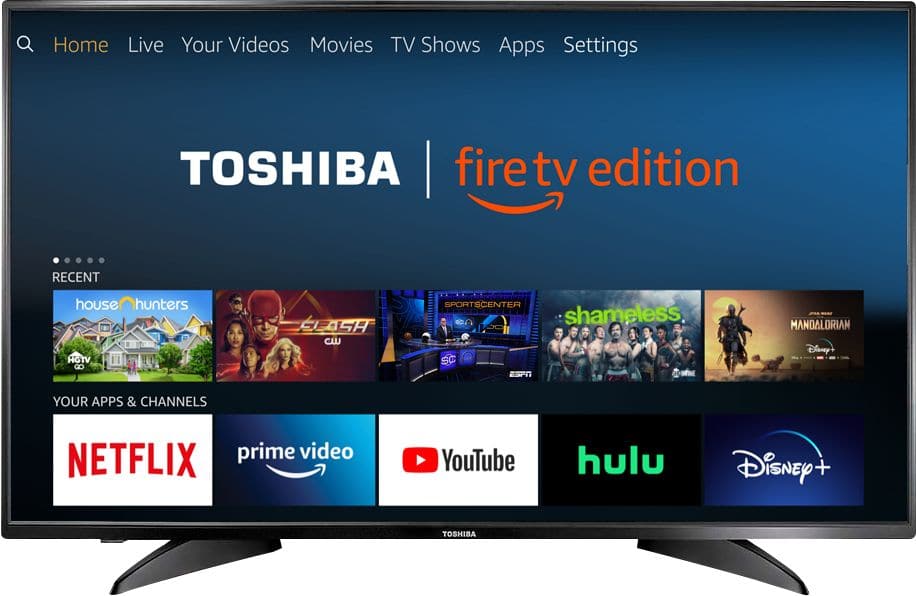
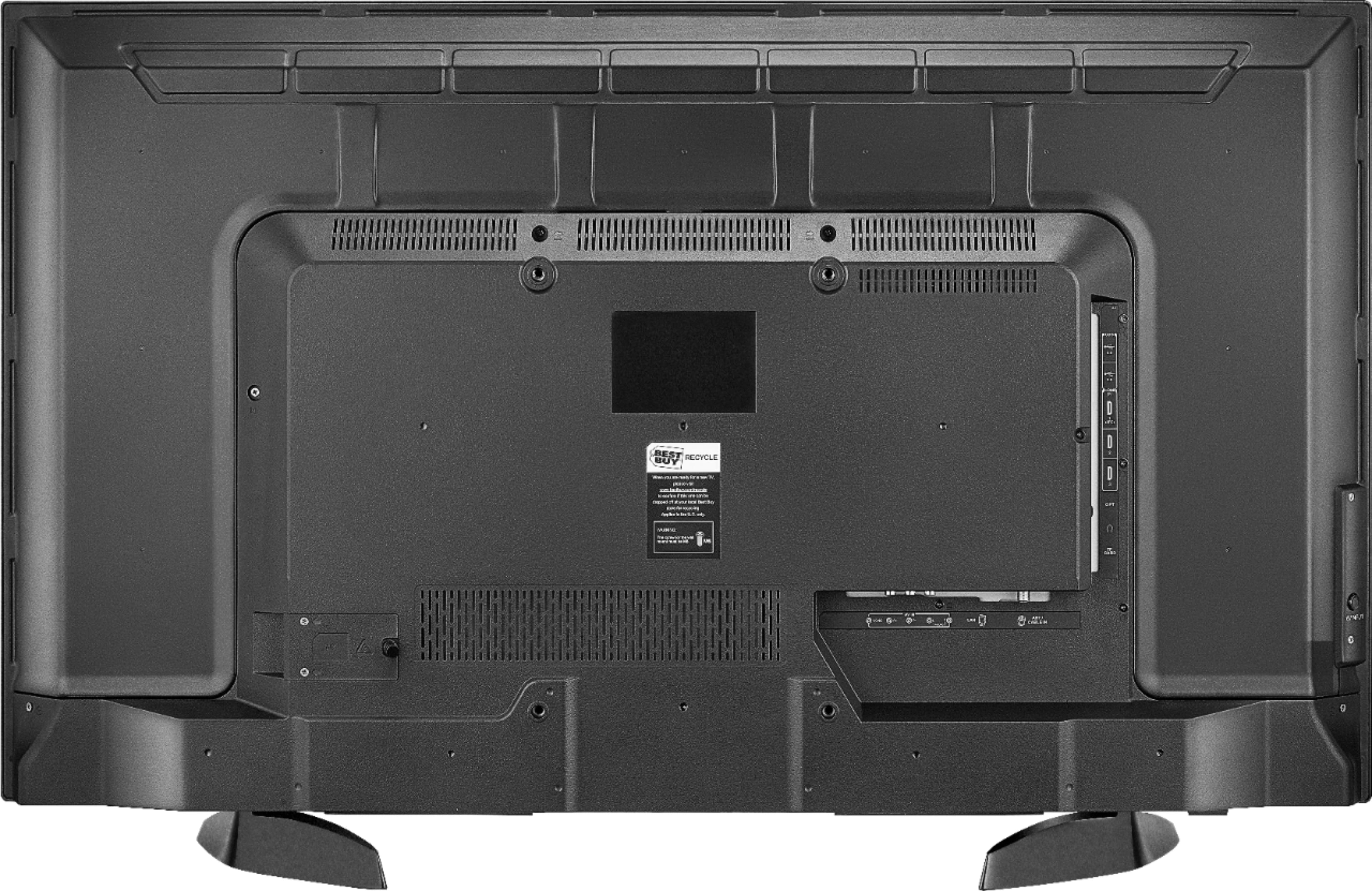
A:AnswerNo! Not many if any still produce PIP. Too much going on bringing you the best quality through a single portal. Never mind PIP go for the 4K and get comfy.
A:AnswerFor Toshiba | Fire TV Edition television product support please call 1 (855) 527-2411 available from 8 am to 9 pm CT everyday.
David M. - Toshiba Support
A:AnswerWatch YouTube using the app internet | Silk Browser by Amazon and connect an Antenna to watch free over-the-air broadcasts from your local channels.
David M. - Toshiba Support
A:AnswerThe Fire TV Edition television has a built-in tuner, just connect your antenna to watch free over-the-air broadcasts from your local channels.
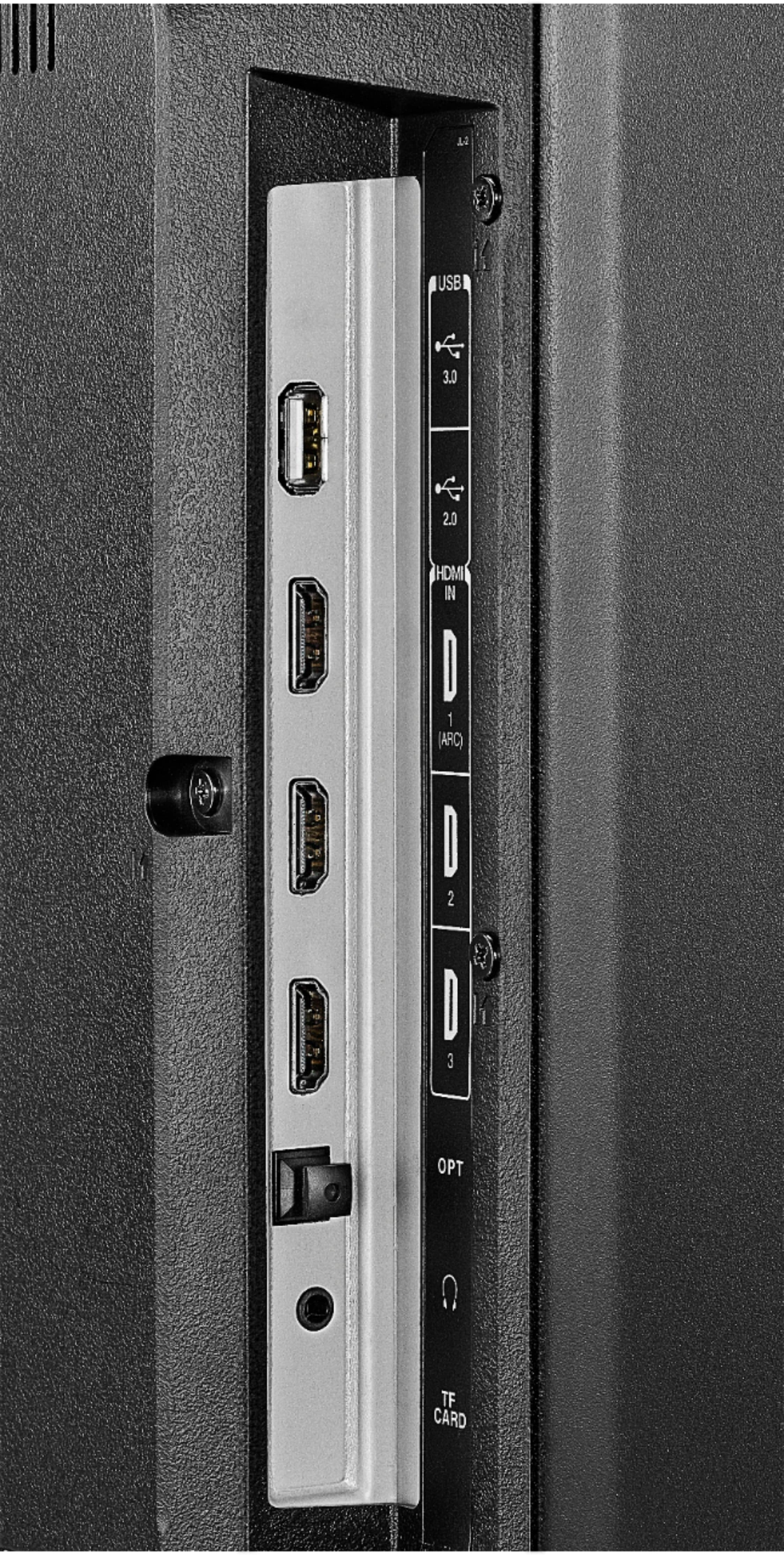
You can connect your multimedia devices to the TV using HDMI.
David M. - Toshiba Support
A:AnswerDownload the Amazon Fire TV app to your smartphone to control your Fire TV Edition television.
Link an Alexa enabled device (i.e. Echo) to change channels hands free.
Say: "Alexa, tune to channel 7.1" or "Alexa, go to ABC".
The replacement remote Model: NS-RCFNA-19 is available at Best Buy
David M. - Toshiba Support
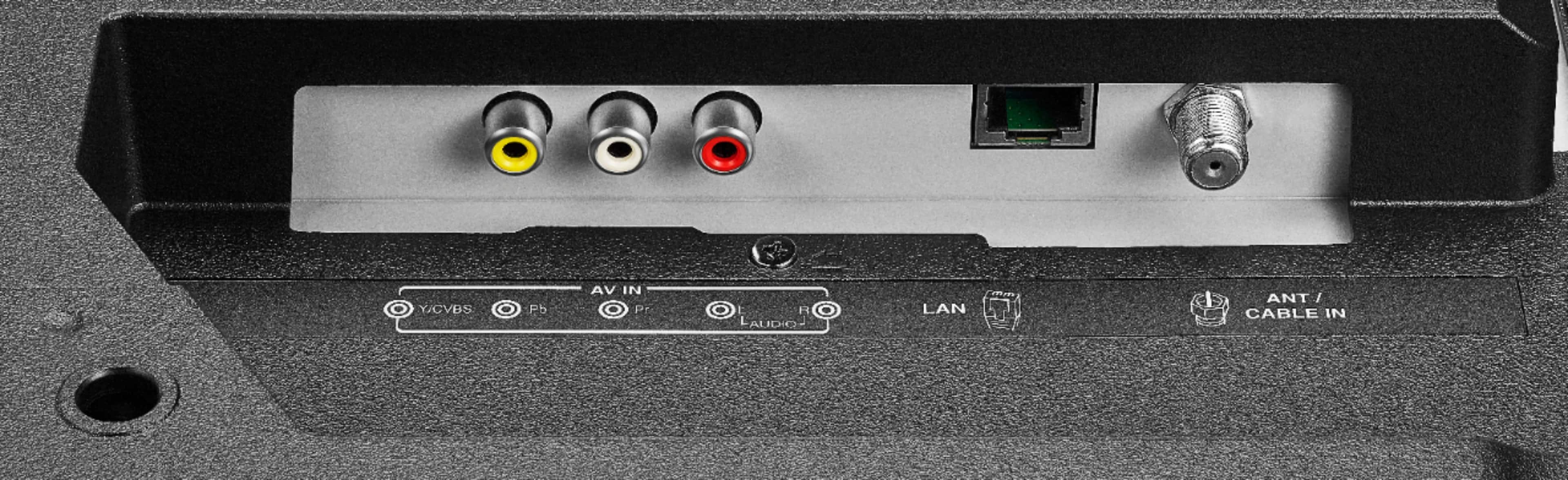
A:AnswerShort answer is no. TV has HDMI as well as 75 Ohm connecter for cable. TV also has built in tuner. So if you need ( in this day and age) a TV antenna it will do that as well. I have HDMI DVR cable box. Just depends on your situation. Hope that helps.
A:AnswerTry to press and hold the Home button for 3 seconds to launch the Quick Access menu, there you will find picture settings.
For Toshiba support please call 1 (855) 527-2411 available from 8 am to 9 pm CT everyday.
David M. - Toshiba Support
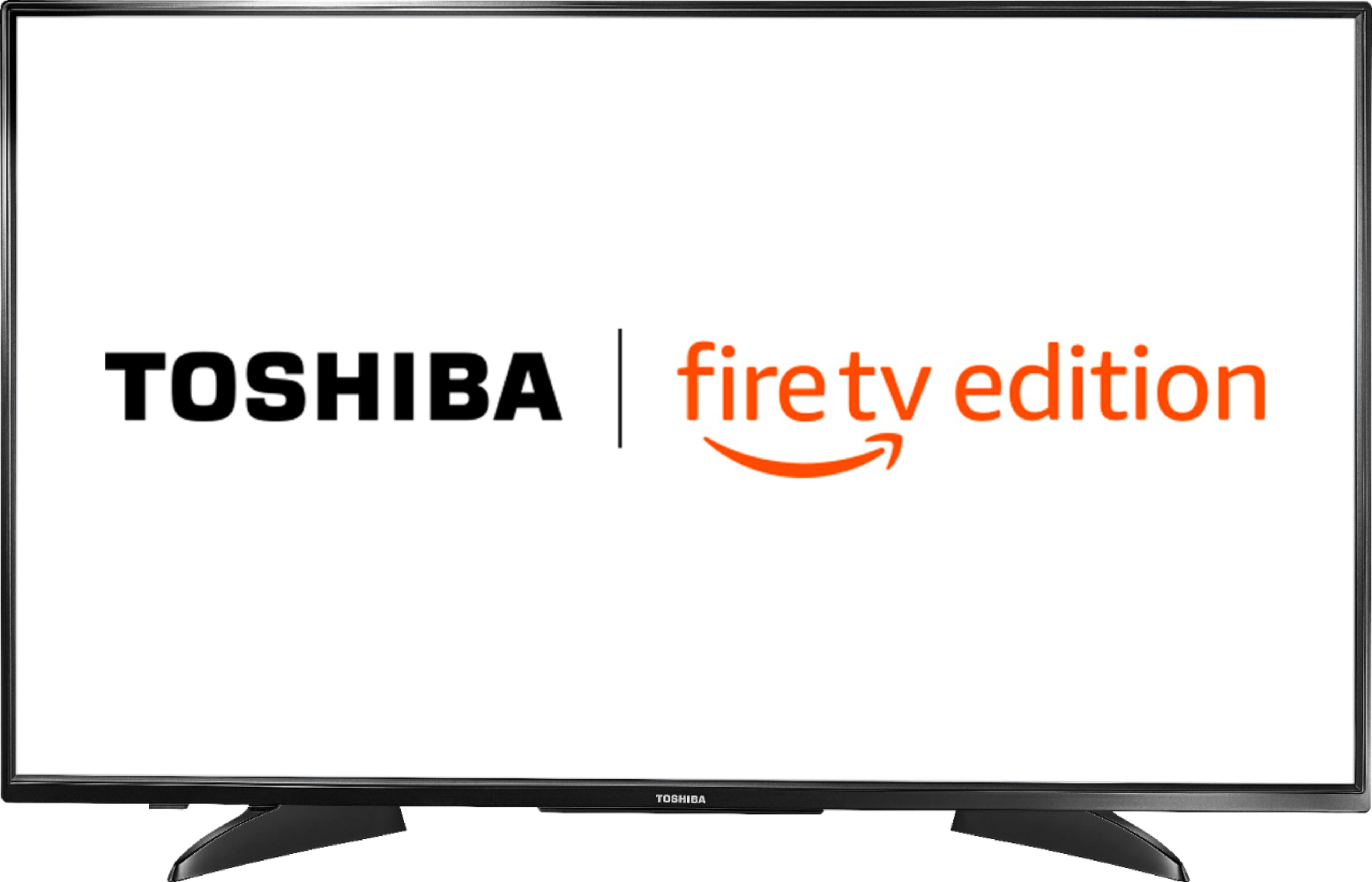
A:AnswerFor the Fire TV Edition television Model 43LF621U19
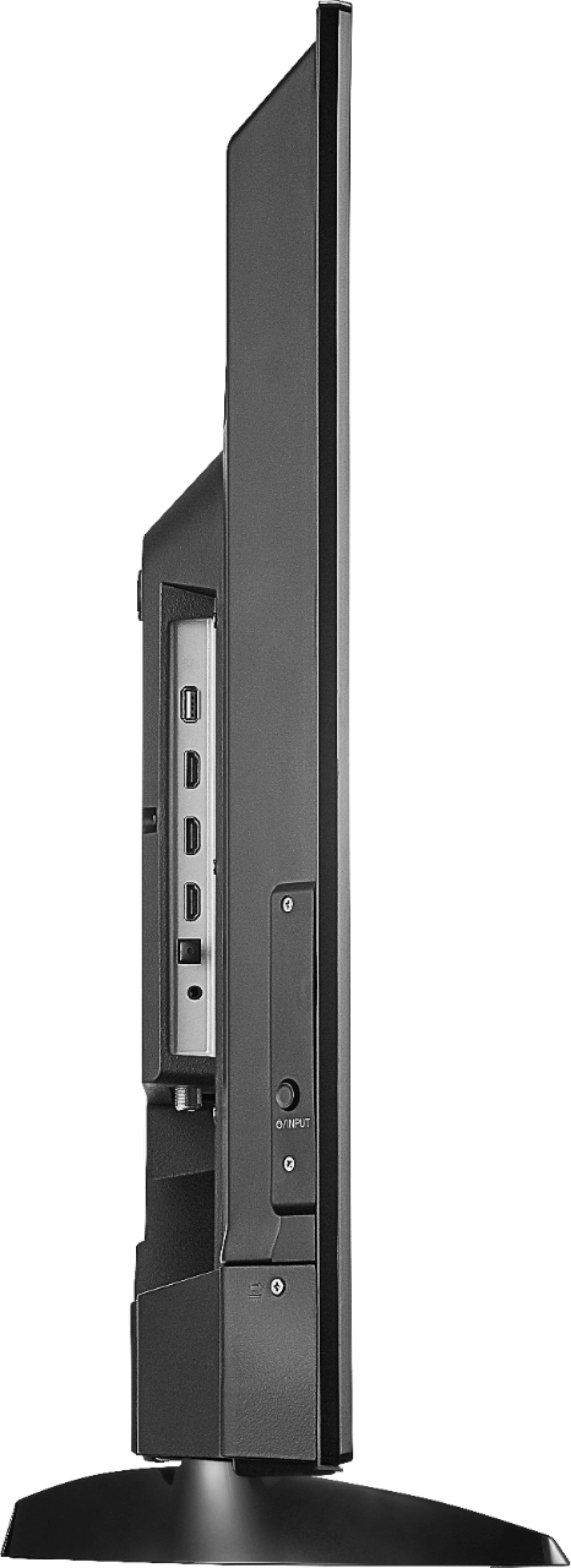
Depth: 9.1 in (23.2 cm)
Height with stand: 23.9 (60.6 cm)
Width: 38.1 (96.8 cm)
Stand width from left to right at the widest part: 28 in (71.12 cm)
David M. - Toshiba Support