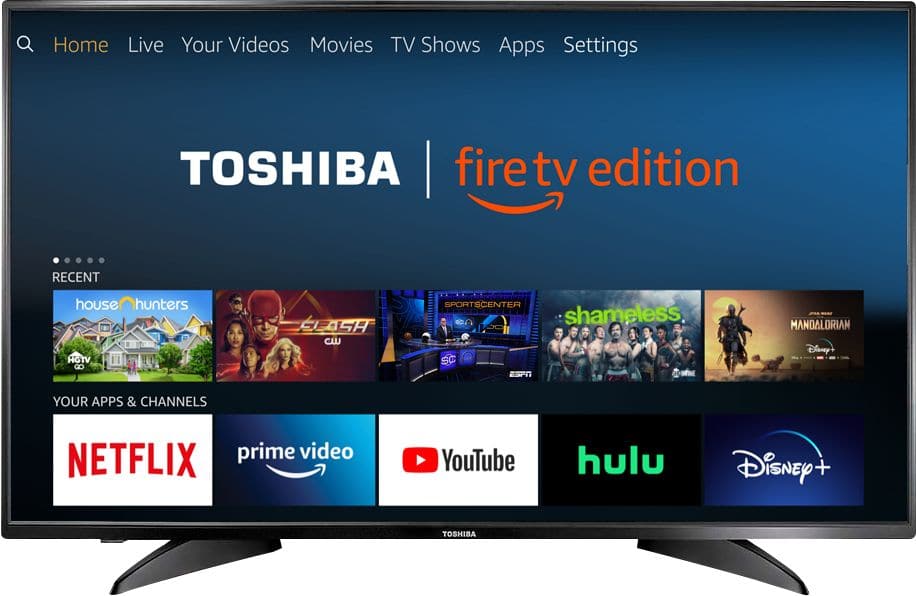
A:AnswerBeen on and connected for almost a week. Set up in my room. Have not seen any amazon advertising while watching my shows, even during commercial breaks.
A:AnswerCheck the online ad. If you see "Store Pickup Only", then no you can't have it shipped to your home. Have someone pick it up for you which can be done online during the checkout process.
A:AnswerSeems so to me when you do the first set up it says you can hook up the antenna and a smart TV part tells you what shows are available regular cable seems like it would be the same
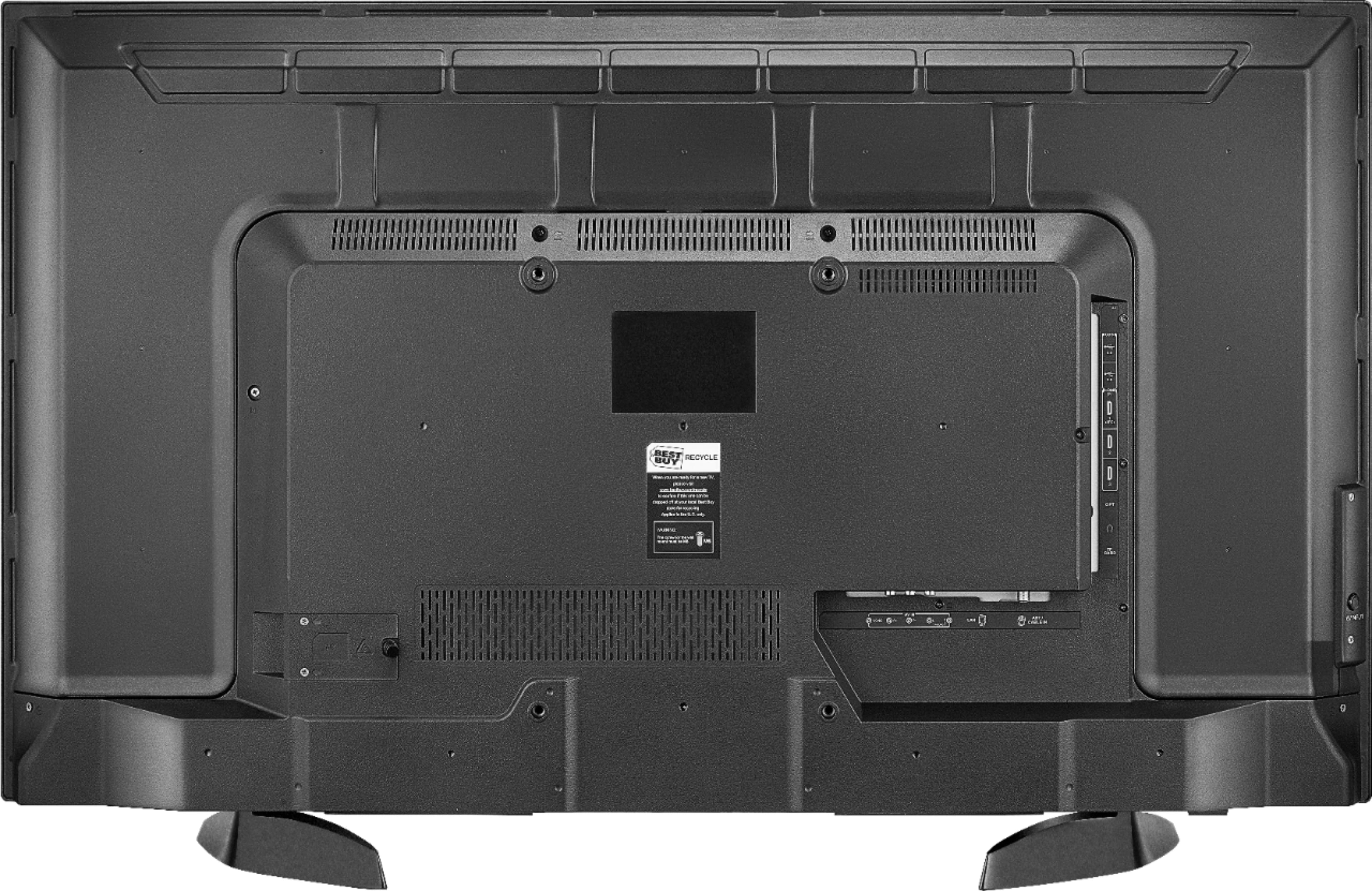
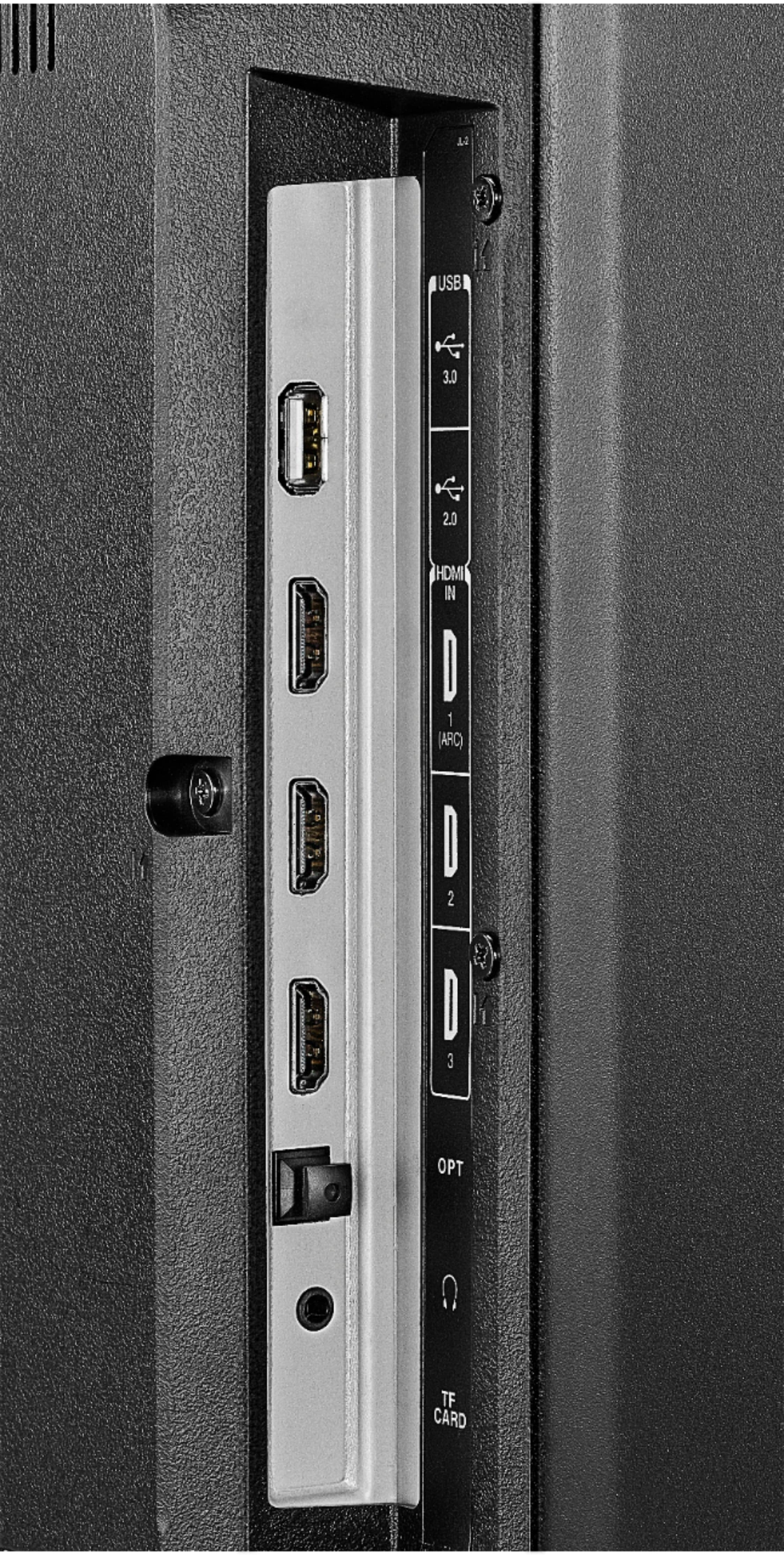
A:Answeri also just bought this same tv. i plugged mine into the first slot with a never used 2.0 hdmi cord, yet the picture on my tv still is showing in only 1080 so im a bit stumped on that. i never took a closer look at this tv if it matters which port is for a better picture yet so im not sure, i think i wouldve noticed though when setting it up. BUT i do know for a fact on some tv's it does matter [my other tv we have in the living room has a specific mention on which port is for 4k/the highest res.]
A:AnswerHello,
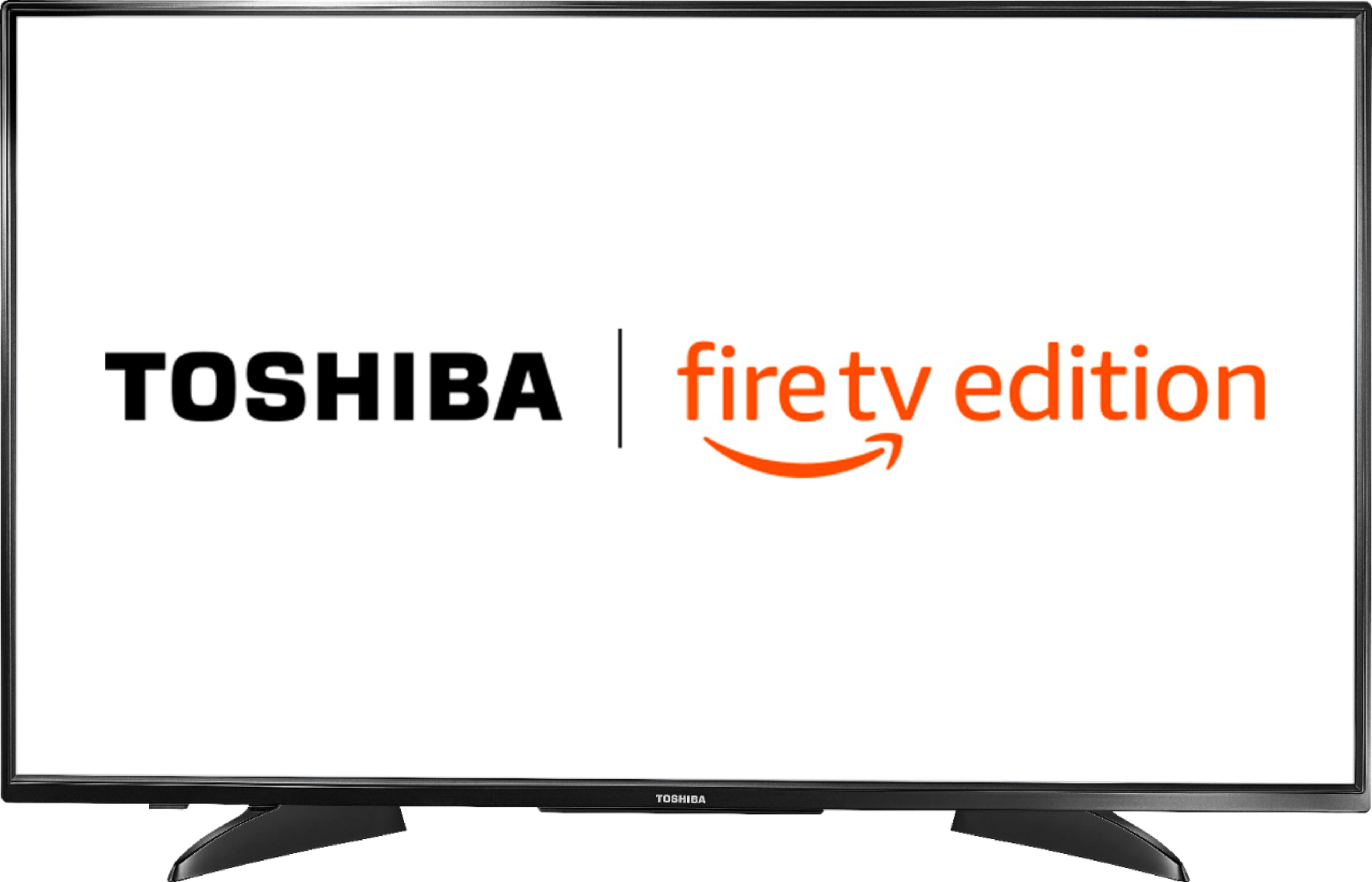
Thank you for taking the time to address any doubts that you may have, now you would be able to a Roku stick to make it Roku but the operating system on the TV will always be Amazon
Brian C. - Toshiba
A:AnswerFrom Amazon Help website:
You can also search for a specific title. If you have a Fire TV remote with a Voice button, you can search using your voice. Or, you can select Search Search Icon from the Fire TV menu to enter a text search.
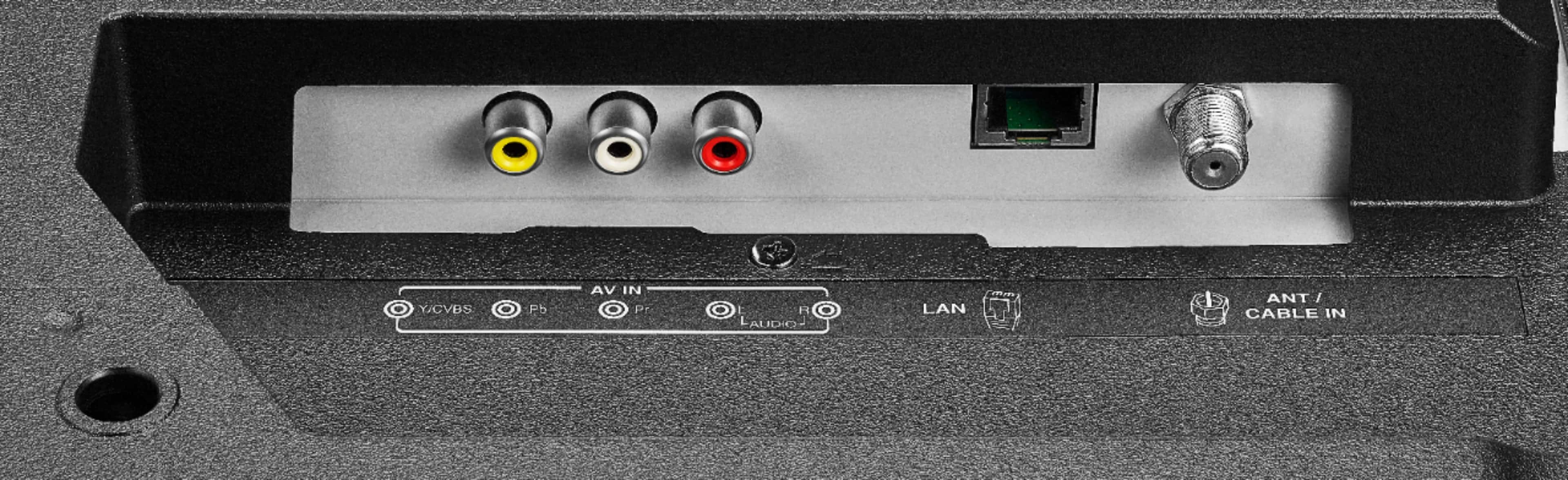
A:AnswerYou can use it without wifi, but i recommend not getting it becUse why get a smart tv without being able to use its smart features. Youd need wifi to use the smart features such as internet apps and things of that nature but just for tv no wifi needed.
A:AnswerI think you will have to use the remote that comes with the TV to invoke Alexa. I was not successful either in using echo dot to control the TV.