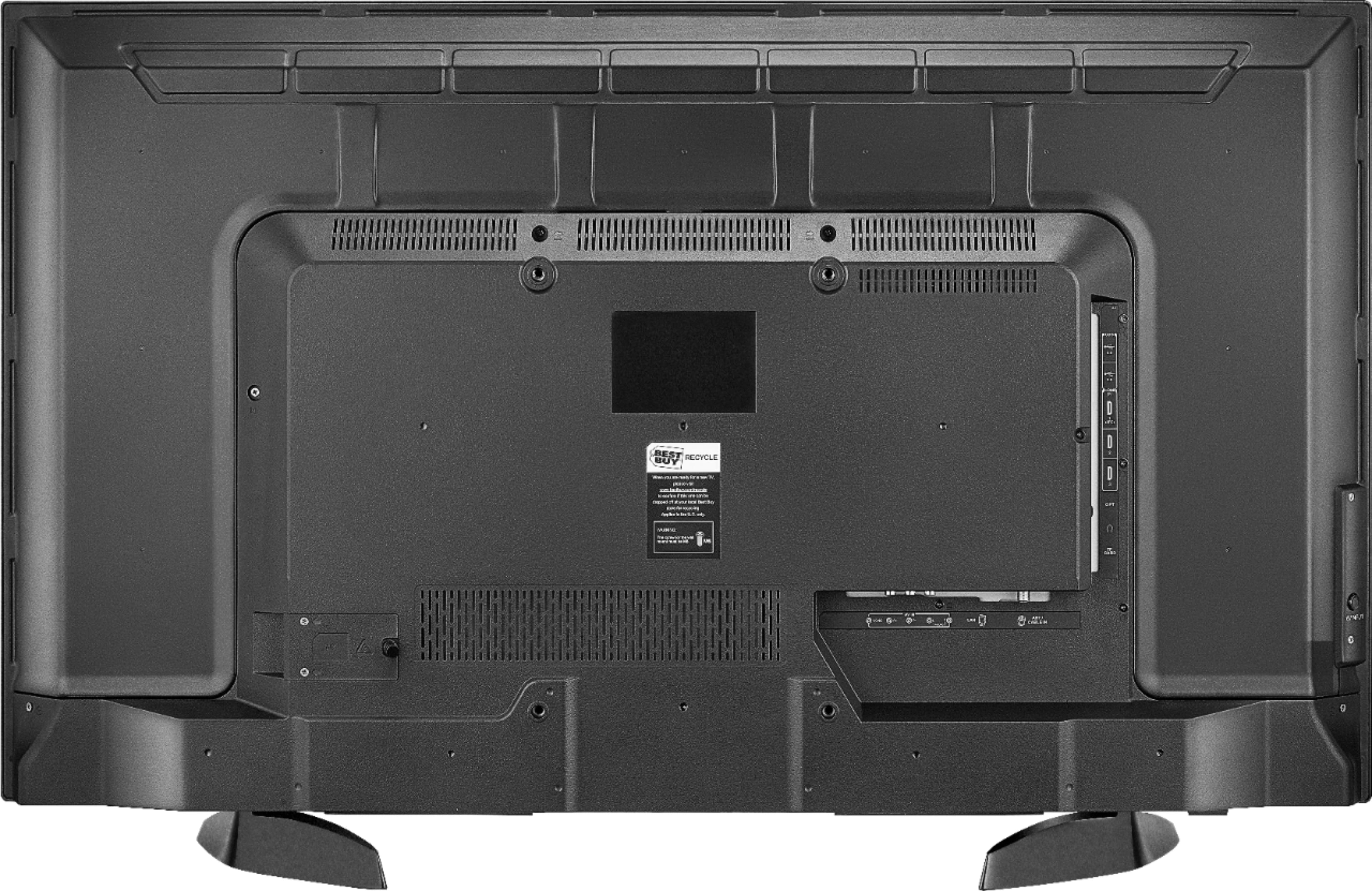
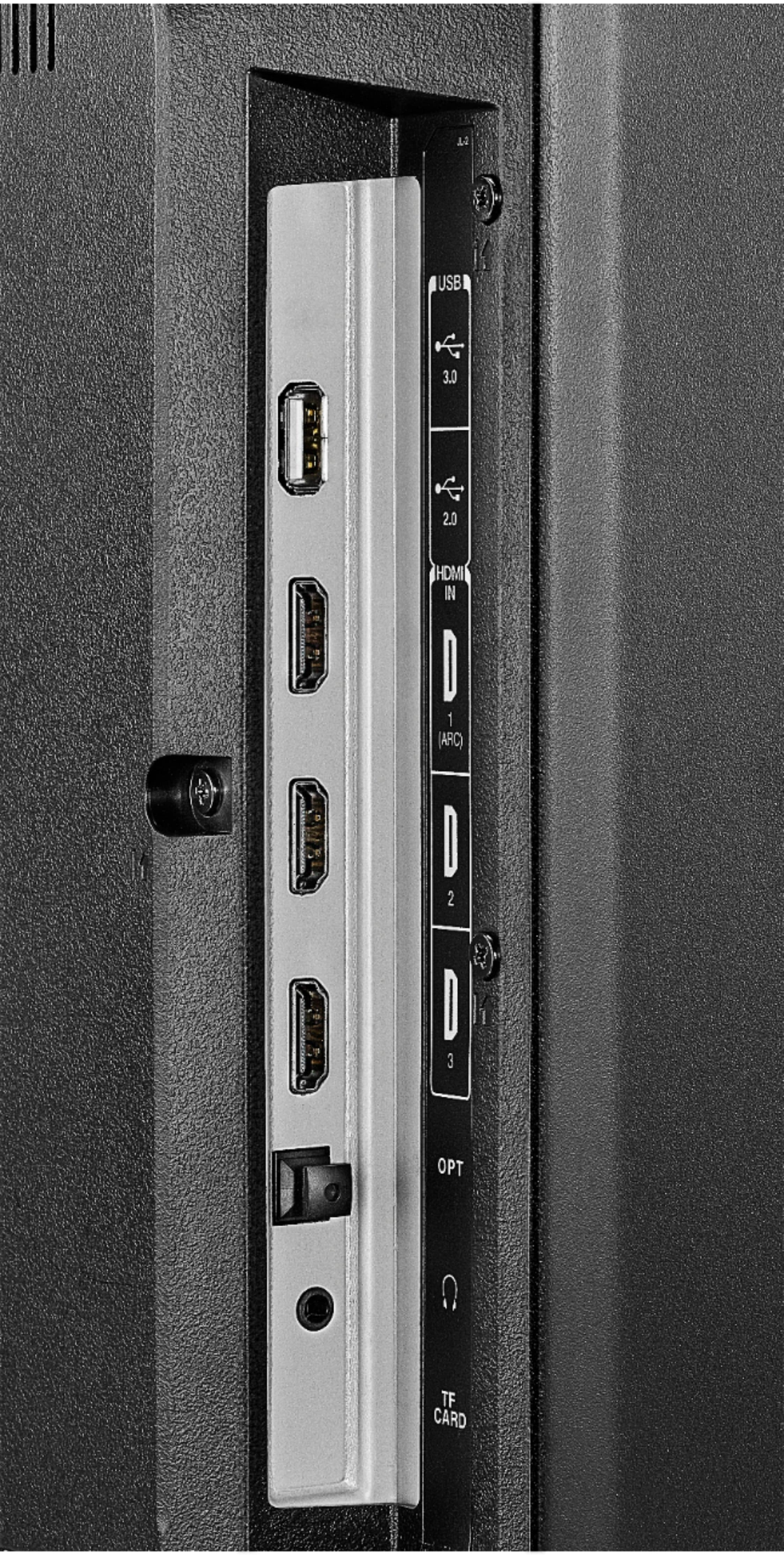
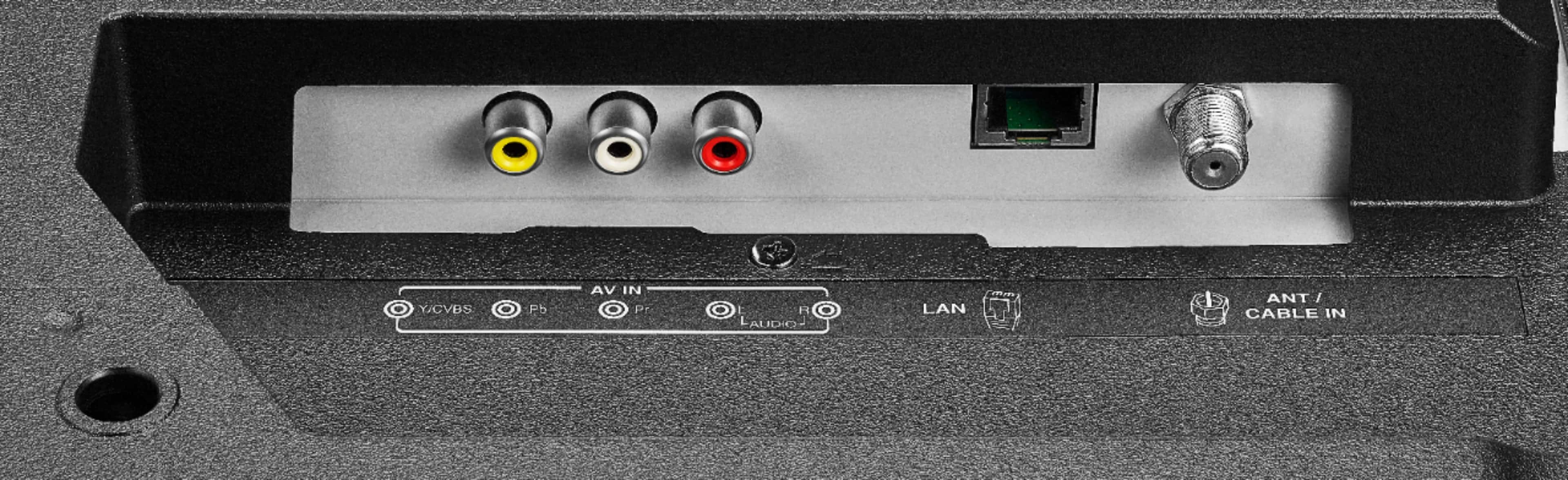
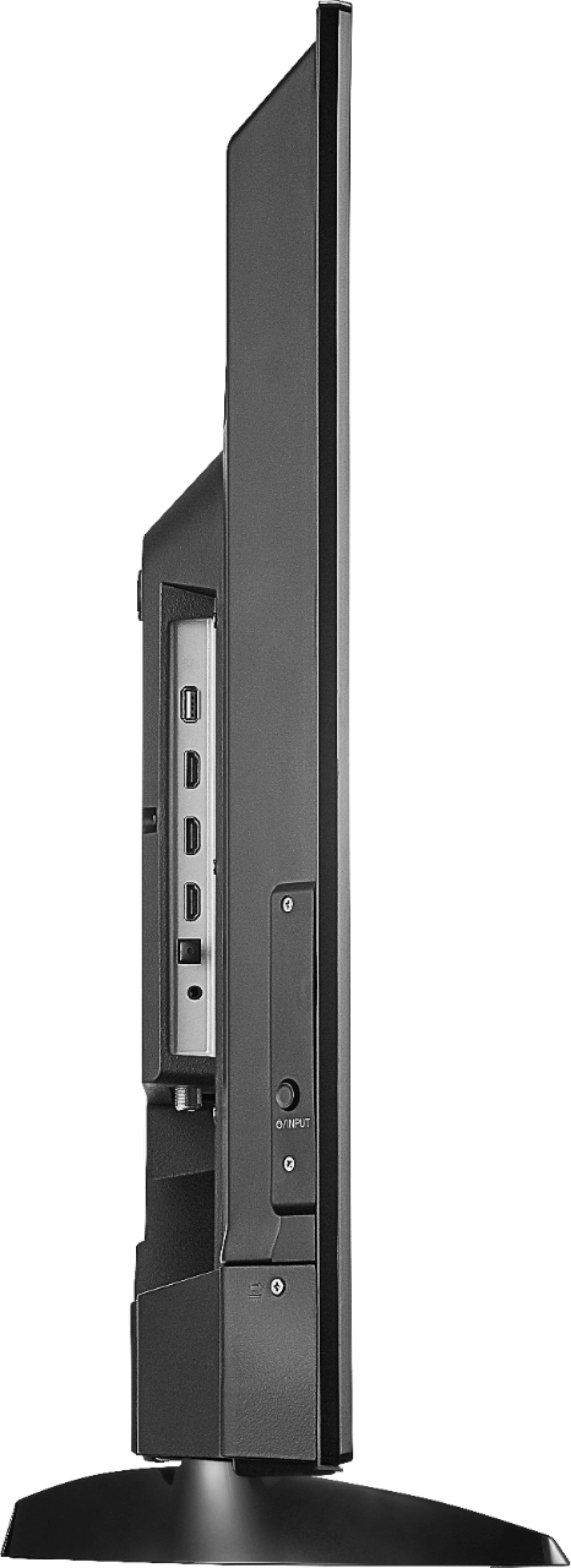
A:AnswerIn most cases, the TV must be connected through the cable systems STB (Set Top Box), an HDMI cable from the STB to the TV is the best option, it carries both picture and sound. Another option is A/V inputs, The tri-cable usually has three (3) 'phono' (aka, RCA) connectors. A third option is using the RF (antenna) input (and use channel 3 or 4. Not recommended but will work.
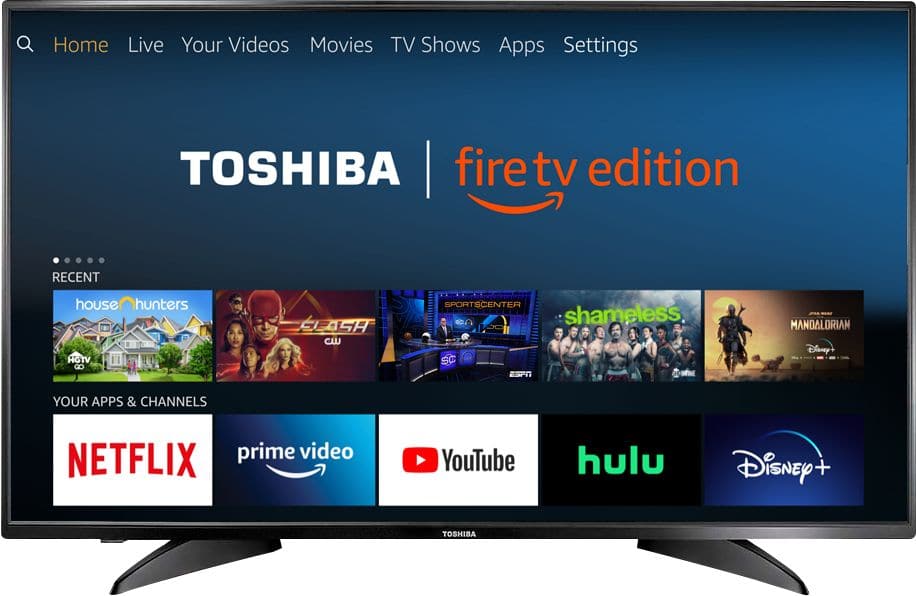
A:AnswerTo watch Fire TV Edition TV Help Videos, please visit:
https://www.amazon.com/gp/help/customer/display.html?nodeId=202162190
For product support please call 1 (855) 527-2411 available from 8 am to 9 pm CT everyday.
David M. - Toshiba Support
A:AnswerTry to use the Power On feature, using the included Voice Remote go Home > Settings > Display & Sounds > Power On and select Last Input.
David M. - Toshiba Support
A:AnswerAce Hardware stores have very great selection of metric and SAE screws, bolts, nuts and such (much better than the big box stores) 99% chance an ACE store will have M5 27mm screws.
A:AnswerTo watch Fire TV Edition television Help Videos, please visit:
https://www.amazon.com/gp/help/customer/display.html?nodeId=202162190
David M. - Toshiba Support
A:AnswerTo pair your Fire TV Edition television with your Alexa enabled device (i.e. Echo) use the Alexa app:
If you use the smartphone app go to:
Home > Menu > Settings > Video and TV > Fire TV
And follow the on-screen instructions.
David M. - Toshiba Support
A:AnswerWhile watching a video, press and hold the Home button for 3 seconds to launch the Quick Access menu, select Display settings to adjust the Picture Size and Aspect Ratio.
David M. - Toshiba Support
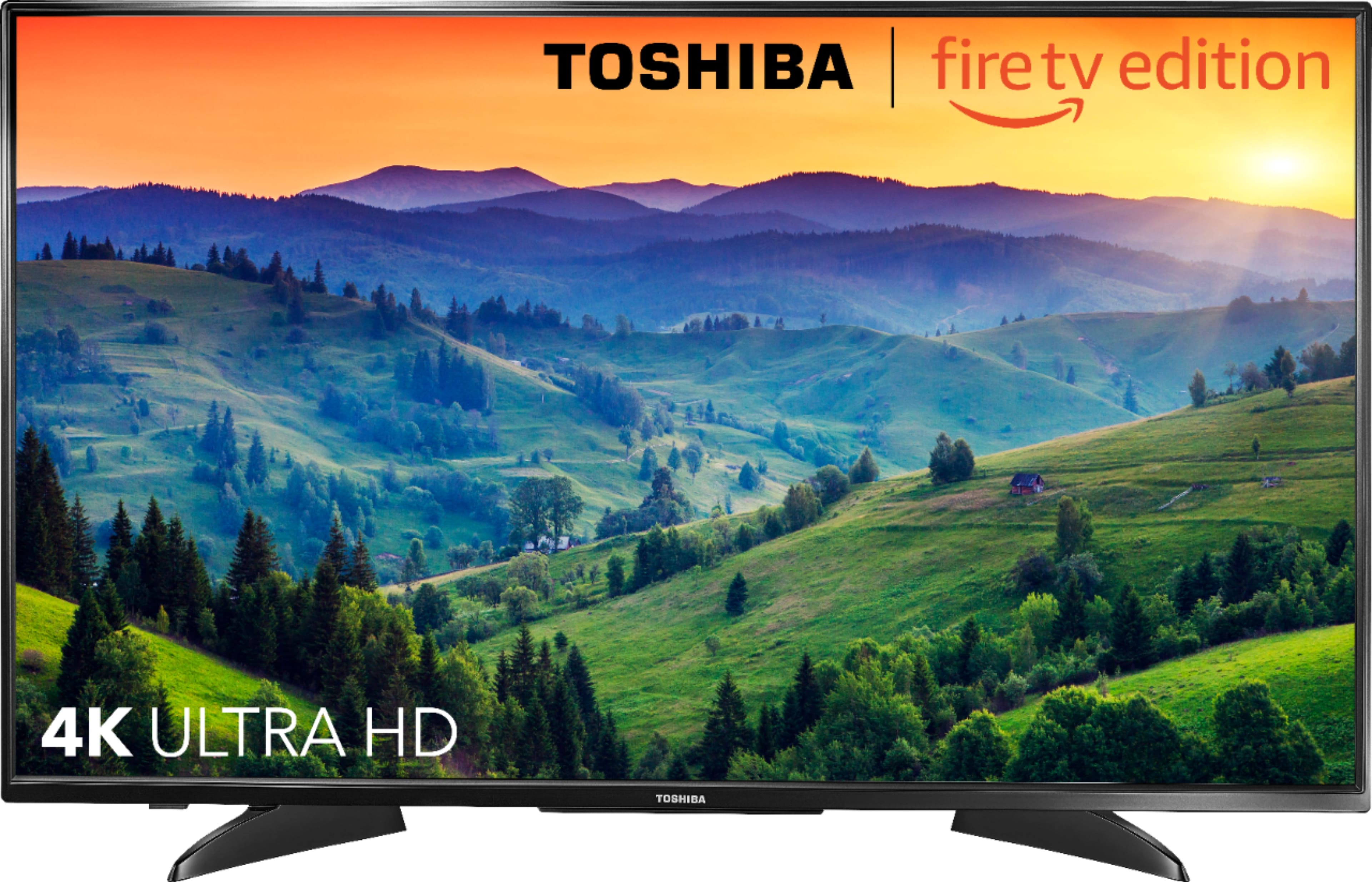
A:AnswerThe Fire TV Edition television Model: 43LF621U19 resolution is 4K - UHD - 2160p.
Press and hold the Home button to launch the Quick Access menu, there you will find Display settings to adjust the Picture Size and Aspect Ratio.
David M. - Toshiba Support
A:AnswerTo reset the Voice Remote, press and hold at the same time the DPAD-left (←), back (↩) and menu (≡) buttons for at least 10 seconds.
Then, restart the Fire TV Edition television by pressing and holding the physical Power Button on the TV.
After that press and hold the Home button on the remote for up to 1 minute.
For Toshiba support please call 1 (855) 527-2411 available from 8 am to 9 pm CT everyday.
David M. - Toshiba Support