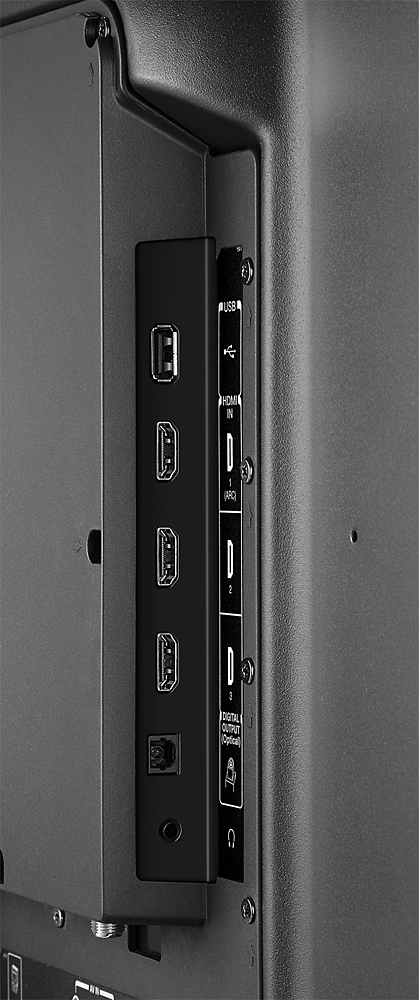
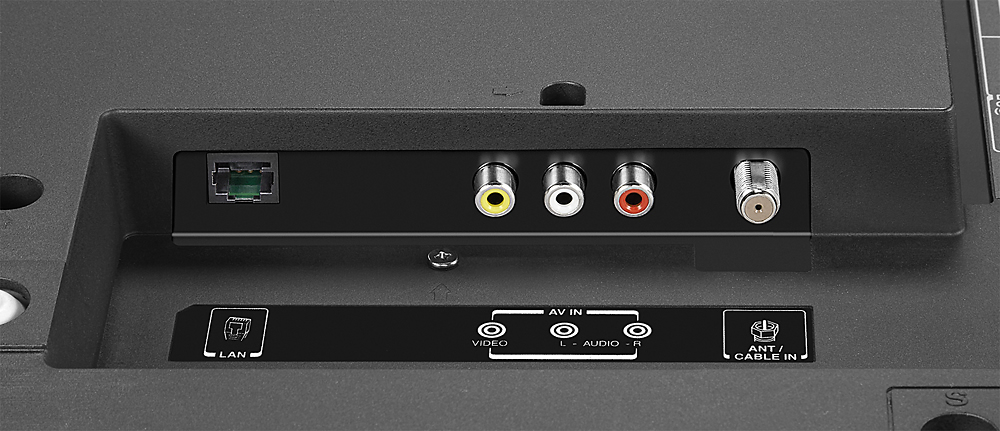
A:AnswerIs not specified anywhere, all it specifies "Network Compatibility Built-in Wi-Fi, Ethernet " . So, this means basic WIFI witch is still N. If you want faster internet connection, connect it direct to the Ethernet port.
A:AnswerNOTE: I have not tested this solution yet.
I'm having this issue because my cable company changed my router. This router base IP address is 192.168.1.xxx. My previous router base IP address was 192.168.0.xxx. As a result, I cannot cast to the built in chromecast.
As far as I can tell, I will have to do a factory reset on the TV to force the chromecast to accept input from my tablet or phone.
There is a Chromecast support number AND a Toshiba support number that you can call for help. Both of these are listed on line or in the TV manual. Both calls are toll free.
FYI, I used Google Home app to set up and cast to the TV previously and it worked fine.
A:AnswerI actually had the same problem. I called Toshiba and they said you could not bypass that. It needs to be wirelessly set up through your computer. I took mine back for a different model. This tv is for gamers and internet users.
A:AnswerThat's basically the only good use for this unit. It isn't a true 4K model either. Resolution falls under the 2K parameters. I'm going to test out gaming on it this evening to find out if lag is present and verify picture quality, but with it not being a true 4K and not having true streaming capabilities, this unit is nothing more than a glorified pc monitor. Good luck with it.