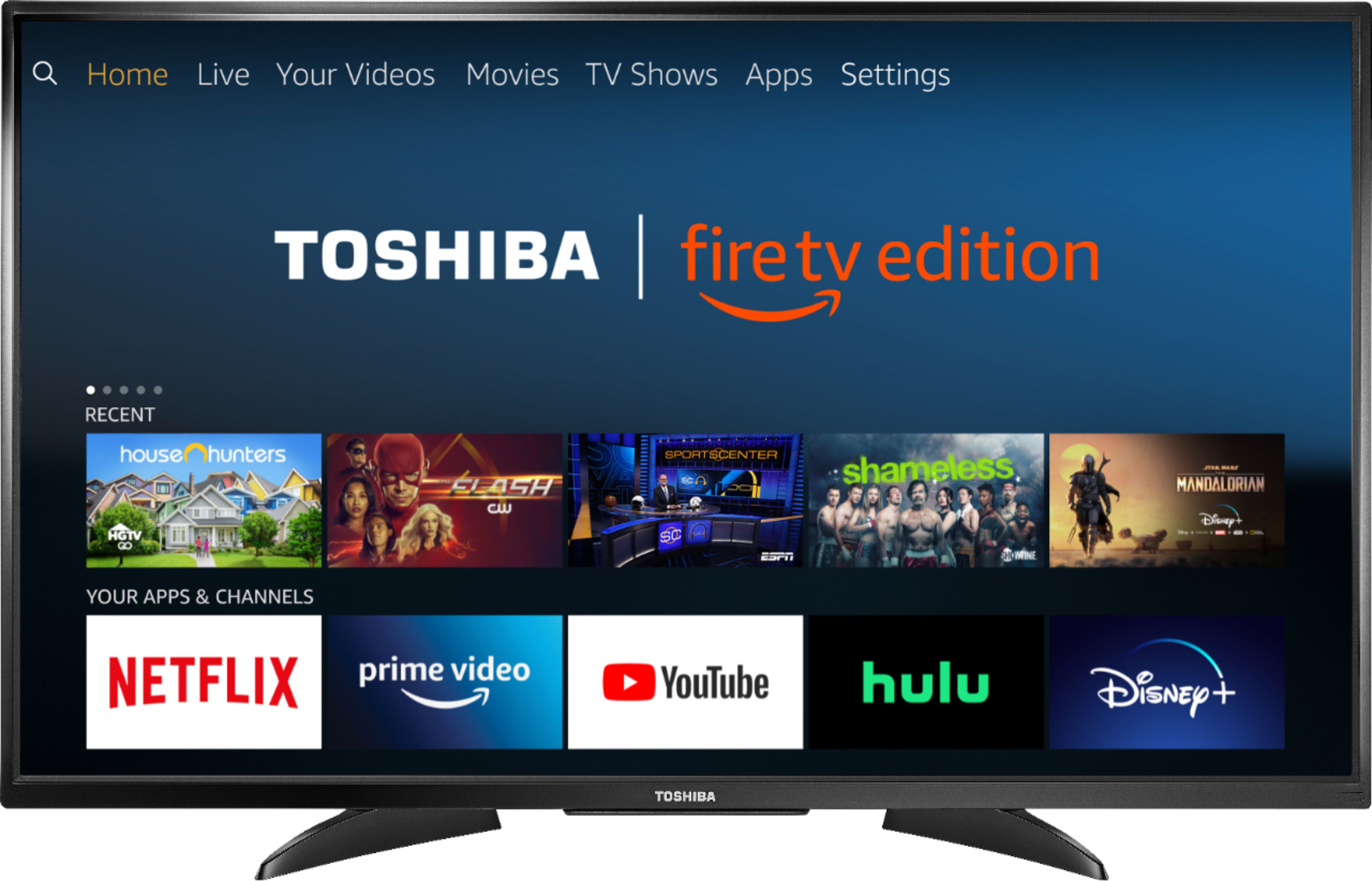
A:AnswerTry to go Home > Settings > Network, choose your network and select Forget Network.
For Toshiba support please call 1 (855) 527-2411 available from 8 am to 9 pm CT everyday.
David M. - Toshiba Support
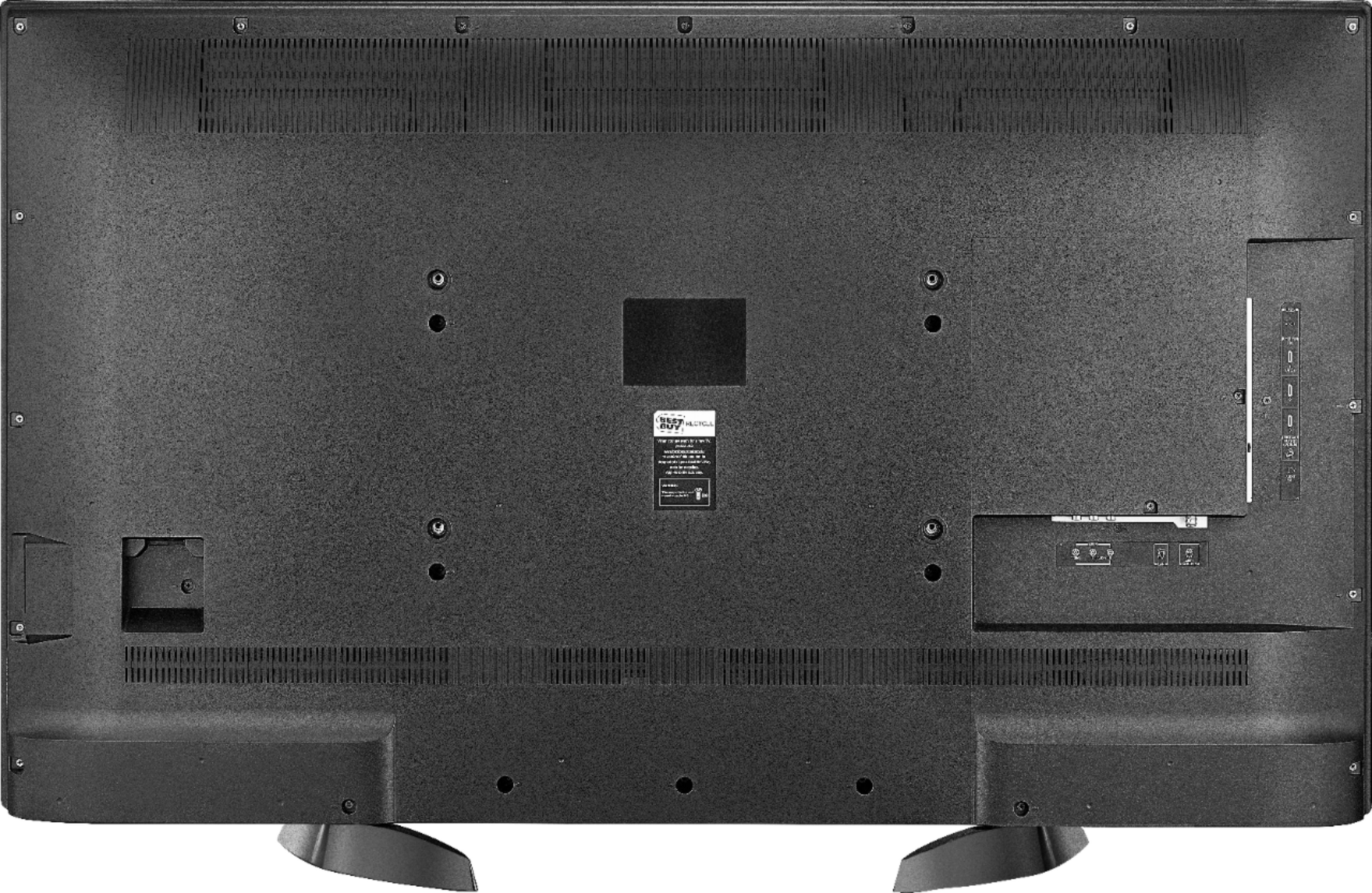
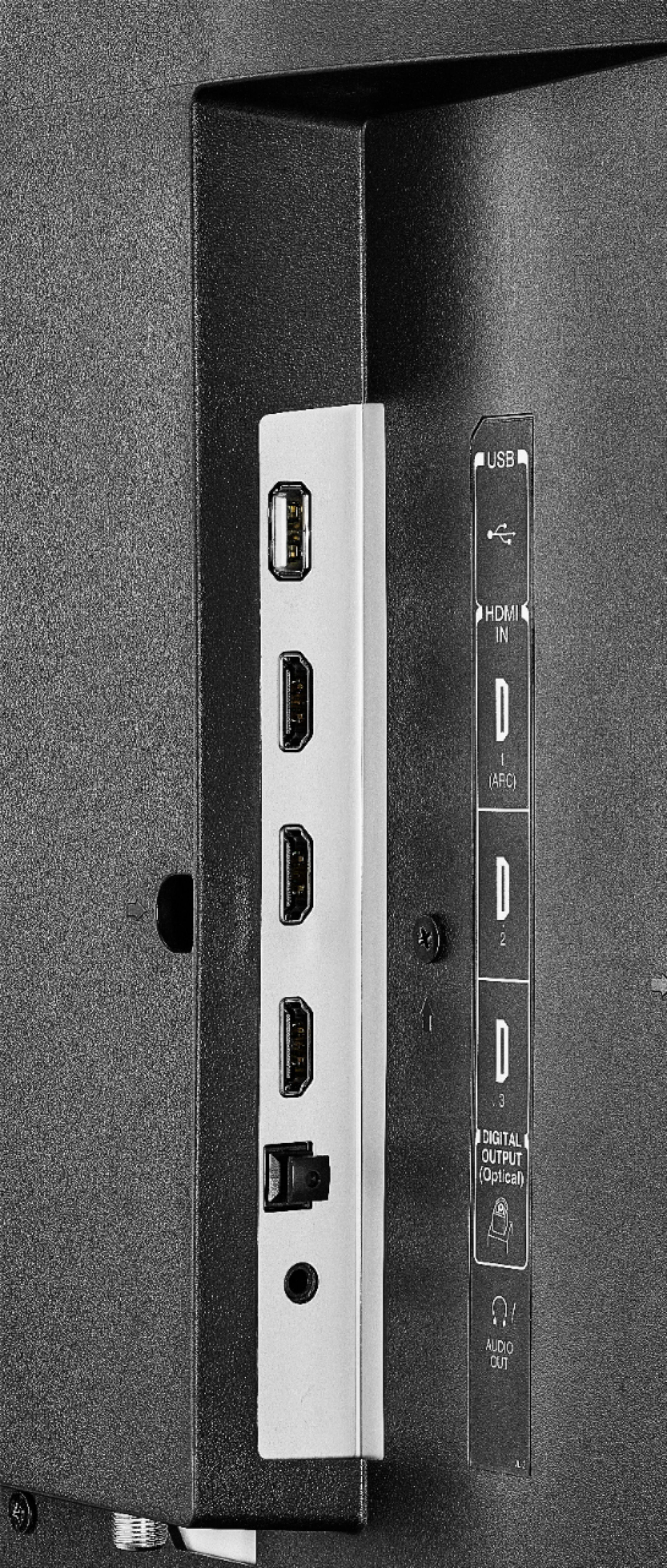
A:AnswerThe Fire TV Edition television features the following audio outputs: built-in Bluetooth for Audio Devices, 3.5 mm (Headphone Jack) and Digital Optical Output.
David M. - Toshiba Support
A:AnswerThe Fire TV Edition television features the app internet | Silk Browser so you can surf the web and enjoy free videos.
David M. - Toshiba Support
A:AnswerTo move apps to USB External Storage
First format the USB Drive:
Home > Settings > Device and Software > USB Drive > Format to External Storage
Then, to Move the App
Home > Settings > Applications > Manage Installed Applications > Select the app > Move to External Storage
*Not all the apps support Moving to External Storage
David M. - Toshiba Support
A:AnswerUse the included Voice Remote to control the Fire TV Edition television.
The remote works using Bluetooth instead of IR.
Also you can download to your smartphone the Amazon Fire TV app to control your Fire TV Edition television.
David M. - Toshiba Support
A:AnswerWhile it does not have internal bluetooth, your headset may have come with a transmitter that plugs into a headphone jack. This TV has one of those, so may be very easy to do.
A:AnswerI don’t think you can. I hate this about this “tv.” It’s more of a monitor hybrid.
Using the “down” direction on the middle button does give faster access.
A:AnswerCindy you better of took out A warranty on your TV?
TRY UNPLUGGING your TV wait 60 seconds and plug back into outlet...
If this doesn't work call the play you bought it from.
If you have had this TV less than one year-Call the factory number located on your TV or owners manual!!!!
Hope this helps out....
A:AnswerThe storage for this Fire TV Edition television is 8GB
For more specifications, please visit:
https://developer.amazon.com/docs/fire-tv/device-specifications.html?v=ftveditiontoshiba4k
David M. - Insignia Support