A:AnswerHi Atlantaboy23! There could be several reasons why you are not getting a true 4K experience on your Toshiba TV. Some possible explanations include:
1. Bandwidth limitations: Your internet connection may not be fast enough to support streaming 4K content. Make sure you have a fast and stable internet connection to ensure a smooth streaming experience.
2. Content source: Not all content on streaming platforms is available in 4K resolution. Make sure the specific movie or show you are trying to watch is actually available in 4K on the platform you are using.
3. TV settings: Check your TV settings to make sure you have selected the correct display settings for 4K content. Make sure the resolution is set to 4K UHD and that any upscaling features are turned off.
4. HDMI cable: Make sure you are using a high-speed HDMI cable that is capable of supporting 4K resolution. Older or lower quality cables may not be able to handle the high bandwidth required for 4K content.
If you have tried these steps and are still not getting a true 4K experience, you may want to contact Toshiba customer support for further assistance.
JC | Toshiba Support https://www.bestbuy.com/site/toshiba-50-class-c350-series-led-4k-uhd-smart-fire-tv/6525243.p?skuId=6525243
A:AnswerHi Pete,
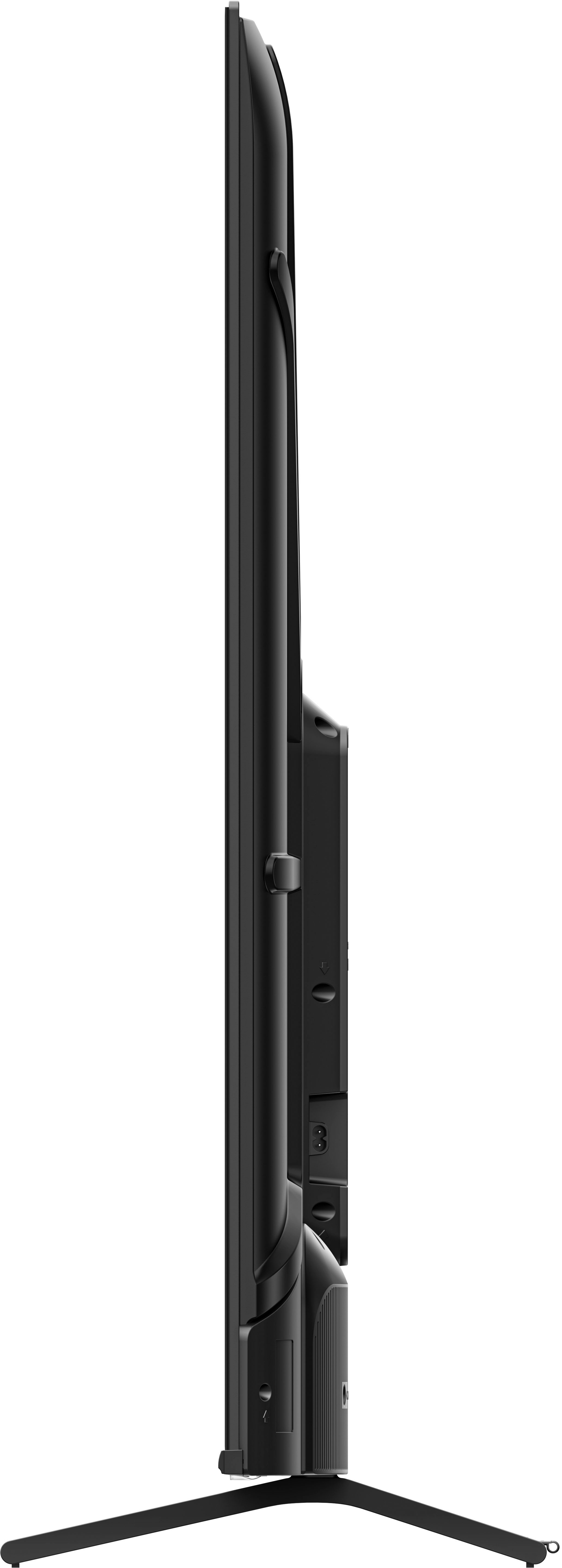
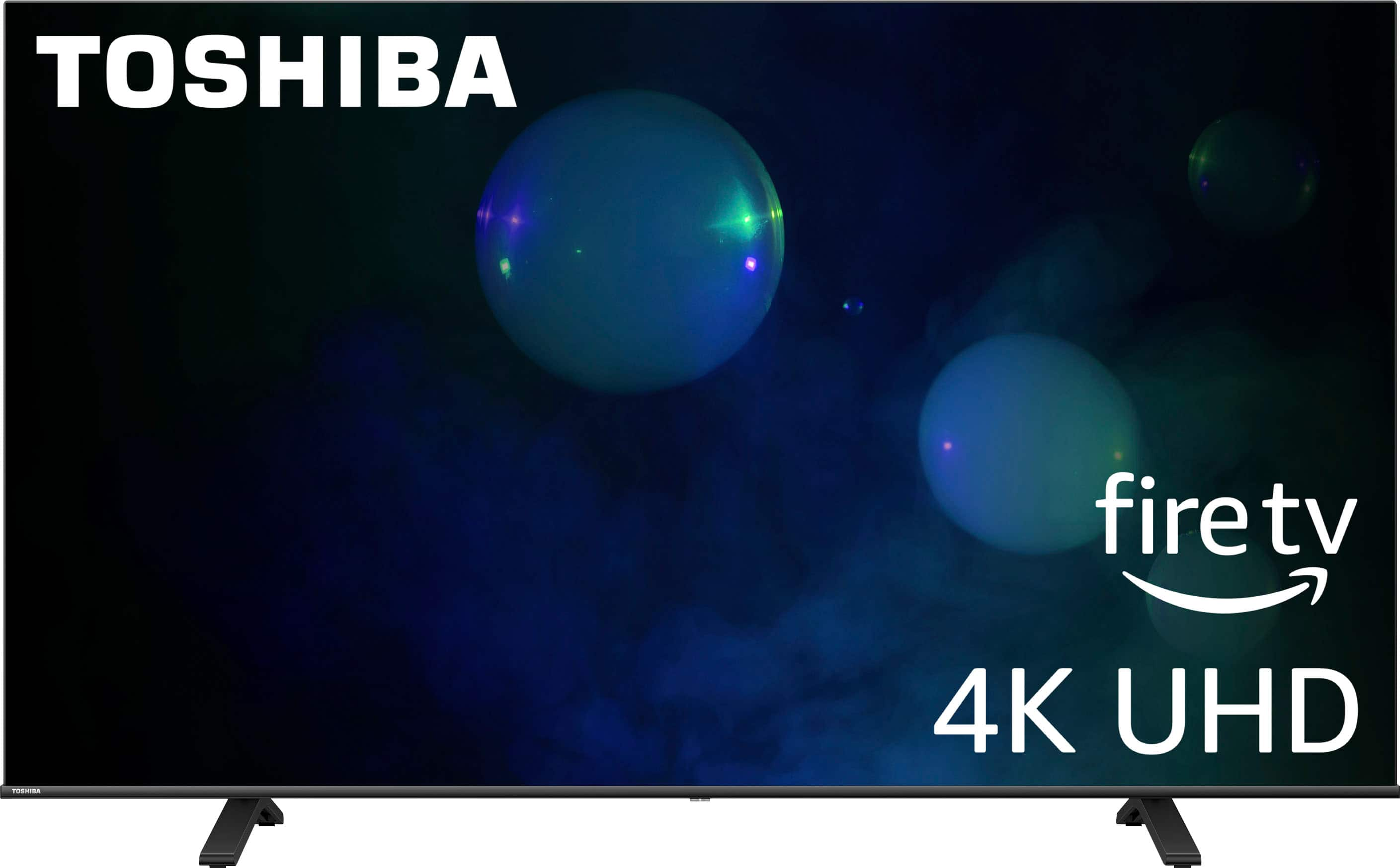
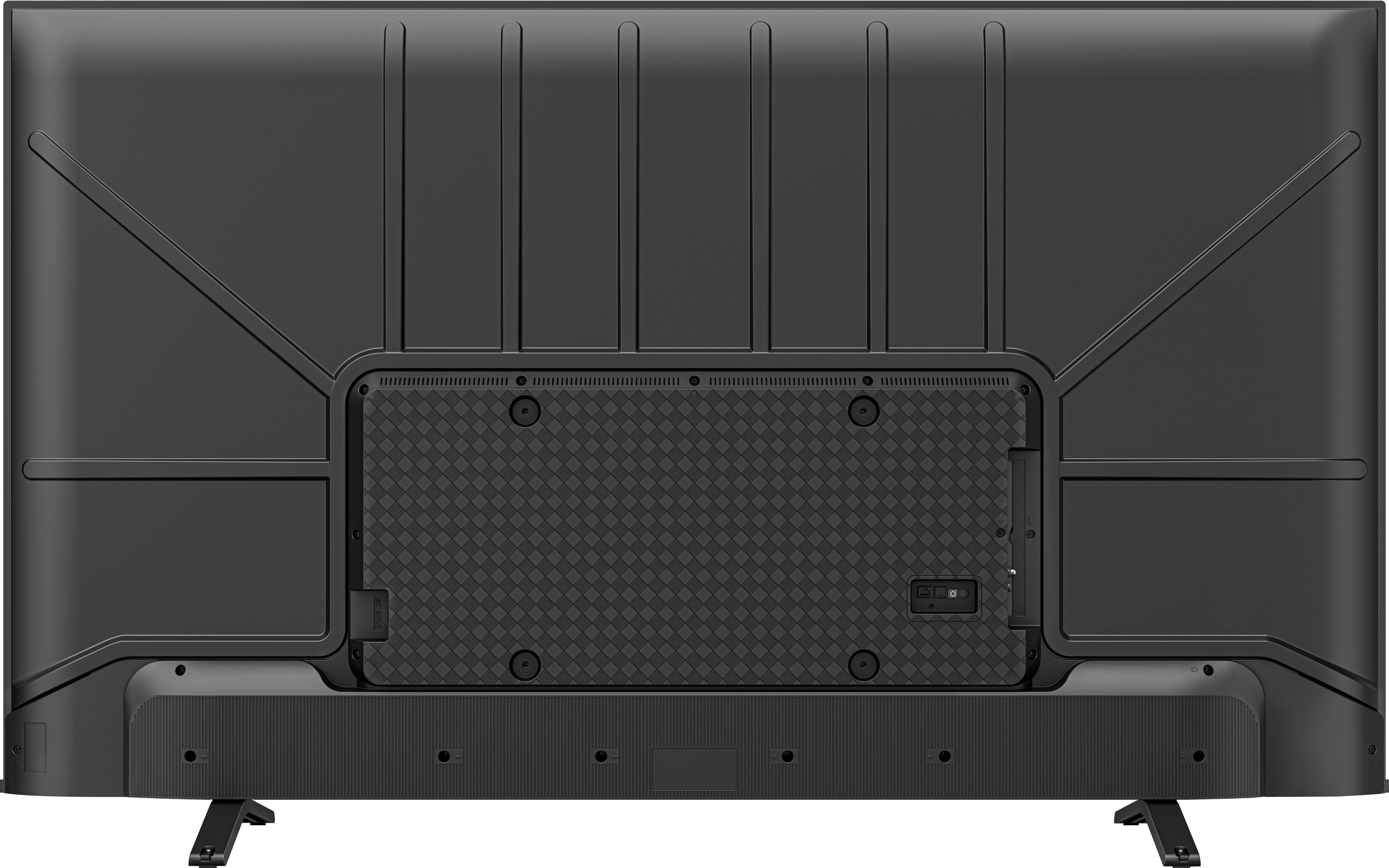
Thank you for your interest in our product Toshiba - 50" Class C350 Series LED 4K UHD Smart Fire TV. the width of 35.1 is inside starting from the left stand across the center of the tv to the right leg stand. Jona | Toshiba Support. https://www.bestbuy.com/site/toshiba-50-class-c350-series-led-4k-uhd-smart-fire-tv/6525243.p?skuId=6525243
A:AnswerHi mj, we appreciate your inquiry! Toshiba - 50" Class C350 Series LED 4K UHD Smart Fire TV
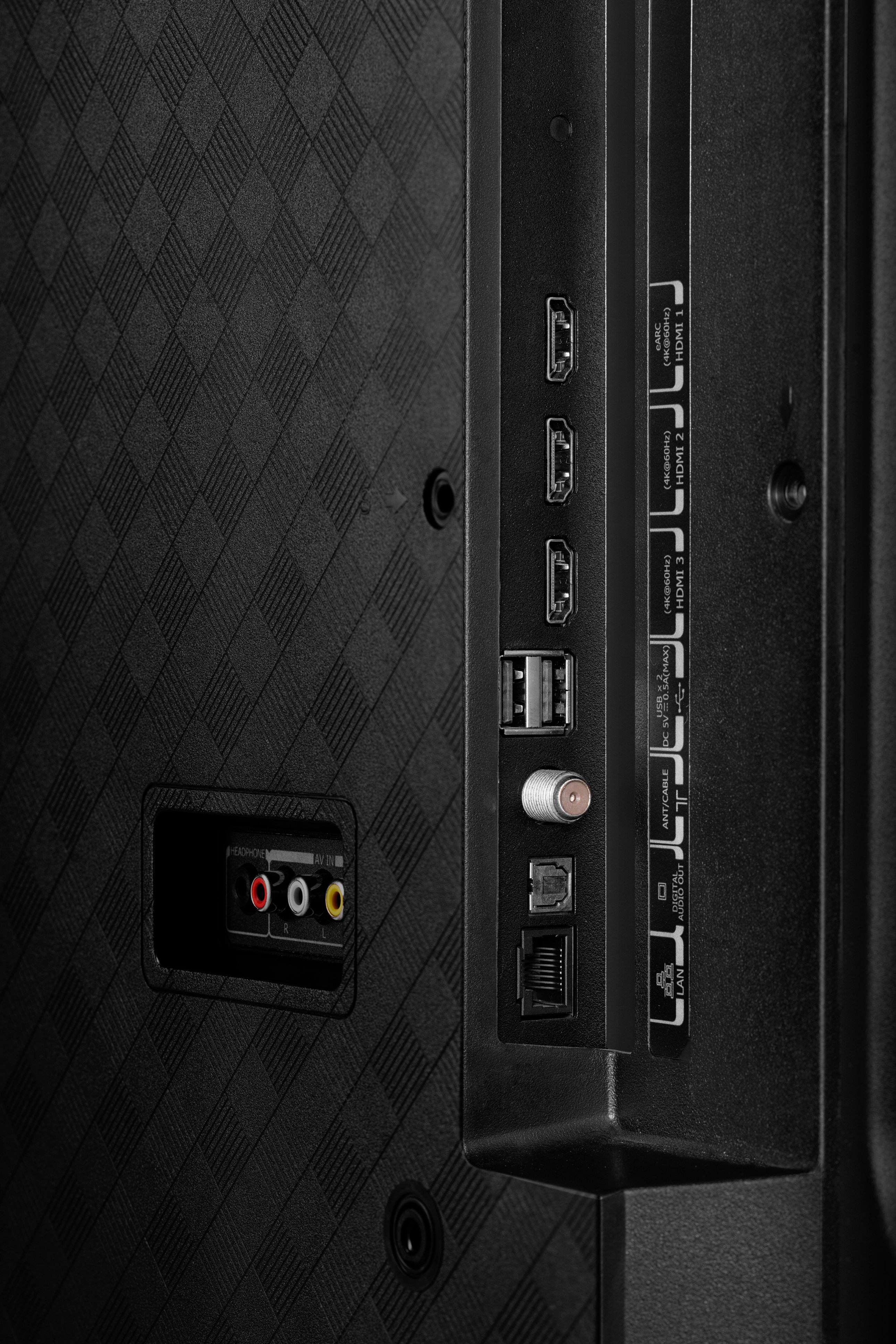
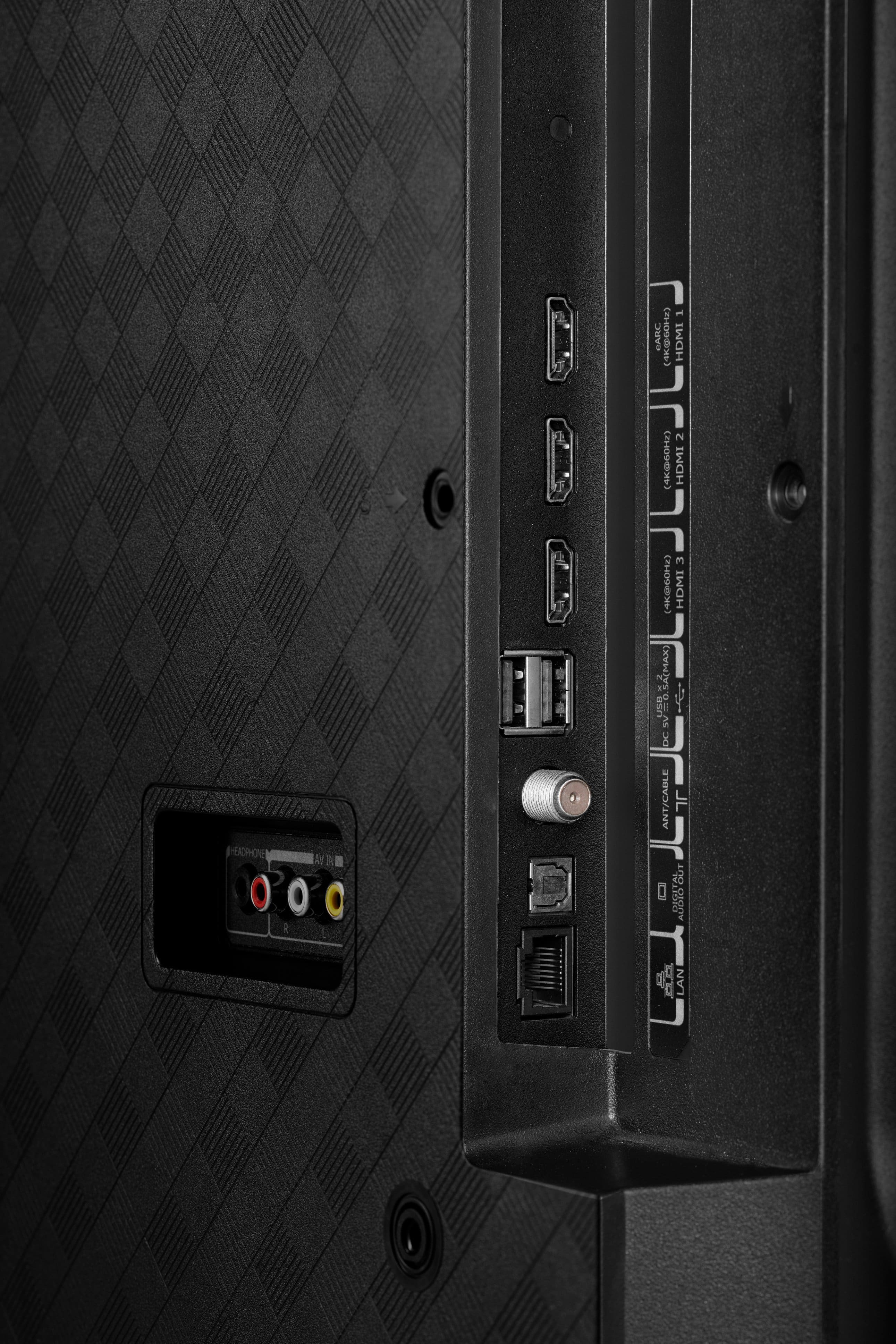
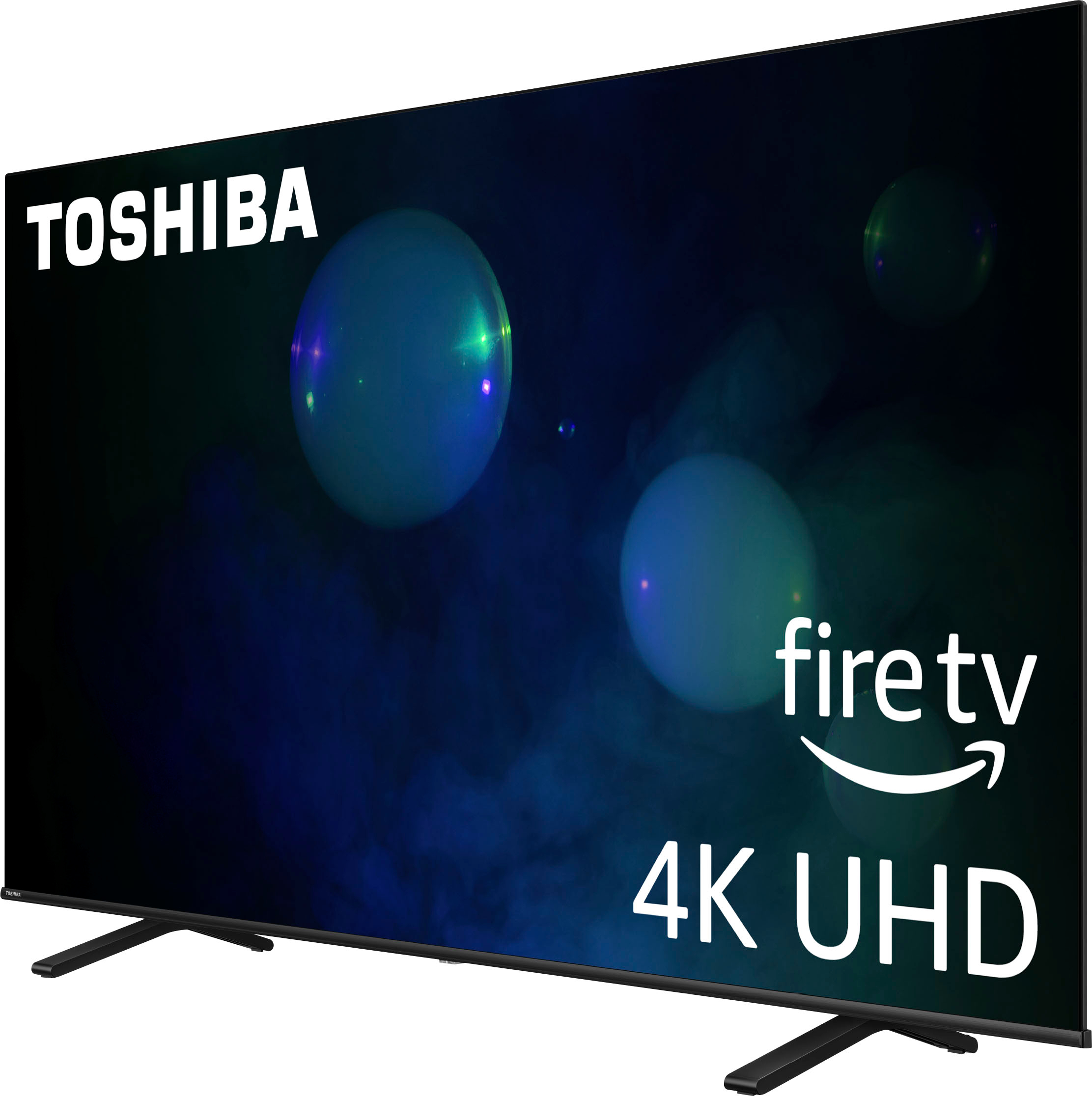
(Model: 50C350LU) has a built-in media player that allows you to play various types of media files directly from a USB flash drive. However, it does not support PowerPoint (.ppt or .pptx) files directly. For alternative solution, you can convert each slide to an individual JPEG image. Arrange the images in the desired order on your computer and save them to the flash drive. Plug the flash drive into the TV and use the built-in media player to play the image files as a slideshow.
For more information about this product, you may click this link: https://www.bestbuy.com/site/toshiba-50-class-c350-series-led-4k-uhd-smart-fire-tv/6525243.p?skuId=6525243
Carlo | Toshiba Support
A:AnswerHi, thank you for your inquiry! Yes, you can use screen casting/screen mirroring with your Apple devices by using Apple AirPlay on your Toshiba TV. Keith | Toshiba Support https://www.bestbuy.com/site/toshiba-50-class-c350-series-led-4k-uhd-smart-fire-tv/6525243.p?skuId=6525243
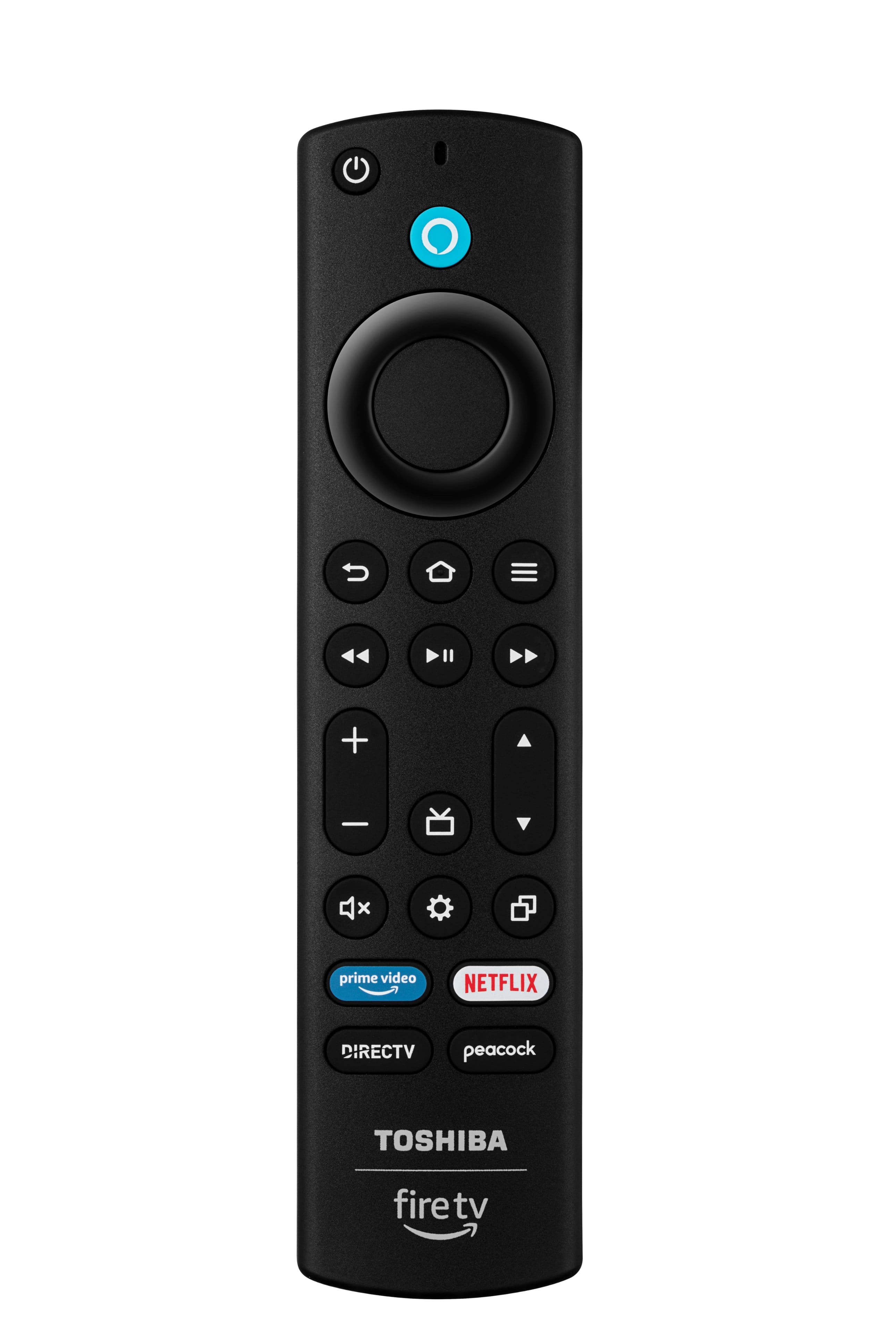
A:AnswerHi, the Roku Channel can be installed on Amazon Fire TV Streaming devices, Fire TV edition smart TVs, and Fire TV Edition soundbars. To add the channel, kindly open the top menu using your Fire TV remote then scroll right and select Apps. Afterwards, select Categories, followed by Movies & TV. Lastly, scroll down and select the Roku Channel. For more product information, you may visit the link below. Dalainne | Toshiba Support https://www.bestbuy.com/site/toshiba-50-class-c350-series-led-4k-uhd-smart-fire-tv/6525243.p?skuId=6525243
A:AnswerHi Sully! Unfortunately, we can't flip the picture. If you have further questions feel free to reach us at 1-800-457-7777.
JC | Toshiba Support
A:AnswerHi JerryRiv! To keep the channels you want and add on to them, you can try the following steps: Make sure your antenna is properly positioned and is receiving a strong signal; After scanning for channels, manually add the channels you want to keep to your TV's favorites list; When you move the antenna and rescan for channels, only add the new channels you receive to your favorites list; Check for any interference or obstacles that may be affecting your antenna's signal; and lastly, moving the antenna away from electronics or metal objects can sometimes improve reception. You should be able to keep your desired channels while adding new ones when rescanning with your antenna.
JC | Toshiba Support https://www.bestbuy.com/site/toshiba-50-class-c350-series-led-4k-uhd-smart-fire-tv/6525243.p?skuId=6525243