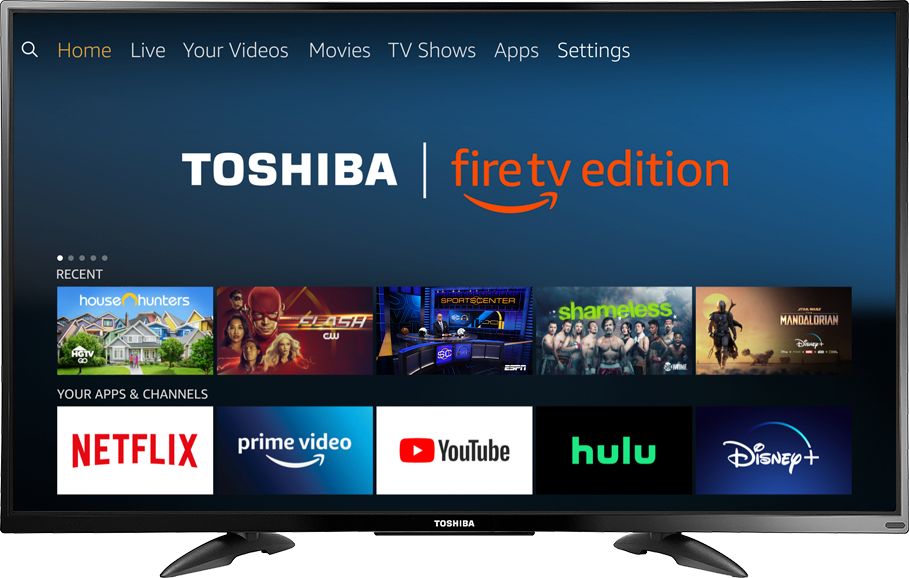
A:AnswerTo do a Channel Scan on the Fire TV Edition television go: Home > Settings > Live TV > Channel Scan. For product support please call 1 (855) 527-2411 available from 8 am to 9 pm CT everyday.
David M. - Toshiba Support
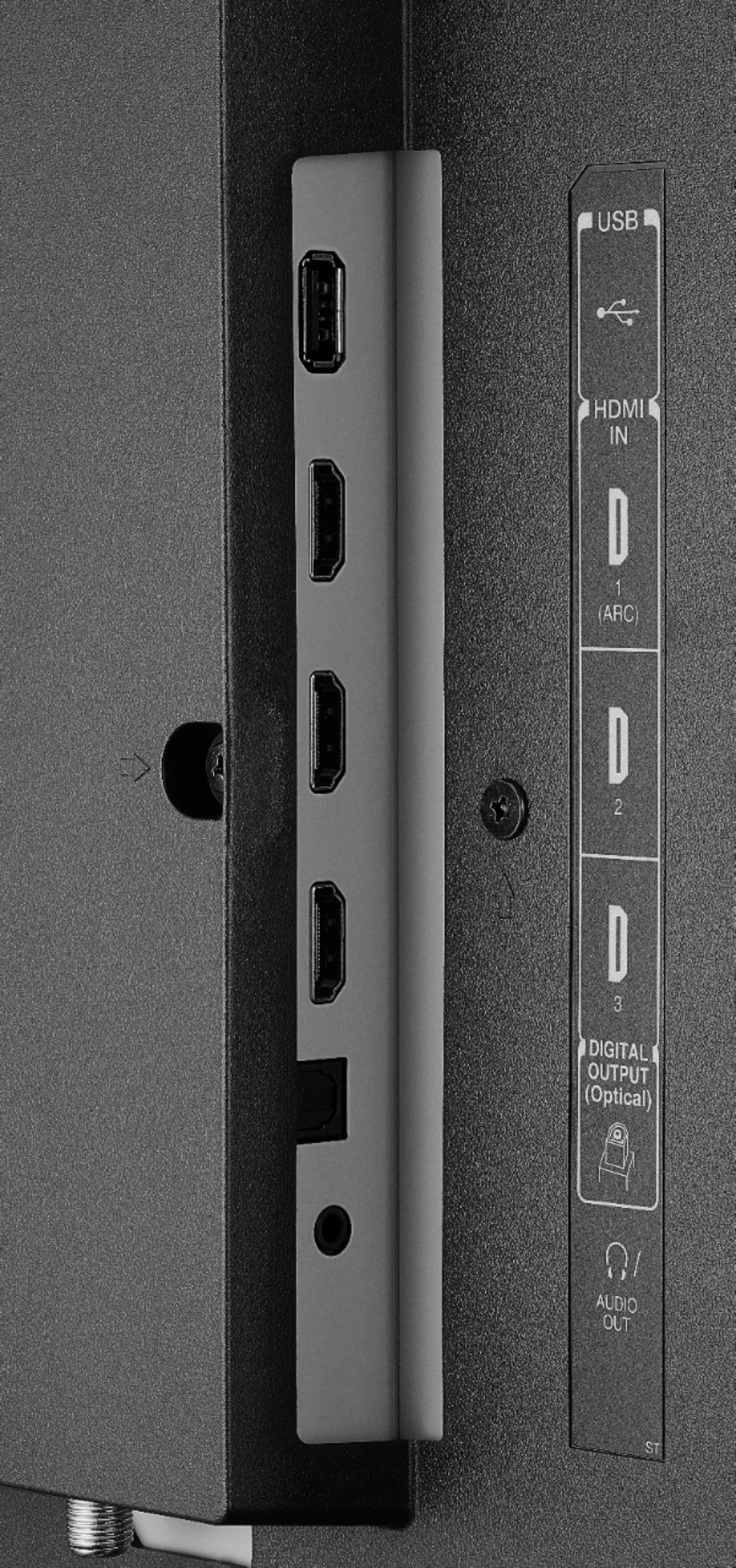
A:AnswerThe Fire TV Edition television does not support Cast. You can connect a Chromecast device to the TV using HDMI.
You can link your Smartphone to YouTube on your Fire TV Edition television.
-Launch the YouTube app on your Fire TV Edition television
-Go to Settings
-Select Link TV and Phone screen
-Follow the on-screen instructions
Also you can download the Amazon Fire TV app on your Smartphone to control your Fire TV Edition television.
David M. - Toshiba Support
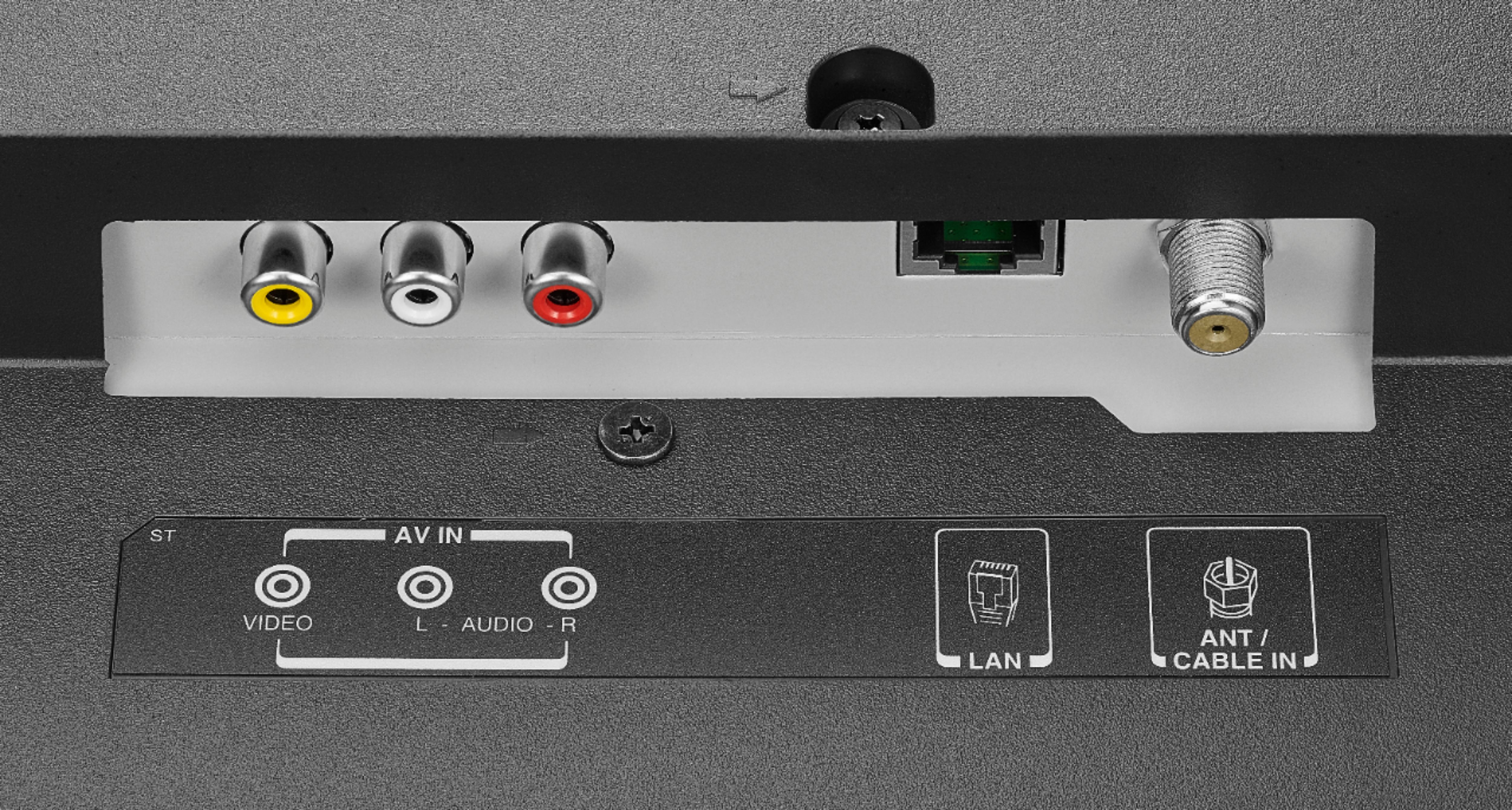
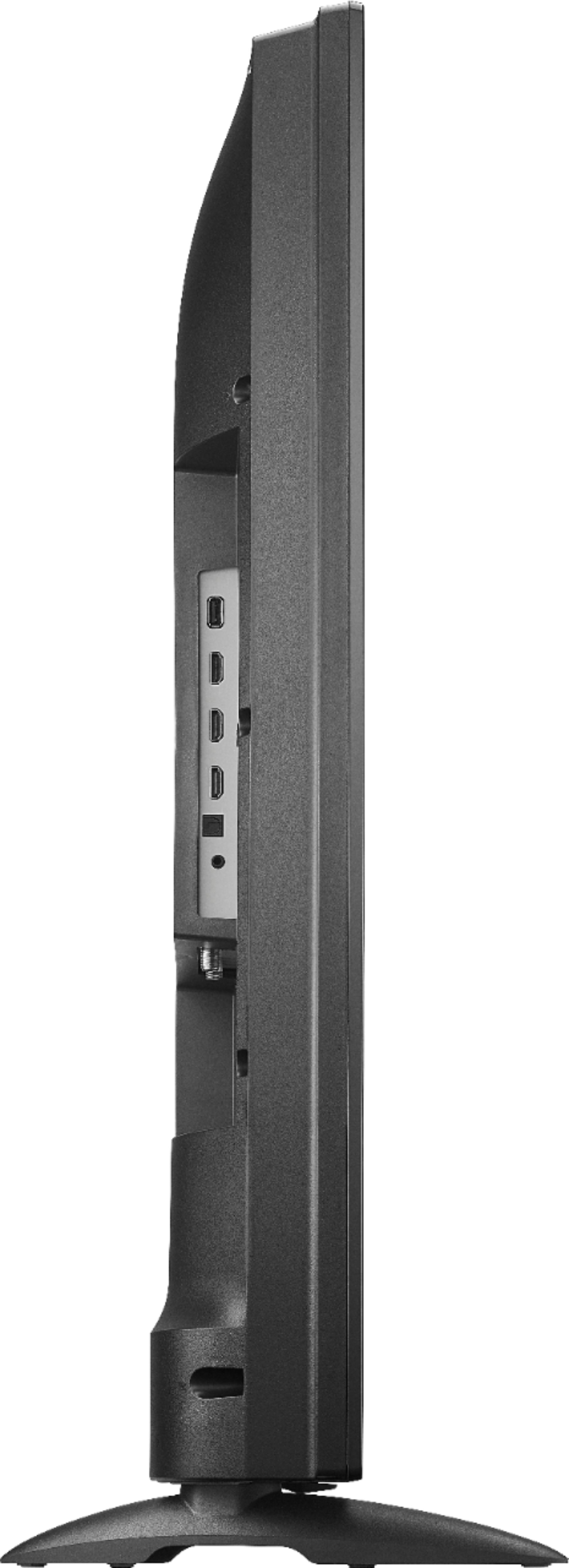
A:AnswerConnect your Satellite Box to the Fire TV Edition television using HDMI.
Try to use the Power On feature, using the included Voice Remote go Home > Settings > Display & Sounds > Power On and select Last Input.
David M. - Toshiba Support
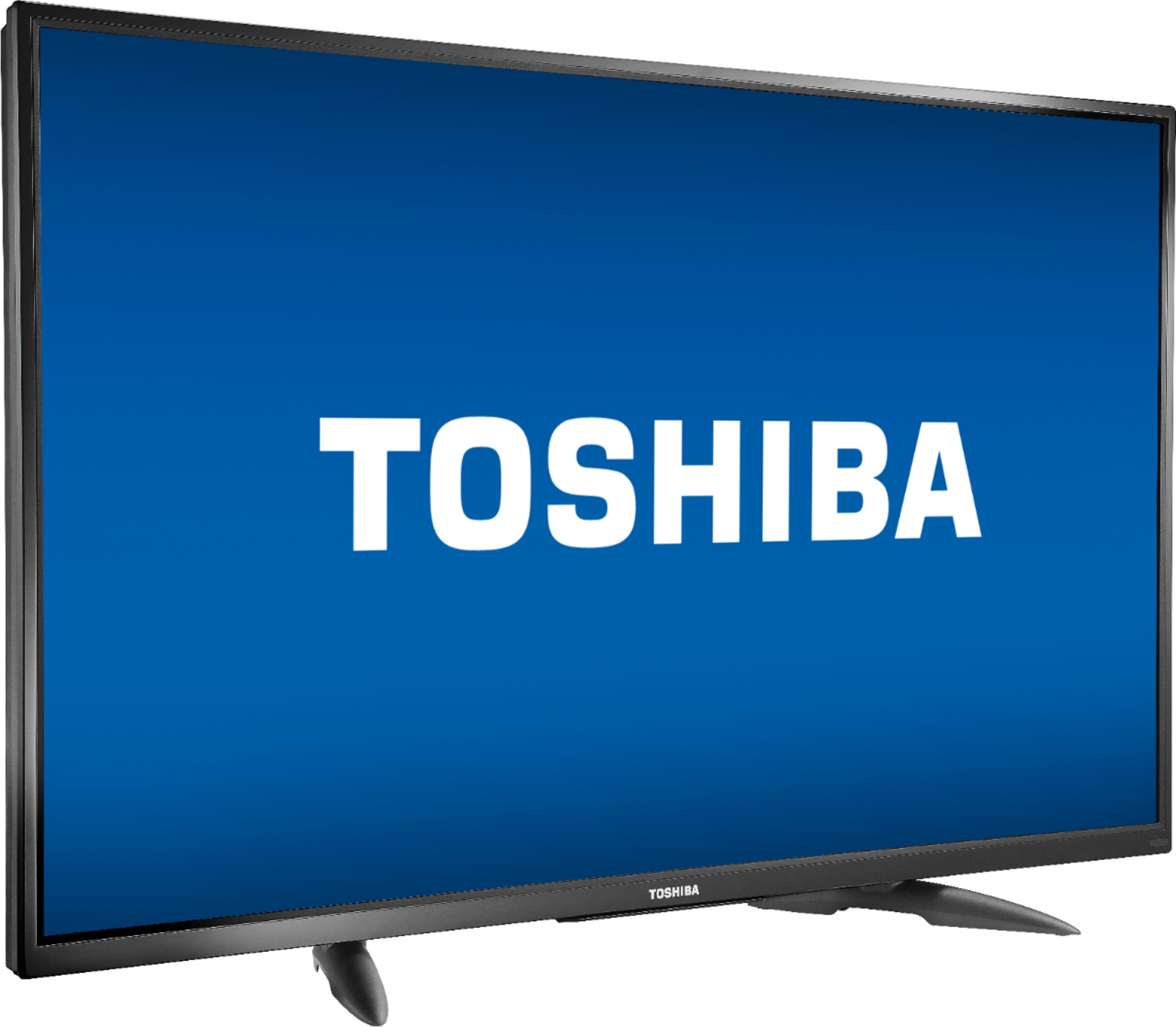
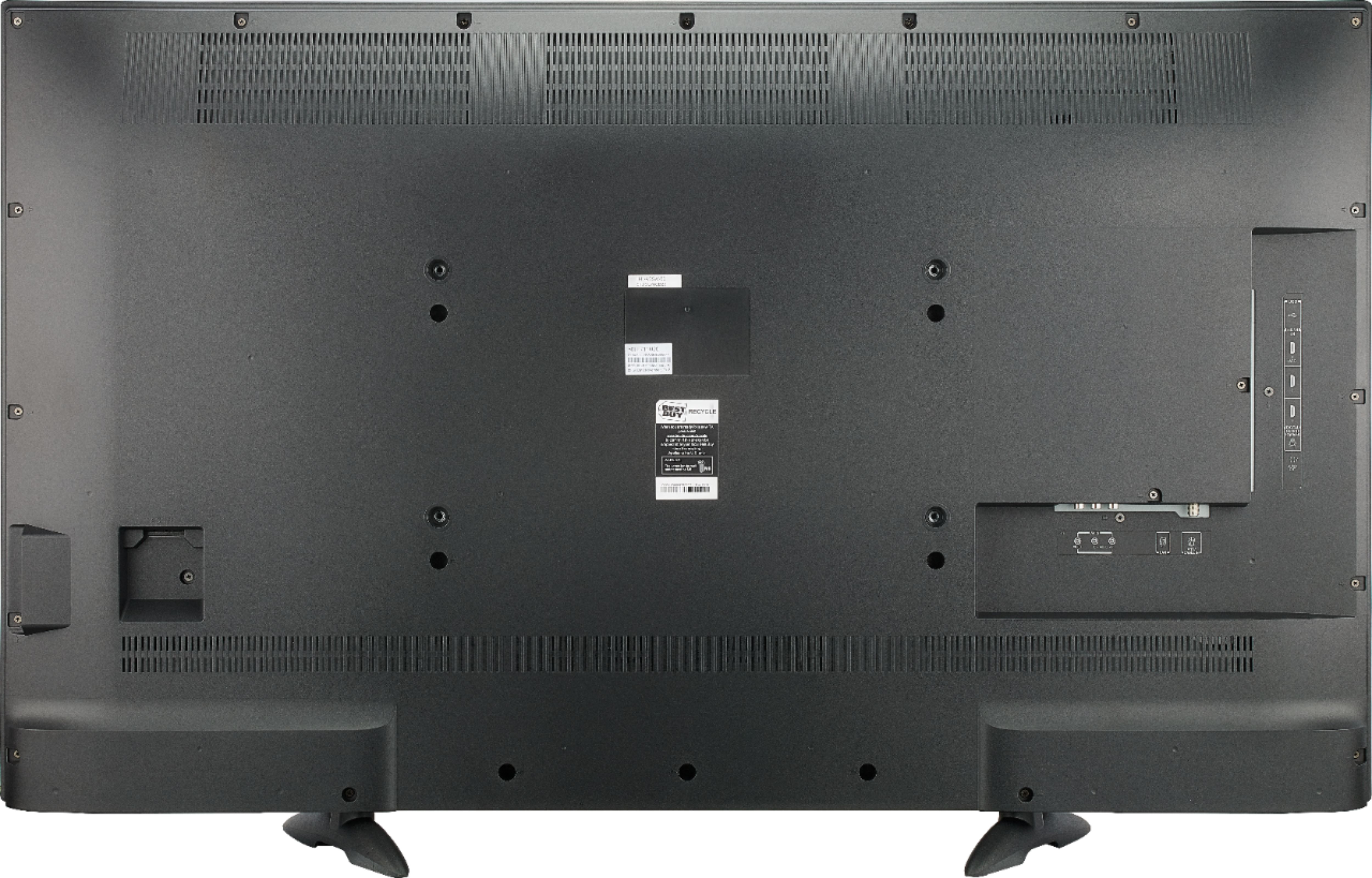
A:AnswerI'm sure the stand is fine although it will probably extend beyond on the sides, I hung mine on the wall. To hook up, take a picture of how it's connected currently to your old TV, then connect the new the same way, shouldn't be difficult
A:AnswerThe app Hulu: Live and On Demand TV, Movies, Originals, More by Hulu, is available for the Fire TV Edition experience.
For more information about HULU, please visit:
https://help.hulu.com/en-us/supported-devices
David M. - Toshiba Support
A:AnswerIf your satellite box is connected and transmitting audio to the TV, then yes- whatever external speakers you hook up to the TV will play that sound through them, as with any other device connected and transmitting audio to something with speakers.