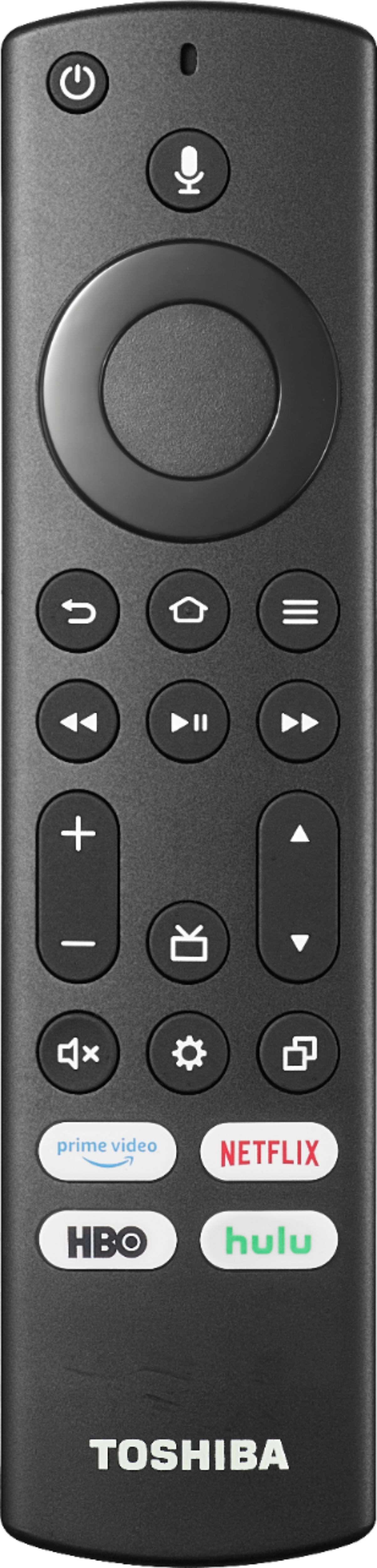
A:AnswerYou cannot program the included TV remote to control other devices.
Try the Power On feature, when enabled, your TV turns on displaying the last used input: go Home > Settings > Display & Sounds > Power On and select Last Input.
A:AnswerNo. Unfortunately, Amazon withholds certain apps from appearing on their App Store for this model and thus you cannot download and install it. When I could not find the FIOS TV app which I know has been released on Fire TV, I called Fire TV (Amazon) and they confirmed that the app is not available for the model TV. It makes no sense. I solved the issue by using an Apple TV attached to this TV to run the apps I want to run. Many apps are available to download and install, but not all of them.
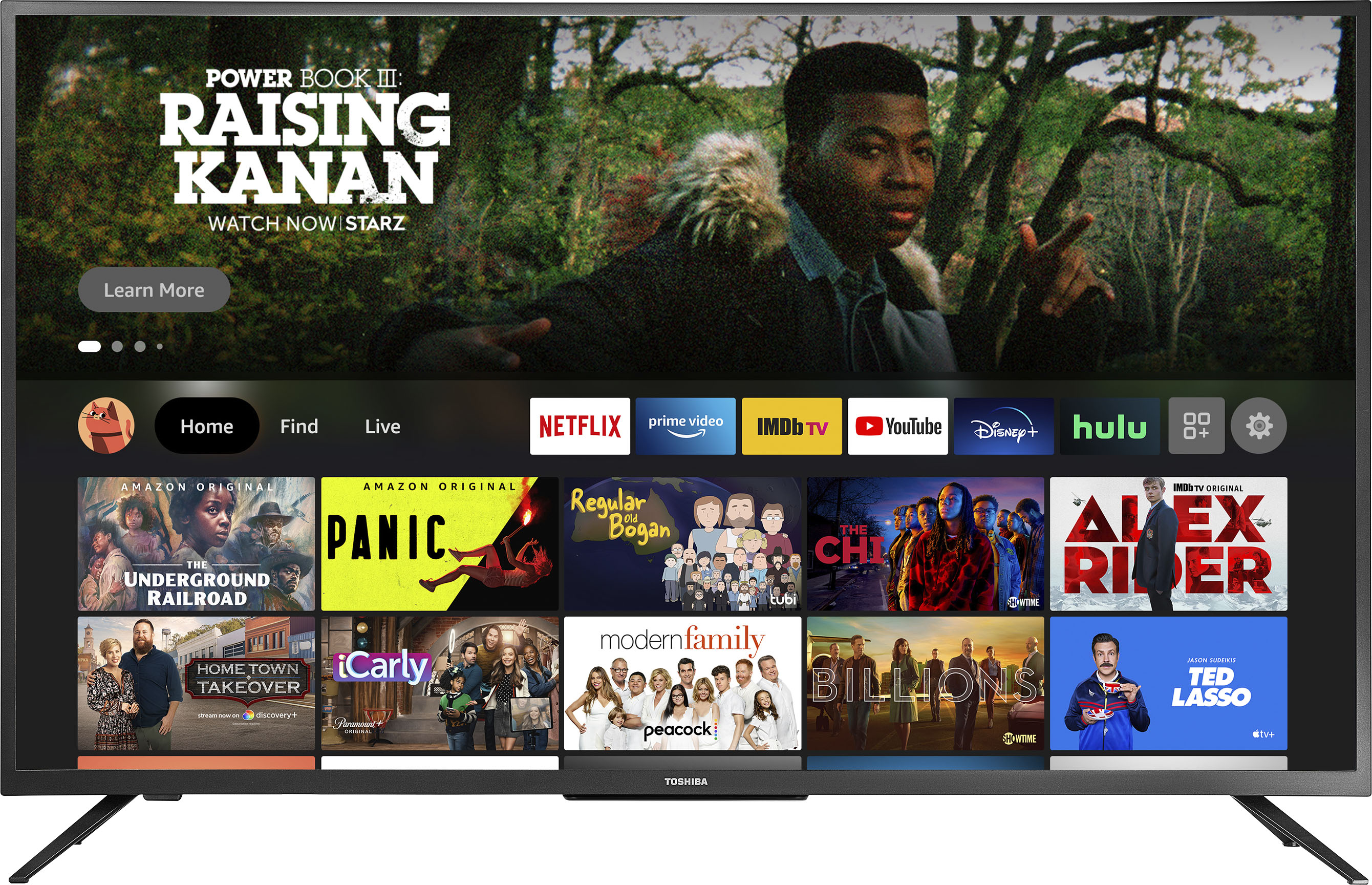
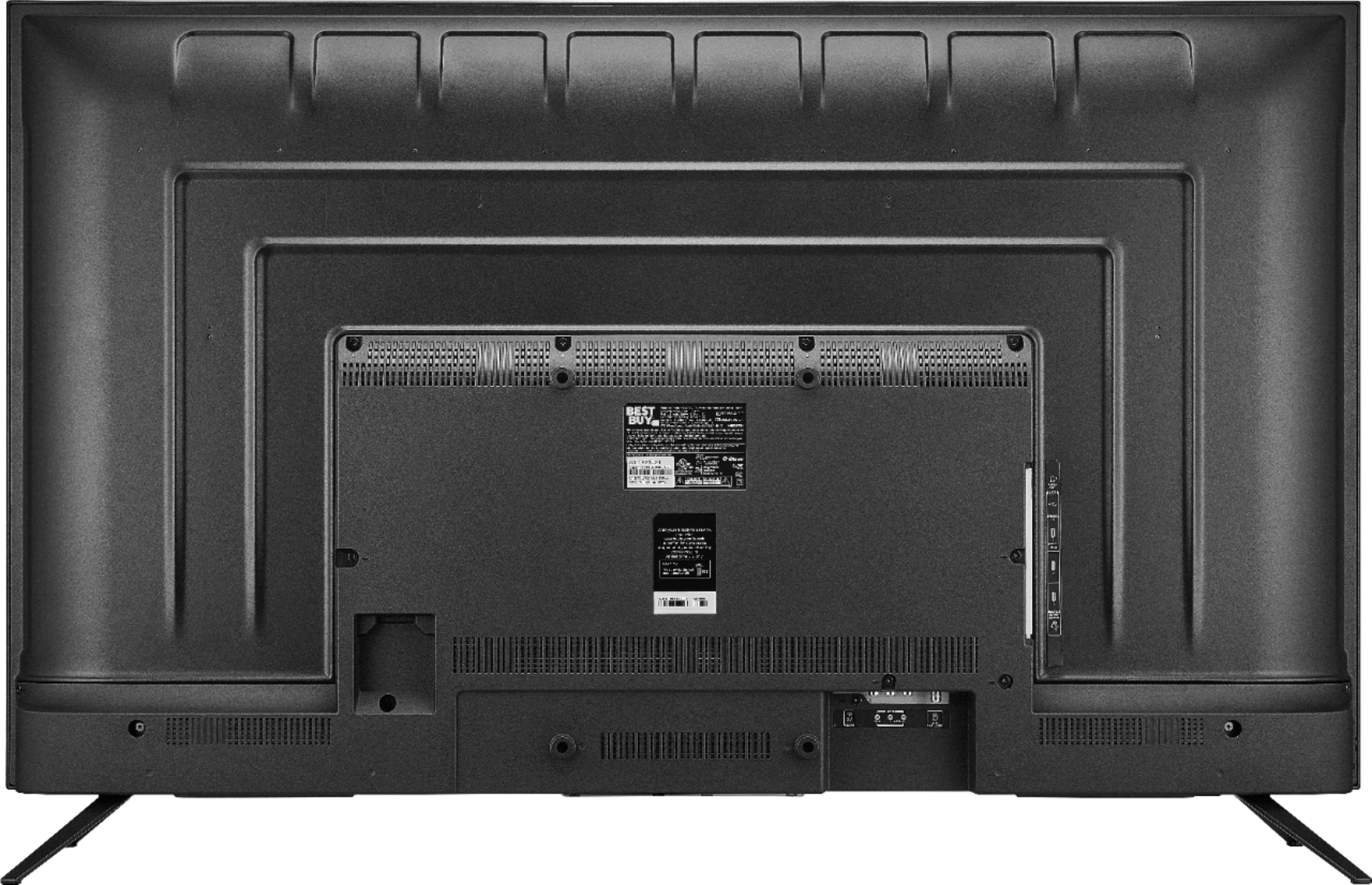
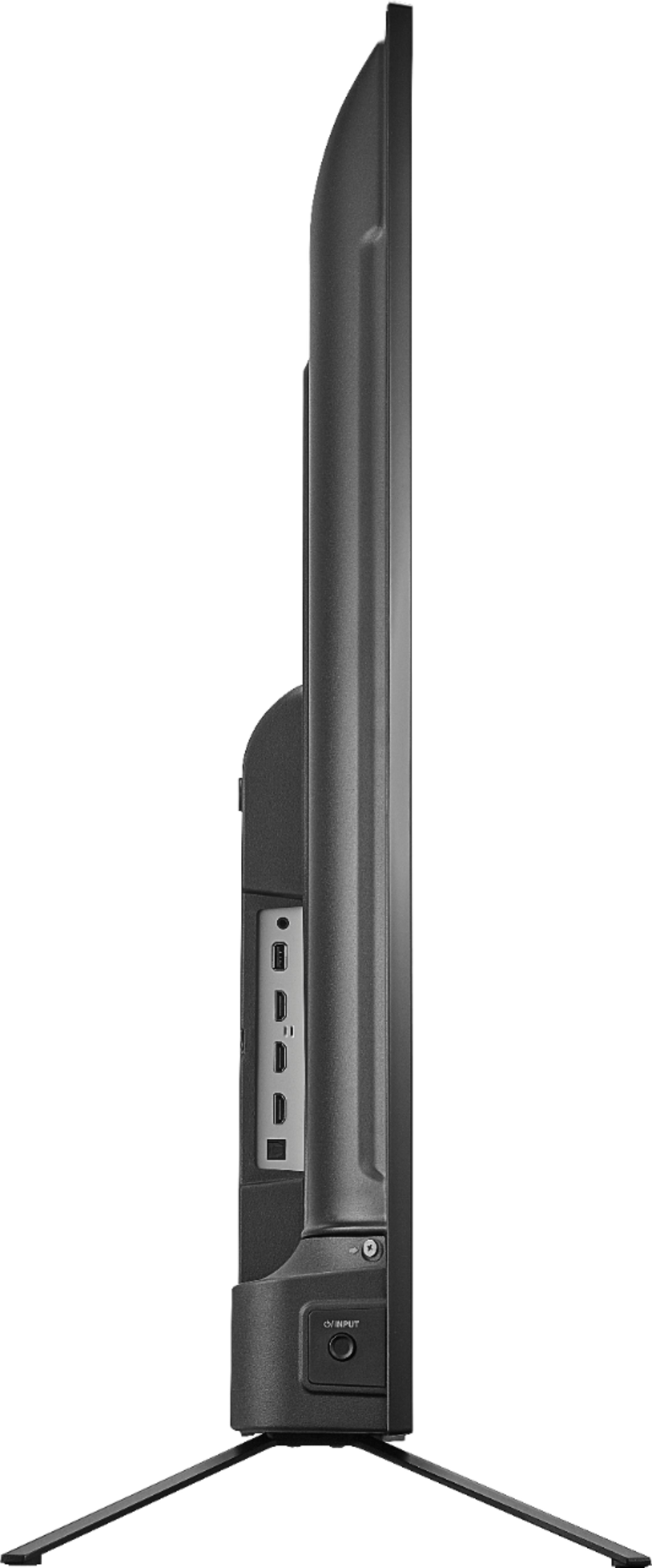
A:AnswerIf you do not want to use the included TV Stand, you need to use a Wall Mount or Universal TV Stand attached to the VESA mounting pattern on the back of the TV. Do not try to stand the TV upright alone without the included stand.
A:AnswerBase (tv legs installed as per instructions) of this is 42.5" so it should fit on your 44" TV stand. TV itself measures 44.25" wide, the 50" screen is measured on the diagonal, from corner to corner of screen. It's a nice TV for the money!
A:AnswerTry this, go Home > Settings > About and do a Factory Reset. For product support please call 1 (855) 527-2411 available from 8 am to 9 pm CT everyday.