A:AnswerThat’s pretty slow for video streaming on any device. You may not have the best experience. 4K streaming is probably out of the question, but you may be able to get away with low-def streams.
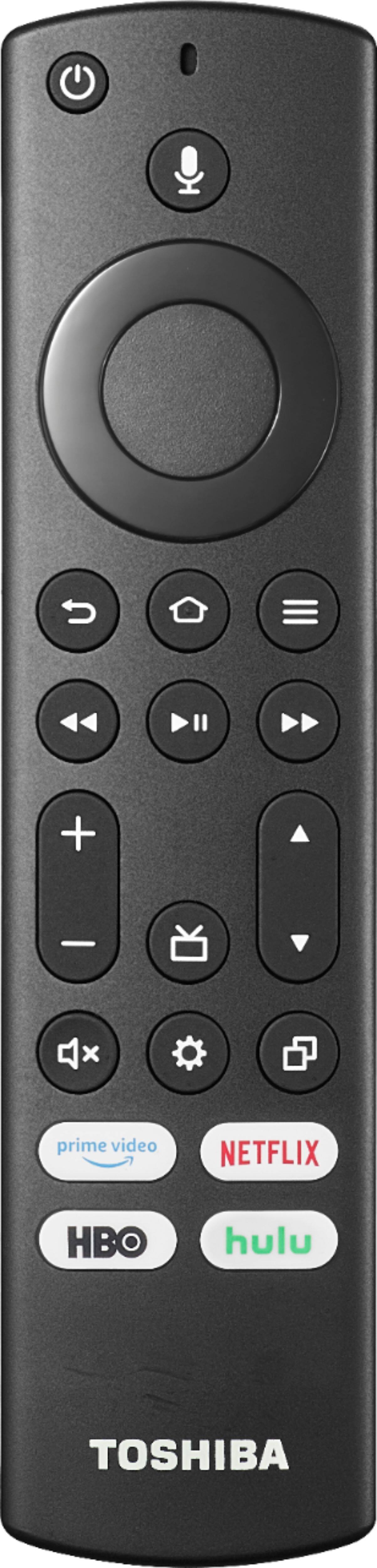
A:AnswerAll Amazon FireTV devices support Bluetooth as that’s how the remotes connect. You can also pair Bluetooth headphones and hear content without disturbing anyone else. Plus, you can pair Bluetooth joycons to play games. My kids used to do it all the time.
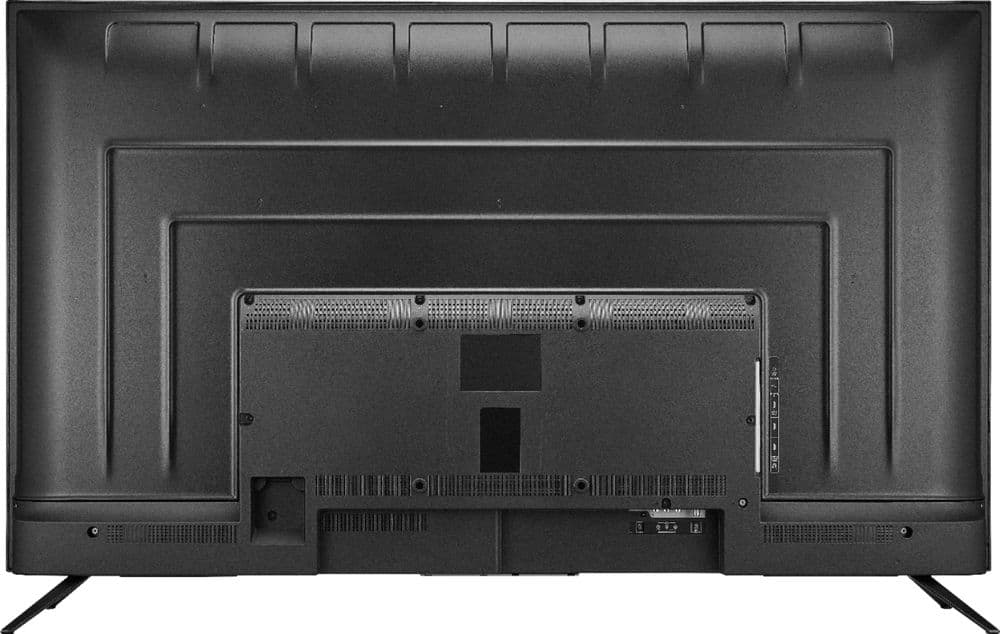
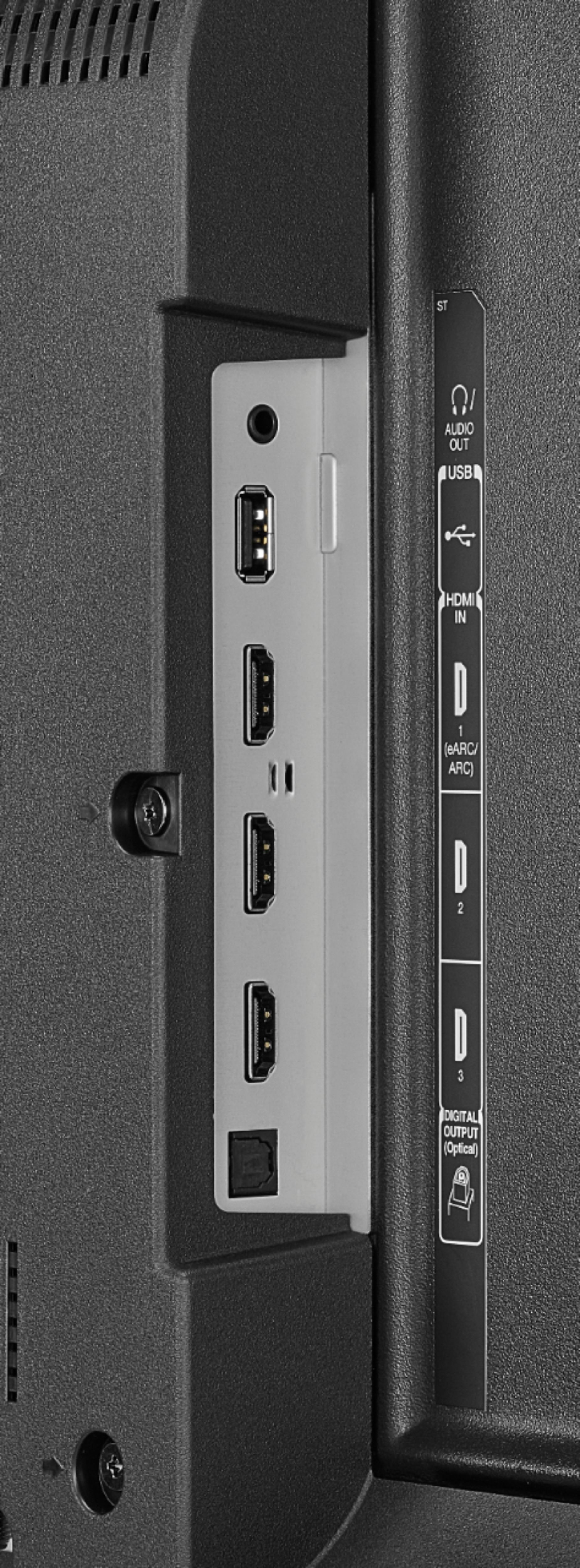
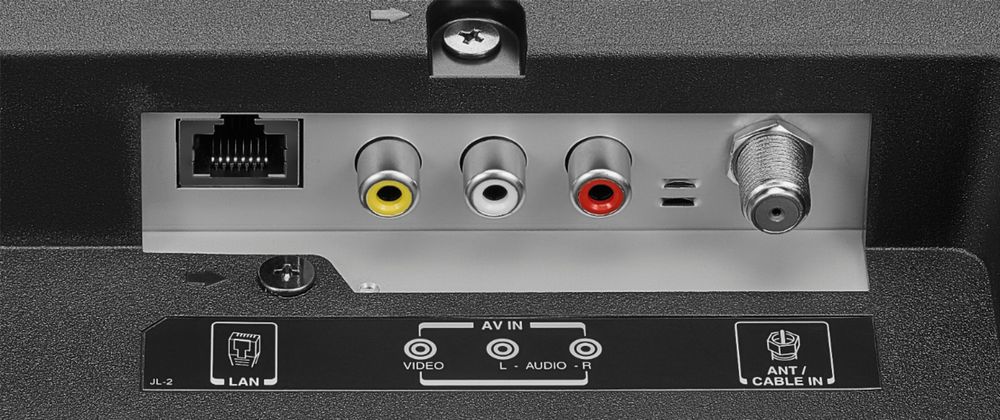
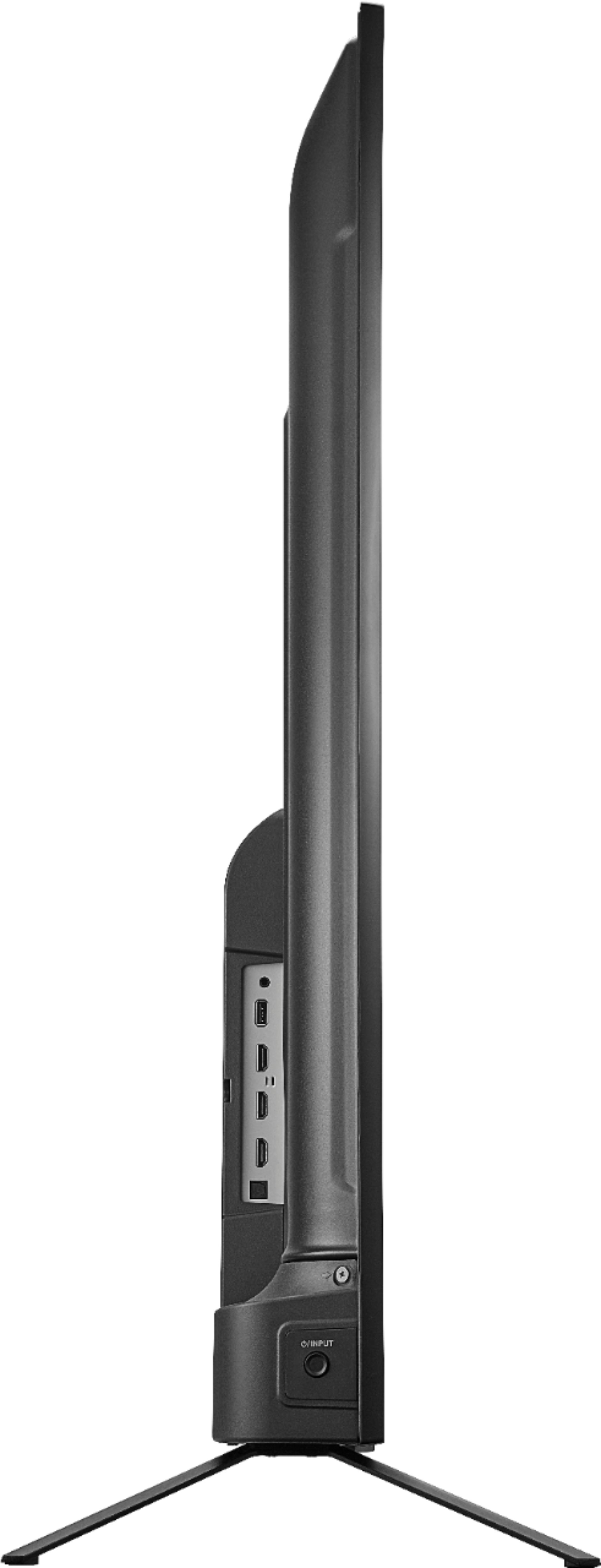
A:AnswerThere are audio (and video) jacks on the TV. Plus, there’s a digital optical audio port. It’s pretty flexible in terms of audio output. You can have tv speakers either on or off. Mine are off since I rely exclusively on my sound bar connected via digital audio out.
A:AnswerYes. Amazon’s Silk browser is built in. It works very well. Firefox can be downloaded too, but I think they’ll be ending support for FireTV devices soon.
A:AnswerYes, it has a built in tuner, but you will need to connect a digital hd antenna (as cheap as $15 bucks) if you stand a chance of picking up any stations. You’ll get free over the air channels without the need for Internet access or cost.
A:AnswerTry to do a Factory Reset go Home > Settings > Device & Software > Reset to Factory Defaults. For Toshiba TV product support, please call 1-855-527-2411 available everyday from 8am - 9pm CT.