Questions & Answers
- Model:
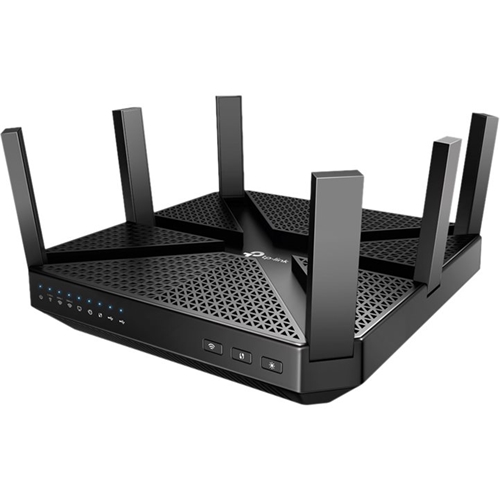
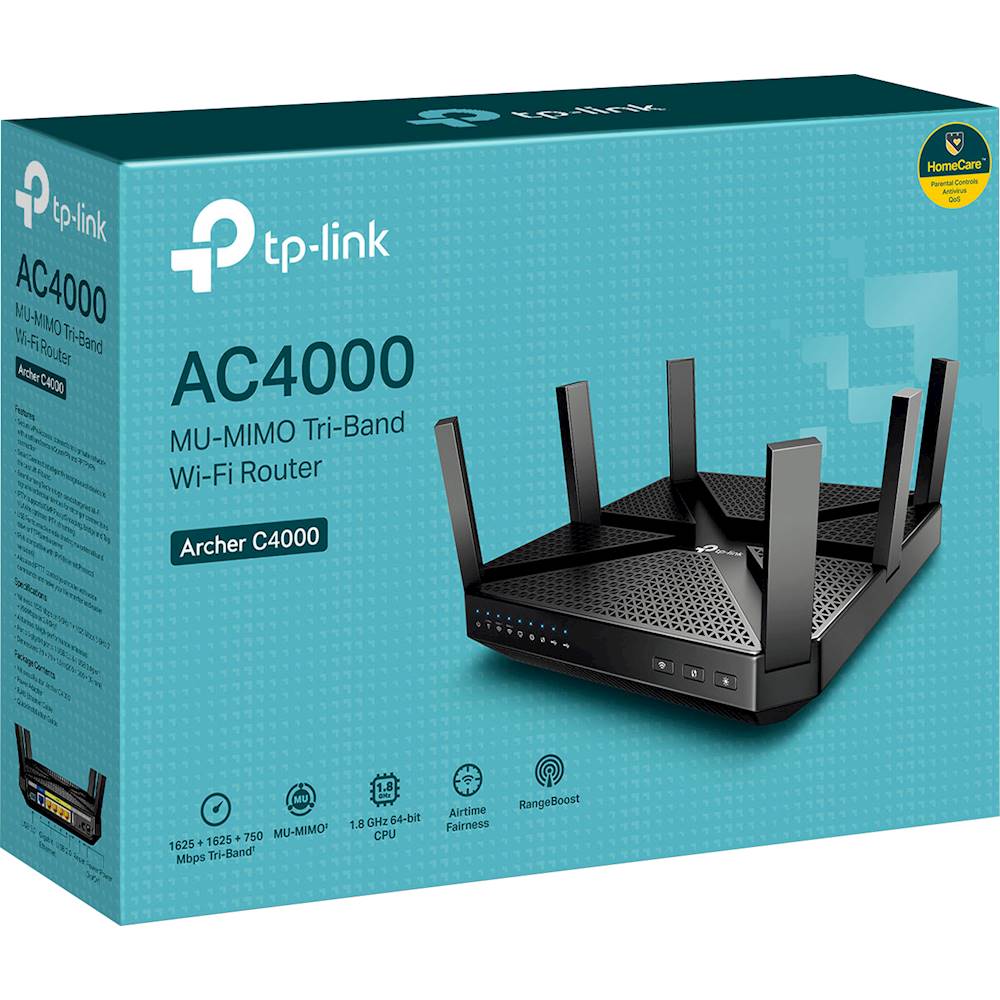
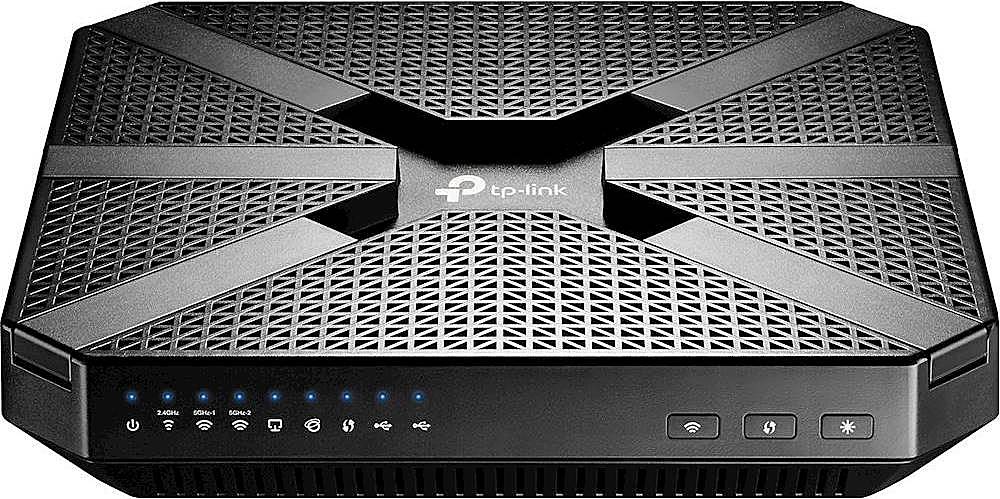
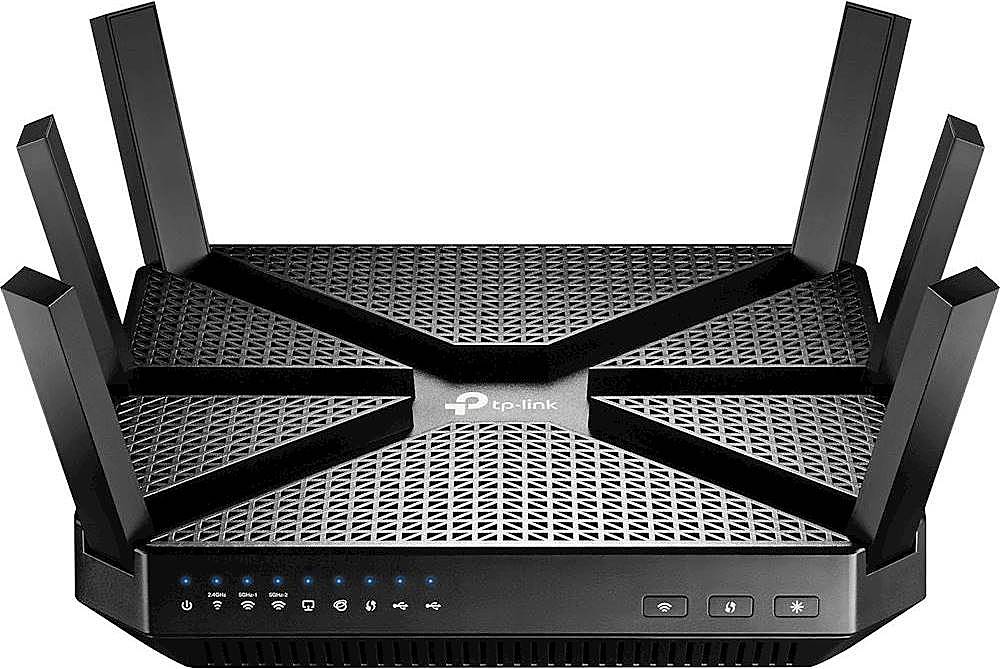
- ARCHER C4000
- |
- SKU:
- 6351103
Highly rated by customers for: Speed, Range, Ease of use
$199.99Your price for this item is $199.99
Page Showing 41-50 of 50 questions
Q: QuestionDoes this router compatible with frontier?
Asked by J.
- A:Answer Routers are compatible with all internet service providers. It's Modems that may not be compatible.
Answered by IBuyGuyToys
Q: QuestionHow long does the warranty last? Is it through best buy or the manufacturer?
Asked by Eddie68.
- A:Answer Warranty is one year through manufacturer Also credit card company will add addl one year one to warranty at no cost
Answered by Anonymous
Q: QuestionMy Wi-Fi router is in our basement I need to connect to my tv will this take care of my problems with reception
Asked by Labradorman.
- A:Answer This is rather a tricky question to answer. Several factors are involved. Your router is in the basement, and your TV is on the main floor, there should be no issue using either the 2.4 Ghz band or either of the 5 Ghz bands. If the TV is on the second floor where there is a lot of piping or wiring in the walls, then the 2.4Ghz band will be the best to use as the range on any 5 Ghz band on any router is less than half that of the 2.4 Ghz band. It all depends on square footage, number of floors, type of building construction, etc. The signal on this router is strong, as it has three separate channels, but all these factors weigh in.
Answered by Bluesky5553
Q: QuestionWill this work with hughsnet T2000W moudem
Asked by Chas.
- A:Answer How fast is your service? Going to have a difficult time if you’re under 1 Mbps of speed. It isn’t all about your router, has a lot to do with the speed of your internet.
Answered by Jwmorgan
Q: QuestionCan this router be expandable and form a mesh network? Moreover can you have one name for all 3 bands and have devices connect to the best speed / signal? finally, would this realistically et close to 1Gig speed wirelessly on a 1g fiber network? Thanks
Asked by Amatout.
- A:Answer You cannot expect to get full gig speed from WiFi 5 (AC) to get full speed you will have to upgrade everything to WiFi 6 (AX). Though do realize that no one device "needs" those speeds. If you need the full 1 gig speed this router like most other will support it but only when hardwired.
Answered by TPLinkFan
Q: QuestionCan the app monitor and display each individual devices data usage? Would be helpful to see which device is a data hog. My Orbi/Netgear lacks this app feature.
Asked by Denkigroove.
- A:Answer No, however we appreciate your interest in this type of feature and will gladly share it with the appropriate team for consideration. Regards, TP-Link Support
Answered by TPLinkSupport

Q: QuestionWill this work with AT&T módem Arris NVG599
Asked by Sroma.
- A:Answer This router should work with any cable modem.
Answered by OurSamsung4K
Q: QuestionWhat is the total amount of devices that I can have connected to this router? Can't seem to find this information anywhere where with other routers it is specifically identified.
Asked by Marcus83818.
- A:Answer Total connected clients depends on various factors including, but not limited to, bandwidth availability/demand placed on each band, which band is being used (i.e. 2.4GHz is a narrower band than 5GHz), WiFi interference within your home from external sources (other routers overlapping, or other sources of interference such as microwaves). If you would like, please feel free to email [email protected] to speak with a support agent directly, and they will gladly assist you. Regards, TP-Link Support
Answered by TPLinkSupport

Q: QuestionTP-Link hasn't updated the firmware on the C4000 for over a year (per their website the last update was 11/19/2019). Is this usual? Has TP-Link abandoned this router? I'm hoping someone more knowledgeable than me can say if this should be a concern.
Asked by AL.
- A:Answer The Archer C4000 is an actively supported model. The latest firmware update is dated November 22nd, 2019. As with all firmware updates, they are released due to various reasons such as feature modifications or security enhancements as the need arises.
Answered by TPLinkSupport

Page 3, Showing 41-50 of 50 questions
Best-selling wireless routers
- $279.99Your price for this item is $279.99$349.99The comparable value for this item is $349.99
- $229.99Your price for this item is $229.99$499.99The comparable value for this item is $499.99
- $199.99Your price for this item is $199.99
- $119.99Your price for this item is $119.99$149.99The comparable value for this item is $149.99
- $192.99Your price for this item is $192.99
- $189.99Your price for this item is $189.99$249.99The comparable value for this item is $249.99
- $229.99Your price for this item is $229.99
- $99.99Your price for this item is $99.99
- $119.99Your price for this item is $119.99$179.99The comparable value for this item is $179.99
- $79.99Your price for this item is $79.99$99.99The comparable value for this item is $99.99
- $259.99Your price for this item is $259.99$299.99The comparable value for this item is $299.99
- $129.99Your price for this item is $129.99
- $379.99Your price for this item is $379.99
- $199.99Your price for this item is $199.99$229.99The comparable value for this item is $229.99
- $179.99Your price for this item is $179.99$199.99The comparable value for this item is $199.99
- $299.99Your price for this item is $299.99$399.99The comparable value for this item is $399.99
- $499.99Your price for this item is $499.99
- $599.99Your price for this item is $599.99
- $499.99Your price for this item is $499.99
- $199.00Your price for this item is $199.00