
Main Content

Questions & Answers

$57.99
Save $22
The comparable value is $79.99
Page Showing 1-17 of 17 questions
  • QuestionCan I manage this router with an app?

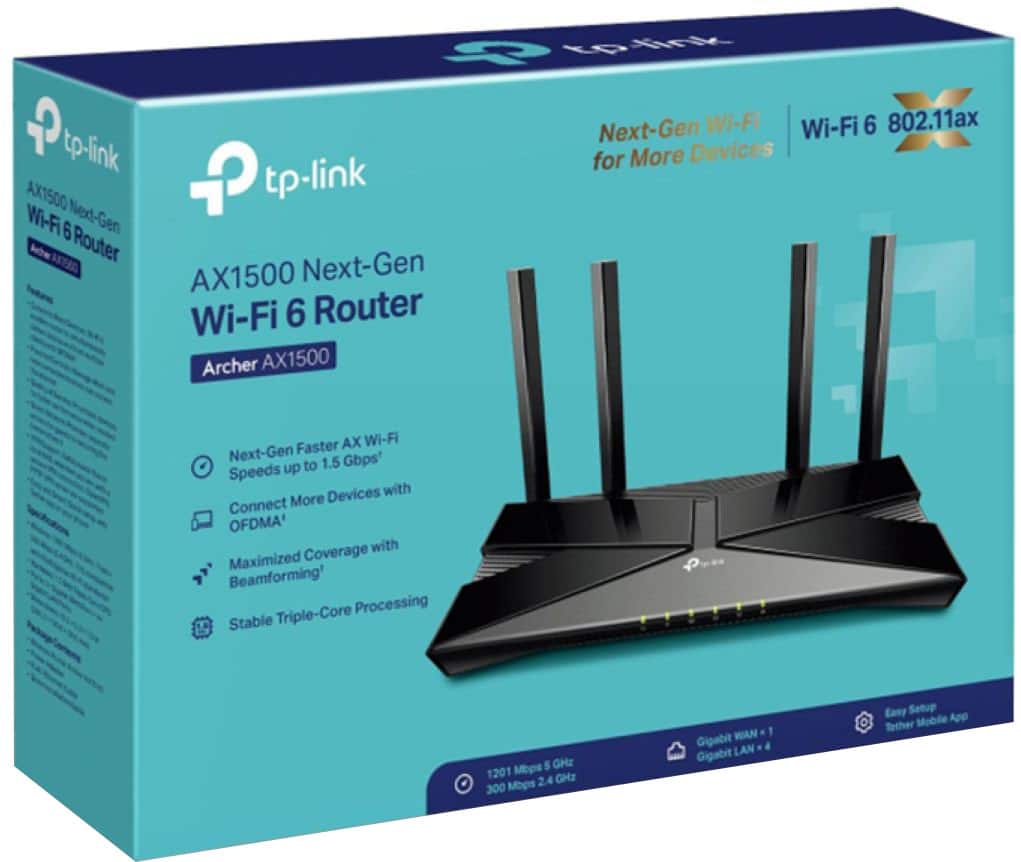
    • Answer Yes, you can manage this router with the TP-Link Tether app.
    This question and answer was generated by AI based on customer and product data.
  • QuestionDoes this router use beamforming technology?

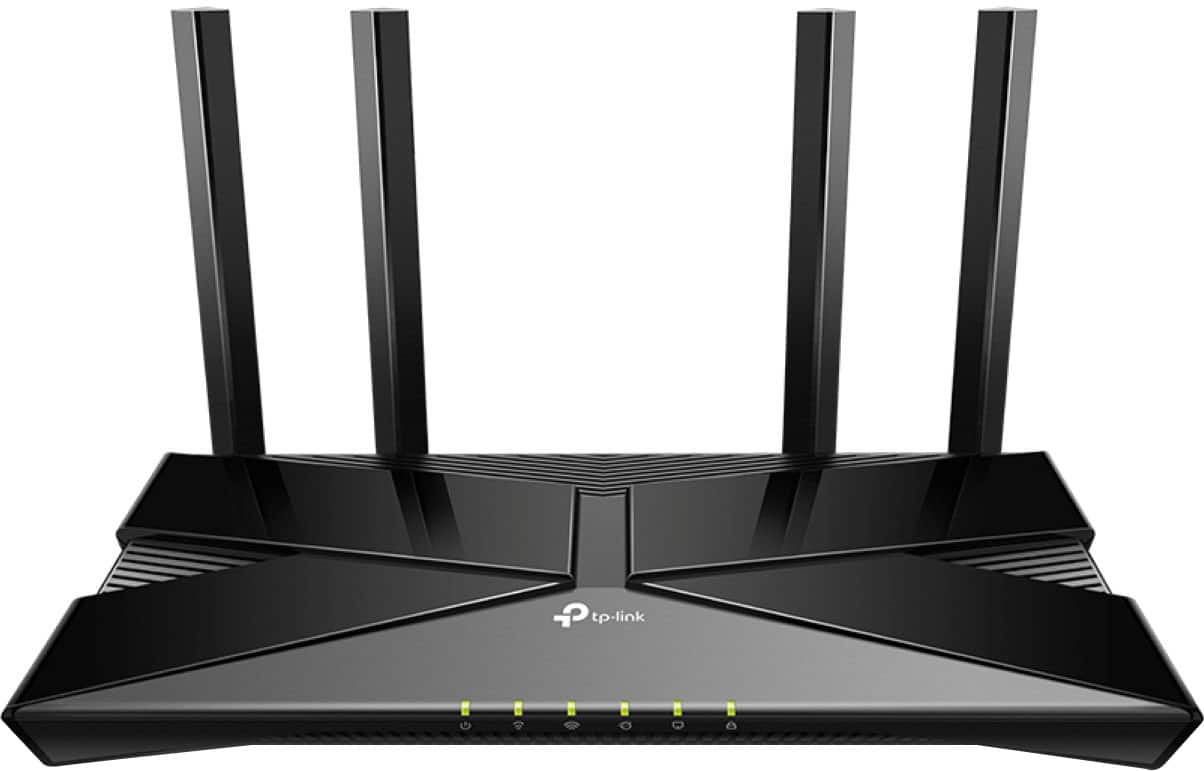
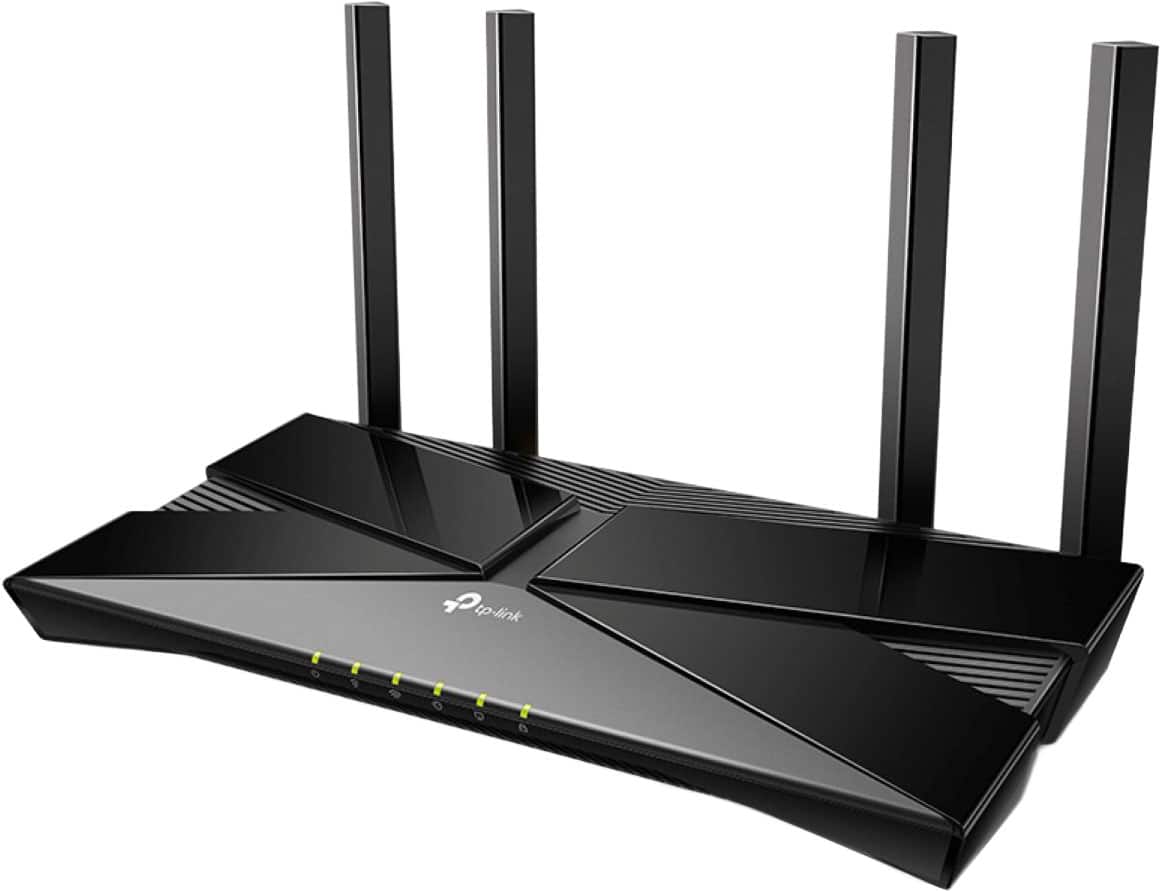
    • Answer Yes, this router uses beamforming to focus the signal.
    This question and answer was generated by AI based on customer and product data.
  • QuestionHow many LAN ports does this router have?

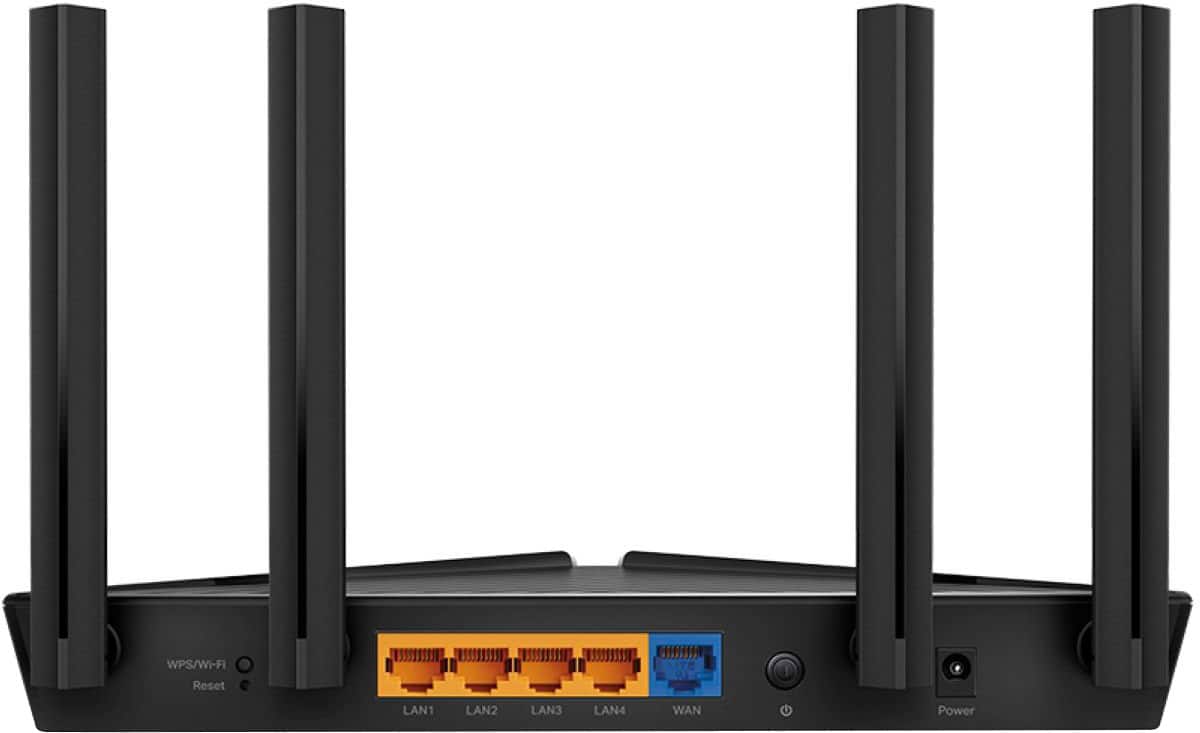
    • Answer This router has four Gigabit LAN ports.
    This question and answer was generated by AI based on customer and product data.
  • QuestionDoes this router support VPN client and server?

    • Answer Yes, this router supports OpenVPN, L2TP/IPSec, PPTP, and WireGuard for VPN.
    This question and answer was generated by AI based on customer and product data.

  • QuestionIs the Wi-Fi speed of this router fast?

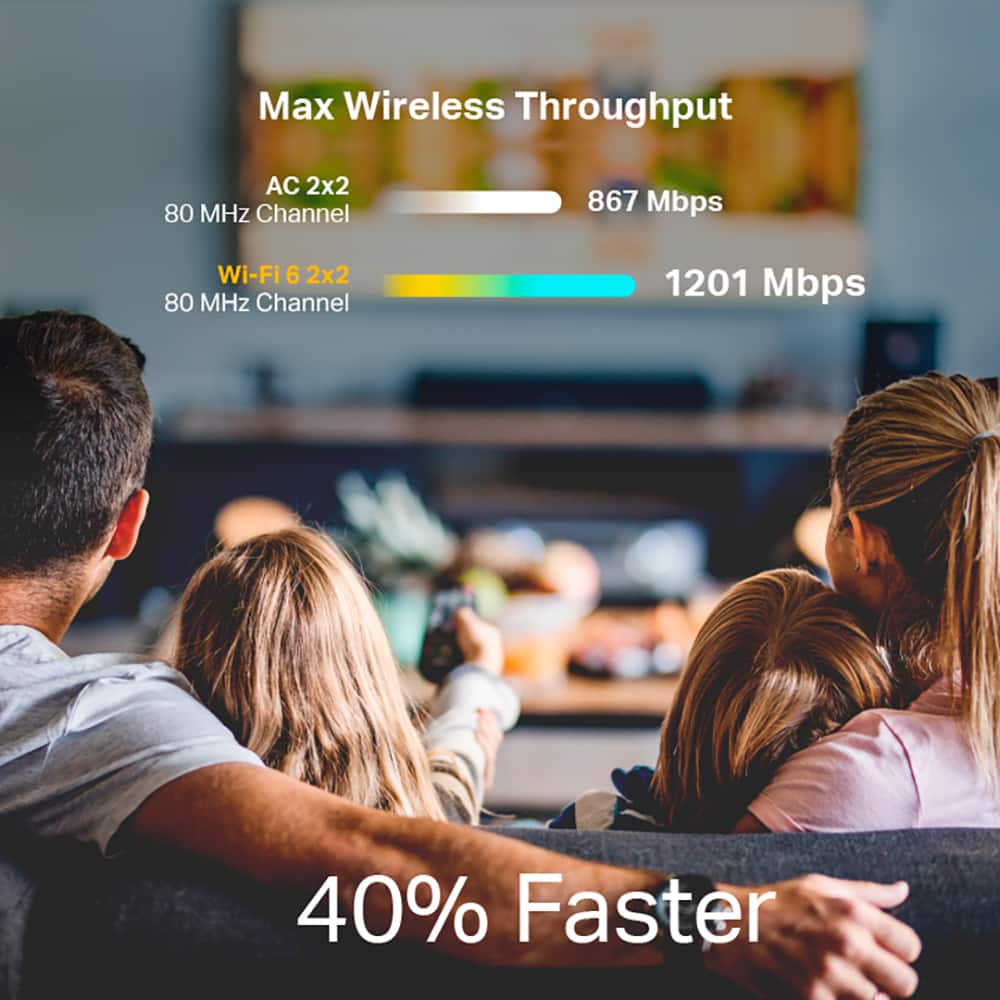
    • Answer Yes, the Wi-Fi speed is up to 1.5 Gbps.
    This question and answer was generated by AI based on customer and product data.

  • QuestionAre there parental controls available on this router?

    • Answer Yes, parental controls are available on this router.
    This question and answer was generated by AI based on customer and product data.

  • QuestionDoes this router support WPA3 security?

    • Answer Yes, this router supports WPA3 security.
    This question and answer was generated by AI based on customer and product data.

  • QuestionCan WPA be disabled on this router?

    Asked by ScotSkipper.

    • Answer If you are referring to WPS (Wi-Fi Protected Setup), you can disable the feature in the router's web management interface under Advanced > Wireless > WPS.

      Answered by TPLinkSupport

  • QuestionWhat’s the square footage coverage on this?

    Asked by Anonymous.

    • Answer Hi, Actual Wi-Fi coverage varies from one home to another based on factors including, but not limited to, placement of the router (central is typically ideal), obstructions (e.g., walls) between the router and connected devices, the density of the home's construction materials, which Wi-Fi band your devices are connecting to, and Wi-Fi interference from external sources.

      Answered by TPLinkSupport

  • QuestionWho provides the service

    Asked by Anonymous.

    • Answer Hi, If you are referring to Internet service, that would be provided by your Internet Service company and service plan. This router is then connected to the Internet source (e.g., your modem, ONT, or gateway) via Ethernet cable to provide Wi-Fi and Internet connectivity to your home's devices.

      Answered by TPLinkSupport

  • QuestionDoes it work off AC household current

    Asked by Anonymous.

    • Answer Yes, using the provided power cored you would connect it to your home's power.

      Answered by TPLinkSupport

  • QuestionWil it work with a samsung smart tv

    Asked by Anonymous.

    • Answer Yes, the TV would be like any other client.

      Answered by TPLinkSupport

  • QuestionIs it compatible with starlink and LG TVs for streaming?

    Asked by Anonymous.

    • Answer Hi, Yes, as long as the router is connected directly to your existing Internet source (e.g., Starlink gateway) via an Ethernet cable and your LG TV supports Wi-Fi connectivity.

      Answered by TPLinkSupport

  • QuestionIs it compatible with kinetic fiber Internet and also is it compatible with a Google mesh cause I already have a Google mesh

    Asked by Dadalh.

    • Answer Hi Dadalh, TP-Link Wi-Fi Routers are designed for universal compatibility with Internet services by connecting the router to your Internet source (e.g., modem, ONT, gateway) via Ethernet cable. Since this Archer Router is not a Google Mesh device, it can be used in your network as a Wi-Fi source, but it will not directly integrate with the proprietary mesh and app features of your Google Mesh system. If you are interested in replacing your Google Mesh System, we recommend considering our Deco Mesh Whole Home Wi-Fi Systems.

      Answered by TPLinkSupport

  • QuestionCompatible with verizon fios internet?

    Asked by Tracy.

    • Answer Hi Tracy, Yes, as long as the Archer Router is connected to your existing Internet source (e.g., modem, ONT, gateway) via Ethernet cable.

      Answered by TPLinkSupport

  • QuestionIs it compatible with the Motorola MB8611 modem

    Asked by Anonymous.

    • Answer Yes, TP-Link routers are compatible with all ONTs or Modems that connect to a router via Ethernet.

      Answered by TPLinkSupport

  • QuestionHow many units can connect to it?

    Asked by James.

    • Answer Hi James, The Archer AX1500 is designed to support dozens of devices simultaneously in your home network via its Dual-Band Wi-Fi and Ethernet connections. If you're unsure which device is best suited for your needs, please visit our official TP-Link Community Forum where you can engage with other users and TP-Link staff to ask questions or discuss your setup.

      Answered by TPLinkSupport