Black Friday is hereShop new DoorbustersShop now

Main Content

Questions & Answers

Your price for this item is $599.99
Page Showing 1-10 of 10 questions
  • QuestionCan I set up a VPN server with this router?

    • Answer Yes, you can easily set up a VPN server and client using OpenVPN, PPTP, or L2TP protocols.
    This question and answer was generated by AI based on customer and product data.
  • QuestionDoes this router come with any security features?

    • Answer Yes, it comes with TP-Link HomeShield to keep your network and data safe.
    This question and answer was generated by AI based on customer and product data.
  • QuestionDoes this router support MU-MIMO technology?

    • Answer Yes, this router supports MU-MIMO technology to enhance throughput and deliver data to multiple devices simultaneously.
    This question and answer was generated by AI based on customer and product data.
  • QuestionWhat is the maximum Wi-Fi speed this router can provide?

    • Answer This router delivers Wi-Fi speeds up to 15.6 Gbps.
    This question and answer was generated by AI based on customer and product data.
  • QuestionHow many antennas does this router have?

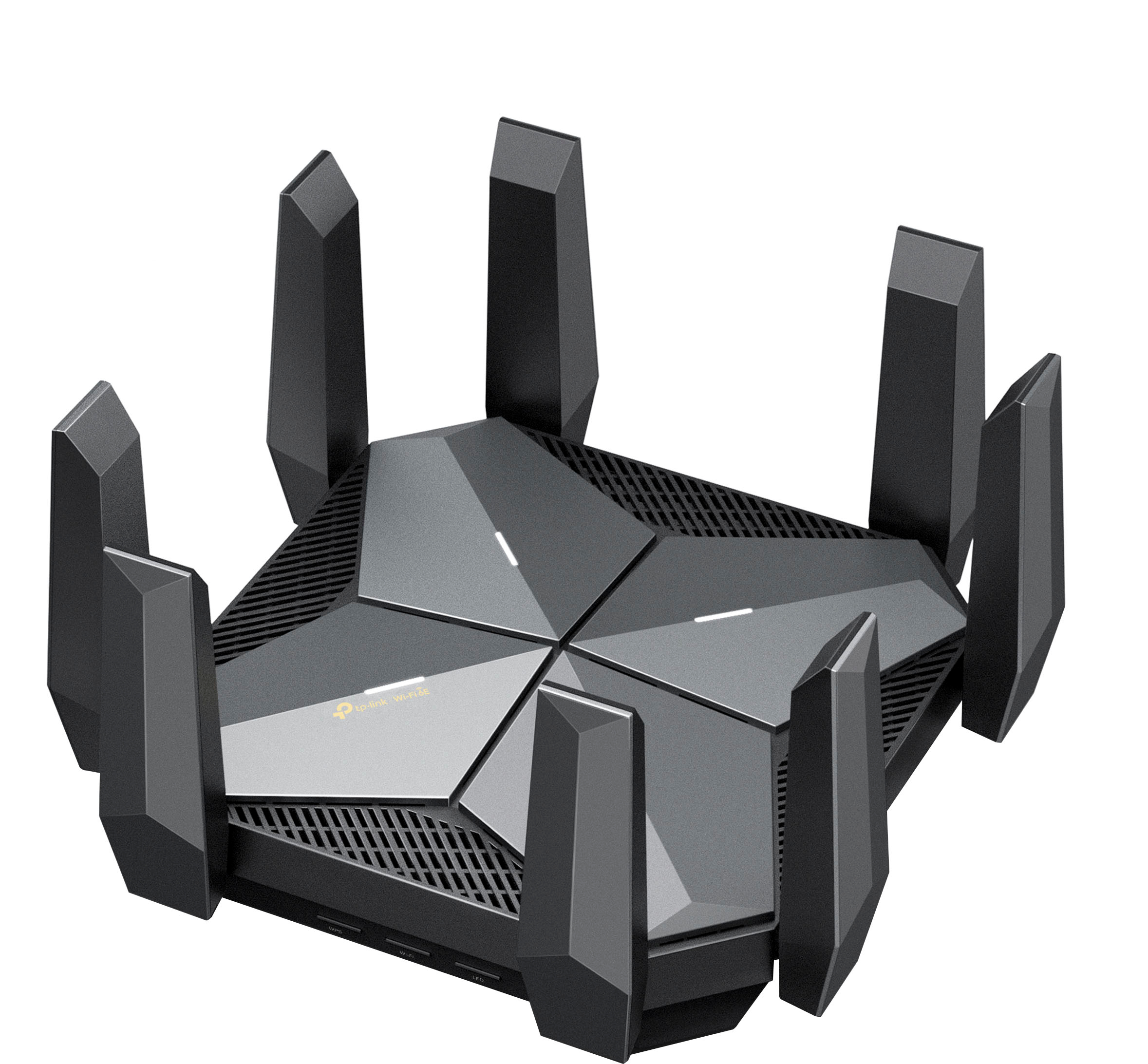
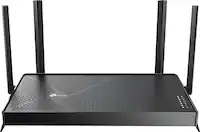
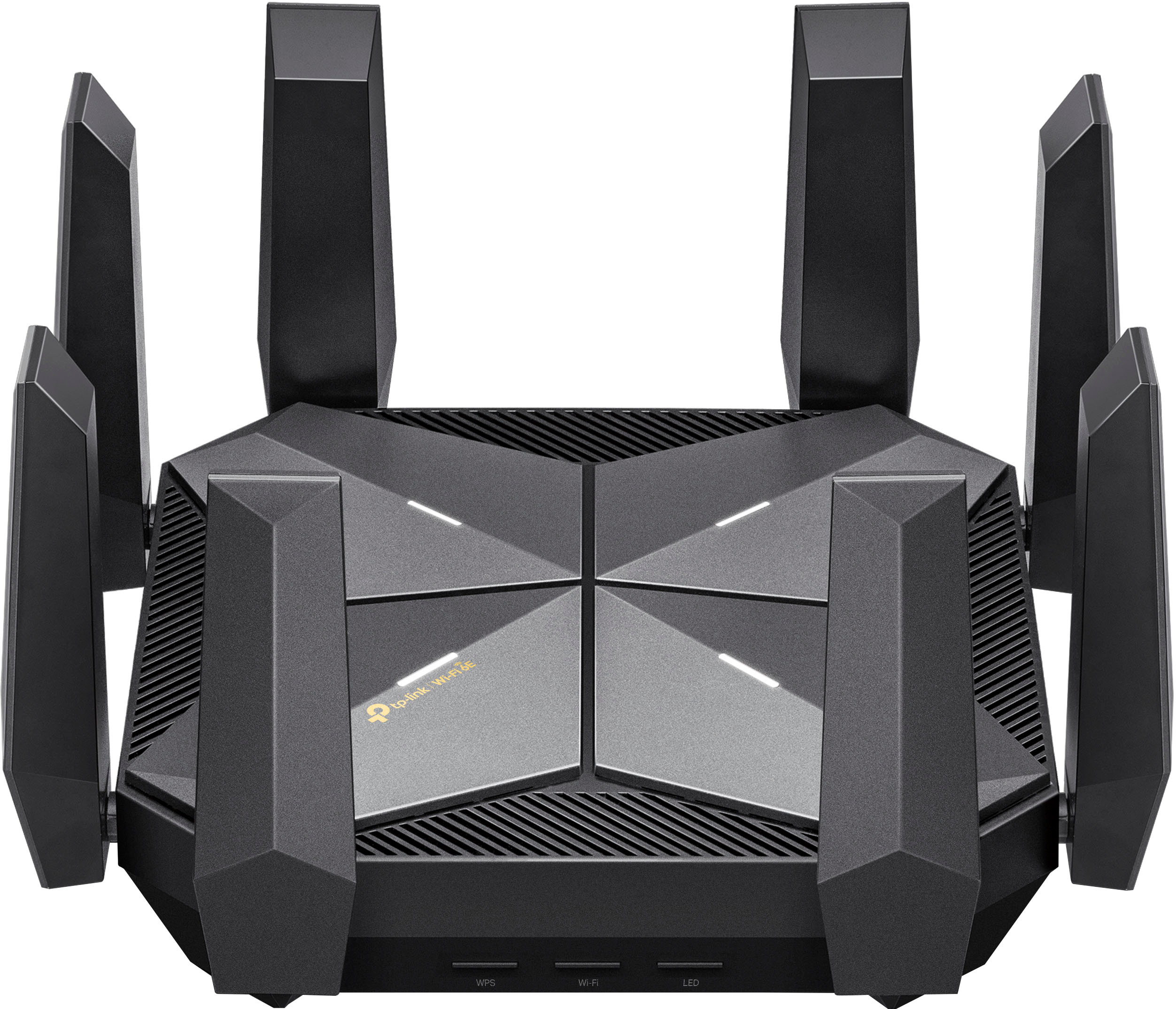
    • Answer This router is equipped with 8 high-performance dual-band antennas.
    This question and answer was generated by AI based on customer and product data.
  • QuestionIs there any extenders for this? My internet enters the side of my house and have over 3500 sq ft 2-story.

    Asked by Kal.

    • Answer I use TP link extenders to create a mesh network with this router and it works great

      Answered by Sudden

  • Questionwhat speed are the lan ports?

    Asked by ShaneS.

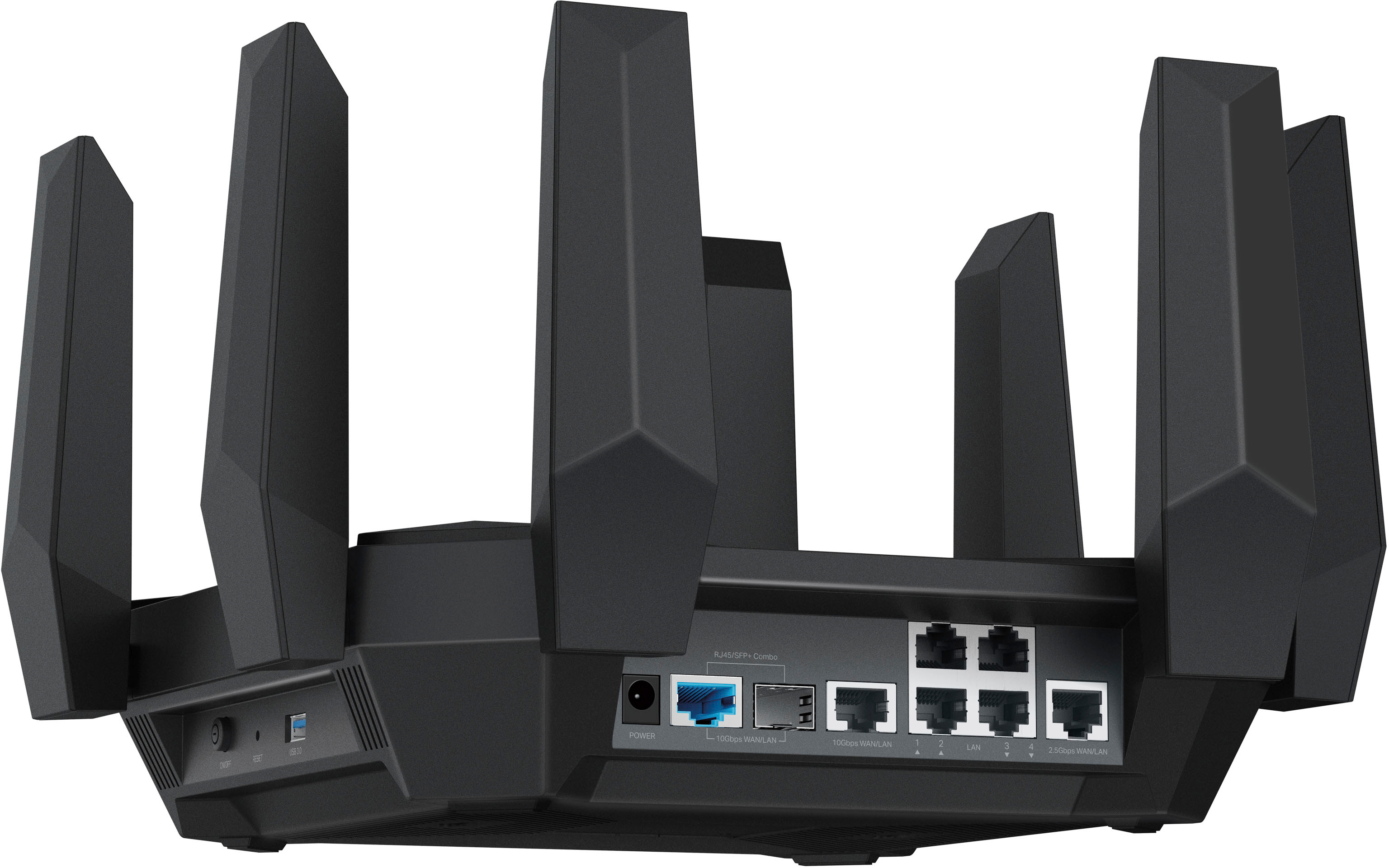
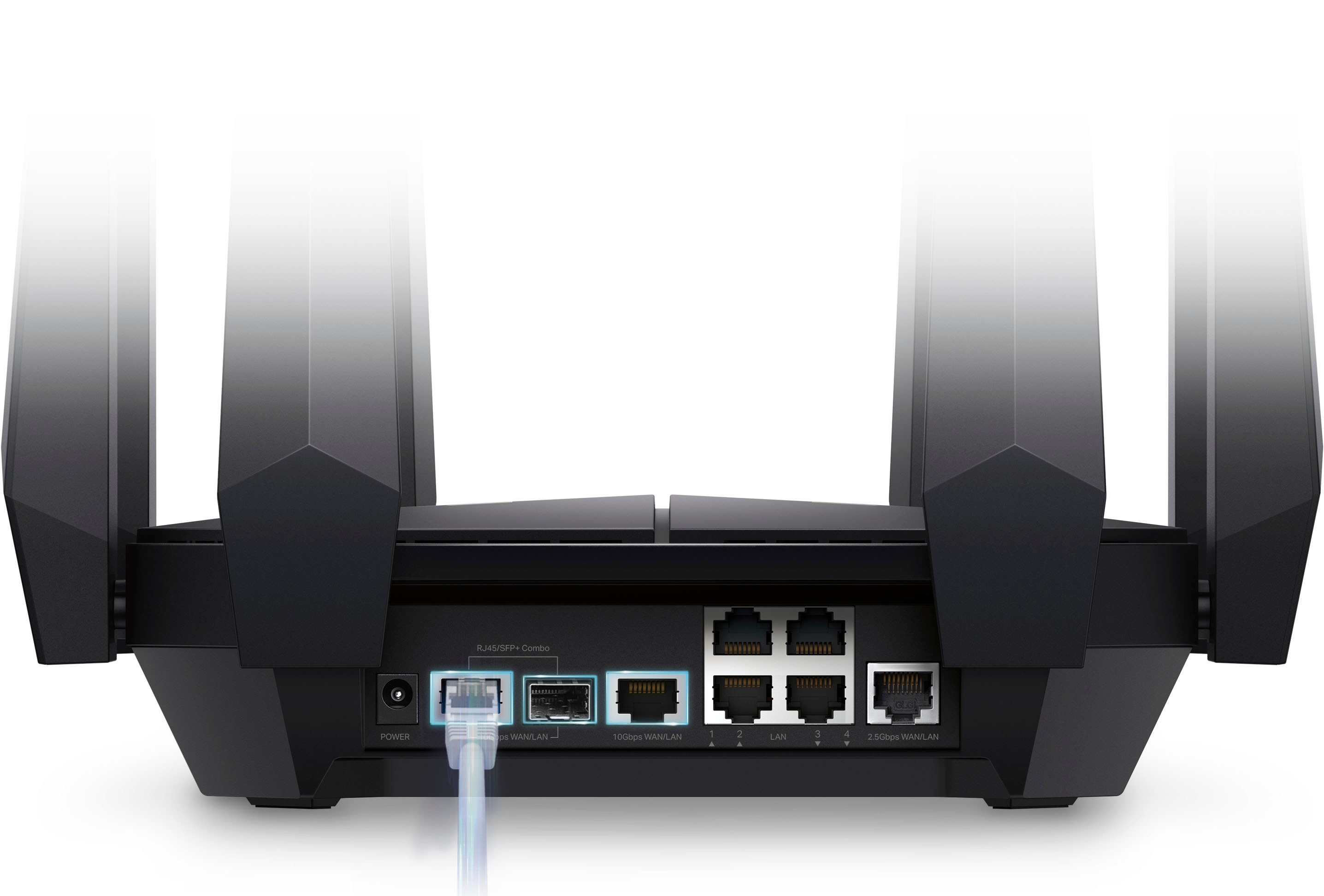
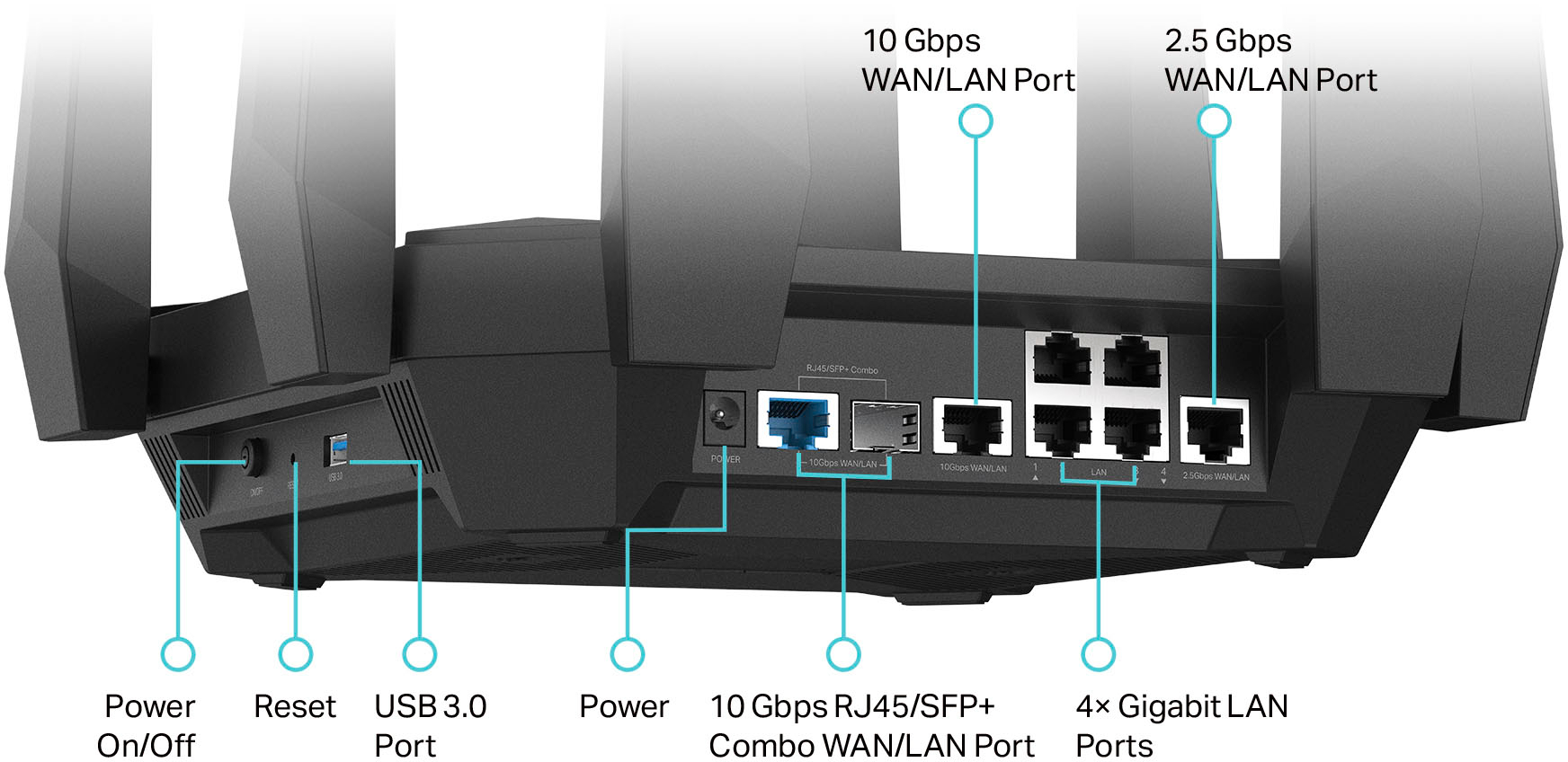
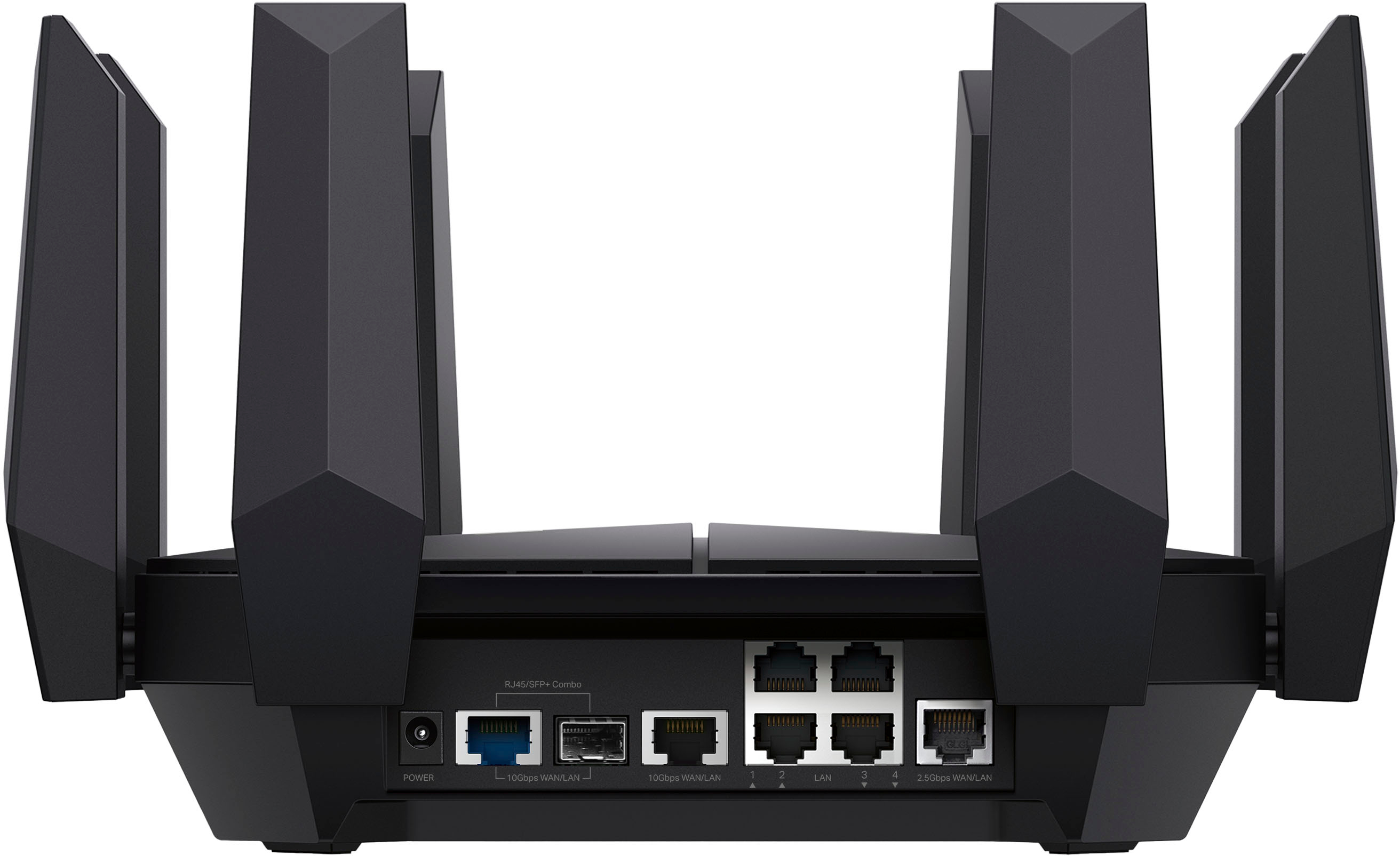
    • Answer Hi dobby, the Archer AXE300 is equipped with one 10Gbps WAN/LAN Combo Port, one 2.5Gbps WAN/LAN port, and four 1Gbps (Gigabit) LAN ports.

      Answered by TPLinkSupport

  • QuestionWith the SFP port, can you avoid having to use the AT&T fiber modem?

    Asked by DonPachuco.

    • Answer Thanks, I guess TP-Link, but see, I don't use the built-in Wi-Fi, on their modem any way. I currently use their modem which is trash, and my Archer AX11000 for Wi-Fi, plus three of the RE-505X extenders, along with an RE580D. What I want to do, is take the RE580D out of the equation, move the AX11000 to where the RE580D was, because I need the ports for wired devices, then use the AXE16000 as both modem and router, leave the rest in tact for my OneMesh network. AT&T will never tell a consumer if you can bypass their modem or not. As the manufacturer, this should be an inquiry that you make or research, so you have a real answer, instead of a guess. I would be very grateful for that. I mean I'm using all of your hardware, and as far as they're concerned, I'm paying for the access to their providing of service, not their hardware. I have as much turned off and bypassed as possible on their modem, and use a multi-hop VPN, because it's none of their business what I do with the connection I pay them for. I mean, a wire comes down from a pole to my house (not sure if the entire run is fiber, but I'd guess no, due to its brittle nature), to a box, then from there, I gather the fiber runs up to a recepticle on my wall, and the end goes into an SFP+ port on the modem. From wall recepticle to either A their junk modem, or B, your router, what difference does it make? Please explain that as well, so it can be narrowed down. Thanks again and I look forward to the next reply.
      Answered by DonPachuco

  • QuestionBought this as second router then connected on the primary router. Can this TP router be used as primary router & connect it into the modem directly? Thank you

    Asked by Dc.

    • Answer Yes my cable modem is also a 4 port and wifi router. I turned the wifi off on the cable modem.

      Answered by garym

  • Questiondoes this router get tv stations

    Asked by Anonymous.

    • Answer It is for wireless internet, not television.

      Answered by DonPachuco