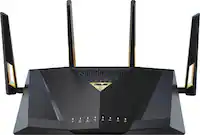
A:AnswerTo better answer your question you should know regardless of the router “type” the more devices you connect to a router or internet the speed decreases..
By very lil depending on what your using it for at the time . I can have the tv streaming 5 phones connected and my wife’s computer using it for work all at the same time with still high speed no lag or delay.
A:AnswerEero is also a router. So this would be an alternative that. They may be able to work together, but the Eero would have to be in AP mode to avoid any conflicts.
A:AnswerHi,
We would need to know more details about your situation, such as which device you are switching to "TV Mode" on, and other information about your network. We would highly recommend contacting our support team directly via live chat or over the phone using our official TP-Link Support Portal: https://www.tp-link.com/us/support/contact-technical-support/#LiveChat-Support
A:AnswerHi Hoseman,
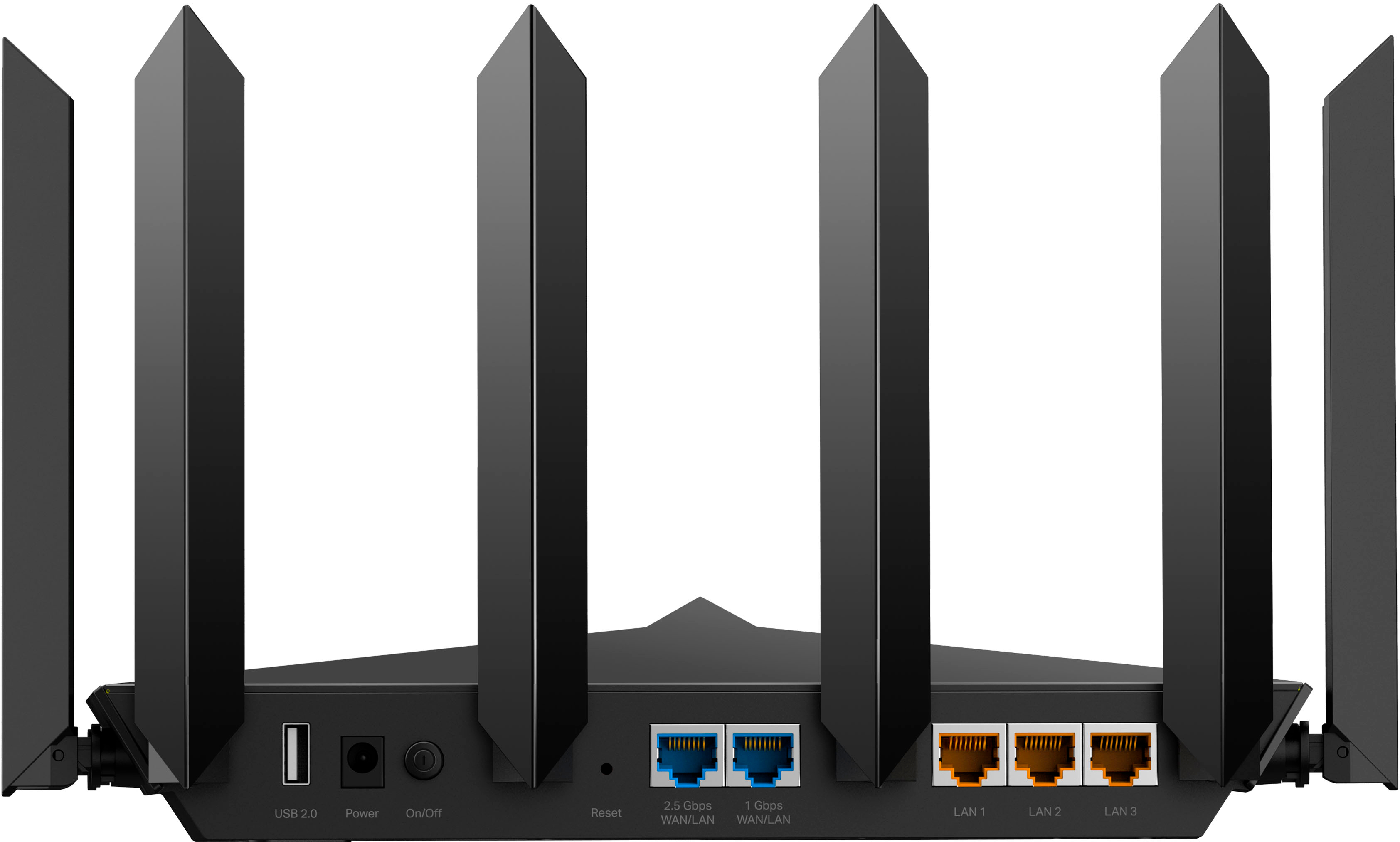
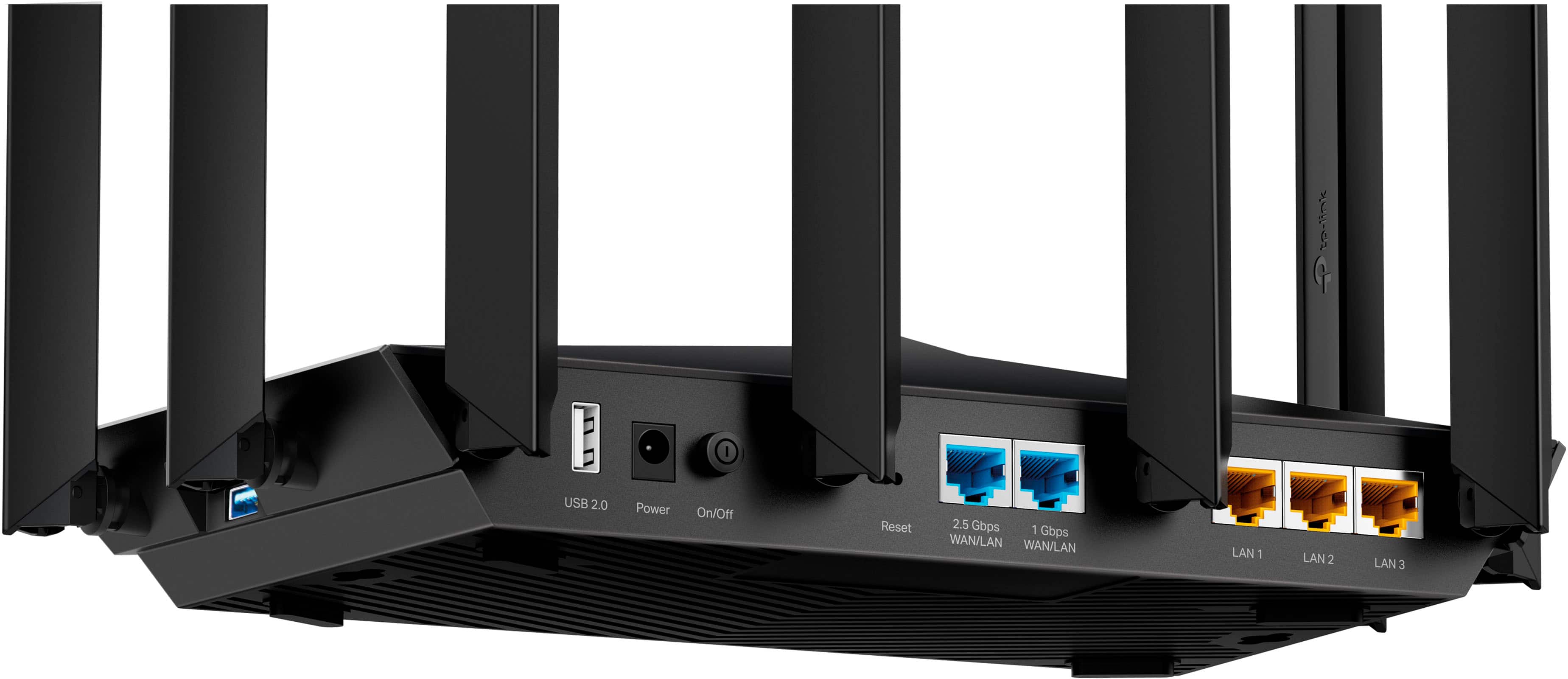
No, the Archer AXE7800 does not have a direct DSL (RJ11) interface. This router uses Ethernet (RJ45) and must be connected to your existing Internet source (e.g., modem) via Ethernet.
A:AnswerYes you can set separate SSIDs for each band. clients can only connect to 1 band at a time. Passwords can be changed in the wireless menu from the Tether app remotely as long as the router is online.
A:AnswerIt should have a problem working with them but it would be best to verify with Linksys and we are not aware if there devices and any limitations working with non-Linksys routers.
A:AnswerRouters are generally universally compatible with all ISPs. The thing you need to make sure is that you have a modem or ONT compatible with your service that can connect to the router via ethernet.
A:AnswerYes, You can have your Guest Network be 1, your 2.4/5g but #2 and then you have your 6ghz band be a 3rd network name. All can be there own name and password, So Yes 3 SSID you can have at once,