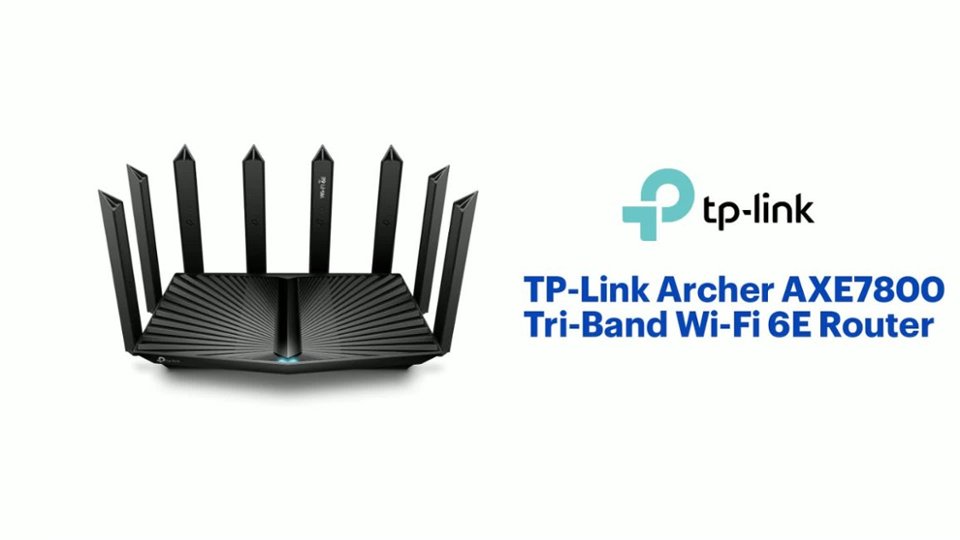
A:AnswerYes, You can have your Guest Network be 1, your 2.4/5g but #2 and then you have your 6ghz band be a 3rd network name. All can be there own name and password, So Yes 3 SSID you can have at once,
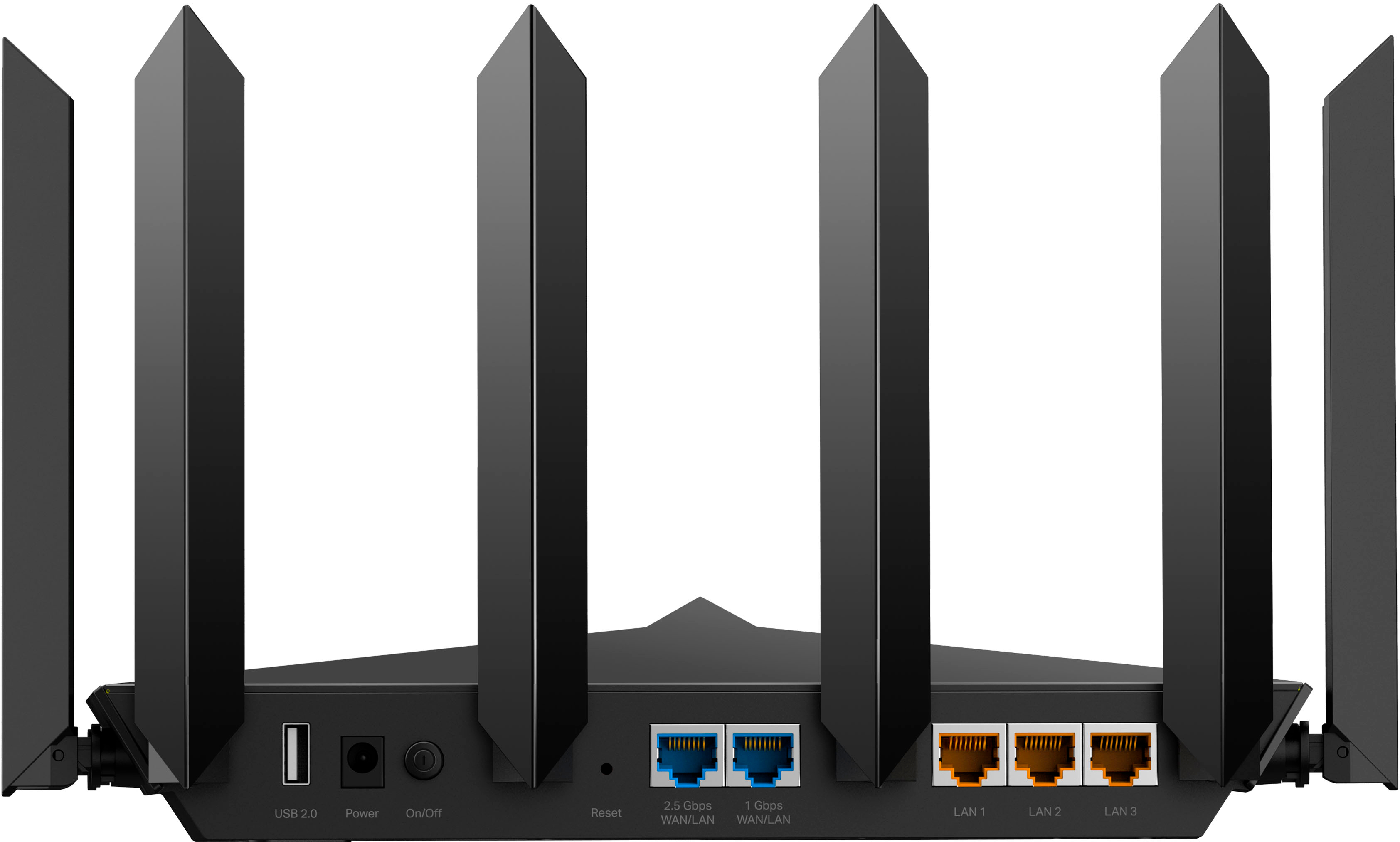
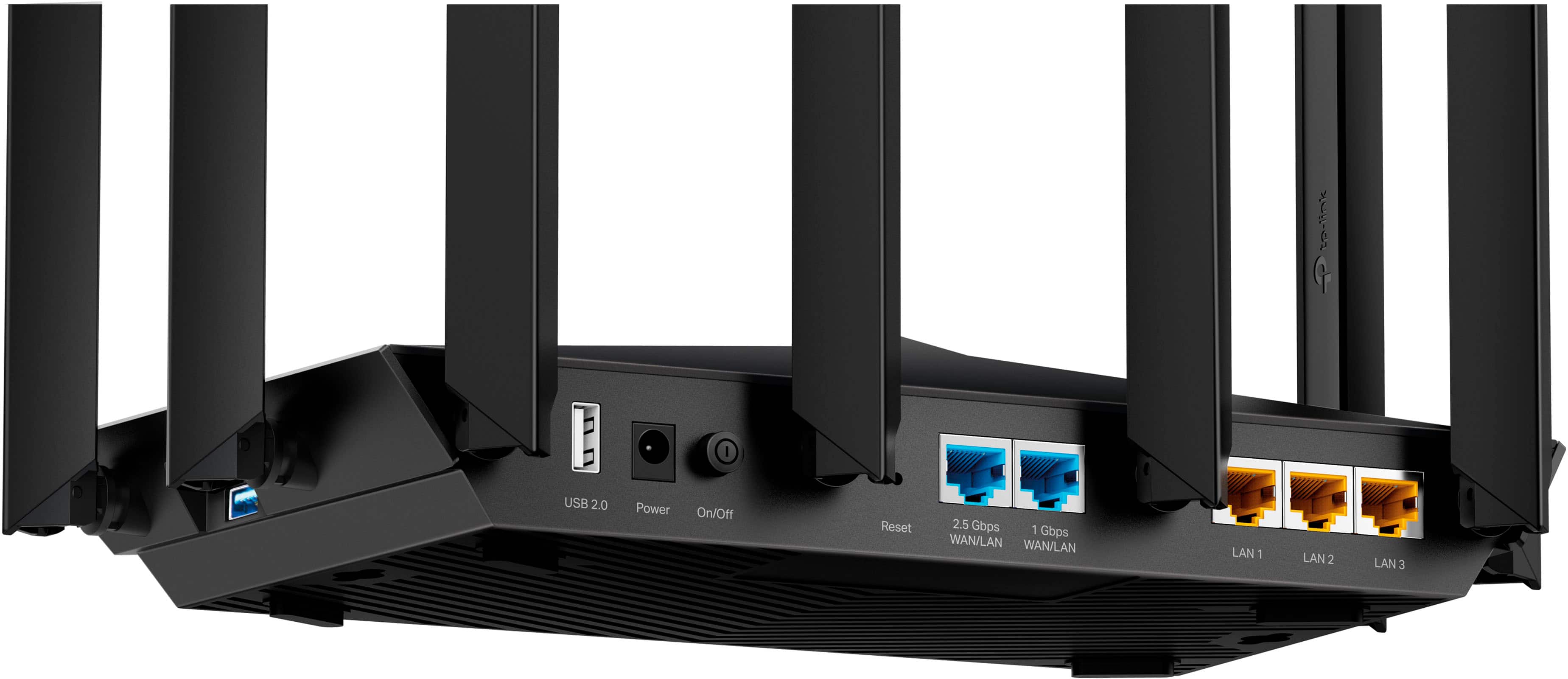
A:AnswerNo, this is not a multi-WAN router. It has two WAN/LAN ports—one for 2.5 Gbps connectivity and one for 1 Gbps connectivity. Once you have chosen one for your WAN connection, the other will act as a LAN port. For multi-WAN configuration and failover support, we suggest considering one of our Omada Routers that support the feature.
A:AnswerHi! While this specific router is not designed to accommodate multiple Internet sources, we do offer multi-WAN routers with load balancing and failover features that should fit your needs well. For more information, please visit our website or get in touch with our support team and we'll gladly help you pick the best router to fit your specific network needs.
A:AnswerIf you are referring to using the router on campus (dorm), whether you can use it and whether any fees are involved will depend on the school's policies, and their IT team. We would recommend contacting the IT team at the college to discuss requirements and compatibility options.
A:AnswerThe Archer AXE7800 is equipped with RJ45 (Ethernet) connections. It does not support RJ11 (Traditional Telephone Line) connectors. It may work if your phone connects over Ethernet (e.g., VoIP). However, if your landline phone uses traditional landline cabling and connectivity, the router is not designed for that type of connection.
A:AnswerHi! Yes, as long as the Archer AXE7800 is wired to your existing Internet source (e.g., T-Mobile box) via Ethernet cable. The Archer AXE7800 is not a Wi-Fi repeater but supports Router Mode and Access Point Mode operation. If you have a multi-level home, we recommend considering one of our Deco Mesh Whole Home Wi-Fi Systems for your Wi-Fi coverage needs.
A:AnswerIf by "compatible with" you are asking whether the Archer AXE7800 supports direct Mesh Wi-Fi integration into Netgear's proprietary Orbi Mesh Wi-Fi ecosystem and app, the answer would be no.
A:AnswerHi! This TP-Link Wi-Fi router is compatible with Cable Internet services, including Cox, as long as the router is wired to an existing cable modem via Ethernet.