
Main Content

Questions & Answers

Your price for this item is $139.99
The comparable value price is $179.99
Page Showing 1-20 of 32 questions
  • QuestionCan I use voice commands to control this router?

    • Answer Yes, you can control the router using voice commands with Alexa and Google Assistant.
    This question and answer was generated by AI based on customer and product data.
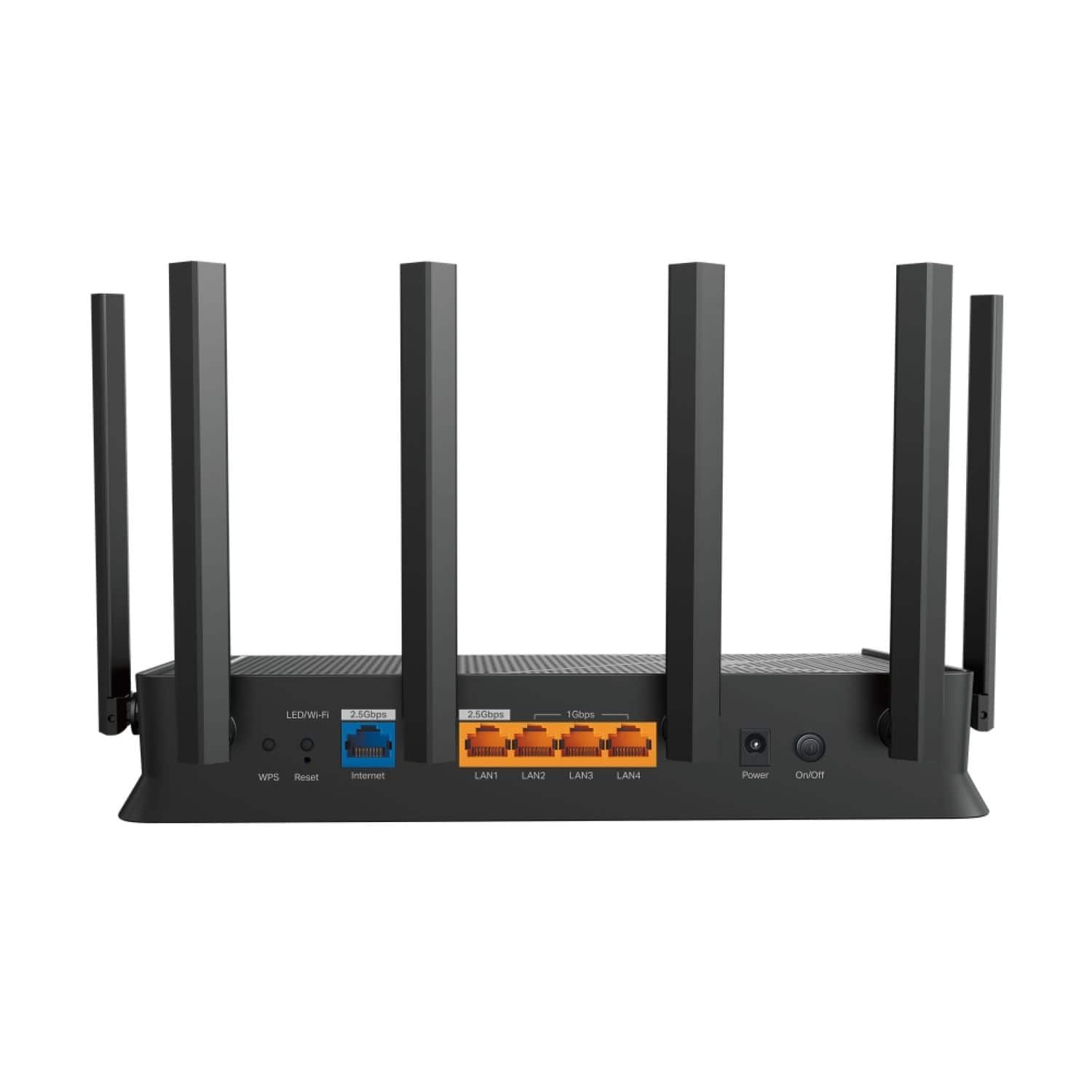
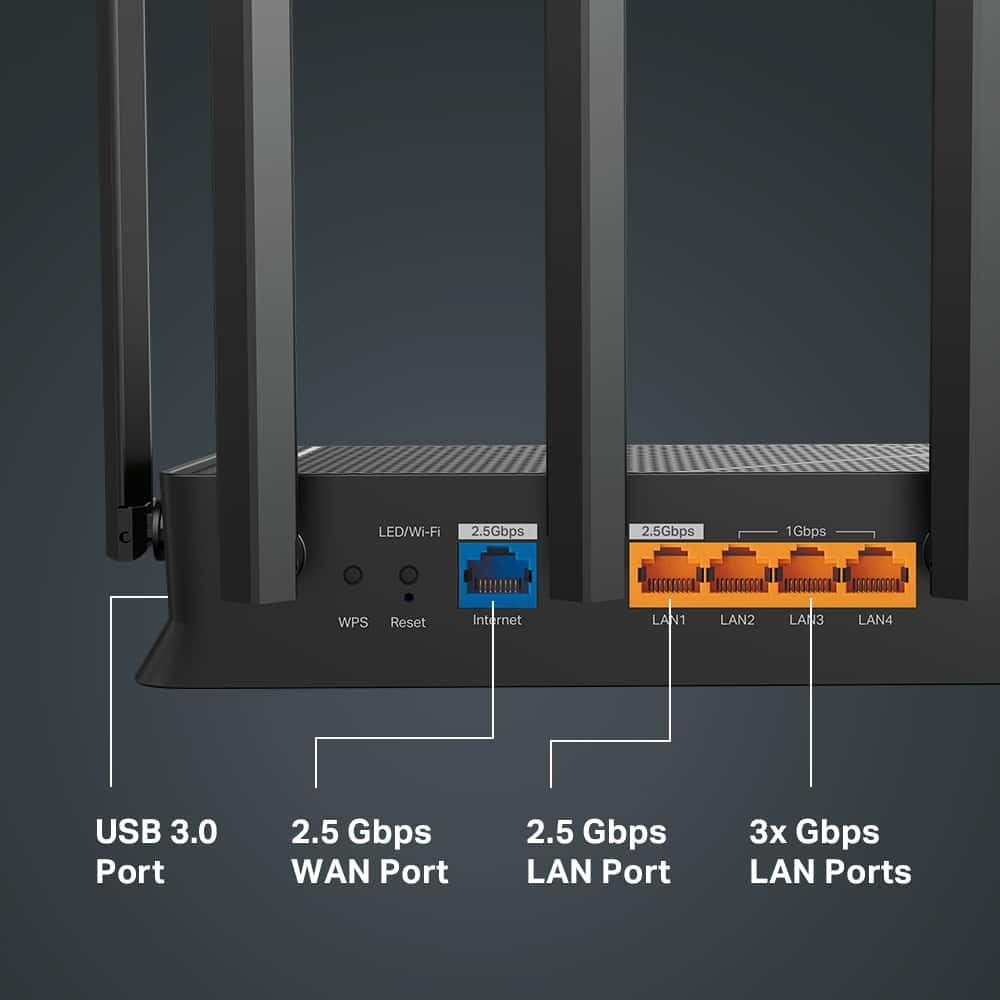
  • QuestionWhat is the maximum speed supported by the WAN port on this router?

    • Answer The Archer BE6500 has a 2.5 Gbps WAN port.
    This question and answer was generated by AI based on customer and product data.
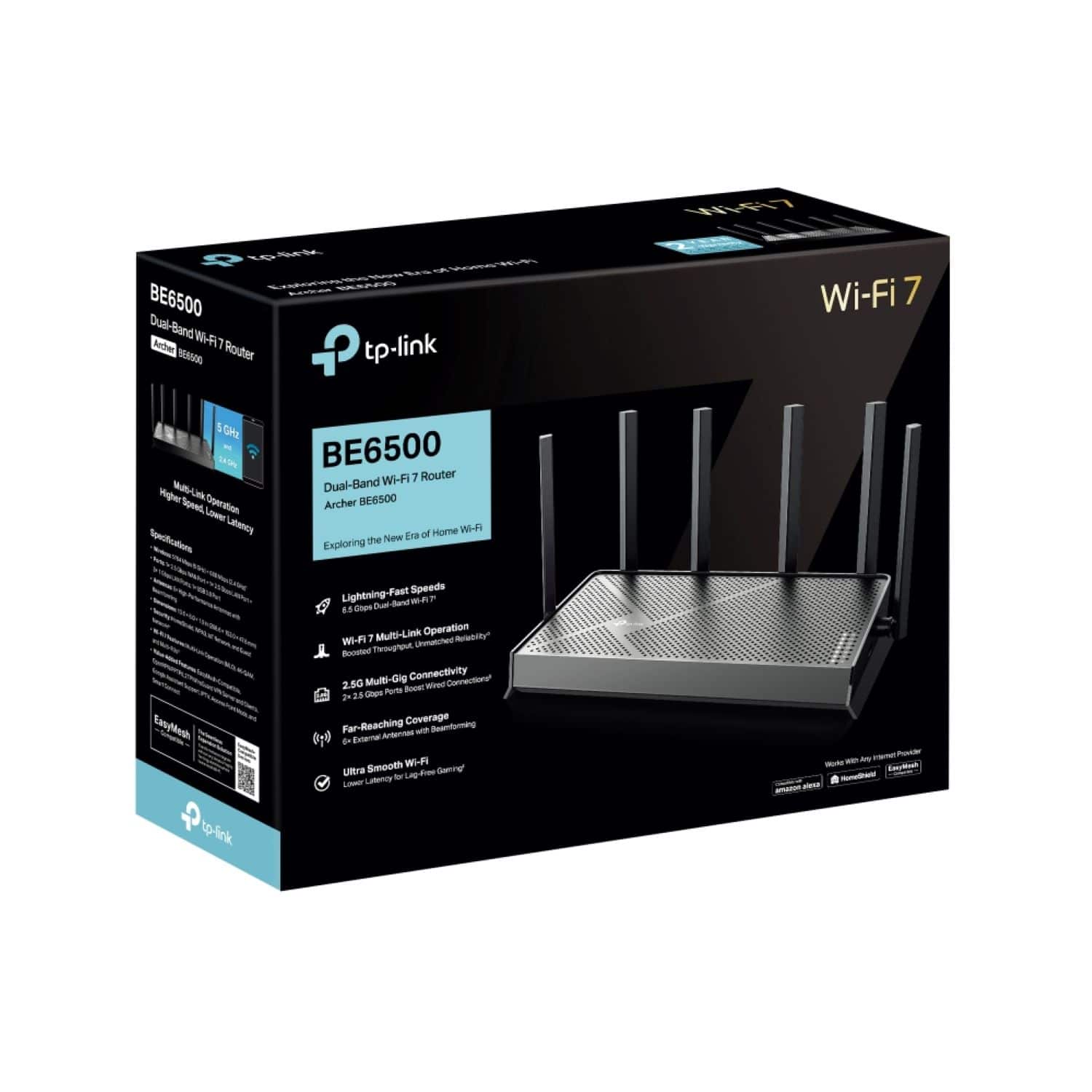
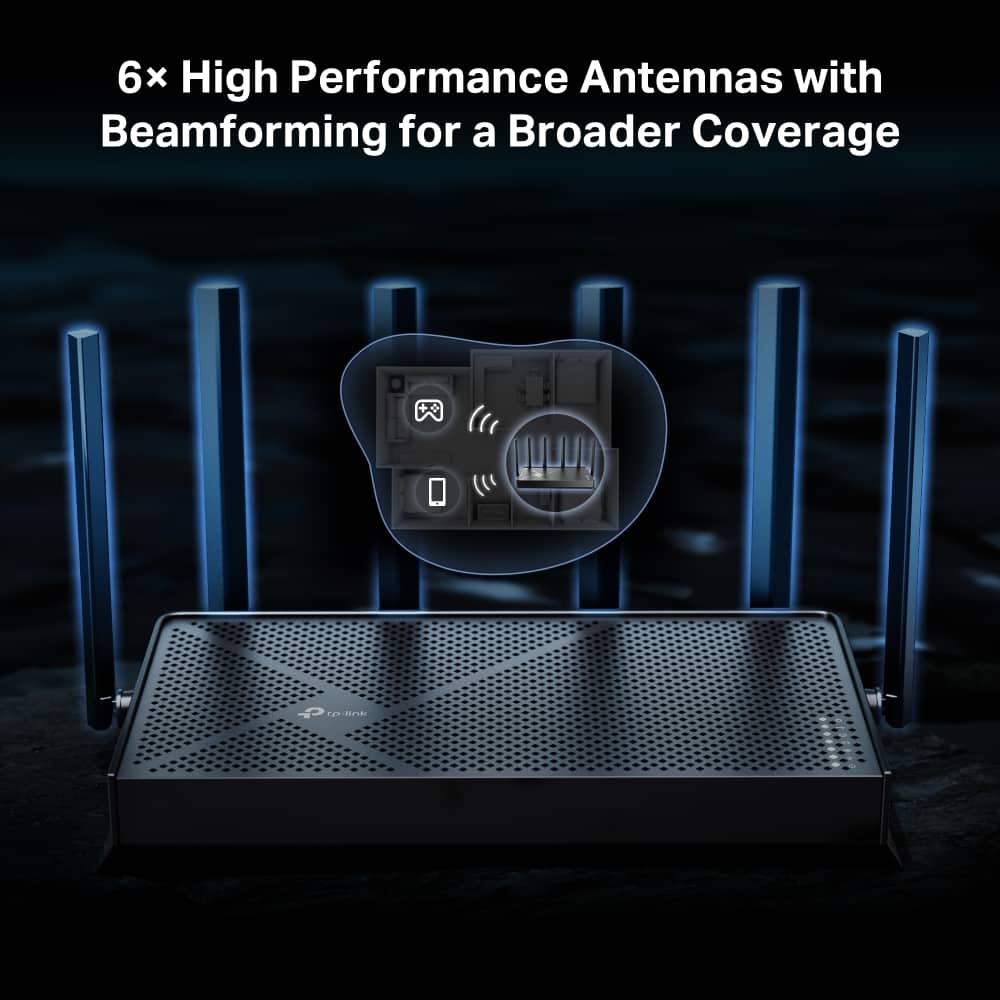
  • QuestionHow many antennas does the Archer BE6500 router have?

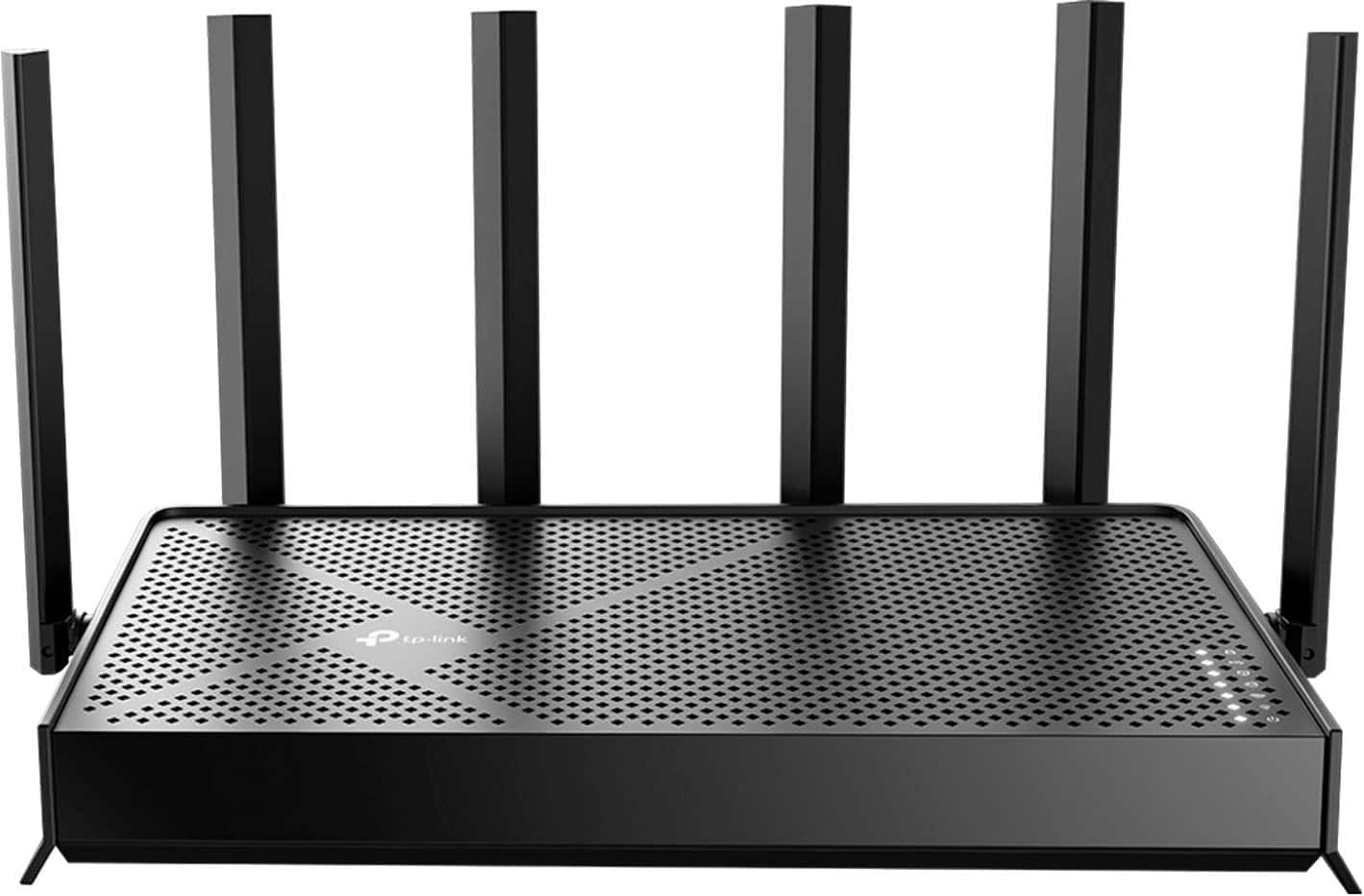
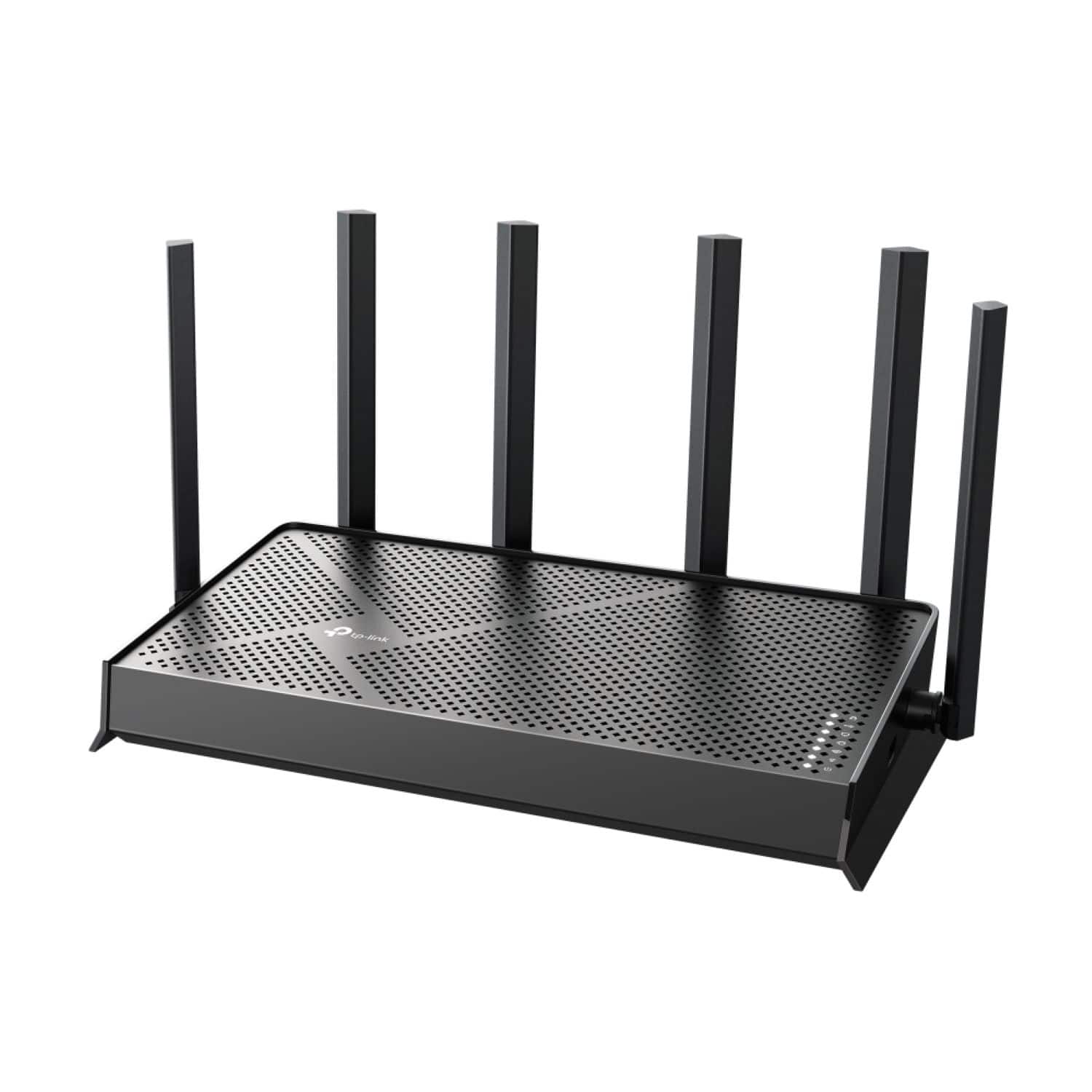
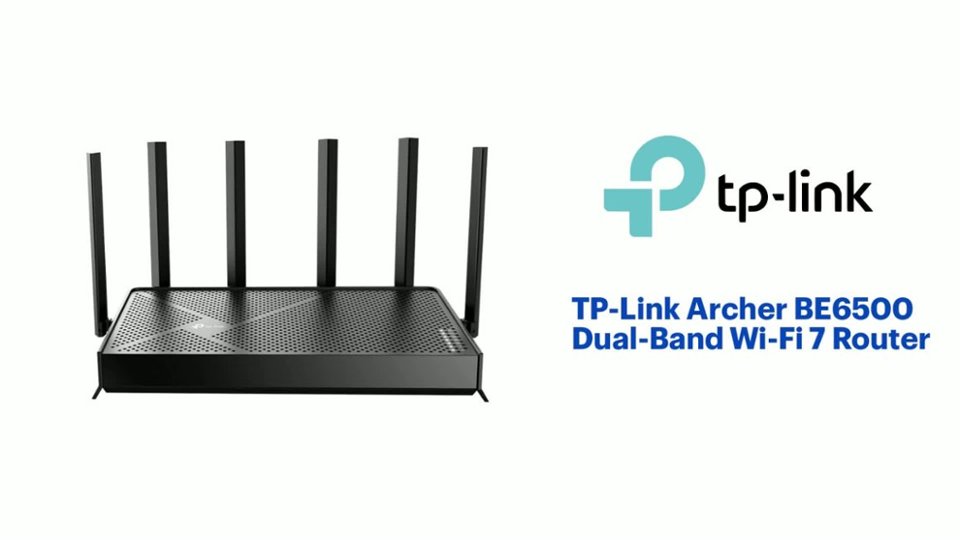
    • Answer The Archer BE6500 router is equipped with 6 high-performance antennas.
    This question and answer was generated by AI based on customer and product data.
  • QuestionDoes this router work with any internet service provider?

    • Answer Yes, this router is compatible with all internet service providers.
    This question and answer was generated by AI based on customer and product data.
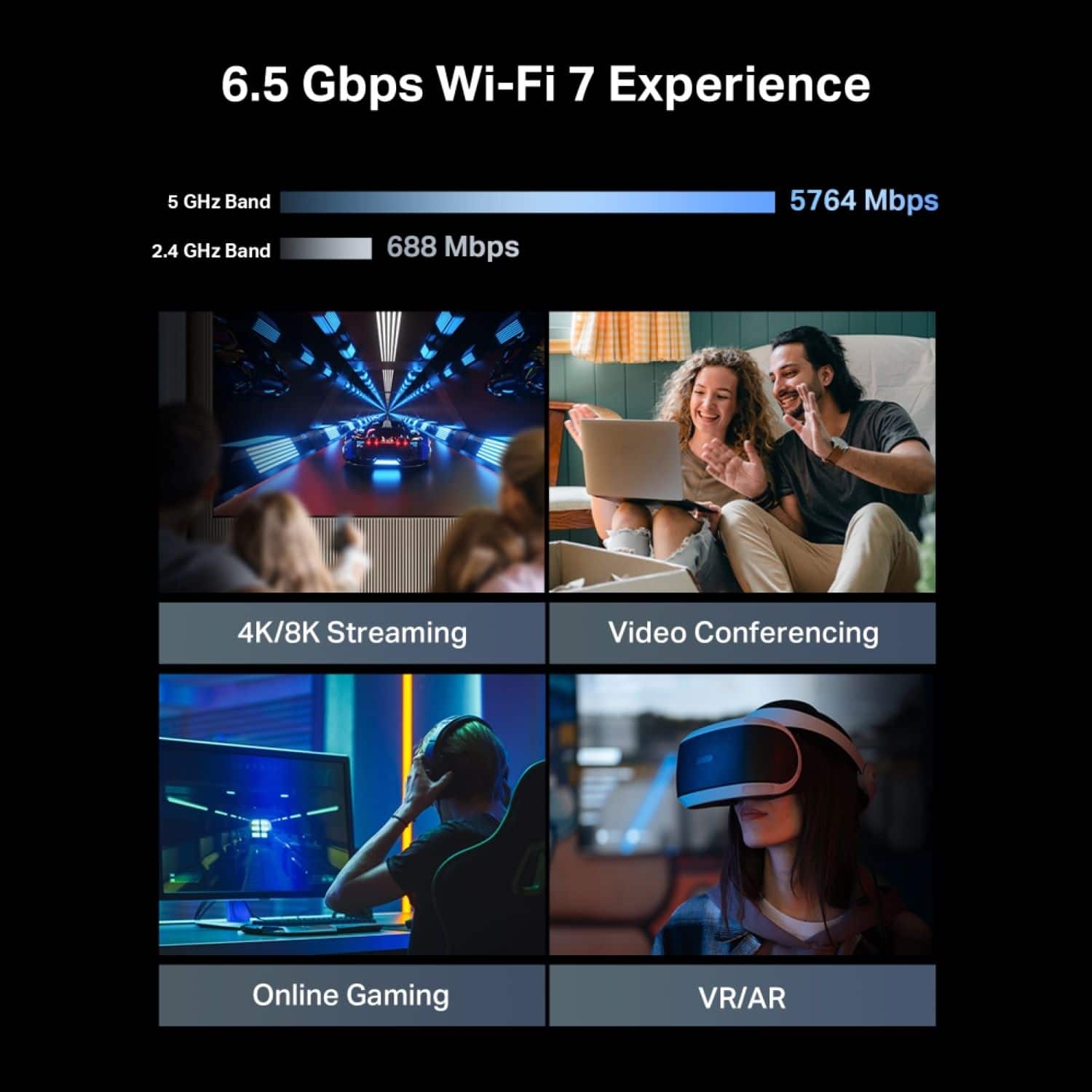
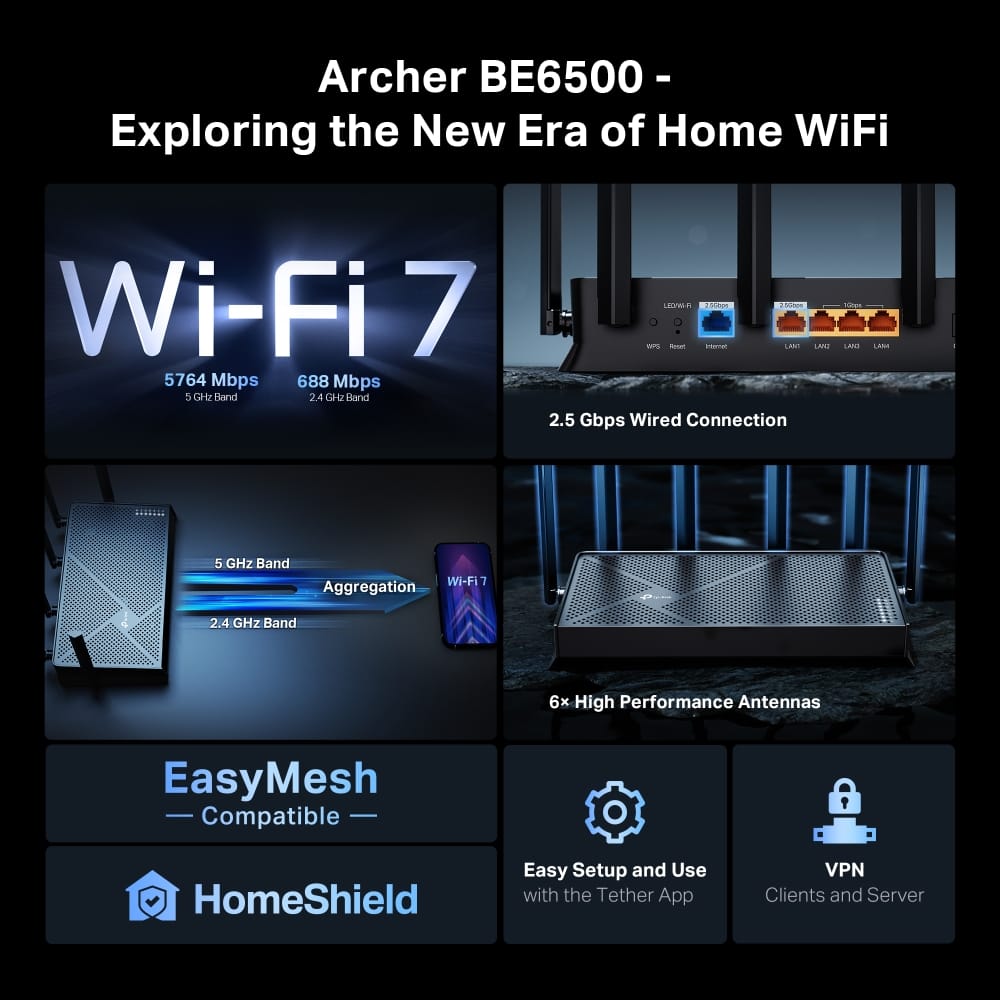
  • QuestionWhat is the maximum Wi-Fi speed this router can deliver?

    • Answer This router can deliver speeds up to 6500 Mbps.
    This question and answer was generated by AI based on customer and product data.

  • QuestionWhat is the function of Multi-Link Operation technology in this router?

    • Answer The Multi-Link Operation technology allows the router to connect to multiple channels simultaneously, increasing speed and connection stability.
    This question and answer was generated by AI based on customer and product data.

  • QuestionDoes this router support VPN connections?

    • Answer Yes, this router supports VPN clients and servers.
    This question and answer was generated by AI based on customer and product data.

  • QuestionCan I use this Router to stream to Twitch from an Xbox series S?

    Asked by Anonymous.

    • Answer Hi! This router is designed to provide a Wi-Fi 7 gateway between your Internet service and your home network devices. Whether or not you can stream from a device to a service will depend on whether your streaming device meets the requirements for the streaming service and whether your Internet speed plan is sufficient for your streaming needs.

      Answered by TPLinkSupport

  • QuestionWhy no firewall?

    Asked by DanM.

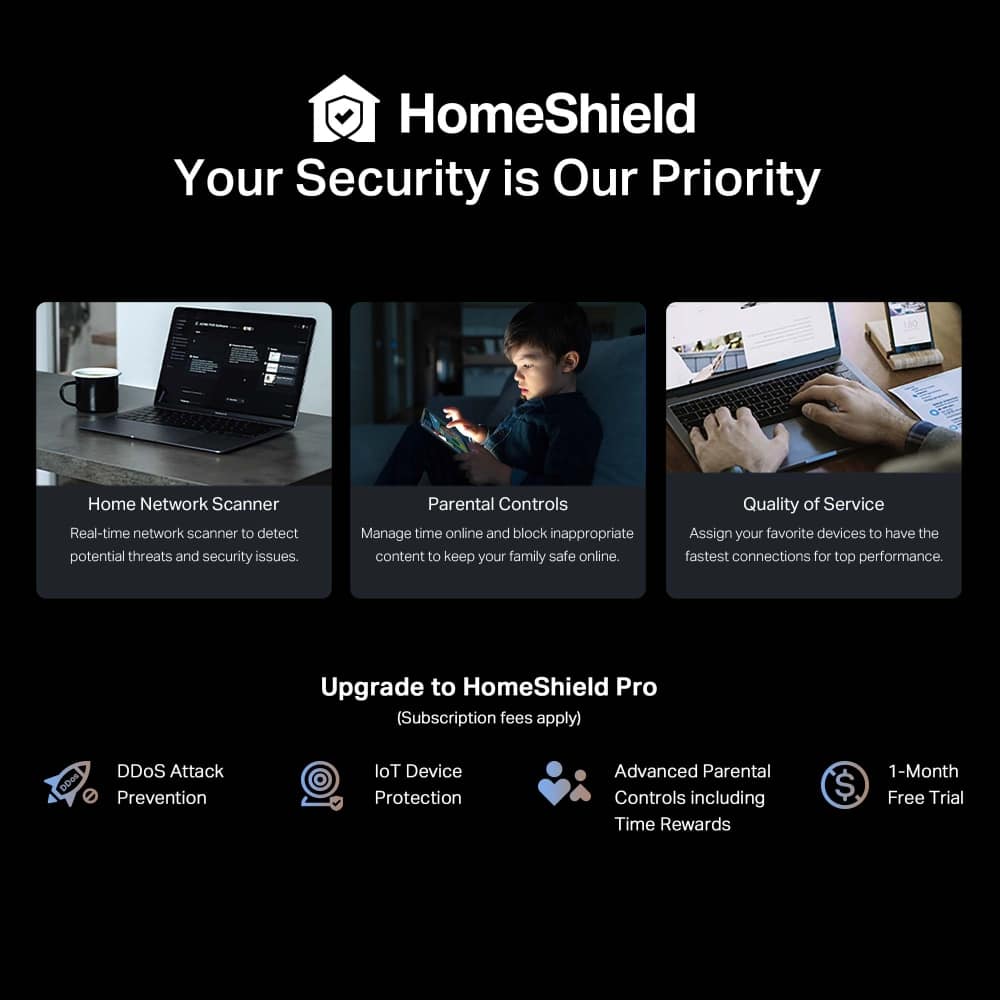
    • Answer Hi DanM, The Archer BE6500 Dual-Band Wi-Fi 7 Router includes an SPI Firewall, which is on by default. Additionally, it offers the optional HomeShield Security suite, which includes features such as Real-Time IoT Protection, Malicious Site Blocker, Intrusion Prevention System, DDoS Attack Prevention, and Home Network Scanner.

      Answered by TPLinkSupport

  • QuestionDoes it work with optima cable

    Asked by Richard.

    • Answer Hi Richard, Yes, as long as the router is connected directly to your Internet source (e.g., modem) via Ethernet cable.

      Answered by TPLinkSupport

  • Questionis this comptible with spectrum modem?

    Asked by jaime.

    • Answer Hi Jaime, Yes, you can conveniently connect the Archer BE6500 Wi-Fi 7 Router to your existing Spectrum modem via Ethernet.

      Answered by TPLinkSupport

  • QuestionWith this router help with upstairs buffering. I have a t and t with their gateway and hoping this solves my problem

    Asked by Tommy.

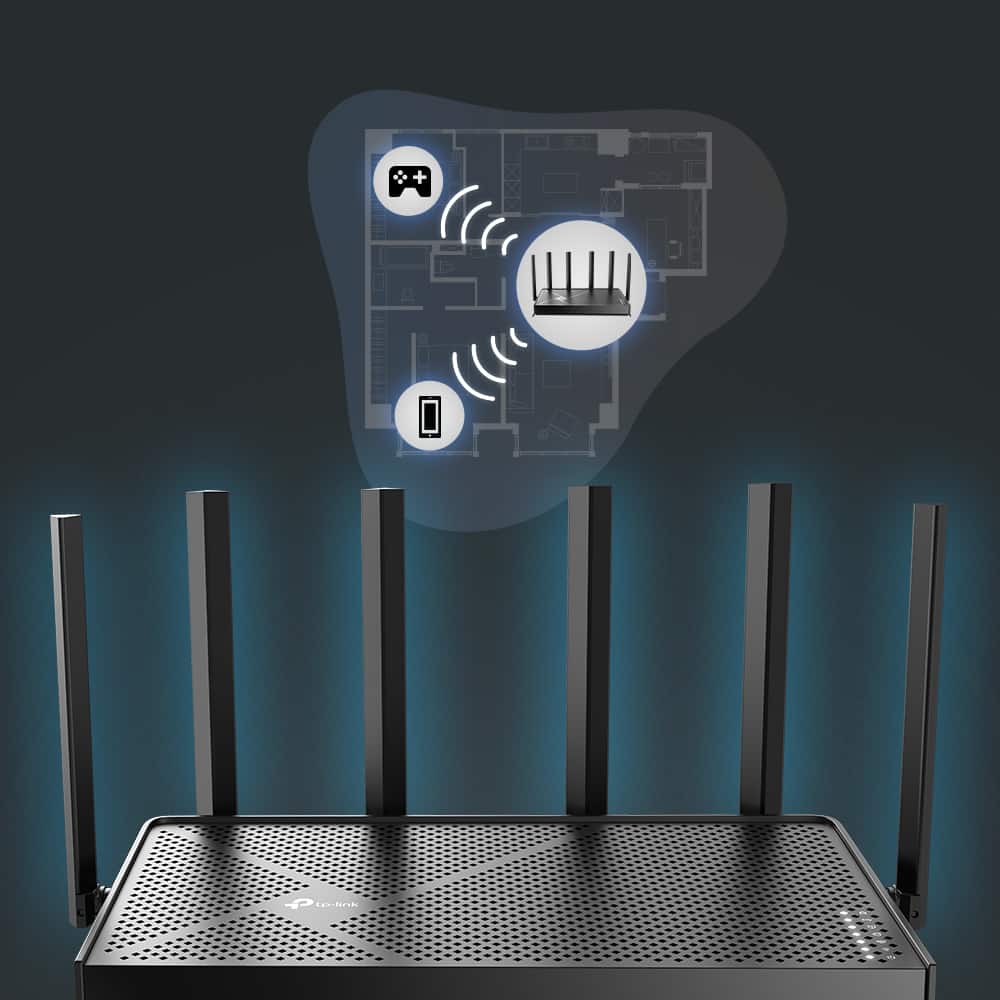
    • Answer Hi Tommy, There are numerous variables within a home network that can impact your router's Wi-Fi signal strength. If your router is too far from your upstairs area, or is not providing sufficient signal despite being within adequate range, a more powerful router can help. However, in some cases, relocating the router, or considering a Mesh Wi-Fi solution, such as our Deco Mesh Systems, may be worthwhile.

      Answered by TPLinkSupport

  • QuestionAre automatic firmware updates included?

    Asked by larkimi.

    • Answer Hi larkimi, Yes, the Archer BE6500's feature set includes Automatic Firmware Upgrades.

      Answered by TPLinkSupport

  • QuestionWill this router wall mount or just shelf

    Asked by Anonymous.

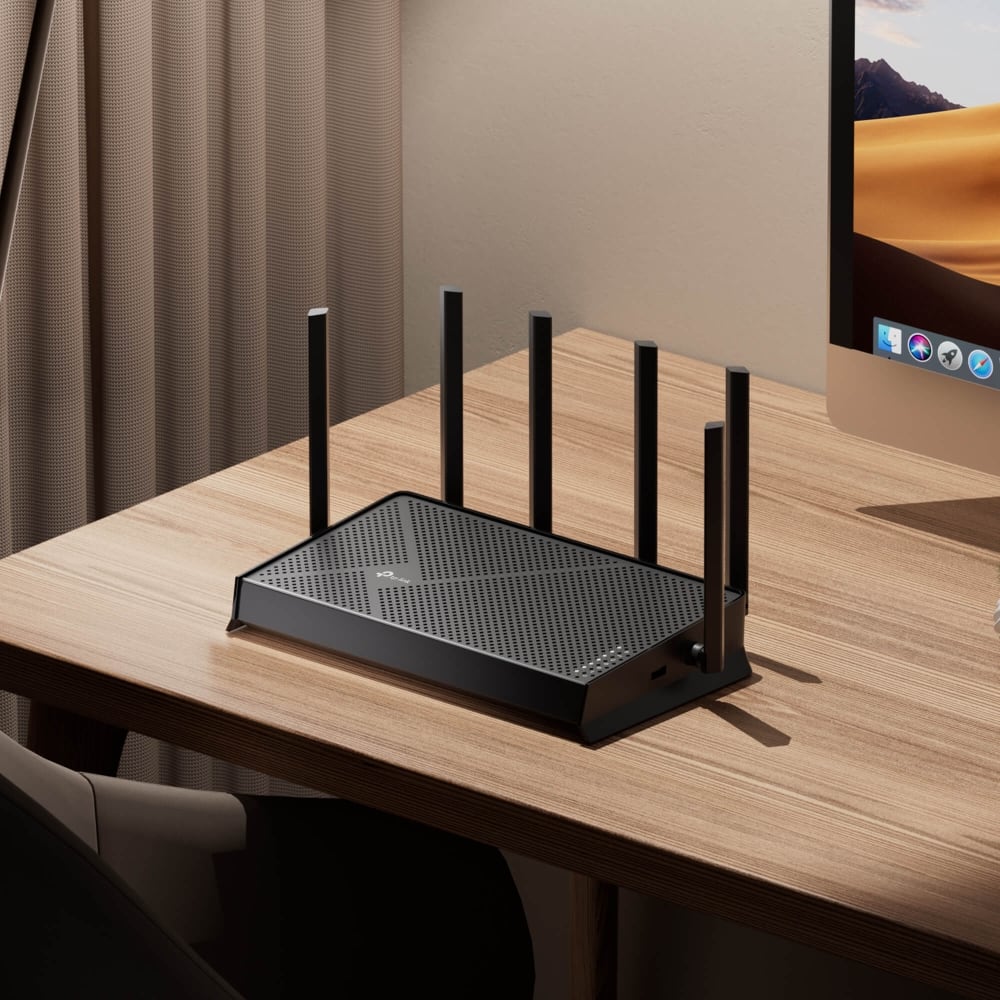
    • Answer Hi, The router can be wall- or shelf-mounted for your convenience. The included installation guide provides intuitive instructions for wall mounting.

      Answered by TPLinkSupport

  • QuestionDo I need internet already or does this provide internet by itself?

    Asked by Cody.

    • Answer Hi Cody, To access the Internet through the router, it needs to be connected to an existing Internet source (e.g., modem, ONT, gateway) via an Ethernet cable.

      Answered by TPLinkSupport

  • QuestionCan i use as my main router and extend to the bassemnet using a Deco X50

    Asked by Rolling.

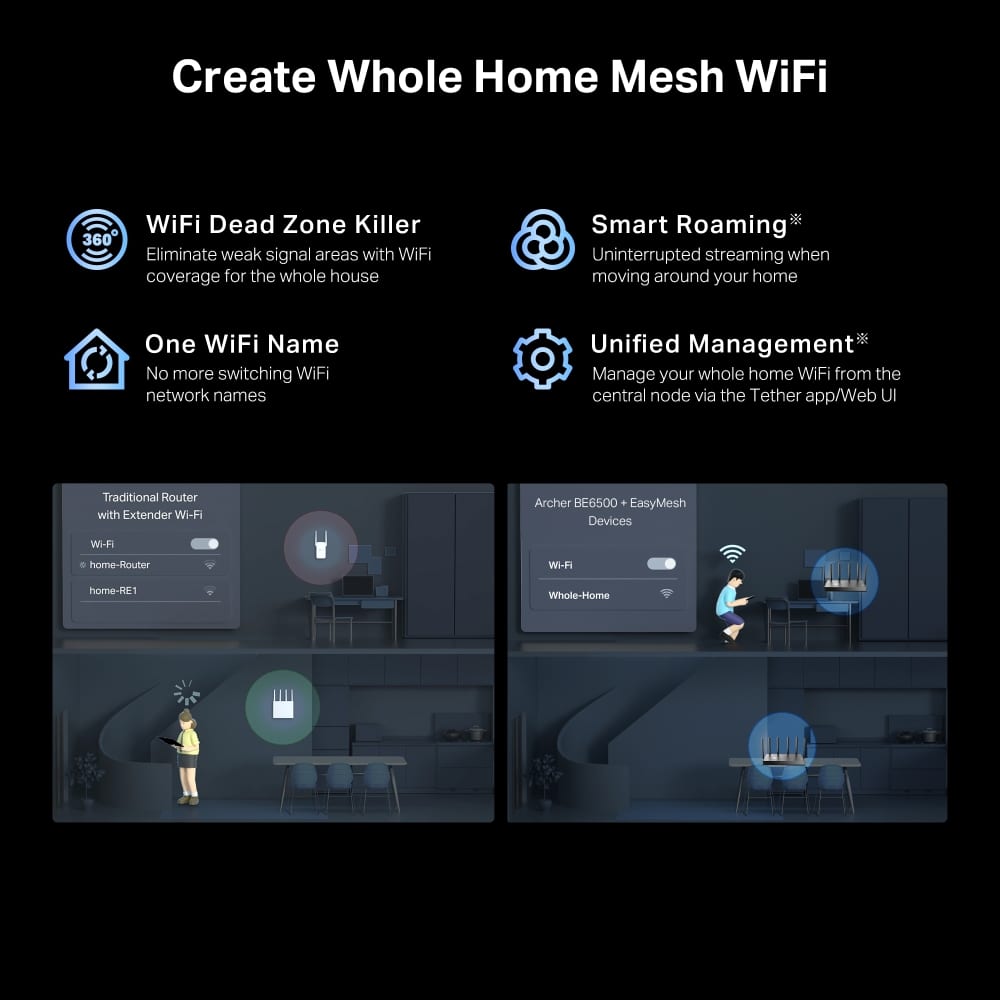
    • Answer Hi Rolling, While both Archer and Deco systems can be used in the same network, they utilize separate feature sets and apps. The Deco X50 will not directly mesh with the Archer; however, it can be used in Access Point Mode if connected via Ethernet cable to your network. Otherwise, if you prefer to maintain a Mesh Wi-Fi experience, we recommend using a Deco Mesh model as your primary router.

      Answered by TPLinkSupport

  • QuestionIs this compatible with tp-link Deco BE11000 mesh?

    Asked by Salp.

    • Answer Hi Salp, This Archer BE6500 Wi-Fi 7 Router is not compatible with the Deco app or Deco-exclusive features. If you intend to expand an existing Deco Mesh network, we highly recommend introducing an additional Deco node for best results.

      Answered by TPLinkSupport

  • QuestionDoes this work good with Starlink? Is there a speed drop?

    Asked by Shane.

    • Answer Hi Shane, The Archer BE6500 would be a great addition to your Starlink Internet service. For helpful information and instructions, please visit our TP-Link Community Article on Connecting Your Archer Router to a Starlink Gateway: https://community.tp-link.com/us/home/kb/detail/412532

      Answered by TPLinkSupport

  • QuestionDoes this support 6ghz WiFi?

    Asked by Benjamin.

    • Answer No, as a dual-band router the BE6500 support 2.4 and 5GHz only.

      Answered by TPLinkSupport

  • QuestionCan I create a guest network on this router?

    Asked by Solara.

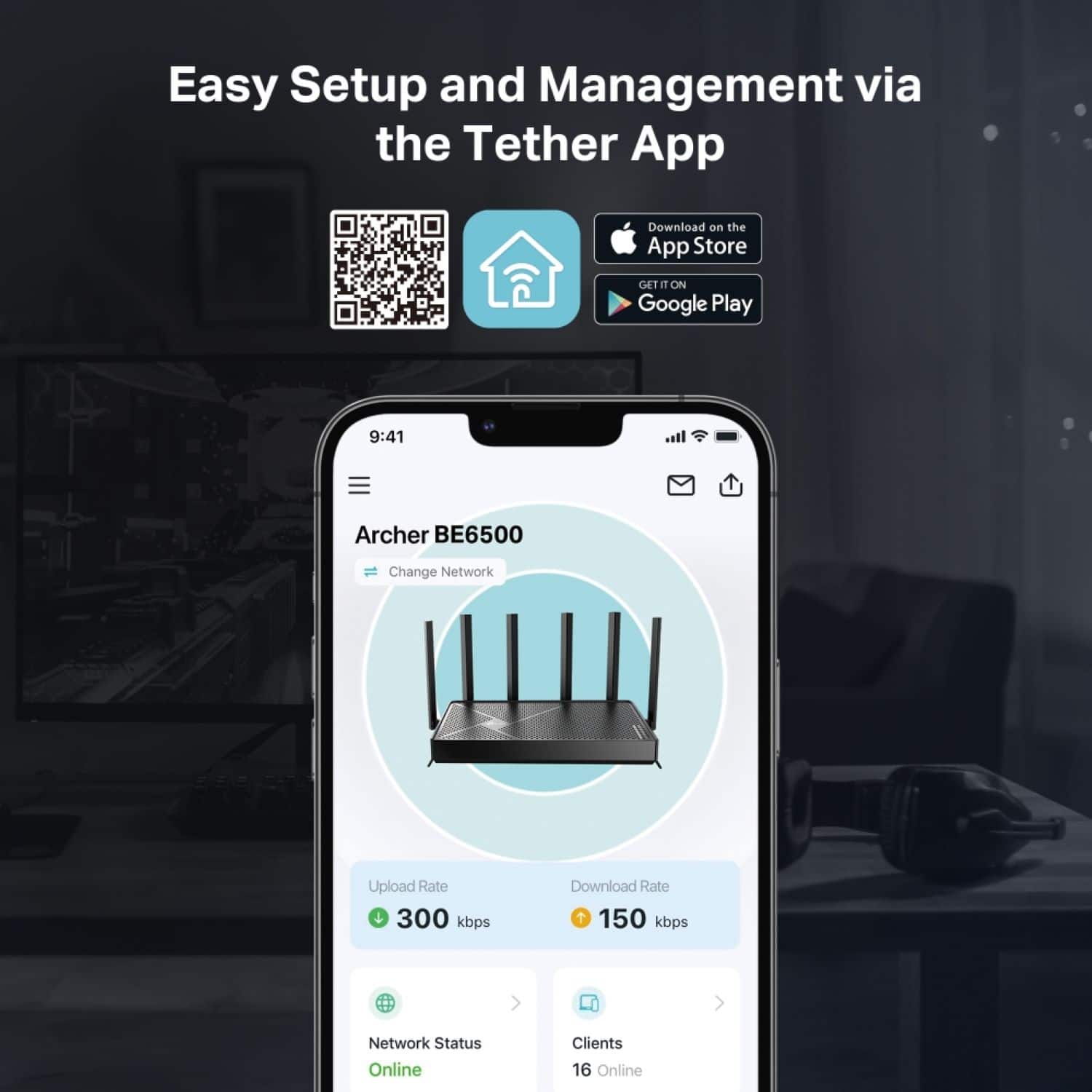
    • Answer Hi Solara, Yes, the Archer BE6500 supports Guest Network functionality, which you can conveniently set up and manage using the TP-Link Tether app or a web browser.

      Answered by TPLinkSupport