Questions & Answers
- Model:
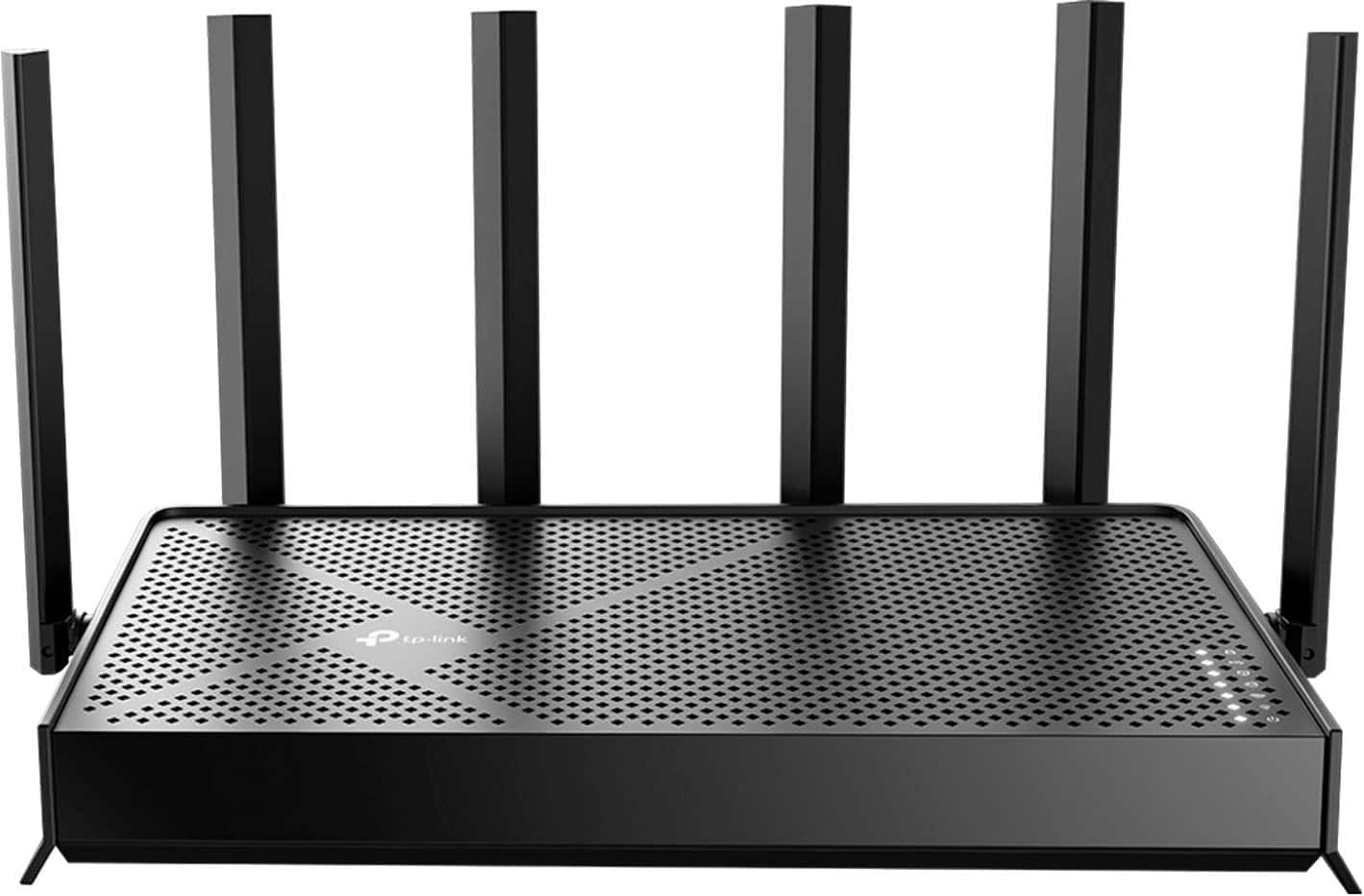
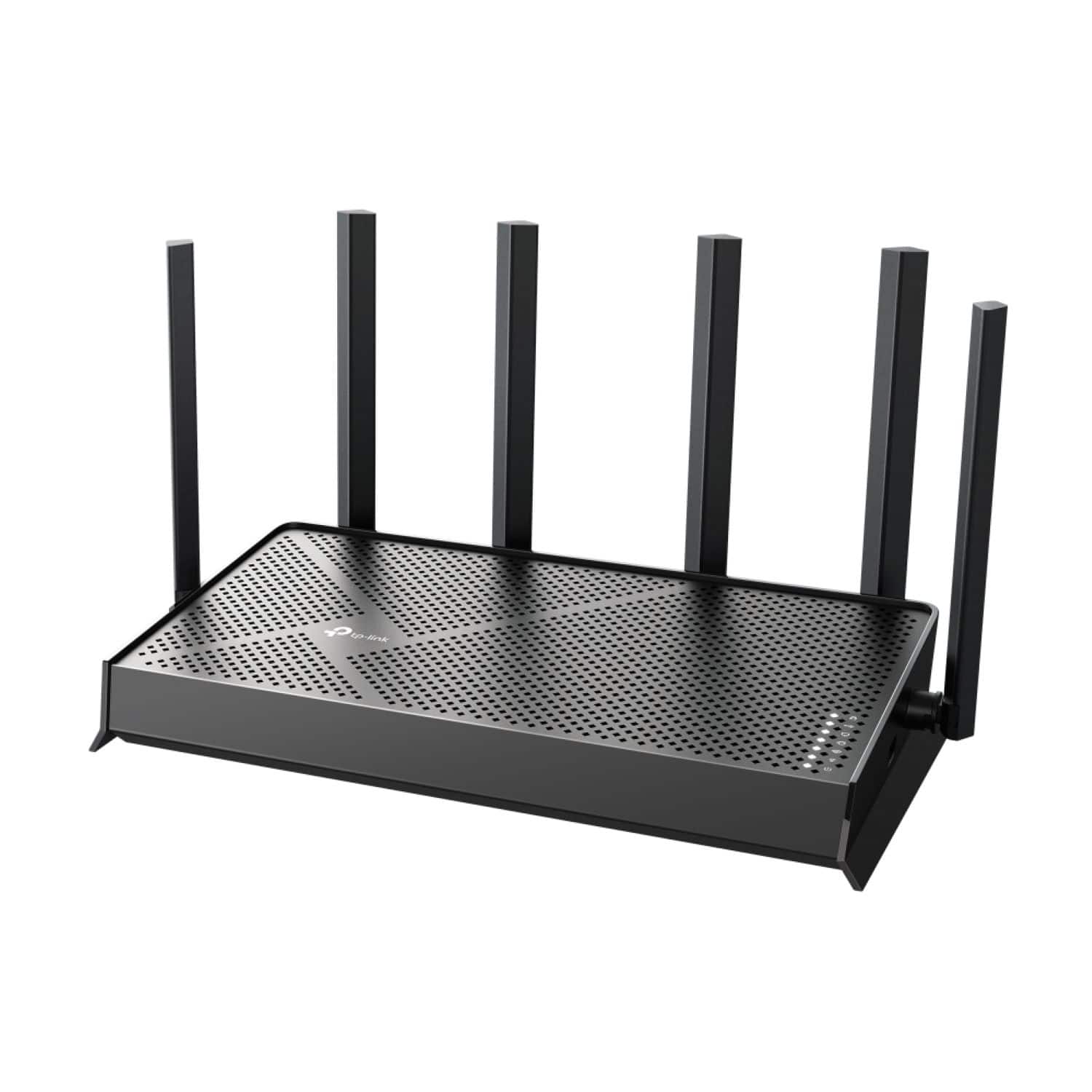
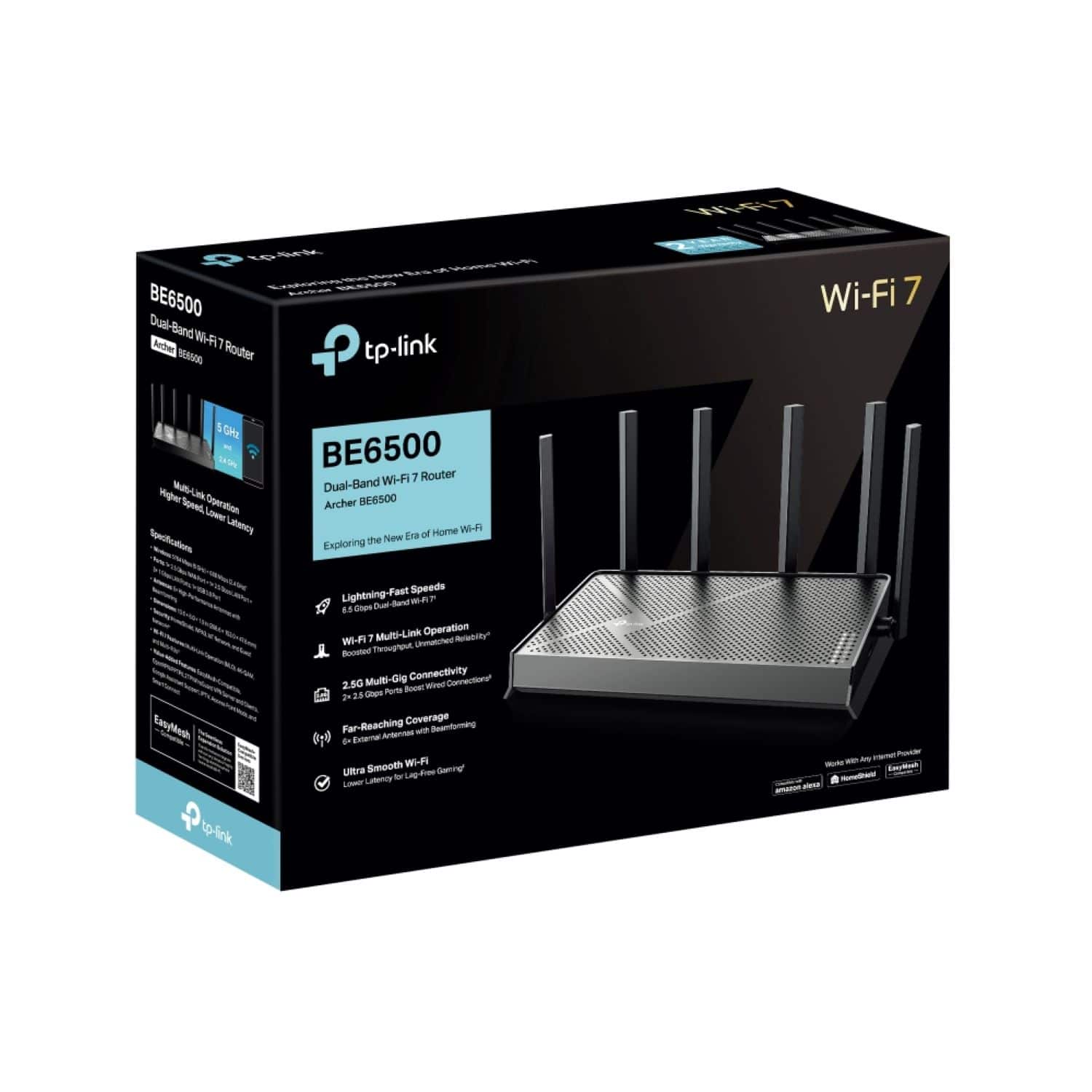
- Archer BE6500
- |
- SKU:
- 6583791
Highly rated by customers for: Setup, Speed, Overall Performance
$179.99Your price for this item is $179.99
Page Showing 21-28 of 28 questions
Q: QuestionDoes this auto switch from 2.4 to 5?
Asked by Guy.

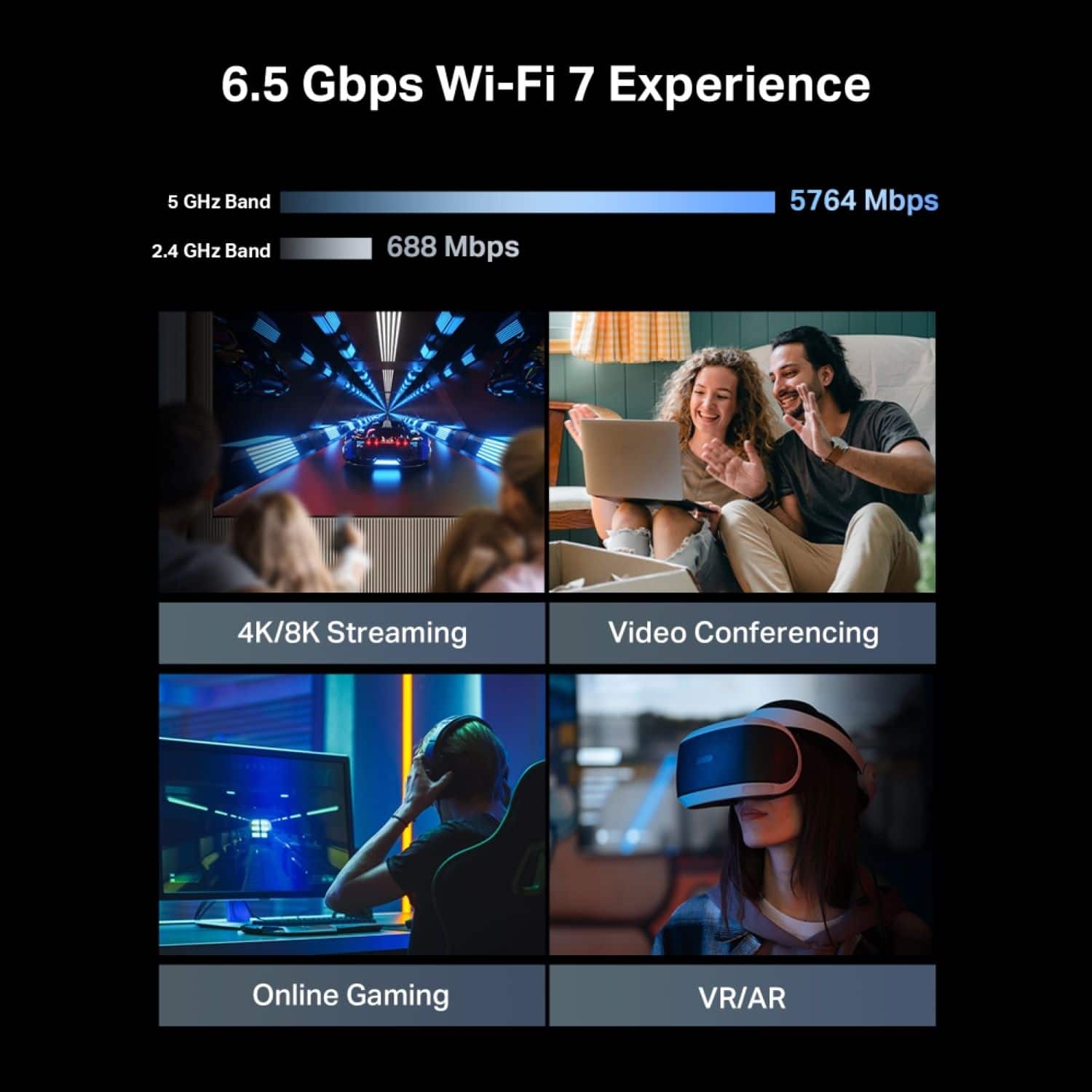
- A:Answer If you have smart connect enabled then yes. Then you only see one network . And if disabled you willl see the 2.4 and 5g
Answered by GordonW
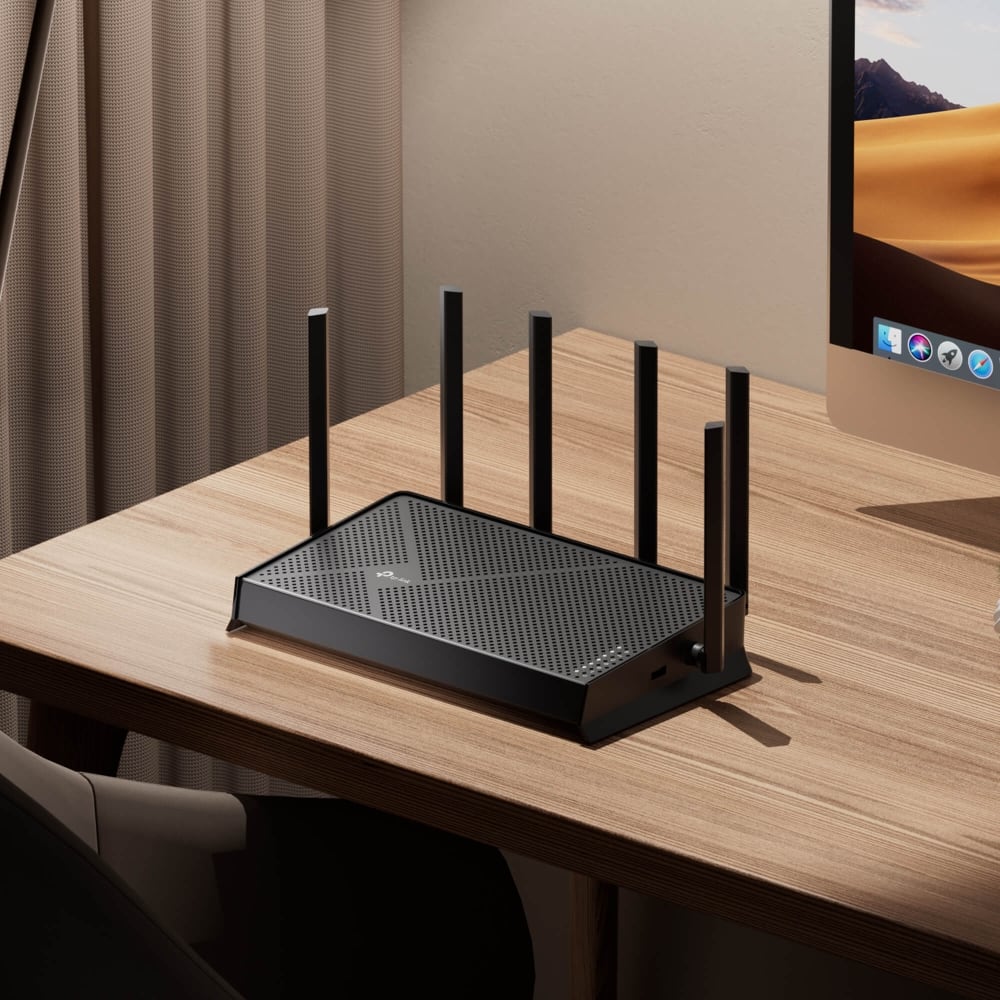
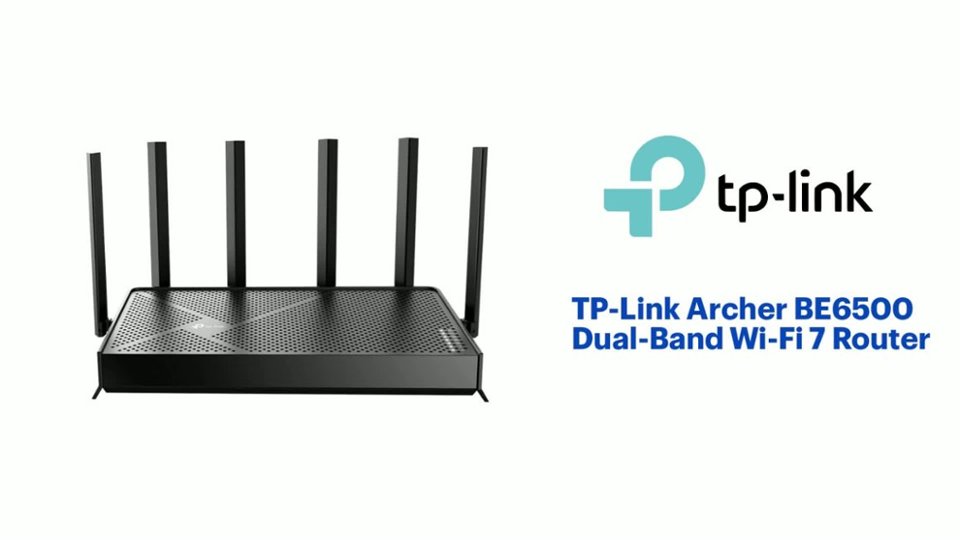
Q: QuestionDoes this router, the Archer BE6500 Dual-Band Wi-Fi 7 Router, support windows 10?
Asked by Anonymous.
- A:Answer Yes also the compatibility lies within the network adapter also wifi 7 is backwards compatible
Answered by GordonW
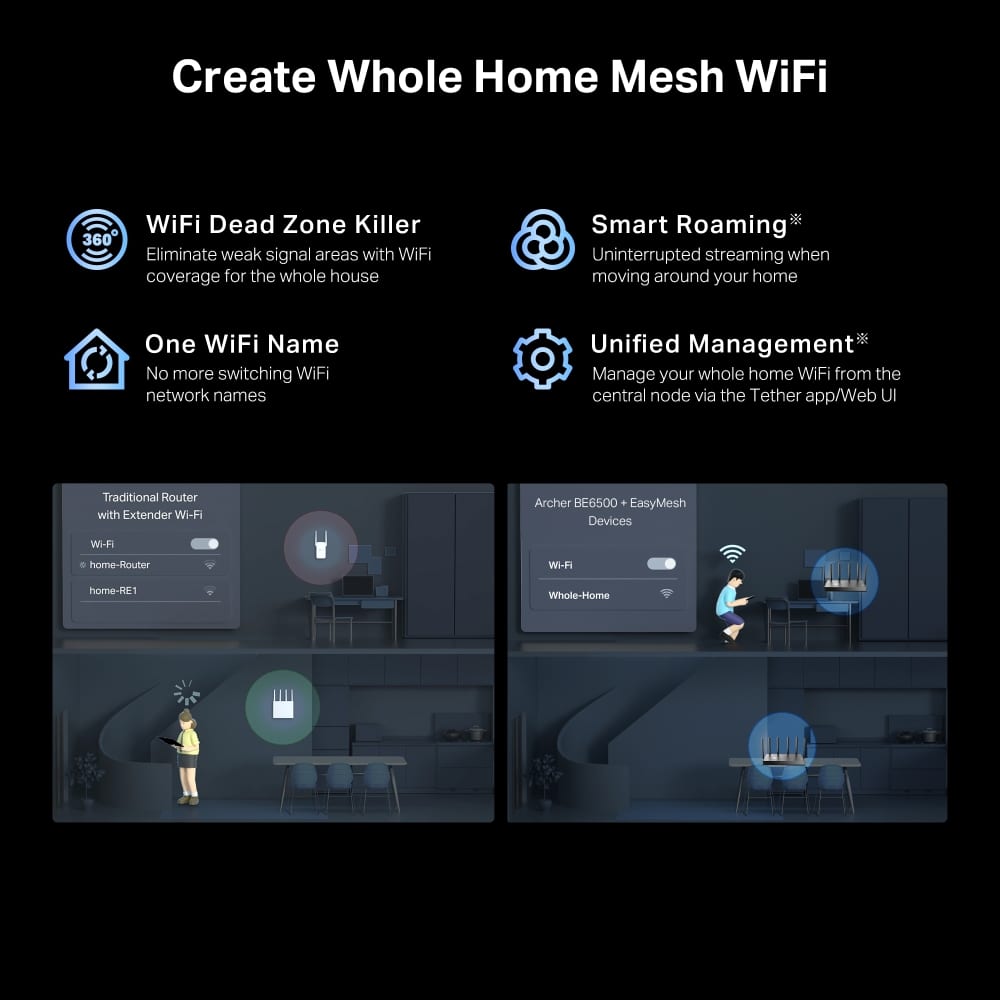
Q: QuestionWill PowerLine extenders work with this router?
Asked by Pete.
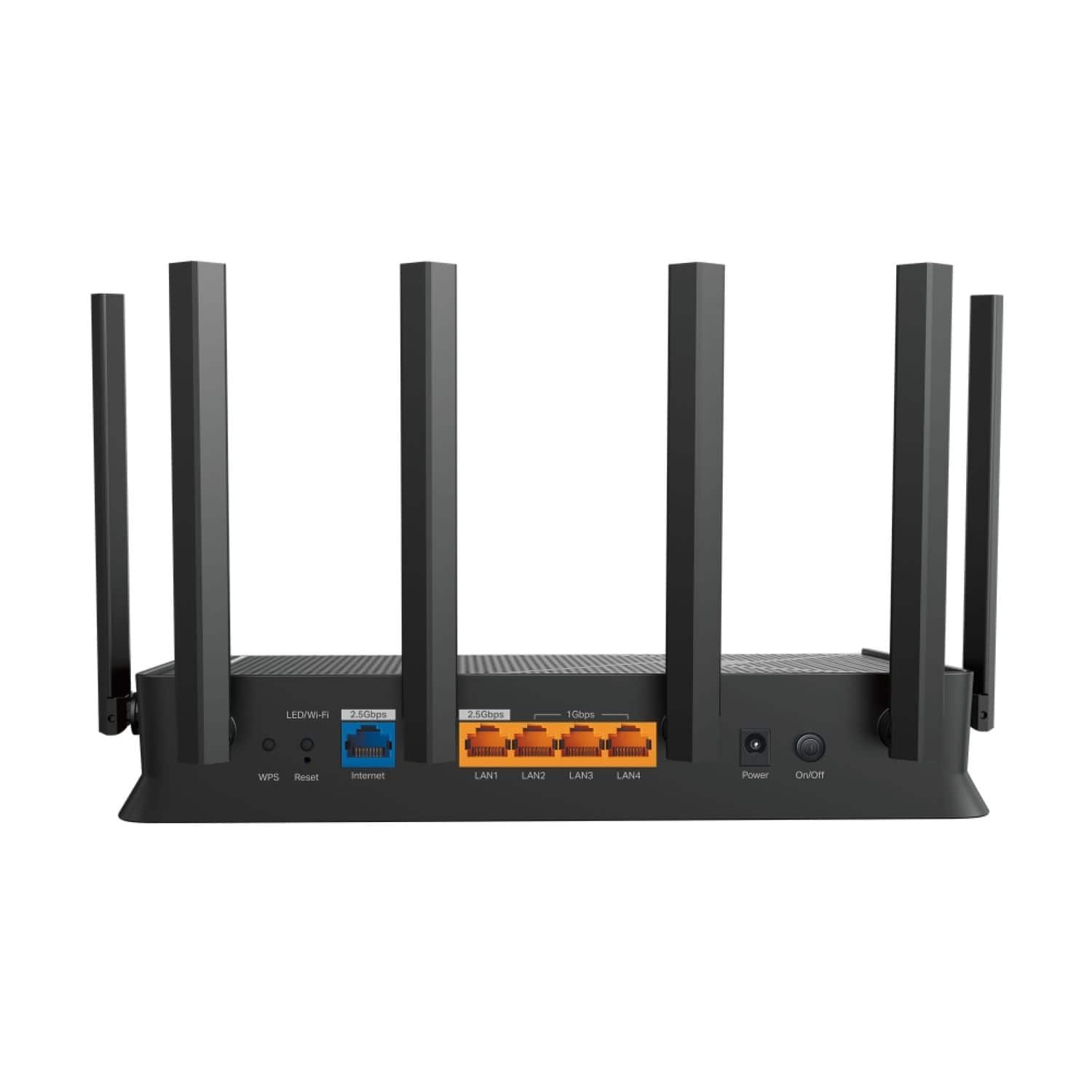
- A:Answer Hi Pete, Yes, as long as one of the Powerline adapters is connected to the router via LAN/Ethernet.
Answered by TPLinkSupport

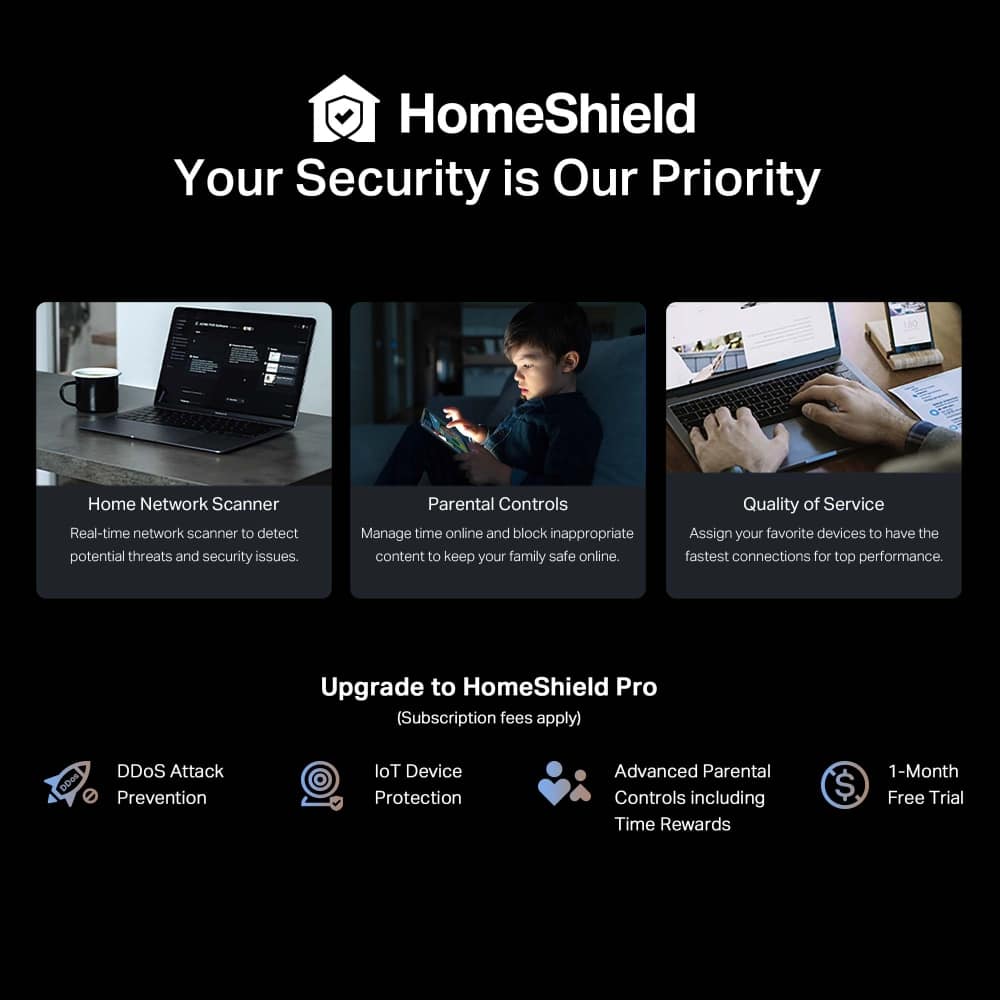
Q: QuestionDoes it have a monthly payment that I have to pay if so how much does it cost ?
Asked by Keon.
- A:Answer No monthly payment
Answered by BriB
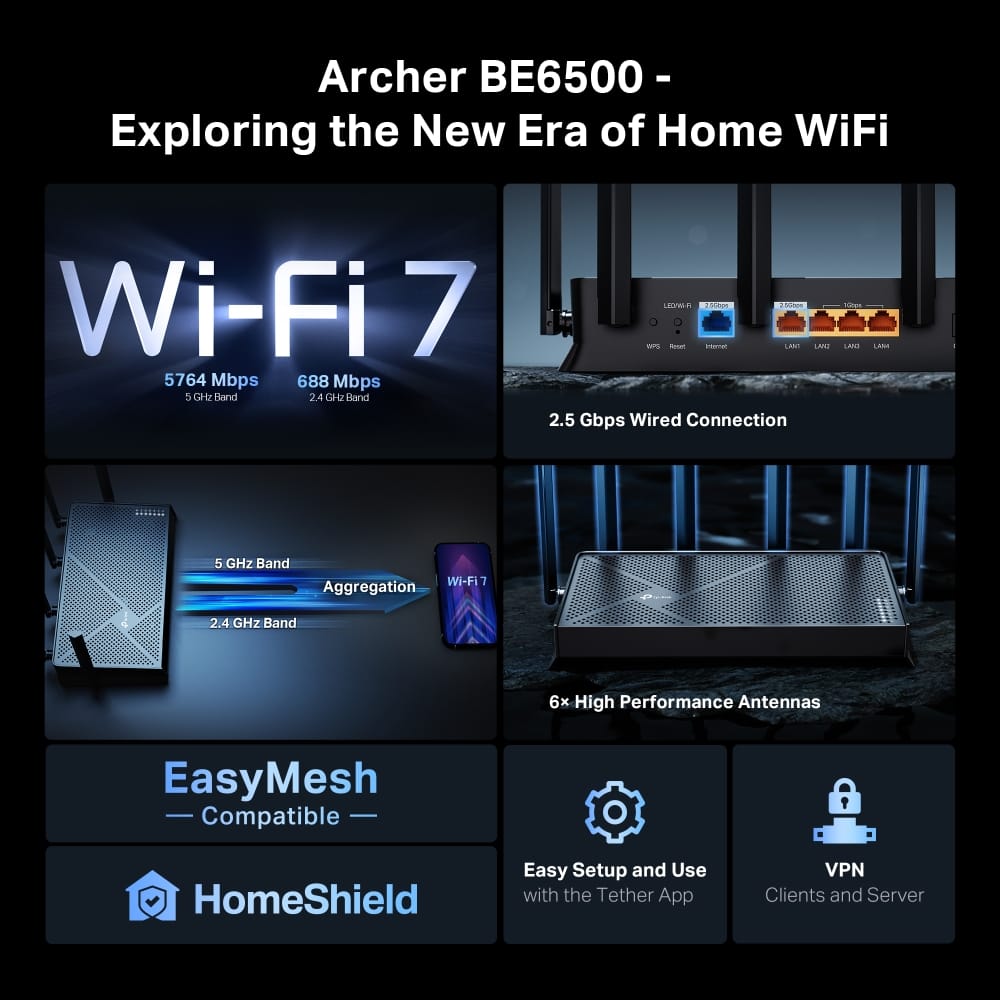
Q: QuestionDoes this have built in VPN? Like can I go in the router settings and set a location and which devices on the network use that location?
Asked by tooler82.
- A:Answer Yes but you have to subscribe with a vpn service and set it up
Answered by GordonW
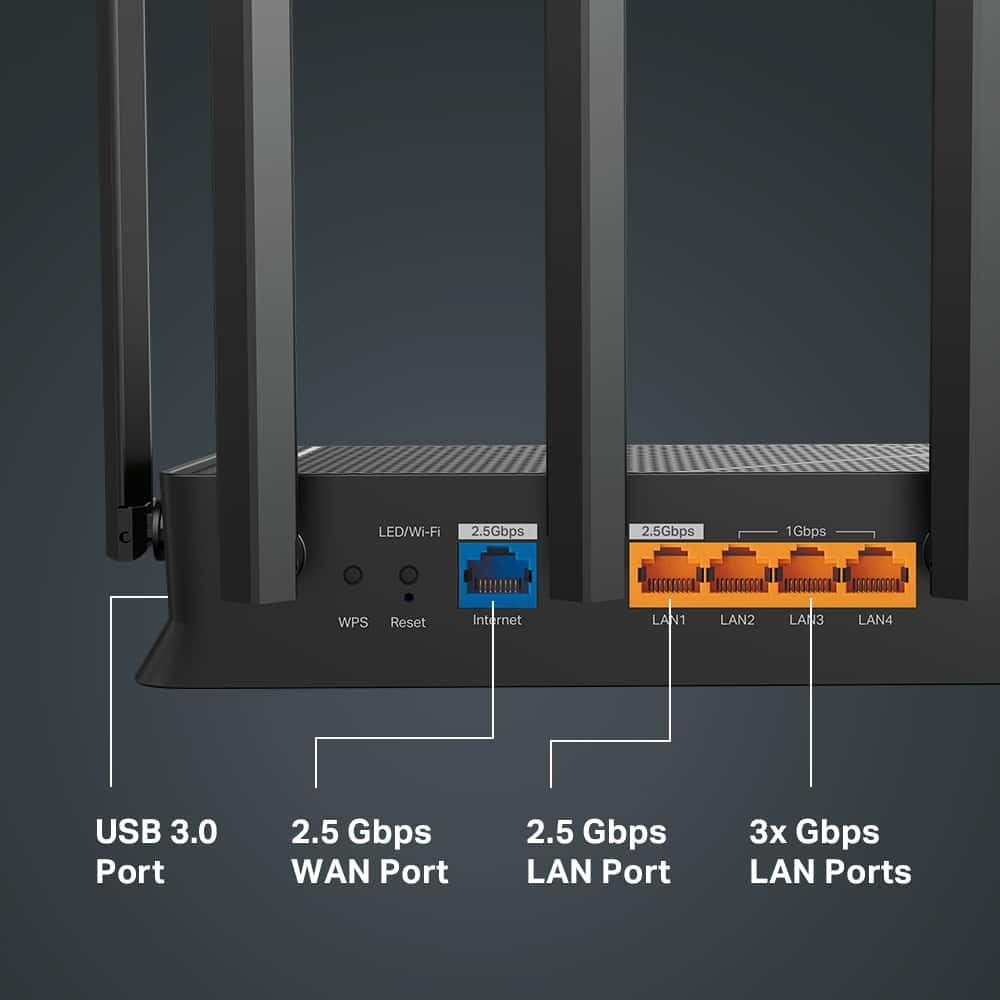
Q: QuestionCan anyone tell me the length of the AC power cord and the network cable that are included with the device?
Asked by Cords.
- A:Answer Power cord is 4ft - it doesnt come with a network cable
Answered by Bzn1
Q: QuestionIs this DOCSIS 3.1? I would think this info would have been in the specs, but sadly not.
Asked by MOTIONMAN.
- A:Answer No. DOCSIS 3.1 is a standard for modems. This is a router only.
Answered by Anonymous
Q: QuestionWhat is the maximum amount of concurrent devices?
Asked by Ismel.
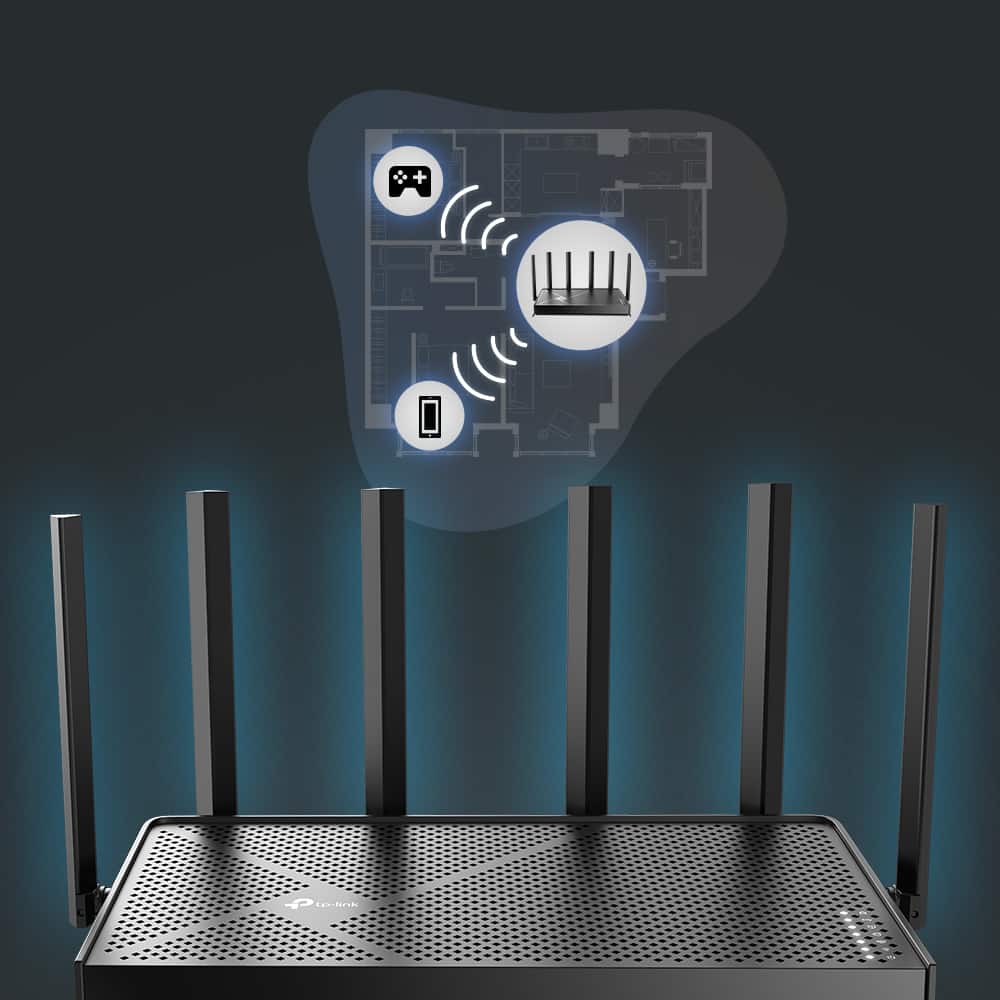
- A:Answer Maximum concurrent connections can vary depending on numerous elements within your network environment, including, but not limited to, Placement of the router, overall demand on bandwidth from each band, how many clients are connected to each band, interference and congestion from nearby Wi-Fi networks, and more. Generally, we suggest optimizing client distribution across the bands and ensuring the router's firmware is fully up to date for best results.
Answered by TPLinkSupport
Page 2, Showing 21-28 of 28 questions
Top Rated
- Black Friday Deal$229.99Your price for this item is $229.99
- Black Friday Deal$279.99Your price for this item is $279.99
- $89.99Your price for this item is $89.99$99.99The comparable value for this item is $99.99
- Black Friday Deal$99.99Your price for this item is $99.99
- Black Friday Deal$299.99Your price for this item is $299.99
- $192.99Your price for this item is $192.99
- Black Friday Deal$139.99Your price for this item is $139.99
- $259.99Your price for this item is $259.99$299.99The comparable value for this item is $299.99
- $199.00Your price for this item is $199.00
- Black Friday Deal$299.99Your price for this item is $299.99
- Black Friday Deal$189.99Your price for this item is $189.99
- $189.99Your price for this item is $189.99$229.99The comparable value for this item is $229.99
- Black Friday Deal$169.99Your price for this item is $169.99
- $199.99Your price for this item is $199.99
- $599.99Your price for this item is $599.99
- $89.99Your price for this item is $89.99$99.99The comparable value for this item is $99.99
- $69.99Your price for this item is $69.99$89.99The comparable value for this item is $89.99
- $1,999.99Your price for this item is $1,999.99
- $499.99Your price for this item is $499.99
- $179.99Your price for this item is $179.99$199.99The comparable value for this item is $199.99