Questions & Answers
- Model:
- Deco BE65 Pro(1-pack)
- |
- SKU:
- 6582070
Q: QuestionDo all 3 units have to be connected via Ethernet?
Asked by Candit96.
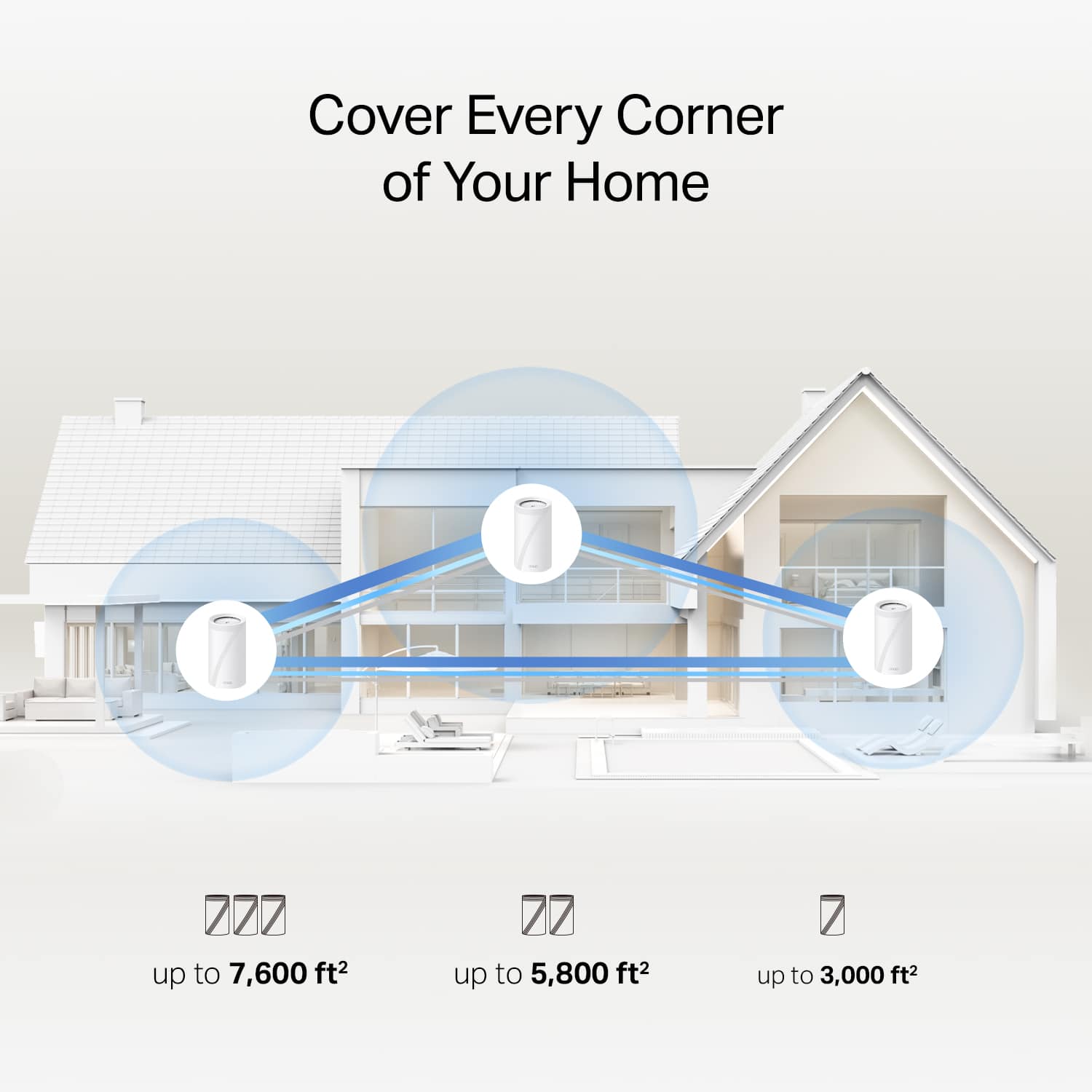
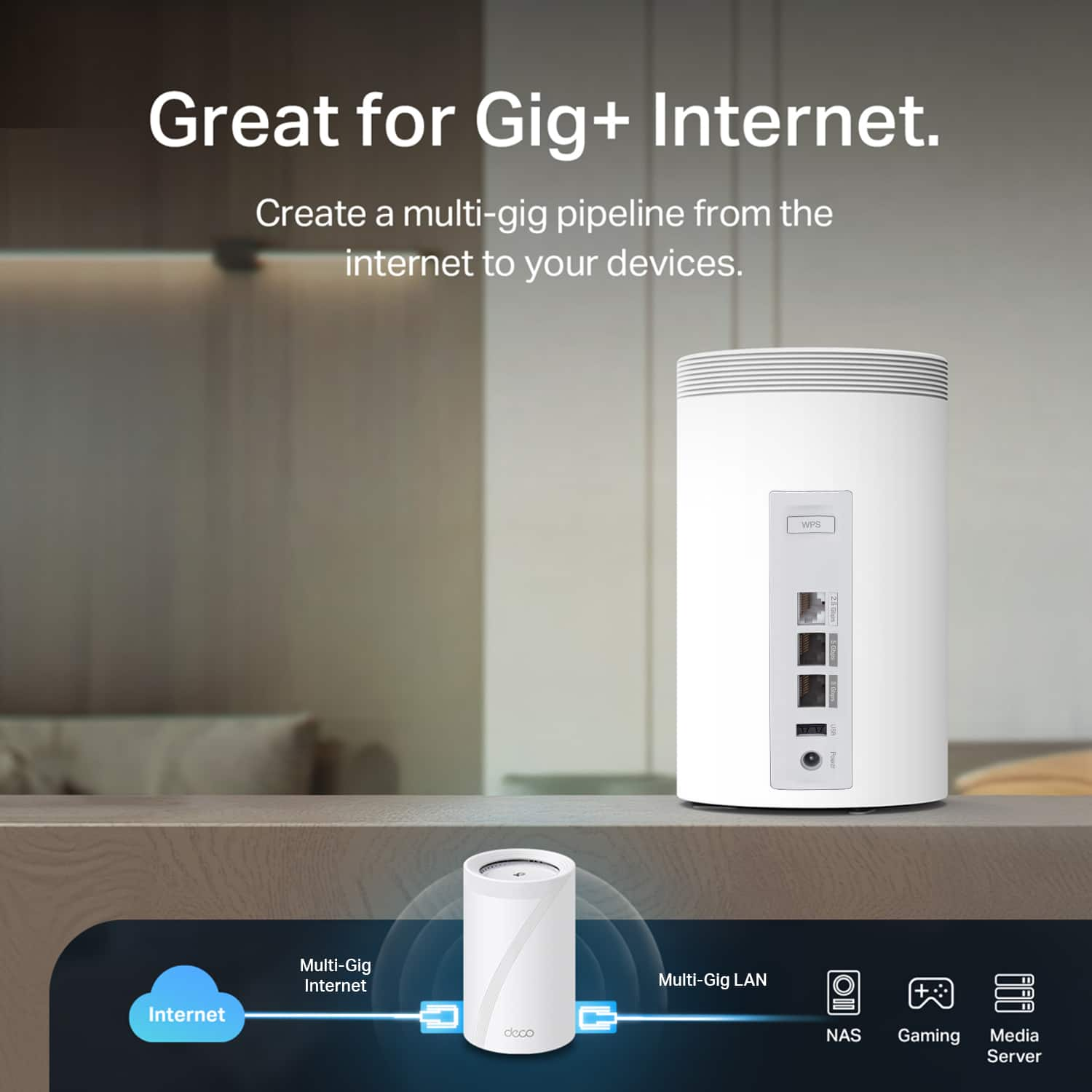
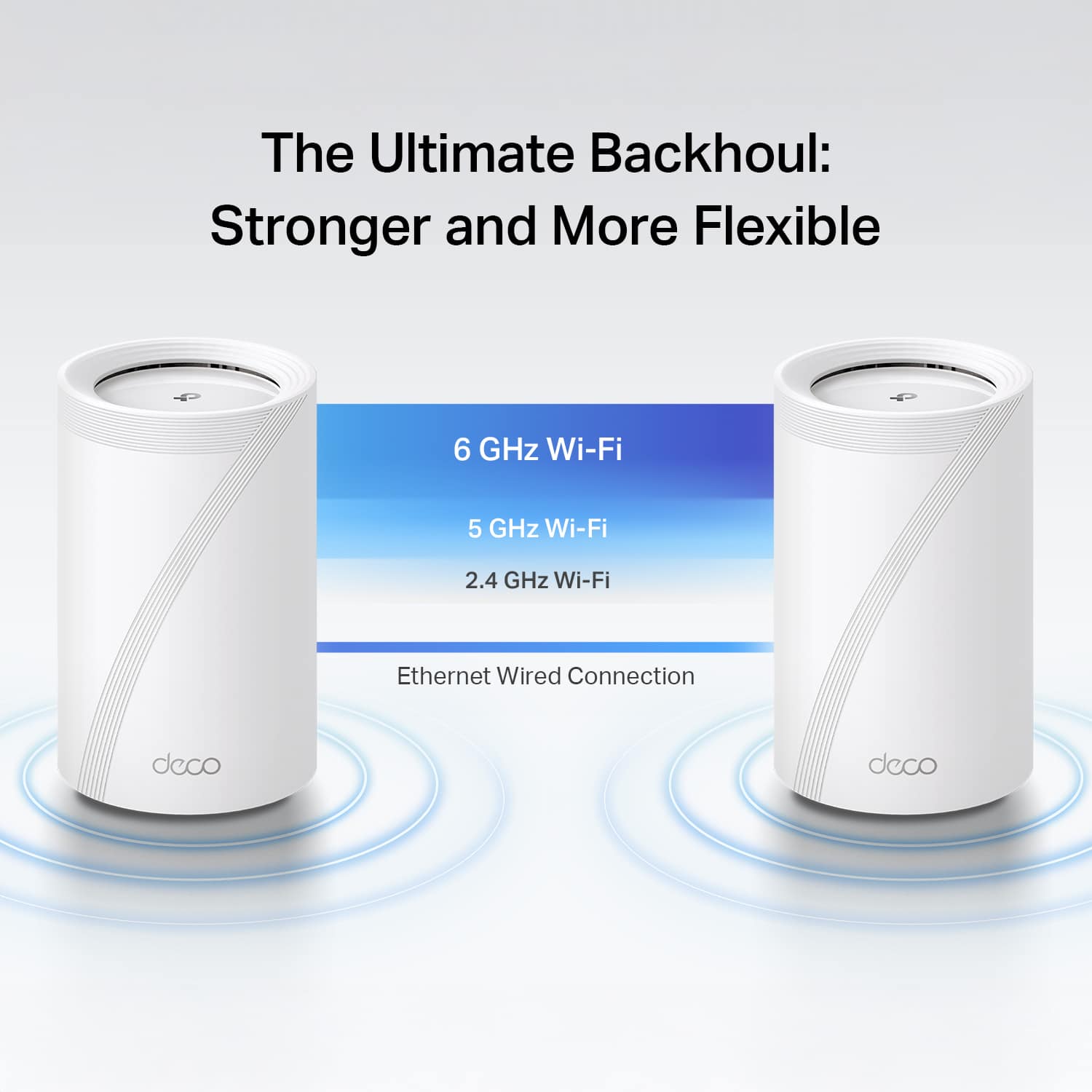
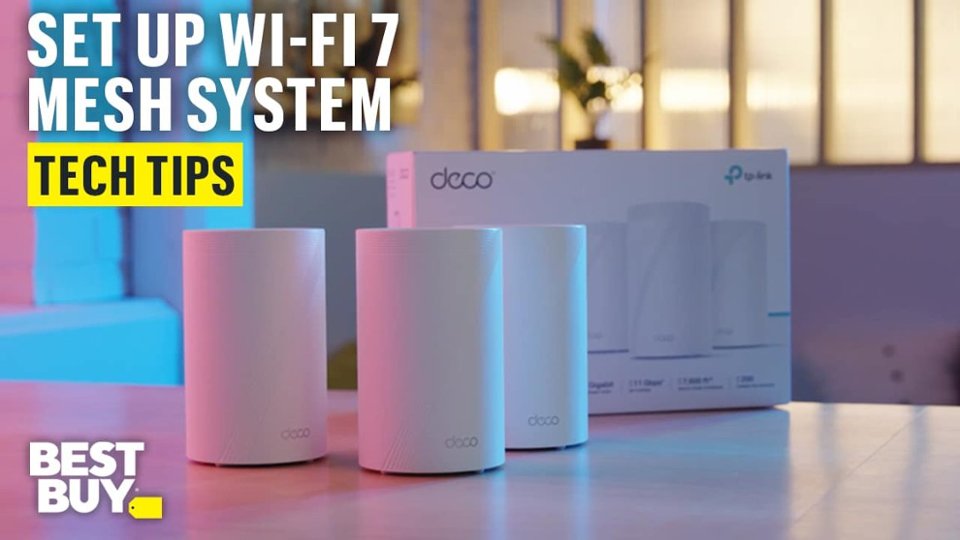
- A:Answer Hi Candit96, No, only the main Deco needs to be connected with Ethernet to your existing Internet source (e.g., modem, ONT, gateway). The remaining units can then connect using Mesh Wi-Fi.
Answered by TPLinkSupport

Q: QuestionCan you choose any device connected and force to use a specific node? Can you also force a connected device to use a specific band?
Asked by DarthRandolph.
- A:Answer Yes you can
Answered by RobertO
Q: QuestionTitle says wifi 7 but in the product specification ot says wifi 6e....which is correct?
Asked by Gingerbread.
This question was asked about the related product: TP-Link - Deco BE65 Pro BE11000 Tri-Band Wi-Fi 7 Whole Home Mesh Router System (2-pack) - White
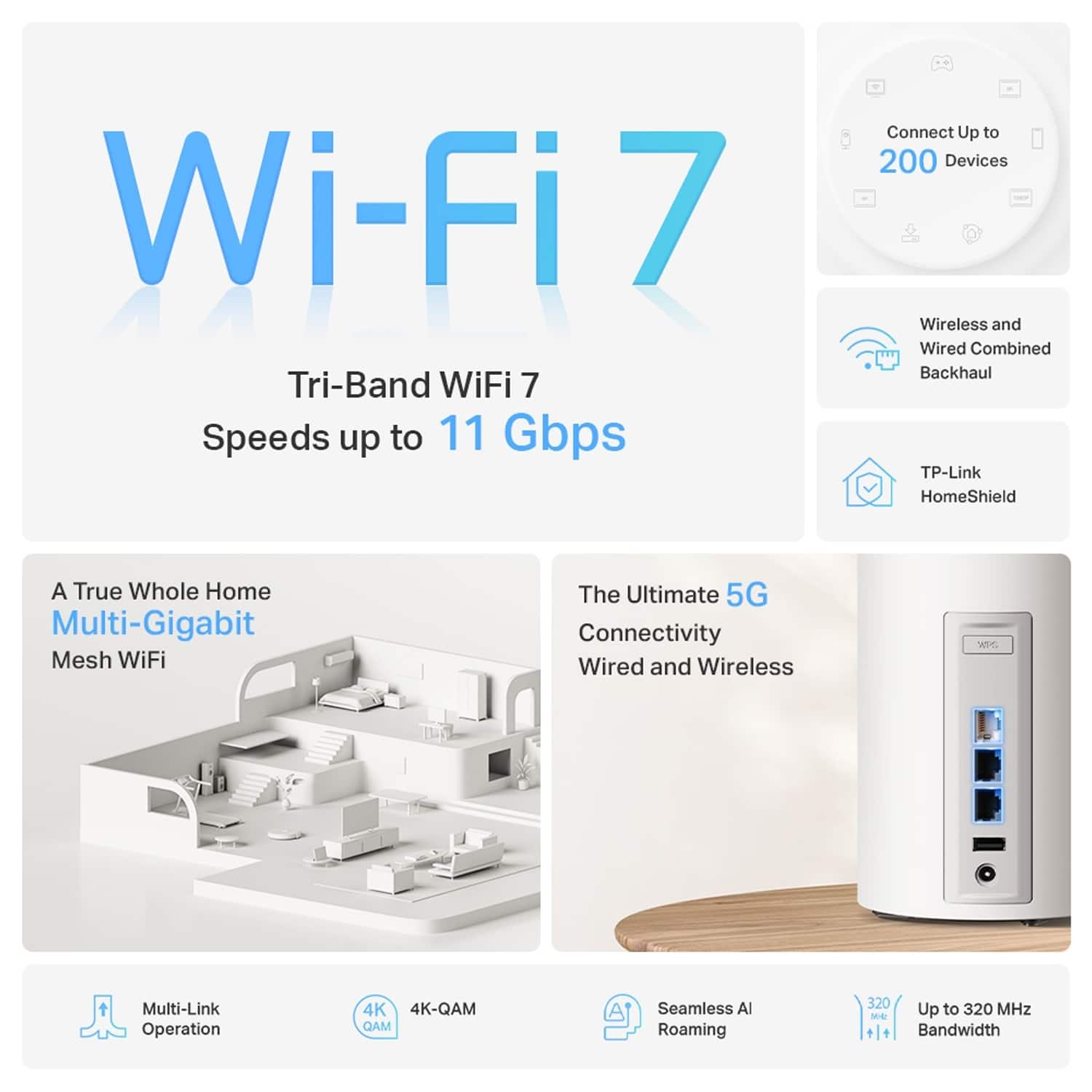
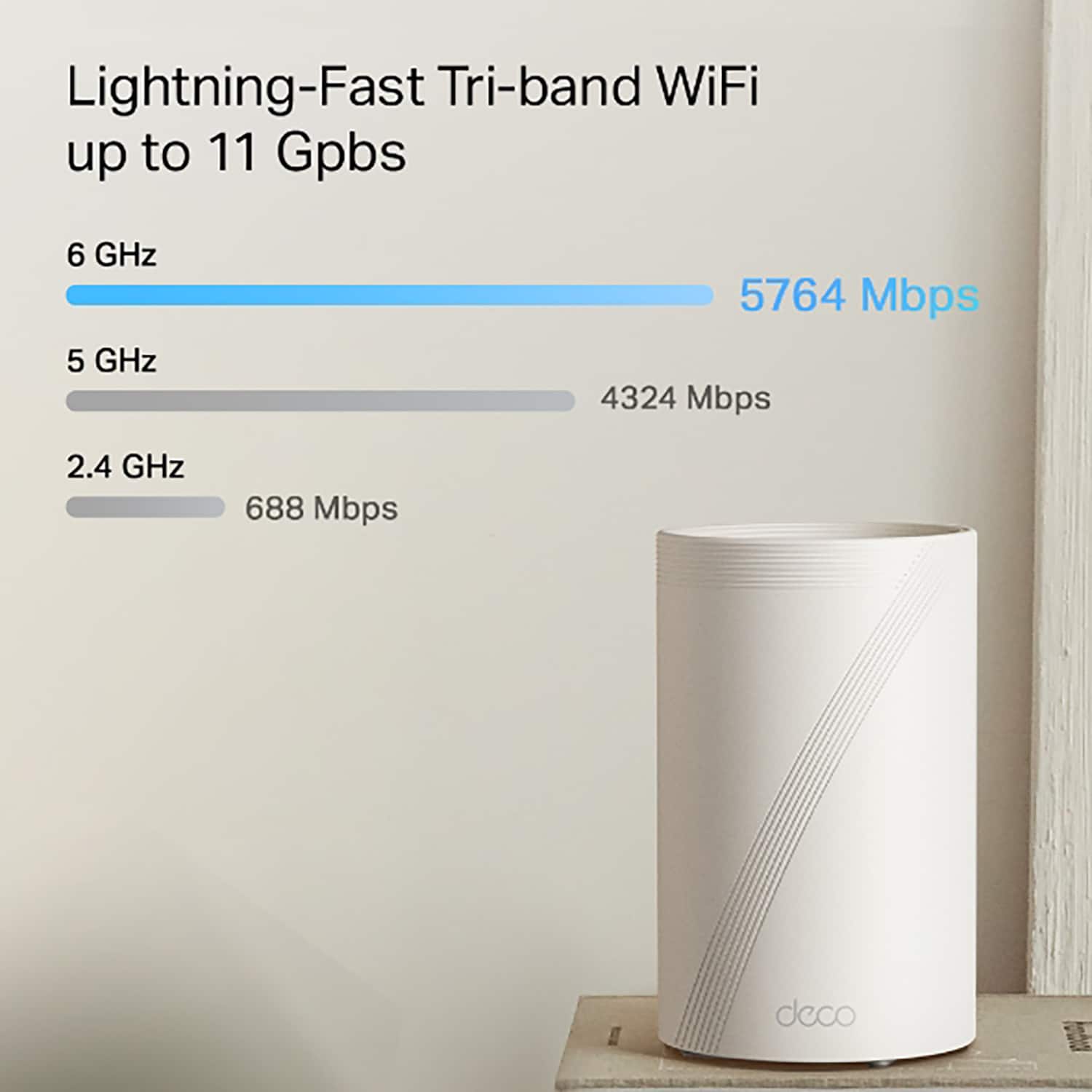
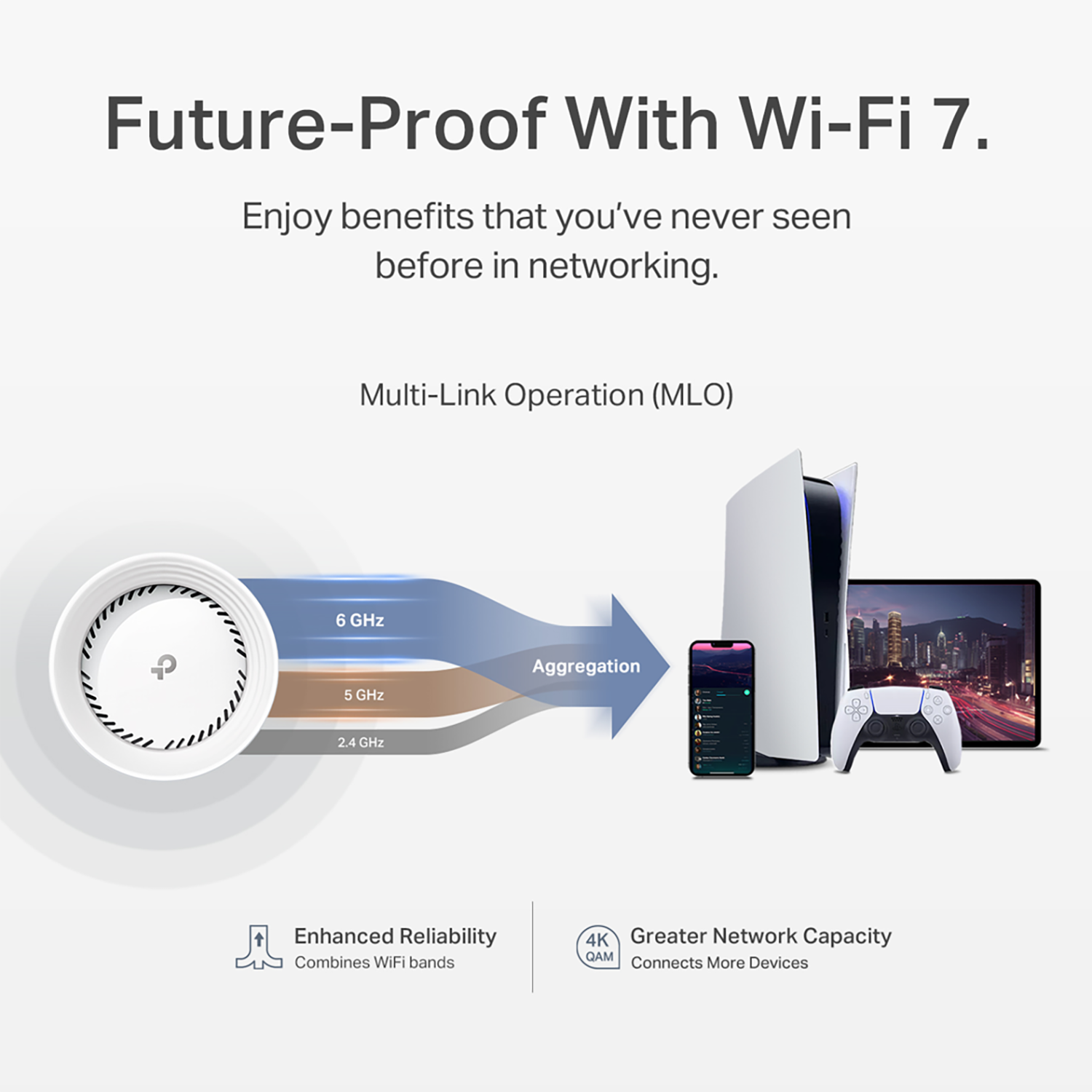
- A:Answer Hi Gingerbread, The Deco BE65 Pro is a Whole Home Mesh Wi-Fi 7 Solution. It leverages the powerful and feature-rich Wi-Fi 7 (802.11be) standard and combines it with the robust Mesh Wi-Fi capabilities offered by our Deco Mesh Systems.
Answered by TPLinkSupport

Q: QuestionCan these work with Google Fiber?
Asked by Supersub.
- A:Answer Hi Billybob74, Yes, simply connect the main Deco node to your existing Internet source (e.g., your modem, ONT, or gateway) via Ethernet cable, and use the Deco app to quickly and intuitively set up your whole home mesh system.
Answered by TPLinkSupport

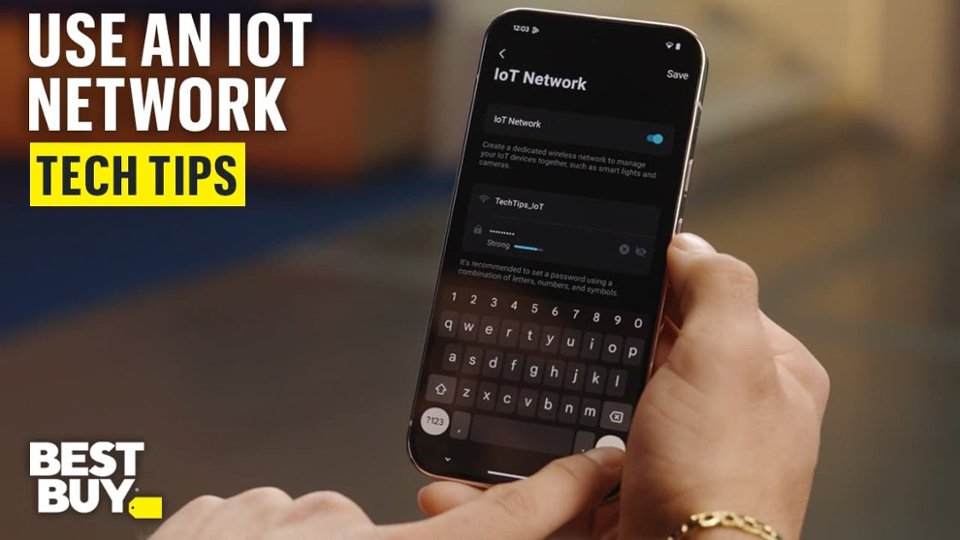
Q: QuestionHow many IOT Devices can connect to the 2.4 GHz Band at one time?
Asked by Angel.
- A:Answer Hi Angel, The Deco BE65 Pro is designed to provide reliable Mesh Wi-Fi connectivity for up to 200 devices. As for specifically how many you can simultaneously connect via the 2.4 GHz IoT network - that will depend on variables including existing 2.4 GHz connections, the concentration of 2.4 GHz IoT devices connected per node, and other factors.
Answered by TPLinkSupport

Q: QuestionCan I used in 3 different locations like in my home, apartment if I buy mesh system (3Pack)?
Asked by Chris.
This question was asked about the related product: TP-Link - Deco BE65 Pro BE11000 Tri-Band Wi-Fi 7 Whole Home Mesh Router System (2-pack) - White
- A:Answer Hi Chris, Yes, absolutely. Each Deco node can be set up independently, as separate networks, and in different locations.
Answered by TPLinkSupport

Q: QuestionIf I have whole house Ethernet and a Comcast router, Can I plug these in at Ethernet location and back to the compass router (for faster speeds than a mesh network will provide).
Asked by Nick.
- A:Answer Hi Nick, Yes, you can use the Deco's Ethernet backhaul feature to connect each node to your wired LAN. If you intend to use your Comcast router as your main network gateway/routing device, you would ideally want to set up the Deco in Access Point Mode. However, please note that some features that rely on the Deco operating in Router Mode may not be available in Access Point Mode.
Answered by TPLinkSupport

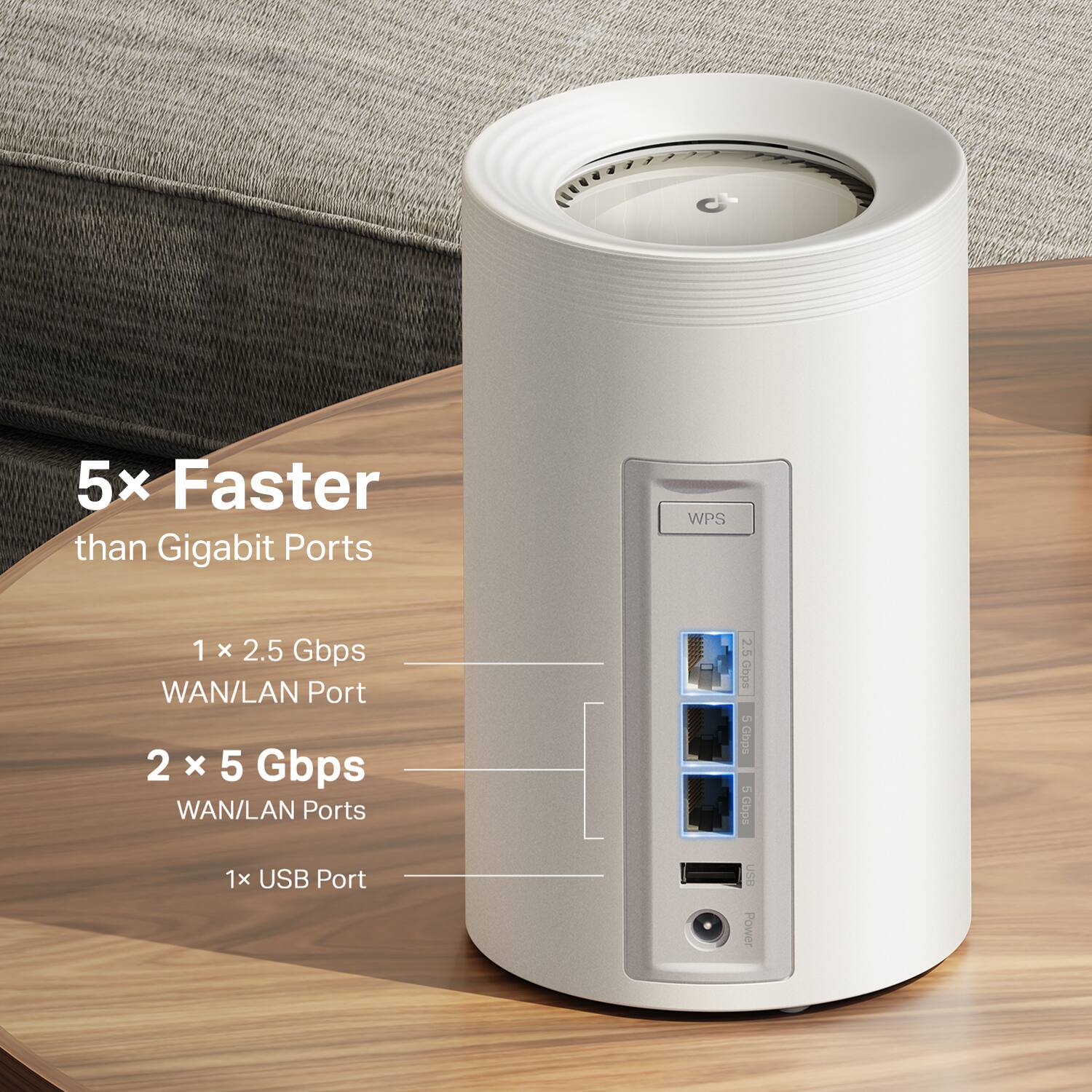
Q: QuestionCan you hook up and access a network hard drive over lan or wan via the USB port on each unit?
Asked by Brad.
- A:Answer Hi Brad, Yes, you can use the USB port to connect a storage device on each Deco node. For information on how to use this feature on your Deco Mesh System, please see our FAQ here: https://www.tp-link.com/us/support/faq/3341/
Answered by TPLinkSupport

Q: QuestionI have a netgear router modem do i have to get a modem from my internet provder or can i buy a modem from the store and hook up and do i have to contact my provder yo use this devise
Asked by laura.
- A:Answer As long as your Internet provider allows you to procure your own modem and you ensure the modem is compatible with your provider and speed plan, you should be able to use it. Then, you can connect the modem via Ethernet cable to the main Deco node to provide your Deco Mesh System and your whole home with Internet connectivity and Wi-Fi 7 coverage.
Answered by TPLinkSupport

Q: Questiondoes this wifi system work with Choice Providers?
Asked by Alexa.
- A:Answer Yes, as long as the main Deco node is connected via Ethernet cable directly to the existing Internet source (e.g., your modem, ONT, or gateway).
Answered by TPLinkSupport

Q: QuestionDoes this work with Starlink?
Asked by Matt.
- A:Answer Yes. For more information on how to use Deco Mesh Wi-Fi systems with Starlink Internet, please refer to our FAQ here: https://www.tp-link.com/us/support/faq/3647/
Answered by TPLinkSupport

Q: QuestionIs a Router included in this pack or do I have to purchase a router separately?
Asked by MK.
- A:Answer Whichever unit you plug into your modem (where the internet signal is brought in from your ISP) will become the router, and the other two will be nodes, or access points. All will broadcast the WiFi signal through you home.
Answered by RyanfromNC
Q: QuestionAre these outdoor use as well
Asked by Anonymous.
- A:Answer No, but you can look at Deco BE65 Outdoor which is available at Best Buy. This is our high-end tri-band outdoor Deco, that compliments and works with the indoor system.
Answered by TPLinkSupport

Q: QuestionDo you still need a WiFi contract?
Asked by Anonymous.
- A:Answer What is a WIFI contract? Obviously you still need to have and internet service provider (cable, sat, fiber, etc) but once the signal reaches the WIFI router in your house--there are no additional fees for contracts. That said, there are fees for streaming services, but again that is to bring the signal to the house. How you transmit within your home using a WIFI router, or Ethernet or a combination of the two is up to you. Hope this helps.
Answered by Pokey54
Q: QuestionCan the DHCP IP range be changed? For example, can I change the default 192.168.1.255 to 192.168.10.255?
Asked by MagicPortal.
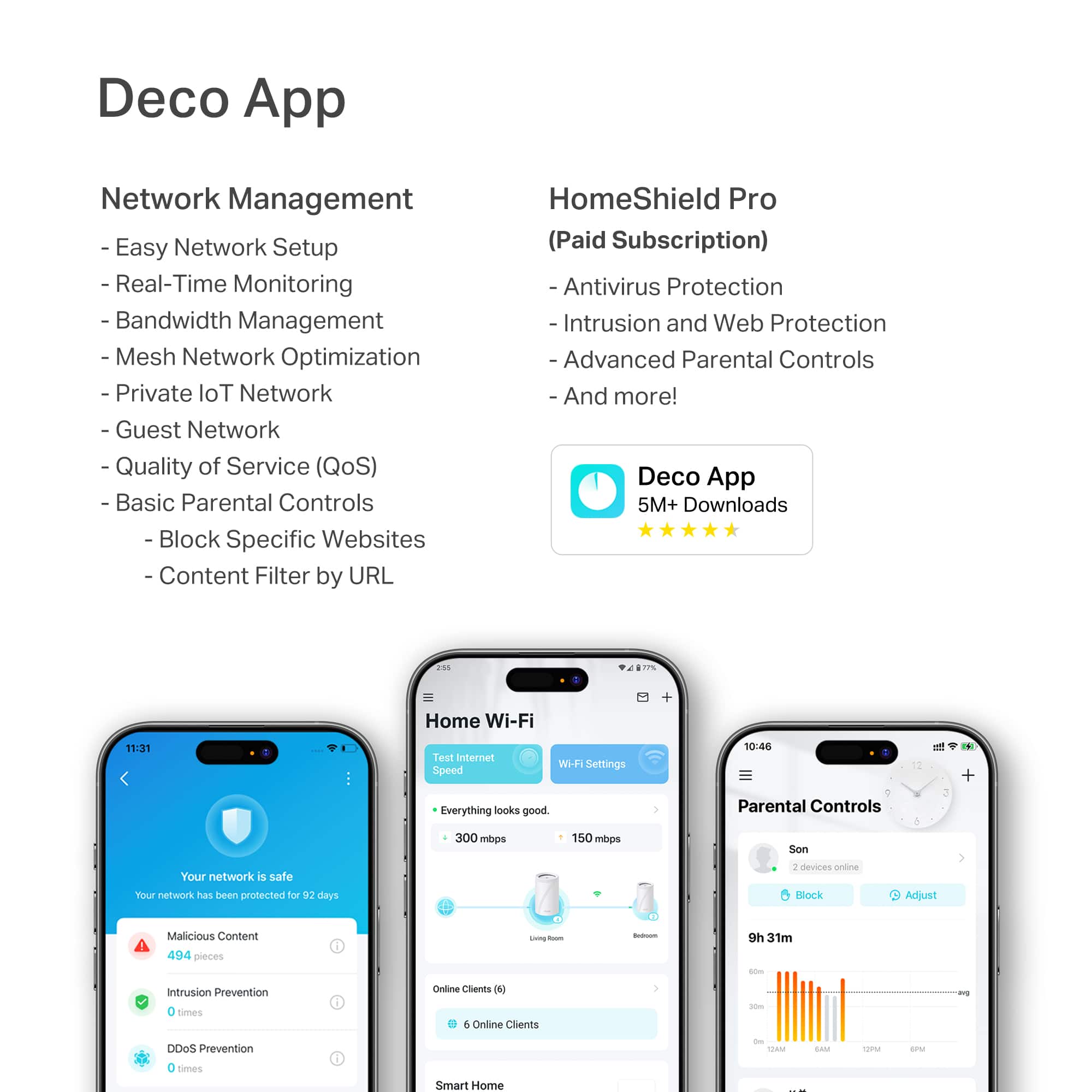
- A:Answer Hi MagicPortal, Yes, you can conveniently change the DHCP range and even the Subnet Mask of your Deco Mesh System using the Deco app.
Answered by TPLinkSupport

Most-viewed items
- $699.99Your price for this item is $699.99
- $429.99Your price for this item is $429.99$599.99The comparable value for this item is $599.99
- $59.99Your price for this item is $59.99$89.99The comparable value for this item is $89.99
- $699.99Your price for this item is $699.99
- $194.99Your price for this item is $194.99$299.99The comparable value for this item is $299.99
- $349.99Your price for this item is $349.99
- $1,299.99Your price for this item is $1,299.99
- $89.99Your price for this item is $89.99$139.99The comparable value for this item is $139.99
- $399.99Your price for this item is $399.99
- $329.99Your price for this item is $329.99$549.99The comparable value for this item is $549.99
- $599.99Your price for this item is $599.99
- $1,699.99Your price for this item is $1,699.99
- $149.99Your price for this item is $149.99$279.99The comparable value for this item is $279.99
- $139.99Your price for this item is $139.99$199.99The comparable value for this item is $199.99
- $299.99Your price for this item is $299.99$429.99The comparable value for this item is $429.99
- $159.99Your price for this item is $159.99$249.99The comparable value for this item is $249.99
- $235.99Your price for this item is $235.99$299.99The comparable value for this item is $299.99
- $399.99Your price for this item is $399.99
- $199.99Your price for this item is $199.99
- $299.99Your price for this item is $299.99


---
**HomeShield**
HomeShield is a built-in service, available in all HomeShield routers and Deco mesh products.
- Router Security Scan
- Wireless Security Scan
- IoT Device Identification
- Basic Parental Controls
- IoT Protection*
- Web Protection*
- Intrusion Prevention*
- Antivirus Protection*
*Included with HomeShield premium subscription service](https://pisces.bbystatic.com/image2/BestBuy_US/images/products/29e59d96-9e3f-47a7-92bb-86d133c84d45.jpg;maxHeight=54;maxWidth=54;format=webp)