A:AnswerDeco and any TP-Link router will be compatible with Spectrum's internet service. You will need a modem or ONT compatible with Spectrums service that you connect to the router via Ethernet, but other than that there should beno compatibility concerns.
A:AnswerHi AllanFromManila,
If you want the Deco X25's features to be available via the Deco app, it should be set as your primary Deco. However, if you prefer the features offered by the M9 Plus, you can simply add the X25 as a new satellite node within your Deco Mesh network. For a full feature comparison, feel free to visit our official TP-Link website.
A:AnswerHi ICEMAN,
No, the Deco X25 will not reach a 600ft linear coverage distance outdoors. It is designed for use indoors within your home.
For long range, point-to-point, outdoor use, we suggest considering our EAP Bridge Kit products, such as the EAP215 Bridge Kit. Feel free to contact our official TP-Link support team using the support portal on our website, or visit our TP-Link Community Forum, for helpful advice or suggestions regarding a solution for your specific outdoor connectivity needs.
A:AnswerHi RuralWisconsin,
The Deco X25 is a Whole Home Mesh Wi-Fi solution, primarily intended for replacing your existing router in order to cover your home with seamless Wi-Fi connectivity. The main Deco unit must be wired via Ethernet cable to an existing Internet source (e.g., modem, ONT, gateway).
If your main goal is improved Wi-Fi coverage in your home, then you should be able to use the Deco X25 with your existing modem. However, if you are asking whether it can increase your Internet speed, that is decided by your Internet provider and subscription/plan.
A:AnswerYes! The Deco X25 offers an IoT network function, which creates a dedicated 2.4GHz Wi-Fi network for your smart home devices. Please ensure the Deco app and firmware are fully updated for the latest features and optimizations.
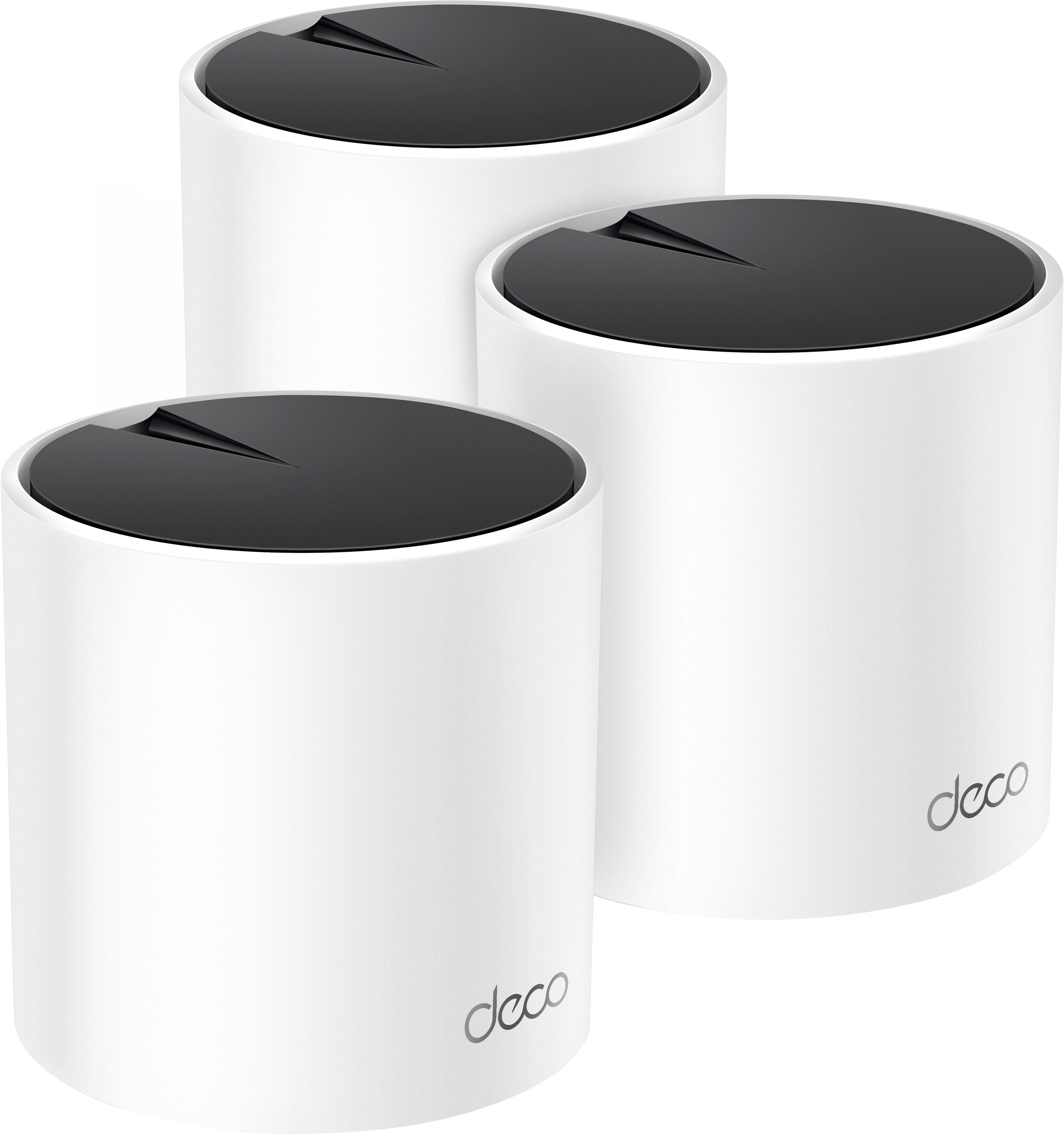
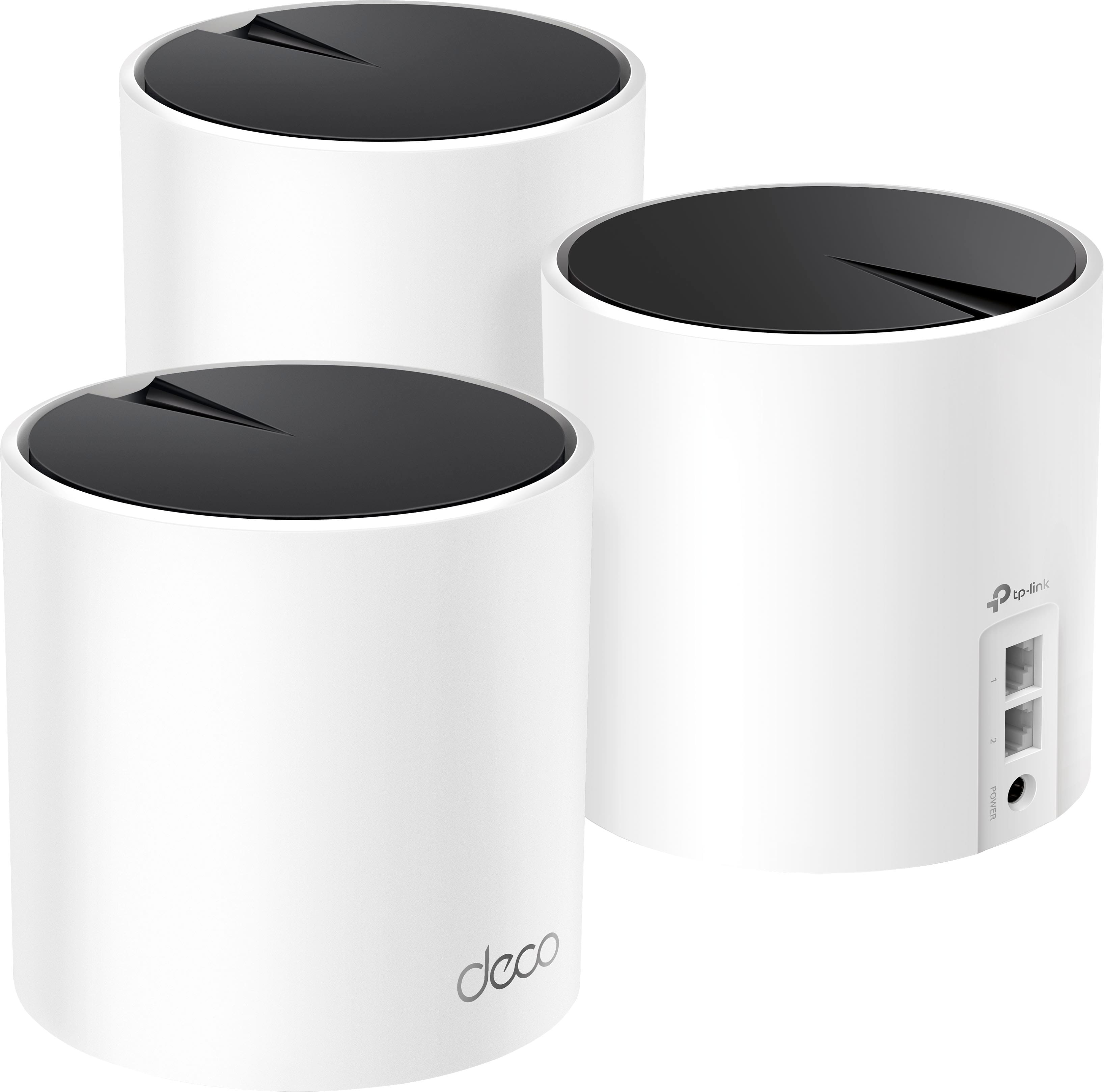
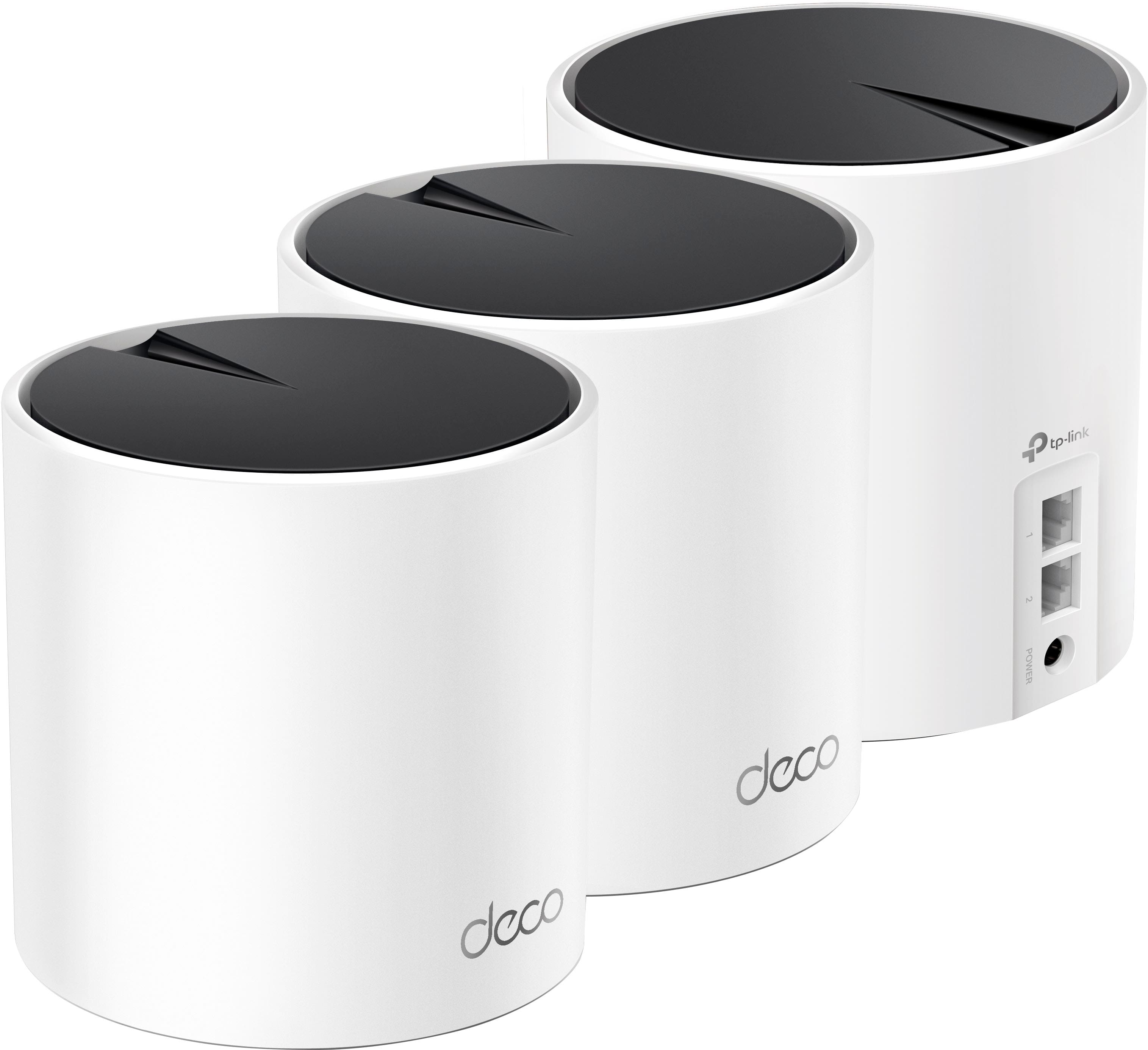
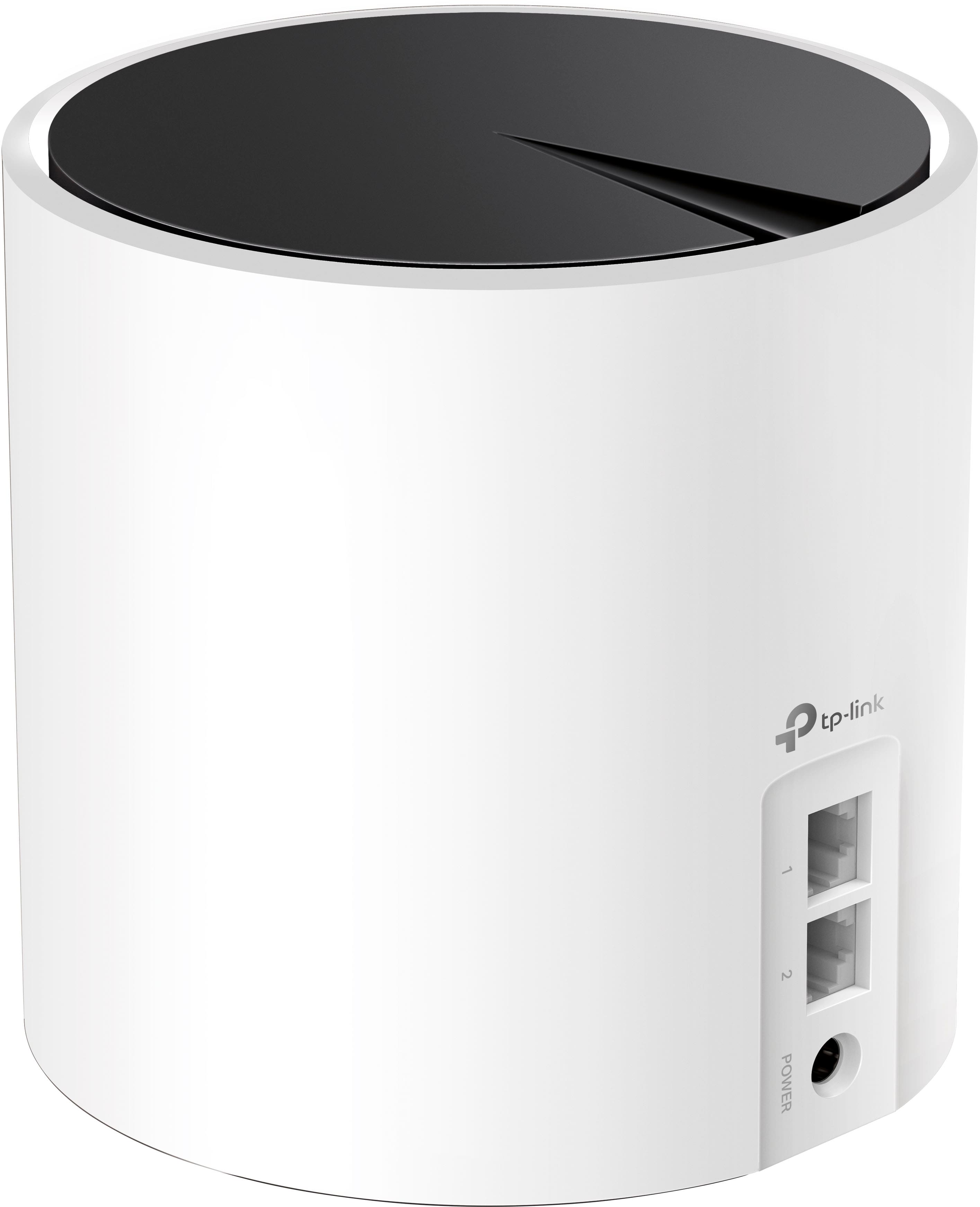
A:AnswerHi! Yes, each Deco X25 unit is equipped with 2x Gigabit Ethernet ports. During setup, the main Deco node will automatically designate the port connected to your Internet source as the WAN input.
A:AnswerYes, absolutely! All of our Deco Mesh models are compatible with each other, so you can conveniently add whichever Deco model(s) best suit your needs via the Deco app. You can use the filter selection options on the product page to choose the number of Deco Mesh Satellite nodes you would like, as well as their Wi-Fi standard and series.
A:AnswerYes, you can customize the Deco Mesh SSID and password during setup, at which time you can assign it the same SSID and password as your old router.
A:AnswerHi! If your Internet service provider requires a modem for Internet connectivity, then yes - you will need a modem. We would recommend verifying the modem requirements of your ISP, then obtaining a modem that meets or exceeds their minimum requirements for your Internet speed plan. The modem can then be connected to the main Deco node via Ethernet cable when setting up your Deco Mesh Wi-Fi System.