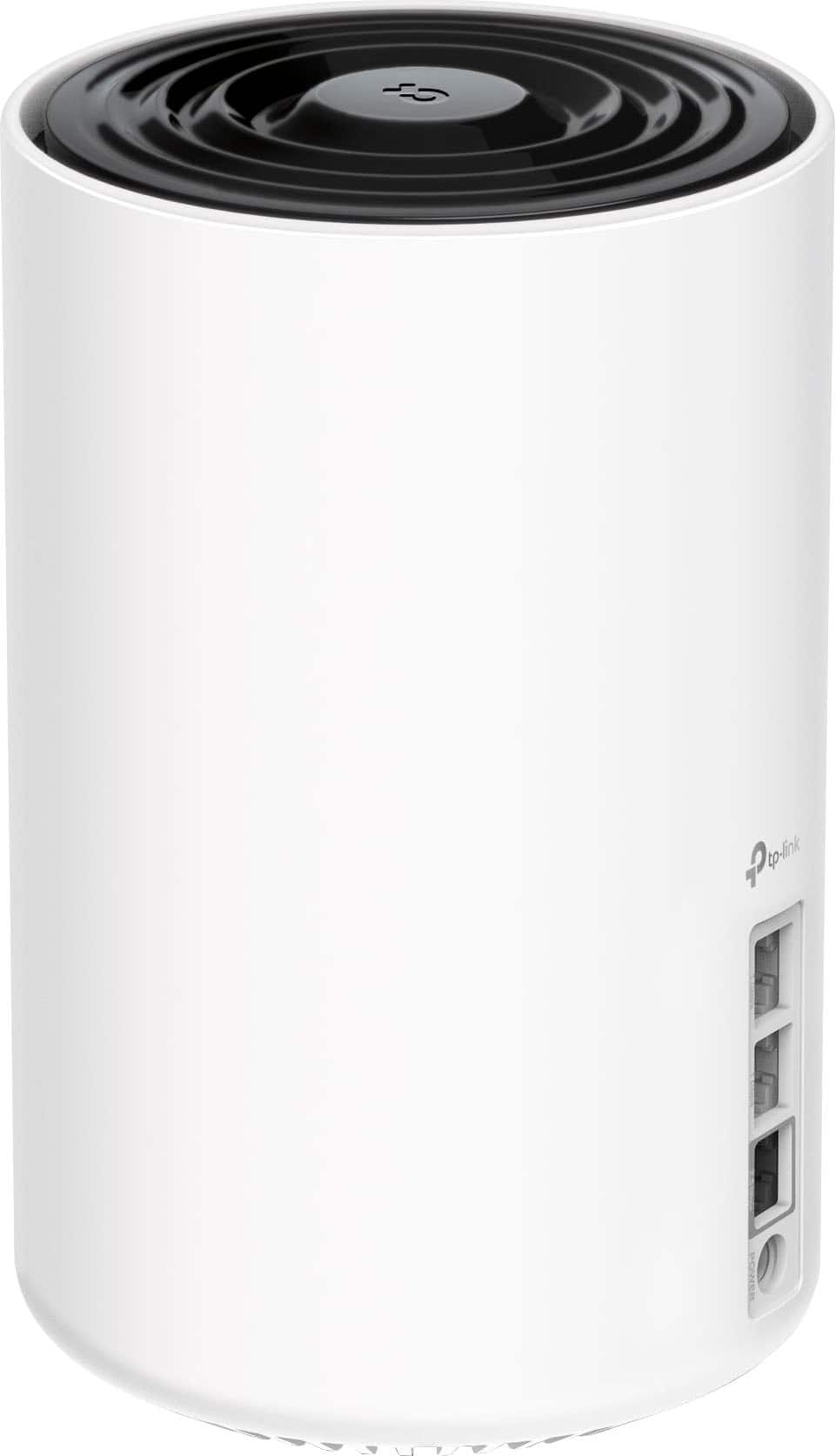
A:AnswerHi! That depends on whether your Internet plan and modem support more than 1 Gbps. If your Internet speed is 1 Gbps or less, then you can use any of the 1 Gbps WAN/LAN ports for Internet input, and the 2.5 Gbps port for another device. However, if your Internet speed is greater than 1 Gbps, we recommend using the 2.5 Gbps port for Internet input to better utilize the bandwidth available from your ISP.
A:AnswerIt should be, if placed optimally. However, other factors may also contribute to Wi-Fi connectivity woes in an apartment environment apart from signal strength or coverage. Generally, prime contributors would be how densely congested neighboring Wi-Fi signals are, with each apartment unit broadcasting at least one Wi-Fi signal (or more if using multiple Mesh nodes), causing interference for other networks nearby.
A:AnswerYou can easily add a Deco XE75 as your primary Deco node. All of our Deco Mesh models are compatible with each other.
Adding the XE75 as your primary Deco will give you the functionality that the XE75 offers over the X3600. Generally speaking, any features the XE75 offers that the X3600 does not will be made available to devices within your Deco Mesh network.
A:AnswerHi Hotwire,
As long as your ONT supports Ethernet connectivity, you should be able to connect the main Deco node directly to the ONT via Ethernet and use our intuitive Deco app to set up and enjoy Seamless Mesh Wi-Fi 6E connectivity throughout your home. If your Internet provider has proprietary provisioning steps when changing routers, giving them a quick call during setup may help as well.
A:AnswerHi RAYTEX,
For detailed information on how to use Deco Mesh Systems with Starlink Internet, please see our Article here: https://community.tp-link.com/us/home/kb/detail/412676
A:AnswerAll depends on placement of one of the mesh devices. To get a possible good signal to you garage, place the mesh device along the wall closest to the garage (inside of course). You can also add another mesh device in your garage to boost the signal from the connection to the one inside.
A:AnswerYes, it will allow you to plug whatever ISP you use as an internet connection without configuration. I would recommend having it run the speed test with the new system to allow it to manage the connection throughput.
I bought the 3 part set so cover 3200sq/ft two story home.
v/r Jerry
A:AnswerWi-Fi 6e is a better version of Wi-Fi 6. Wi-Fi 6e gives you access to the 6Ghz band (little to no electronics use the band). You would see some speed and latency improvements. if you have a device that supports Wi-Fi 6e, you can use the 6Ghz band and that could really help with keeping a low latency for gaming. Both Wi-Fi types are great. You would likely see better performance from either type.
A:AnswerHi! If your AXE5400 is also a Deco Mesh system, then yes - all of our Deco models are compatible with each other, and can be conveniently added via the Deco app.
A:AnswerHi! Yes, you can connect it to your existing network via Ethernet, then use the Deco app to set it up in either Router Mode, or Access Point Mode (depending on your networking needs) to provide 6GHz Wi-Fi for your 6GHz compatible devices. Yes, the Deco app is required for setup and management.
A:AnswerHi! The Deco can function as a router or AP, as long as the main Deco node is connected to your existing Internet source via Ethernet cable. Range will vary depending on placement and physical obstructions, among other factors.
A:AnswerHi! Any Deco node can be set up as the main router or a satellite node, depending on which node is selected as the main unit during setup via the Deco app.
A:AnswerHi! As long as the main node is connected to your existing Internet source via Ethernet, whether it's a modem, ONT, gateway, or otherwise, it should work fine.