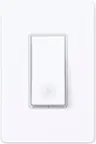
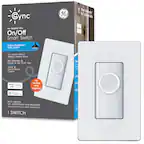
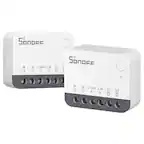
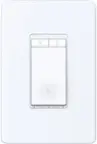
A:AnswerYes. I have at least 20 hooked up. They all work fine. The only downside is that they only connect to 2.4G. After connecting so many, it may slow your speed down.
A:AnswerKasa products dont play well with others. Linkind products are the same. You can control both with google home, but youll need to have the kasa and linkind apps installed.
A:AnswerNot really, you would lose dimmer functions with the HS200. You would want the TP KASA HS220 switch if you want to maintain dimmer functionality. Both are set up from same app. It’s slightly more expensive for the dimmer option, the HS220 works and looks nice.
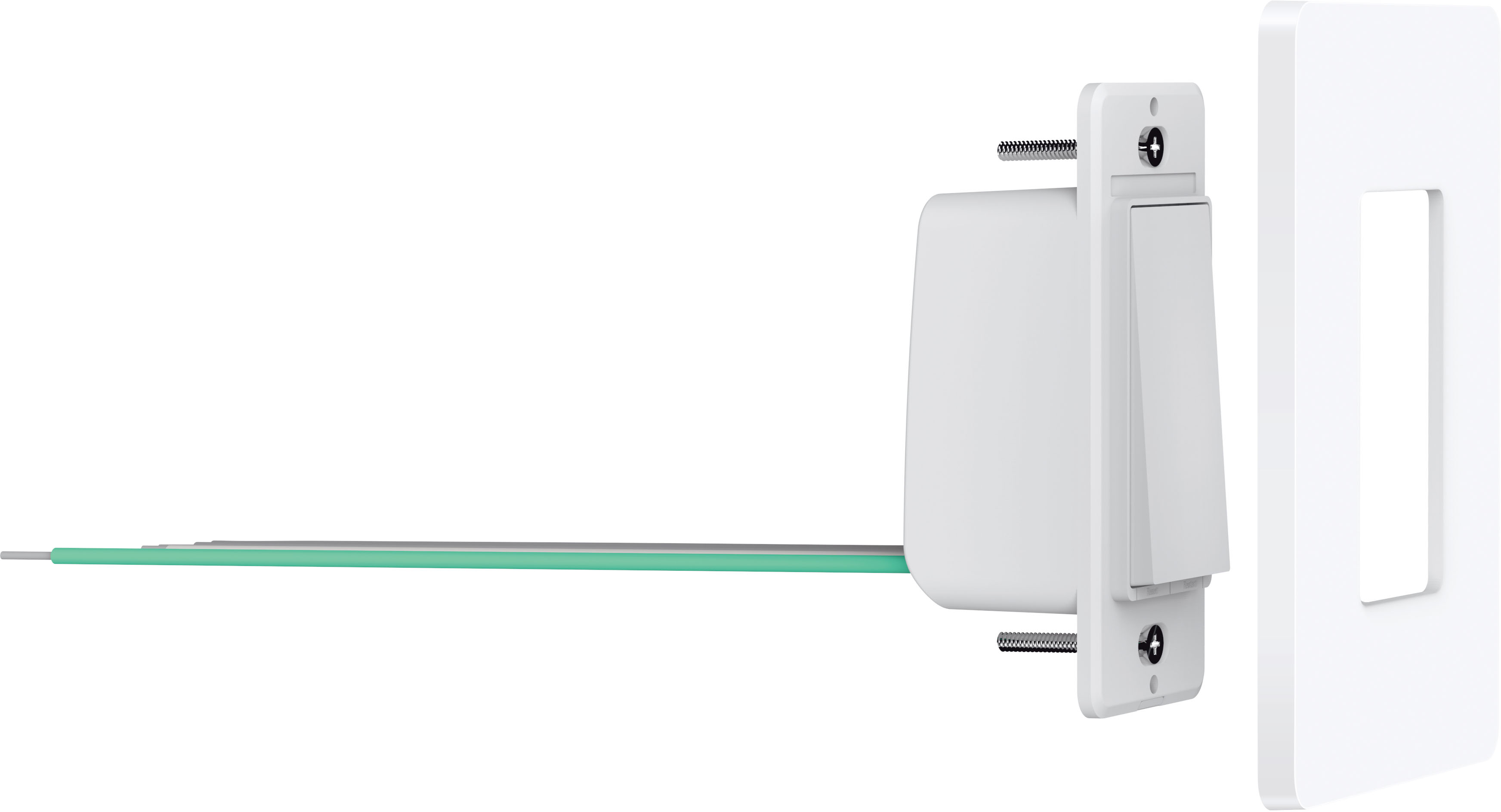
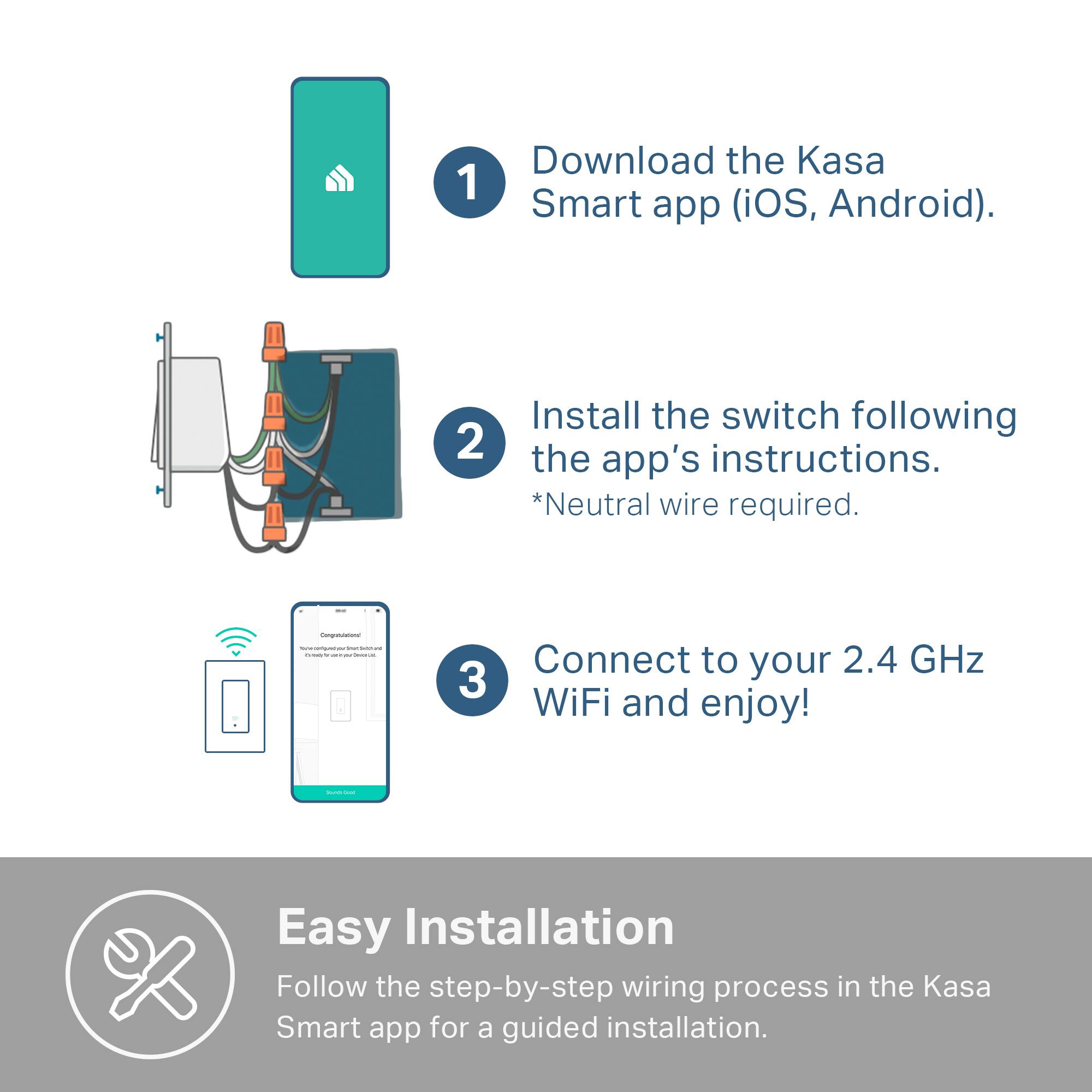
A:AnswerI assume the switch on the light/fan itself it is the on position then plugged into the outlet. For the Kasa switches to work you need a power wire and common wire at the switch. If you are unsure call an electrician.
A:AnswerNo it doesn’t need to be grounded to work. But I grounded it to wall box with a ground screw. Yes it would work with load line & neutral line only.
A:Answerif you're not afraid of simple DIY projects that require being around electrical wires, you can install this yourself. comes with a comprehensive installation video you can watch to walk you though the installation process
A:AnswerIf you don’t have neutral wire, either you’d need an electrician to add one, or see if you can find a different smart switch that does not require a neutral wire (sorry)