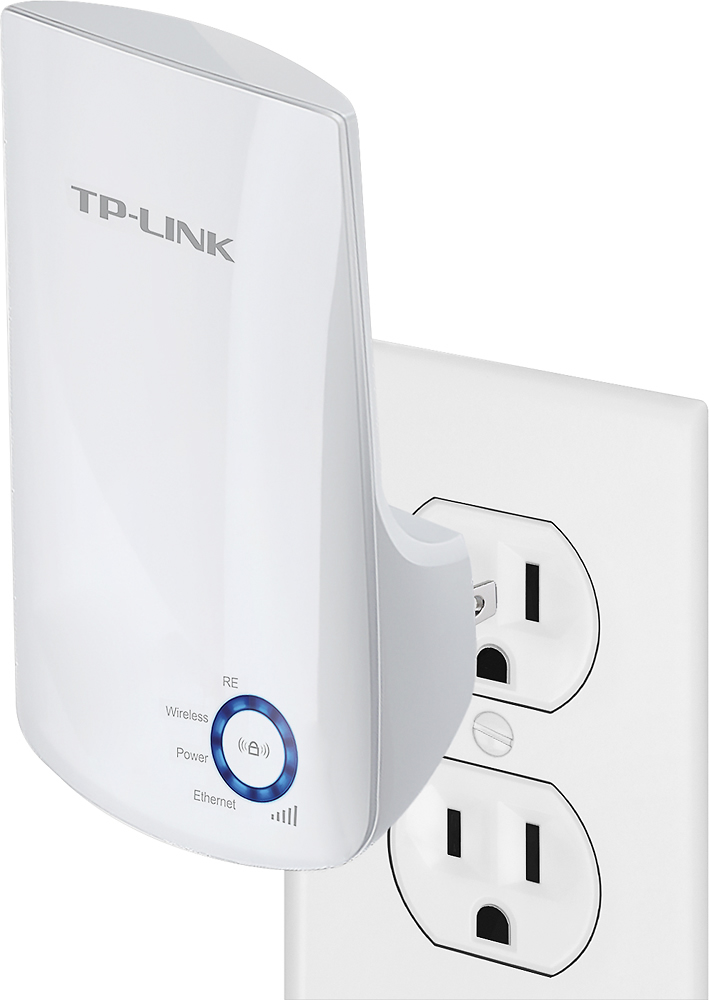
A:AnswerI doubt it I have mine about 20 feet from my router, router in 1 room and extender in the room next to it and it hasn't increased the signal to a wifi camera at all, as far as I'm concerned it's a waste of money.
A:AnswerIf the source WiFi network does not have WiFi encryption, the extender should be able to repeat its signal; however you will still be required to login via the source network's captive portal sign in system.
Regards,
TP-Link Support
A:AnswerWiFi range extenders are designed to improve the area and distance of WiFi coverage within your home. If your fire stick is suffering from poor signal, the extender may help improve connectivity. However, if the signal is not the issue, the cause for your streaming issues may be elsewhere.
Regards,
TP-Link Support
A:AnswerYes, the WiFi extender can be set up and used to help improve your existing WiFi coverage, and to help reduce "dead zones".
Regards,
TP-Link Support

A:AnswerI have no idea, but I doubt it. It hasn't boosted the signal to my wifi cameras and that's what I got it for. The manufacturer has tech support call and ask them.
A:AnswerYes, our WiFi extenders are universally compatible with WiFi routers. You can set it up using any of the quick and easy options included in the setup guide, such as our Tether app.
Regards,
TP-Link Support

A:AnswerYes, our WiFi extenders support a voltage range of 100 - 240V, 50/60Hz. Please be sure to use the appropriate outlet adapter.
Regards,
TP-Link Support

A:AnswerWe have had no buffering issues since we started using this extender.
Our biggest problem was the TV in the master bedroom, especially with the router being in the extra bedroom. the TV in the master bedroom would always lose Internet, once I hooked the extender up no more problems.
A:AnswerTheoretically, as long as the hotspot is providing a 2.4GHz WiFi connection, you should be able to use the WiFi extender with it.
Regards,
TP-Link Support