A:AnswerHi. My name is Jose from TracFone Wireless. We can help you with this. Please contact us via chat at http://bit.ly/2gQCmUz and we will be able to assist you.
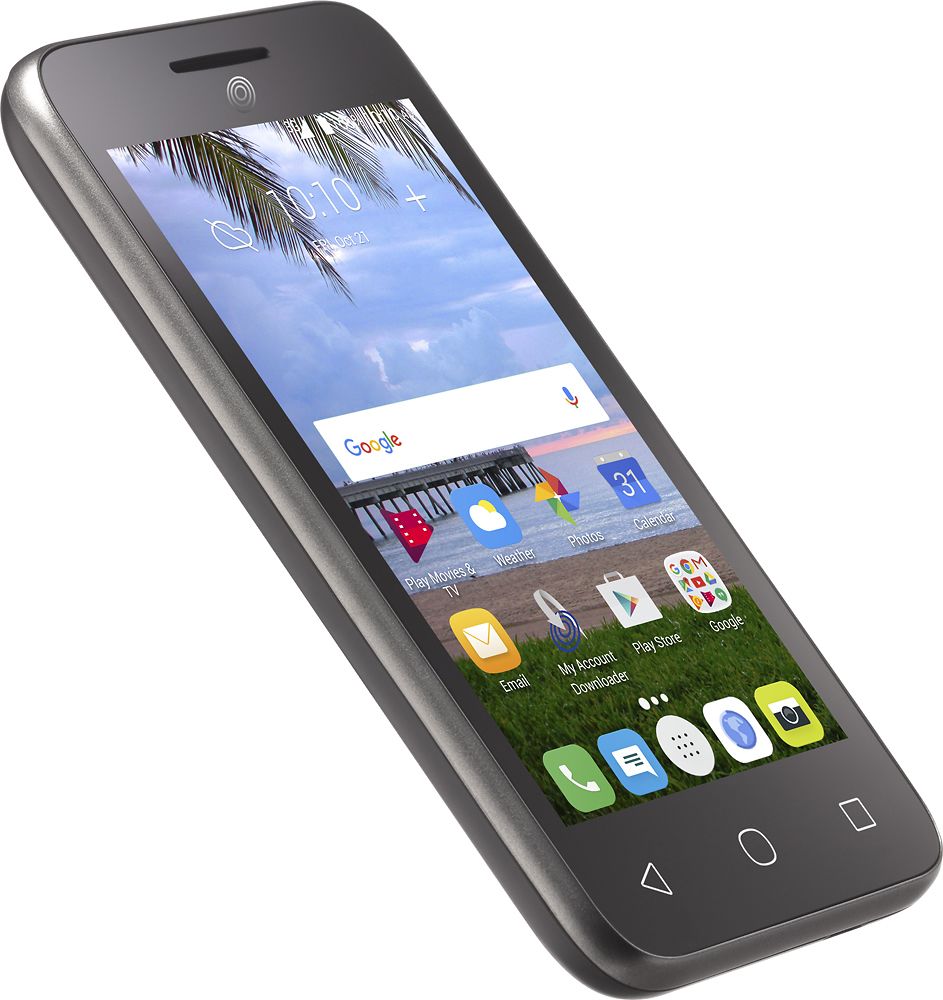
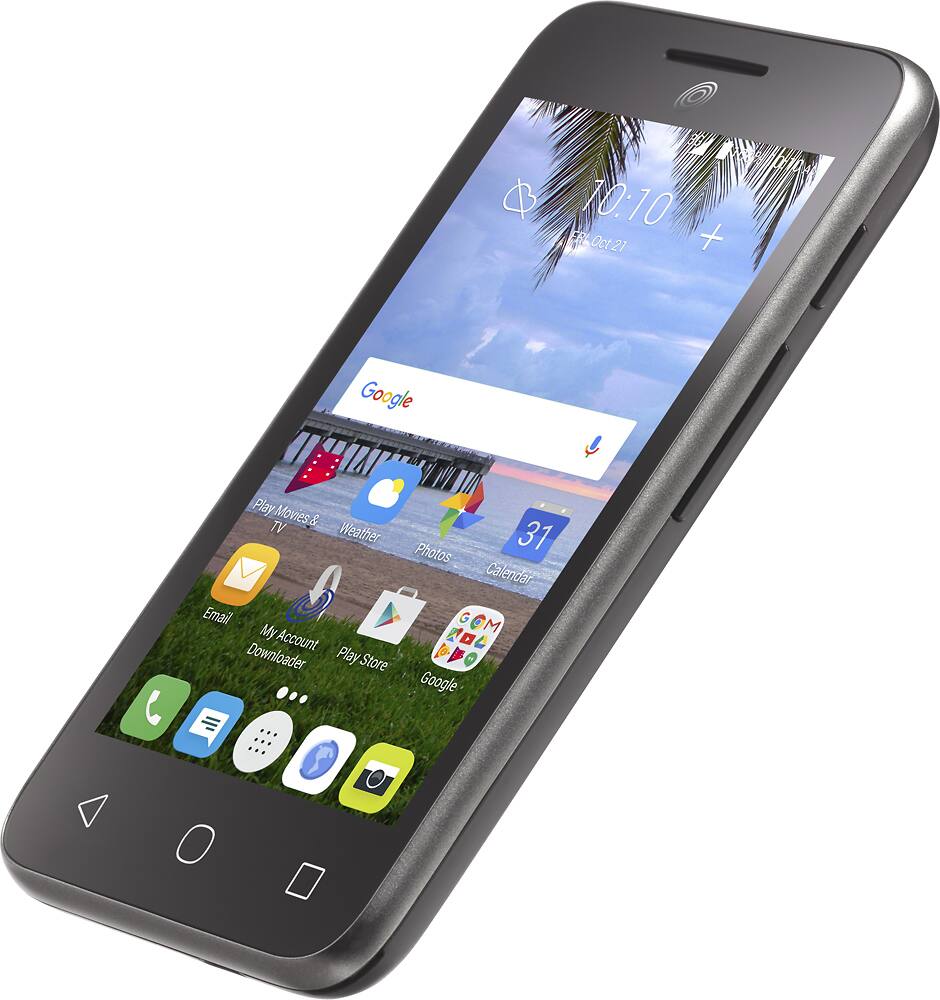
A:AnswerTo pull up the home screen, you turn the phone on then swipe the screen from top to bottom. In order to answer a phone call, touch the screen displaying the call then you swipe the screen left to right and touch the green handset symbol.
A:AnswerWe do apologize for any inconvenience this may have caused. Please contact one of our customer care representatives via chat at http://bit.ly/2gQCmUz?caseId=9121429.
A:AnswerHi. My name is Maria and I work with TracFone Wireless. You can contact us via chat at http://bit.ly/2gQCmUz?caseId=41023 for us to assist you with your concern.
A:AnswerYes, it does. We do have coverage under this ZIP Code. If you would like us to check the whole address using our coverage map, please contact us via chat at http://bit.ly/2gQCmUz?caseId=2821622.
A:AnswerAmazon has a very limited supply. Also you can get one of those kind that clip to belt. I found a small wallet with credit card and I.D holders @ Walmart for around $7.00.
A:AnswerYou could use screen shots of the pertinent areas of your trip, look up google maps that you like while you are using wifi before your trip, using wifi at home or the type in businesses aka Starbucks.. as you select the screen filled how you would be as if using a paper map/ that is capturing photos of those online google maps so that they do join up as you'll go through the regular photos of your phone's photo gallery.. its like taking along photos really of the maps from google maps in otherwords you just have copies of where you think will help you, it may take MANY to be sure you have the trip planned well, so it may be helpful to save them to a removable micro SD card for your phone.. Its a backup plan and worked just enough for us in both rural area between and the two major cities metro.. screen shots of zoomed out interstates and their exit numbers is a must as well as zoom-ins closer for street names in residential area , it is Very important to screen shot where county roads or smaller roads or rural roads intersect or junction and a zoom out of how those rural roads match or lead out further to your destination that way you know your way and not searching your photo gallery too too often , you still will but you'll understand your flow and too going back if need to return that way again you know the direction. .. think now where you are going and research those on a home computer to help you as you use wifi to the phone and select from google maps as well with your phone beside you during research.. even driving in dark car in long hours we were happy with the screen shots AS LONG AS YOU DO A THOROUGH JOB, you'll be okay! You don't need any service to the phone Just Battery which if you are taking battery backups or using car charging you are fine, take along extra phone battery bank backups and recharge everything / all of them each night just to be safe. Don't rely on wifi being good in motels or time to do this then while need to travel. Do this at home before leaving. and again get everything possible would want along with you/ and take a spare SD micro card in case along with battery backup, waterproof pouch or case great idea too and charging cable/plug don't leave without. Screen shots are great for many things , tower using is not always there / so screen shots can really be the best, its just wifi work/homework in advance that's all..
A:AnswerOur branded phones are not carrier unlocked. However, if you meet the set requirements found on our website, we can facilitate the unlocking process for this device. For more details, please visit: www.tracfone.com and click on “Unlocking Policy” at the bottom of the page.