A:AnswerHi. This is Joel from TracFone Wireless. Yes, you can use the phone without activating it. For further questions or concerns, please feel free to chat with us at https://www.tracfone.com/support. For your convenience, our representatives are available Monday-Sunday from 8:00 AM to 11:45 PM EST. You can also use our self-service menu by simply texting the word HELP to 611611. Thank you.
A:AnswerHi. This is Arianne from TracFone Wireless. You can try purchasing a case through our retailers or website. For further questions or concerns, please feel free to chat with us at https://www.tracfone.com/support. For your convenience, our representatives are available Monday-Sunday from 8:00 AM to 11:45 PM EST. You can also use our self-service menu by simply texting the word HELP to 611611. Thank you.
A:AnswerHi. Katherine from TracFone Wireless. In order for you to get a number, you need to activate this phone first. To activate you can contact us for assistance or you directly text the word ACTIVATE and send it to 611611. Thank you.
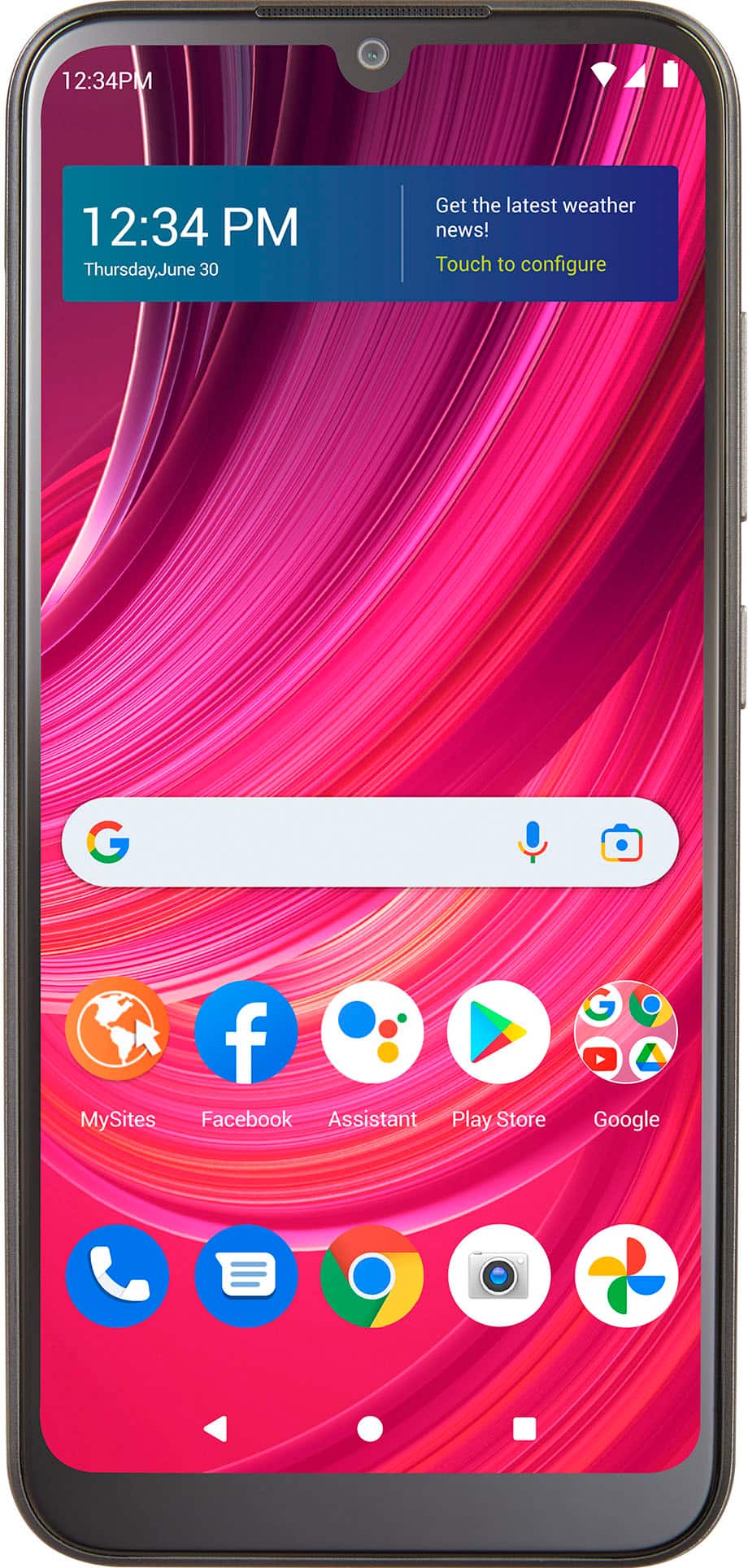
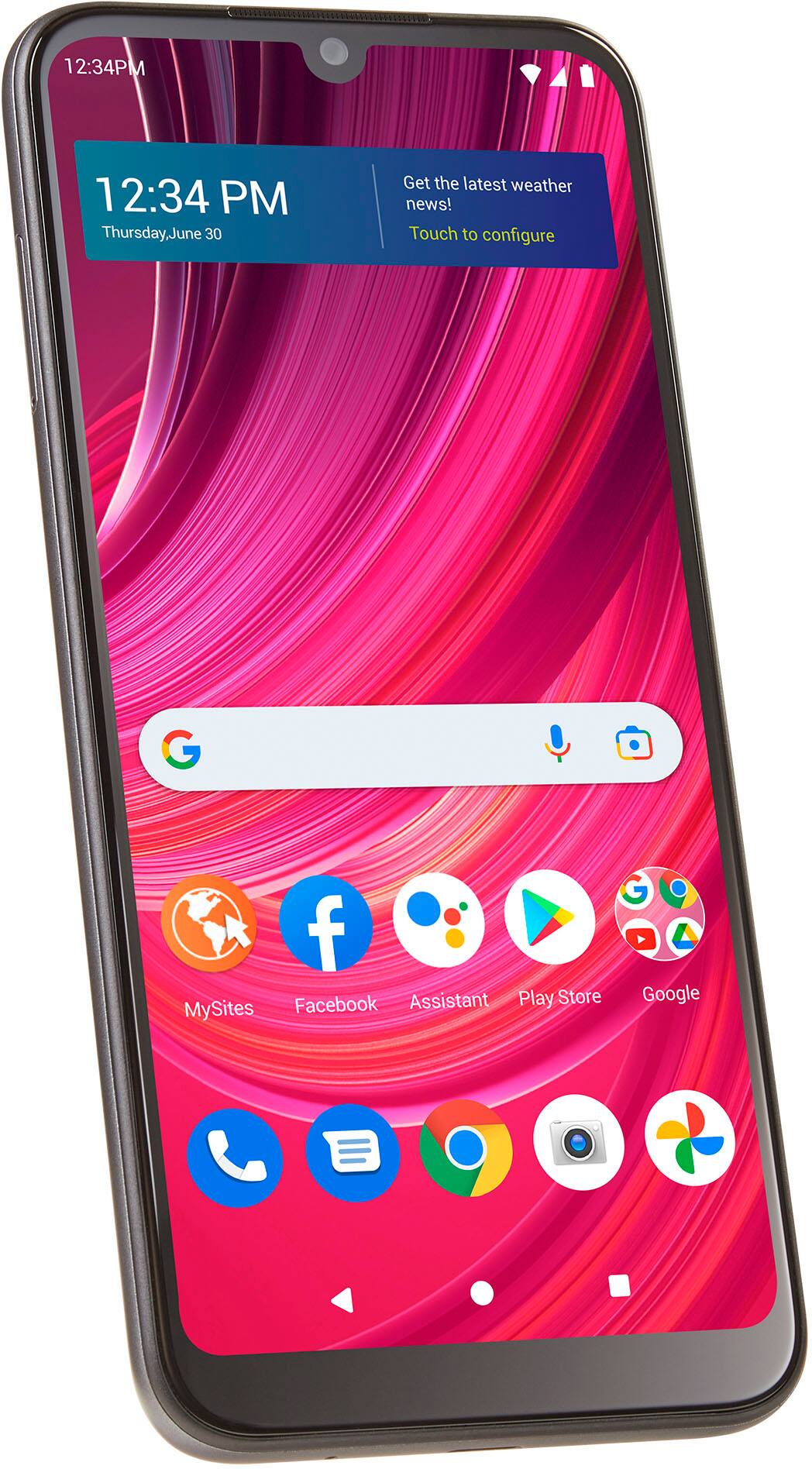
A:AnswerHi. This is Franz from TracFone Wireless. This BLU View 4 phone has a megapixel camera, so expect that the picture is bright, colorful, and engaging. Thank you.
A:AnswerHello. This is Joel from TracFone Wireless. We are sorry to know that. As your service provider, that is not how we want you to feel and experience. To better assist you, kindly contact us via this chat link https://www.tracfone.com/support/contactus. For your convenience, our representatives are available Monday-Sunday from 8:00 AM to 11:45 PM EST. You can also use our self-service menu by simply texting the word SUPPORT to 611611.
A:AnswerHi. This is Arianne from TracFone Wireless. Yes, there is an available USB driver that you can use to transfer files from your phone to your personal computer. If you need further assistance, please chat with us at https://www.tracfone.com/support, so we can provide a concrete resolution for this issue. We are available Monday-Sunday from 8:00 AM to 11:45 PM EST. Thank you.
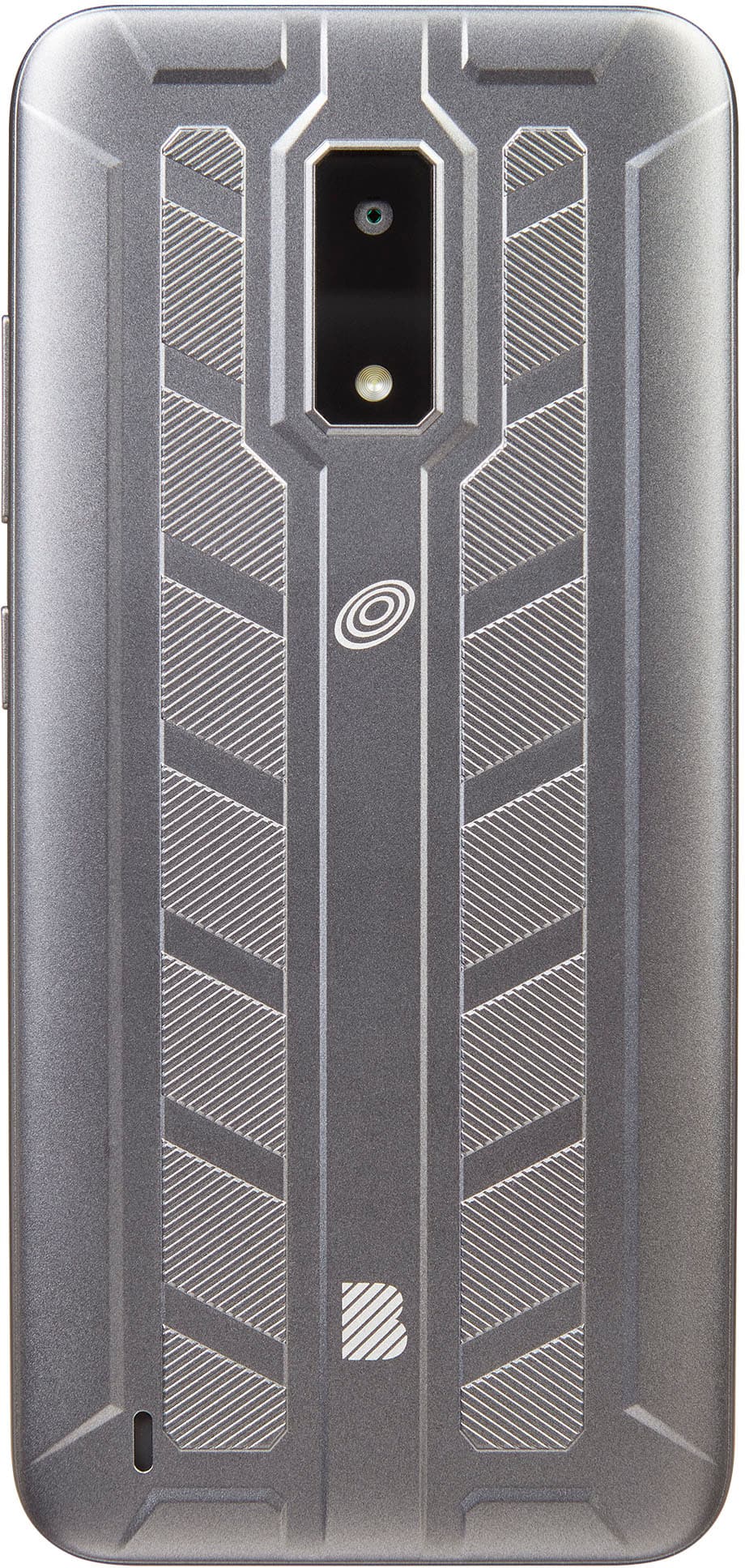
A:AnswerHi, this is Joel from Tracfone Wireless. Remove the back cover by using the slit provided on the corner edge of your phone and lifting the cover up. To learn more about your device, you can text the word TUTORIALS to 611611. For further questions or concerns, please feel free to chat with us at https://www.tracfone.com/support. For your convenience, our representatives are available Monday-Sunday from 8:00 AM to 11:45 PM EST. You can also use our self-service menu by simply texting the word HELP to 611611. Thank you.
A:AnswerHi. This is Katherine from Tracfone Wireless. In order for you to use the phone you really need to purchased a plan for a month. But don't worry, we have many affordable plans that will suit your budget and needs. You can check it via our website by just clicking this link https://www.tracfone.com/phone-service-plans. Thank you.