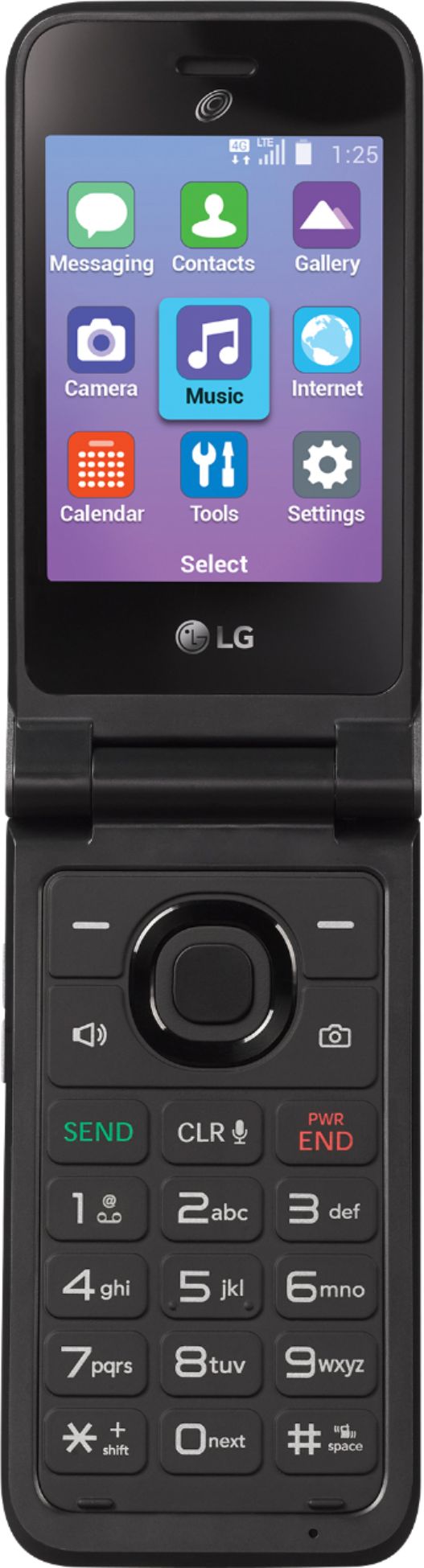
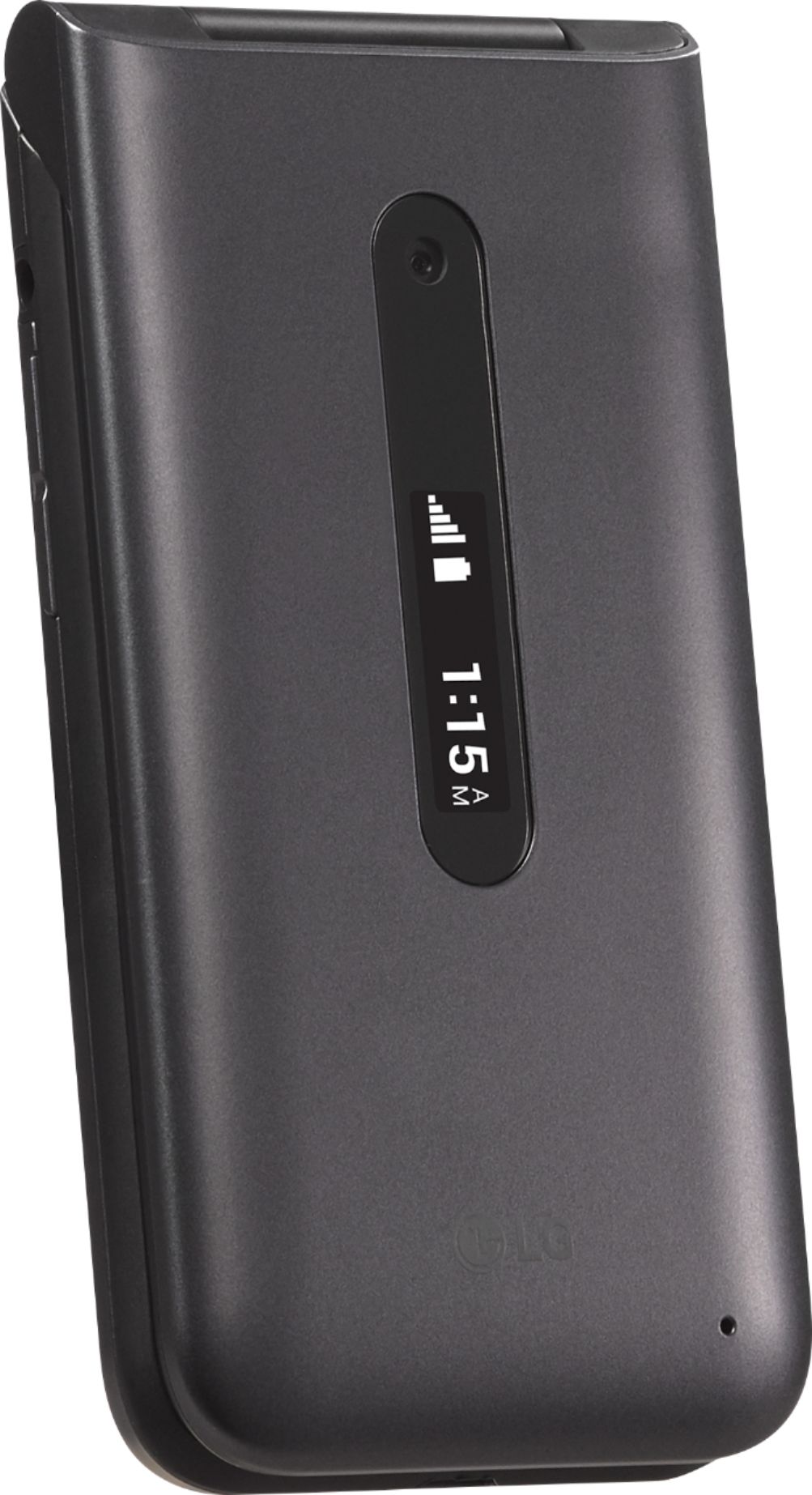
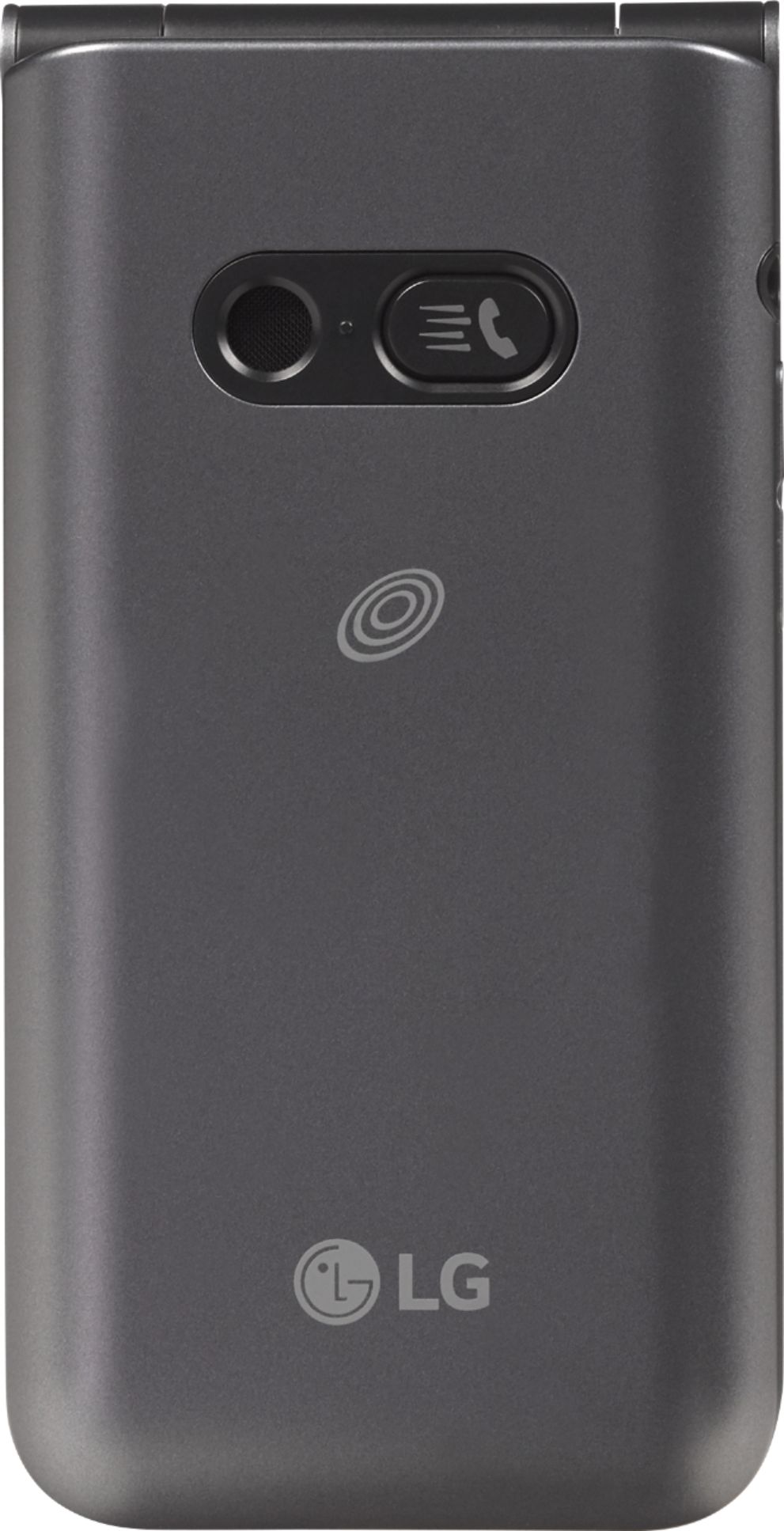
A:AnswerI have been with Tracfone for years and I recently had an LG440G, which was a 3G flip phone, and was also advised by Tracfone that it might stop working in the near future. I looked at some of the newer phones for use with Tracfone service and most of them were Smartphones, which I DID NOT WANT. There were two flip phones only, and one did not have very good reviews at all so I went with the L125DL flip phone, which is 4G, and switched over to that. Although I was initially quite annoyed at having to switch phones in the first place (this is the second time I have had to do so), I must admit I have been pleasantly surprised by the L125DL. The viewing panel is larger than the one on my previous phone and in color and the phone has more features than my previous one. The numbers pad is also slightly larger and easy to use. I mainly keep my mobile phone for emergency use only like to call for roadside assistance if my vehicle should get stranded out on the road and not as a regular phone. I use my land line for most of my calling so I cannot talk in detail about the various features of this phone as I have not used them or really taken the time at this point to get to know them. I have gotten on the internet with this phone and while of course the viewing panel is small you are able to get online. There is also a feature where you can check the battery level of the phone. It tells you at what percent charge the battery is at. The main panel shows the day of the week, date and time, which is a very convenient thing. The only real complaint I have about this phone is that it does not show how many minutes you have left. My previous phone always had the minutes visible in the main panel but this one does not. With the L125DL, in order to get your balance of minutes left, you have to text "balance" to 611611. This really does not affect me much because as I said I only use the phone for emergencies and have been with Tracfone for several years and have over 12,000 minutes on my phone so I do not regularly have to check my balance. For somebody who needs to check the balance frequently because they do a lot of calling, this could become quite a nuisance. But overall, I am quite happy with the L125DL.
A:AnswerHi. This is Wendy from TracFone Wireless. You can text TRANSFER to 611611. We can also help you transfer your old phone number. Please copy this link http://bit.ly/2qdrKHH and paste it on a new window for chat support. You may also text HELP to 611611. For your convenience, our representatives are available Monday-Sunday from 8:00 AM to 11:45 PM EST. Have a great day!
A:AnswerHi. This is Katrina from TracFone Wireless. Unfortunately, no. TracFone device will not work when you are located anywhere outside of the United States, Puerto Rico, Hawaii and the US Virgin Islands including, without limitation, while you are offshore or in international waters.
A:AnswerTracfone doesn't use its own towers. It uses verizon, t-mobile & At&t's according to them. I was told this particular phone is attached to verizon only when I tried to get it to work on t-mobile. That after weeks waiting for new sim card and getting the general run around from tracfone "tech" advisors I was told about it being only a verizon phone. Not what i wanted to hear. I will be returning it.
A:AnswerHi. This is Katrina from TracFone Wireless. There's no activation fee if you will activation this flip phone. You only need to purchase an airtime card that is good for 30 days.
A:AnswerHi. This is Janet from TracFone Wireless. Please be advised that the TracFone LG Classic Flip phone is carrier locked and can only be activated with our service using any of our offered service plans. Have a nice day!
A:AnswerHi. This is Wendy from TracFone Wireless. Yes. This phone is compatible with Net10 Wireless and you can keep or transfer your phone number and minutes to this phone. Thank you.
A:AnswerHi. This is Wendy from TracFone Wireless. You can text "ADD" to 611611 on your phone. You will receive an SMS with instructions on how to your airtime PIN. Thank you for your inquiry.
A:AnswerHi. This is Janet from TracFone Wireless. So long as you still have sufficient data allotments and in a good coverage area, you are free to browse the internet however you want. The TracFone branded LG Classic Flip lets you send and receive SMS or text messages as well. Have a nice day.
A:AnswerHi. This is Cristy from TracFone Wireless. Included for this phone are Service Guide and Quick Start Guide. To get a phone tutorial and manual, you can text the word TUTORIAL to 611611. Thank you.
A:AnswerHi. This is Wendy from TracFone Wireless. Yes, it will still continue to work because it is VoLTE capable. For further queries or concerns, please copy this link http://bit.ly/2qdrKHH and paste it on a new window for chat support. You may also text HELP to 611611. For your convenience, our representatives are available Monday-Sunday from 8:00 AM to 11:45 PM EST. Thank you.
A:AnswerHi. This is Ramel from TracFone Wireless. Yes, you can transfer your contacts to the new phone using TracFone Transfer Wizard App or Bluetooth feature. Thank you. Have a great day!
A:AnswerHi. This is Cristy from TracFone Wireless. Unfortunately, no. You cannot download and install the app that comes with your smartwatch on this phone. For more information, please copy this link http://bit.ly/2qdrKHH and paste it on a new window to chat with us. We're open Monday-Sunday from 8:00 AM to 11:45 PM EST. You can also text the word HELP to 611611. Thank you.
A:AnswerHi. This is Wendy from TracFone Wireless. Yes, you can. Should you need assistance, please copy this link http://bit.ly/2qdrKHH and paste it on a new window to chat with us. Our representatives are available Mondays to Sundays from 08:00 AM to 11:45 PM EST. You can also text the word HELP to 611611. We will be happy to assist you. Thank you for your inquiry.