A:AnswerHopefully you've returned these by now. It's within a year of your purchase date, call Turtle Beach or email them through the warranty page. They'll send you a new set.
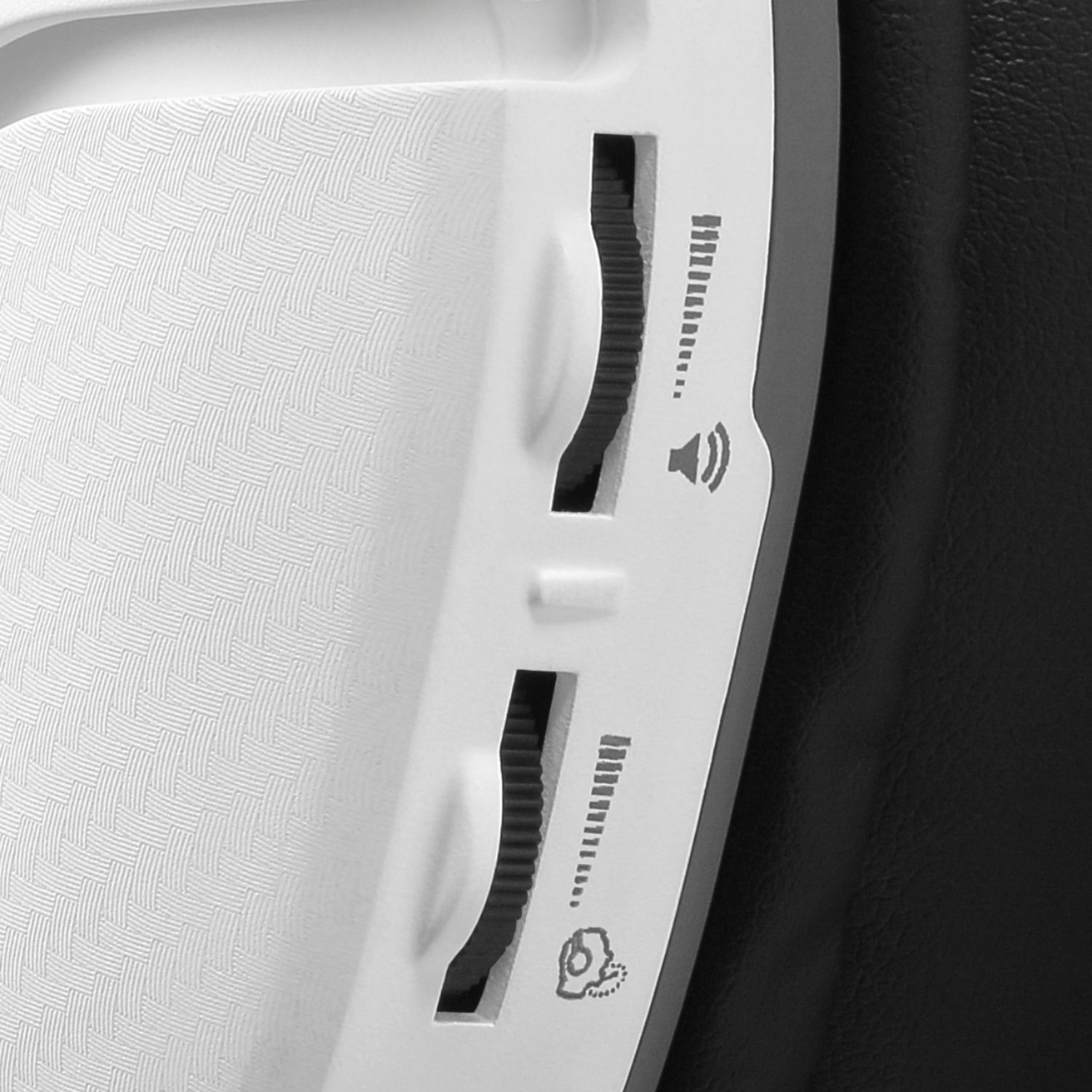
A:AnswerMake sure the button on the left side is switched to Xbox or PS; whichever console you're using. If it doesn't correspond, you'll only hear your voice
A:AnswerSounds like it is a settings issue eithin the console output, might wanna check that out. Ihad that problem on my Playstation 4 & fixed the issue by switching the output to headset and if worked fine for me.
A:AnswerThe Recon 200's cable is hardwired to the headset itself, so the cable itself would not be available for purchase on its own.
If you are in need of assistance with your headset and its cable; please reach out to our Support Team via the support form located on the main Turtle Beach website.
A:AnswerYes, this can be used on a PC that is equipped with a headset jack.
If your PC has two separate jacks for Audio and Microphone purposes, you're going to need an additional cable known as a PC Splitter Cable.
A:AnswerThe power switch on the side of the headphones light up red when charging, green when on, and orange when charging and on. I honestly have no idea why you have to charge it before you can use it. The good thing is that it charges rather quickly and last for a long time. You can use them while charging if need be as well. These headphones offer great quality, with its mic monitoring being able to hear your door open behind you, and its sound quality being able to pick up background noises from your mates that no one else will be able to. The battery may be stupid but the quality is no joke

A:AnswerThe Recon 200 headsets require charging due to the fact that they are amplified headsets. In order for the amplification to work, the headset would need to be powered by a power source of some sort.
Rather than tethering you to the console or another power source via a USB cable, we placed a rechargeable battery in the headset. This allows you to only have one connection to the console's controller, rather than two (one to the console, one to the controller).