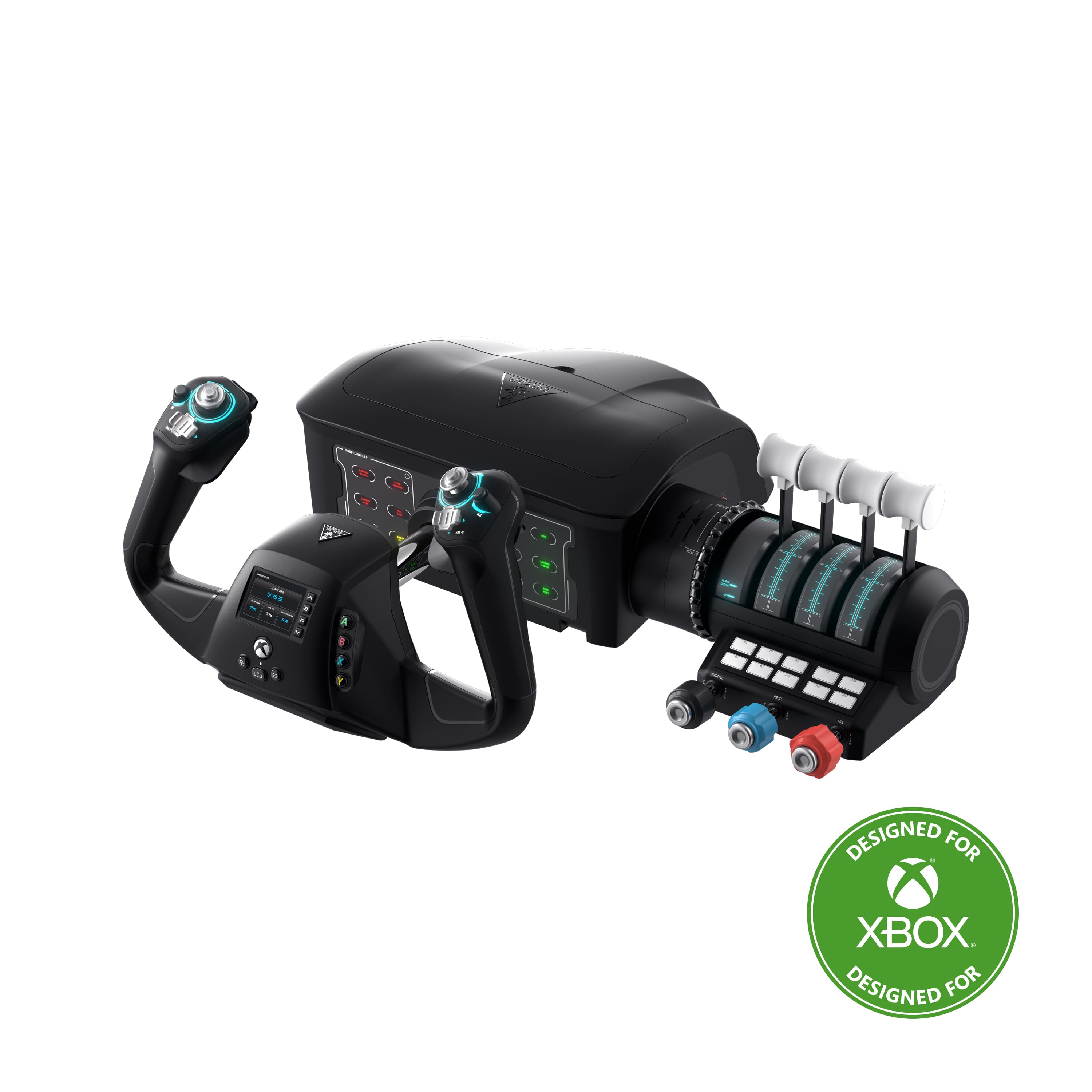
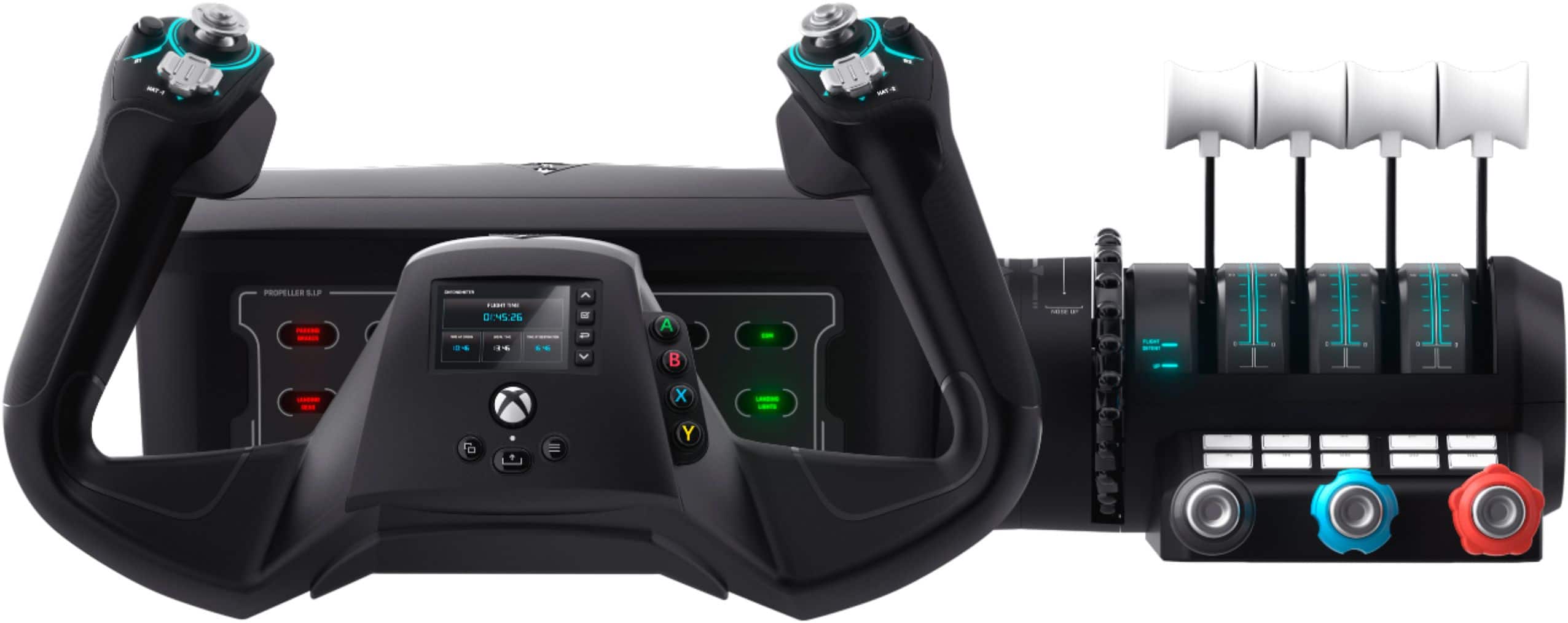
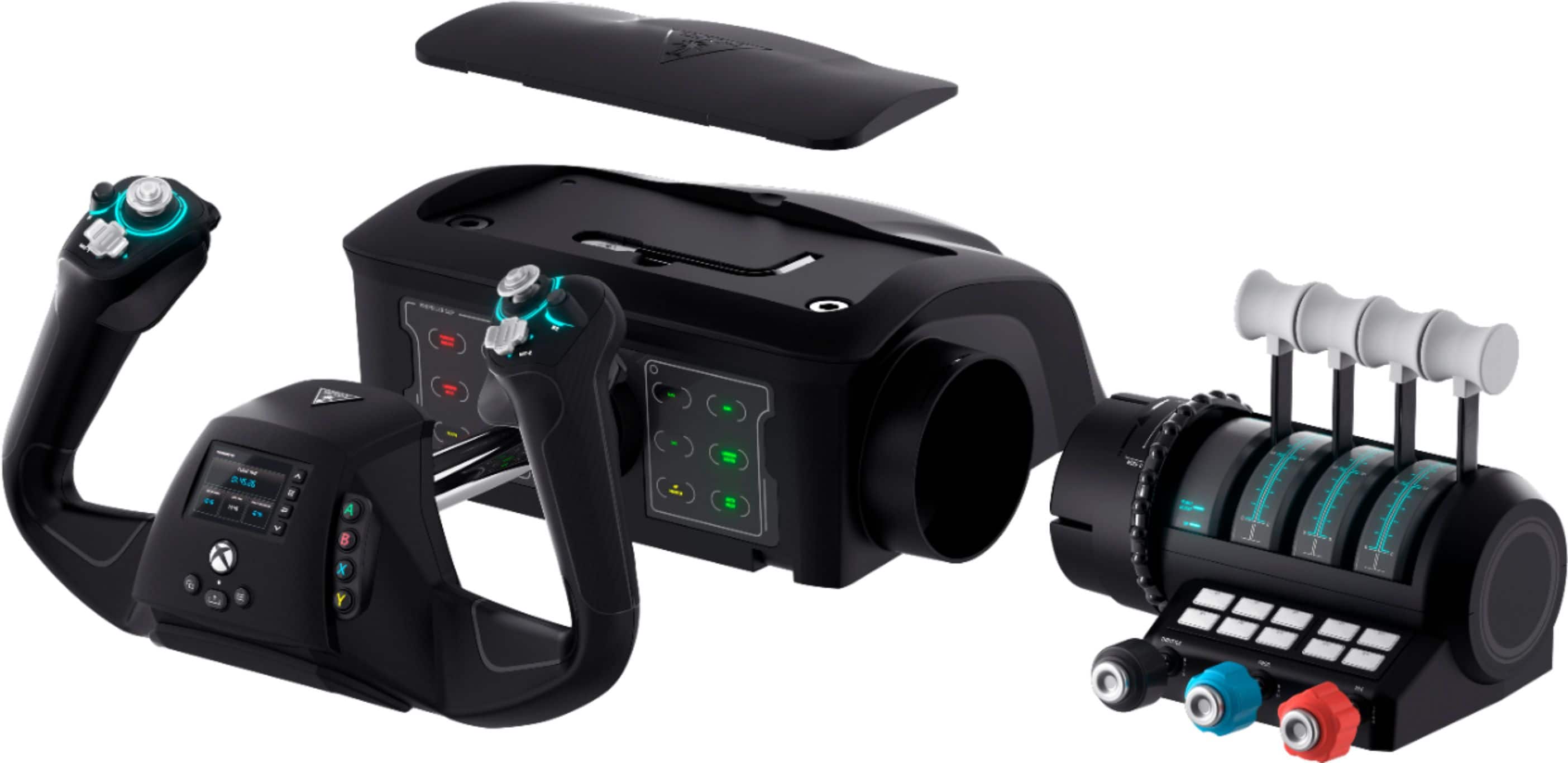
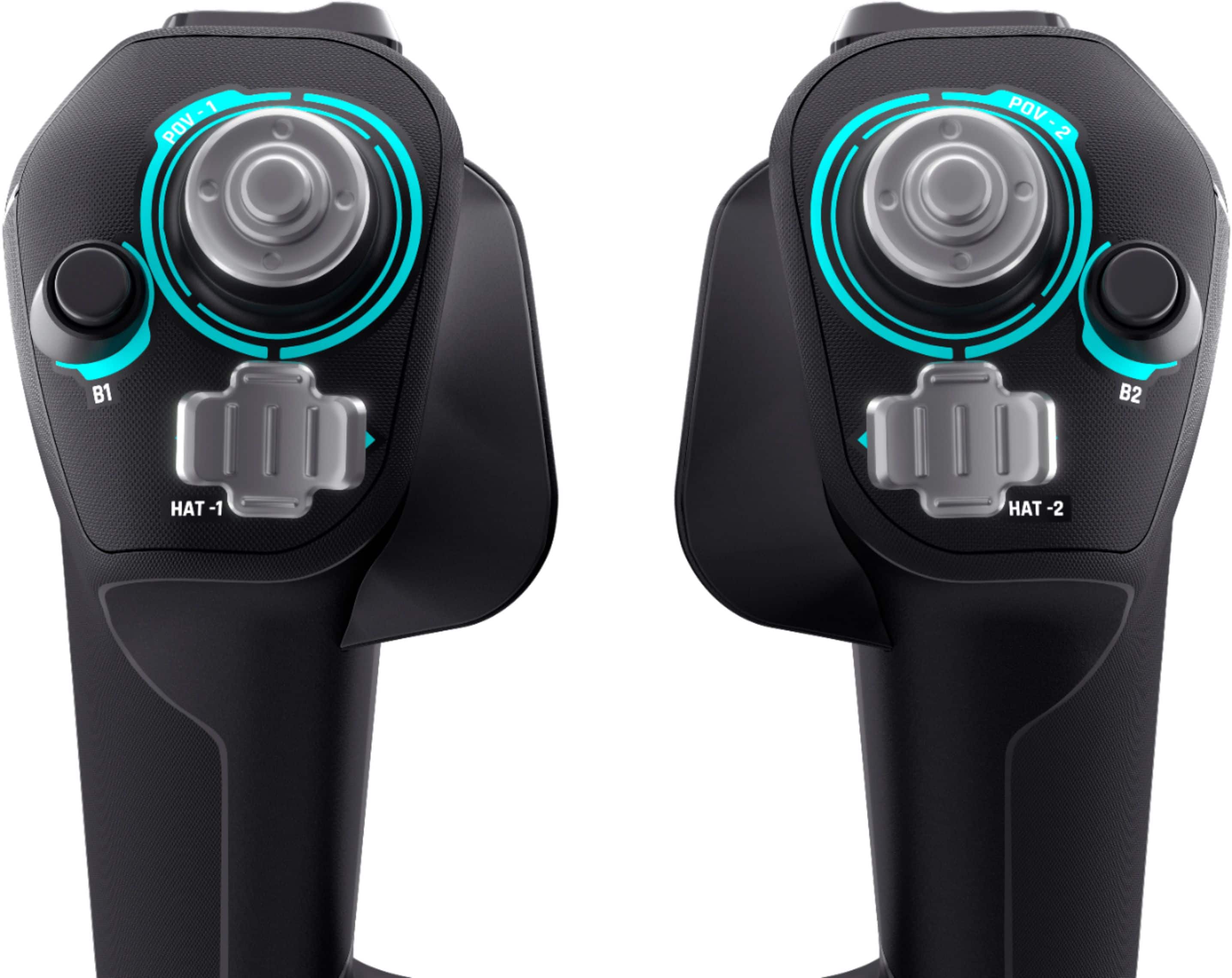
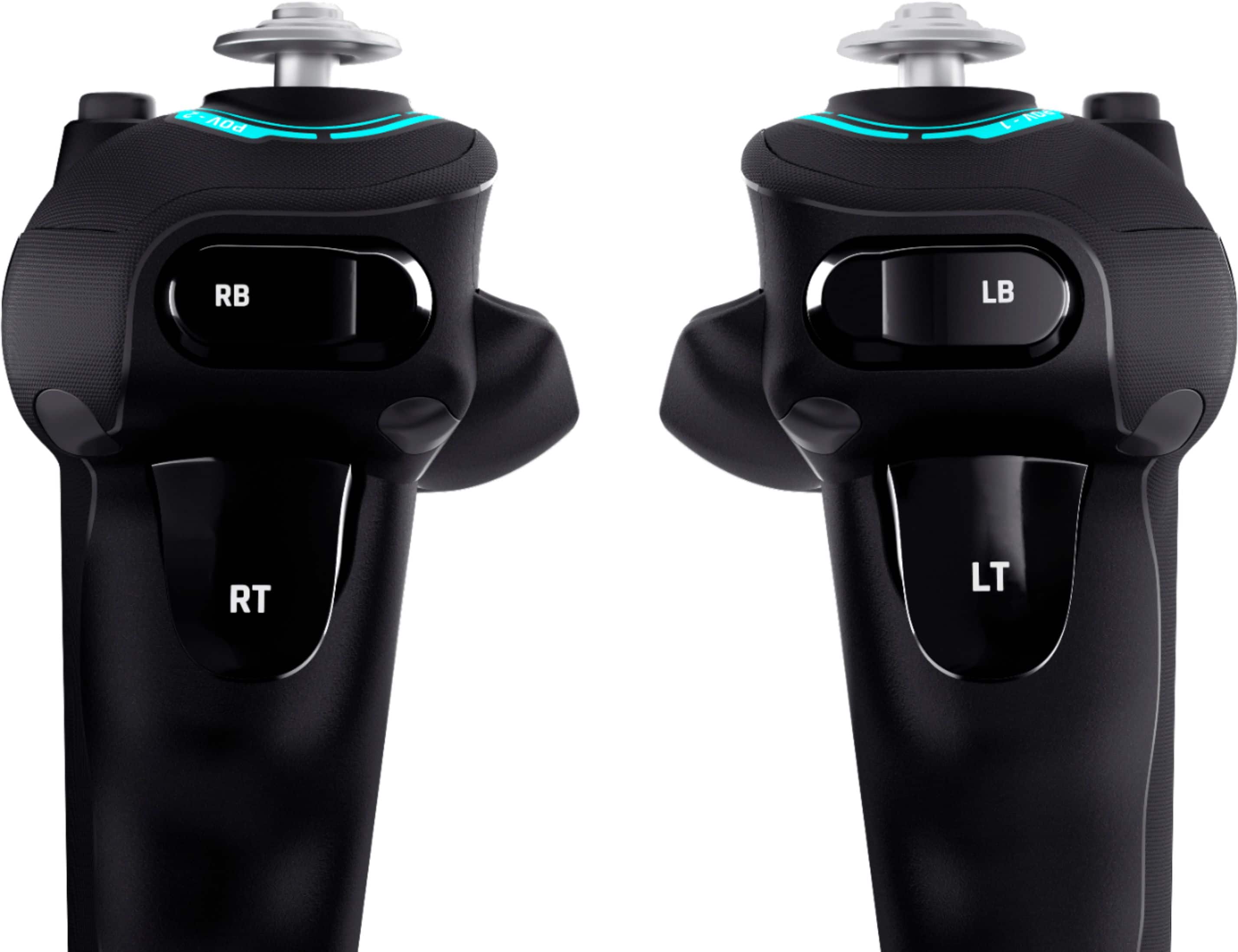
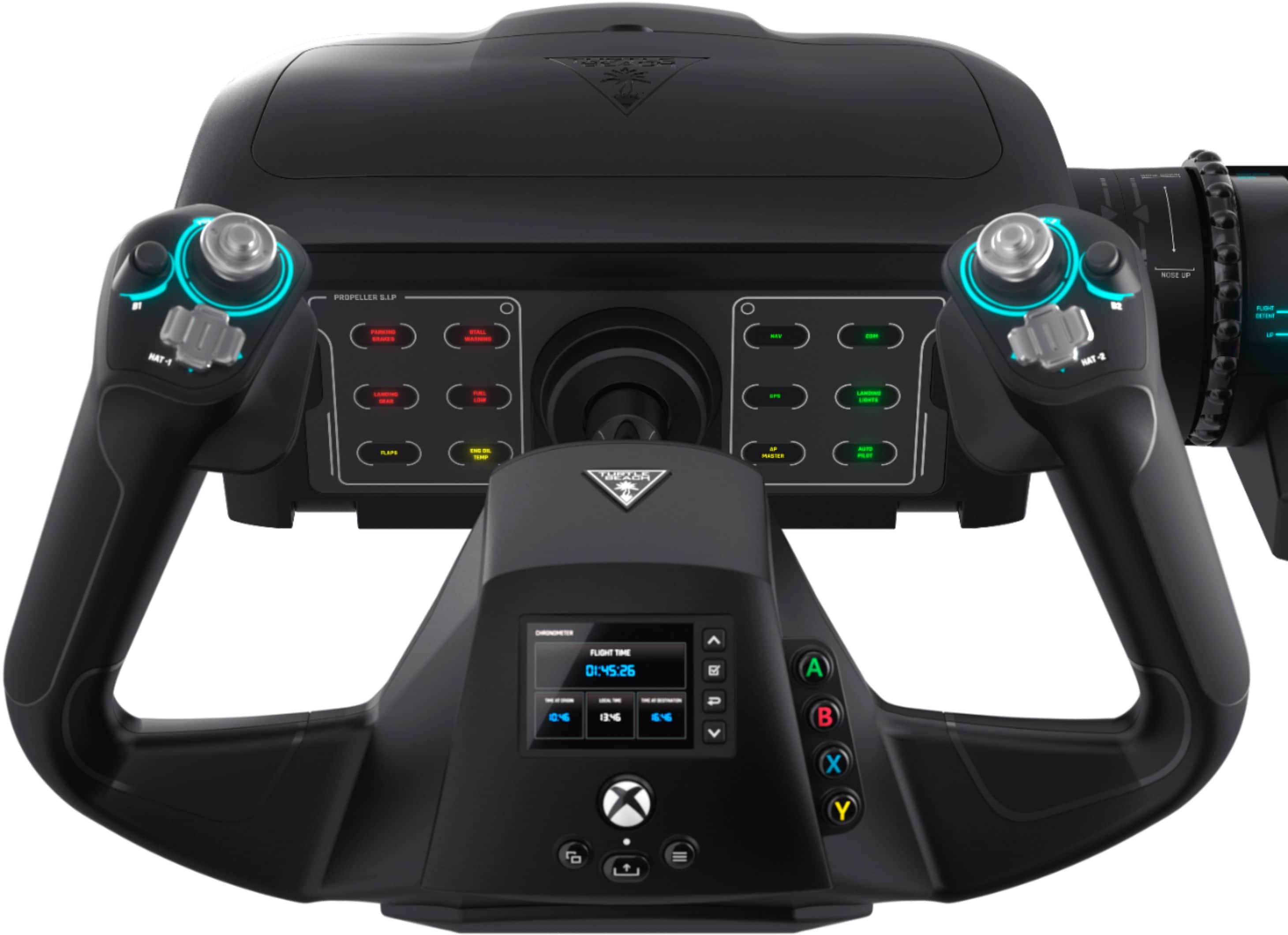
A:AnswerTo my knowledge the flight stick does not hook up directly to the TV. Works fine with my XBox series S and X. I have not used it with my gaming PC.
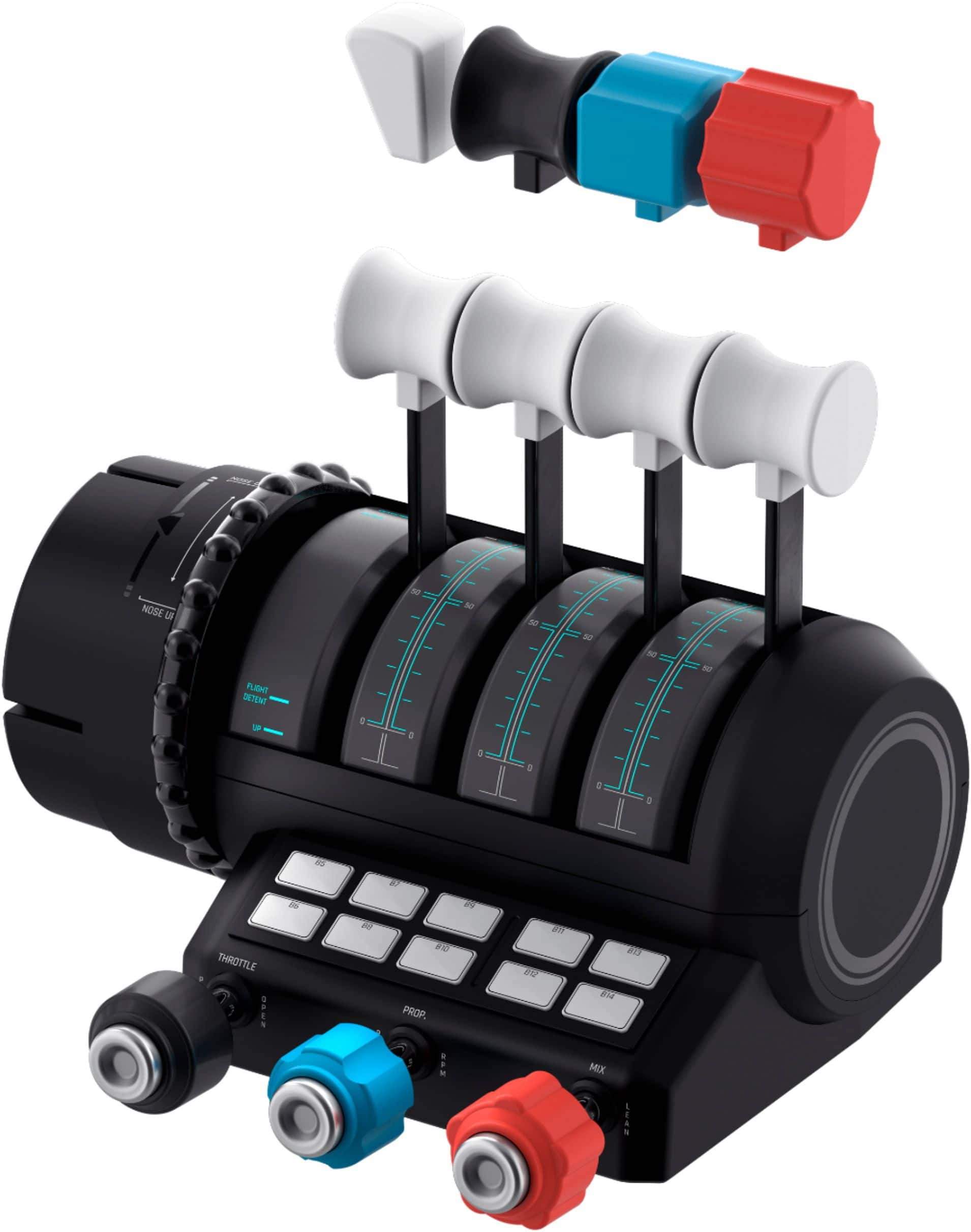
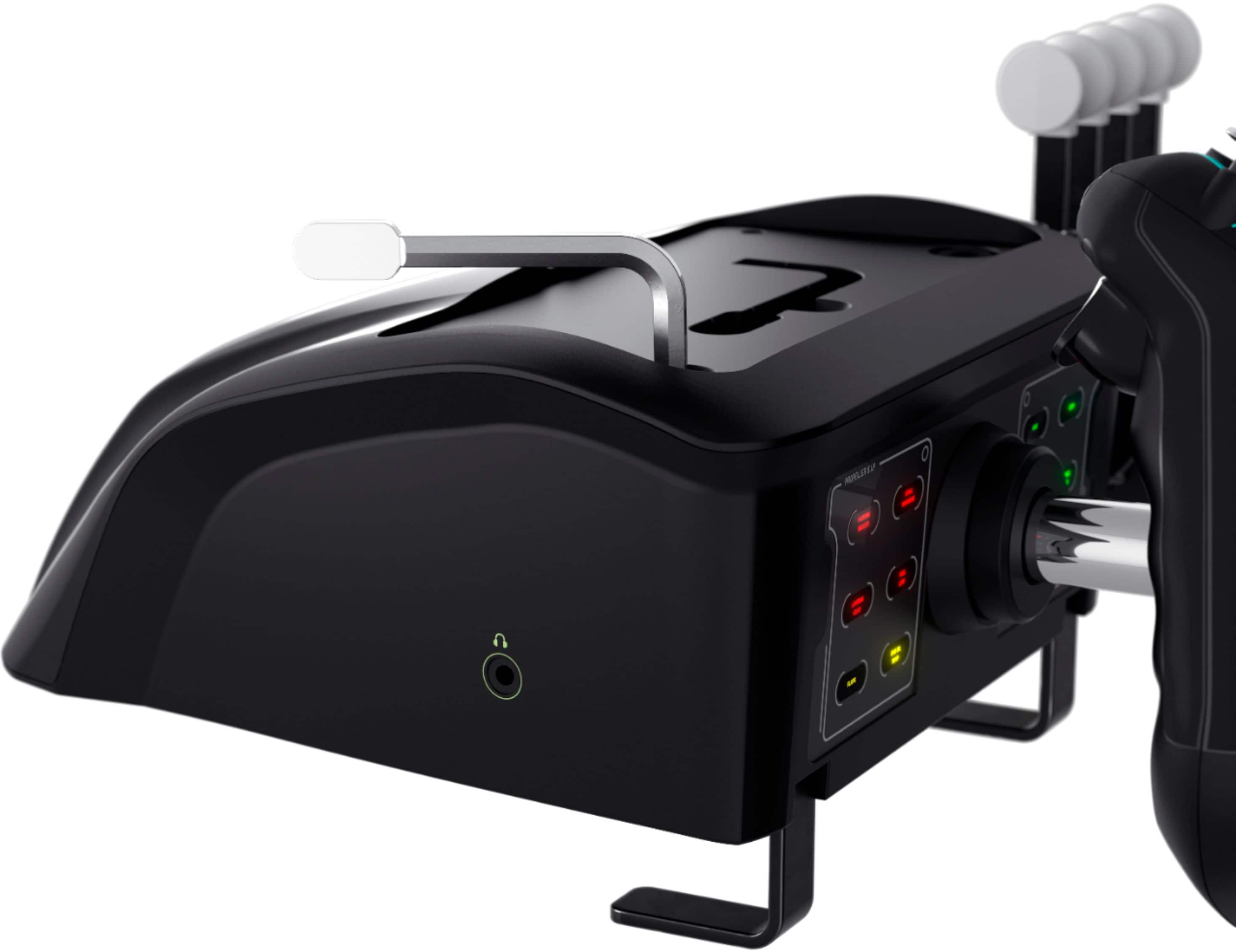
A:AnswerYou would need to connect the pedals to the device you're using the VelocityOne Flight with, as The VelocityOne Flighjt itself does not have any additional open USB ports for other accessories.
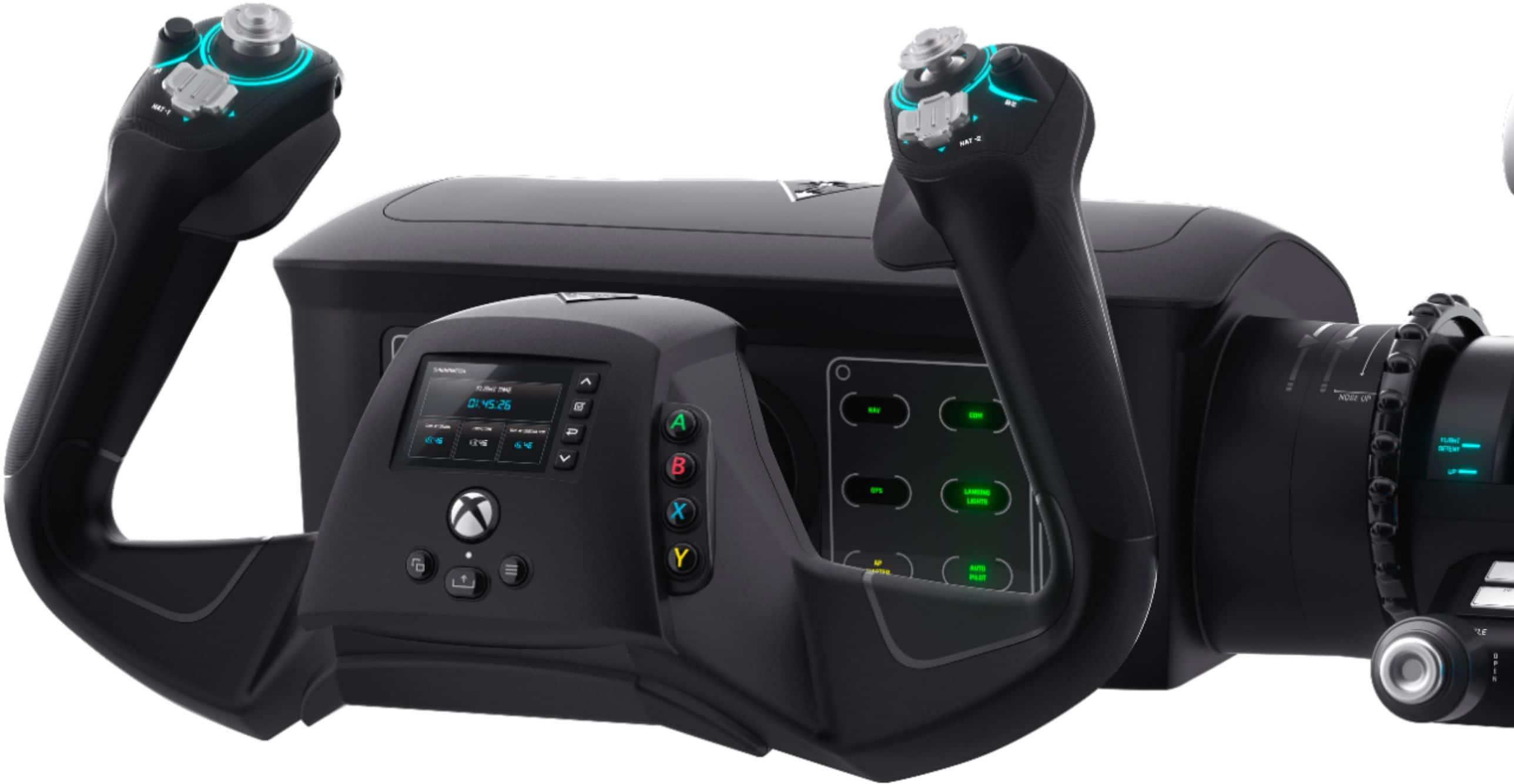
A:AnswerNo flight yoke in the consumer price range is “force feedback” it does have springs to center the yoke and provide some resistance. It is not force feedback like gaming steering wheels sometimes are.
A:AnswerI do not see an extra connection for rudders on the yoke/throttle itself, however I use my Thrustmaster rudders with the velocity one by connecting the usb to the desktop.
A:AnswerThanks for your inquiry!
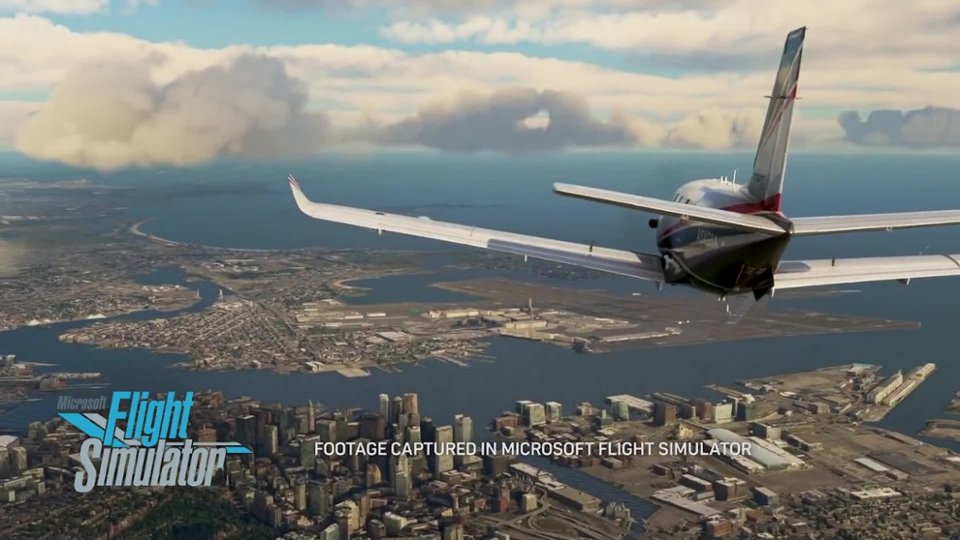
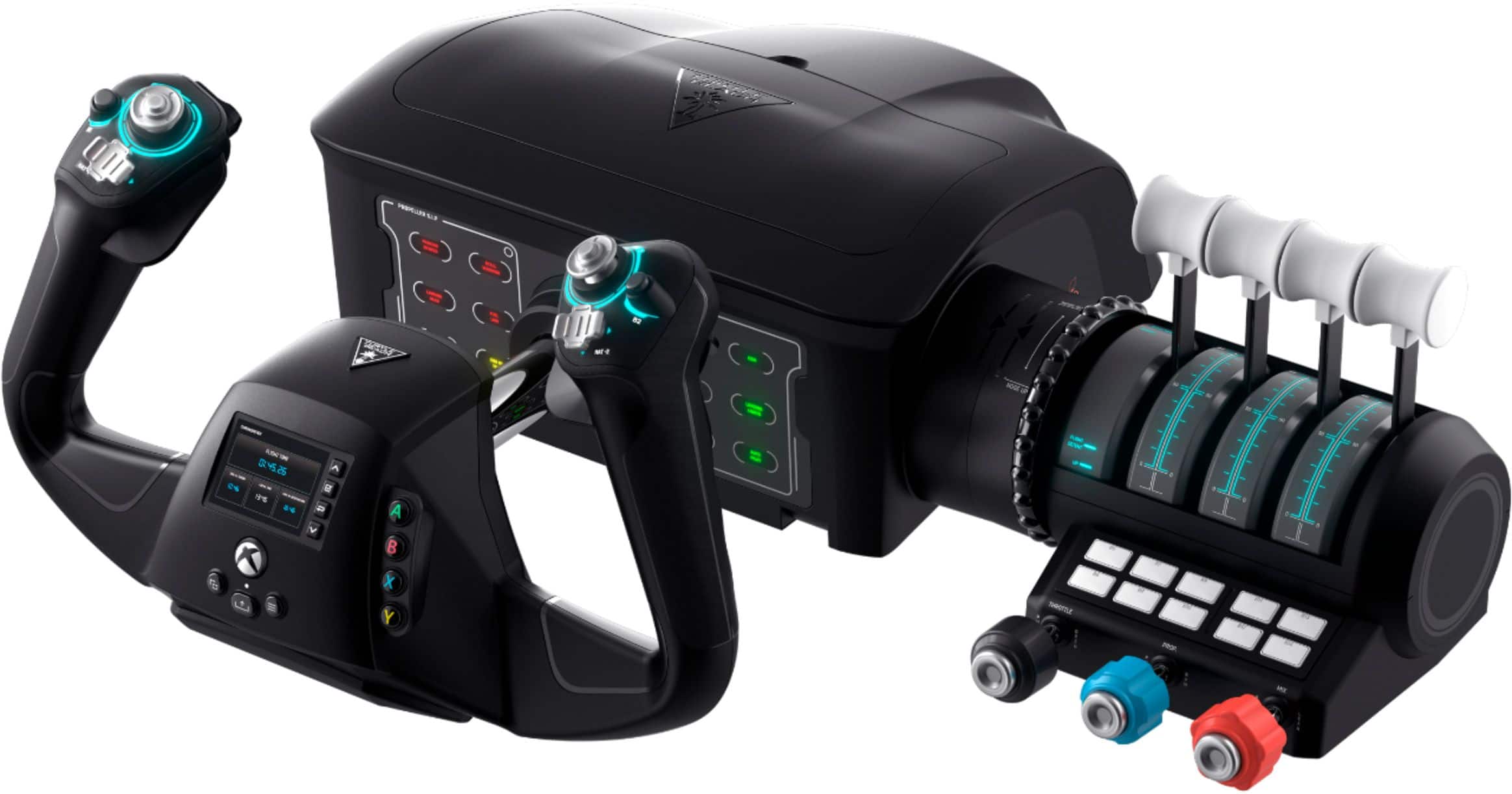
VelocityOne Flight Xbox Software Compatibility: Microsoft Flight Simulator (not compatible with Xbox Cloud Streaming).
VelocityOne Flight PC Software Compatibility: Microsoft Flight Simulator 2020, Elite Dangerous, Ace Combat, DCS World, X-Plane 11 & 12, War Thunder, Everspace 2, and Star Citizen.
A:AnswerThanks for your inquiry!
The Turtle Beach VelocityOne Flight for Xbox and Windows PCs does NOT support Mac OS.
If you have any other question please reach out directly to our dedicated Support Team so they can assist. They’re always happy to help and can be reached right from the support section of the Turtle Beach website.
Thank you and have a great day!