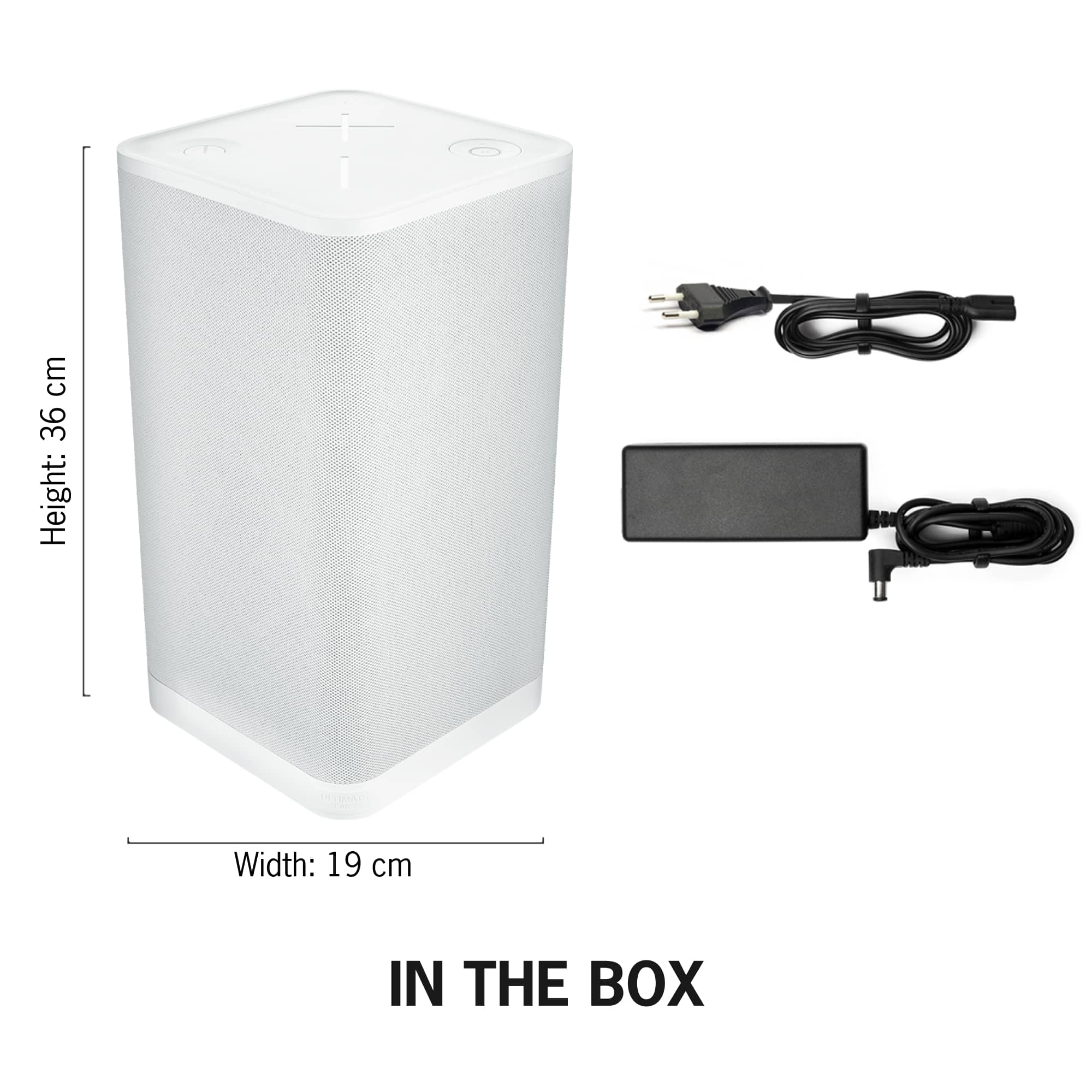
A:AnswerI don’t think you can replace the batteries. It comes with a power cable, so I guess if the batteries stop holding a charge you can still use it with the power cable.
A:AnswerI’m unsure if you can replace battery’s on them, but it sounds like you’re doing something wrong here because I’ve owned the megaboom 3 and hyperboom for over 2 years each and can let both of them play morning to night and neither battery will die..
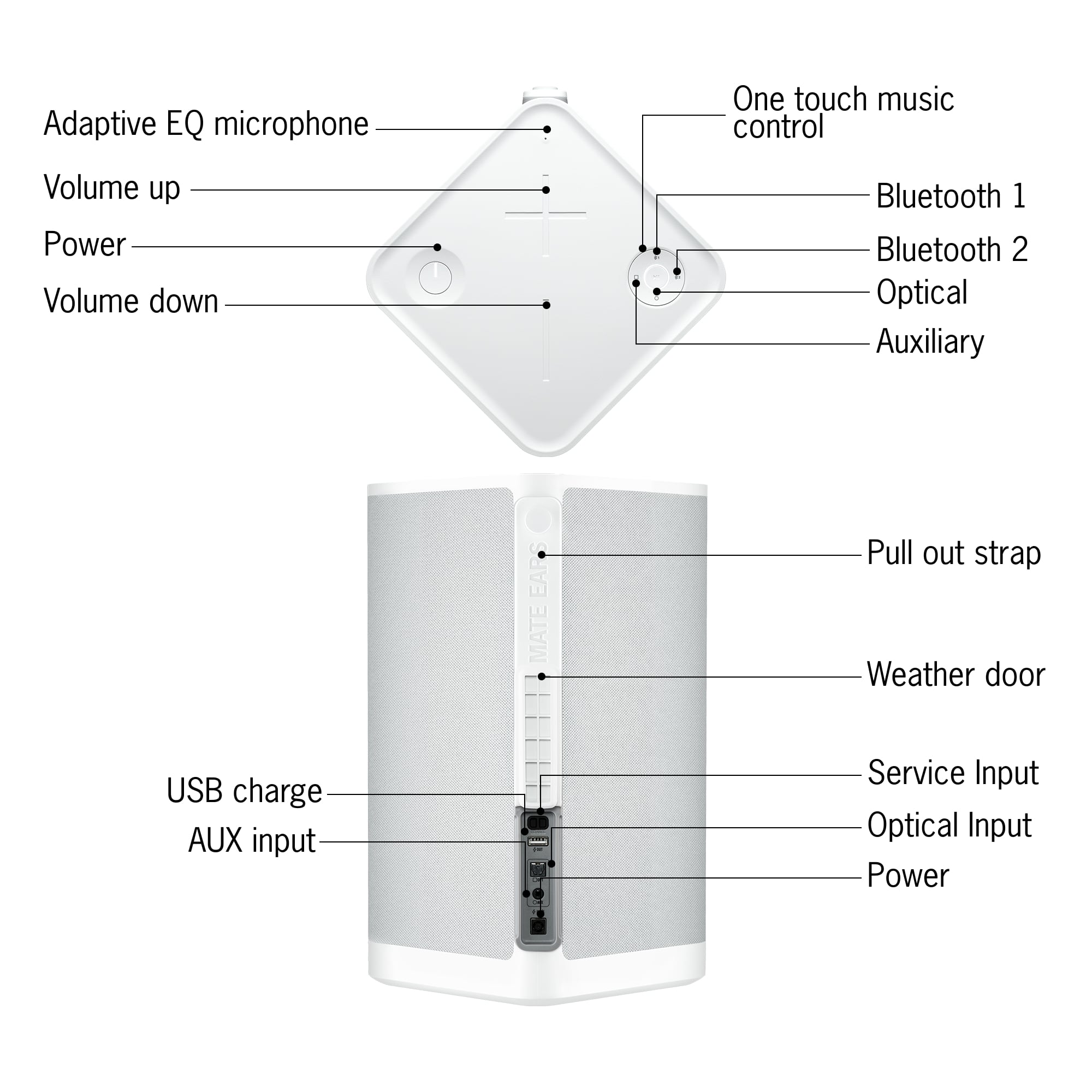
A:AnswerHello, Only the Hyperboom has a USB Charge Out port that allows you to charge your mobile devices. Here's a link to the product page that will break down all of the other features of the Hyperboom: https://www.ultimateears.com/en-us/wireless-speakers/hyperboom.html. - Richard from Logitech
A:AnswerIt is 110 db at 2 meters. This is a loud speaker with great quality. If you are in a back yard and have this speaker everyone will be able to hear it.
A:AnswerAlthough Hyperboom does have dual-Bluetooth connectivity, it will only play from 1 Bluetooth source at a time. This is designed to allow you to switch between devices easily.
A:AnswerNo. Although Hyperboom does have dual-Bluetooth connectivity, it will only play from one Bluetooth source at a time. This is designed to allow you to switch between devices easily.
A:AnswerHello,
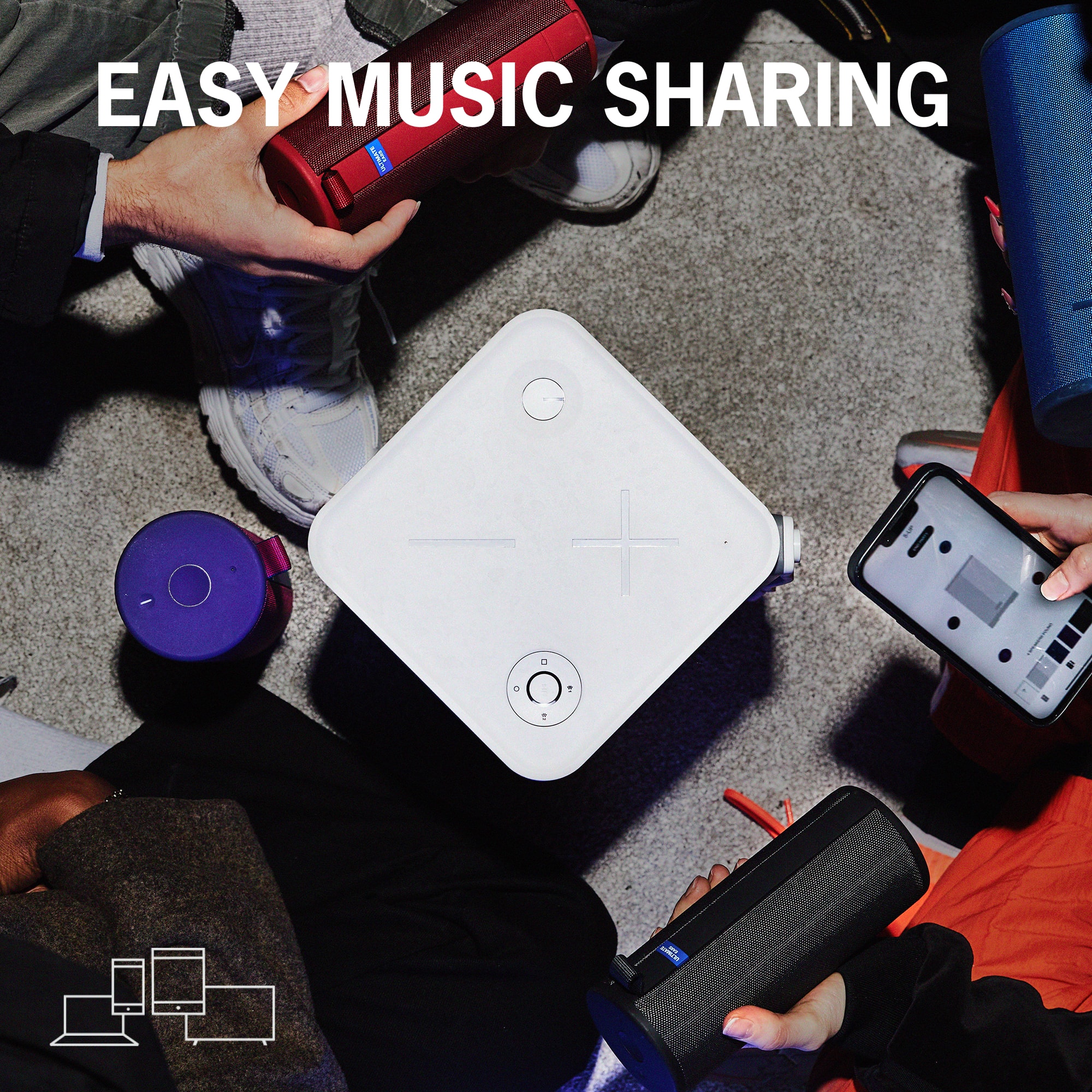
No. Hyperboom cannot be paired with the MegaBlast. HyperBoom can “PartyUp” with other Boom series speakers, via Bluetooth through the Ultimate Ears “Boom” app (Megaboom3, Megaboom, Boom3, Boom2). MegaBlast can connect to multiple speakers in the Blast lineup, through the Ultimate Ears “Blast” app (Blast and MegaBlast). Firmware updates, EQ adjustments and user guides are available through the Blast and Boom apps. For further assistance, please contact Logitech support.
Best regards,
John at Logitech
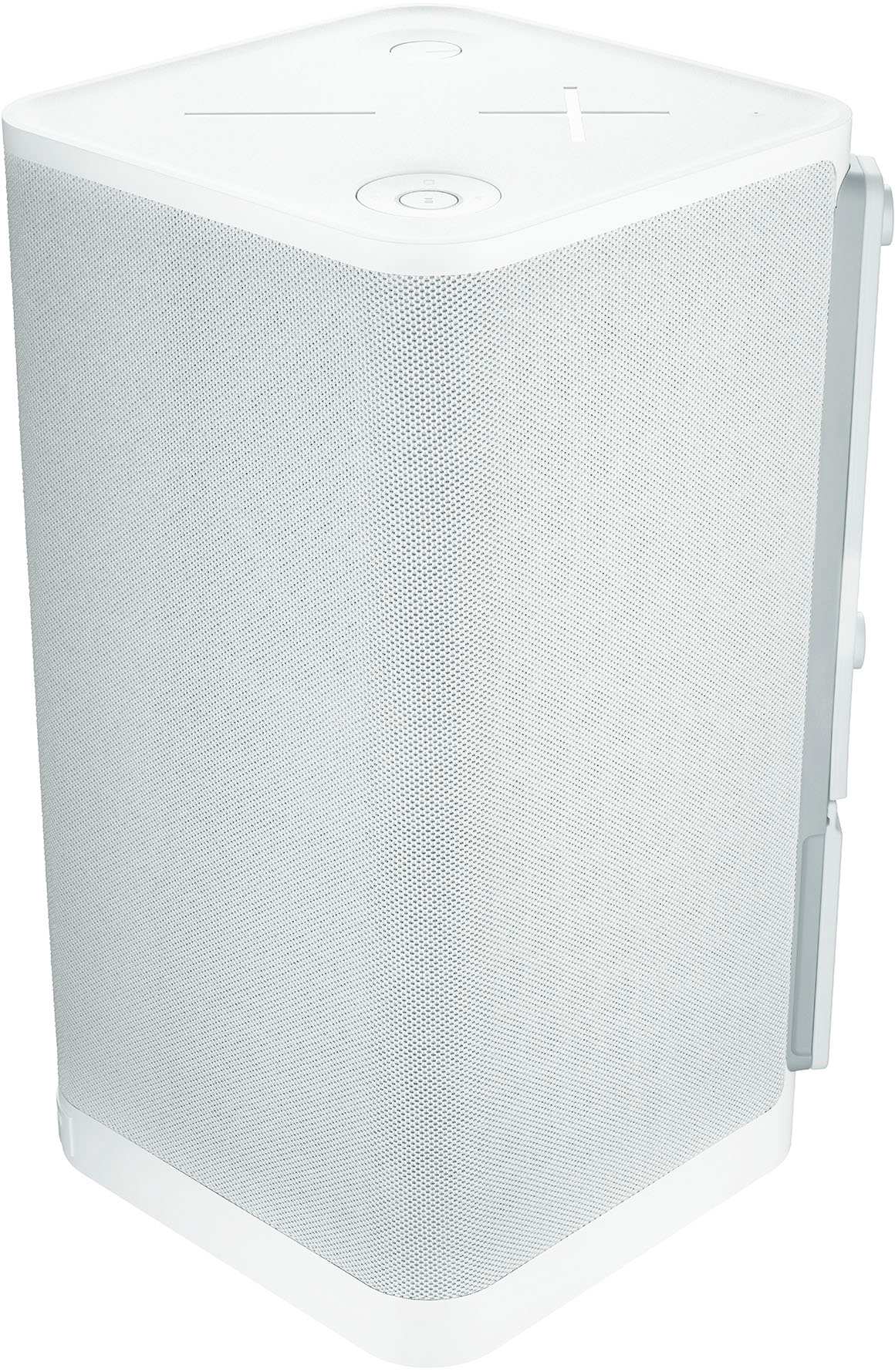
A:AnswerNo, the Ultimate Ears Hyperboom is not designed to be used as a guitar amp. Although it is very versatile with dual-Bluetooth, optical, and AUX audio inputs. - Will, Ultimate Ears.
A:AnswerThat's unexpected! In order to help you effectively, please provide your information to our support team via email at [email protected] with your
- Name:
- Email Address:
- Country:
- Product Name:
- Brief description of issue: