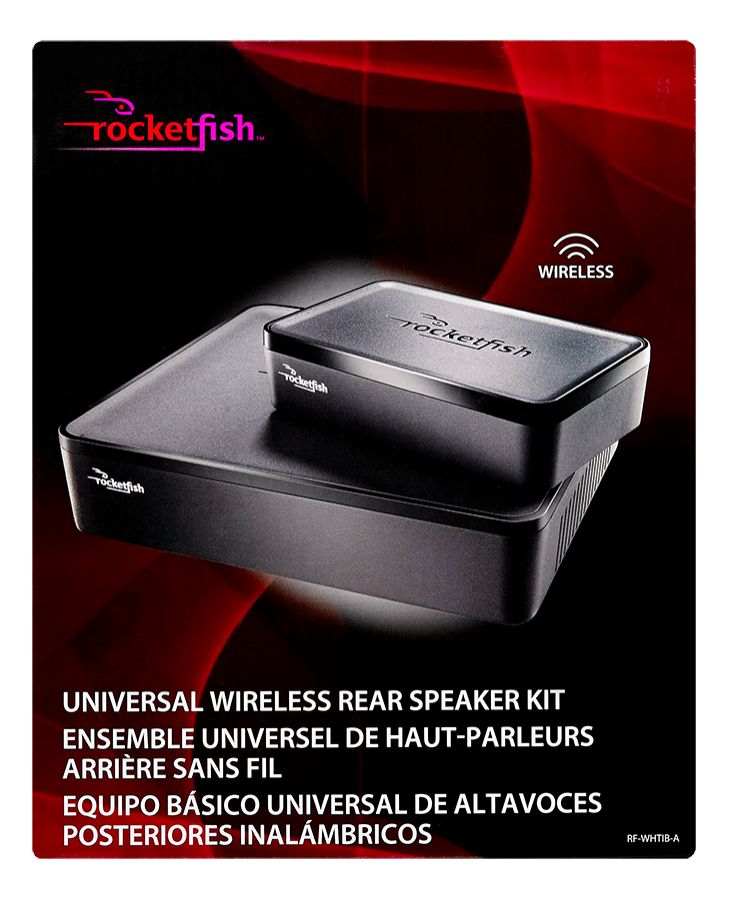
A:AnswerYes you may experience interference from other devices if you use this in a small space. The maximum distance between the wireless sender and wireless receiver is 100 feet. Other devices such as cordless phones, microwaves, etc, may cause interference. If this is the case, then turn each device off one at a time to determine which one is the source of interference. Also make sure that the wireless sender is more than 18 inches away from any Wi-Fi routers.
A:AnswerIf you turn off the power to them, they will not automatically turn on when you bring the power back. Why not just let them stay on at all times? Their power consumption is negligible.
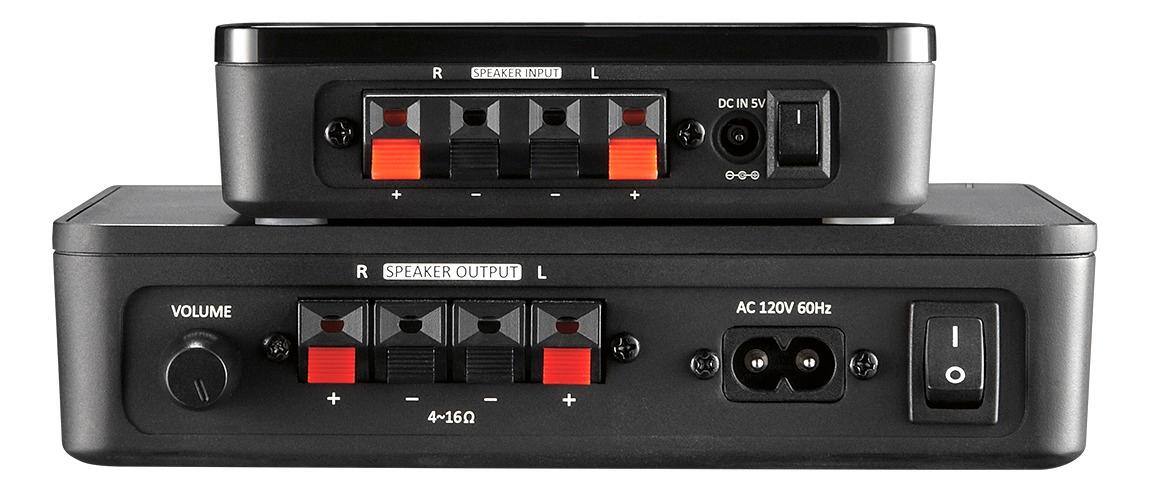
A:AnswerHad the same question but the actual version has the wide range of voltage in both sender and receiver. This is a quote from the manual: "Plug the small (female) end of the power cord into the AC 100-240V~
50/60Hz jack on the back of the wireless receiver."
A:AnswerThe RF-WHTIB is intended to be used with a home theater system with speaker wire outputs and not with striped 3.5mm wire outputs. As such I cannot recommend using it in the way you stated.
A:AnswerNo, each receiver must have a corresponding transmitter. The RF-WHTIB cannot pair more than one receiver to a sender. You could use two senders and two receivers, one pair for each side.
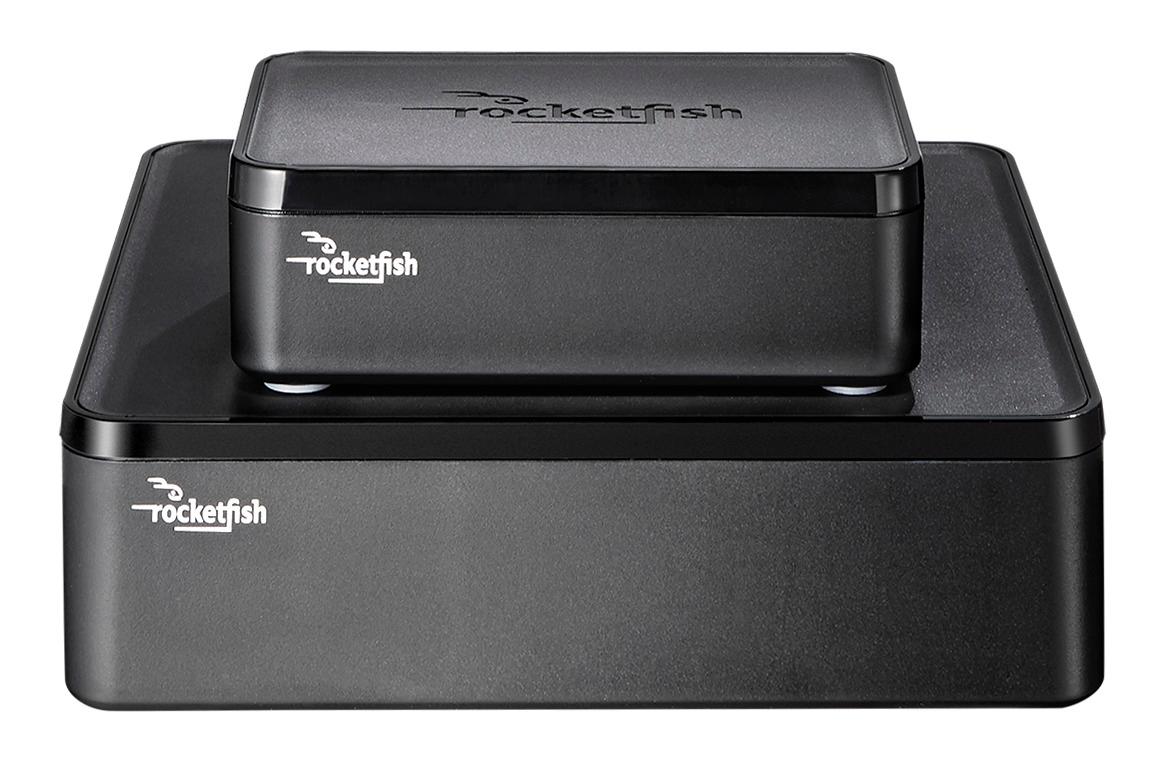
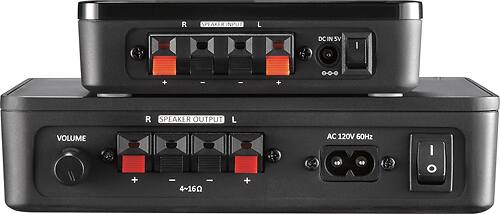
A:AnswerTurn on the Sender (small box) until the red light blinks. Turn on the Receiver (bigger box) and hold until they synch.
When that didn't work after multiple tries. . . .
On the back of the receiver (bigger box) there is a connect button, as well as the power button. I had to hold both down to make it synch.