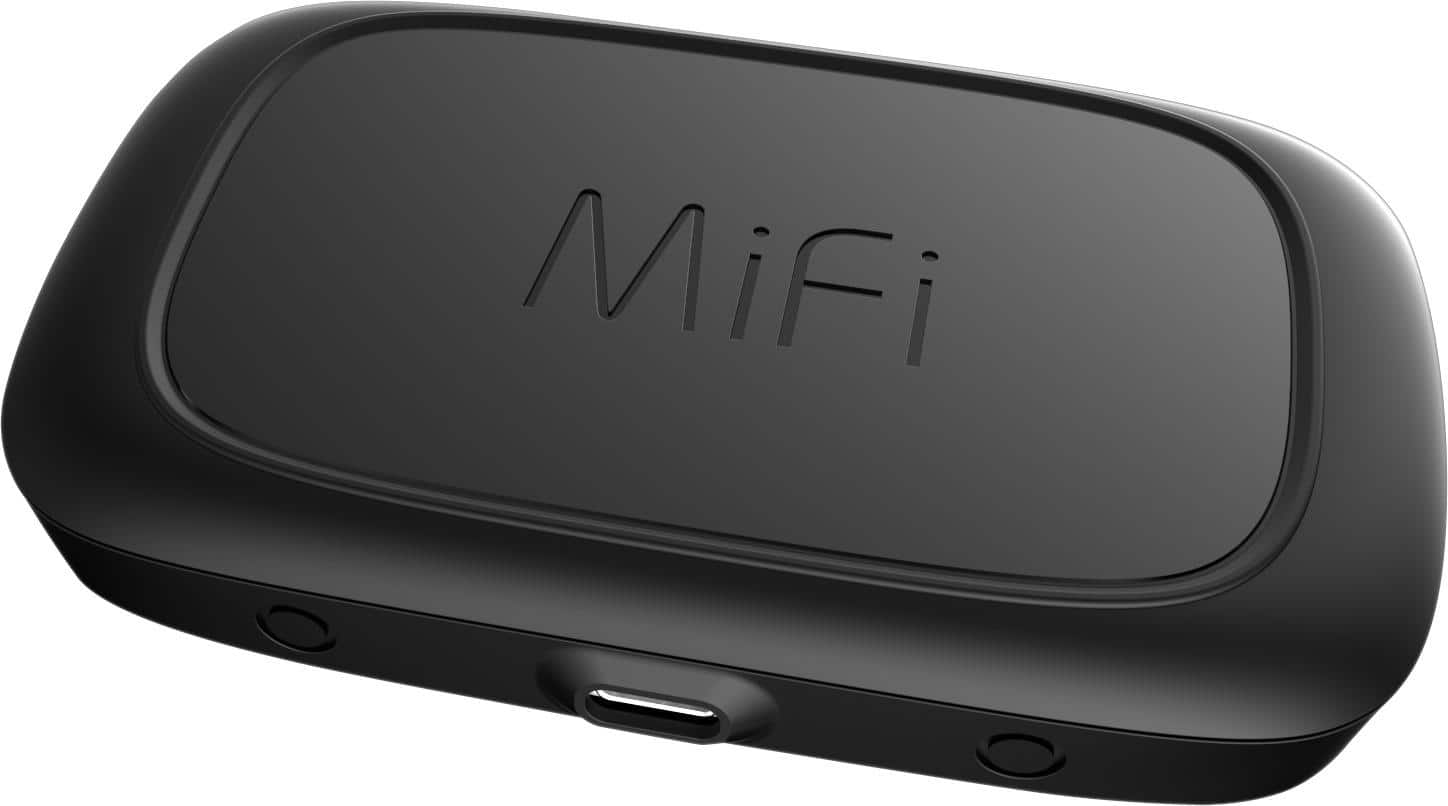
A:AnswerThese questions are tough because of the variations in towers, phones, MIFI units. Anyway this MIFI works for me where others have failed as it is better hardware than the older ones. I easily run 5 devices at once. I chose to use MIFI even though I guess the phone can do some mifi also. If you can buy and try in 14 days, thats the best. So my new MIFI works as I have always wanted on the Canadian Border so I can run the ipad and laptop. Hope this helps.
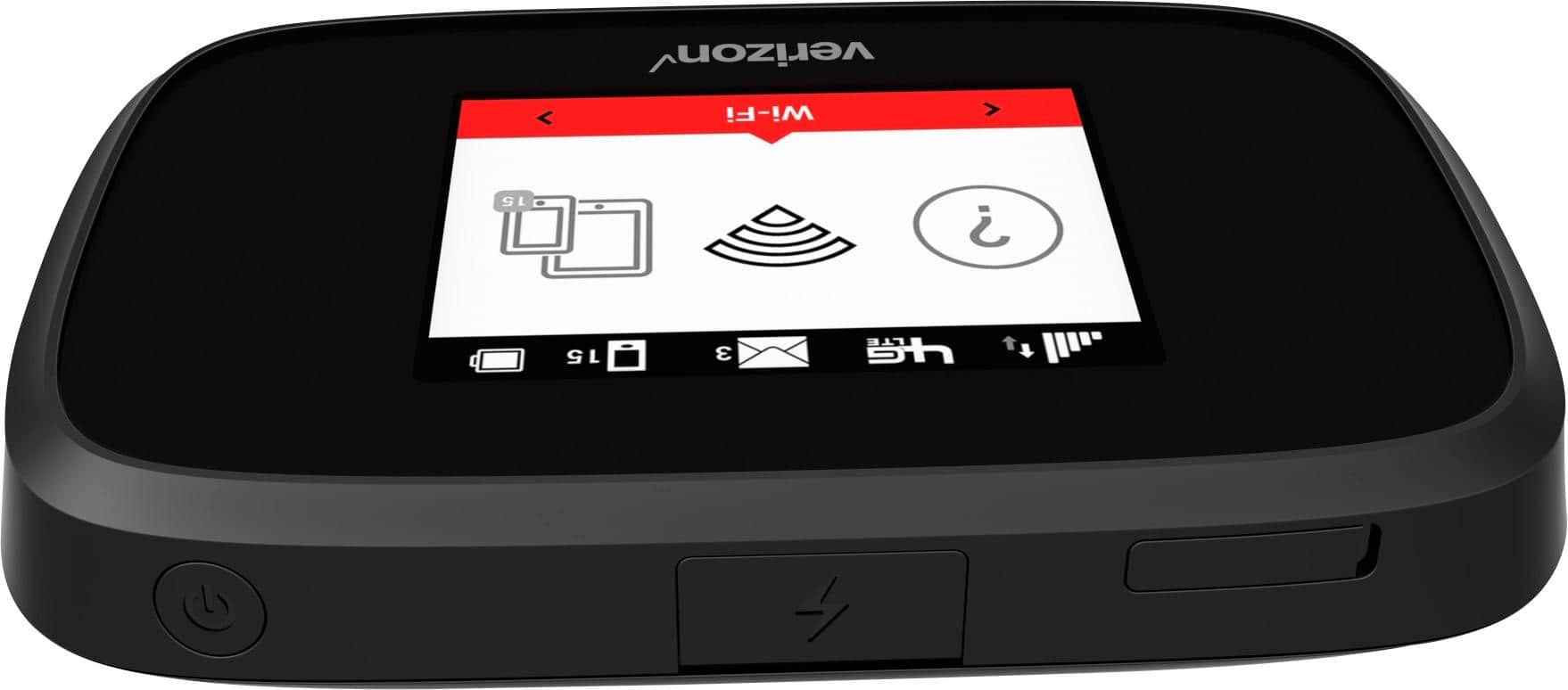
A:AnswerYes, I have a pay-as-you-go Verizon account for my iPad and just added the JetPack to that account. I only plan to use it when traveling and need a secure WiFi connection so my usage isn't that much. You can still only use the amount of data your plan covers.
A:AnswerThat’s bc Verizon lies about unlimited data and will not allow Real streaming data on it. I got this for my brother in a retirement center and I helped with it. I thought it was him. Alas it’s the SERVICE. And they lie and tell you it’s unlimited. They throttle down so slow it won’t load.
A:AnswerWe started with a phone as a hot spot. The system would go down every time the power went out or the phone did an update. Switching to the Jet Pac corrected those issues. The new problem was the Jet Pac battery swelled to about 3 times its original size after several months of use. The manual does state not to leave the Jet Pac connected to the power source for extended periods of time. We were lucky the battery did not cause a fire in our vacation home. Verizon's definition of unlimited data for the Jet Pac is 15 GB and then throttle it down to 600KBS. OK if that data rate is satisfactory for your usage. Our service was never that good at the start of the month.