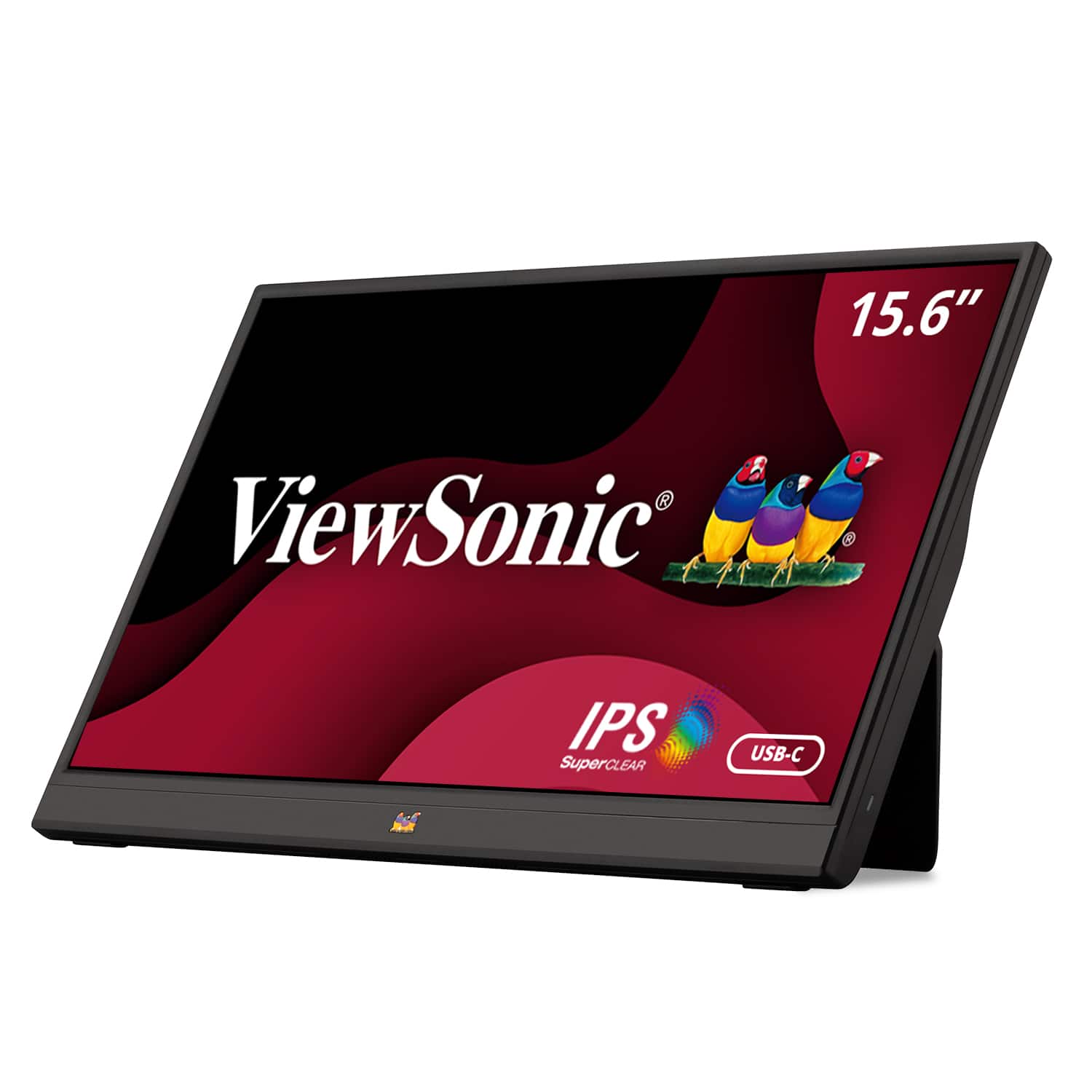
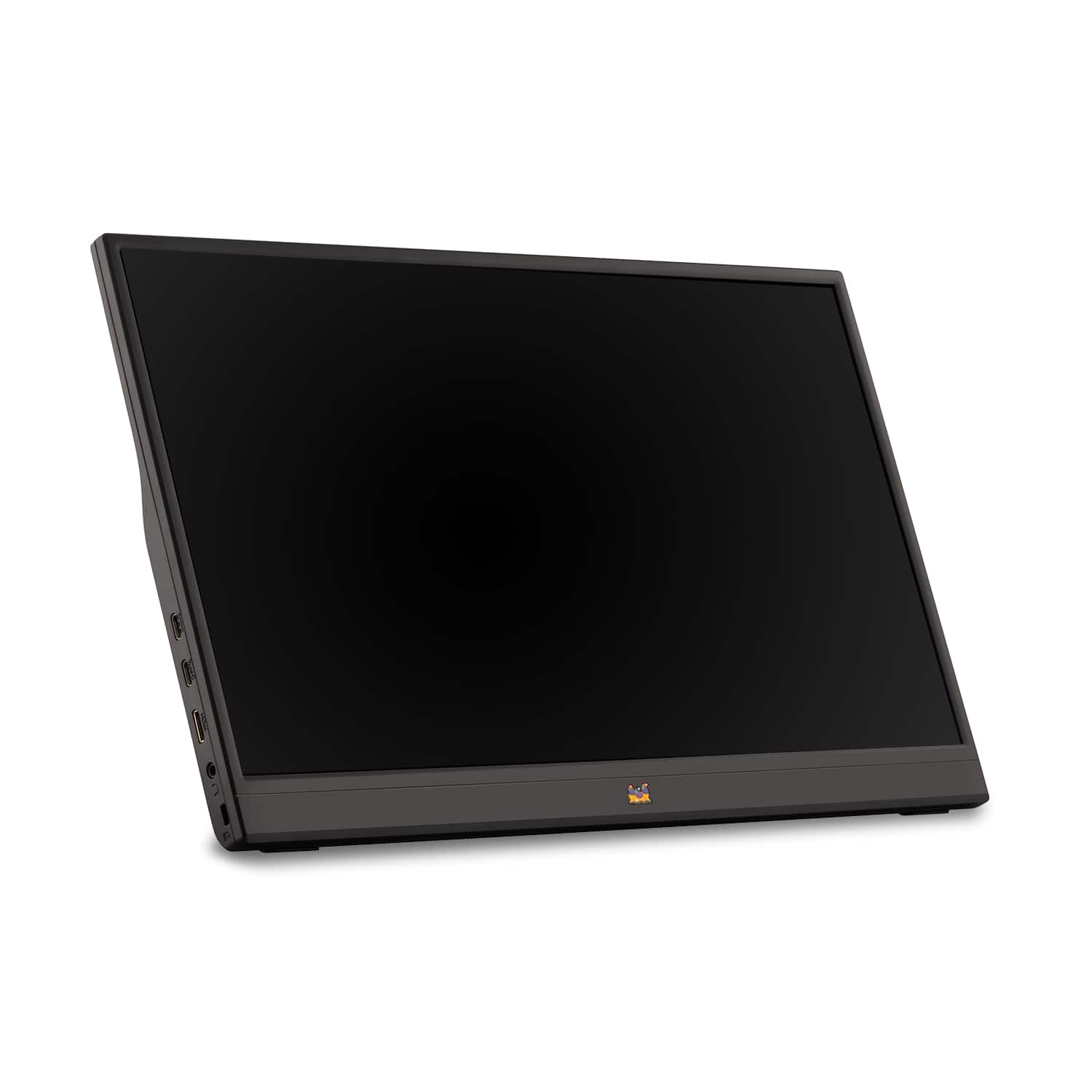
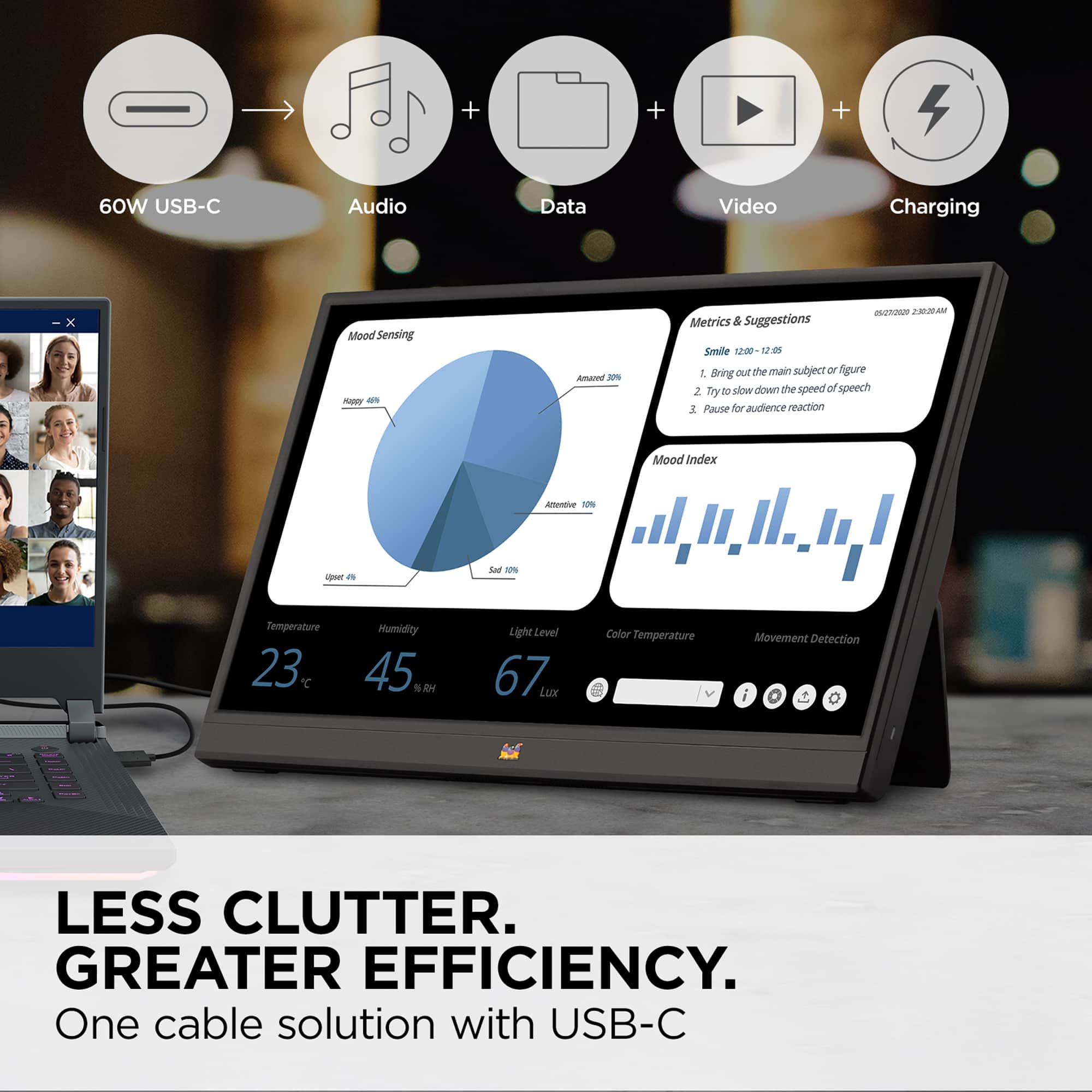
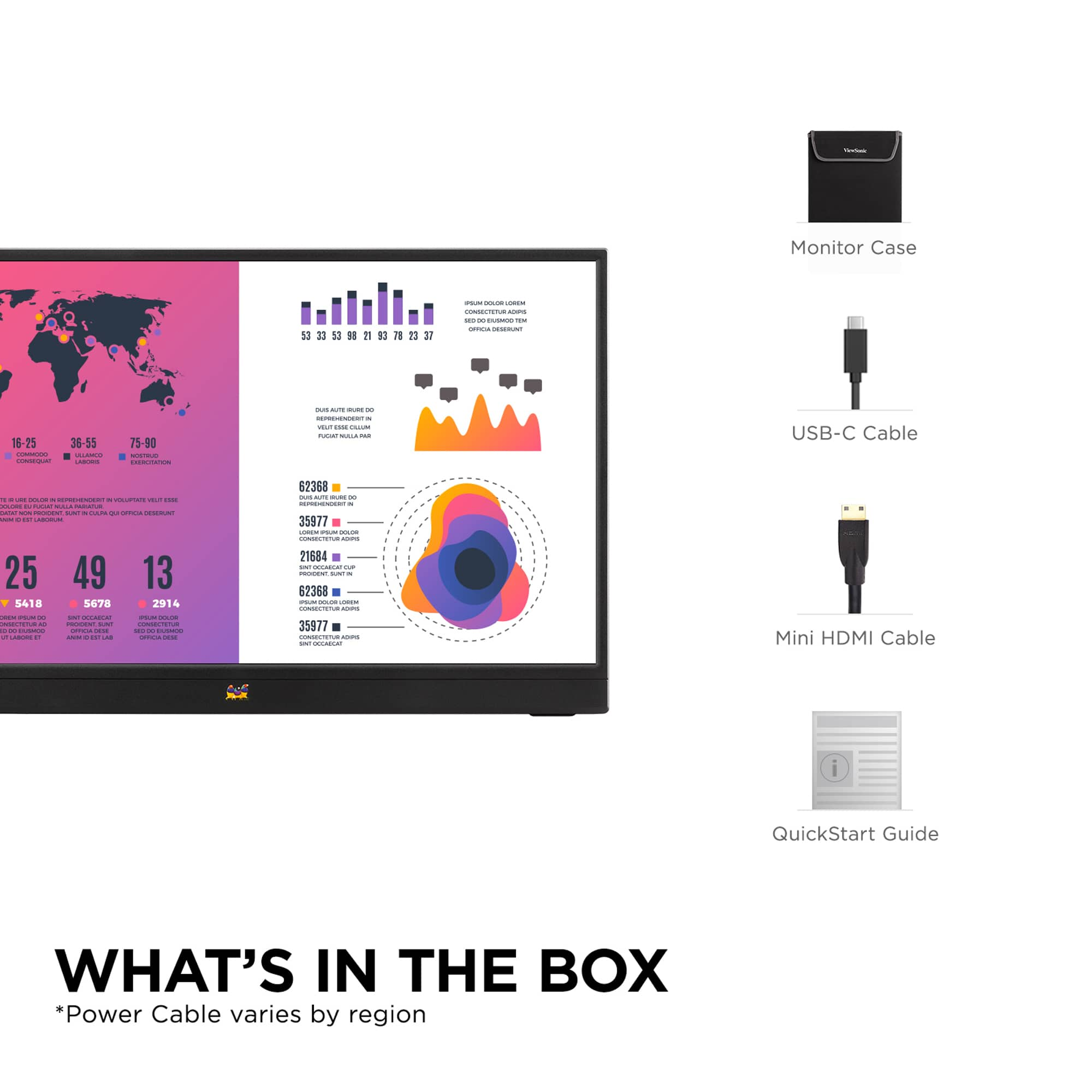
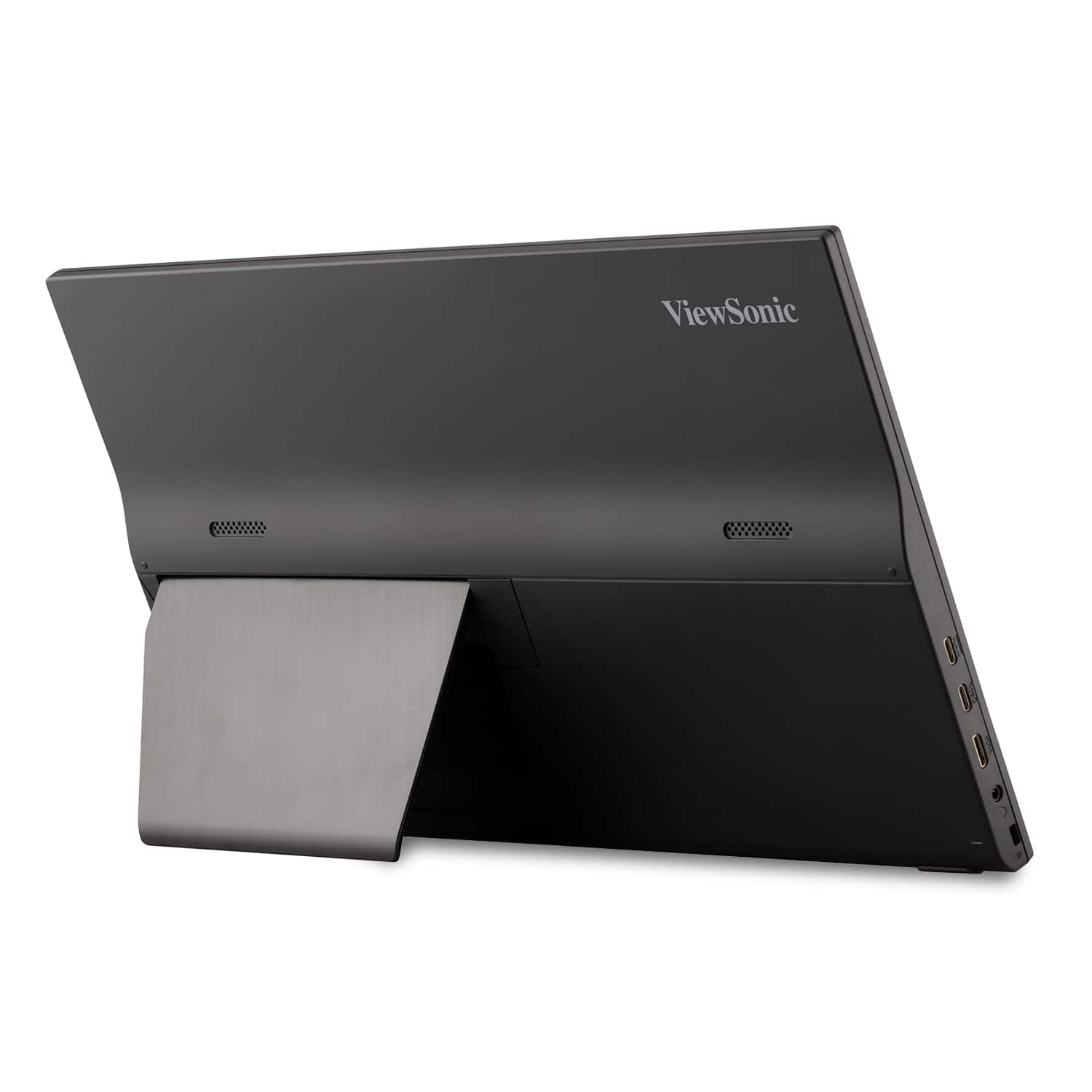
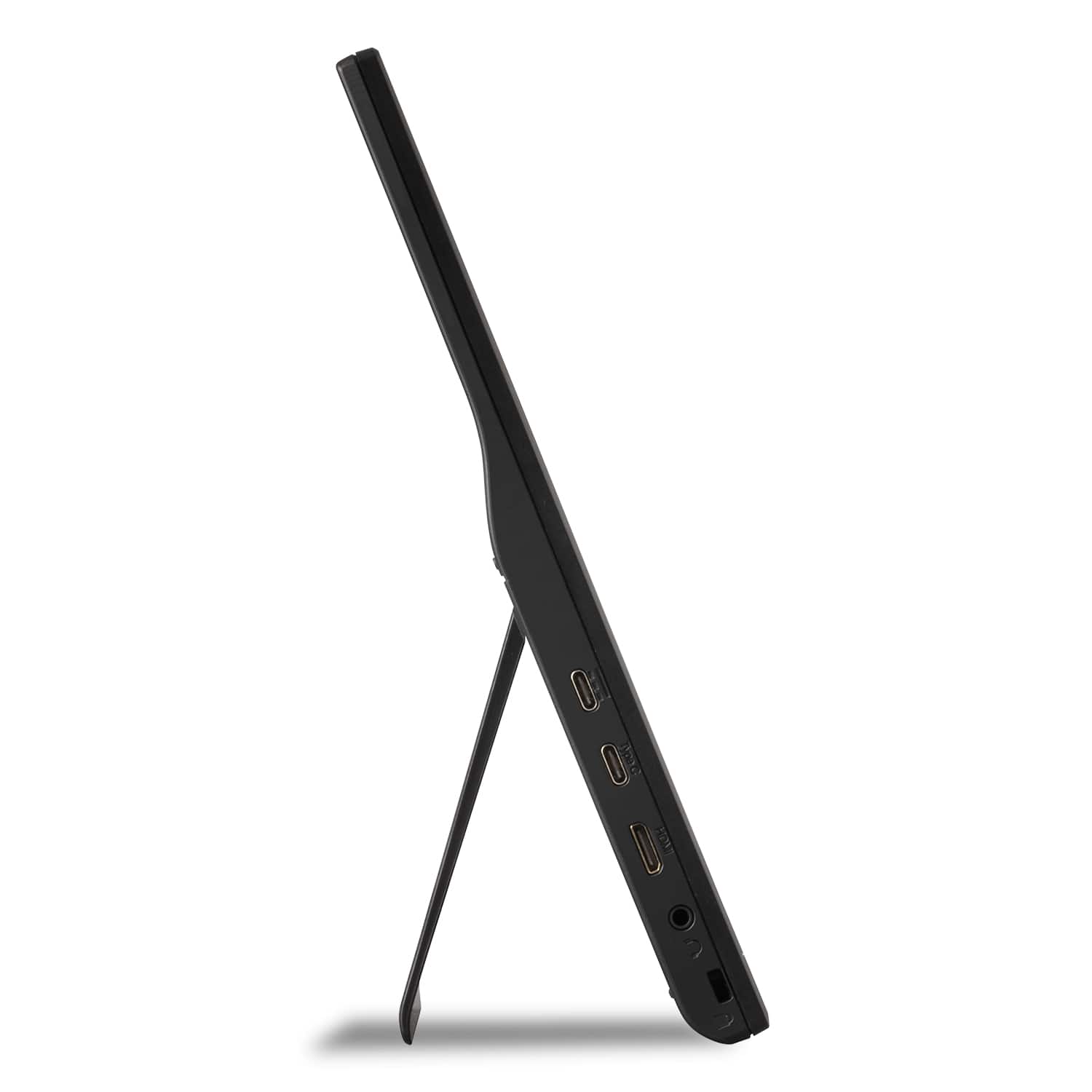
A:AnswerThis comes with 2 cables: a USB C to USB C cable and an HDMI to HDMI mini cable. Each are just long enough to go from the far side of a 15.6” laptop to the screen or vice versa.
It should work with any computer that offers USBC or HDMI outputs, some computers may not have enough power to also power the monitor and you’d need a power adapter with a USBC plug. I have 1 laptop that’ll power the monitor by itself and another that I need to use a power adapter just for the monitor.
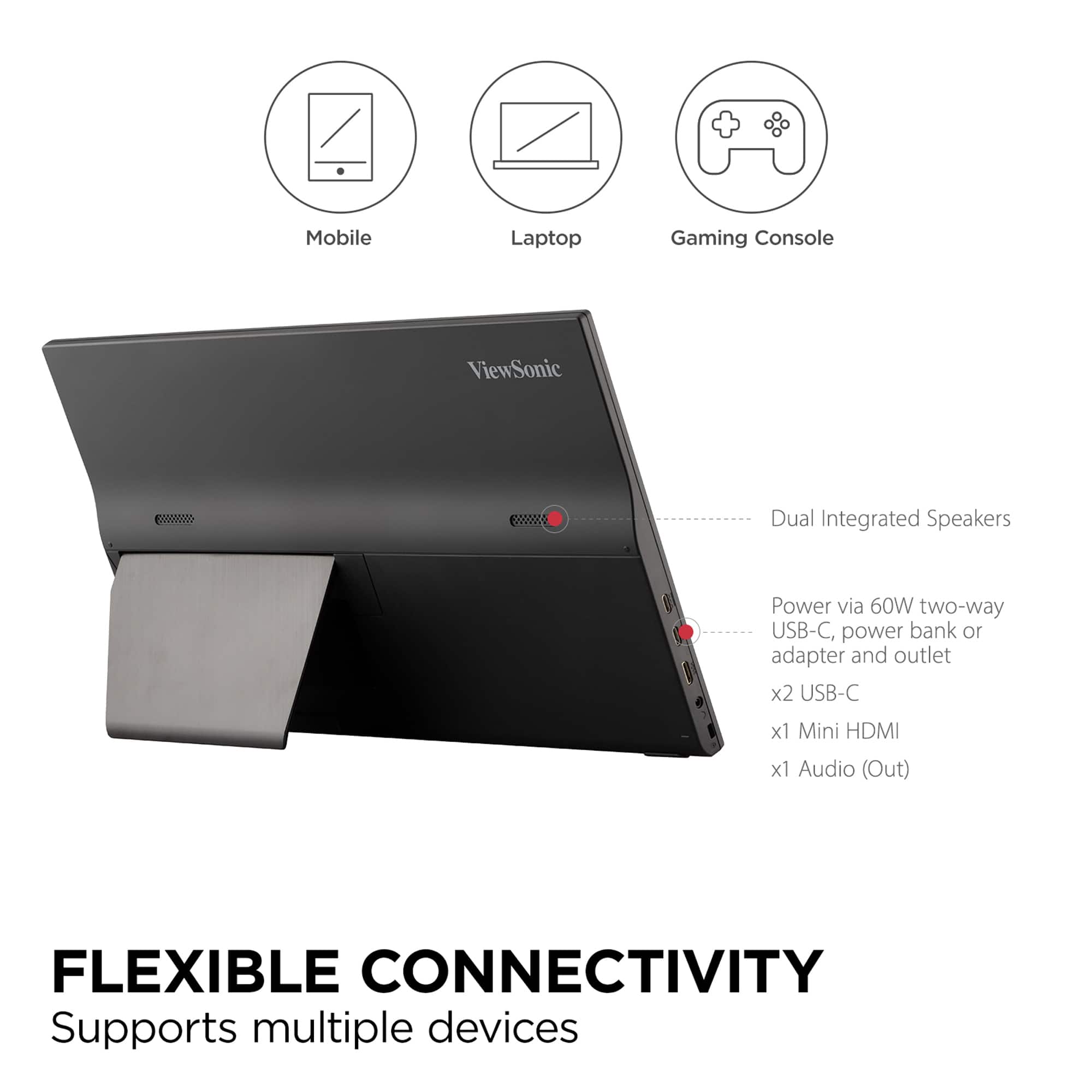
A:AnswerThe VA1655 will work with Windows 11 and as long as a supported port (Mini-HDMI, USB-C) is available on the HP, you can connect this monitor to it.
A:AnswerIf your camera has an HDMI output for video or a USB C output for video, then it should work. Keep in mind that you have to provide power to the monitor since it has no internal battery.
A:AnswerIt appears the Dell Precision 7510 has 1 x HDMI, USB-C and DisplayPort connector available. As such, you can connect one VA1655 via USB-C and the other via HDMI to mini-HDMI. That should allow you to connect two VA1655's to your Dell.
A:AnswerShould be possible but will need power over USB. I use USB A to C cable that came with my phone usually with laptop but show it working from PS3 using included mini to full HDMI for video and USB for power to screen.