
Questions & Answers
- Model:
- VP2756-4K
- |
- SKU:
- 10223001
$379.99$379.99
Save $50
The comparable value is Comp. Value: $429.99
Page Showing 1-9 of 9 questions
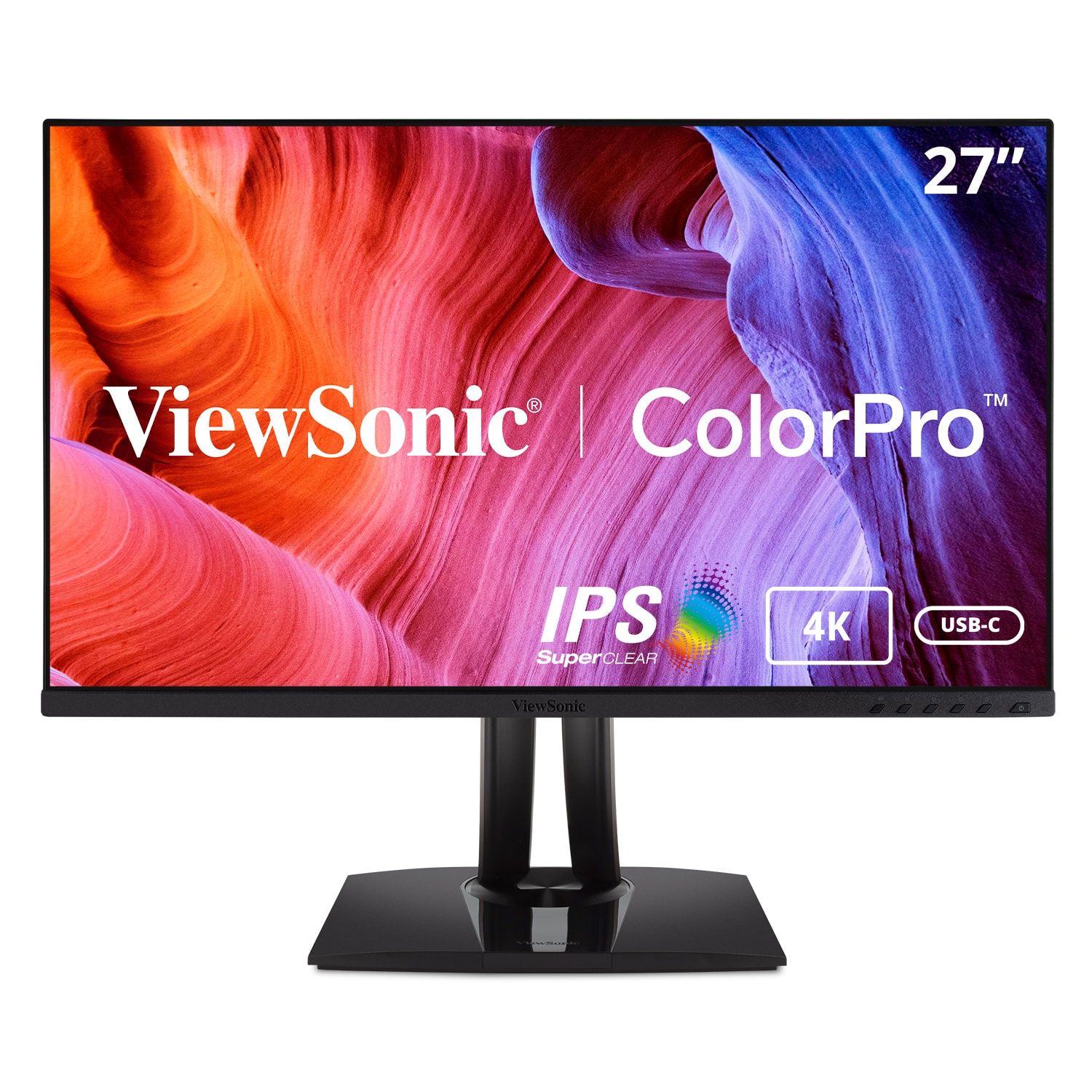
Q: QuestionWhat is the brightness level of this ViewSonic monitor?
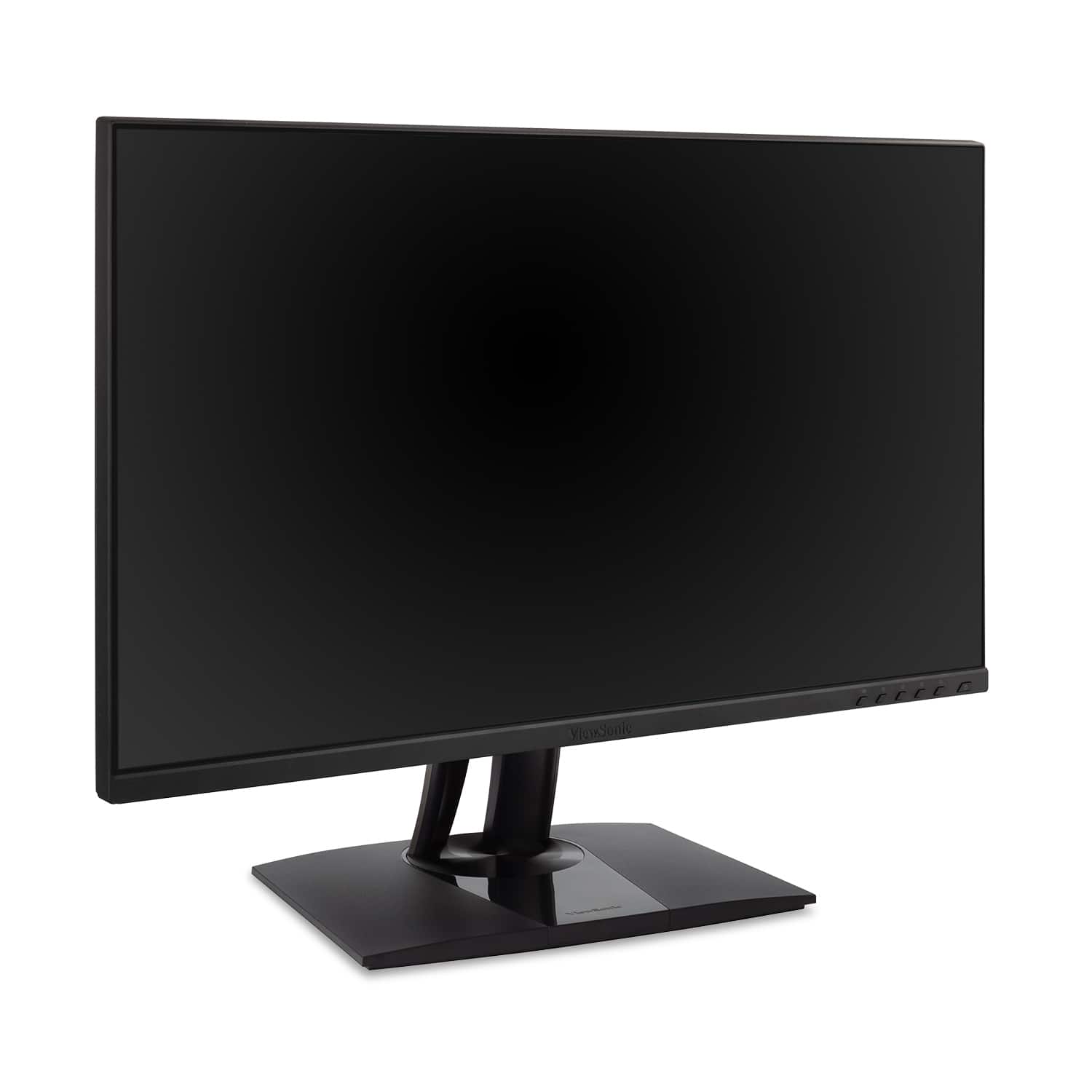
- A:Answer This monitor has a brightness of 350 candela per square meter.
This question and answer was generated by AI based on customer and product data.Q: QuestionDoes the ViewSonic monitor include a stand?
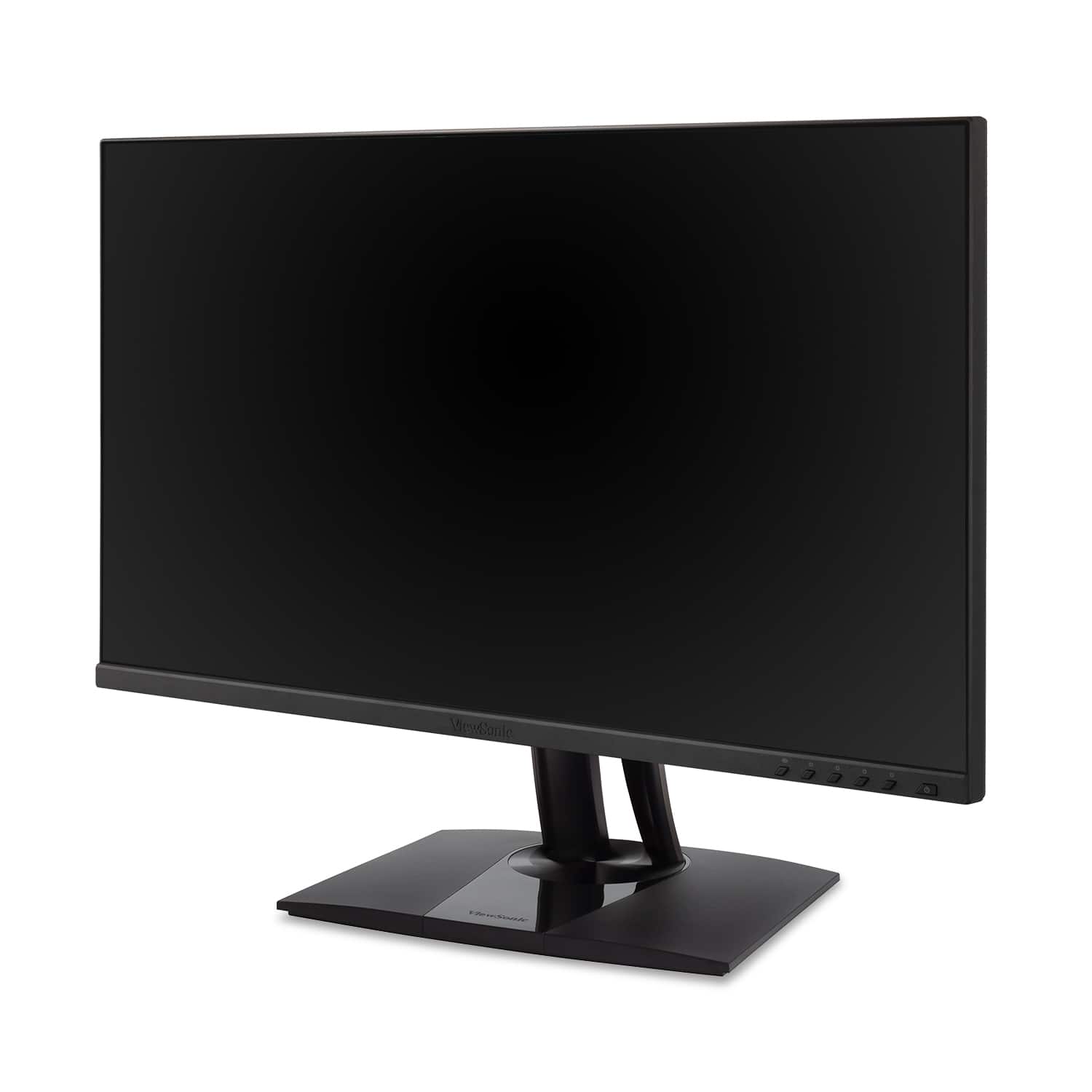
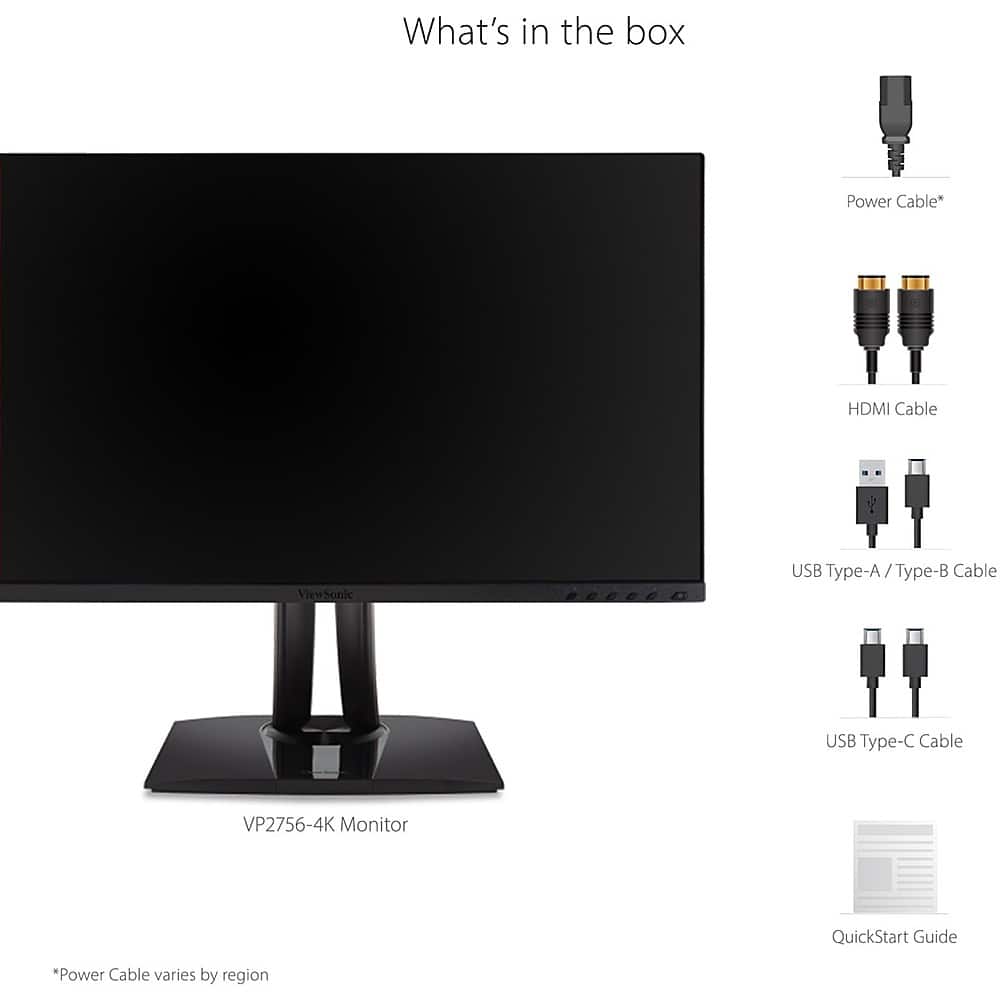
- A:Answer Yes, the monitor includes a stand.
This question and answer was generated by AI based on customer and product data.Q: QuestionWhat type of panel does this ViewSonic monitor use?
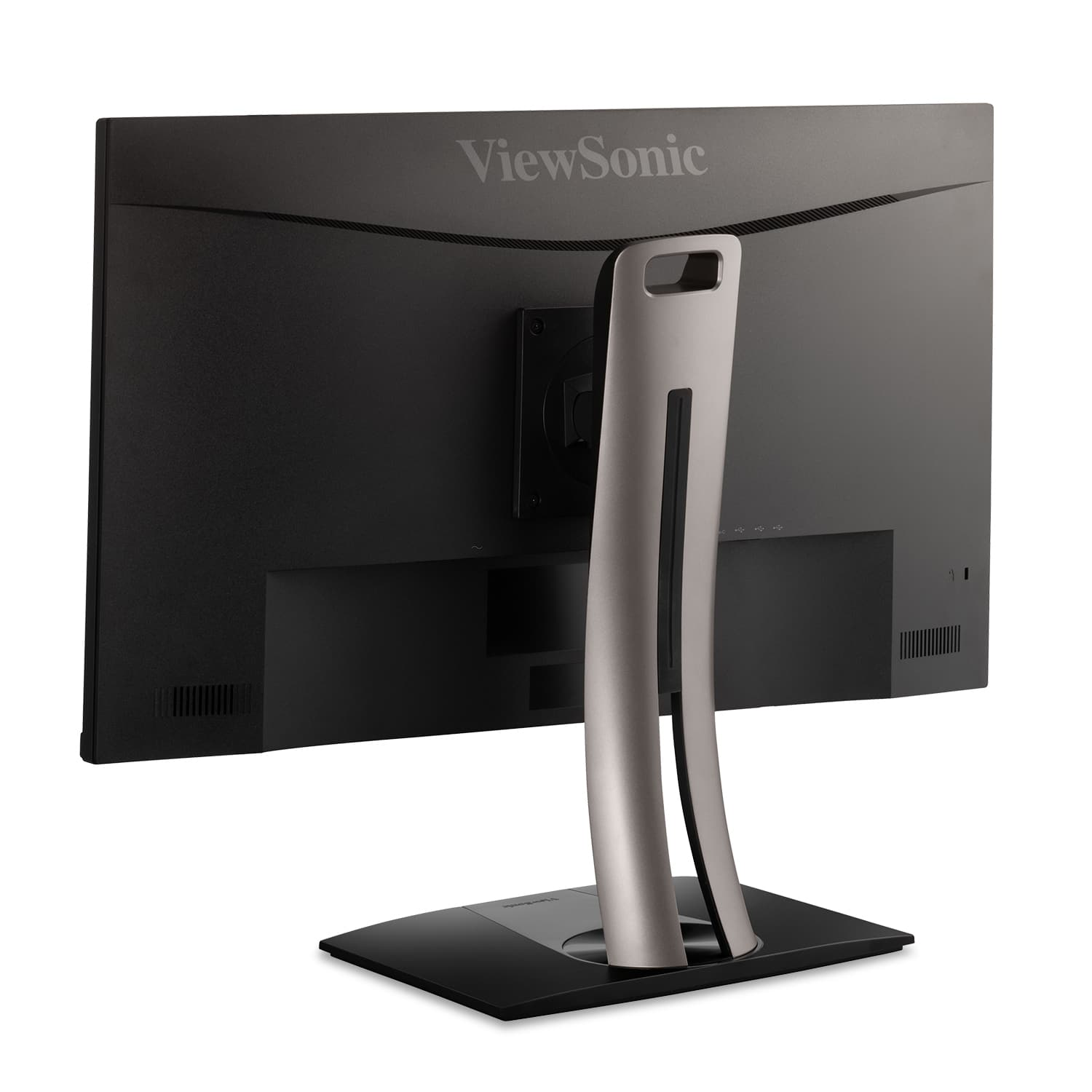
- A:Answer This monitor uses an IPS panel.
This question and answer was generated by AI based on customer and product data.Q: QuestionDoes this monitor have built-in speakers?
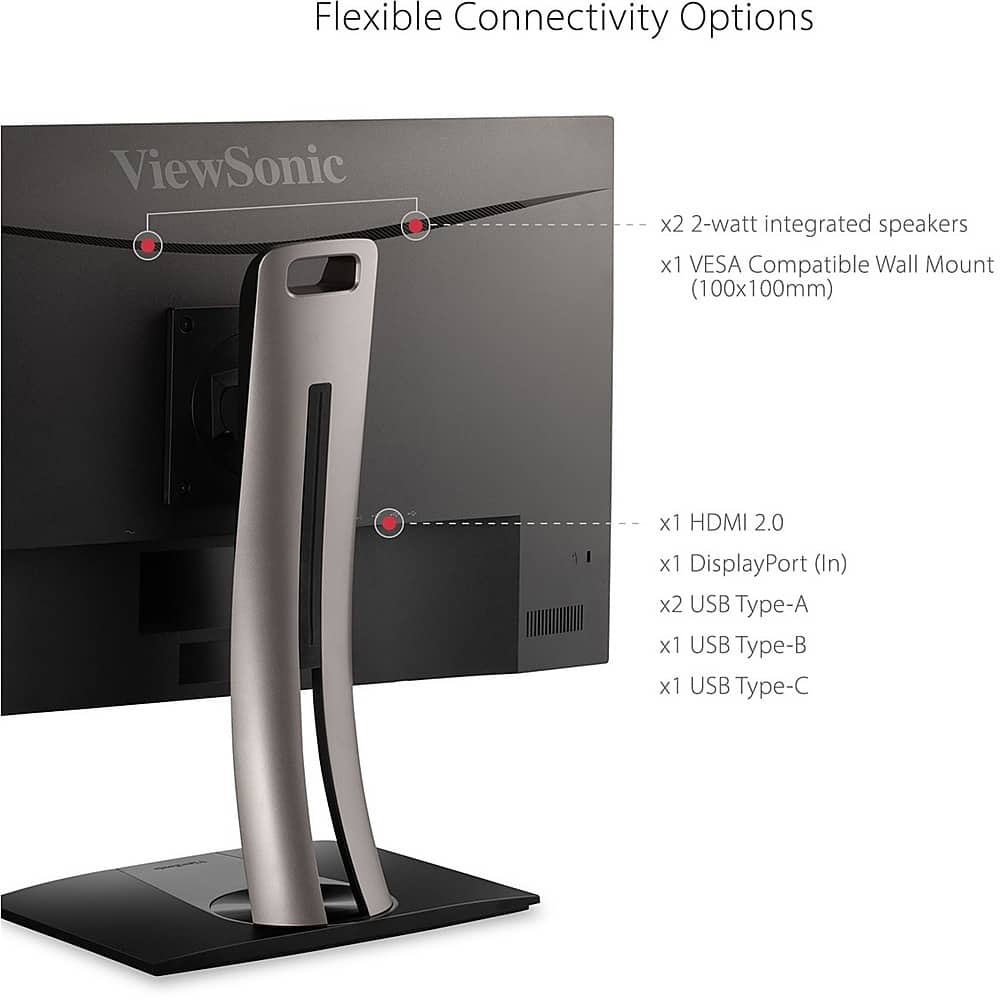
- A:Answer Yes, the monitor comes with integrated speakers.
This question and answer was generated by AI based on customer and product data.Q: QuestionWhat is the response time of this monitor?
- A:Answer This monitor has a response time of 5 milliseconds.
This question and answer was generated by AI based on customer and product data.Q: QuestionHow is the monitor connected for power?
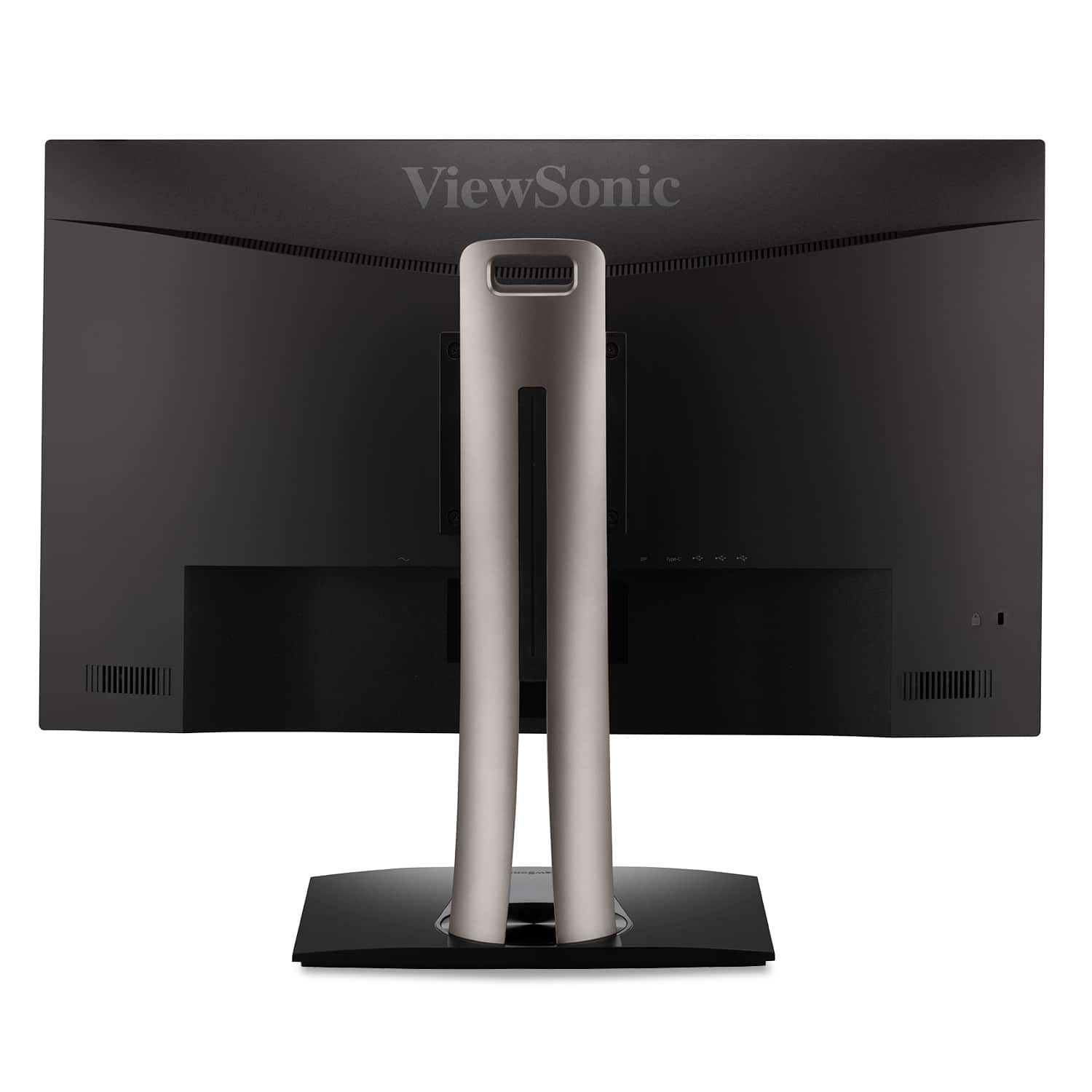
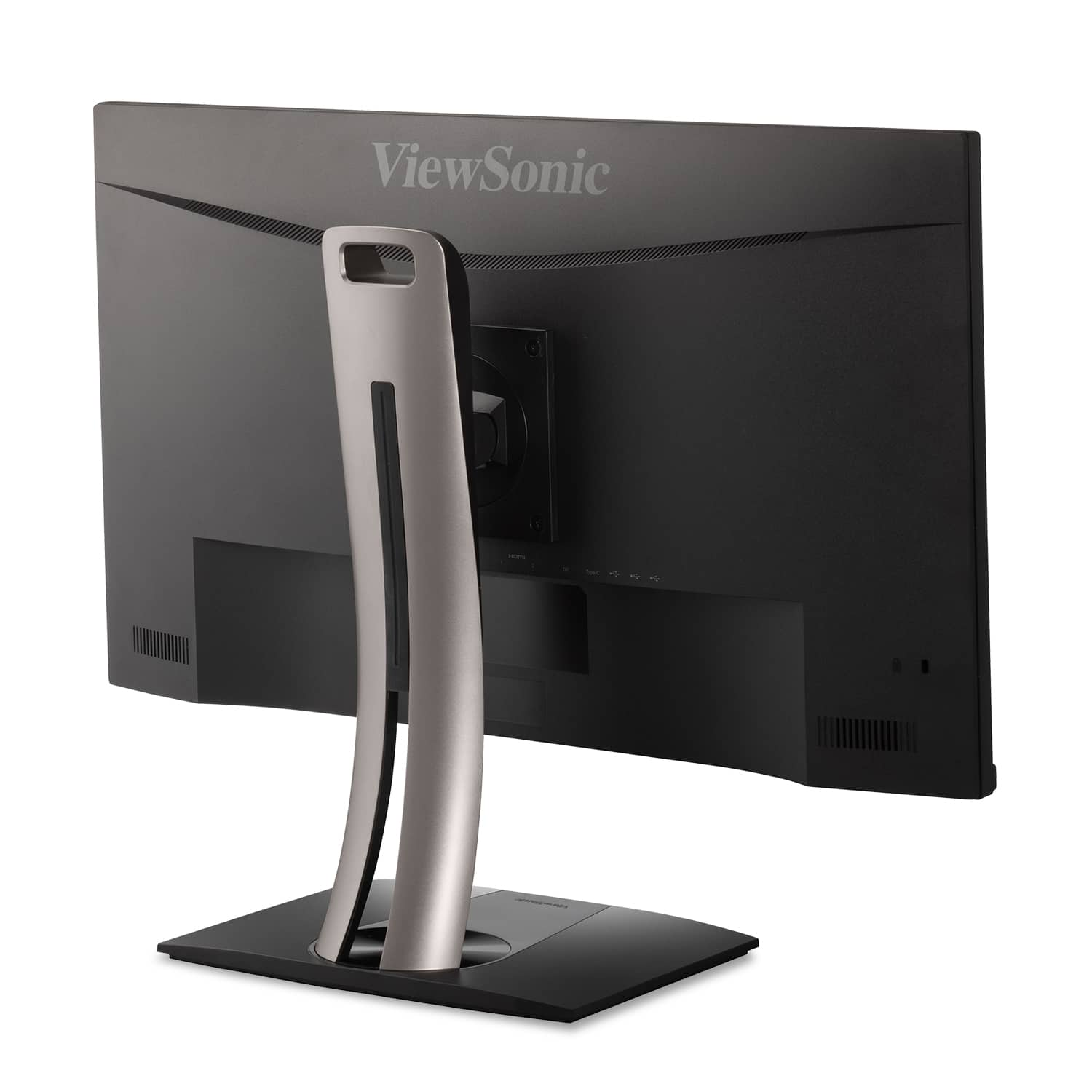
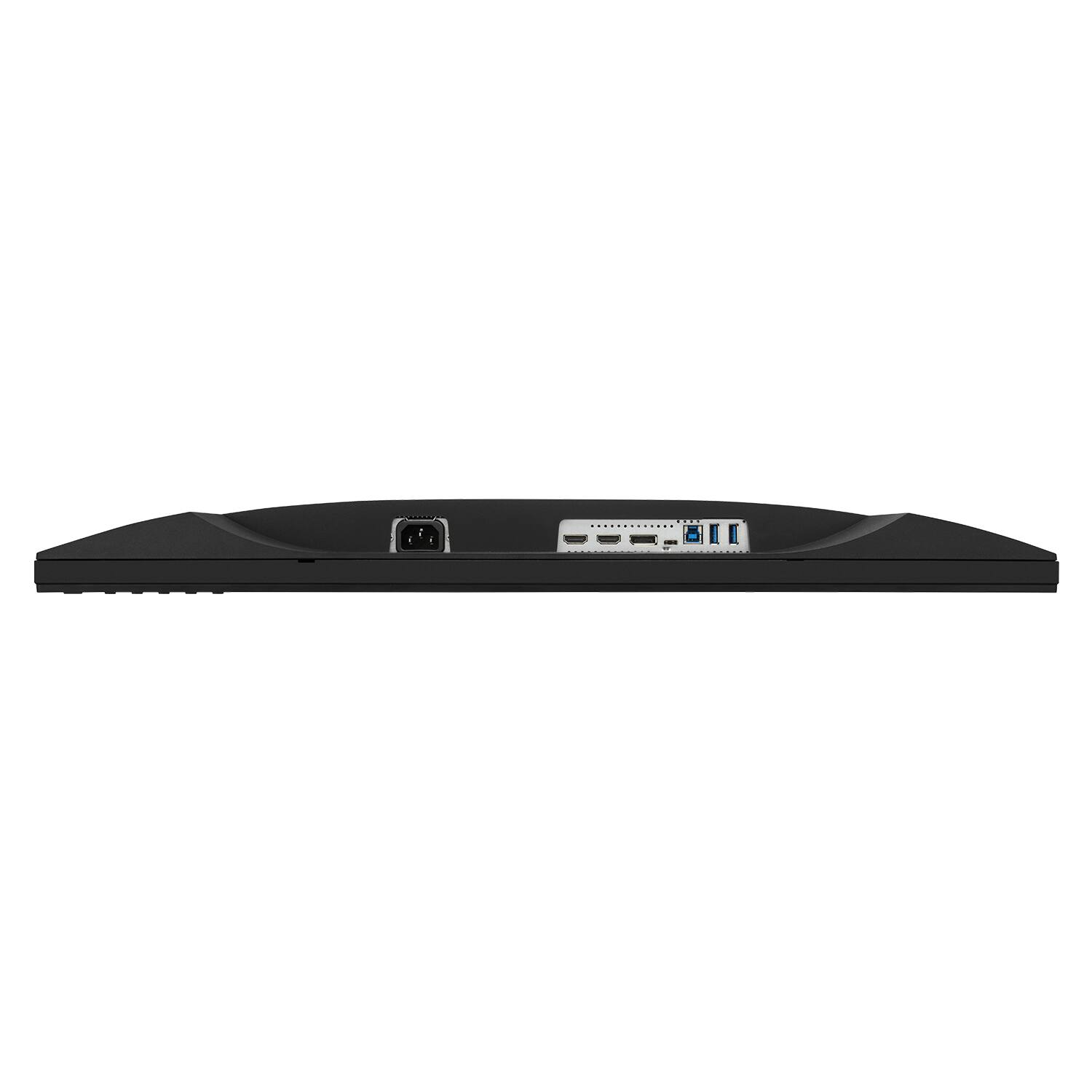
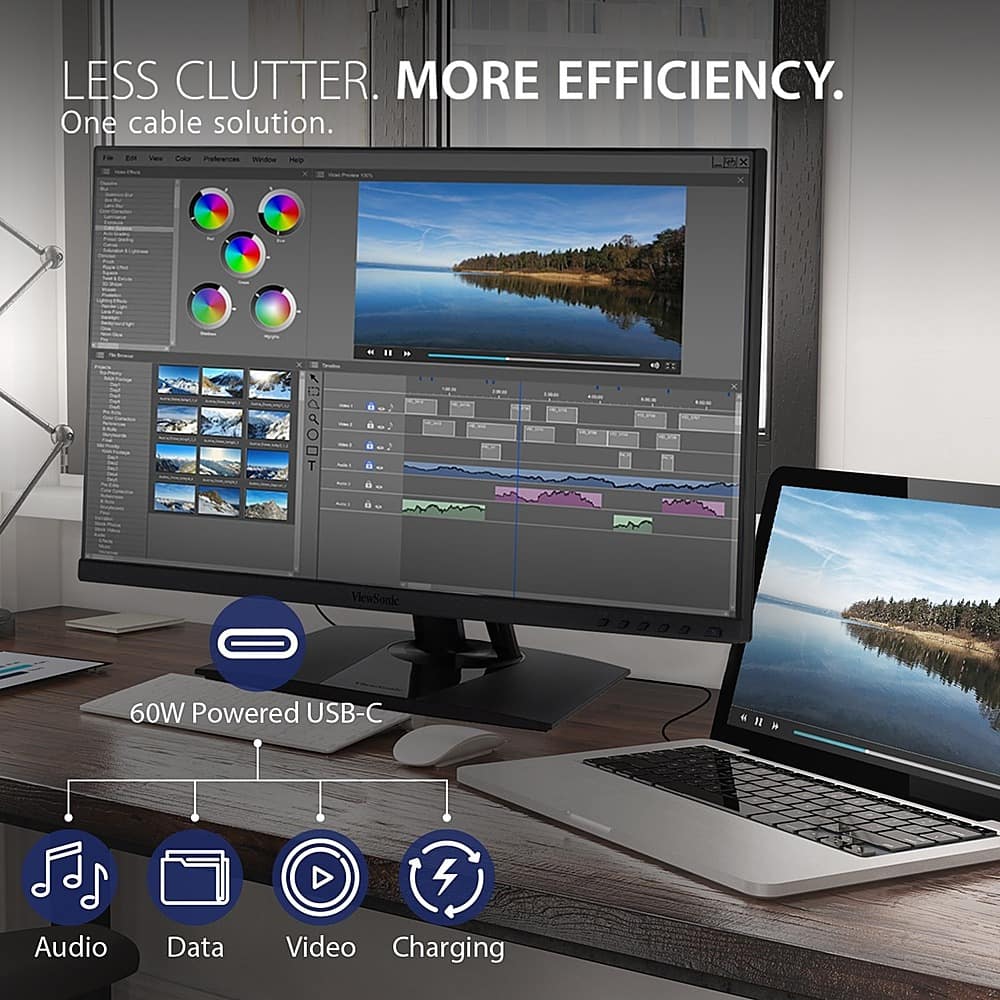
- A:Answer The VP2756-4K is equipped with USB-C for single cable connectivity to deliver video, audio, and 60W of power delivery.
This question and answer was generated by AI based on customer and product data.Q: QuestionCan this monitor be positioned vertically on the same stand it comes with?
Asked by Bobby.
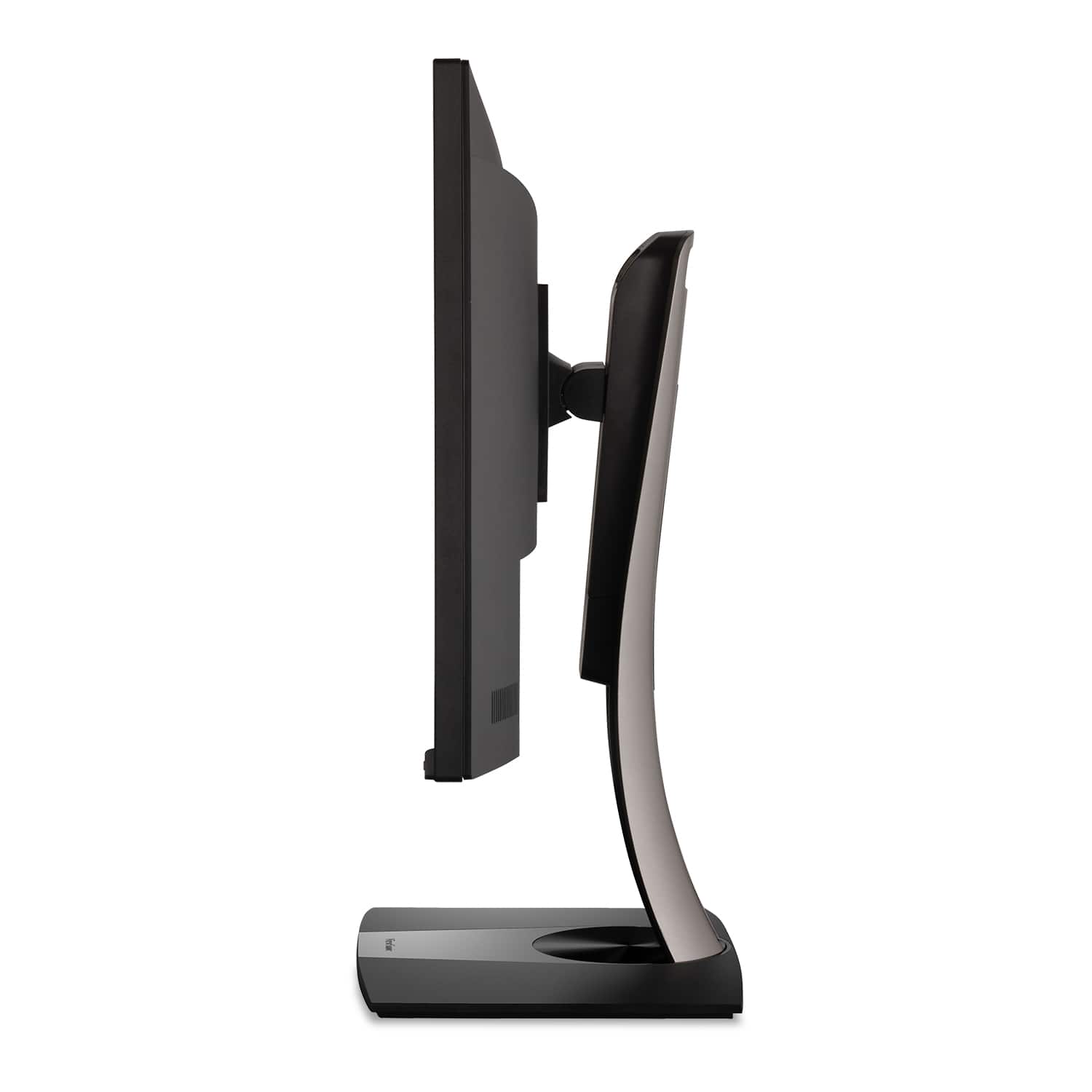
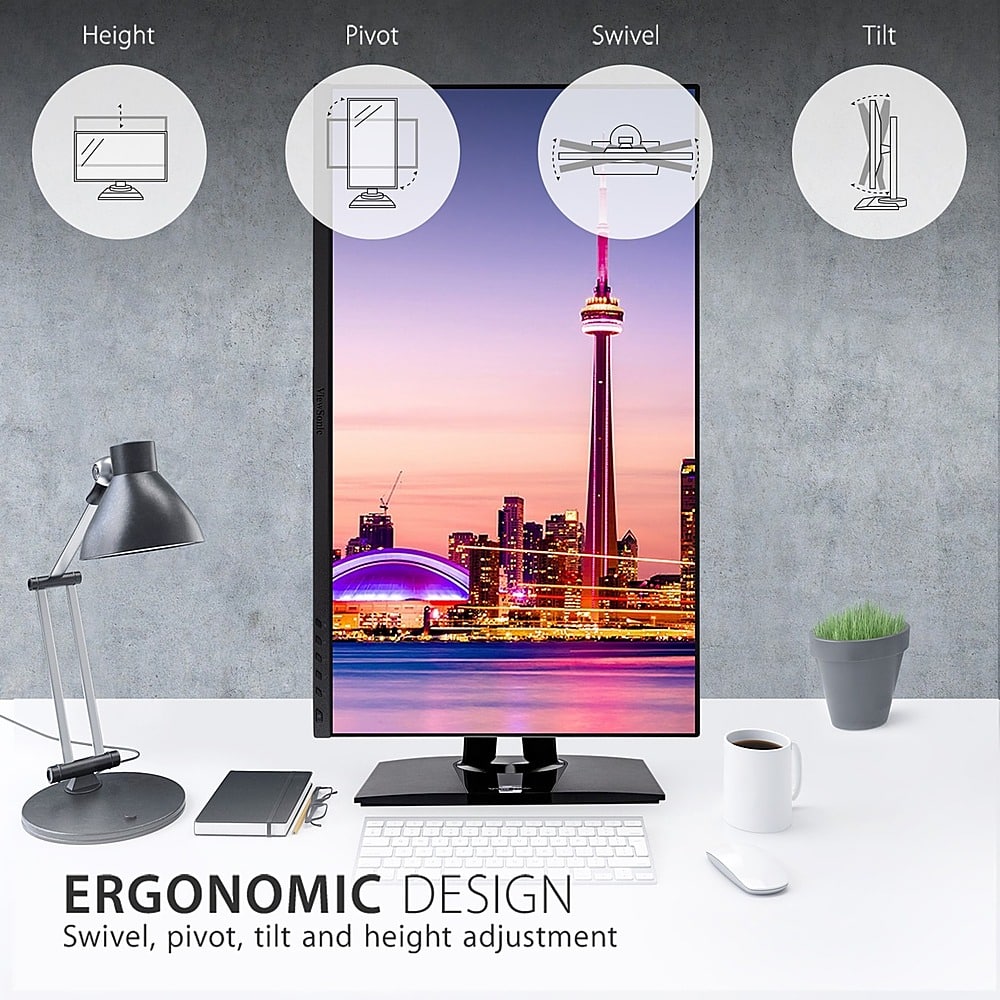
- A:Answer This monitor can be positioned in portrait mode with the stand it comes with as it provides swivel, tilt and pivot functionality.
Answered by ViewSonic Corporation
Q: QuestionCan you explain the variety of USB ports? I assume it's a hub? Which are used to connect to the computer and which become hub outputs? From a MacBook can I use USB C instead of HDMI for the video? Does this become a one cable connection?
Asked by DC.
- A:Answer As far as I can determine: Can connect via USB-C, for video, OR connect video via DP v1.2(?) & USB-B. NOT SURE: should you connect video. via DP/USB-B, if you can THEN use the USB-C port for connecting further devices. USB-A ports should be for connecting other devices. [I haven't hooked anything else up, to mine, as yet...] Hope this helps!
Answered by BLevering
Q: QuestionWhich version of Display Port does this monitor have, 1.2, 1.3, or 1.4?
Asked by HanSolo.
- A:Answer Took a little digging, but as far as i can determine, it's DP version 1.2. Hope this helps!
Answered by BLevering
Page 1, Showing 1-9 of 9 questions
Most-viewed items
- $179.99$179.99The price was $239.99
- $109.99$109.99The price was $134.99
- $74.99$74.99The price was $109.99
- $103.58$103.58The price was $119.99
- $159.99$159.99The price was $199.99