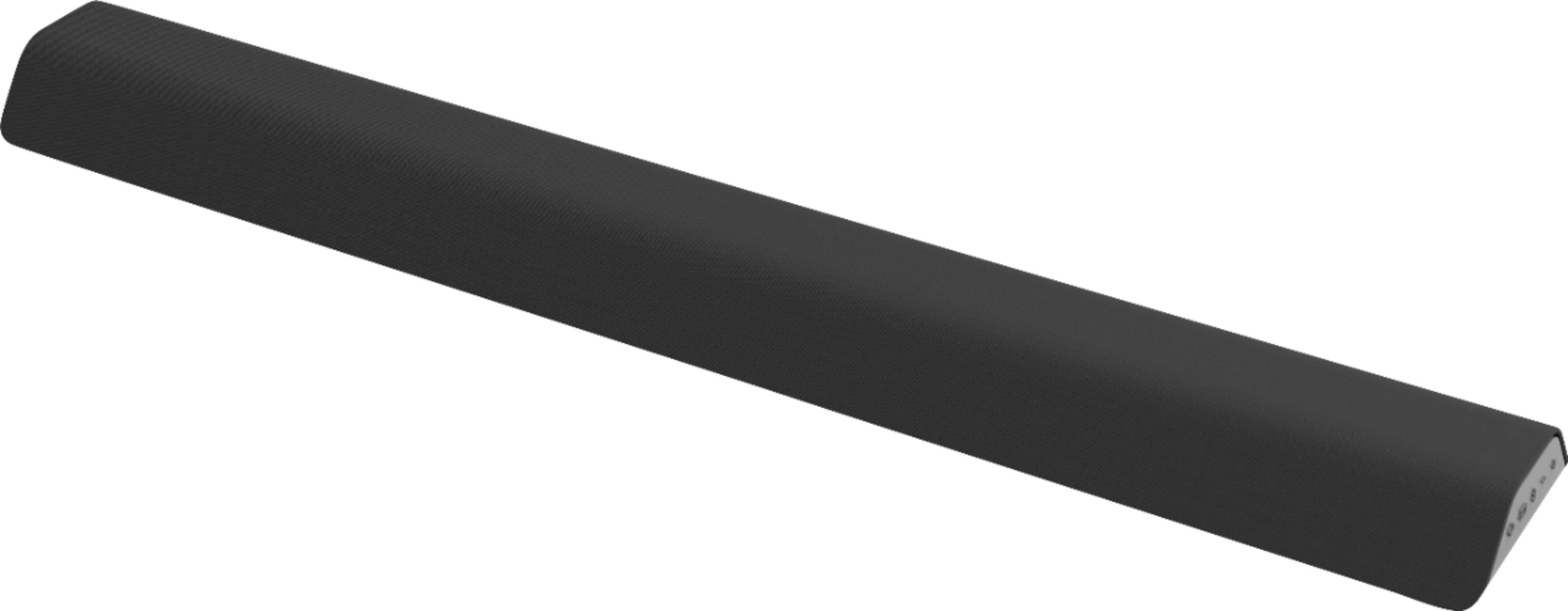
A:AnswerRather than measuring in wattage which is just a measurement of power draw, we measure sound bars in sound pressure level, or dB. This sound bar goes as loud as 98dB with a frequency response of 50Hz - 20kHz
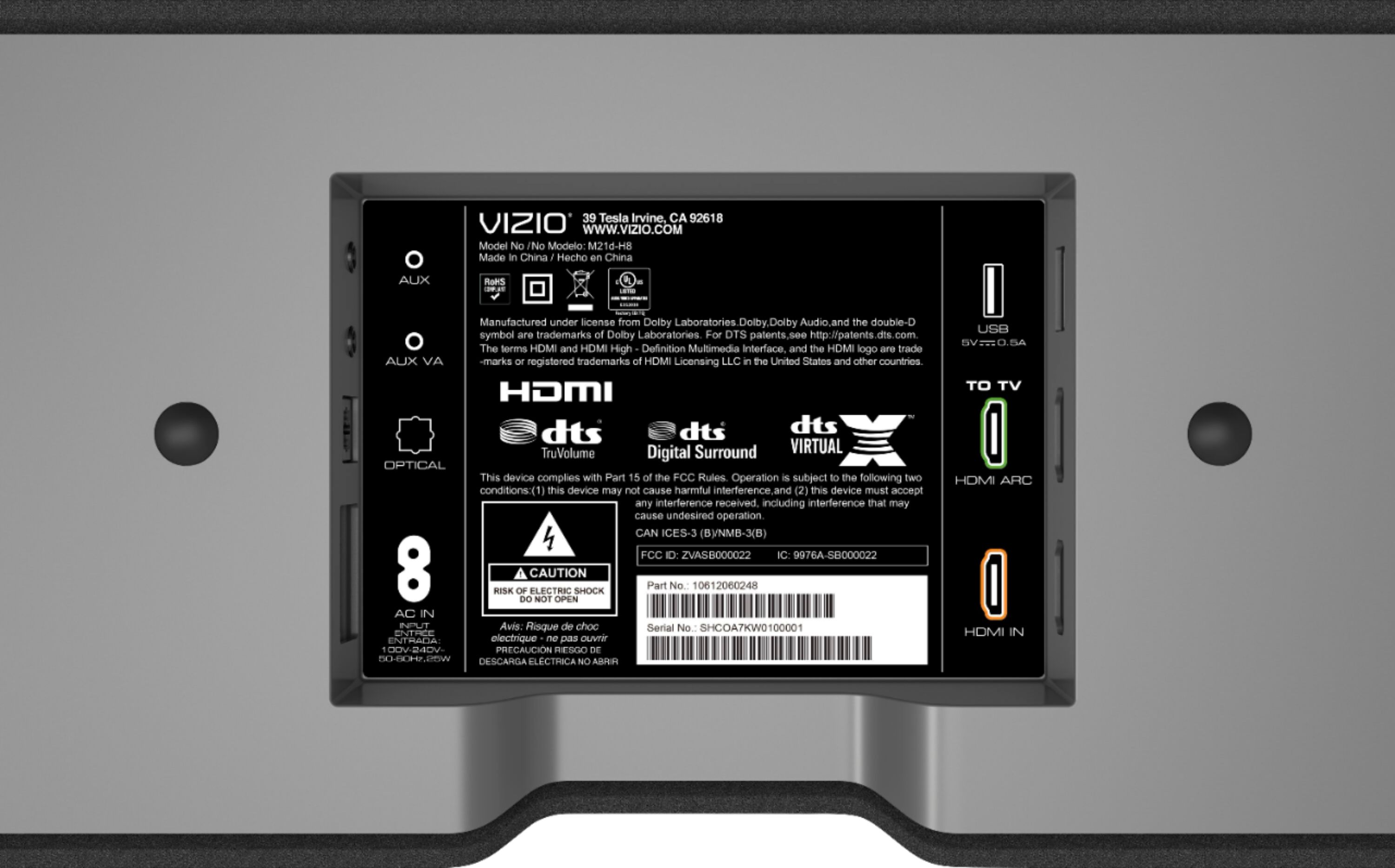
A:AnswerAs long as your "sony bravio 55" smart tv" has an HDMI ARC port (best) or an optical out port (better) or RCA out port (good), then you'll be able to use the Vizio M 2.1 soundbar.
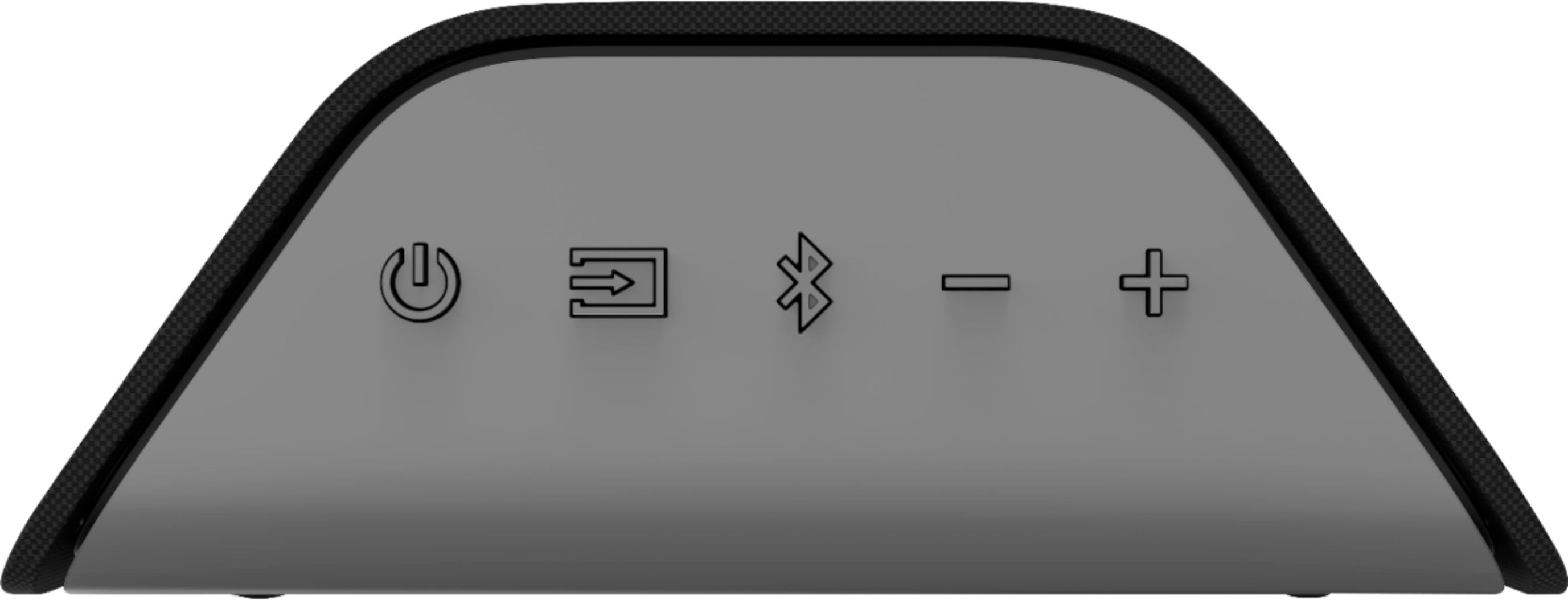
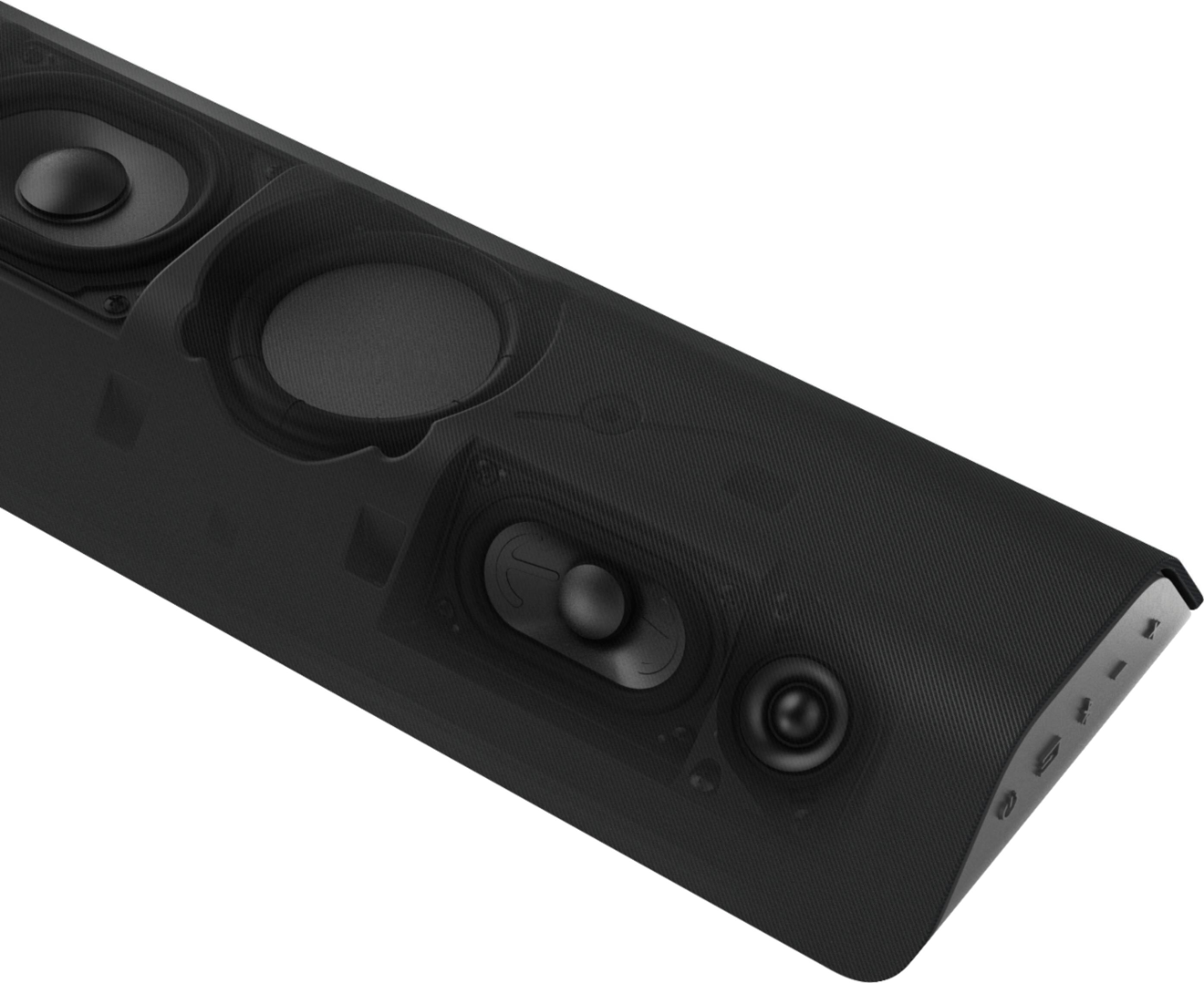
A:AnswerYes and yes. It does have a. Built in woofer and it does come with a remote control. You can use the remote to ‘train’ your existing remote for volume up, down and mute. That way you won’t need to use the remote that comes with the sound bar. You can also use the included remote to change the settings of the sound bar. I changed mine to ‘dialogue’ and increased the treble. This makes conversations in movies much easier to hear clearly. After buying/using one, I bought another one for my second tv. They work great. Don’t forget to disable the sound on your tv so that the only sound you’ll hear is coming from the sound bar
A:AnswerHello Tammy,
A recent firmware update has resolved this issue. You can find this update as well as steps to install it here: https://support.vizio.com/s/article/M21d-H8-M21d-H8R-Firmware-Information?language=en_US
If you have any questions or need assistance feel free to reach out to us by going to support.vizio.com and clicking 'contact us'.
A:AnswerHello,
Yes this sound bar will turn on when it receives a signal. If you find this is not happening please double check that the sound bar is in quick start mode.
A:AnswerThere are a variety of issues that could cause your sound bar to experience audio lag. It's difficult to say if the issue is your source device, your cable, your TV, or an app that is being used. We'd be happy to help narrow down and diagnose and resolve your problem should one arise for you. Please visit support.VIZIO.com and click on ‘Contact Us’. We’ve got agents ready to chat, text message, or speak with you on the phone if you need any help or have any questions.
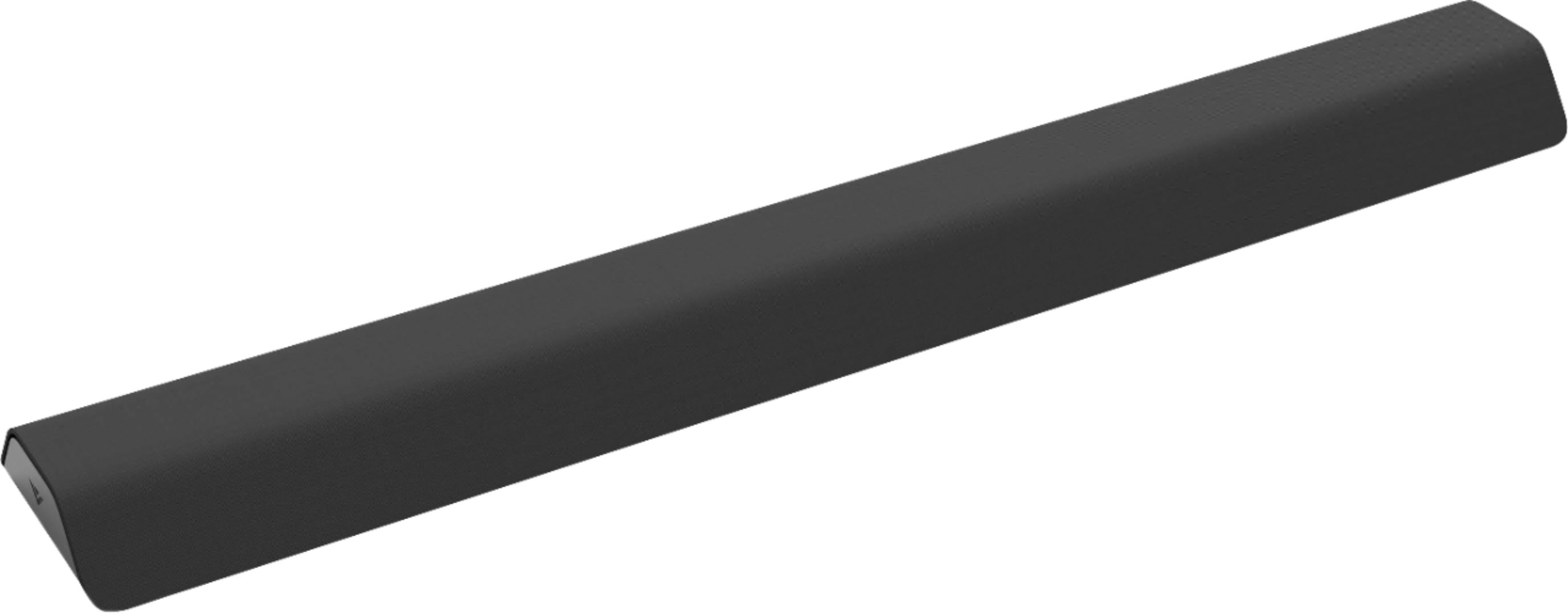
A:AnswerI have two of these sound bars and the power cords are laced into the entertainment centers with zip ties so hard to measure accurately, but I would say the cords are approximately 6' long.
A:AnswerTo answer your question, I want to gather a bit more information. When you have a free moment, we are available through text message, chat, or over the phone. Just go to support.VIZIO.com and click on ‘Contact Us’.
A:AnswerThis sound bar does have a learn feature that would allow the sound bar to learn the buttons from other remotes to control volume up, down, and mute.
A:AnswerI ordered a universal soundbar mount from an online retailer for around $20 and it came with the 2 bars that mount to the TV mount and then you can mount the soundbar to that. That kit included some sews and nuts and bolts too, which I made work when I used a drill to make the hole in the vizio circular soundbar mount lager to get the screw through.
I would suggest that you get the soundbar and pull the circle mounting part out and take it to the hardware store and try different screws and nuts so you don't need to modify anything. You need a screw/bolt with a small head on it and some length to it to fit inside that circle mount and then get through it to mount it to the soundbar mount with a nut. Washers are likely not a bad idea to grab when you are at the store.
Once you have that done, you can just hang the sound bar onto the circle mounts (That vizio intended for wall mount) that are mounted to the universal soundbar mount.
A:AnswerVizio's website doesn't list an output power (i.e. in Watts). However, it does list the SPL rating of 98 dB and the lower frequency response of 50 Hz for the sub.
So, with it having an SPL of 98 dB, that means it's pretty efficient and can get pretty loud. I can tell you it is plenty loud enough for me. I don't even have to turn it all the way to the max volume setting for me to be uncomfortable with the volume output.
A:AnswerThe soundbar has an HDMI-In and an HDMI-ARC port. The HDMI-ARC port is meant to connect to the ARC port on your TV.
If you set the TV to the HDMI input with ARC and you set the Soundbar to the HDMI-In port, it should work fine.
I have an AppleTV connected to the HDMI-In port and then connect the ARC port on the Soundbar to the TV. No problems.
A:AnswerWall mounting the Visio M21d-H8R on the included two brackets will stand off the soundbar from the wall about 1/4" allowing enough room for cables to go up to TV.