Questions & Answers
- Model:
- D24h-G9
- |
- SKU:
- 6293774
Highly rated by customers for: Picture Quality, Ease of use, Smart TV
Page Showing 301-306 of 306 questions
Q: QuestionDoes the TV have the capability to connect to 5ghz network . Or is it limited to 2.4ghz .
Asked by Truckdriver.
- A:Answer Only 2.4 as far as I can tell.
Answered by Anon
Q: Questionwhat exactly do you need to connect wireless headphones to this tv?
Asked by AA.
- A:Answer This television does not have the ability to pair with wireless headphones without the use of an audio transmitting adapter
Answered by VIZIO

Q: QuestionCan I download additional apps to this tv like Sling?
Asked by Ktladie.
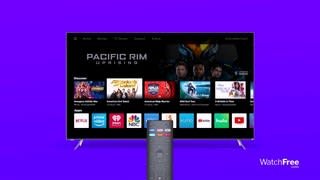
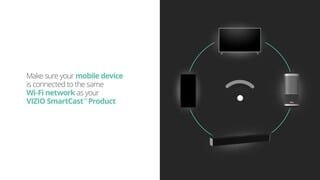
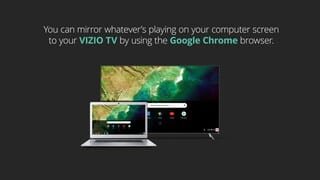
- A:Answer The SmartCast input does have limited applications installed and you cannot add extra apps to the input. We are continuously evaluating new applications for possible addition to this screen. In the meantime you can cast any of the thousands of Chromecast enabled applications like Sling TV, to the TV from any mobile device on your network.
Answered by VIZIO

Q: QuestionIs there a headphone jack ?
Asked by b4trky.
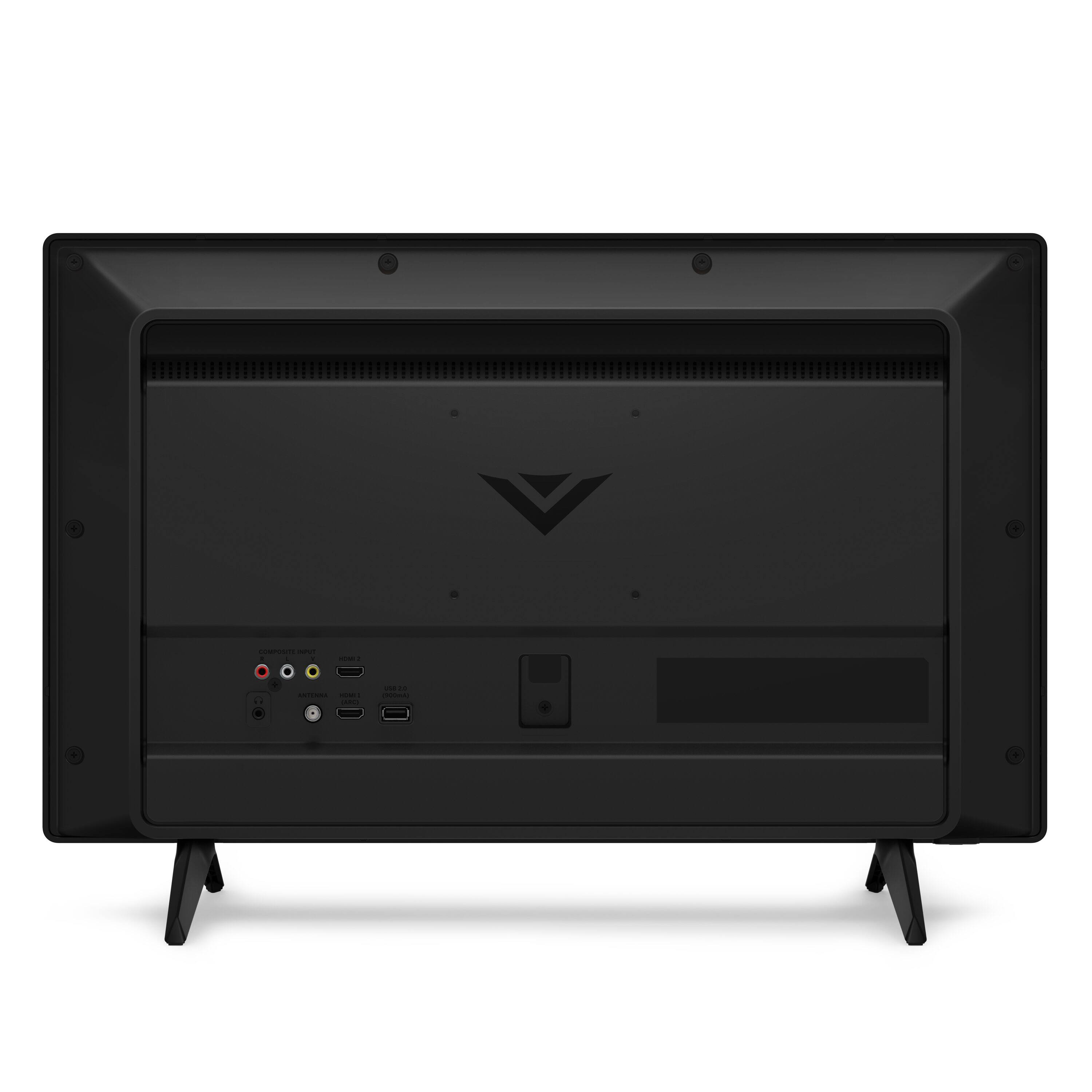
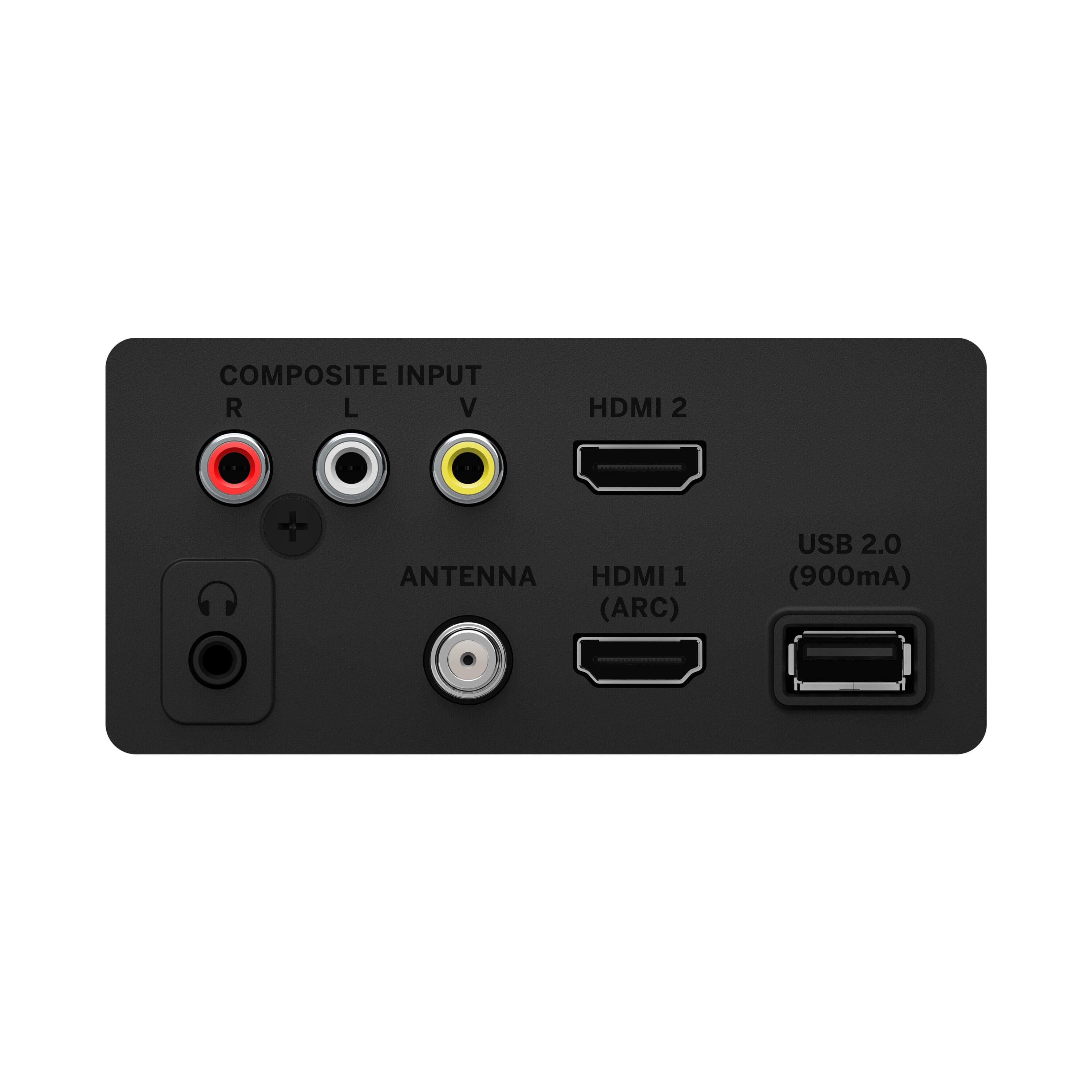
- A:Answer YES It’s on the back
Answered by Scott
Q: QuestionWhy does my newer Vizio D24h-G9 not have an ethernet port. What was the reason to not include one?
Asked by Gnatswat.
- A:Answer Hello there! It’s a smart tv, and although it can be used as a computer monitor with the proper HDMI cable and adapter depending on your computing system, smart TVs don’t come with an Ethernet port. It connects to your wifi wirelessly to function. No Ethernet port needed.
Answered by Thisguyoverheresays
Q: Questionis there someway to disable the smart features, the set keeps trying to find a network and shifting away from the hdmi input?
Asked by bigjohn.

- A:Answer No
Answered by Drea219