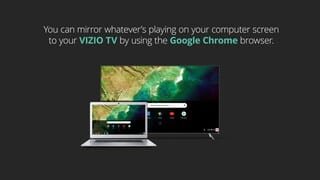
A:AnswerVizio TVs can play video files from a USB drive, but the main problem is that they only support the MP4 format, which is a common problem shared among many TV vendors. Not only that, the video codecs that are used to encode the video file should be H.264, and the audio codec should be AAC. Any other combination just won’t work.
A:AnswerIf you want an EPG for OTA channels; you MUST buy a Samsung TV. Samsung is the only company that cares enough to add it. Pretty sure about all other companies are paid by satellite and cable companys to exclude this feature.

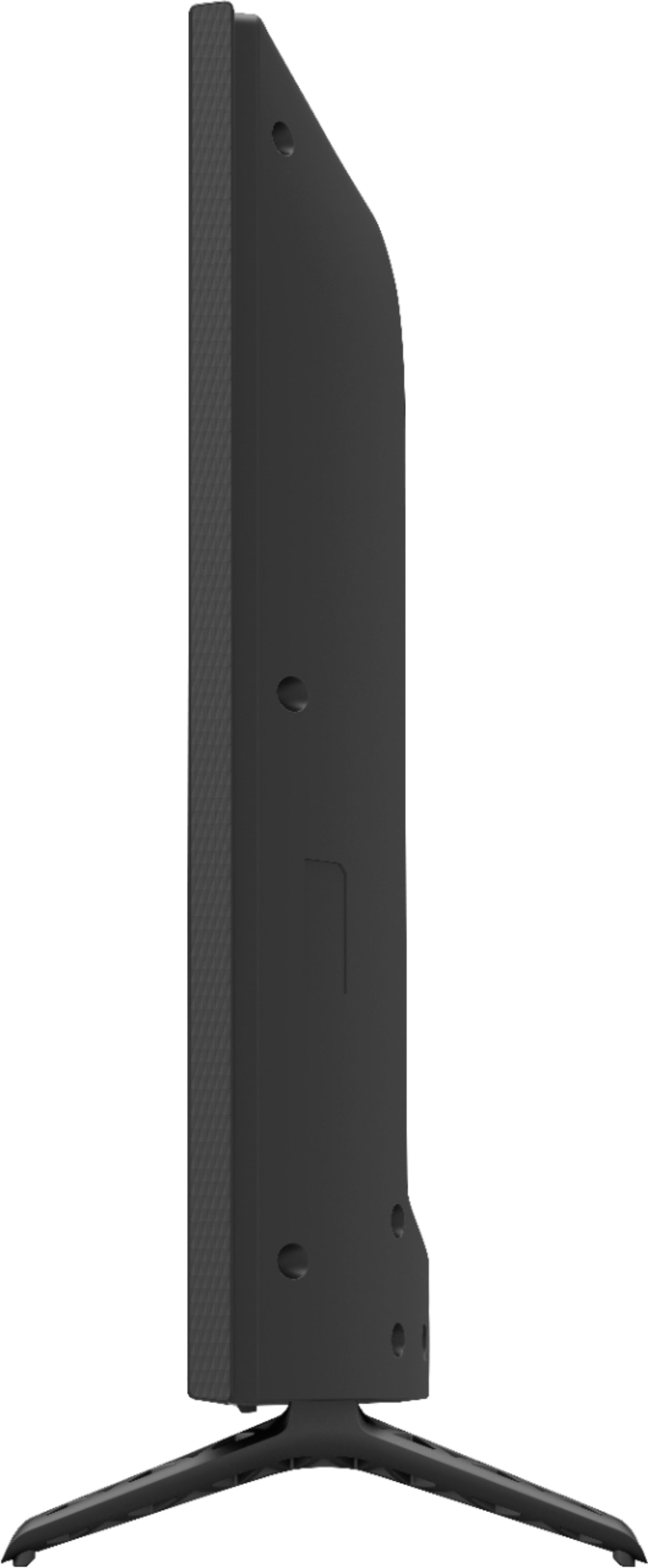
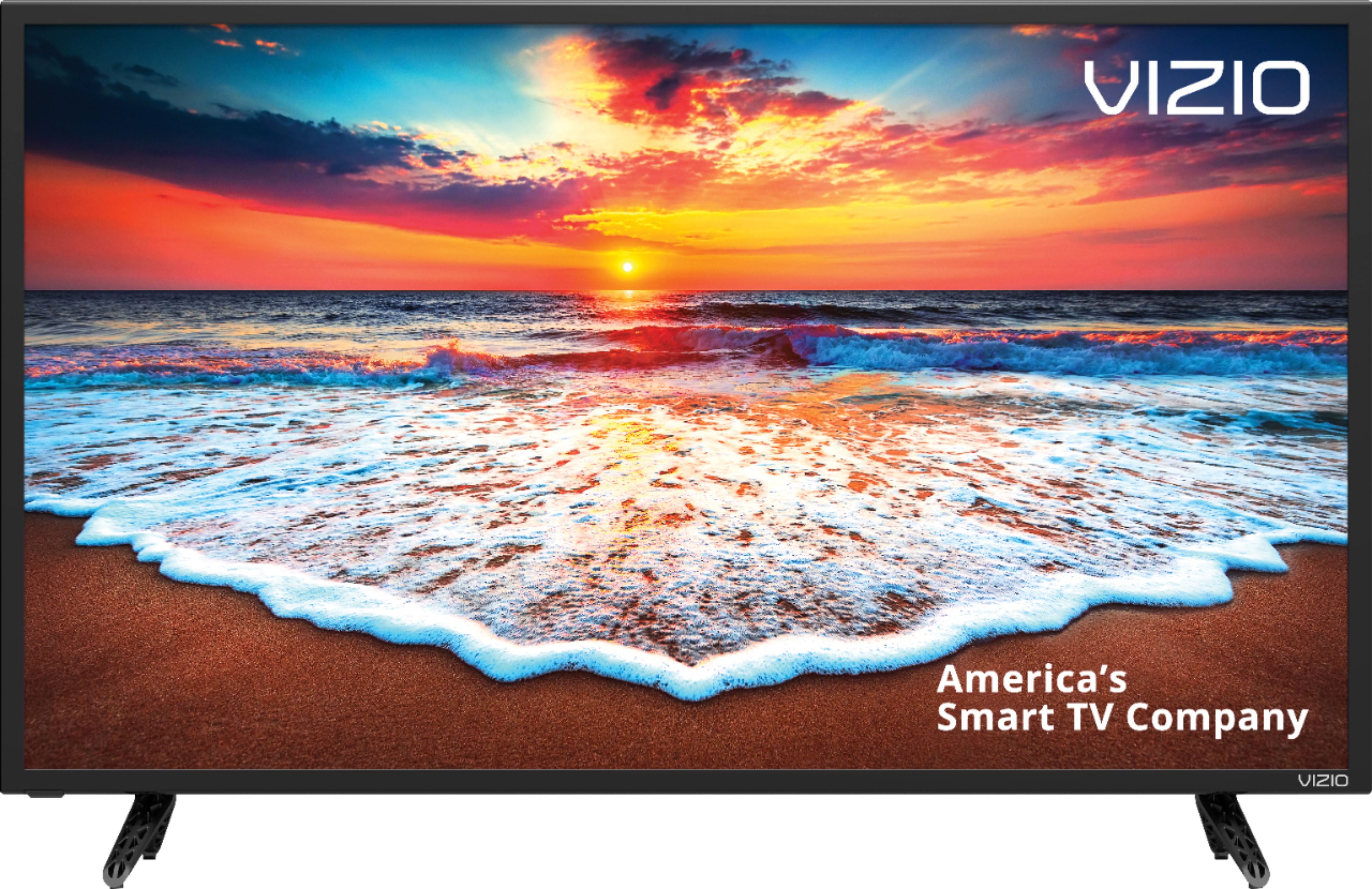
A:AnswerThis tv is perfect for a camper! I have it in my bedroom and fits perfect, which was difficult because of being close to the corner. It fit perfect! Specs are spot on! 22.15" x 13.21" x 2.36" Fits a 100mm x 100mm VESA mount. Picture is amazing!
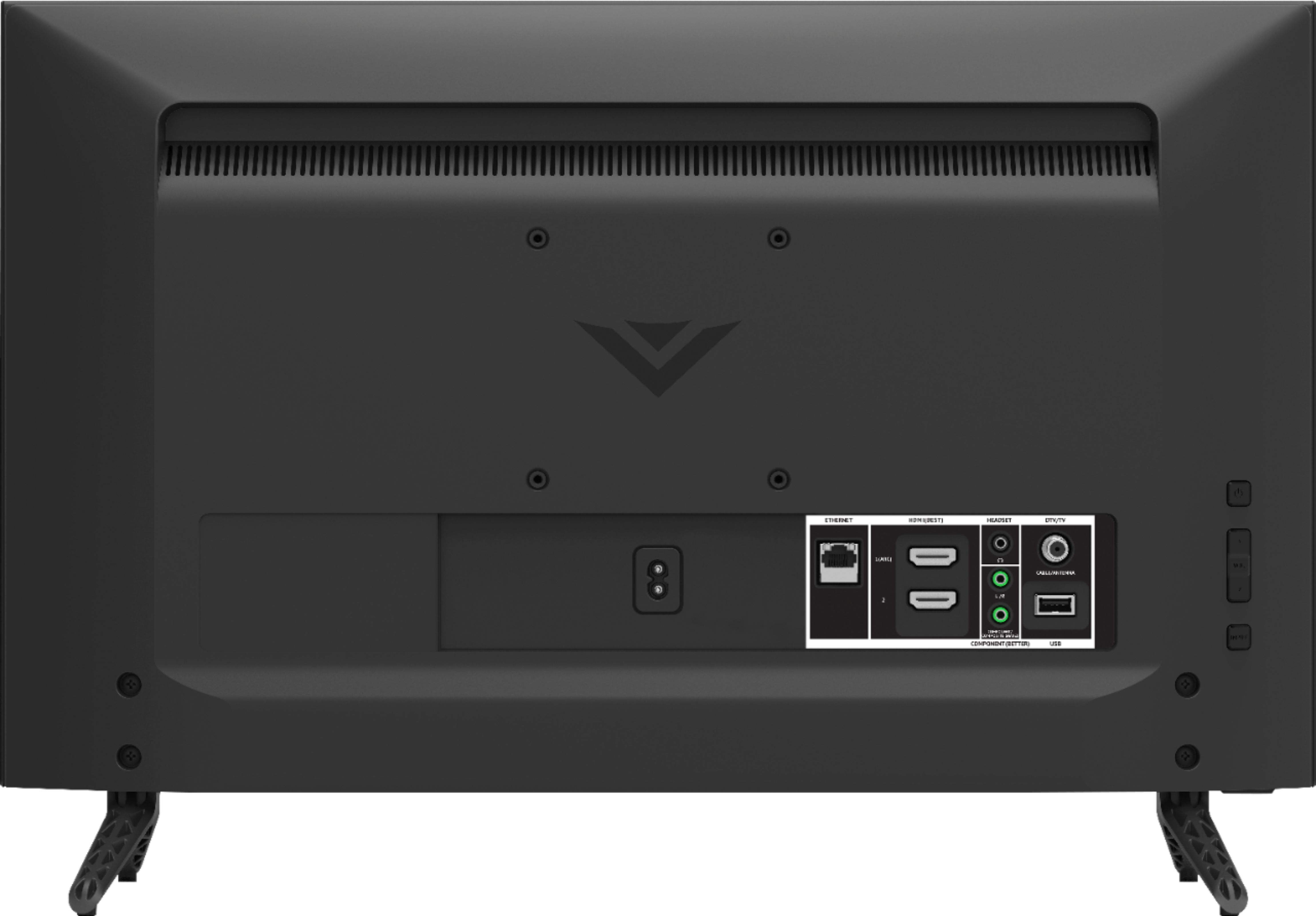
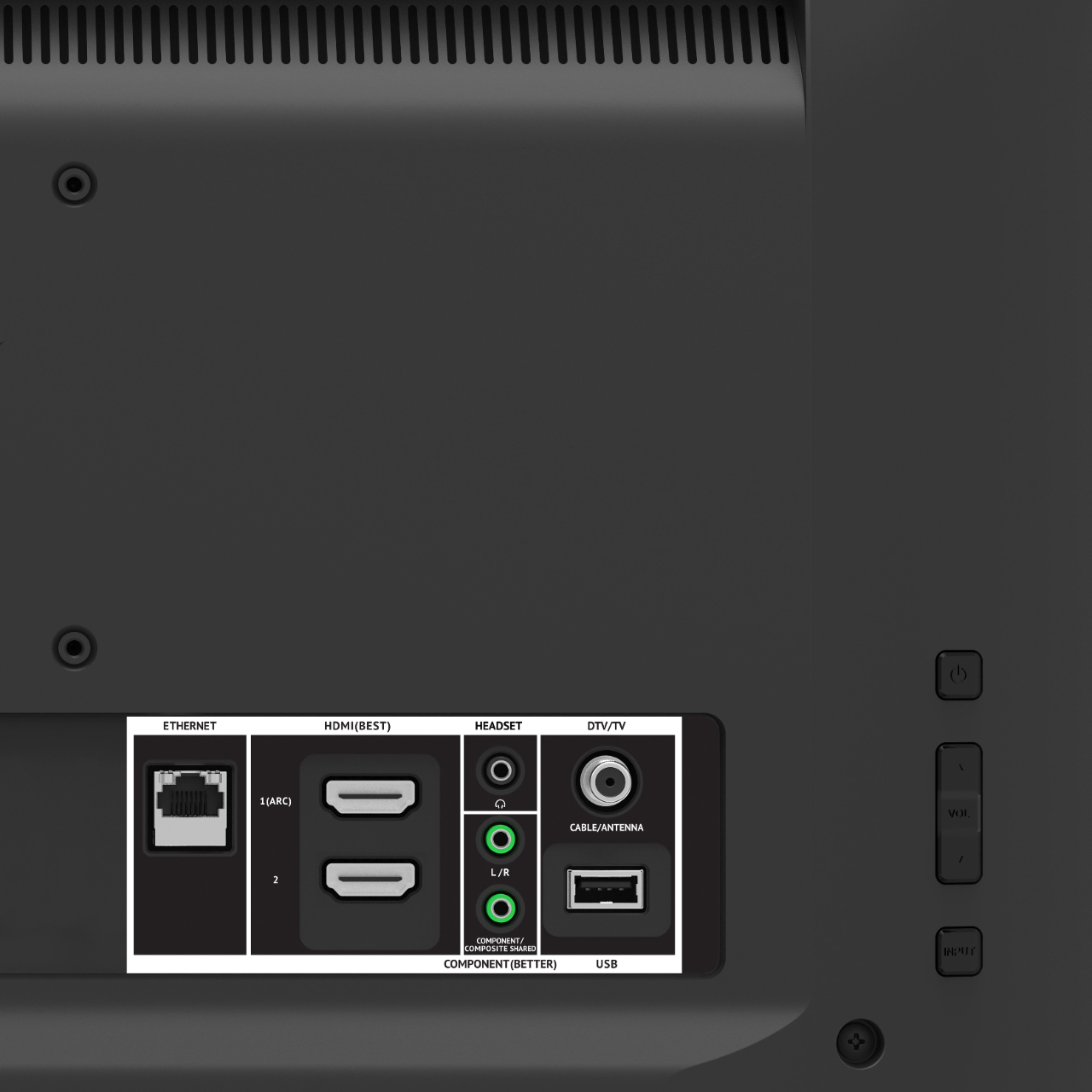
A:AnswerIt must because the photo of the back has an input labeled "TV/DTV Cable/Antenna."
On the other hand, SOMEONE put "RF Antenna Input ... NO" in the specs!
A:AnswerI wrote to Vizio about this AFTER buying it. The L/R jack goes with the component jack below it and is an input. The headset jack is the only audio output.
I have run a cable from the headset jack to my stereo and there are two settings on the menu which 1) turn off the internal speakers and 2) disable the volume control on the remote so that the audio output is constant volume and you adjust your stereo to control the volume.
A:AnswerAlthough I haven't tried it myself, the manufacturer's description says, "Works with both Google Assistant and Amazon Alexa for voice control: Ask either voice assistant (device required) to help you play movies, TV shows and more. Plus, control other connected devices like lights and a thermostat for a better viewing experience."