A:AnswerThe setting you would need to adjust is the wide settings. If you are adjusting the wide settings and it still isn't filling the whole screen I recommend checking the device connected for wide settings or aspect ratio settings as well.
A:AnswerA SMART TV is a television that can be connected to the Internet. With a SMART TV you can access things like the Internet, interactive media, on-demand streaming media (such as Netflix or Hulu), home networking access etc.
A:AnswerThis comes with the following:
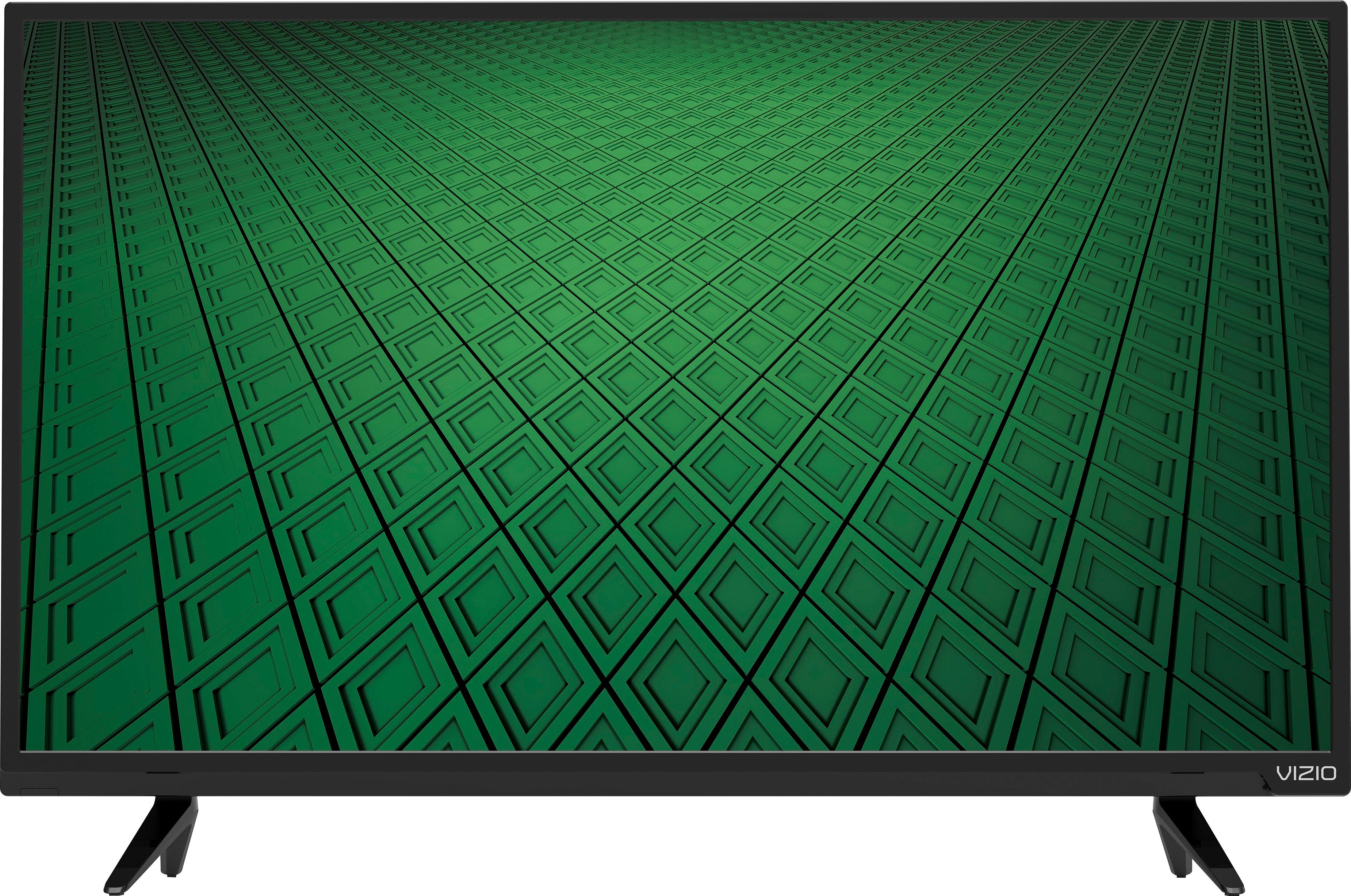
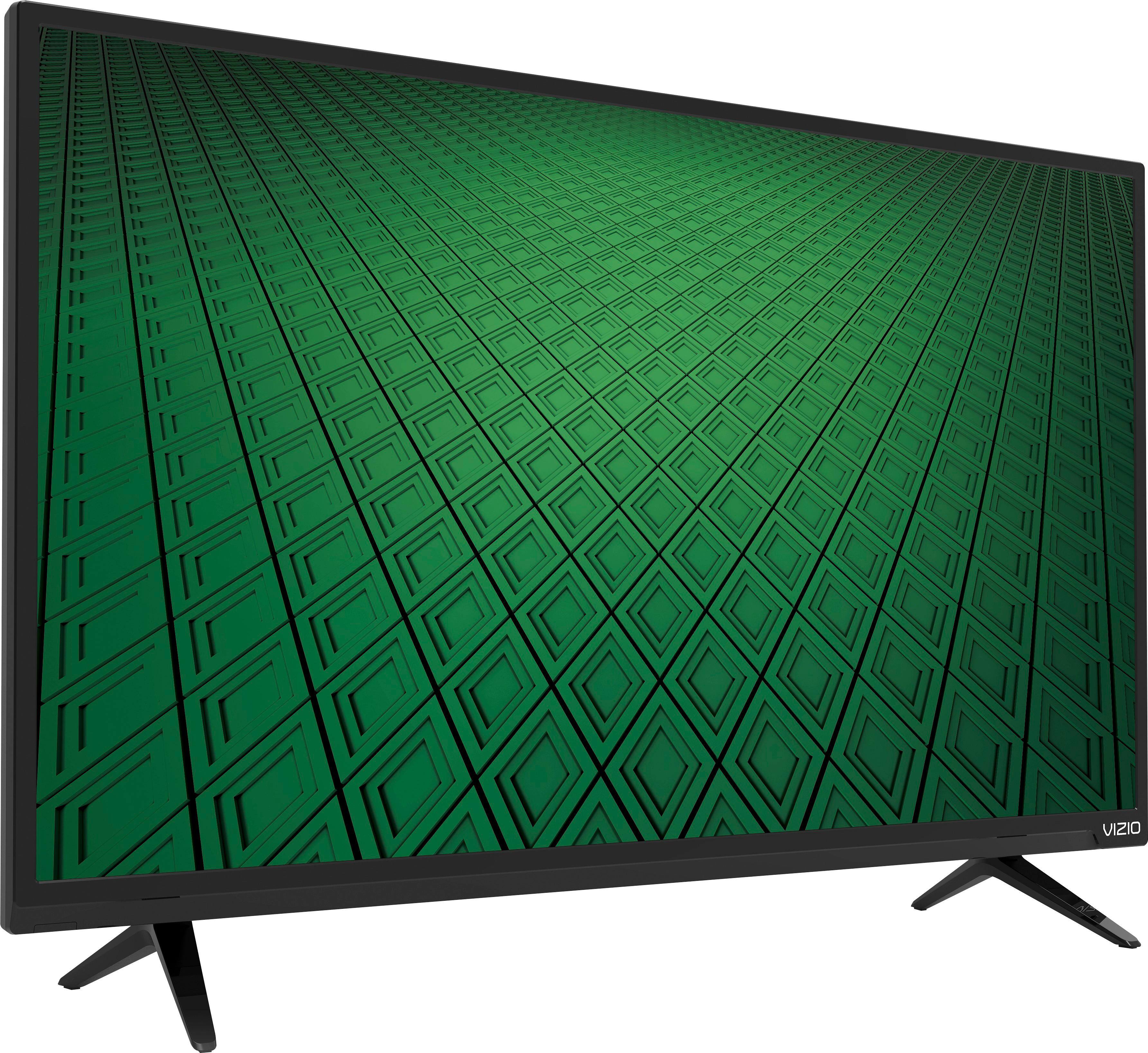
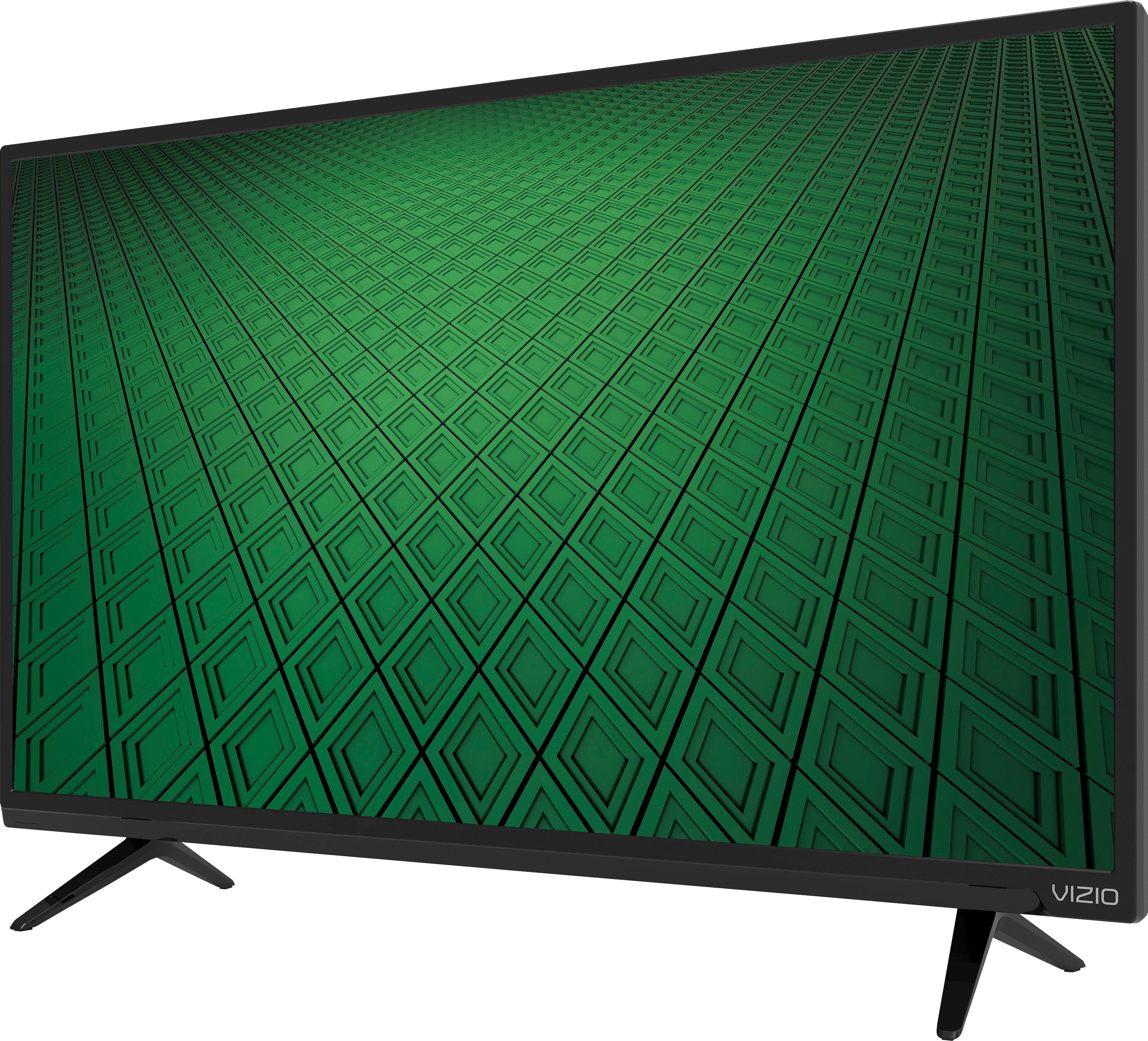
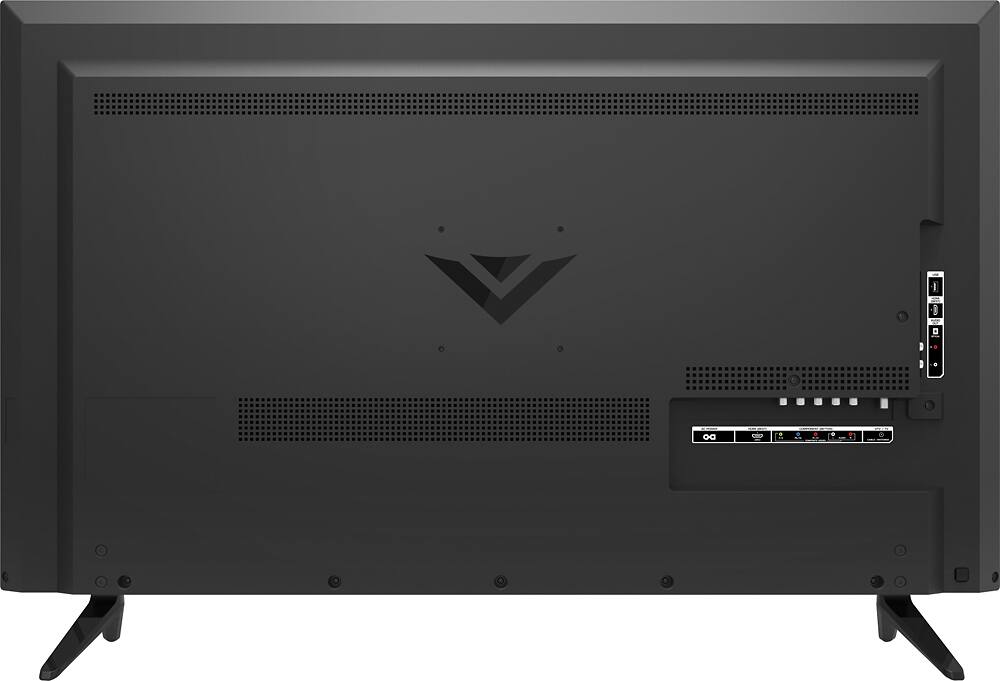
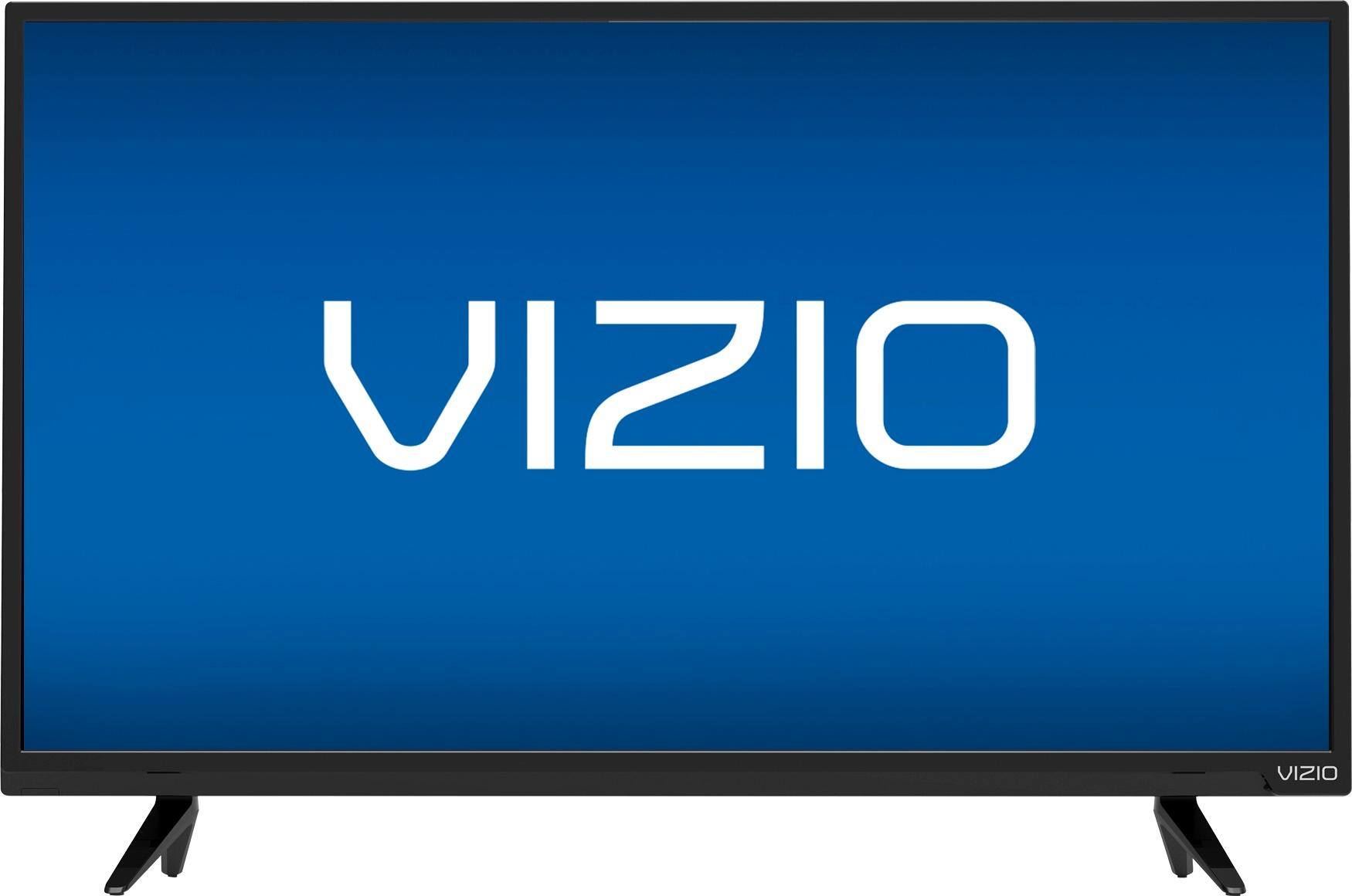
32" Class - LED - 720p - HDTV
Remote control XRT020 with with batteries
2 x Quick Start Guides (1 English, 1 French-Spanish)
TV Stands (Left and Right)
Power Cable
4 x M4 Phillips Screws
A:AnswerThe TV will only be able to show the resolution it is receiving. Some connected devices such as set top boxes may have a setting that can be adjusted but we do recommend using an HDMI cable to ensure you receive the highest resolution possible.