A:AnswerI had just returned a Visio 32-inch D series to another store because it was 720p. On Best Buy's site, it said that it was 1080p, so I went to Best Buy. When the salesperson brought out an identical box to what I just returned, he told me that because it was the 1080p, that it was "current year", and that the 720p I returned was "last year's model'. If you are purchasing the 1080p version, as indicated in very, very tiny words near the bottom of the front of the box, it should be "current year".
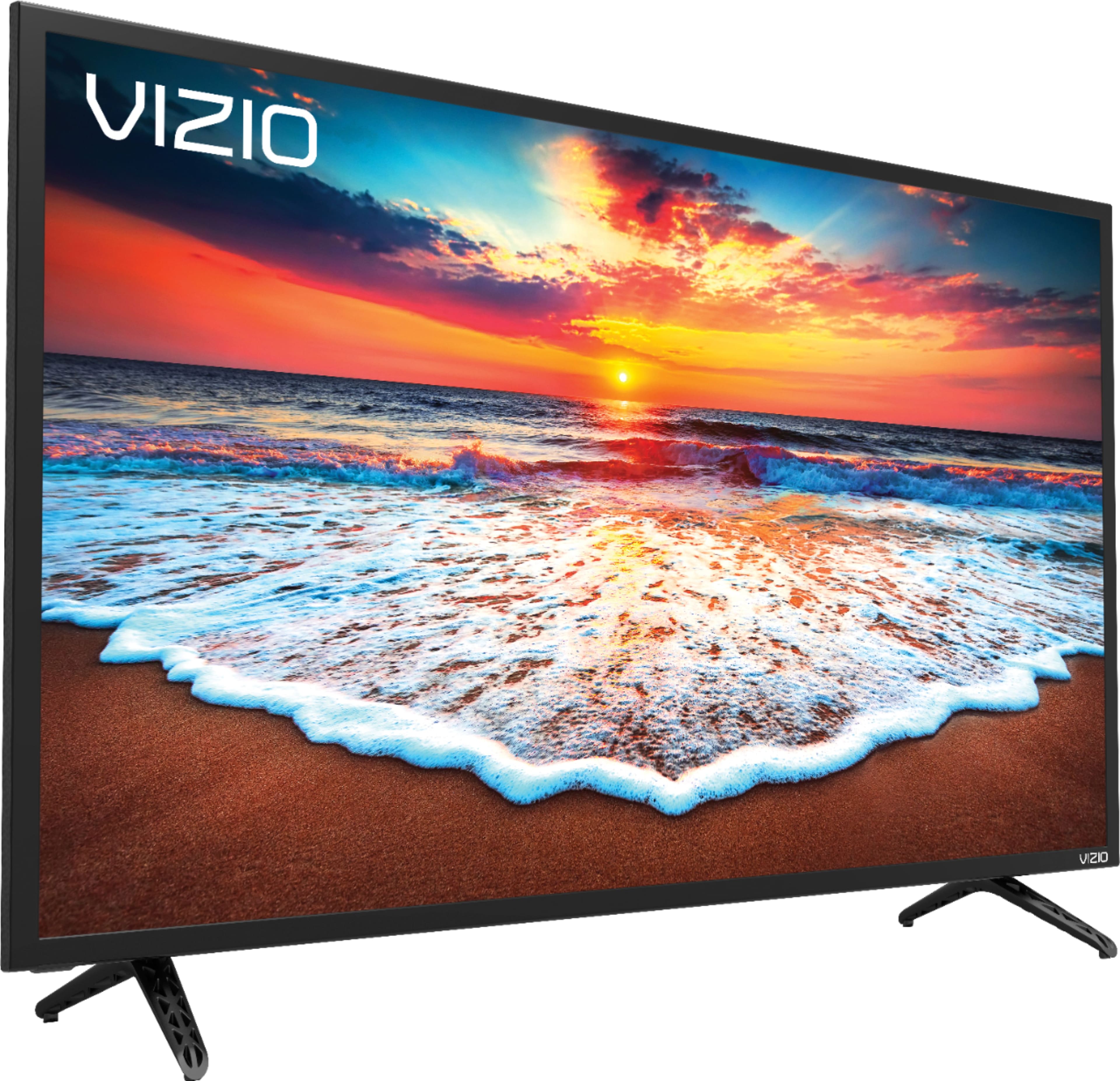
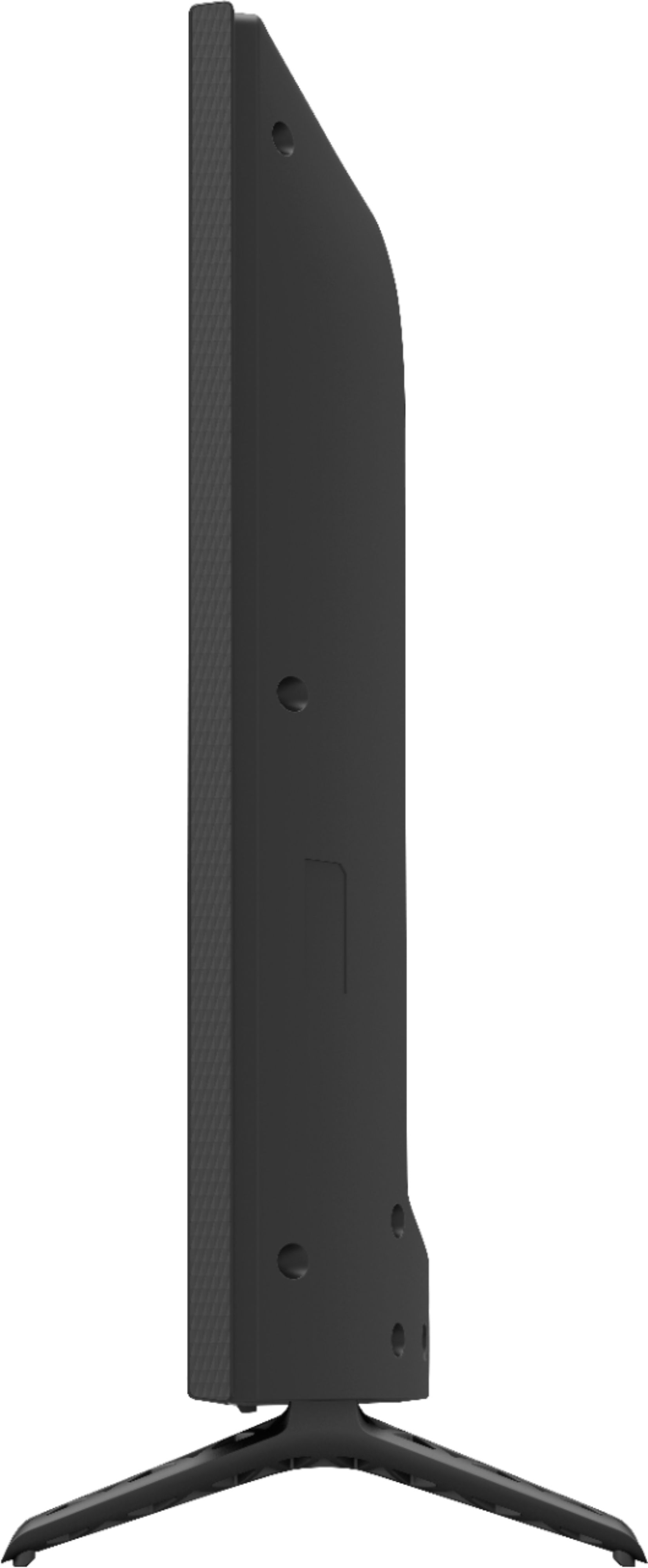
A:AnswerWith the stand attached, this product is 28.77" wide x 18.83" tall x 7.87" deep and when using the wall mount, this product is 28.77" wide x 16.96" tall x 2.99"deep.
A:AnswerAnswer is yes it must be adjusted to match your device because it will overscale this can be done through video control panel Nvidia etc. keep changing resolution until you reach the perfect screen. Use HDMI port if your PC has an outport for one.
A:AnswerNO
There is something very wrong with Vizio. It will not reliably let you connect to the tv with casting through MLB.tv app. So frustrating. I have 2 different vizio models that both behave the same way.
If you watch a ton of baseball, get a roku TV. LG sucks for this too, but at least it works with their webOS most of the time.
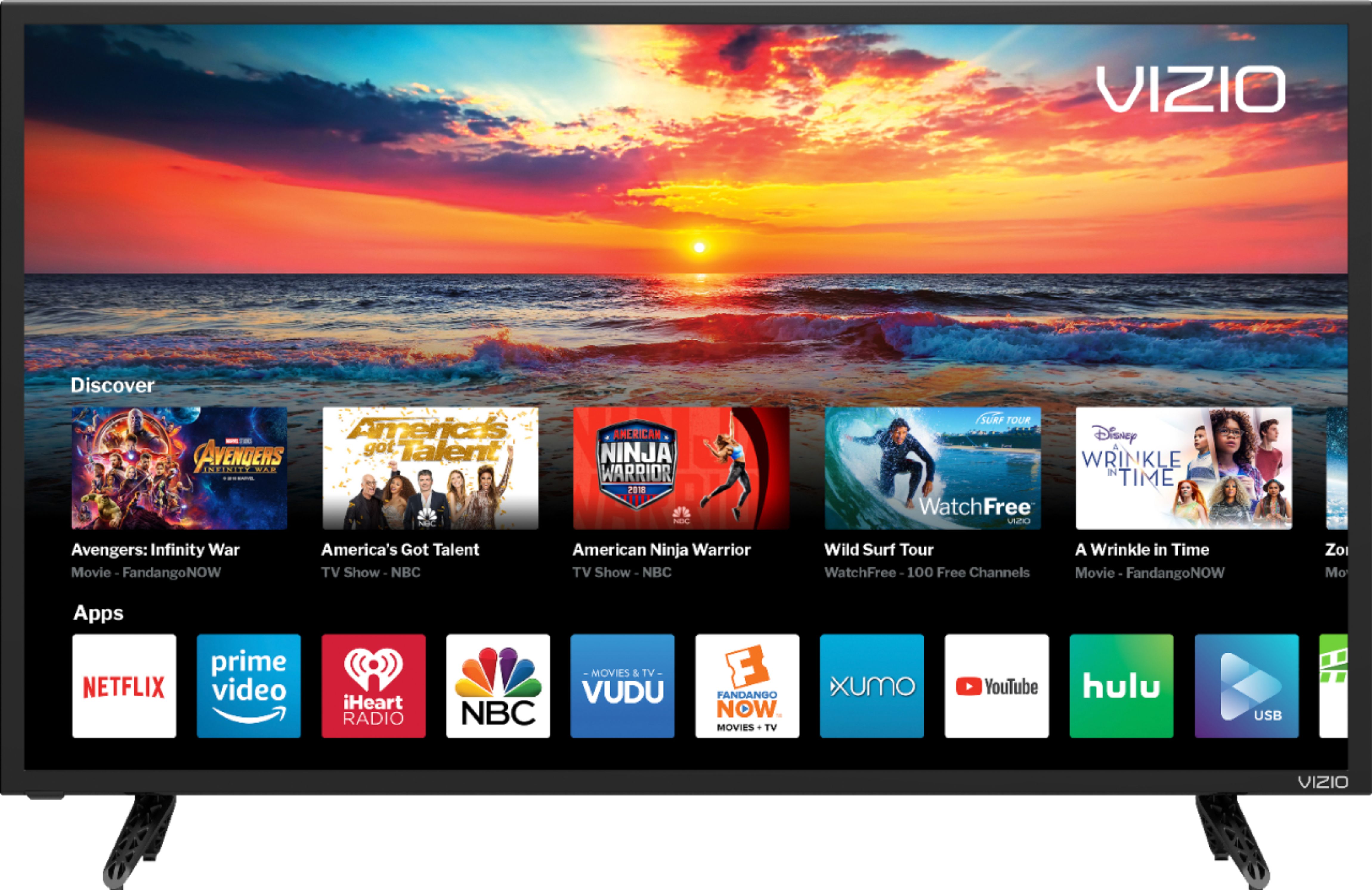
A:AnswerThis TV has several apps built-in to it and we are adding other apps. As of right now we have Netflix, Amazon Prime Video, Hulu, Crackle, iHeart Radio, Xumo, Vudu, Youtube, NBC, and several others. With this TV you also have the ability to cast any chromecast-enabled application giving you access to thousands of different applications.
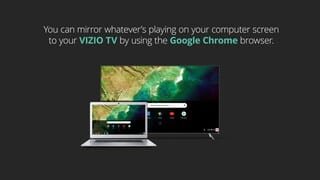
A:AnswerAs long as you are casting from a different device than what is acting as a hot spot you should be able to cast. The SmartCast App is not needed to cast. To cast just download the app you want to cast onto the device you want to cast from and tap on the "Cast" icon,
A:AnswerThis TV does use Bluetooth LE for connecting to you TV to a device with the VIZIO SmartCast application. However, this TV does not have Bluetooth audio out support.
A:AnswerI have the same problem. But I don't have to listen to it. I bought for my mother-in-law. She's hard of hearing, we put on closed caption, but she still blasts the volume.
Seems ok at a much lower volume, but I could not handle the sound of the internal speakers on a daily basis. I would hope there is a way to bypass & connect a soundbar, but for such a small screen I don't think it's worth it.
I wish I had known about this problem before I bought this brand!!
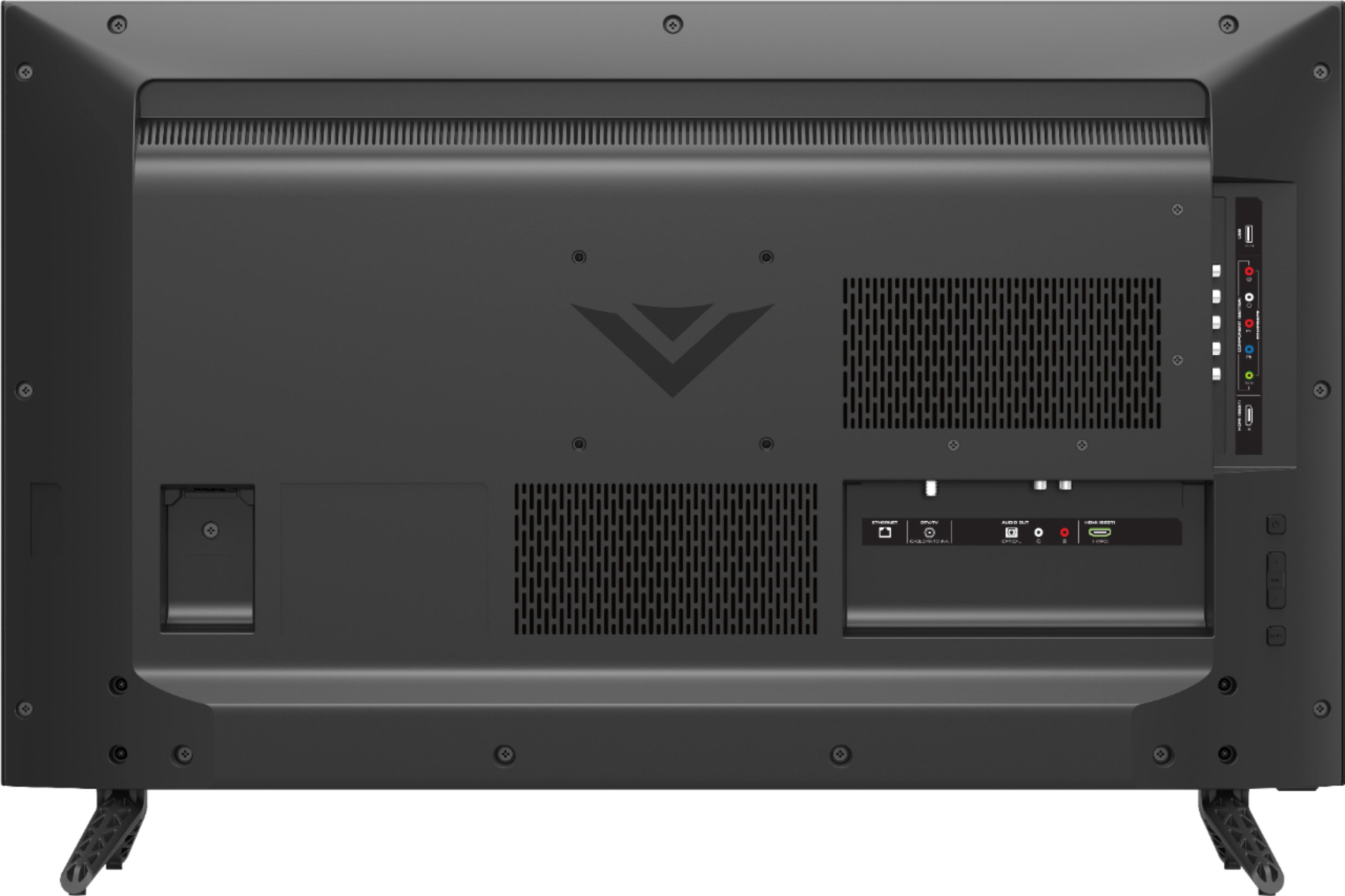
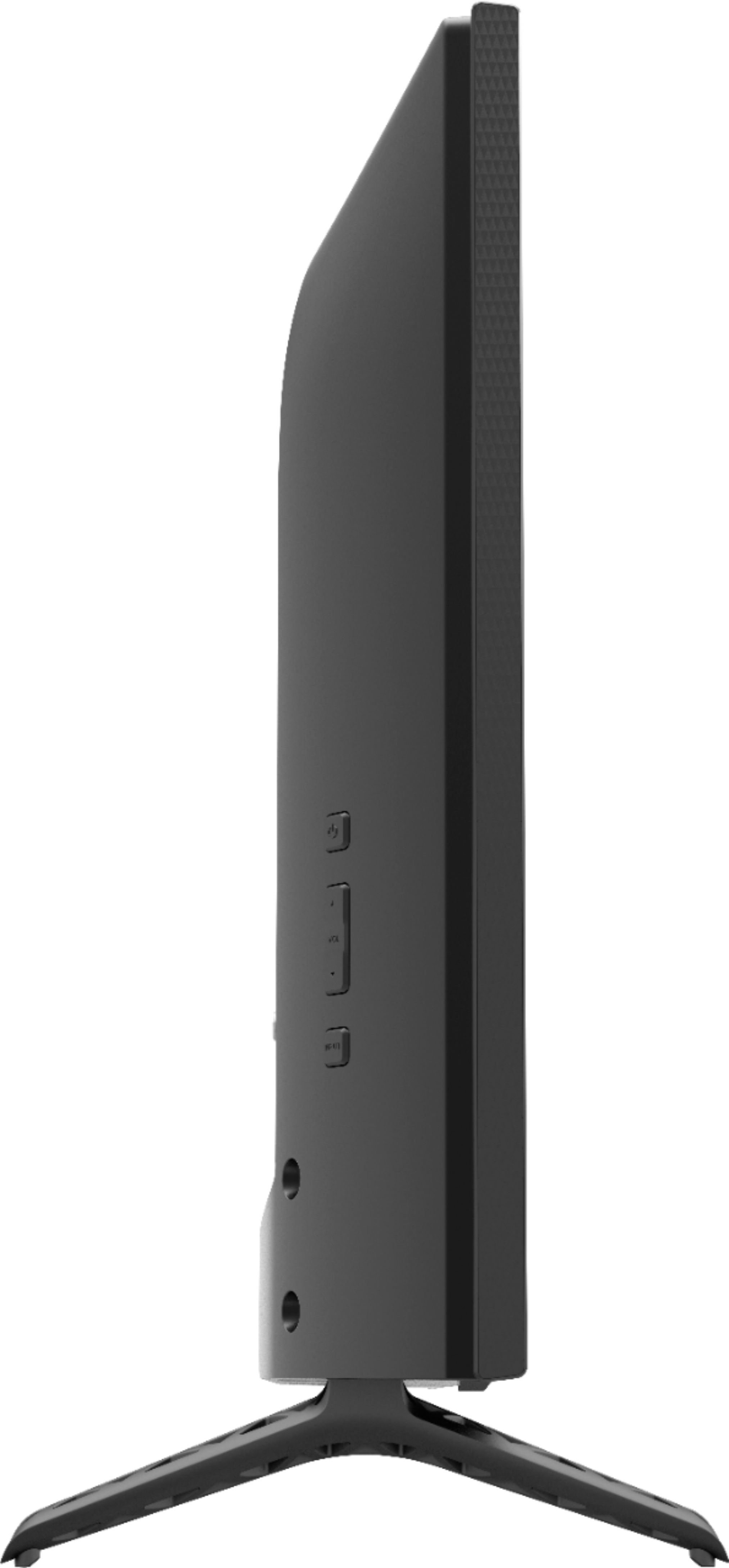
A:AnswerYes, this TV has Netflix and Amazon Prime Video installed. Yes, there is a power button on the back left of the TV. You can see both of these in the pictures on BBY's website.
A:AnswerThis TV does use Bluetooth LE for connecting to you TV to a device with the VIZIO SmartCast application. However, this TV does not have Bluetooth audio out support.