A:AnswerTo disconnect the smart TV feature you would need to factory reset the television and skip the network setup. Please contact our customer support at 877-878-4946 for assistance with your television picture.
A:AnswerThis would depend on how your television is set up and what your source is. Please contact our customer support at 877-878-4946 for assistance with your television.
A:AnswerYou are confusing the resolution the TV is capable of with what the resolution of the source is.
If you are using an antenna, the TV will display what is being broadcast over the air. If you are using cable, at least with Comcast X1, you need to go to settings to change the output resolution of the box to 1080p. Just remember that is not changing the resolution of the broadcast source.
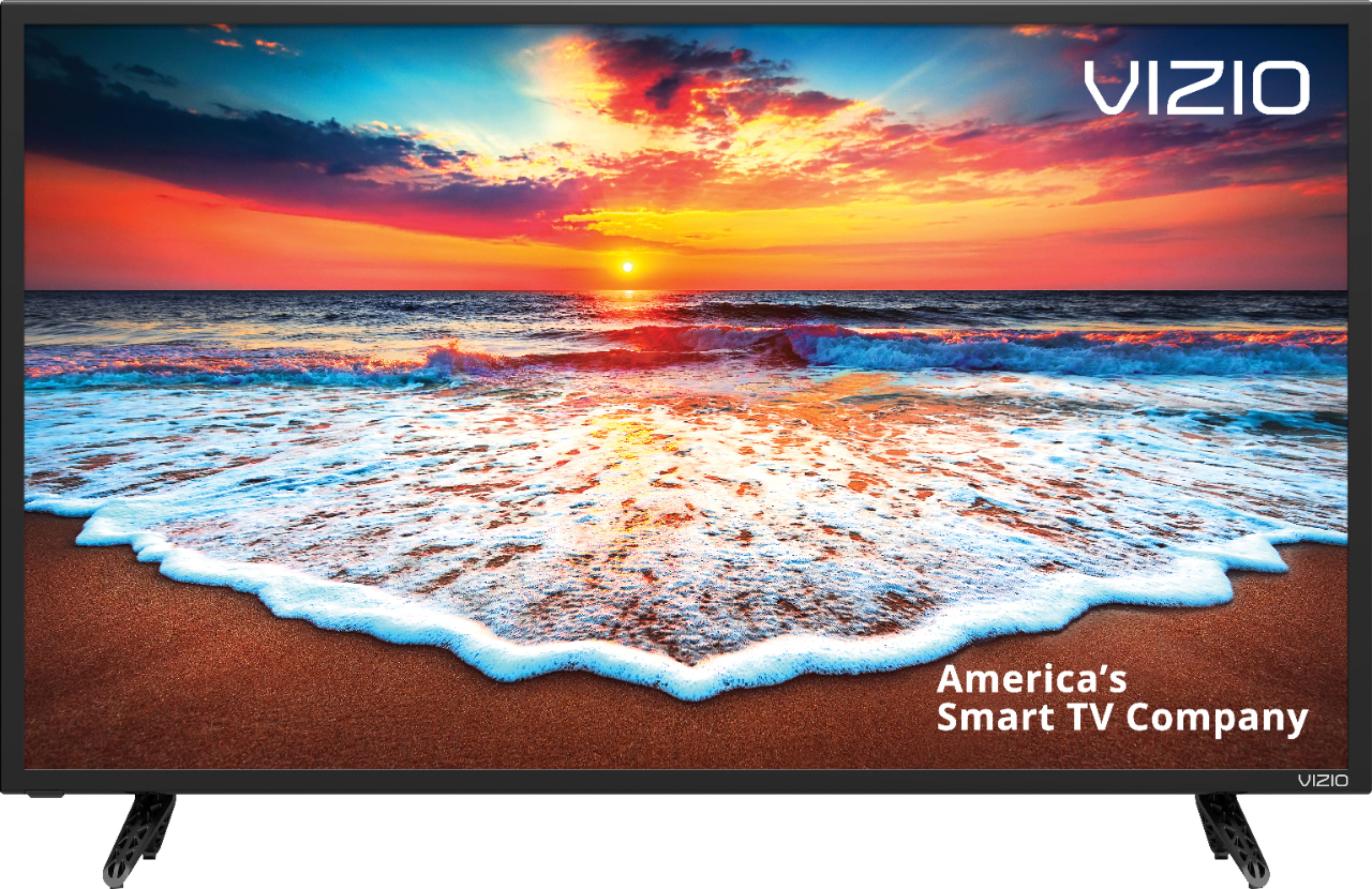
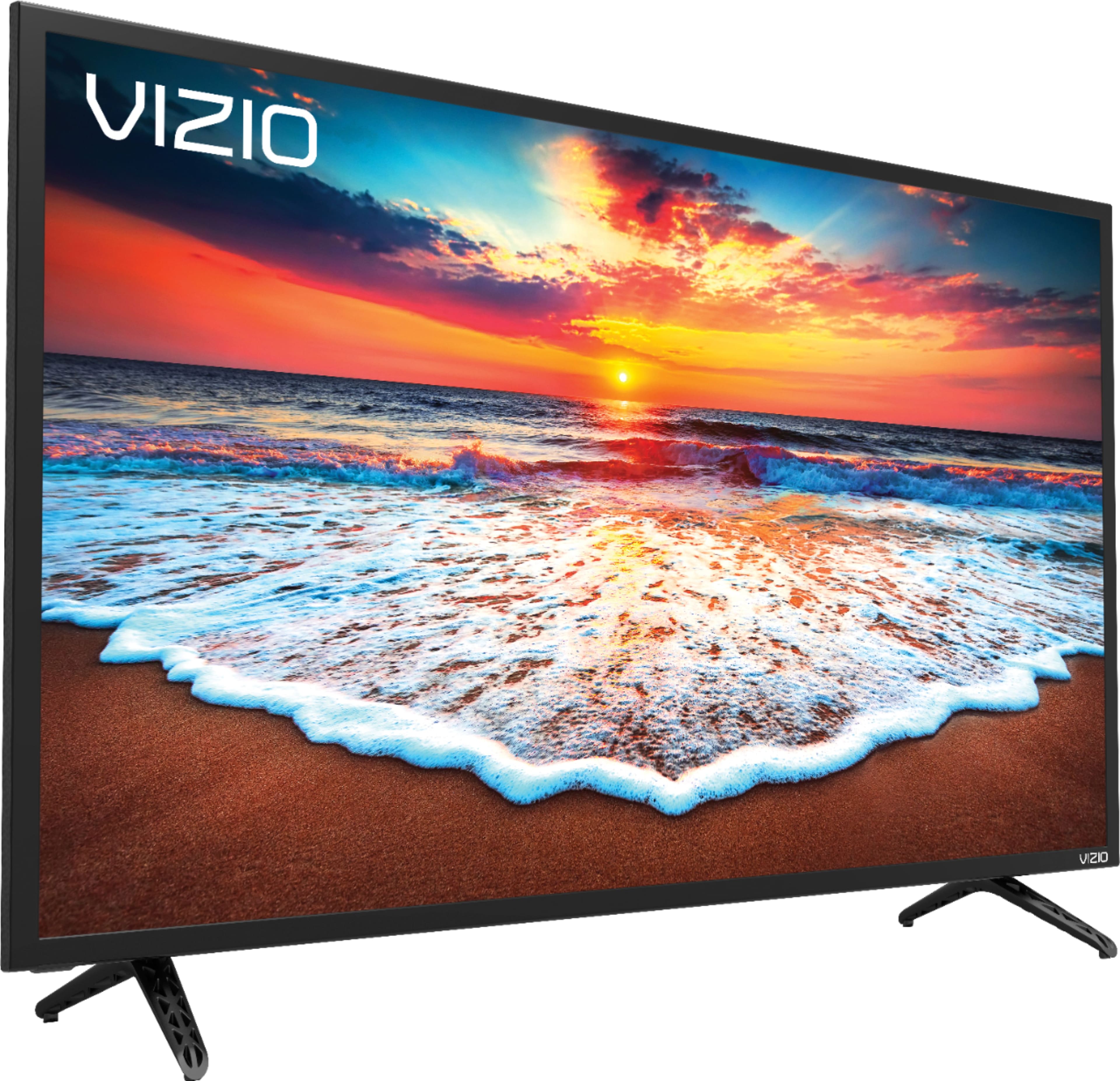
A:AnswerThis television does not have a dedicated gaming port but it does have a Game mode in the picture mode setting that would allow for faster response time.
A:AnswerI am not sure why it is hard to find this information on their actual website for you but here you go.
https://www.vizio.com/tvs/d32ff1.html
It is under "Wall Mount Specifications"
A:AnswerIf the Showbox APK or your device have the ability to cast to a Chromecast screen it will also be able to display this same image on the SmartCast television.
A:AnswerIt is "higher than 60" and that was a deciding factor for me in its purchase. Indeed the side-by-side to other 32" HDTVs was impressive. I looked this info up on cnet.com. BTW, cnet states that > 120Hz is often "funny math".
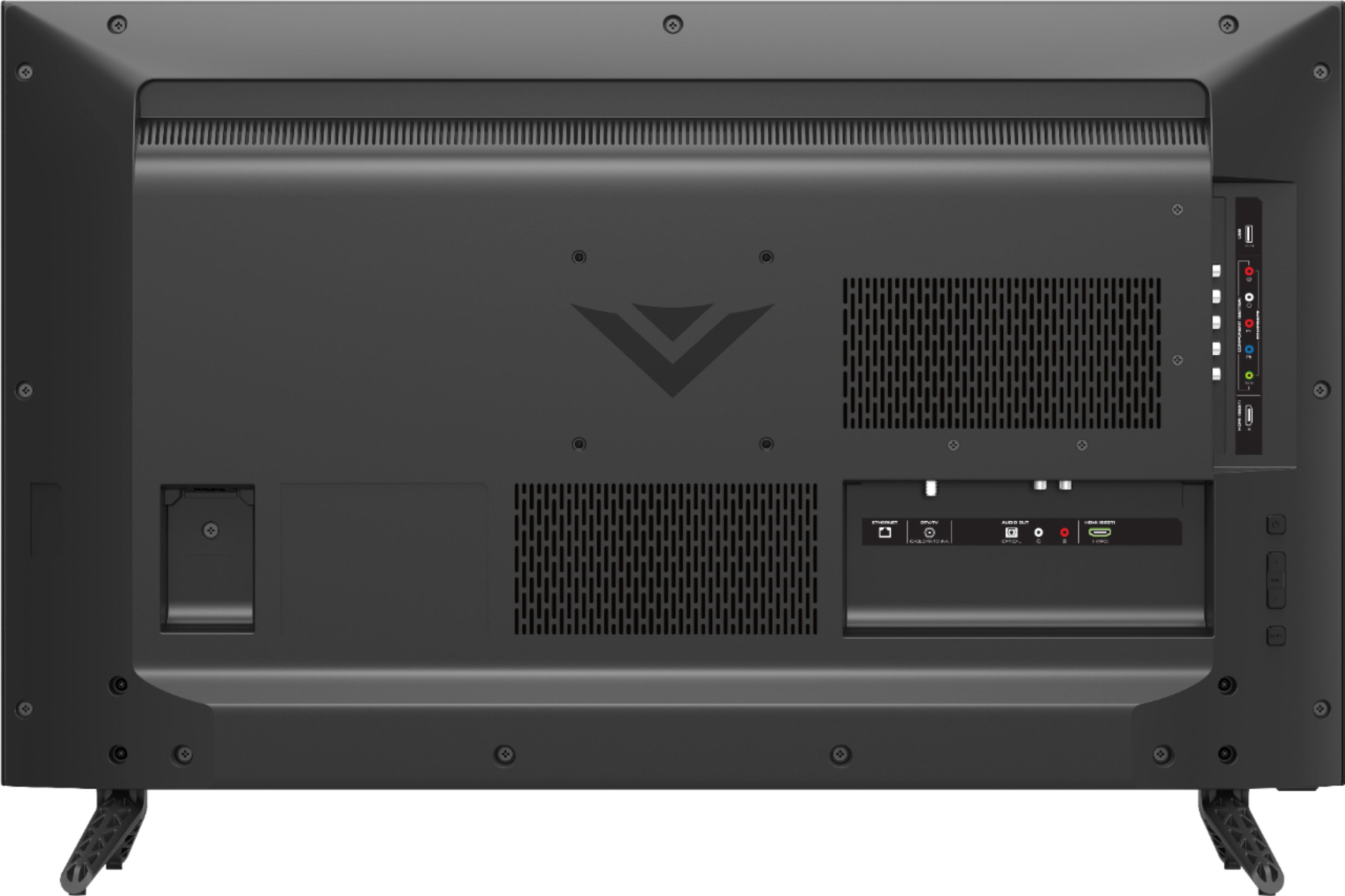
A:AnswerI just hooked mine up to Bose powered speakers with RCA connectors. On bottom row (outputs) there is both optical and analog (RCA connector) audio outputs
A:AnswerNo and 4K is ridiculously worthless on a 32" TV. In fact, I looked at side-by-side 32" with 1080 and 760(!) resolution and could barely tell the difference. You'll see similar information on good websites like CNET.