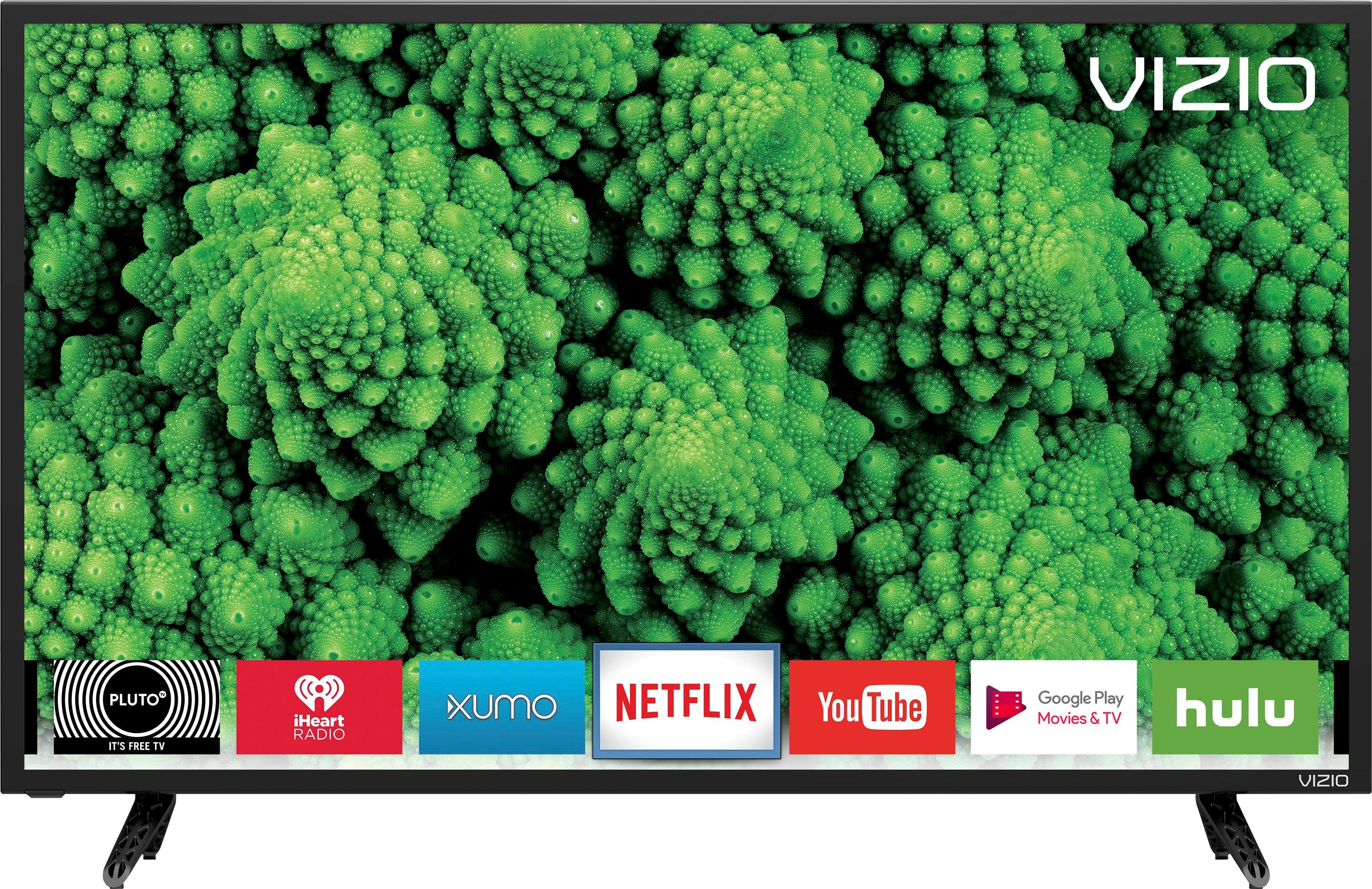
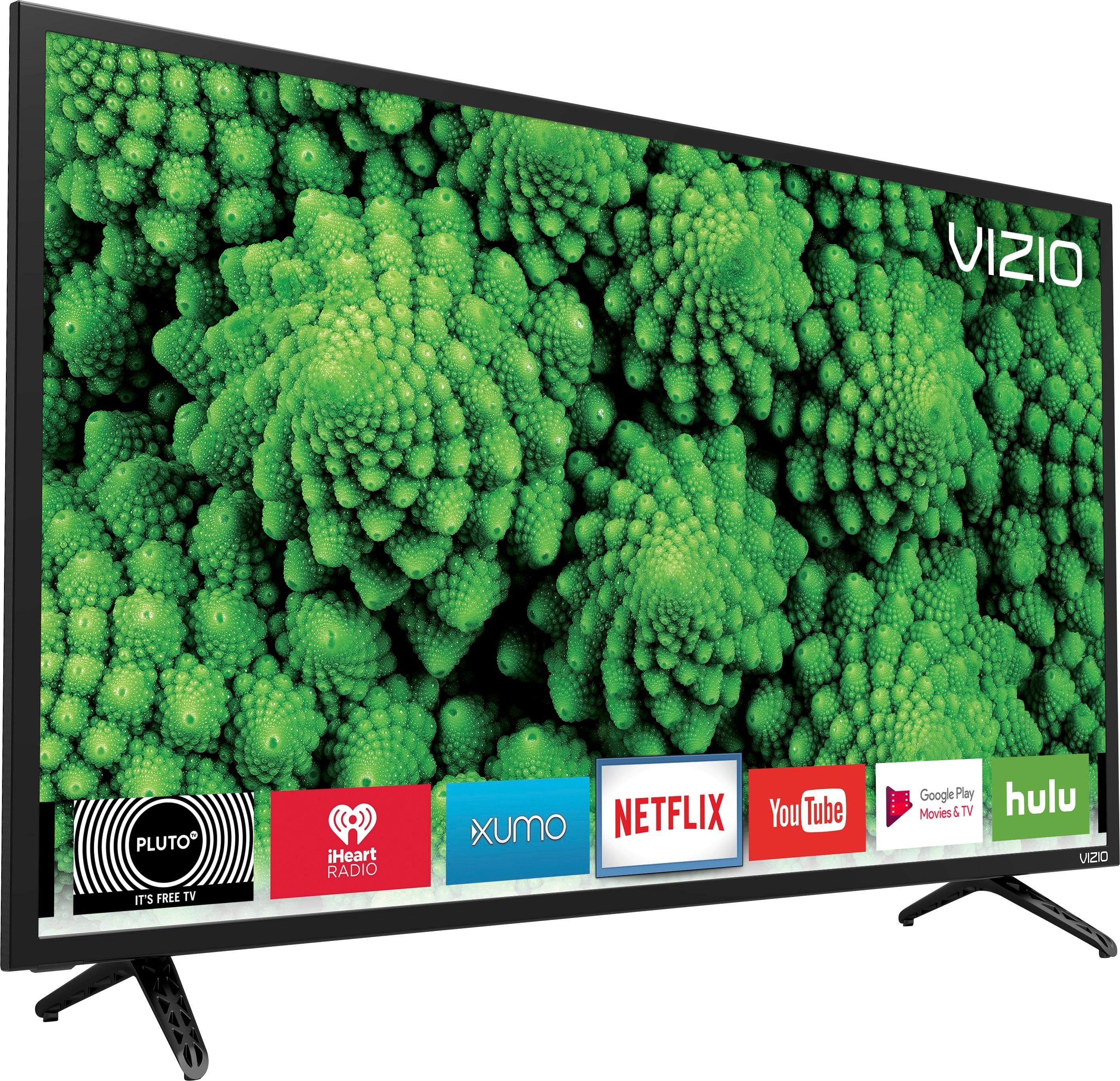
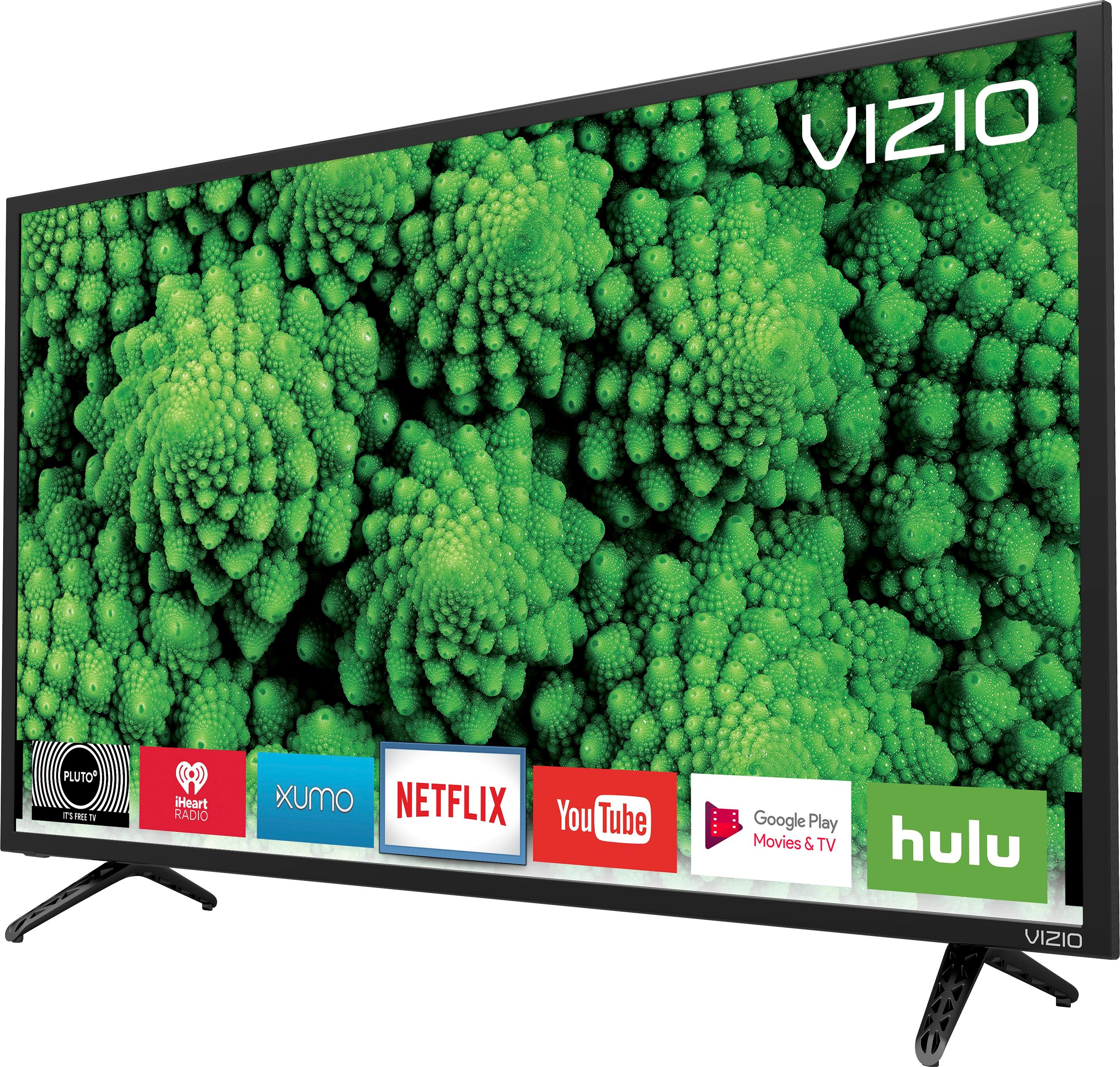
A:AnswerThe display does come with several built in applications, like Netflix, Amazon, Hulu, Youtube, and others. It doesn't have the ability to mirror smartphone applications.
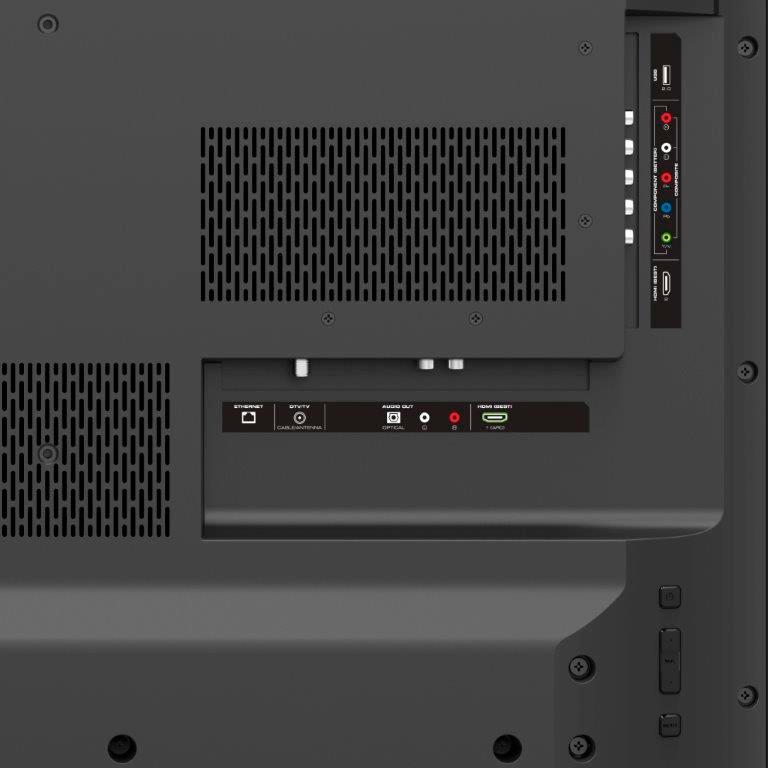
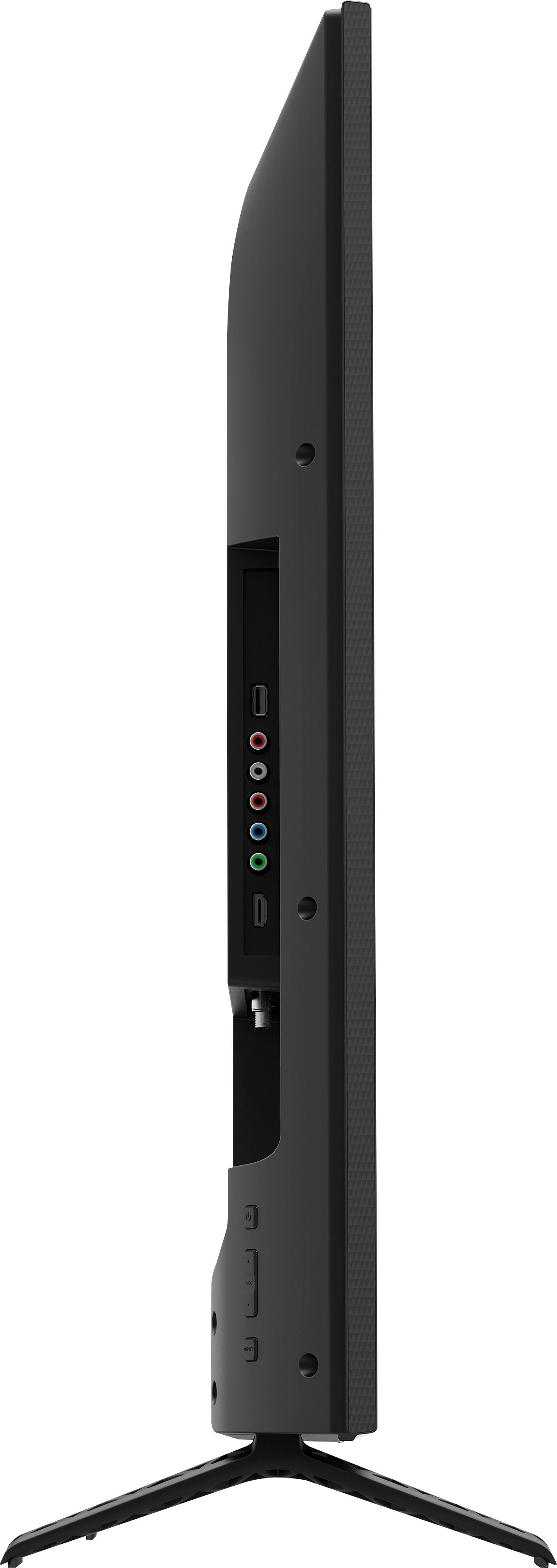
A:AnswerThis TV does have a coaxial port on it for over the air programming. The Component and composite use the same ports. This means that for a Red White and Yellow you would plug the yellow into the green port and the red and white into the red and white audio ports.
A:AnswerI ve played guitar backing tracks and videos sent to me on memory sticks.
I just inserted the stick in the usb slot on the back of the tv.....I downloaded the backing tracks from youtube to the stick beforehand.
A menu pops up on screen and asks if you want to play the USB device...
Then you can either select music or videos from the menu that will appear.
I havent tried to play a powerpoint presentation but the TV is really a little computer without a browser....however I would call vizio support....they are really good.
toll free and are based in the USA.
good luck.
A:AnswerNo, this model does not have a headphone jack. If you're looking to connect the TV to a speaker system or headset it does have 2 other audio out ports (SPDIF port and RCA audio connection) that can be used to connect audio devices.
A:AnswerTo access purchased content from iTunes you would need to use your apple TV. This TV does have access to streaming services such as Netflix, Hulu, and Amazon Prime Video without using a streaming device such as Apple TV.
A:AnswerThe source your watching will dictate the resolution you receive. In other words if you're watching something that was filmed in 480 that's the resolution that will display. Verify you're watching newer content that's in 1080. If the TV is still showing 480 at this point, it likely means your cable/sat box needs to be reset to a 1080 resolution. Sometimes connecting a new TV to a cable/sat box causes them to reset to a lower resolution like 480, and they need to be adjusted.