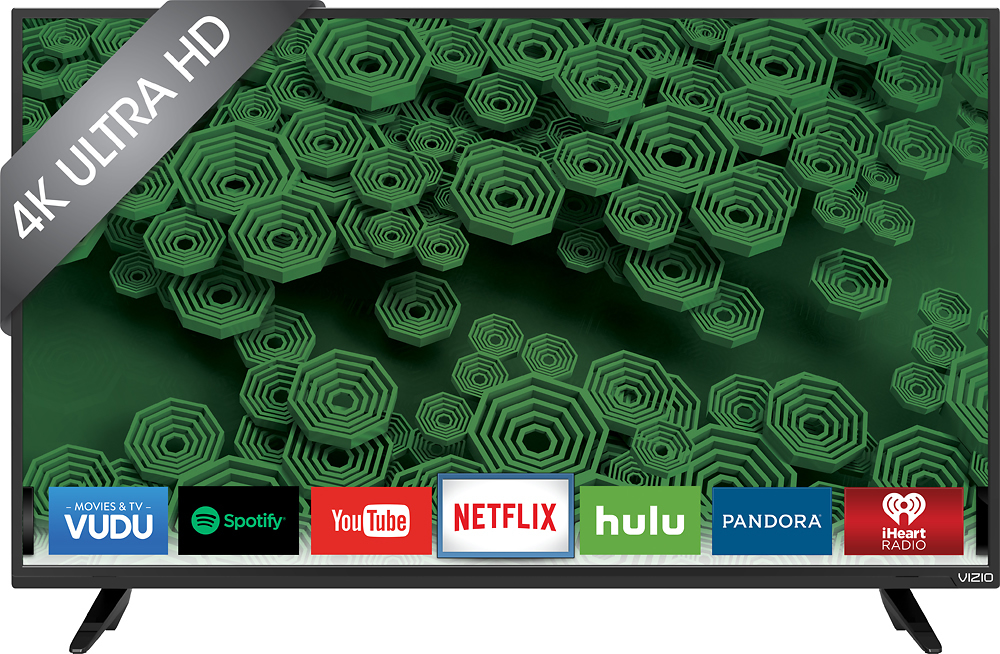
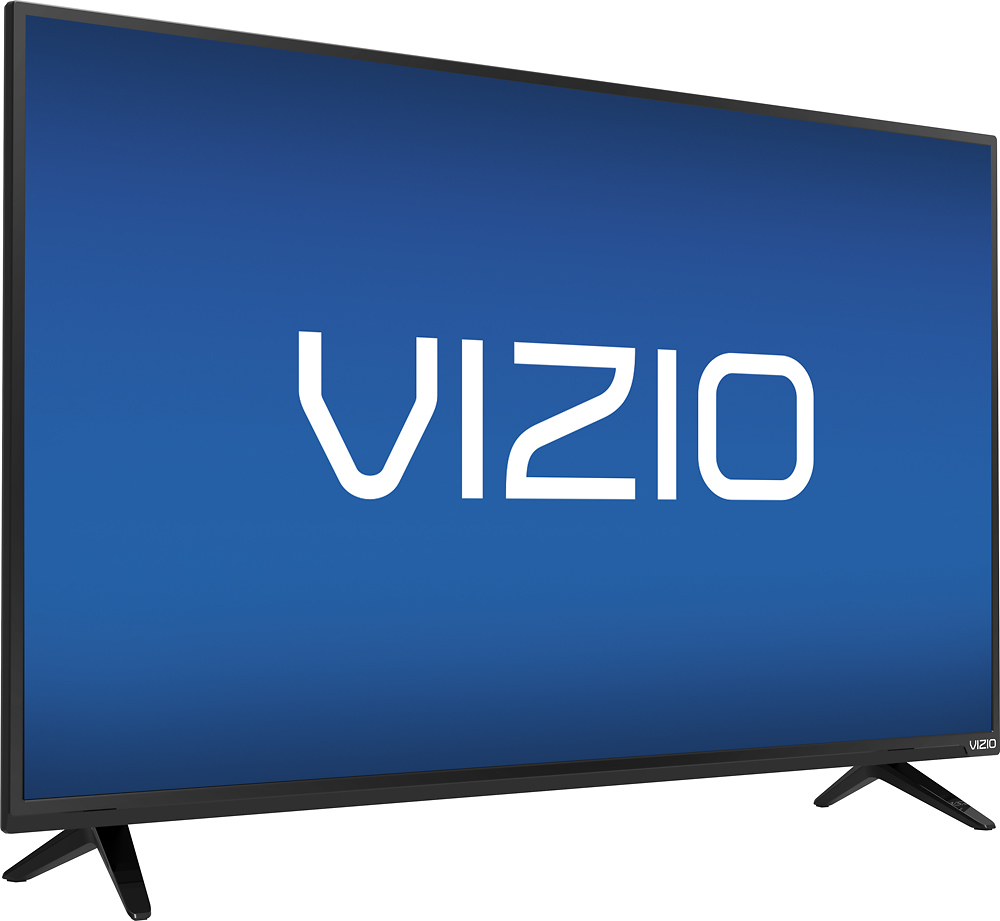
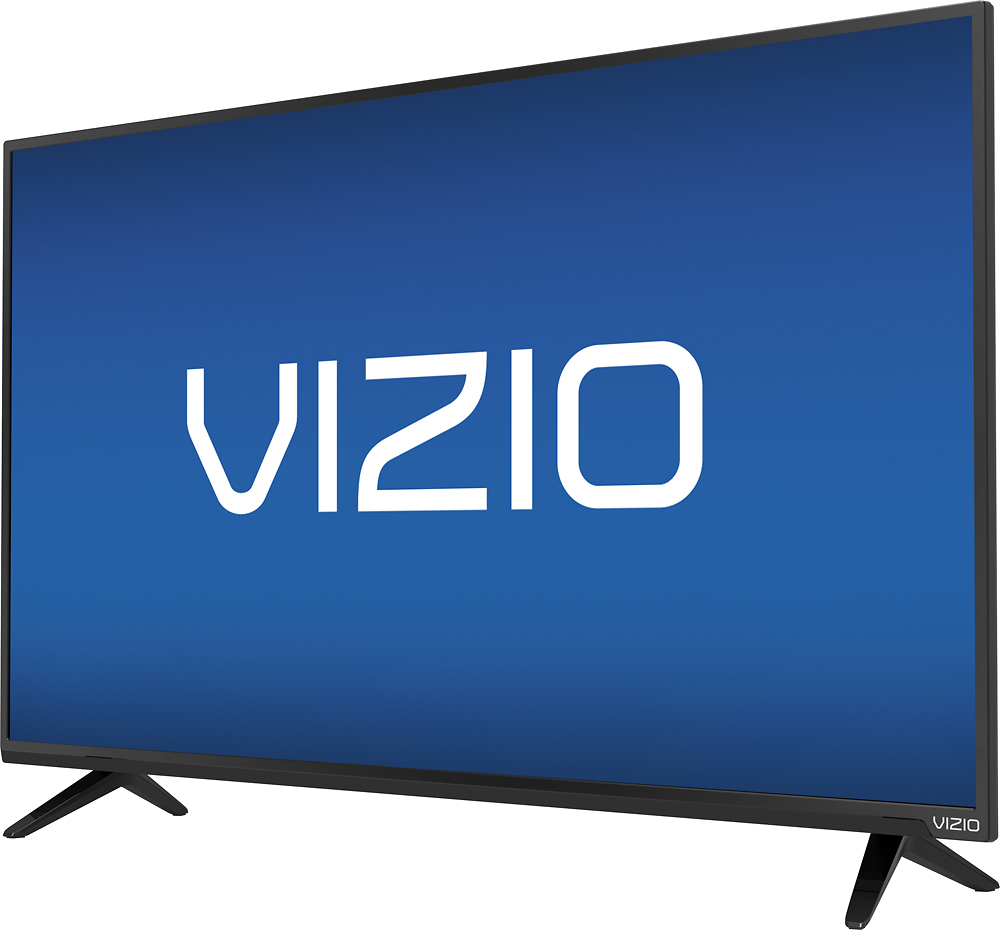
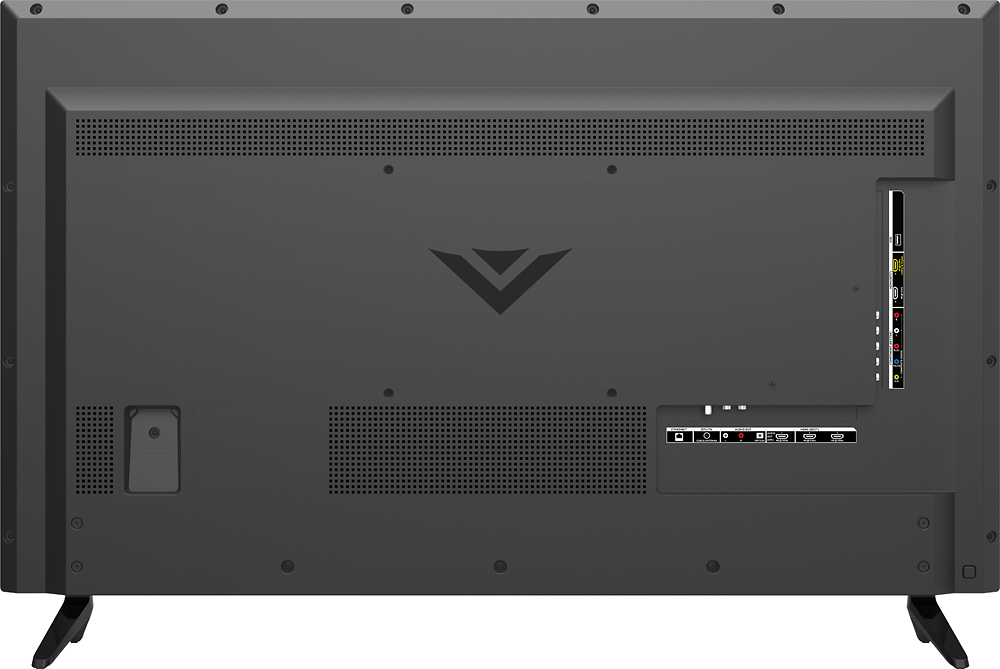
A:AnswerYes. I just setup the VIZIO D40U-D1 TV and it measured 35-7/8" wide by 23-1/4" tall, including the stand/legs. It is 21-3/8" tall without the stand.
A:AnswerThis model supports video, audio and photo file types. Please feel free to contact us at chat.vizio.com or 1-877-878-4946 and we would be happy to help you. -Randal
A:AnswerVizio is using the word "upscale" very loosely. The source resolution is the resolution you get. It tries to make it look better but there is a HUGE difference between a native 1080P source and a native 2160P source. You cannot make the original signal much better than it actually is. Just think about the difference between a DVD and a Blu-Ray in an upscaling player. Anyone can tell the difference. In fact I to me it is quite the opposite. Bad resolution sources look worse on better TV's.
A:AnswerThank you for a great question on our D40u-D1!
This TV does not support HDR10 or Dolby Vision HDR, but does support up to a 4K resolution with connected devices and over streaming apps such as Netflix and Amazon Instant Video.
If you have any questions or concerns, we encourage you to reach out to our Support team at 1-877-878-4946. Thanks again and have a great day! -Collin
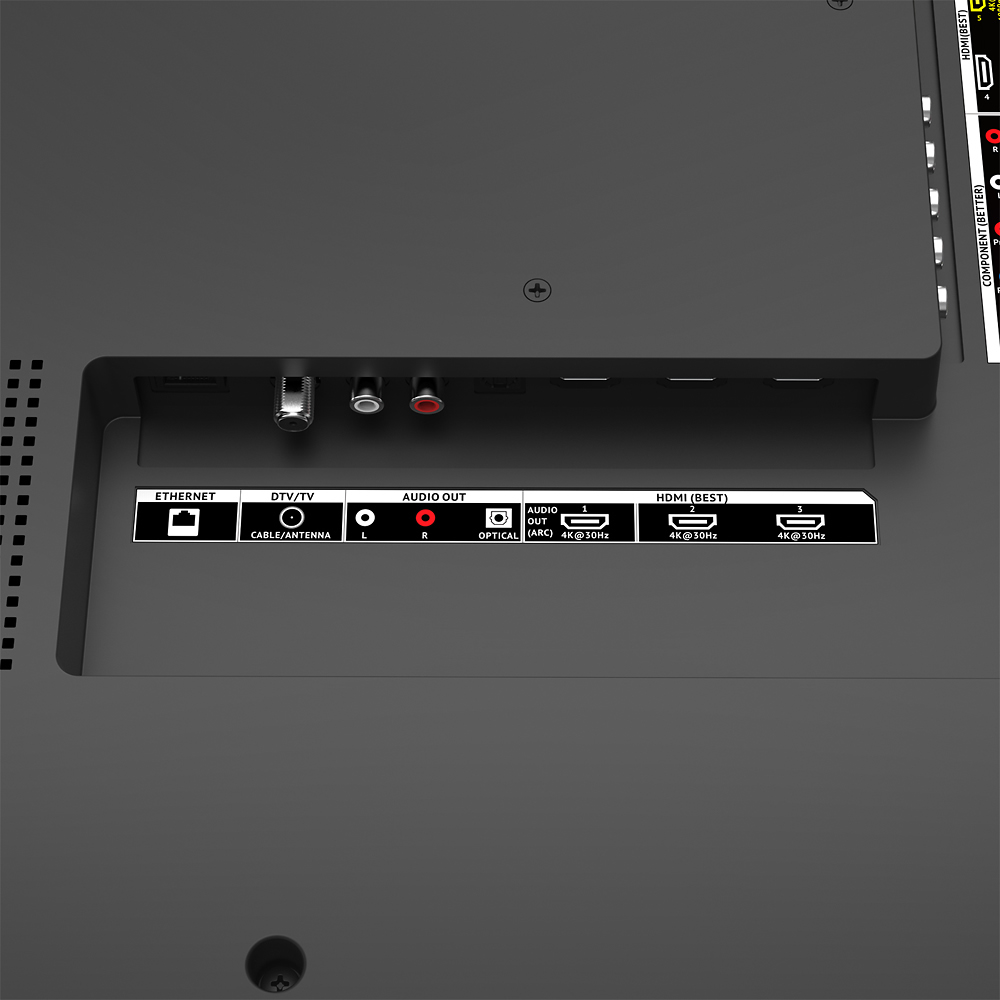
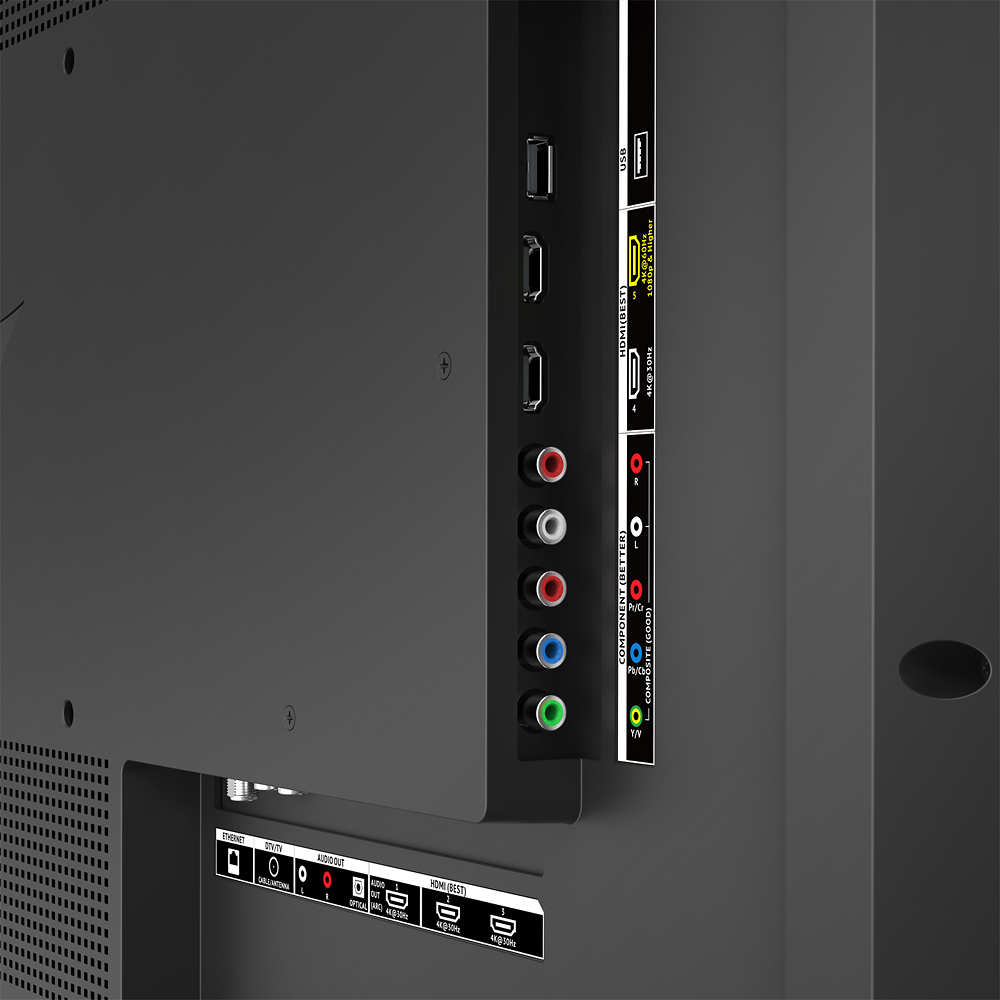
A:AnswerThe resolution this TV is capable of 4K and through a spatial scaling engine this TV will upscale HD and FHD content to 4K. We recommend using an HDMI cable for the best picture quality.
A:AnswerIt depends in which models your are talking about. I have have this Vizio tv and the SONY XBR43X800D. I would recommend the sony one instead of this vizier one because you get more features out of it. The sony x800d gives you HDR10, 10bit panel, and wide color gamut. Its about $200 more but well worth it.