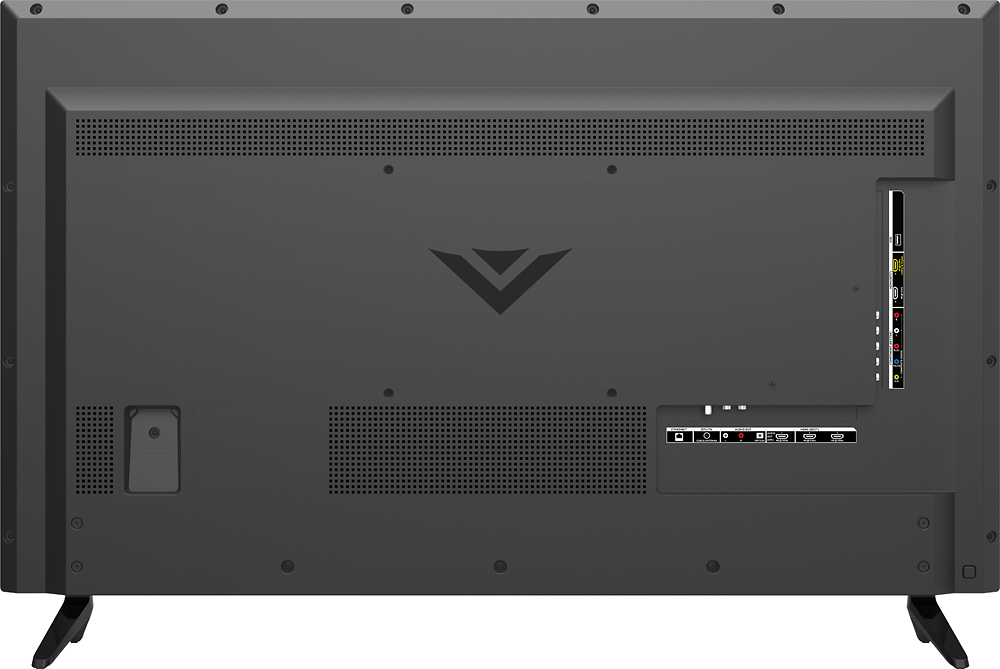
A:AnswerOn the back of the TV, near the bottom left corner, is a square button. Holding this button for a couple of seconds will power the TV on and off. Tapping the button will change the input. Thanks -Randal
A:AnswerYes. This tv has a button on the back to turn it on and off. Hold the button for a couple of seconds and the tv will power on or off. Contrary to the comment from Vizio Entertainment Expert, this is not a SmartCast TV and does NOT require a smartphone to operate.
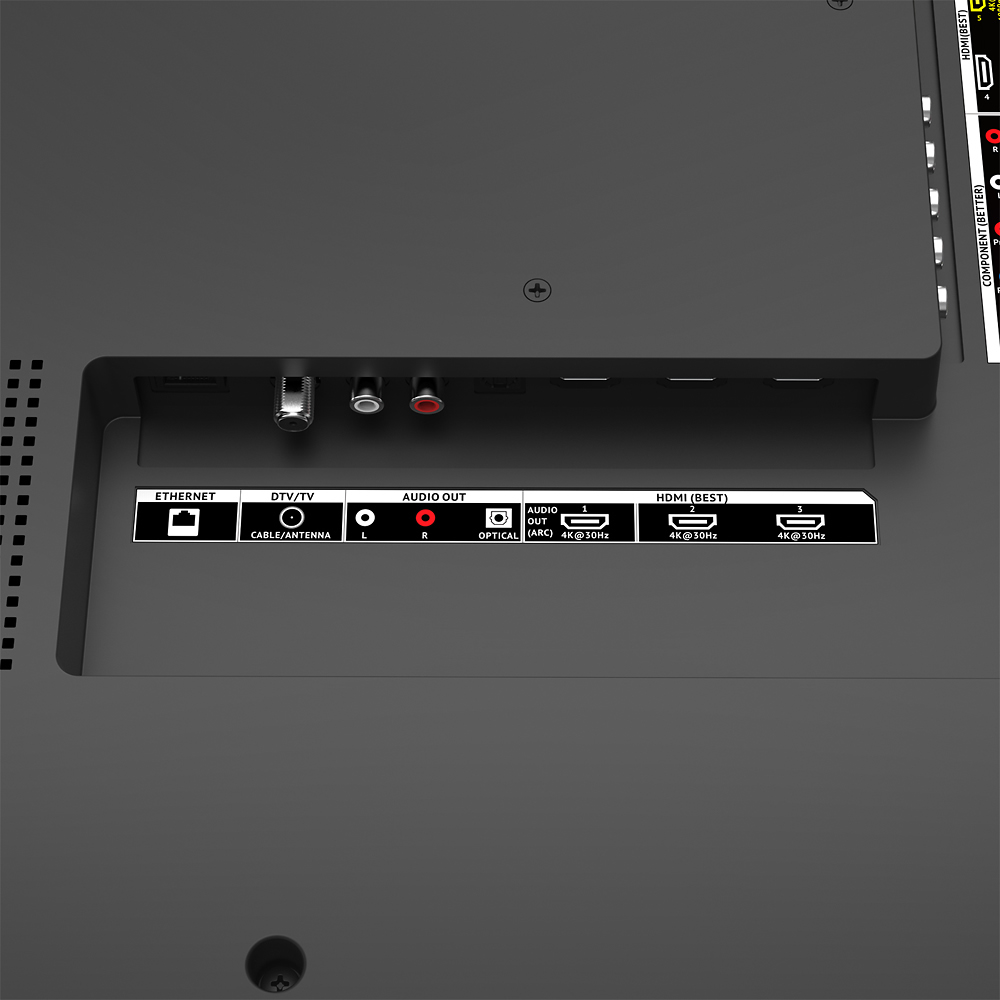
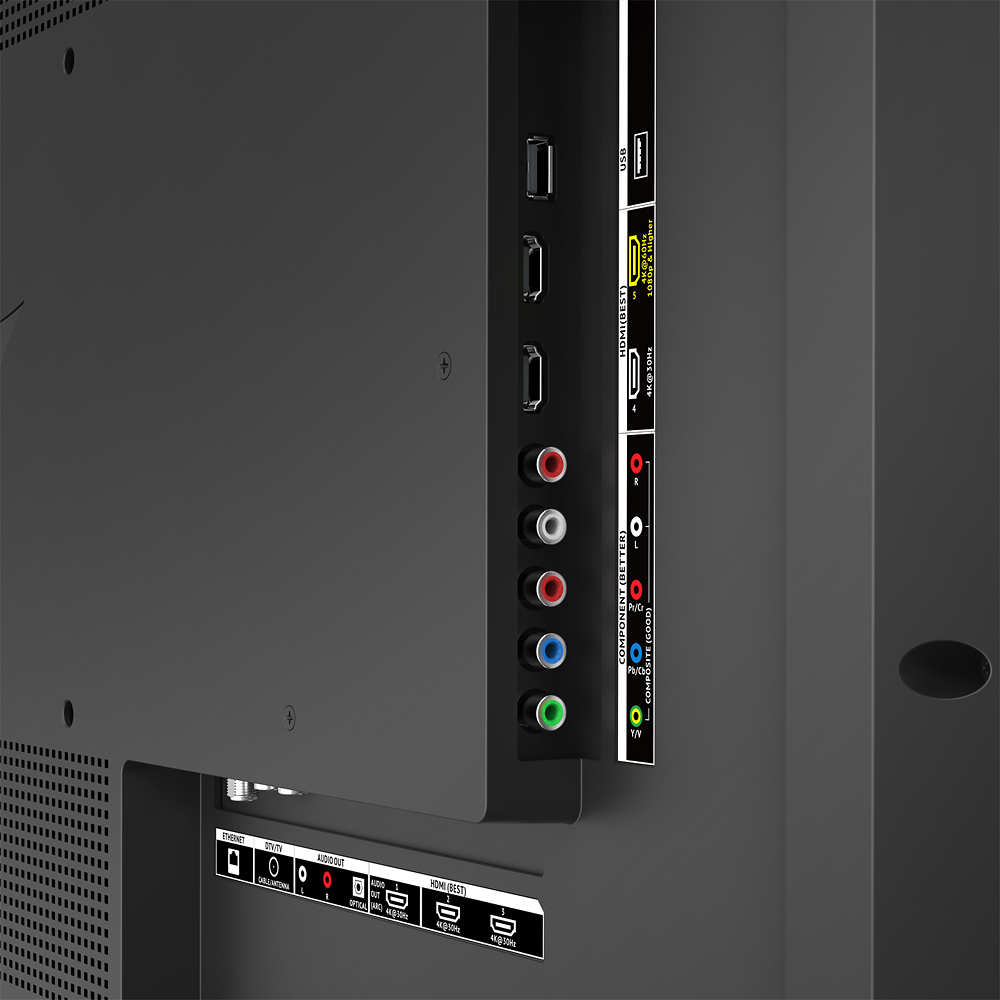
A:AnswerFrom what I read only one of the HDMI ports will work for 4k xbox one. I'm waiting for my tv to ship to me so I don't know what one it is yet. I've read this multiple places while doing research on what tv to buy.
A:AnswerThe 120hz represents the display's Effective Refresh Rate. Clear Action technology works with the effective refresh rate to provide enhanced motion clarity in fast action content.- Jesse
A:Answer120hz represents the display’s effective refresh rate. Clear Action technology works with the effective refresh rate to provide enhanced motion clarity in fast action content. Thanks!- Jesse