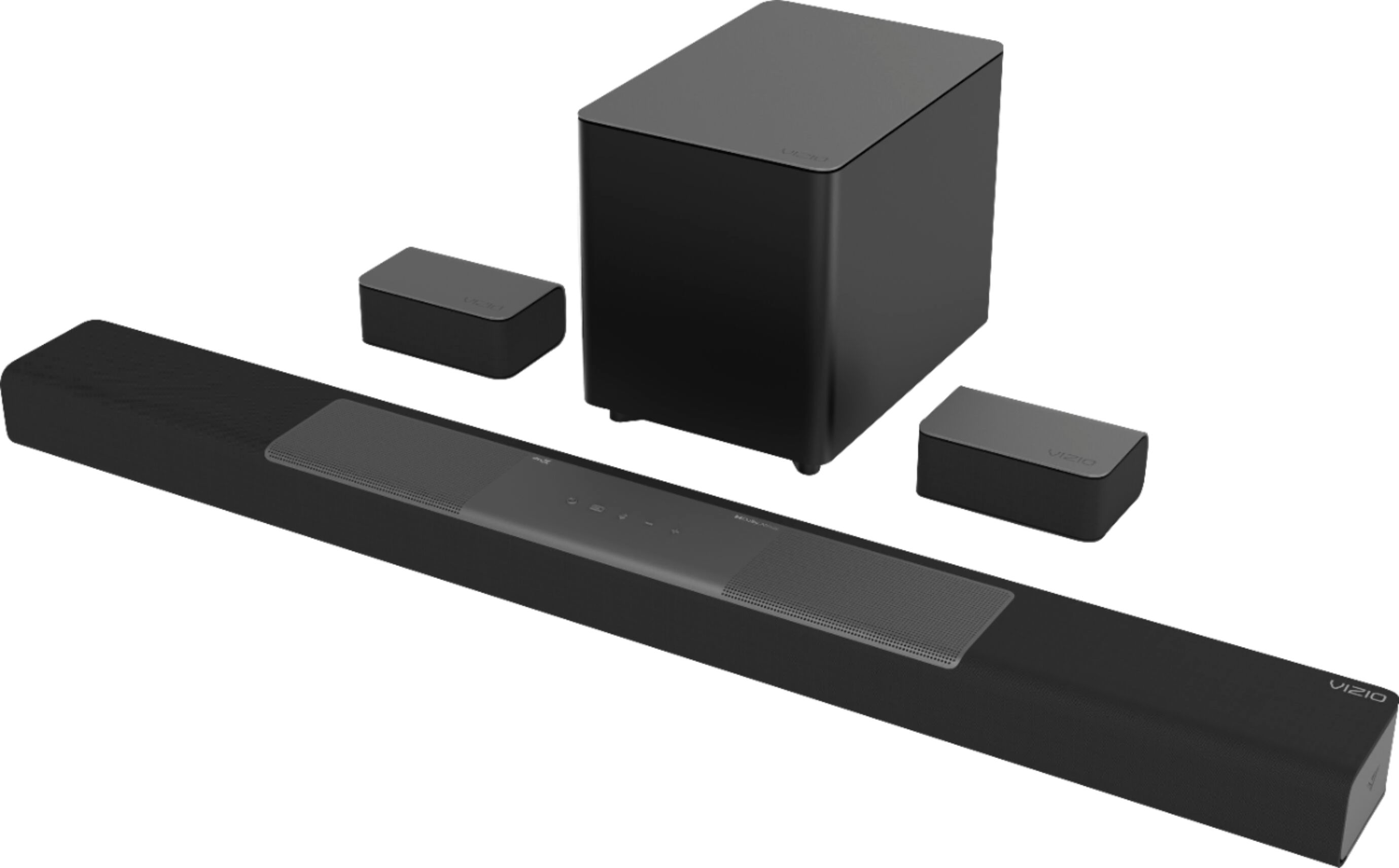
A:AnswerIn VIZIO Sound Bar Systems the components are self-contained and balanced, so the wattage transmitted between each internal component is already configured to give you the maximum Sound Pressure Level. To maintain this balance, additional speakers cannot be added.
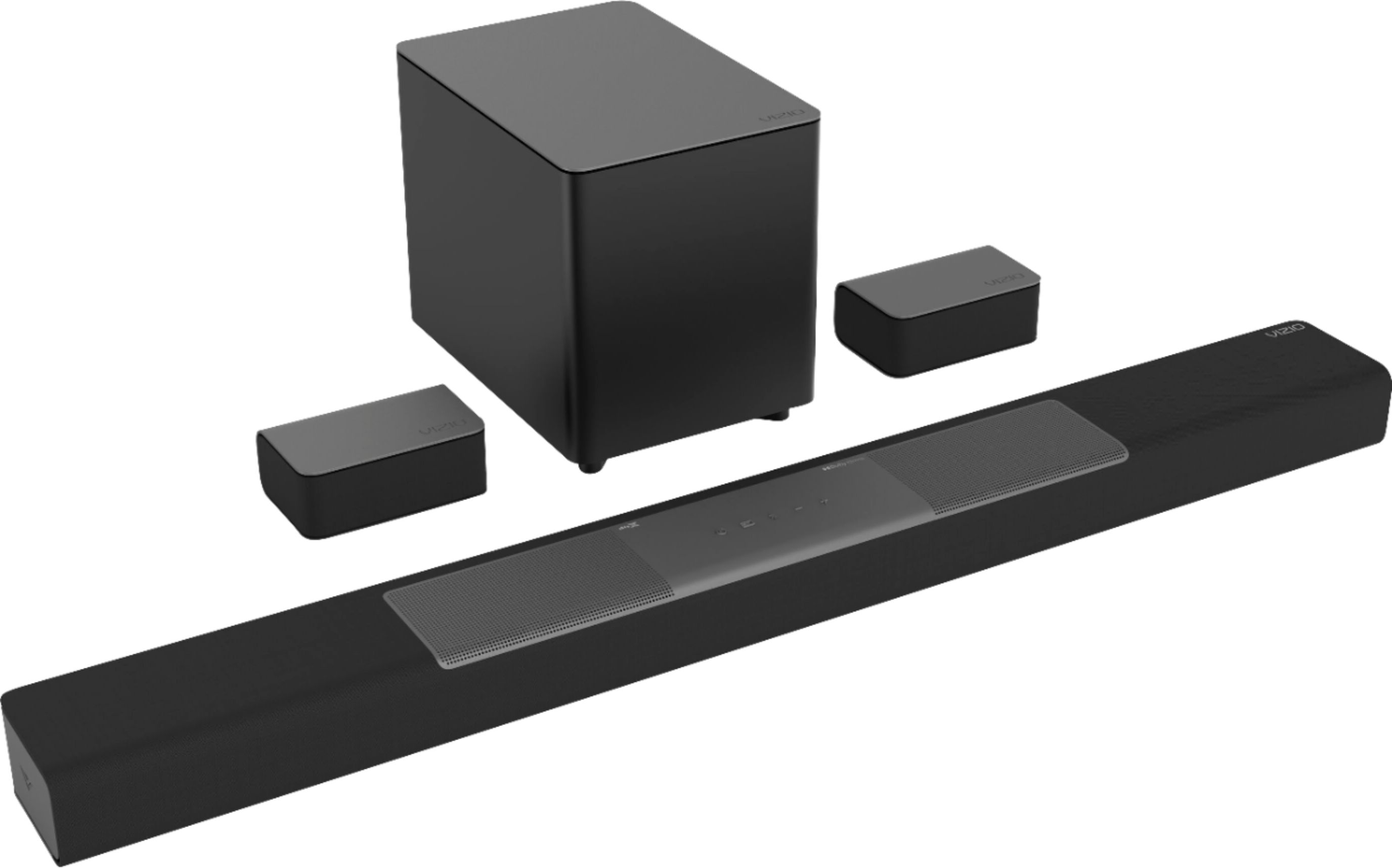
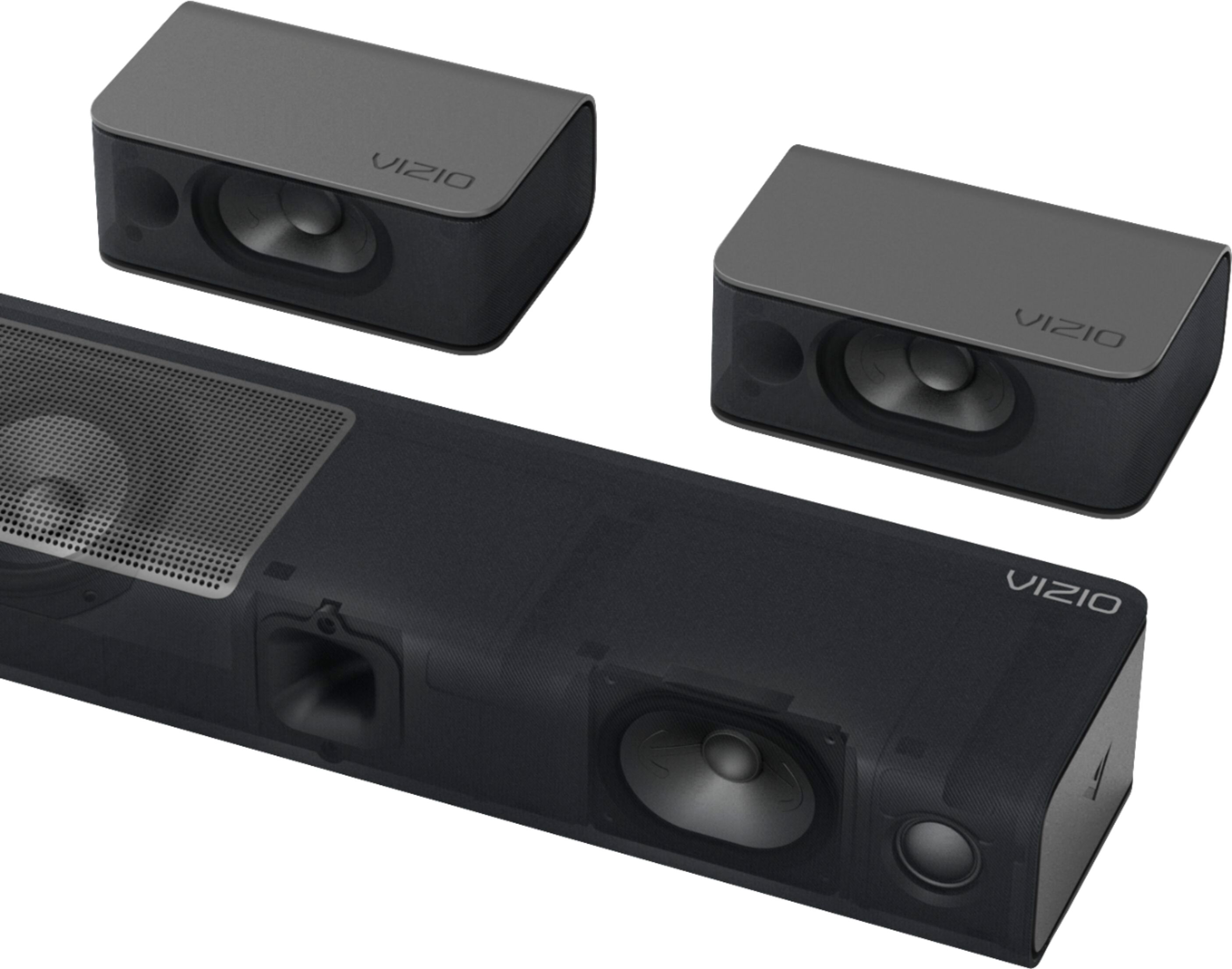
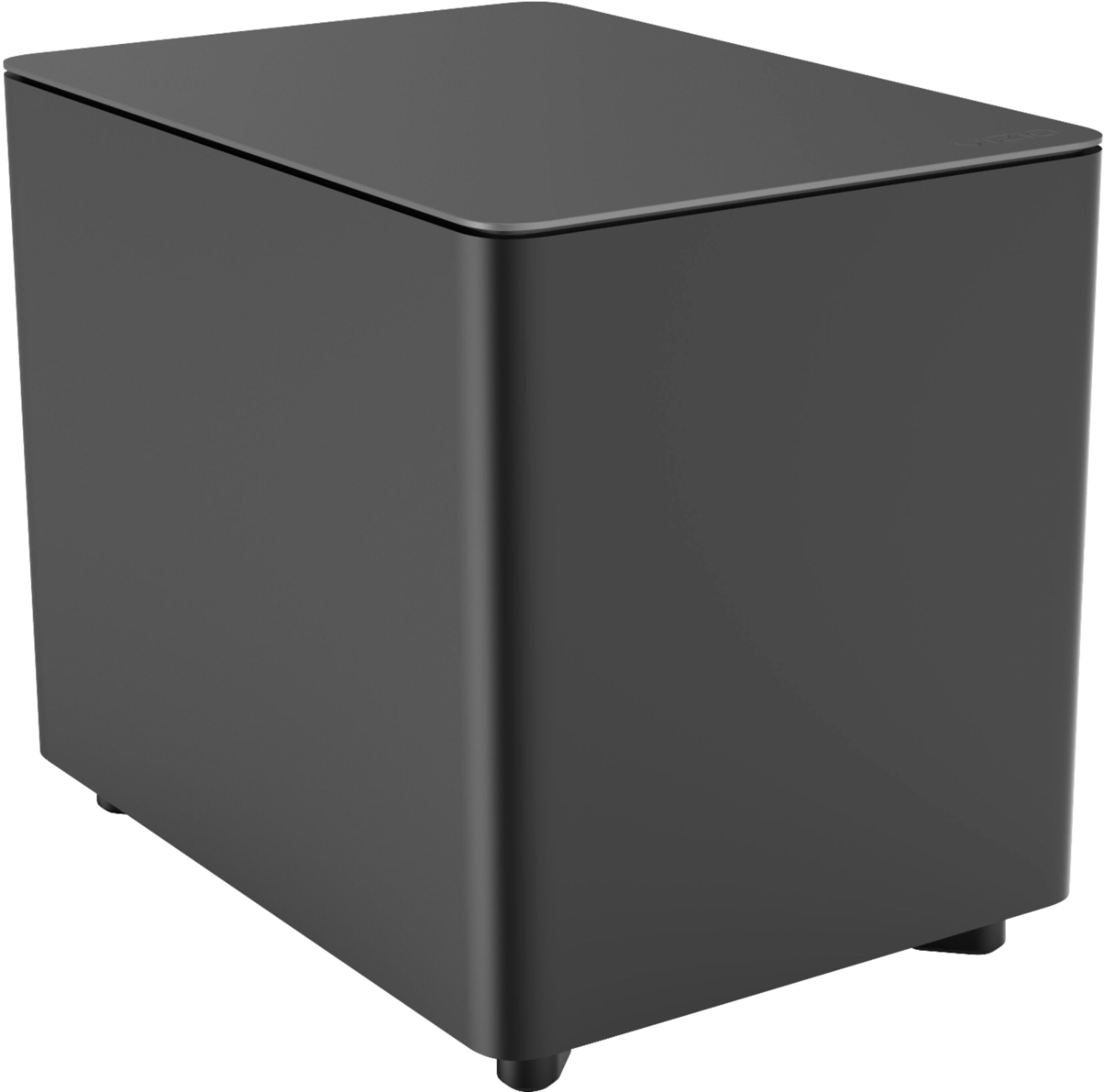
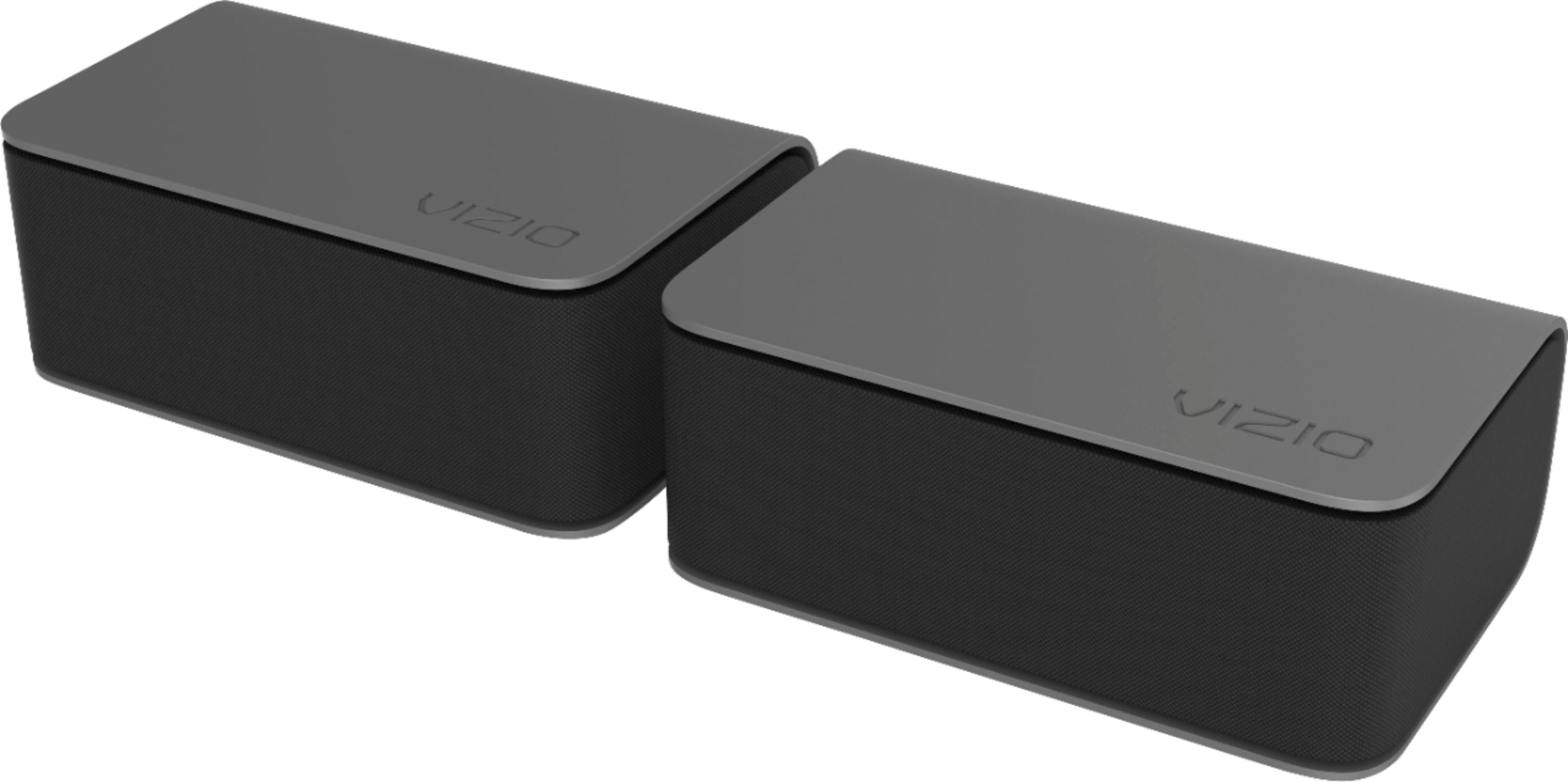
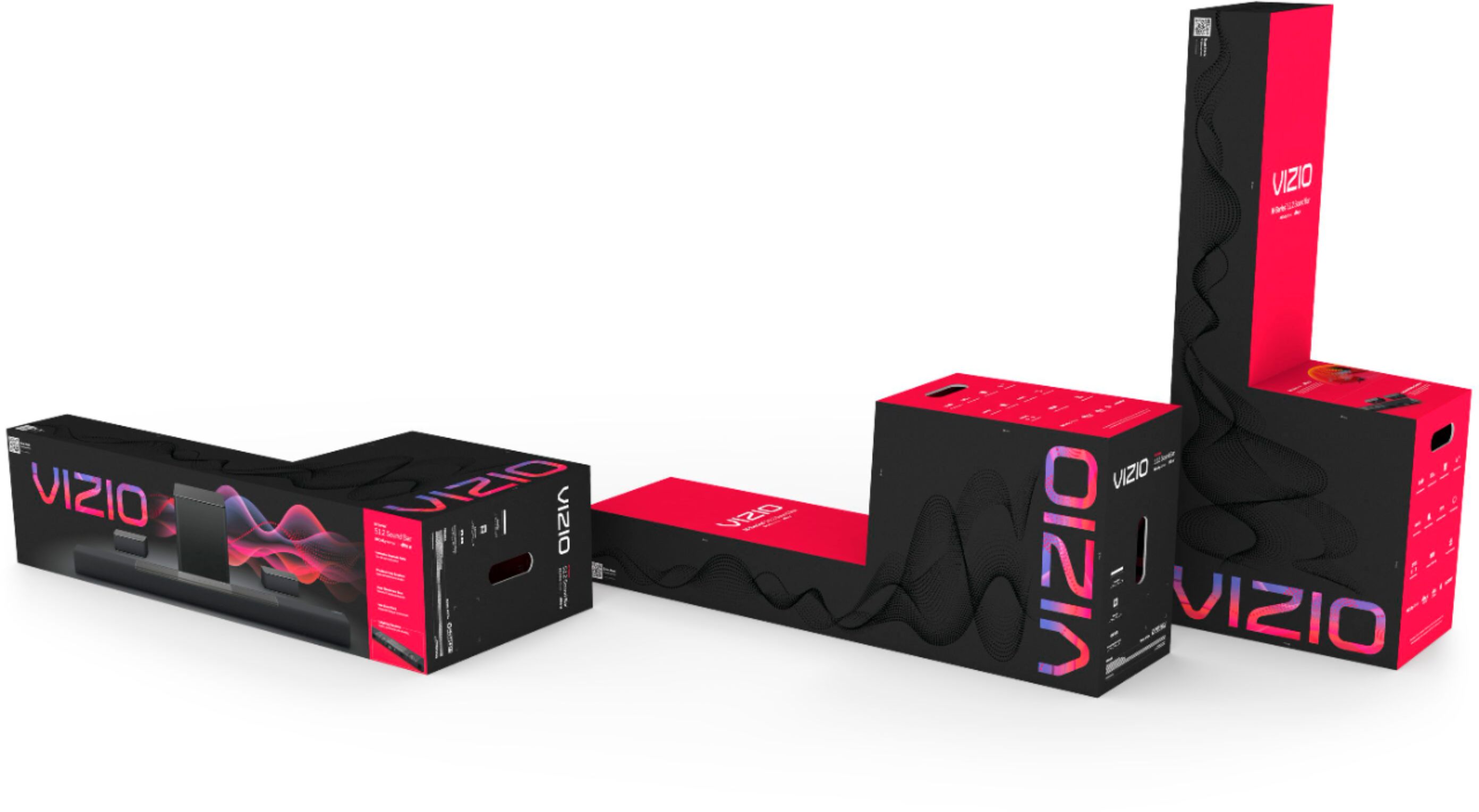
A:AnswerThere are 5 in the sound bar itself, including two upward firing speakers , one left, one right and the center channel. The two speakers thay come with it are the rear speakers. The 2 upward firing speakers within the soundbar is the 5.1.2.
A:AnswerThe power cord included with the TV, in the box when purchased, is the same cord that the factory will use to test the TV and provide quality assurance. VIZIO recommends to only use the power cord included in the box when purchased.
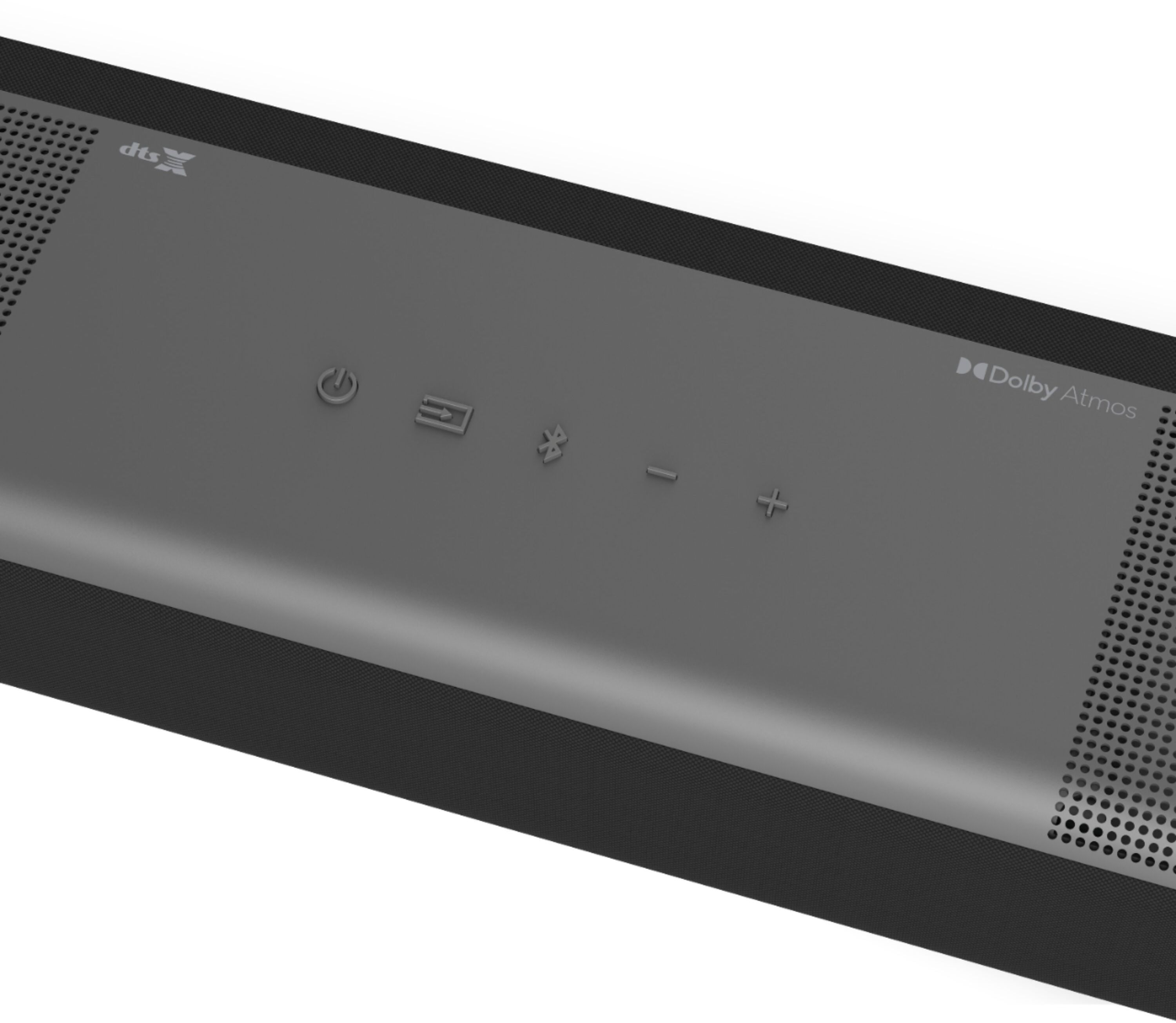
A:AnswerYes you can pair other bluetooth devices to the soundbar like your phone, or tablet. It is a speaker you can pair to, not control the paring from the soundbar if that makes sense. your turn table will have to be the device you control the paring with like you would a phone.
A:AnswerTo answer your question, I want to gather a bit more information. When you have a free moment, we are available through text message, chat, or over the phone. Just go to support.VIZIO.com and click on ‘Contact Us’.
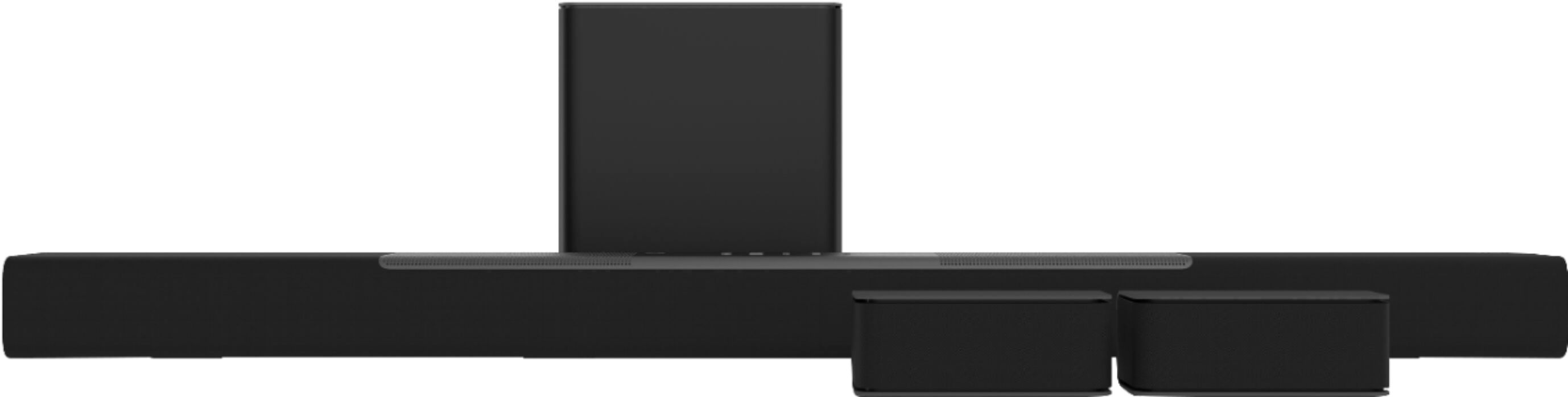
A:AnswerIt will mount under a tv and it will not impare the atmos speakers it comes with a mounting guide that gives the proper spacing to allow the atmos speakers to do their job
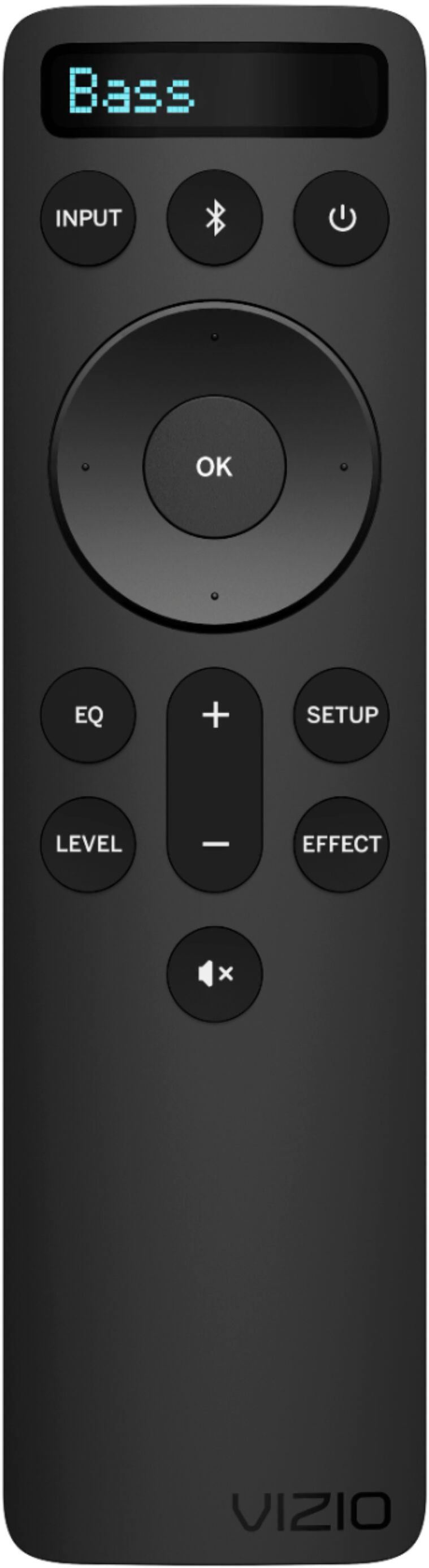
A:AnswerYes you can. Either by enabling CEC via HDMI. Or if not using HDMI, you can follow the instructions in the manual to pair your tv remote to the soundbar.
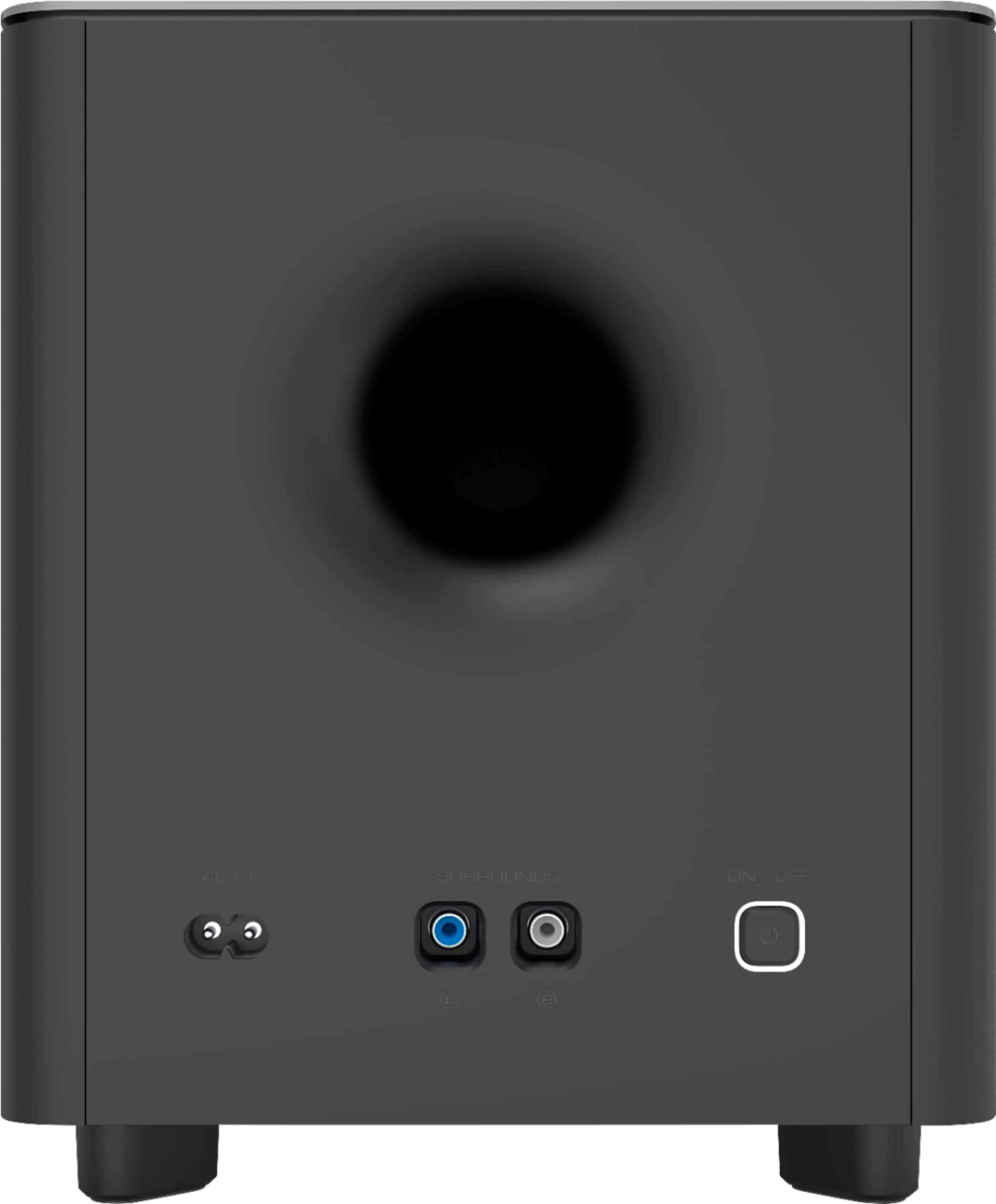
A:AnswerYes, they can be mounted wherever you wish, as long as they are within about 6-8 feet of the wireless sub, since they are wired to the sub. I think they sound best as rear speakers having tried them in both the front and rear.