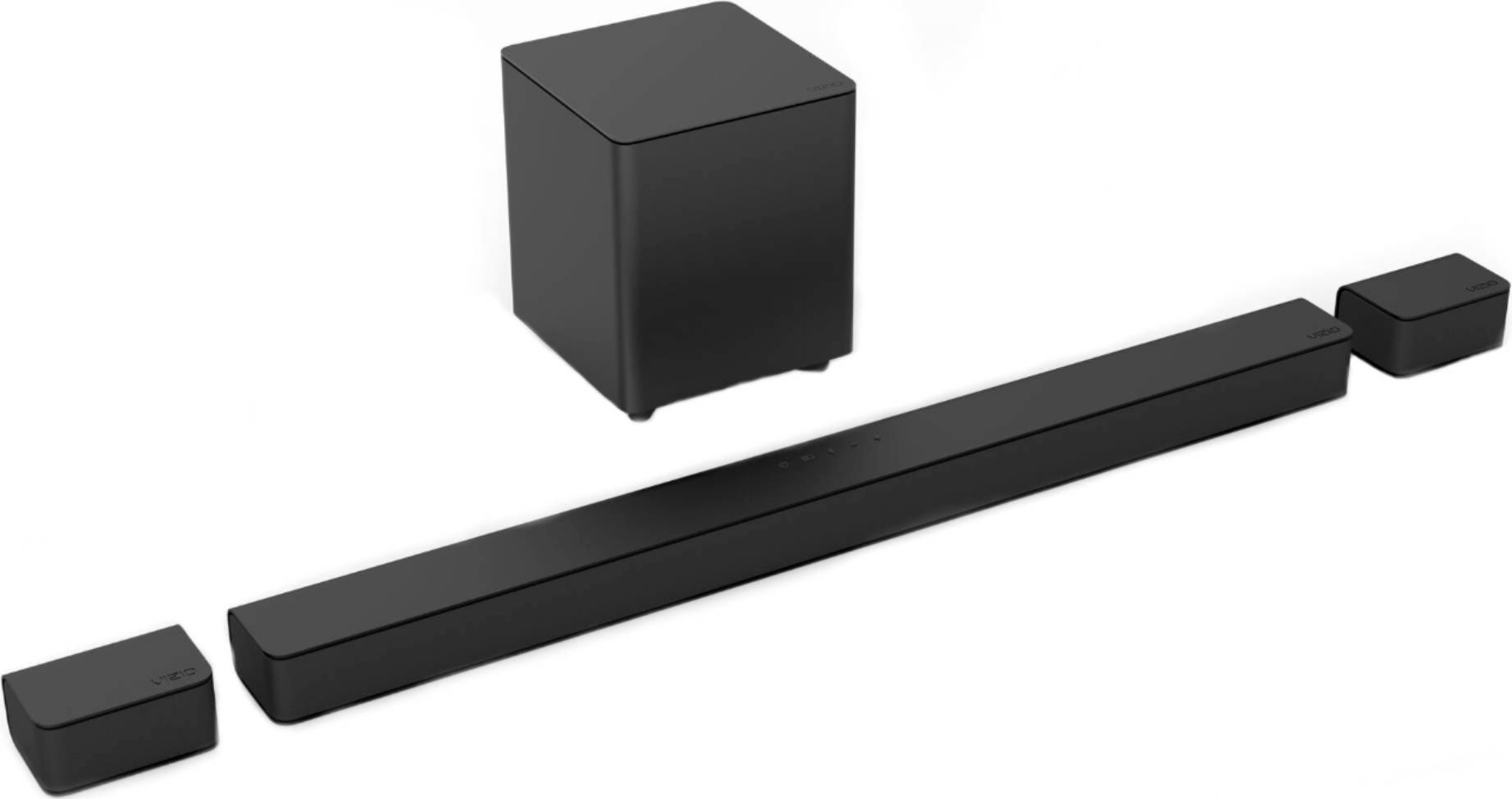
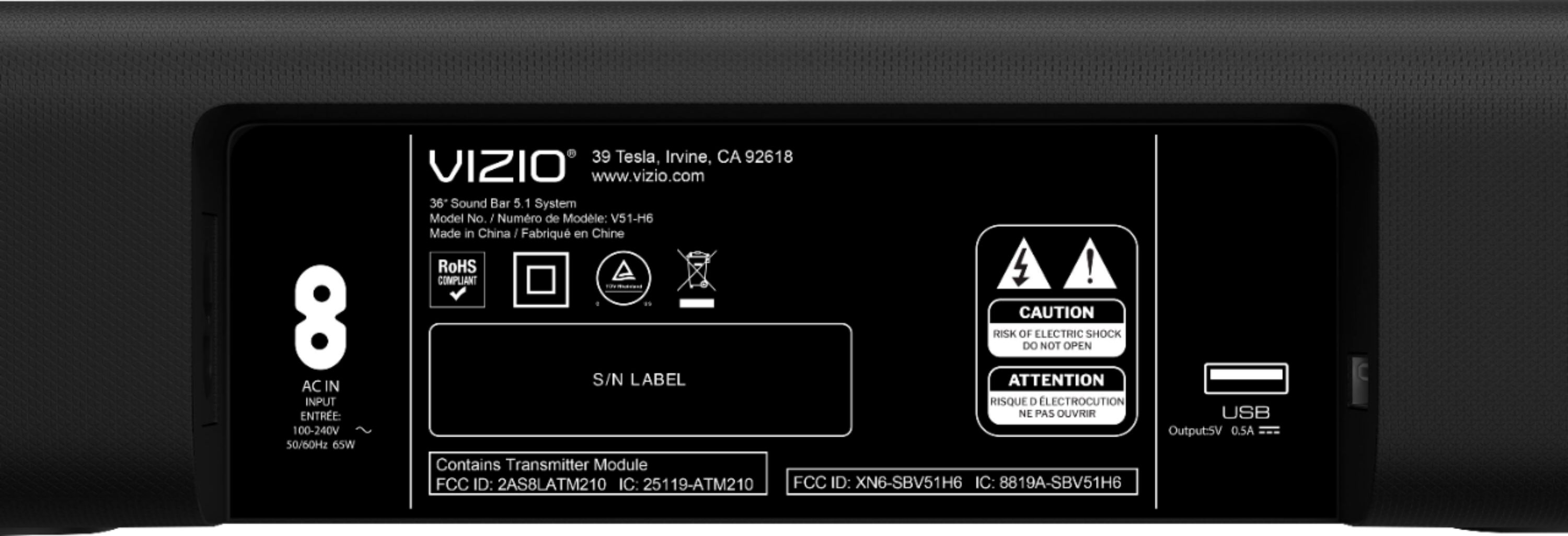
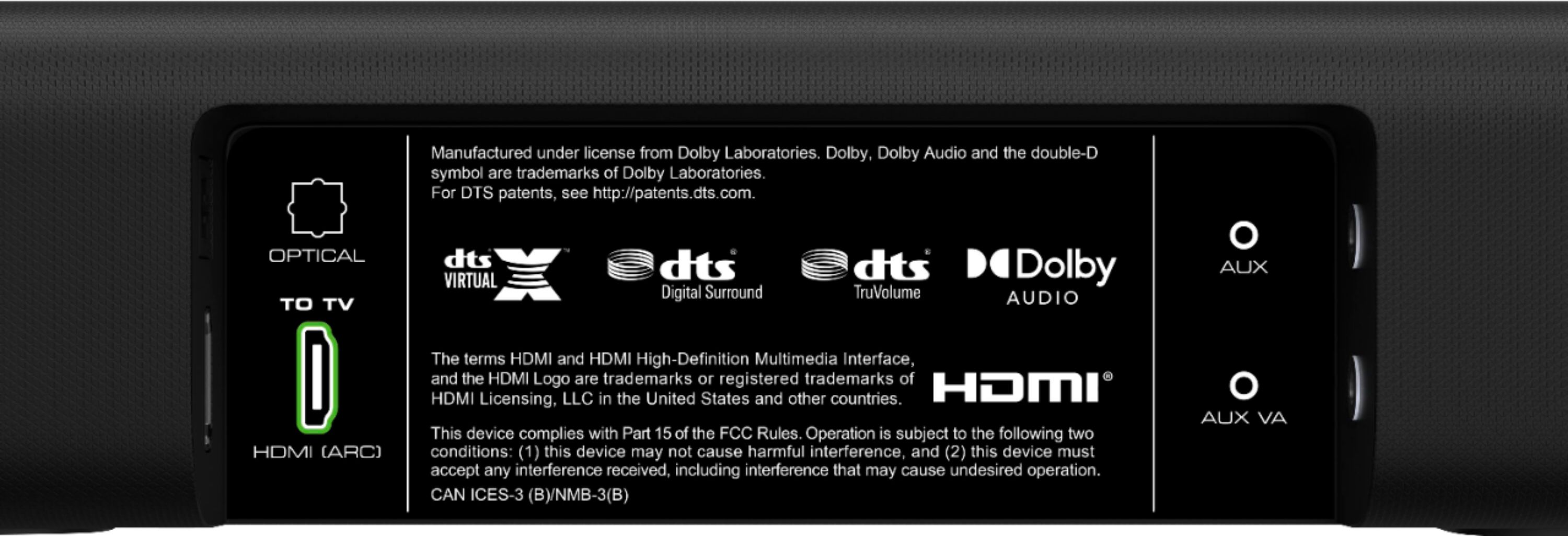
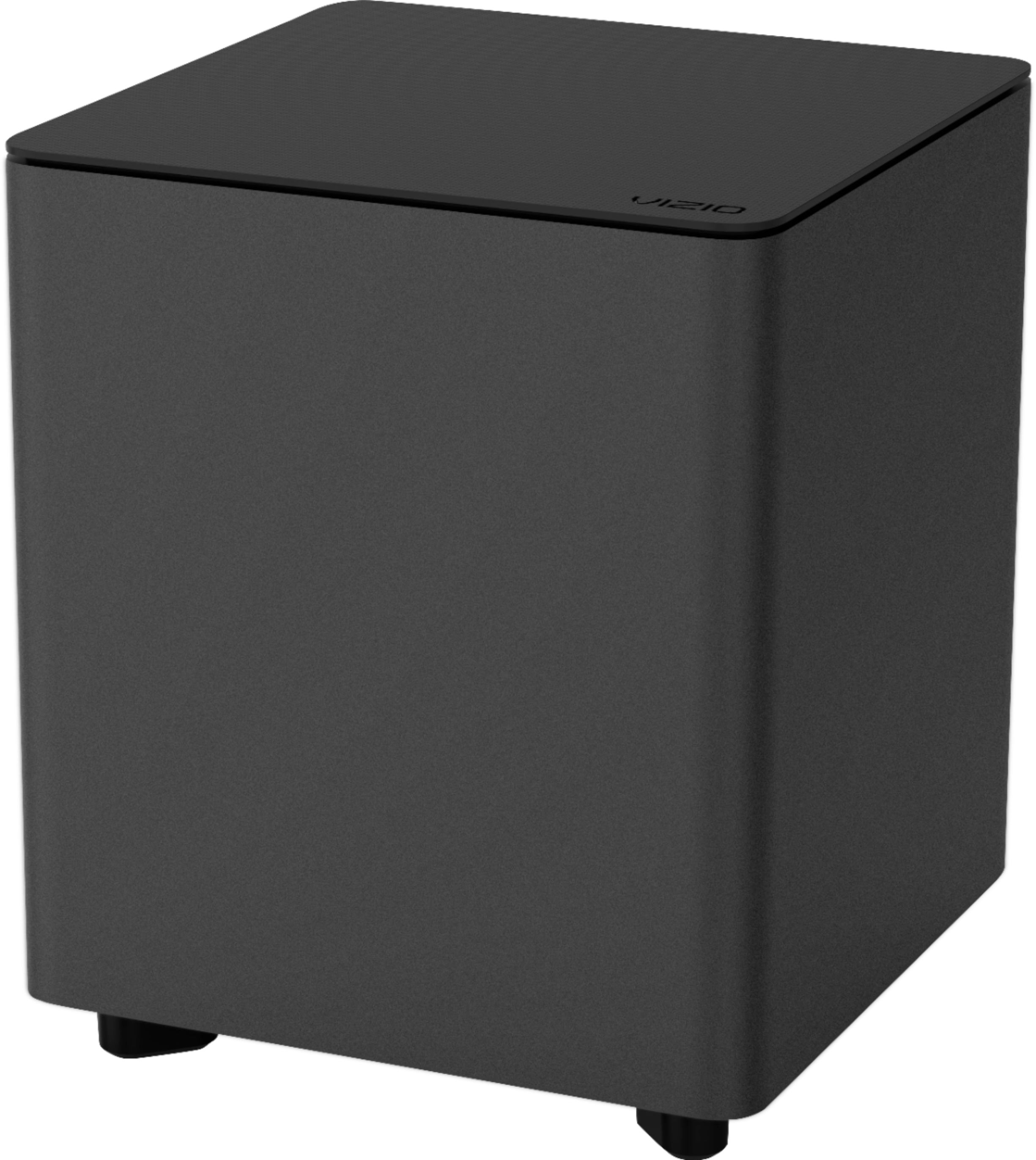
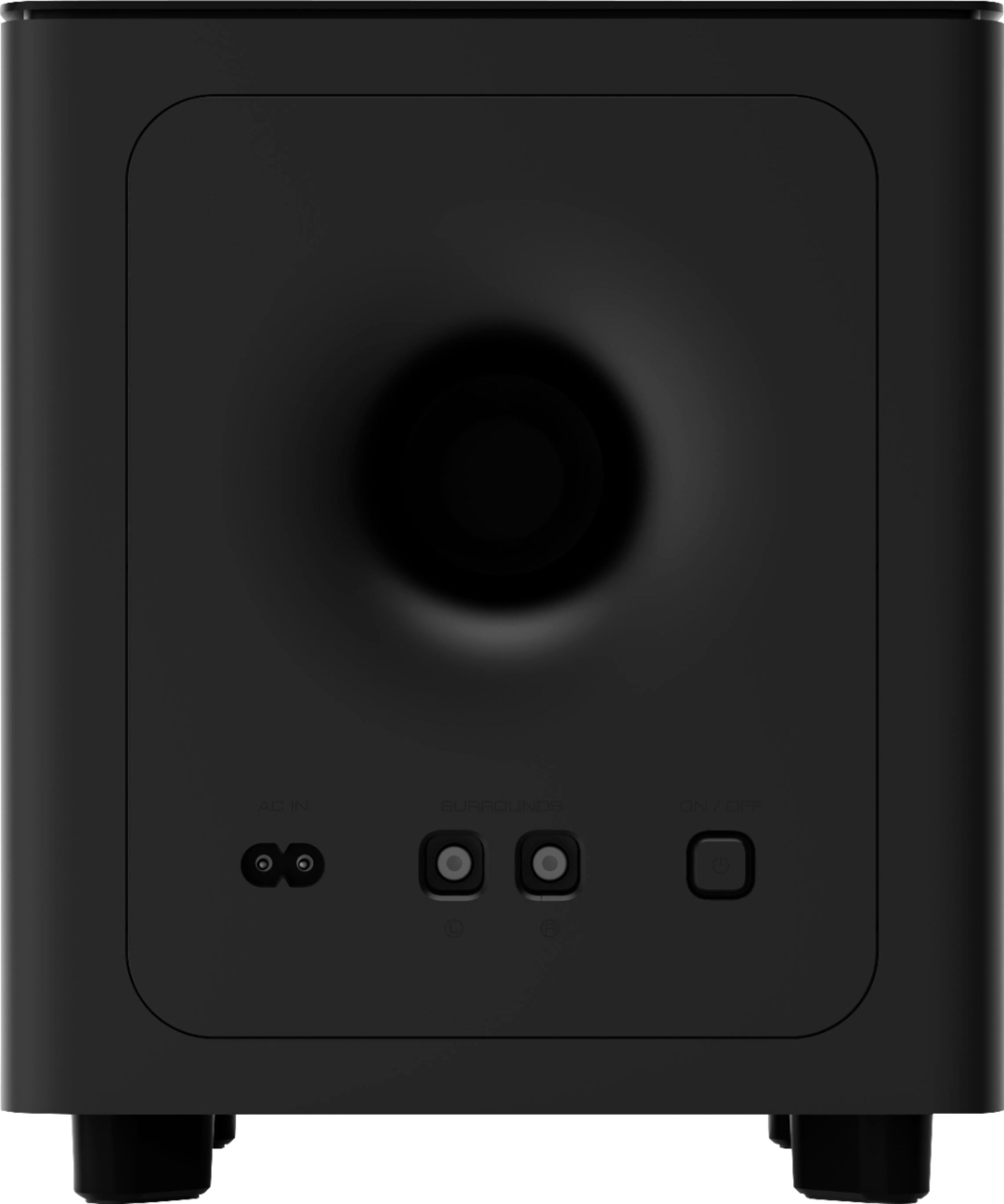
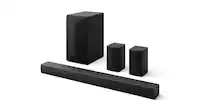
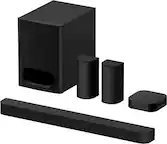
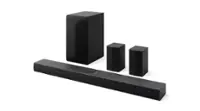
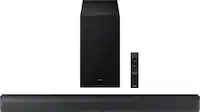
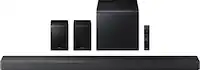
A:AnswerThe optimal way for it to connect to a TV is through HDMI second is optical and 3rd rca jack. the system does work with Bluetooth like Alexa or your phone but it's not the best connection for a TV. And yes the Subwoofer works no matter if you use Bluetooth or not.
A:AnswerYes, the sound bar will play audio from any of the sources connected to the TV as the TV audio is re-routed to the sound bar rather than the TV speakers. Thanks!
A:AnswerCould be your connection or the audio settings on your TV.
I had this issue when my TV's digital audio output was set to Dolby Digital. Once I set it to PCM, the issue stopped. I'm not an expert, but something to do with the way it processes the sound and video can cause a lag, which it self corrects when it cuts out. Switching to a different connection (ex from optical to HDMI) or messing with the TV audio out settings might fix it.
Hope that helps!
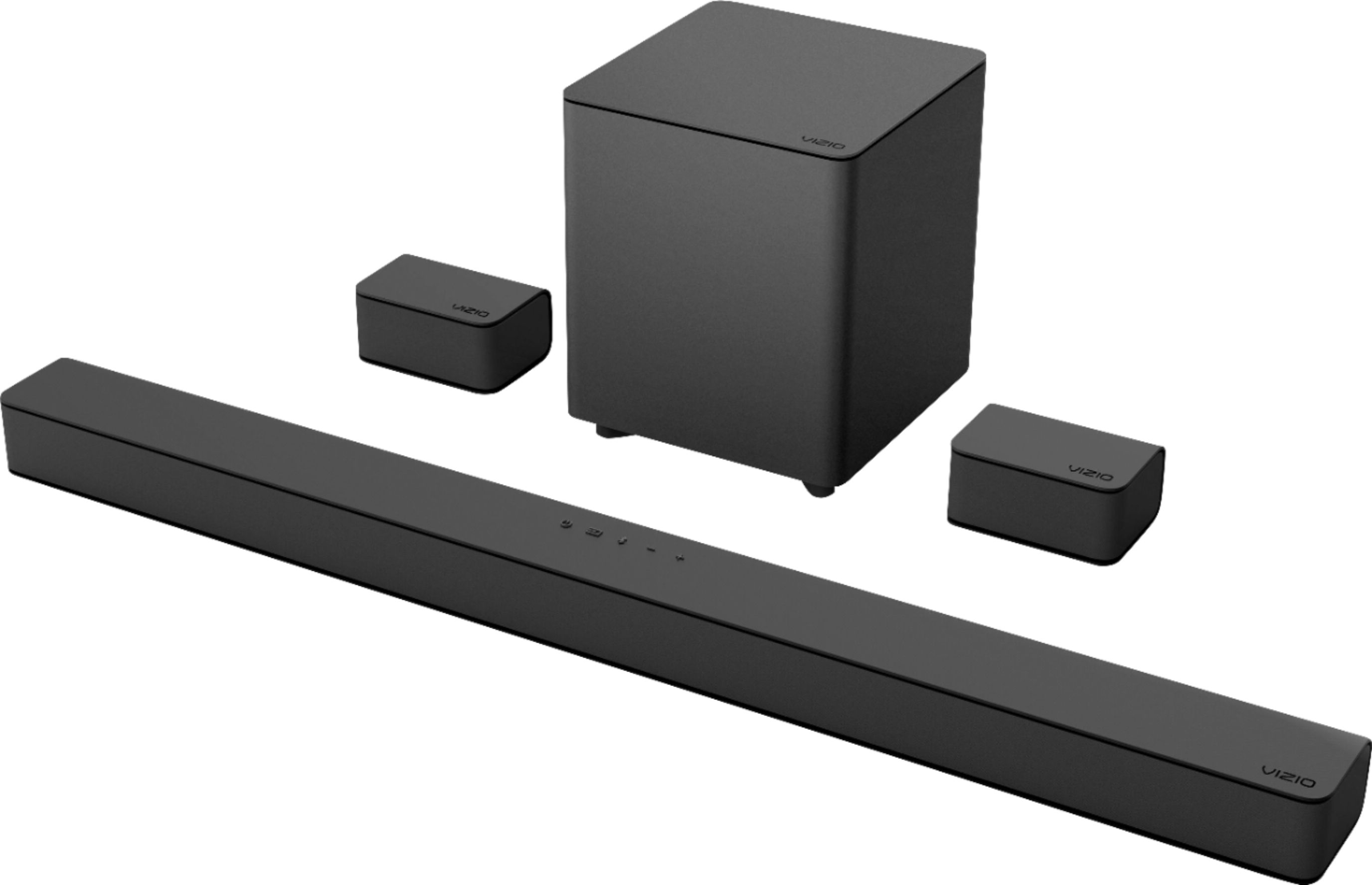
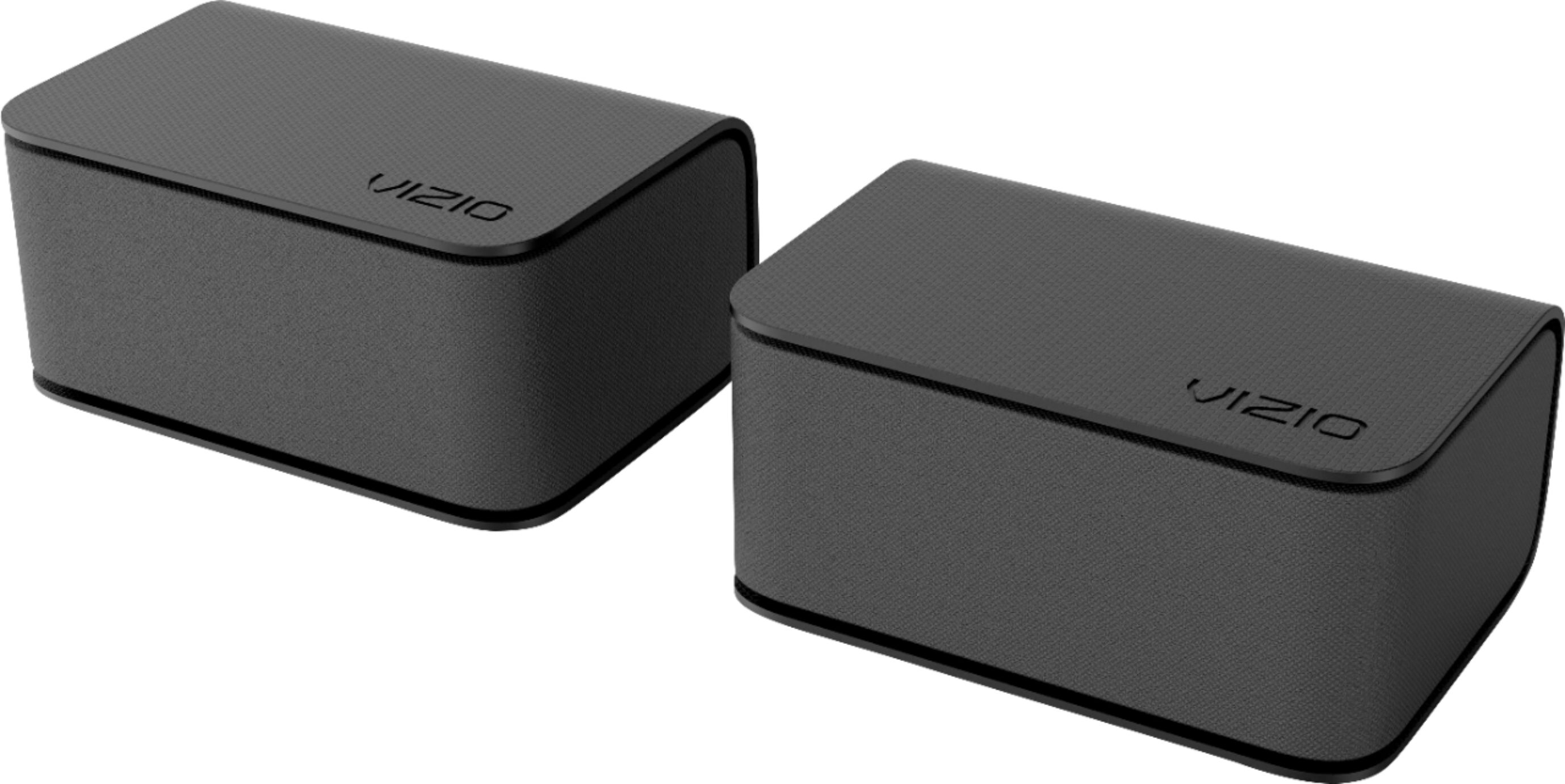
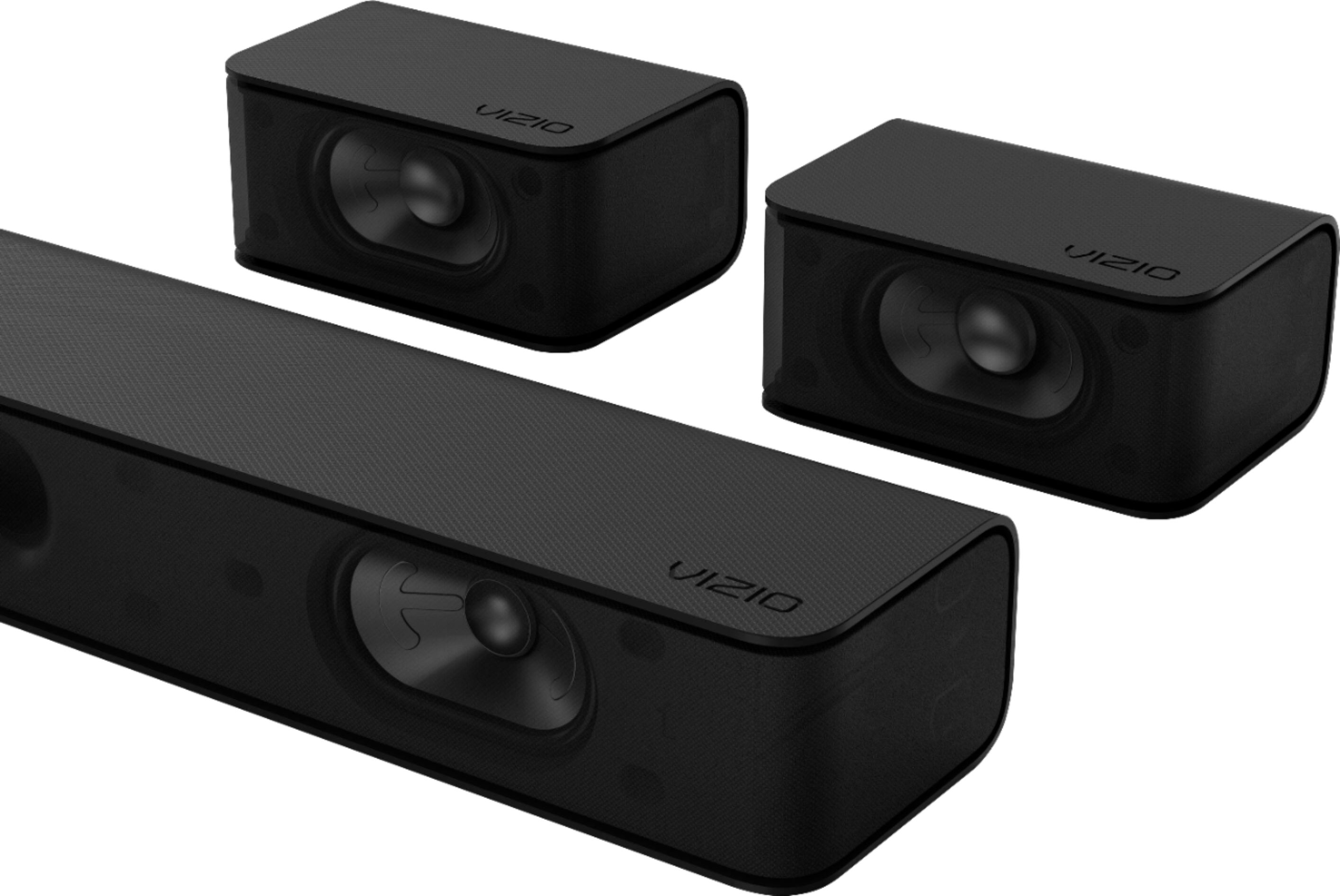
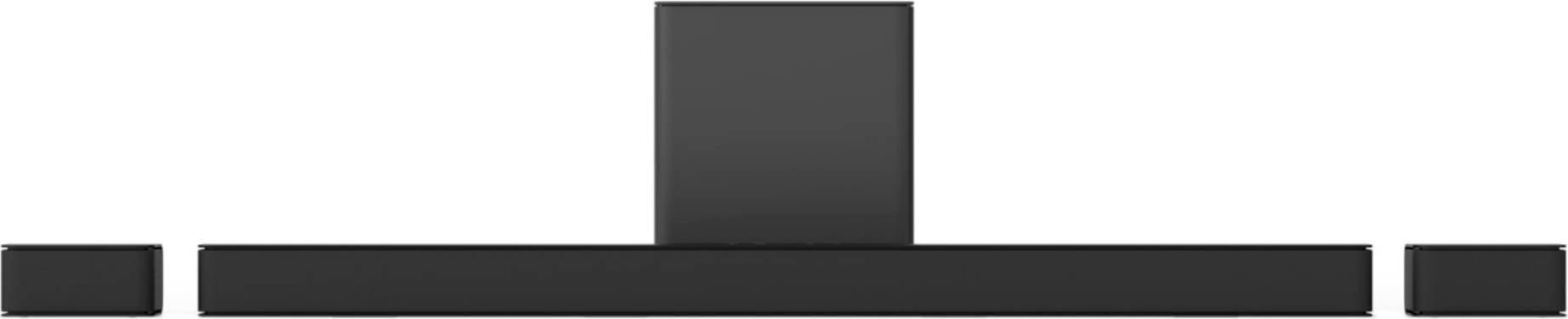
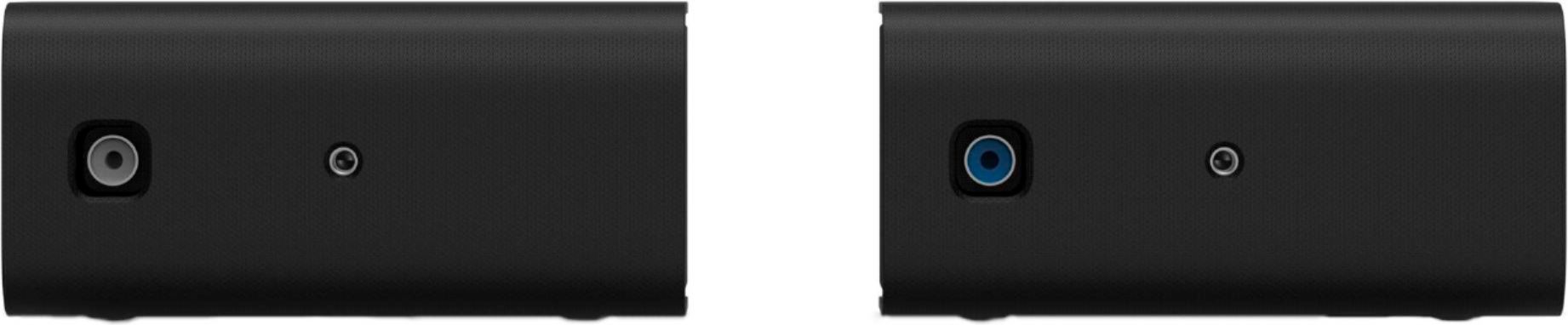
A:AnswerThe rear satellite speakers for the sound bar connections are with audio RCA connections. You might be able to find adapters or caps for the speaker wires to convert them in to an RCA connection.
A:AnswerThis sound bar does have an Aux port that would support a 3.5mm connection. Using the blue tooth connection would depend on your computers ability to discover the sound bar and send an audio signal to it.
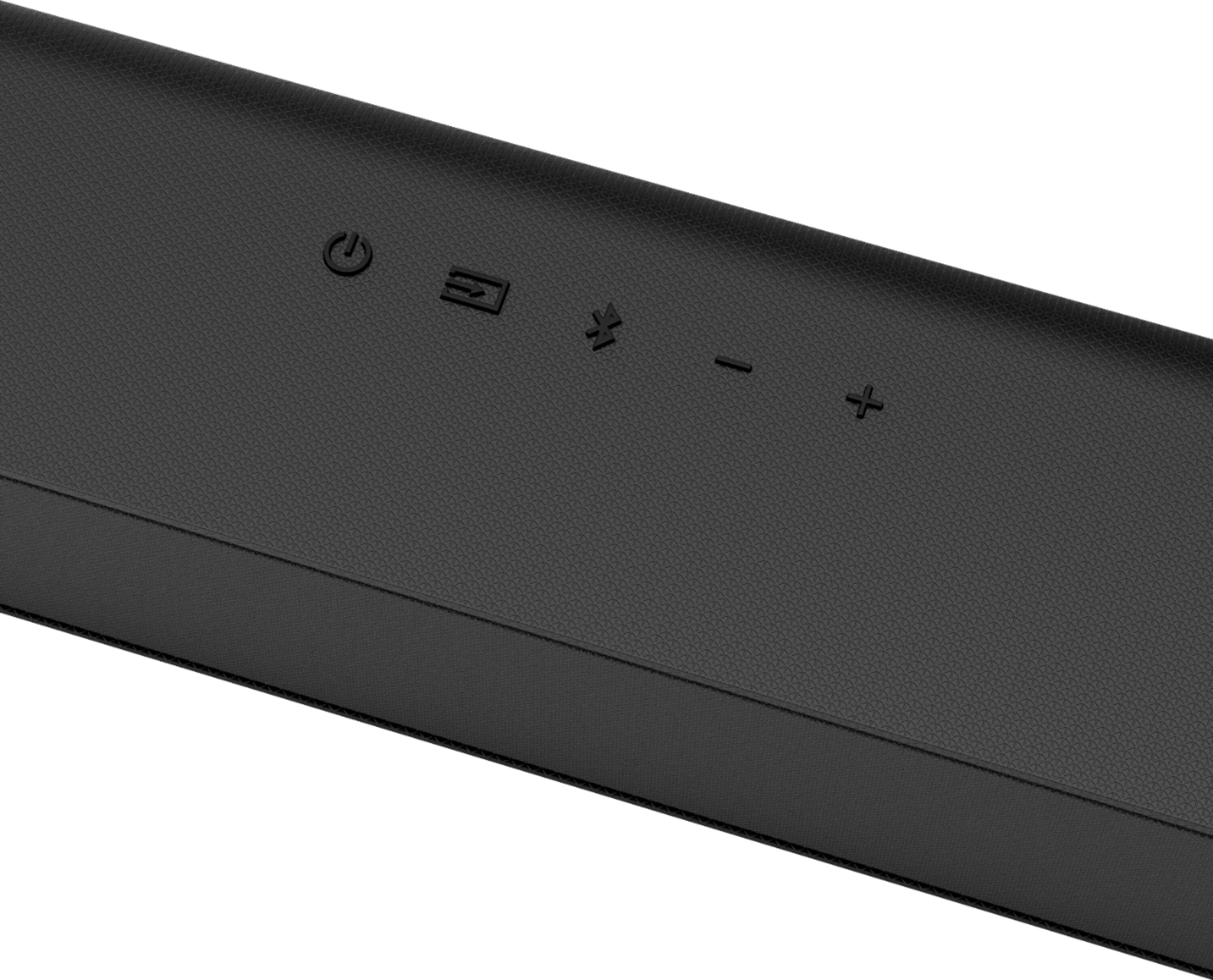
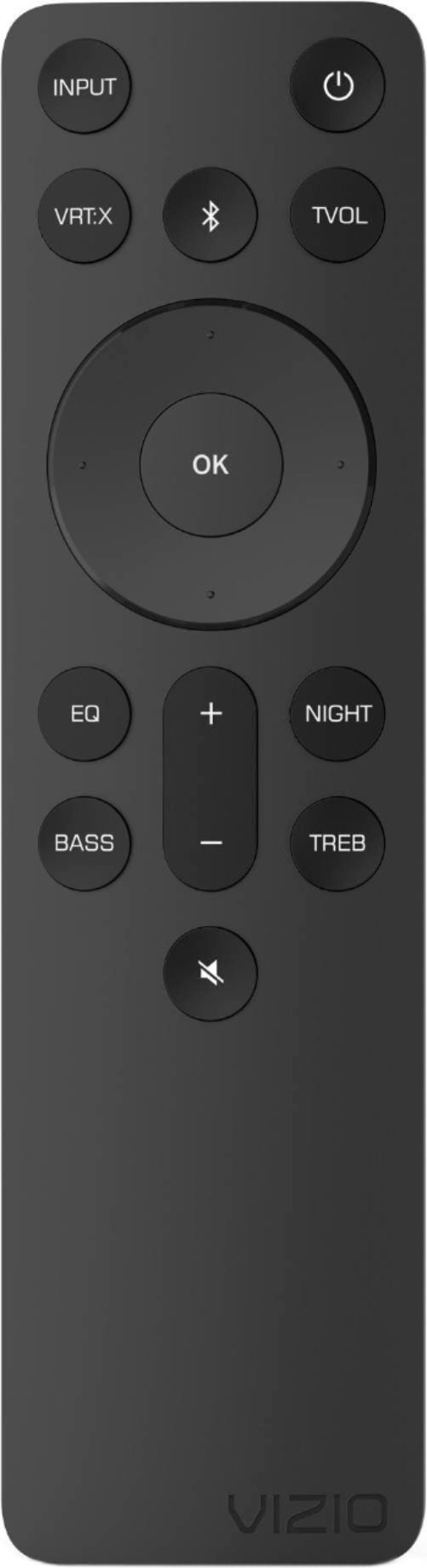
A:AnswerIf you mean the Vizio SmartCast Mobile App for managing settings of the soundbar then no. The previous 5.1 model you could manage with the app. There is none for this one. All settings are done via the remote. This soundbar does not have the SmartCast feature.
A:AnswerTheoretically, yes. Depends entirely on the connections you're using for each. I have to recommend ARC (connect with HDMI) for the TV, and for the record player we'd have to know what it connects to speaker systems with. 1/4" audio jack? If you can use an adapter down to 3.5mm then you're good, otherwise you'd have to convert to another digital format.
A:AnswerHello, There is a new firmware update available for your sound bar that resolves the issue you are experiencing. You can find this update as well as steps to install it here:https://support.vizio.com/s/article/V51-H6-Firmware-Information?language=en_US
If you have any questions or need assistance feel free to reach out to us by going to support.vizio.com and clicking 'contact us'.
A:AnswerHello Jones,
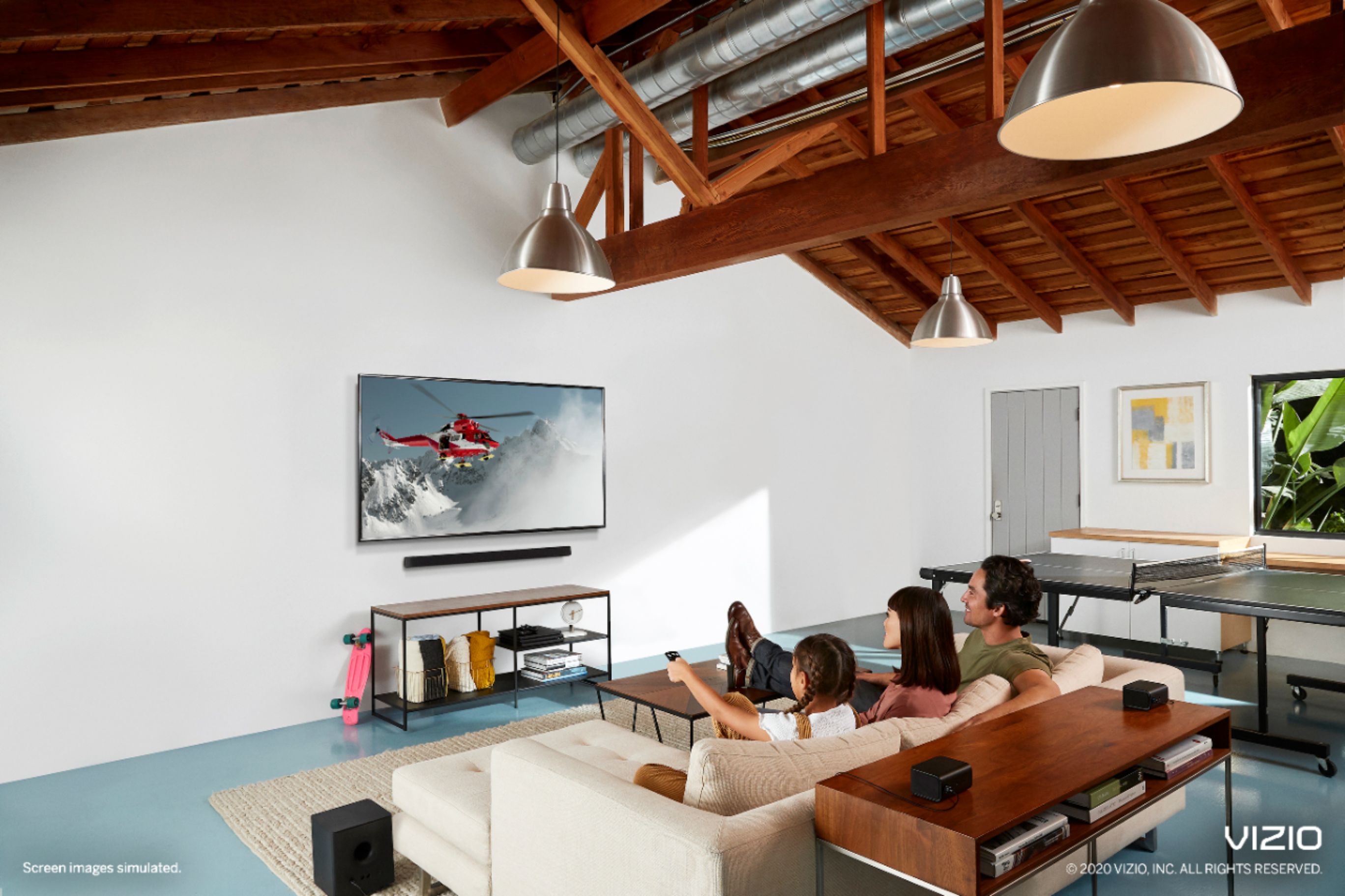
Both of those would be great options to use with that TV! It really comes down to if you would prefer to have a separate dedicated surround speakers and sub woofer that you get with a 5.1, or if you prefer the clean all in one solution.