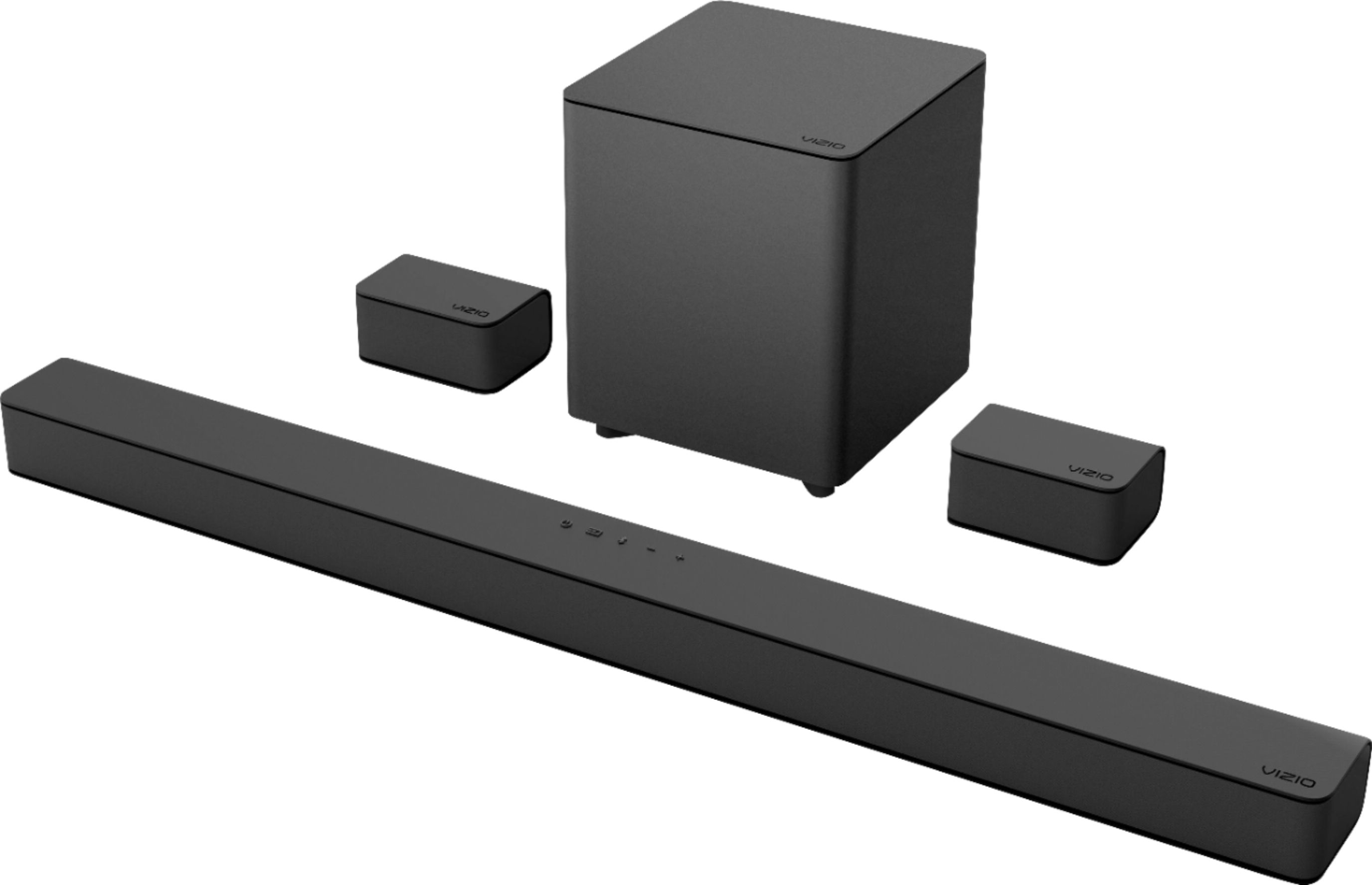
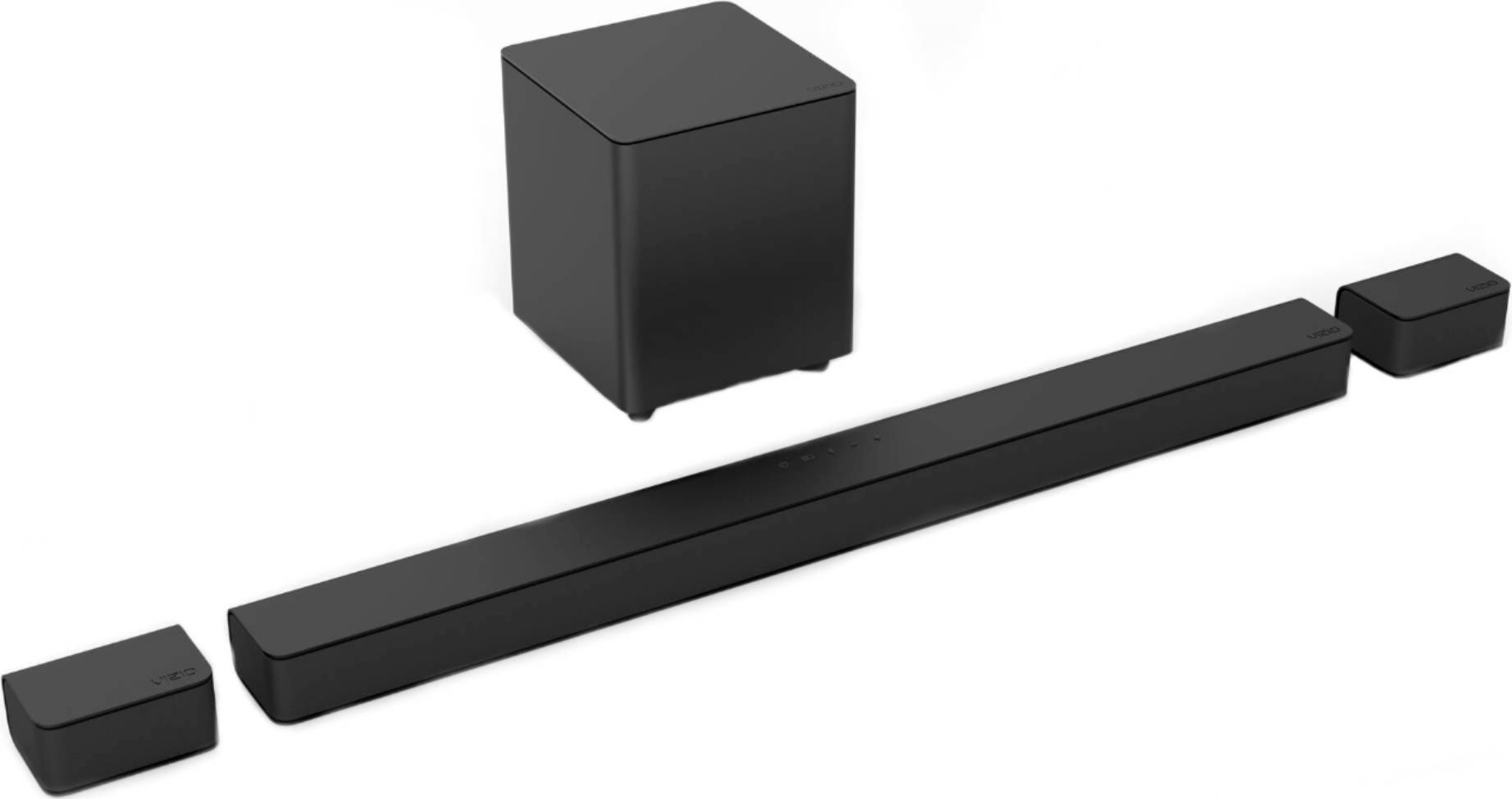
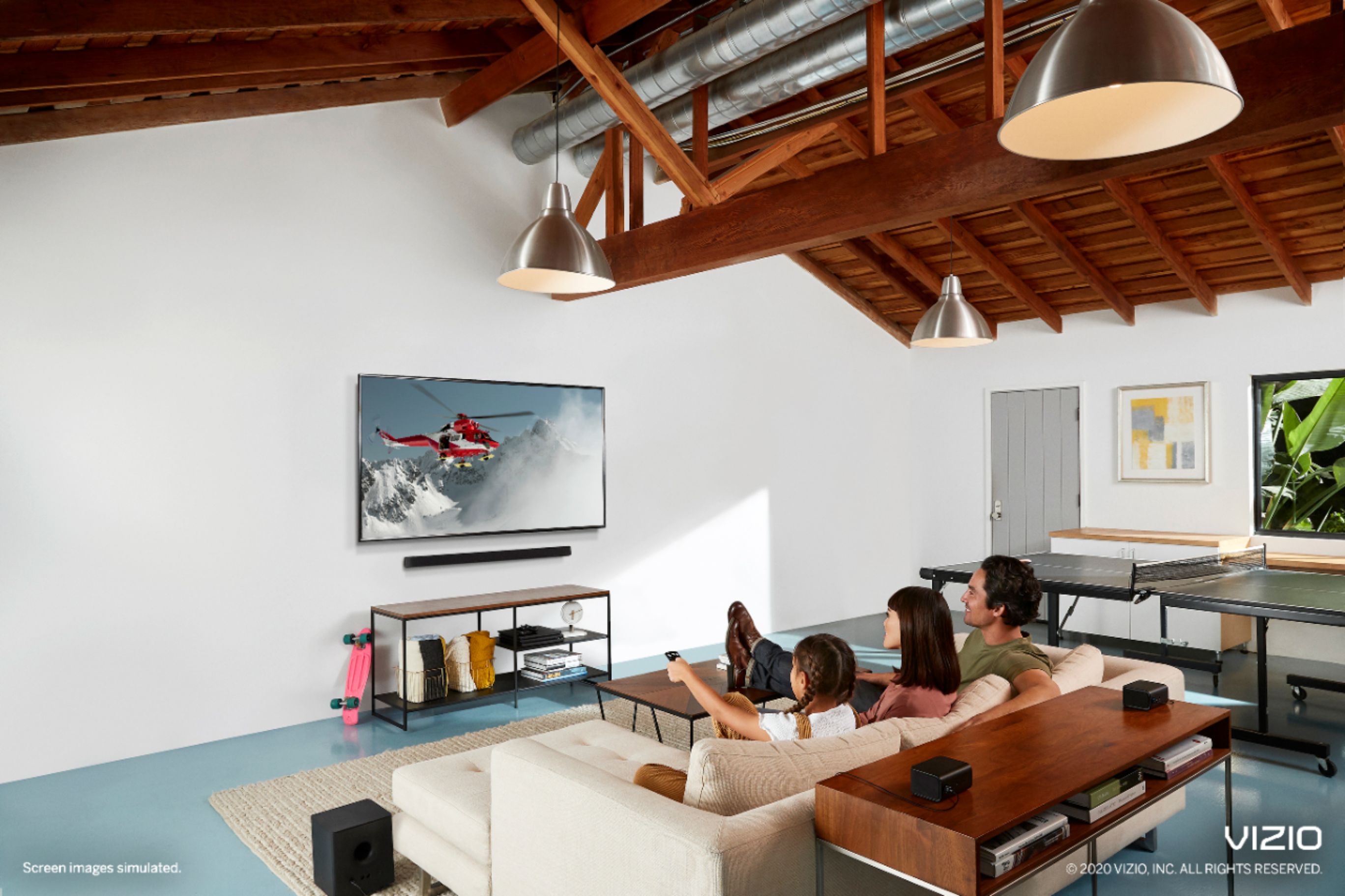
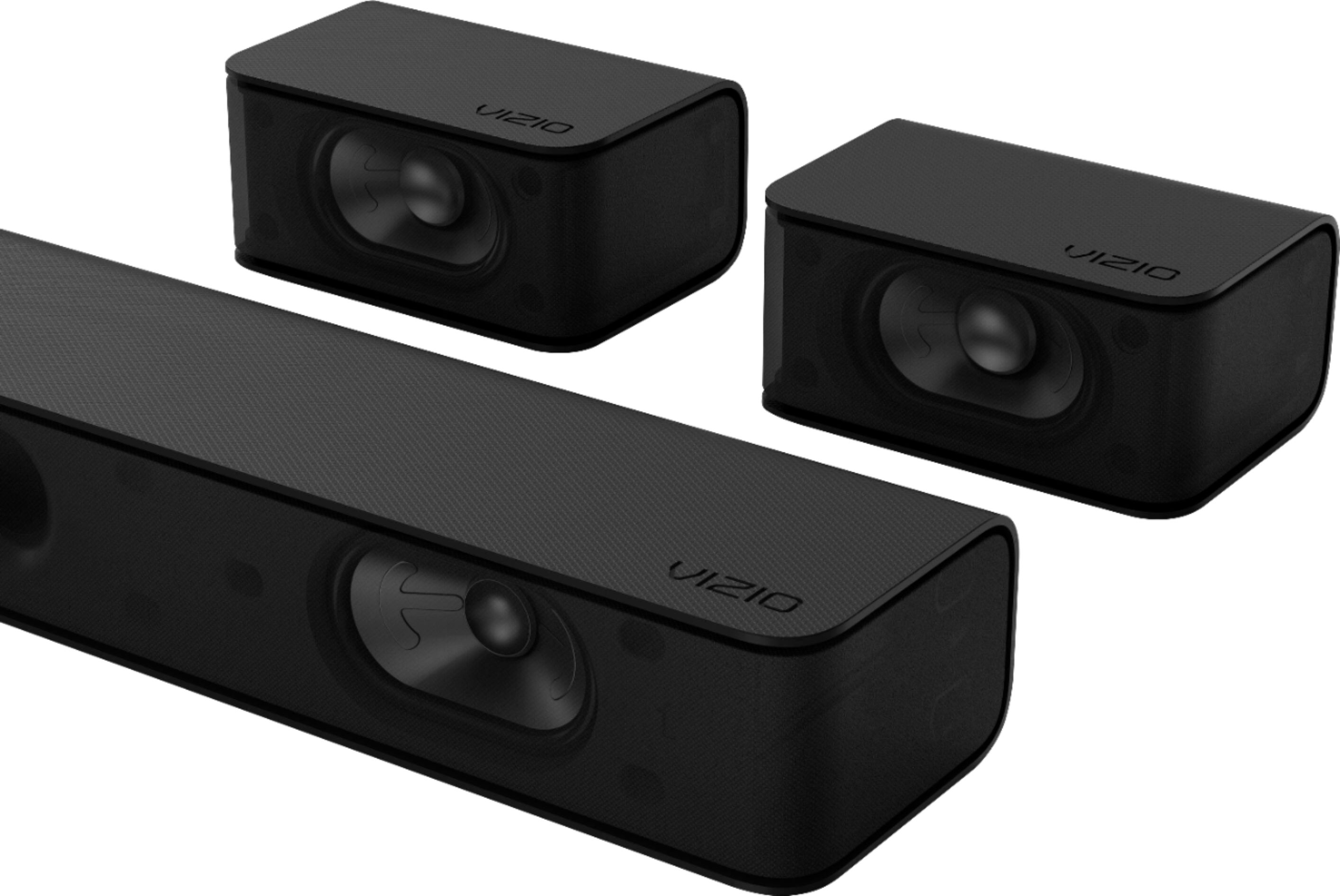
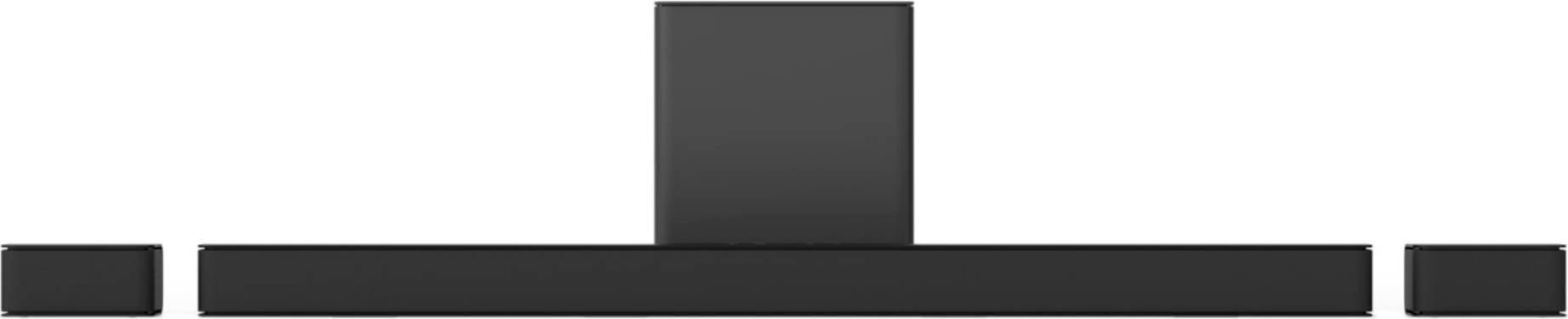
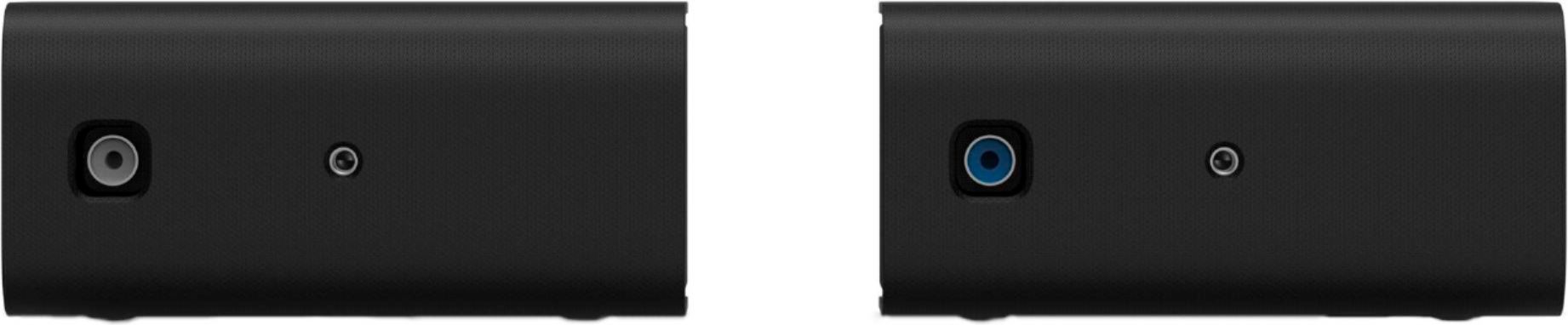
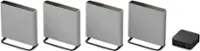
A:AnswerThis sound bar will include a set of wall mounts included in the box. You may be able to find a third party mount for attaching to the TV itself.
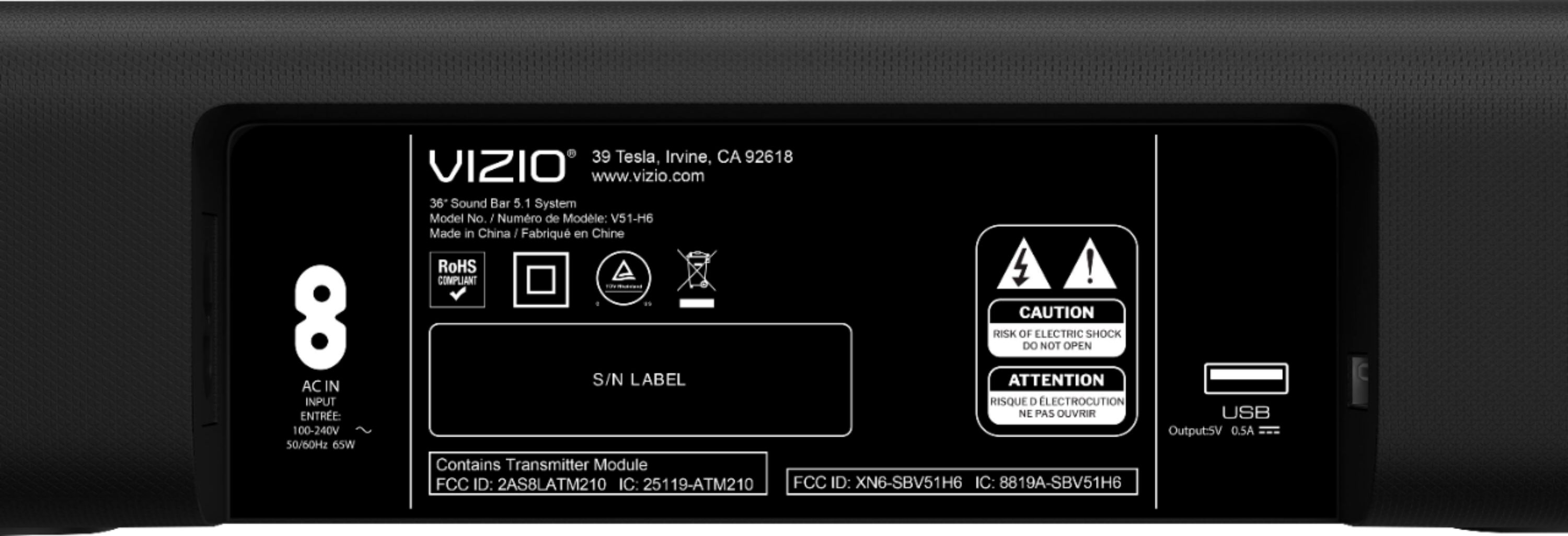
A:AnswerNo provided information. However, I would rate it at 65w each.
Controls Trebble, Bass, Surround, Center, Subwoofer.
Volume goes up 2 levels each press.
Avail Upgraded LCD remote $25.
A:AnswerTo answer your question, I want to gather a bit more information. When you have a free moment, we are available through text message, chat, or over the phone. Just go to support.VIZIO.com and click on ‘Contact Us’.
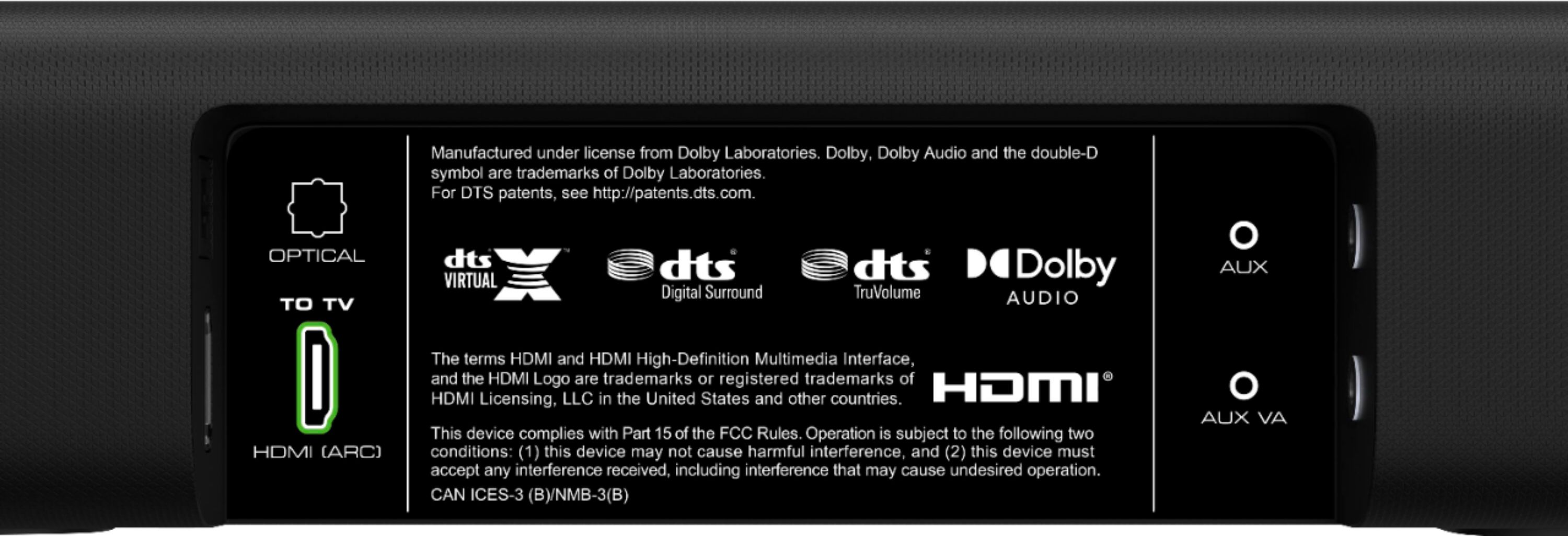
A:AnswerI can't tell you what the wattage is because Vizio doesn't have any info on that on their site. I do have it hooked up in a 14' x20" room and it has plenty of power to fill the room. The remote that comes with it allows you the flexibility to create the sound that you want. This is the second one of these I have bought. The first one I bought in 2014 and I haven't had an issue with it yet. There is only one HDMI input for it so you need to use all the HDMI ports on your TV for hook up and when you switch to those ports it will play through the sound bar.
A:Answer...In others words, probably very low in comparison to other brands/models. In my opinion, if a company won't specify wattage, find one that provides this information.
A:AnswerTo answer your question, I want to gather a bit more information. When you have a free moment, we are available through text message, chat, or over the phone. Just go to support.VIZIO.com and click on ‘Contact Us’.
A:AnswerTo answer your question, I want to gather a bit more information. When you have a free moment, we are available through text message, chat, or over the phone. Just go to support.VIZIO.com and click on ‘Contact Us’.
A:AnswerSorry to hear you are not having a smooth experience. I would love the opportunity to have our technical support team learn more about the issues you are experiencing. When you have a free moment, they’re available through text message, chat, or over the phone. Just go to support.VIZIO.com and click on ‘Contact Us’.
A:AnswerHello Jay,
If you wanted to connect this sound bar over Chromecast to your other VIZIO sound bar you could purchase a Chromecast audio dongle and connect it to this sound bar.
A:AnswerHello Towerhand,
Yes this soundbar will work great with a PS4. I have a VIZIO 5.1 soundbar system that I use with my PS4 all the time and it sounds fantastic.
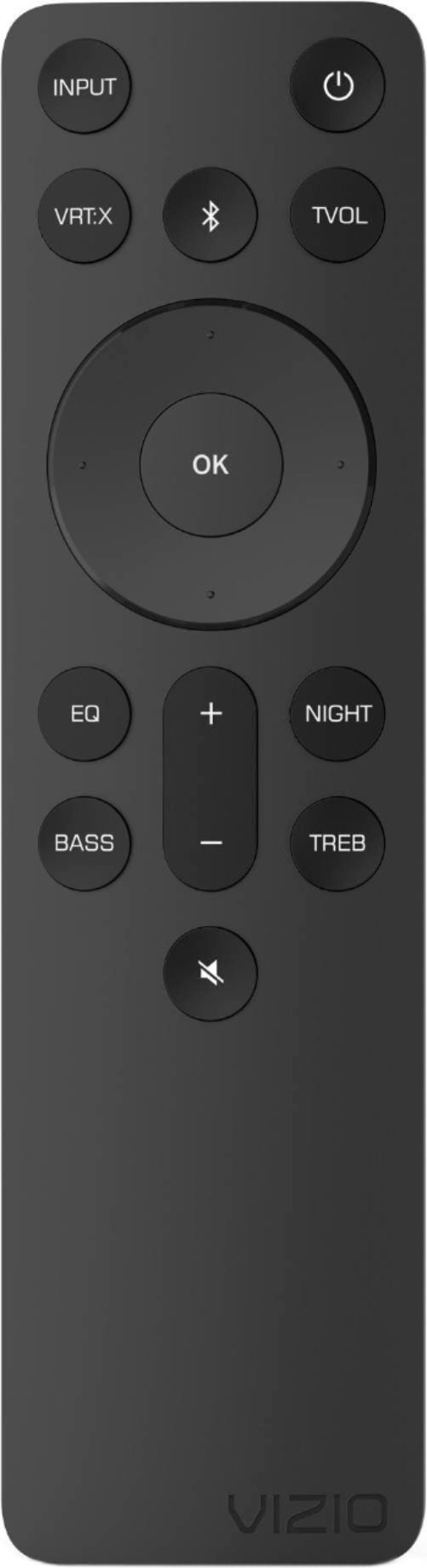
A:AnswerPress the level button. Then press the ring button upwards twice. The screen should display Surr Lvl + . Pressing the ring button right side increases the level, left side decreases it. All the settings adjust this way. Pressing the ring upwards or downwards scrolls through the button you pressed settings. Each button such as eq, level, setup and effect have multiple settings. Watch the remote screen to see which setting you want to adjust then left or right on the ring adjusts that setting. Hope that helps this bar is amazing.