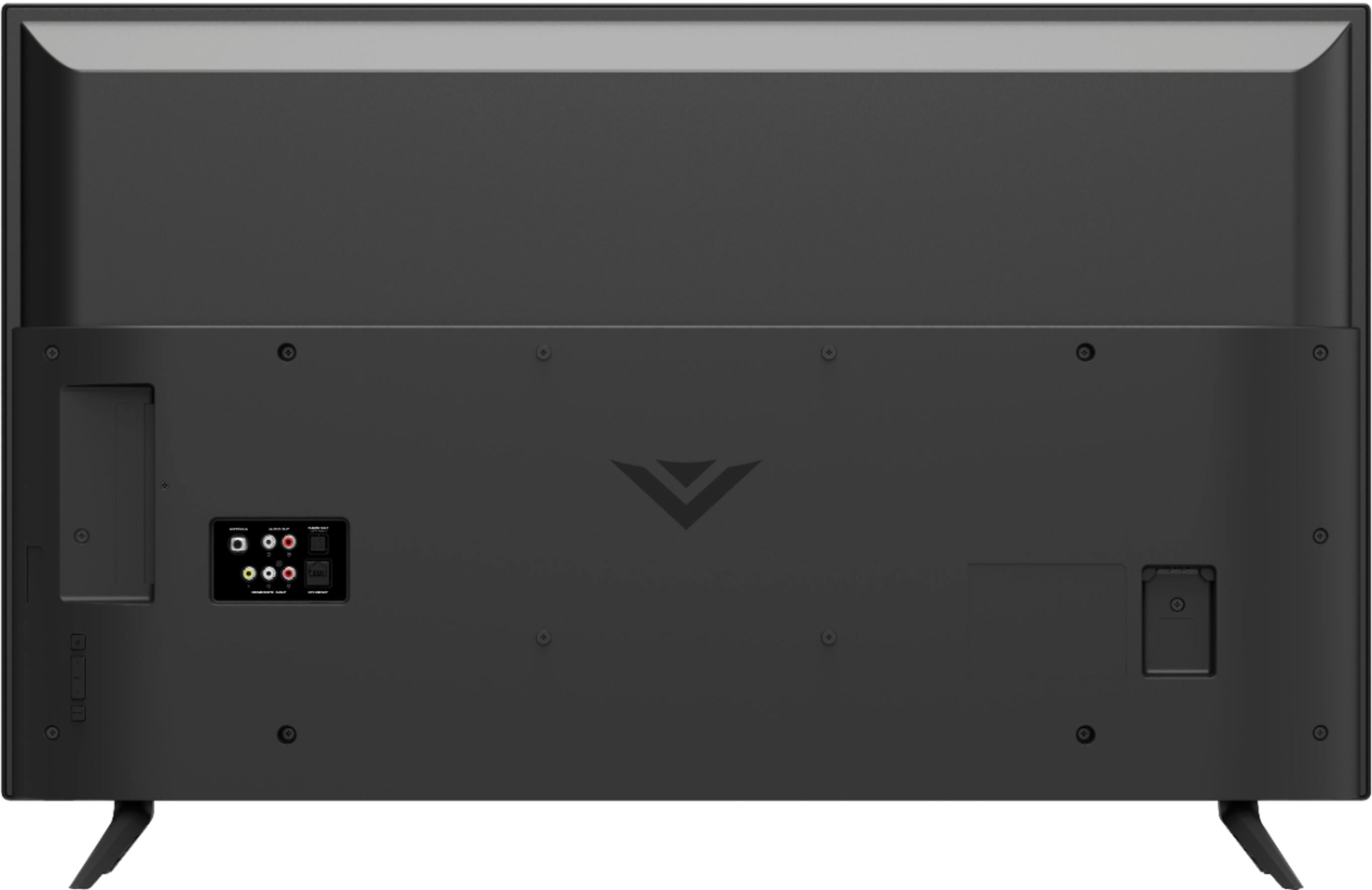
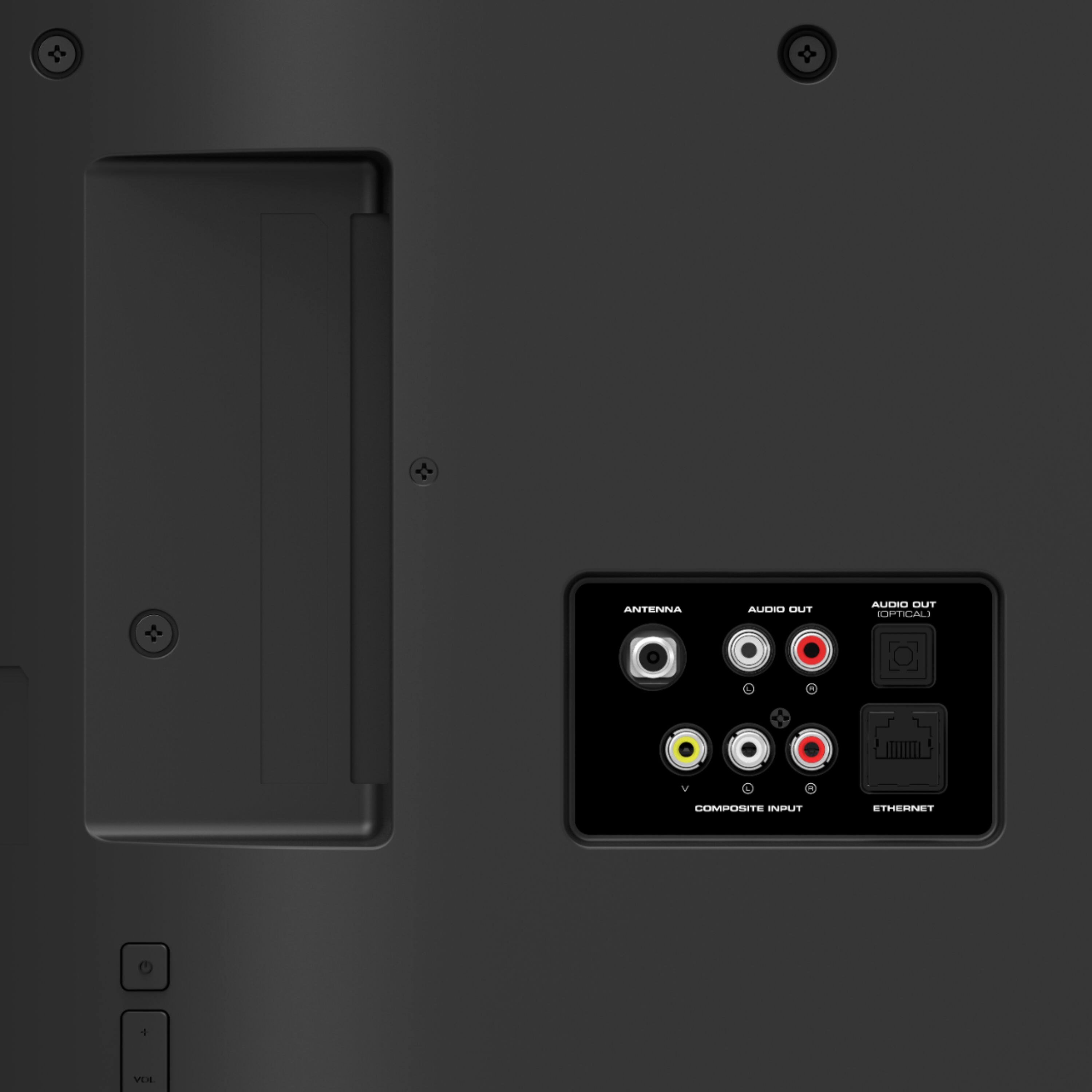
A:AnswerPower cycling will likely fix it. Unplug the TV then press and hold the power button on the side/back of the TV for about 15 seconds. Let go of the power button and plug the TV back in.
A:AnswerCurrently, the Spectrum app is not a part of SmartCast. VIZIO is committed to giving consumers access to as much streaming content as possible. We appreciate your feedback and will make sure to continue adding features and applications in the future.
A:AnswerHello Cubbieal,
The Fubo Sports Network is available as a free streaming channel, however the FuboTV app is not a built in app on SmartCast currently. The app can be cast to the TV from your phone or mobile device with Chromecast or Apple AirPlay.
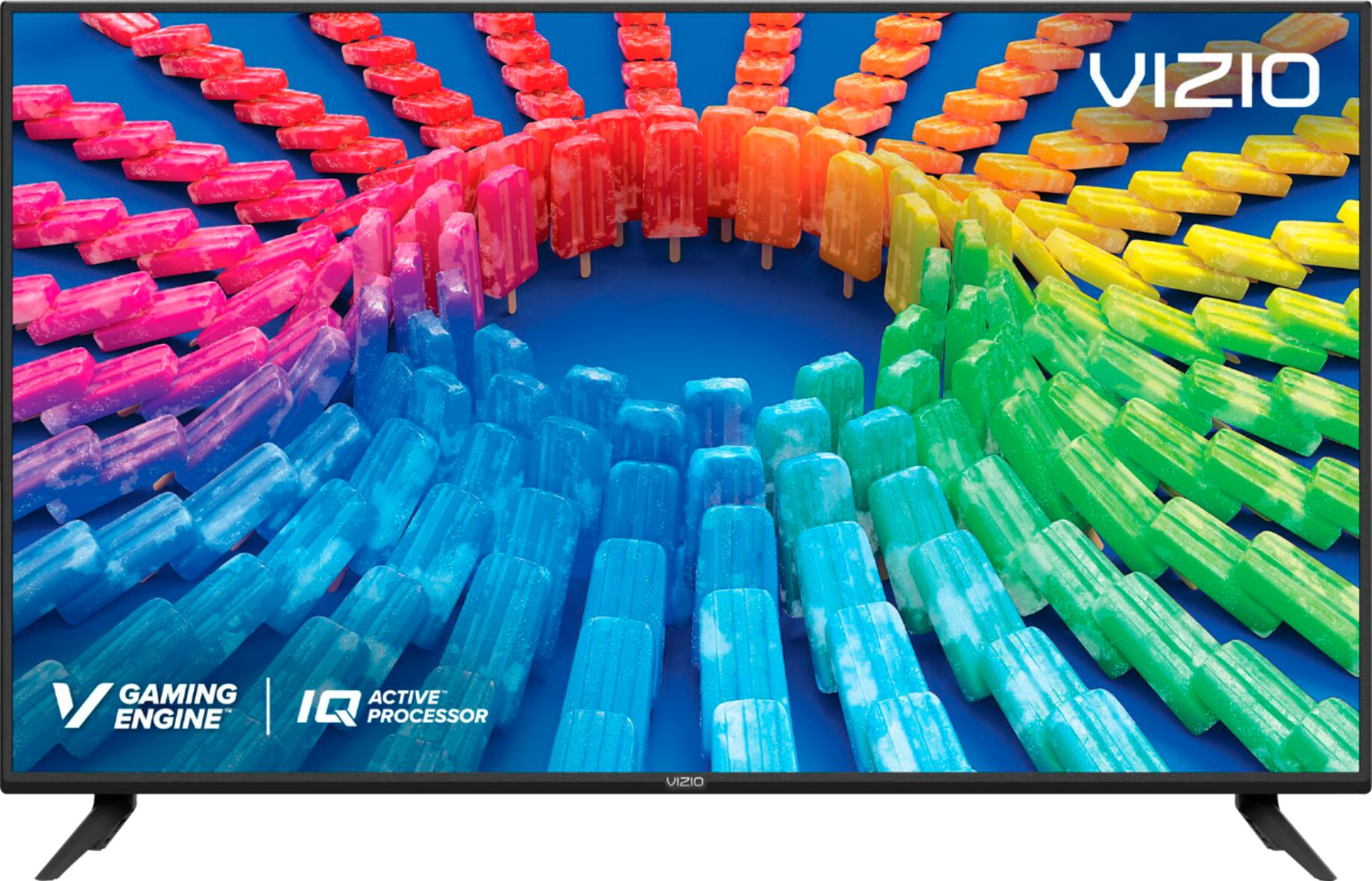
A:AnswerThe native refresh rate does NOT fully describe the TV’s motion clarity technology. The “open cell” or “native” refresh rate describes only the glass panel’s ability to refresh the image on the screen, without taking into account the benefit of the scanning backlight. The “native” refresh rate for this TV is 60Hz. VIZIO’s TVs have a Dynamic Motion Rate, which better describes the TV’s ability to achieve motion clarity through the use of its glass panel and scanning backlight. The Dynamic Motion Rate for your TV is 120.
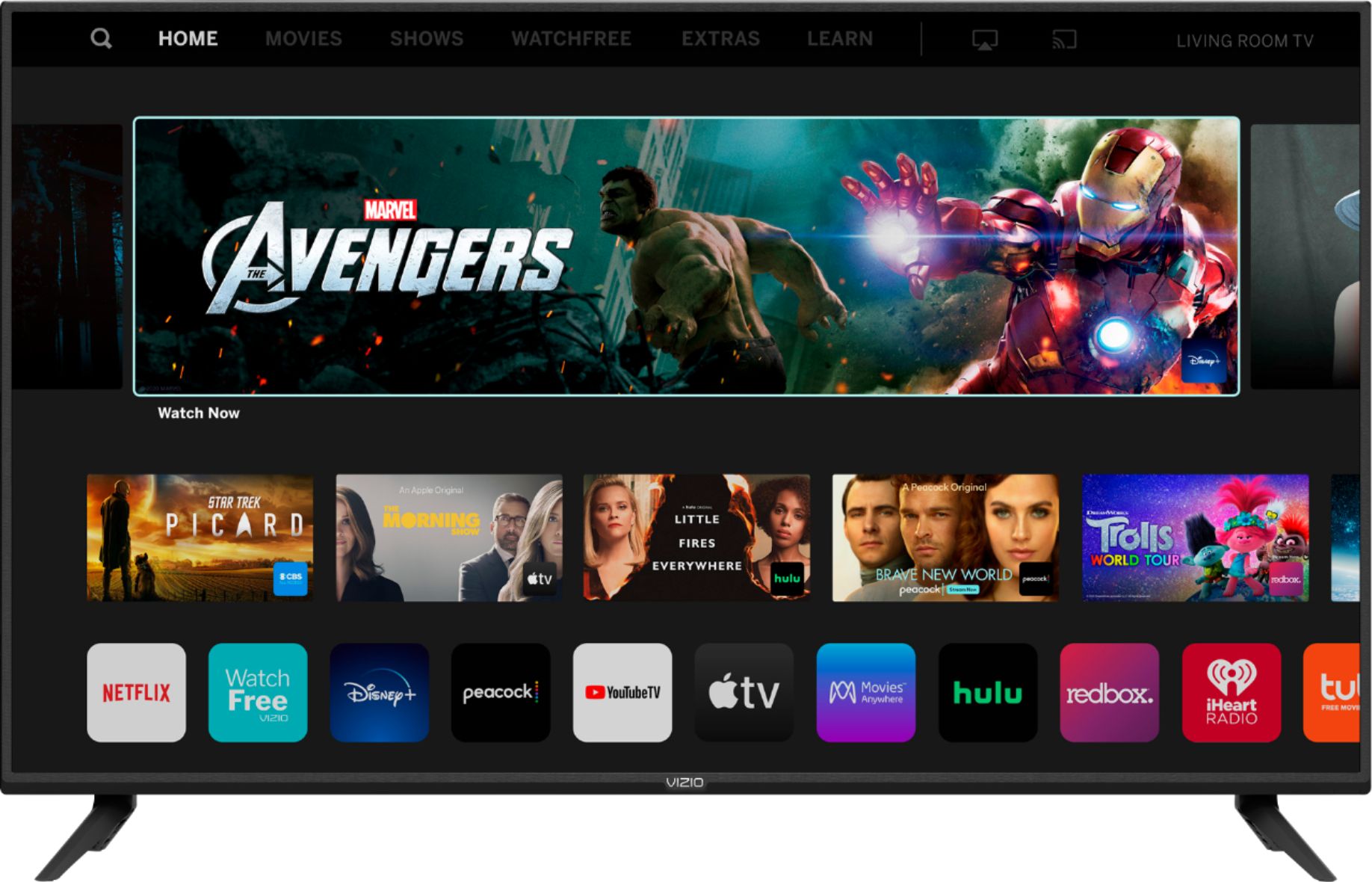
A:AnswerThis TV features VIZIO SmartCast, our award winning smart platform that has built in streaming apps and also is compatible with Apple AirPlay, Chromecast, as well as Google Assistant, Alexa, and Siri.