A:AnswerI'm slightly deaf myself, and I didn't notice the sound being bad.
I am considering a soundbar for enhanced quality; not because the sound is bad.
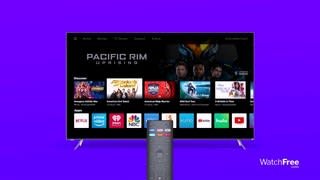
A:AnswerThis TV does use Bluetooth LE for connecting to you TV to a device with the VIZIO SmartCast application. However, this TV does not have Bluetooth audio out support.
A:AnswerThis TV does use Bluetooth LE for connecting to you TV to a device with the VIZIO SmartCast application. However, this TV does not have Bluetooth audio out support.
A:AnswerThis television does not have a guide feature when using direct from wall cable or over the air antenna. This feature is not included as most devices such as cable and satellite boxes have there own internal guide feature.
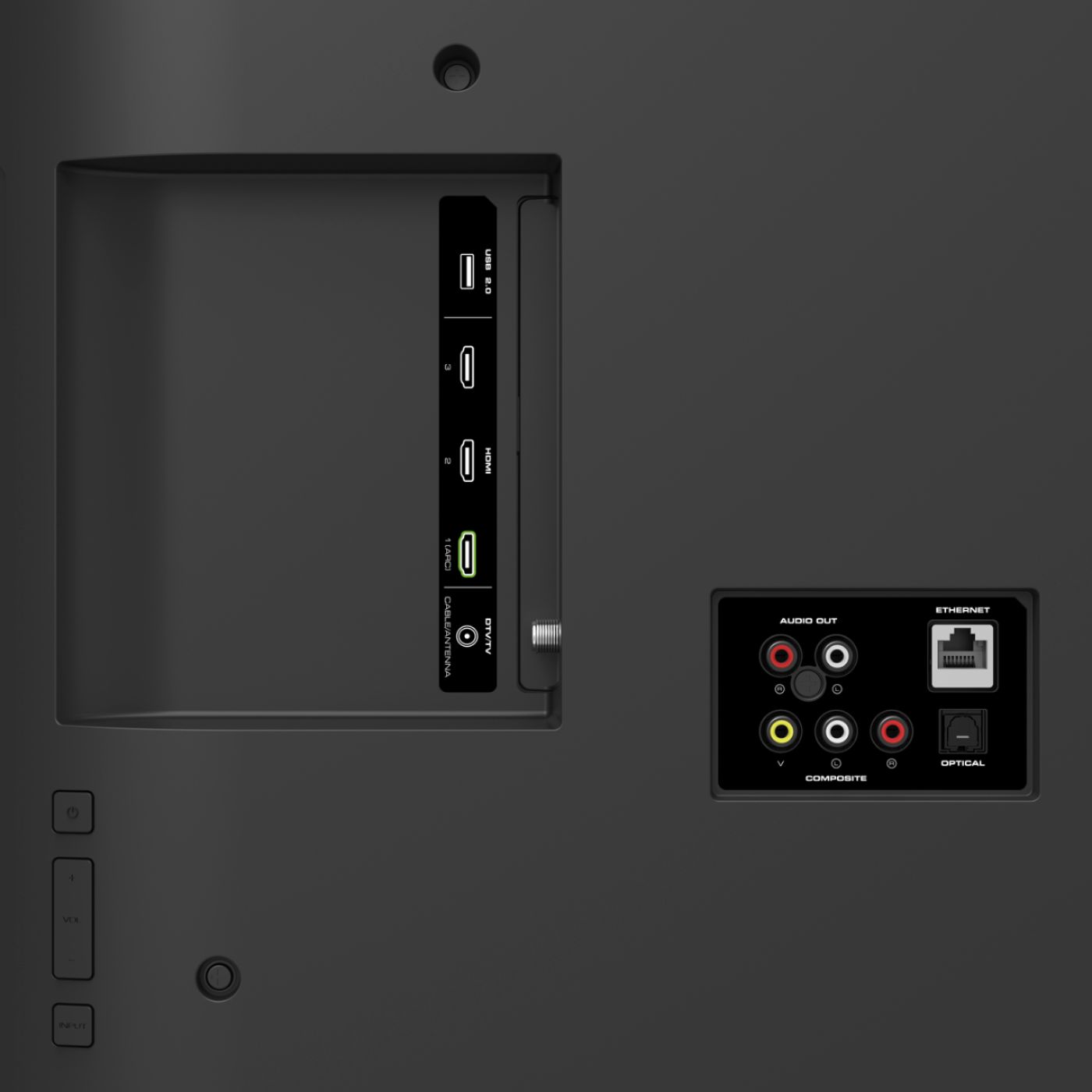
A:AnswerYes this tv is compatible with the new xbox. Any tv with HDMI is but for full performance you want a 4K HDR tv like this one to take full advantage of the xbox's output.
A:AnswerA few things that might help you get the kind of picture quality you are looking for. First, make sure the Display is getting a hi-definition or 4K signal. This means making sure that you're source device (like a cable/satellite box) is capable of HD or 4K, and that it's connected to your Display with an HDMI cable that can deliver the HD or 4K picture. You can also change between pre-set picture modes on the display by pressing the PIC button on your remote. This will toggle between a few picture setting that look good in different situations. If your display is in a bright room try Vivid or Calibrated. If it’s in a dimmer room try Calibrated Dark. If this is still not working properly please contact our customer support at 877-878-4946 for assistance with your television.
A:AnswerIf for some reason it doesn’t fit my stand will it fit the universal TV stand for a television that is 55 inches . I looked them up on my Amazon a.m. that they are not that expensive .