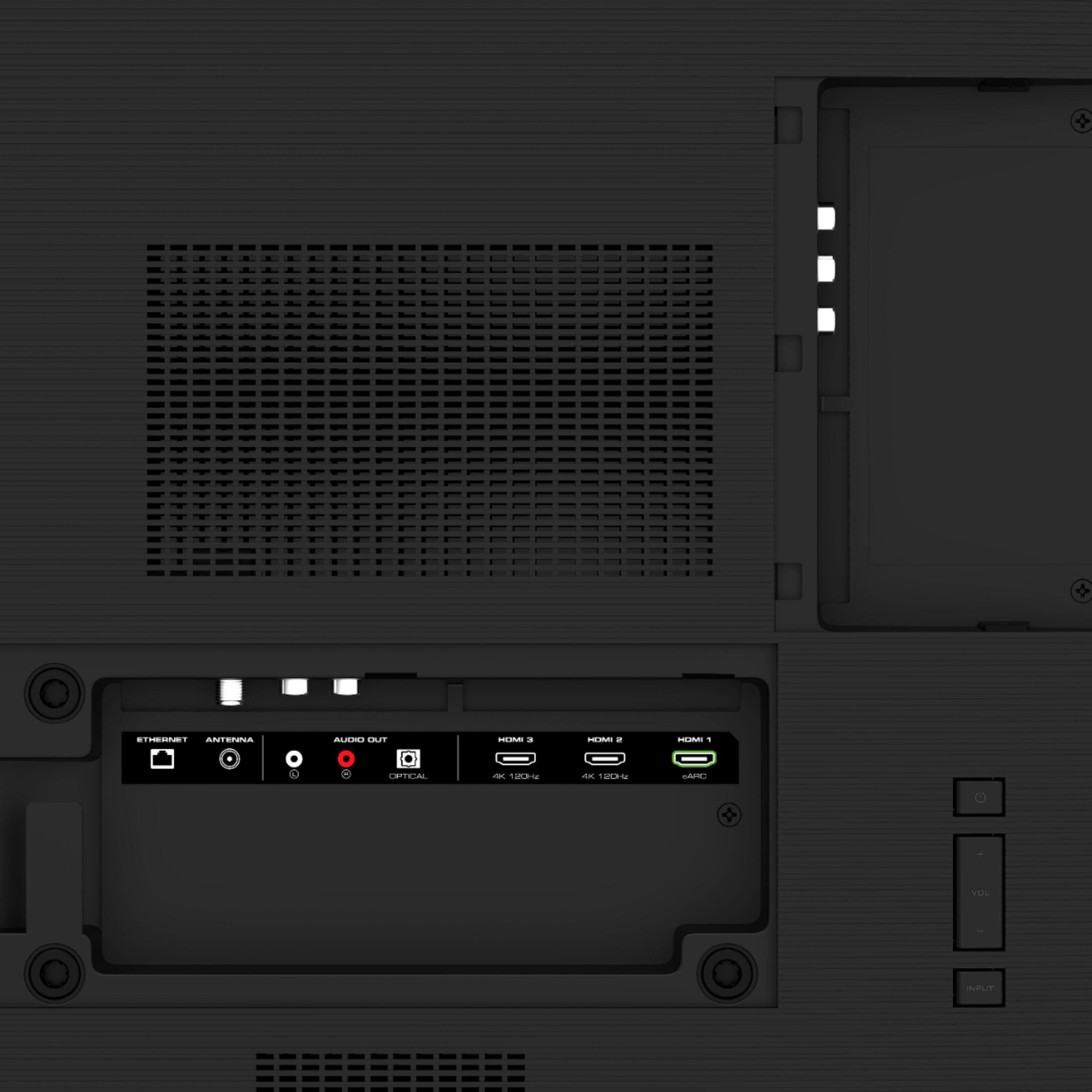
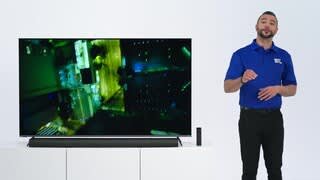
A:AnswerMake sure your inputs are set to tv speakers “on” and turn off eARC if you aren’t using a Dolby atmos soundbar. On each device you own make sure you’re outputting stereo uncompressed audio and not 5.1 or 7.1 uncompressed.
A:AnswerNo bluetooth. I would like to connect my AirPods pro and could not find a way to do that. If you have apple tv you would be able to connect to that!
A:AnswerNo there isn’t. There are also several firmware bugs that need to be addressed. Some settings like “quick start mode” change on their own. When this setting changes to “eco” the TV can no longer be controlled by HomeKit. Even when HomeKit works it’s unreliable. I would wait to buy this TV until they have worked the bugs out.
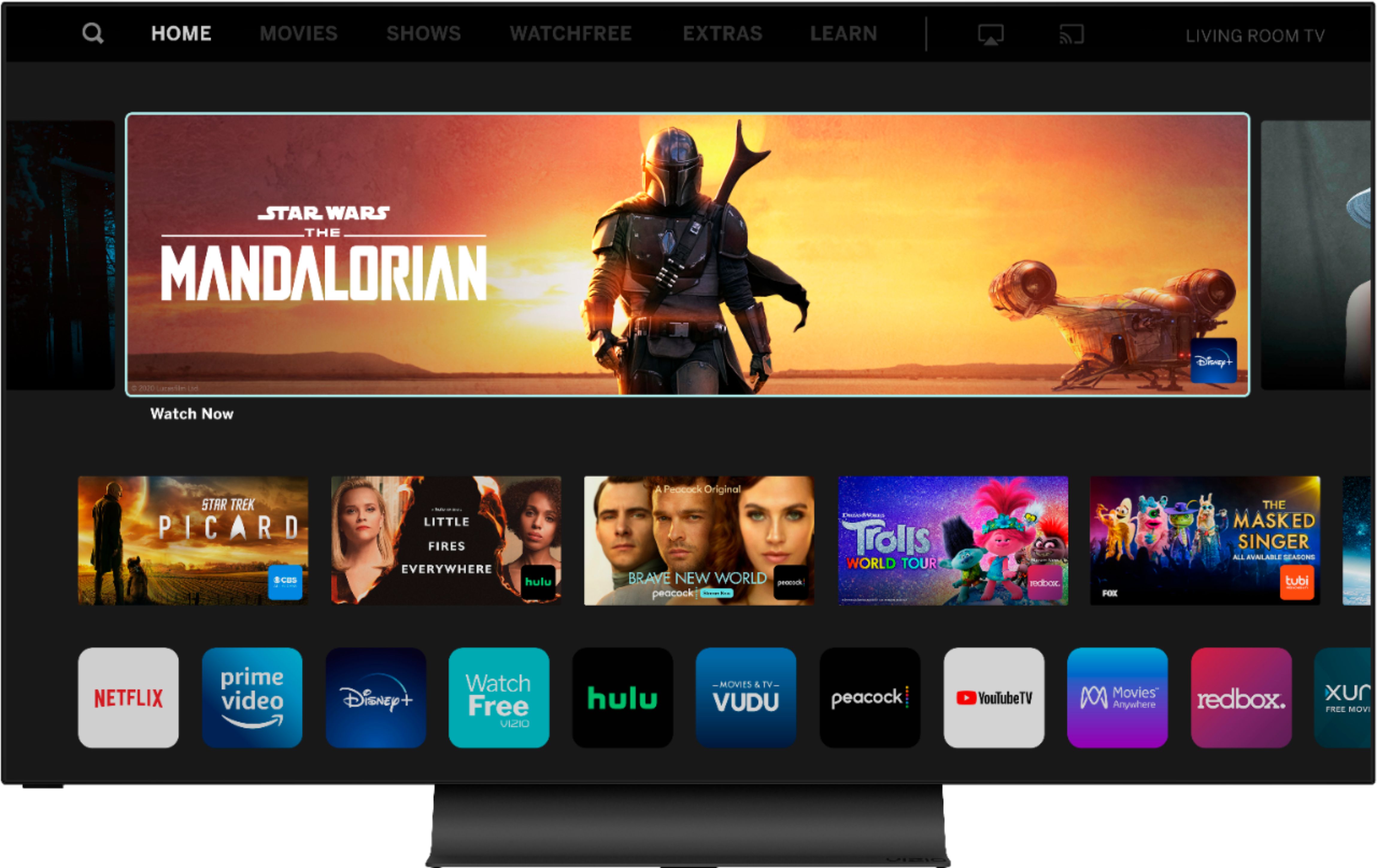
A:AnswerYes, of course it is a smart TV. The interface is not as good a LG or Samsung but it works. I have it hooked up to an Apple TV so I use that for most streaming content.
A:AnswerOpen box items are more likely customer returns that cannot be sold as 'brand new' anymore. These items are inspected, cleaned, and sold at a discount. Open box items have varying conditions that will state whether the item is 'like new' all the way down to 'functional but missing necessary components, think a laptop missing a charger as an example. Most open box items can be inspected in-store by you before purchasing.
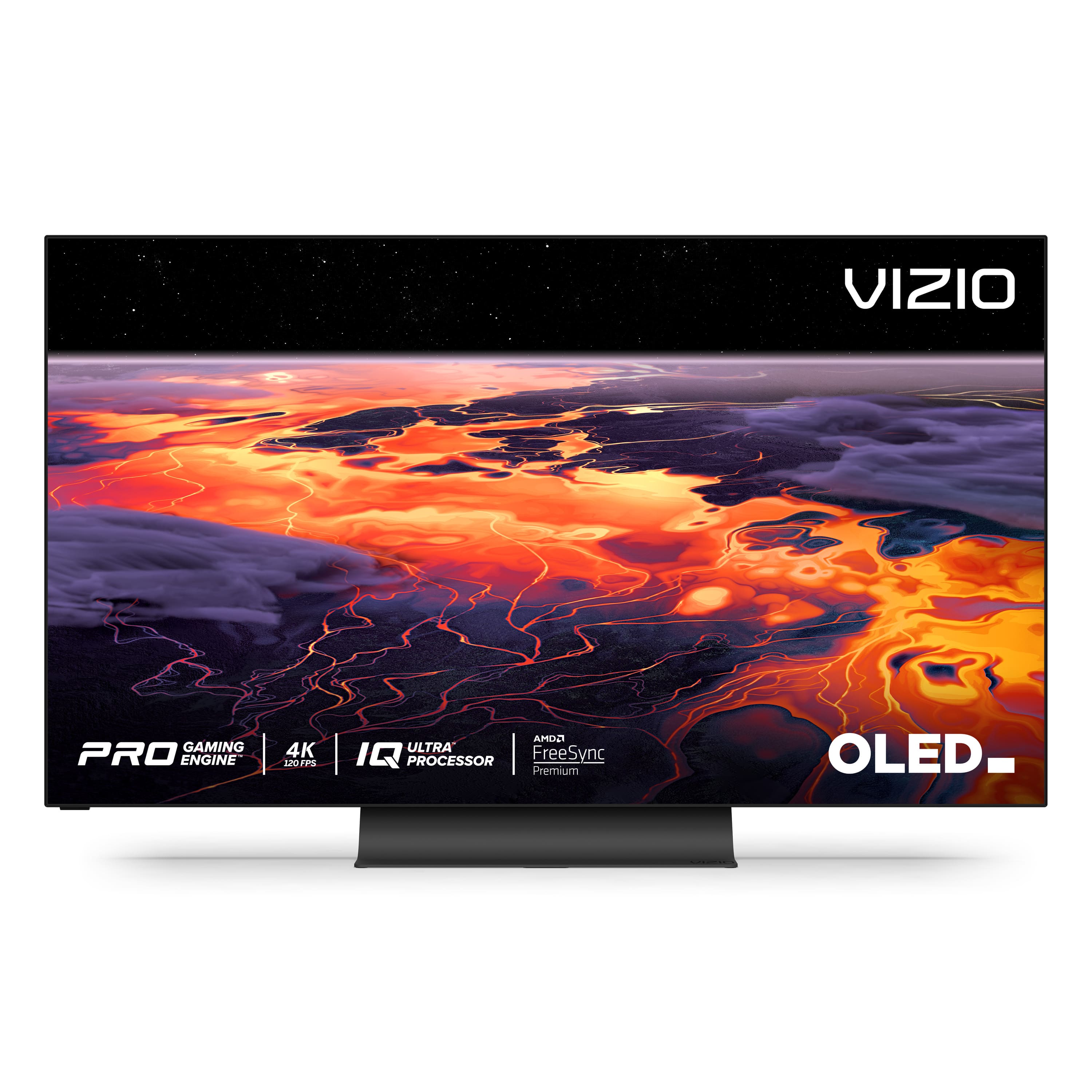
A:AnswerNope, no android tv, it has Vizio own software, not good in my opinion, but I use an Apple TV and the new chromecast with android tv and it’s perfect. GREAT image, perfect brightness, it is just amazing
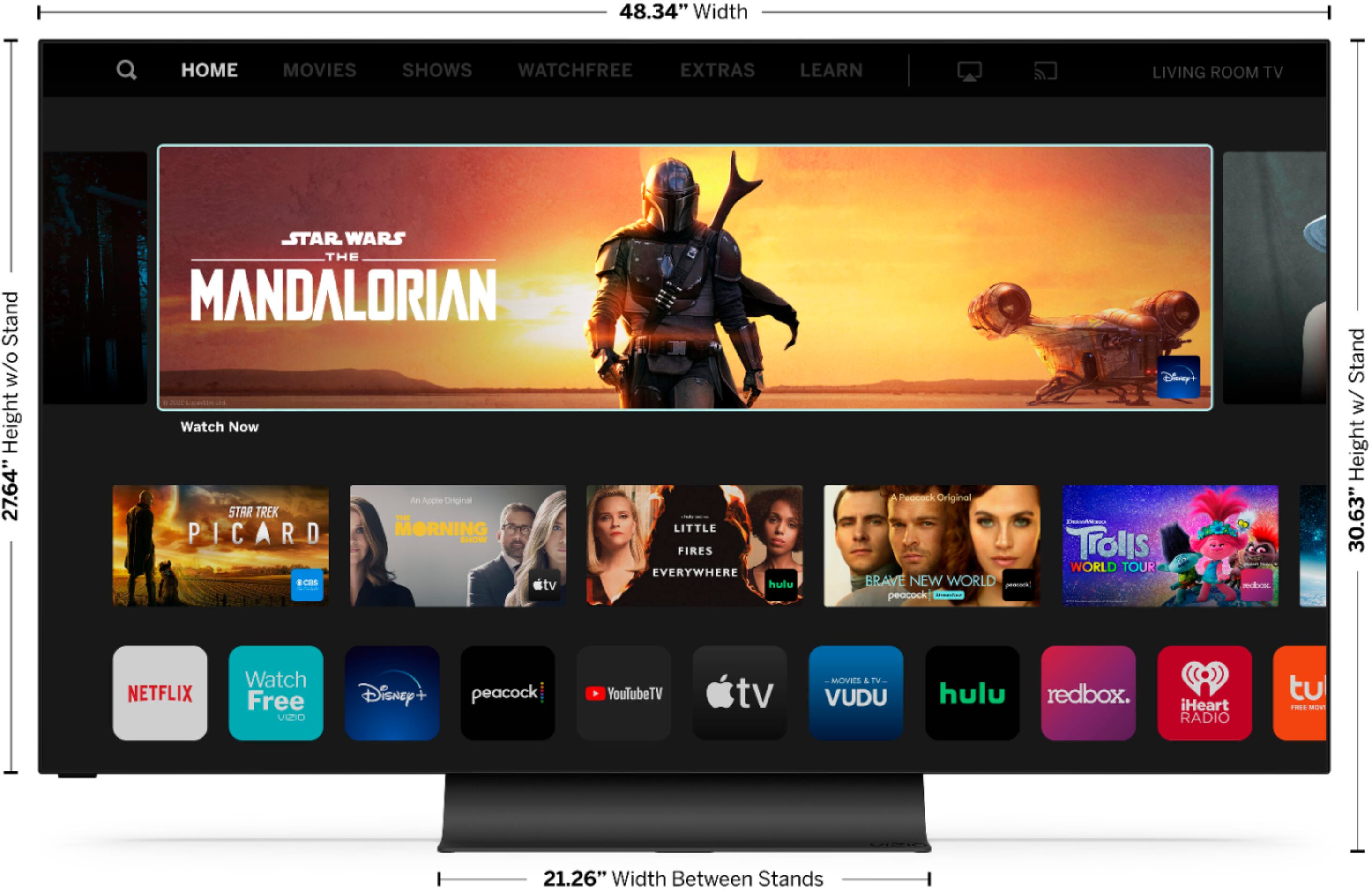
A:AnswerThe exact measurements are listed under the Specification drop-down section for any TV shopped online in Best Buy stores. All the drop-down selections are very helpful when researching Best Buy products.
A:AnswerHello King,
To use the apple AirPlay features no cable is needed, just ensure the phone and the TV are on the same WiFi Network. If you have any questions or need any assistance, we are available through text message, chat, or over the phone. Just go to support.VIZIO.com and click on ‘Contact Us’.