A:AnswerThe native refresh rate does NOT fully describe the TV’s motion clarity technology. The “open cell” or “native” refresh rate describes only the glass panel’s ability to refresh the image on the screen, without taking into account the benefit of the scanning backlight. The “native” refresh rate for this TV is 60. VIZIO’s TVs have a Dynamic Motion Rate, which better describes the TV’s ability to achieve motion clarity through the use of its glass panel and scanning backlight. The Dynamic Motion Rate for this TV is 120.
A:AnswerHello,
This TV uses our SmartCast Platform which offers a host of built in apps, as well as support for Google's Chromecast, Apple's AirPlay 2, and voice support for SIRI, Google Home, and Alexa. If the app you want to use is not yet on SmartCast you can cast most apps from your phone using Chromecast and Apple AirPlay.
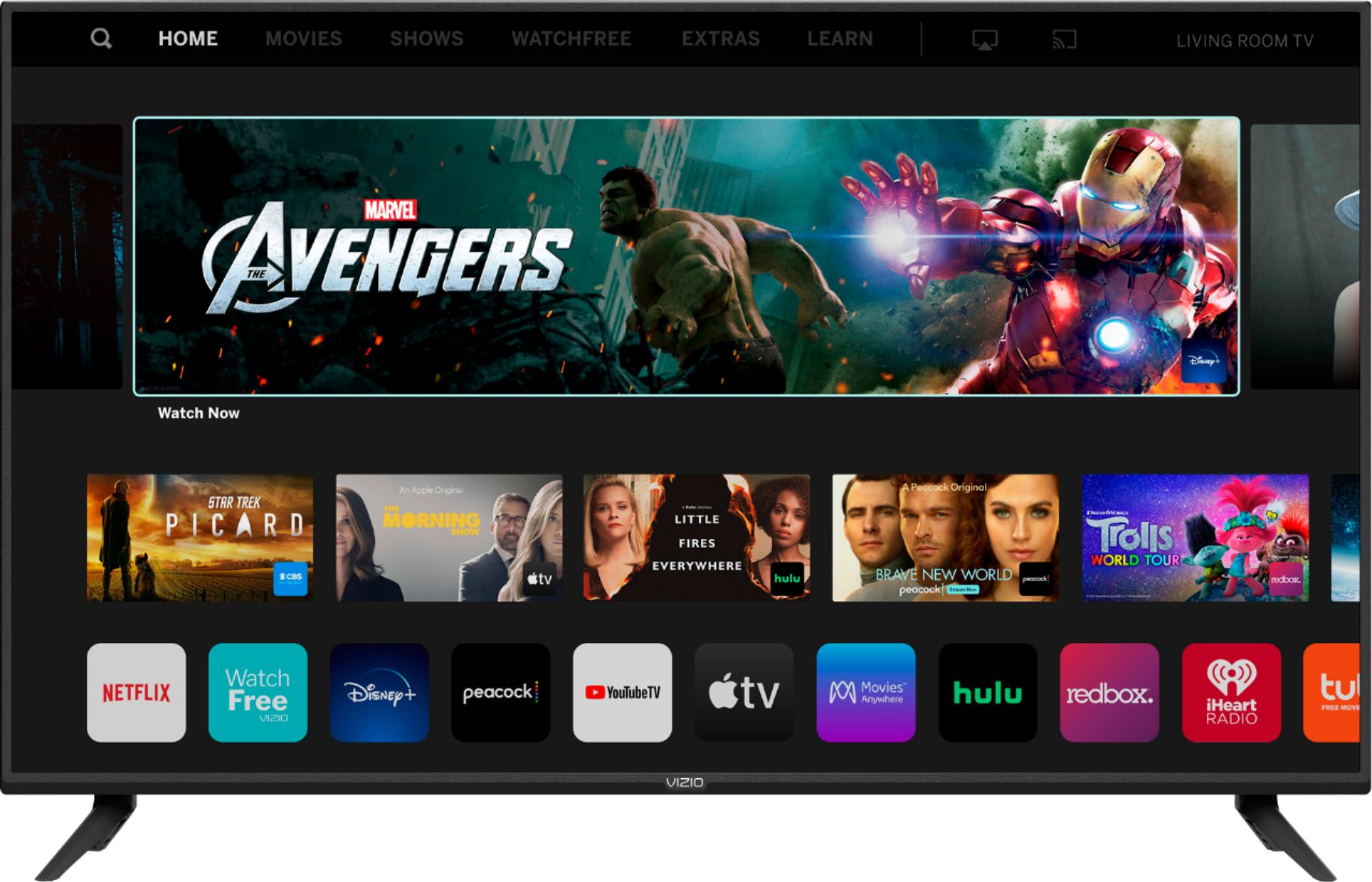
A:AnswerThough you cannot add apps, SmartCast televisions support Google Chromecast and Apple AirPlay 2 so that you can share content from the latest applications on your phone, tablet, or computer directly to the TV.
A:AnswerI would love to have the chance for our award-winning customer support team help trouble shoot this issue. When you have a free moment, they’re available through text message, chat, or over the phone. Just go to support.VIZIO.com and click on ‘Contact Us’.
A:AnswerThe CC is typically turned on or off by the TV. The size of the captioning is determined by the content provider. Typically, there would be settings to adjust CC or subtitles in the application or on the device that you've connected to your TV.
A:AnswerYeah, there are a ton of settings that can increase the brightness. If you're looking for a bright vibrant picture try pressing the PIC button on your remote and choosing 'Vivid' or 'Calibrated'. These are some presets that are designed to work well in bright rooms. There are a lot of settings that you can adjust to get the most out of this TV, and dial it in for the brightness thats in your specific room. For help- just head over to support.VIZIO.com and click on 'Contact Us'. We'd be happy to help you navigate these options.
A:AnswerHi Tbrowne68. There are a few options depending on you media server. The TV does have apps like Plex, that you can use for media sharing. It also supports Cast (which some servers support). If you have specific details on what server you're using, one of our tech support agents may be able to answer your specific questions. Just head over to support.VIZIO.com and click on 'Contact Us'.
A:AnswerYou can connect the TV to the internet in the TV's menu>Network>Select the name of your network. You can Cast to the TV by pressing the Cast icon in the app you are trying to Cast to the TV.
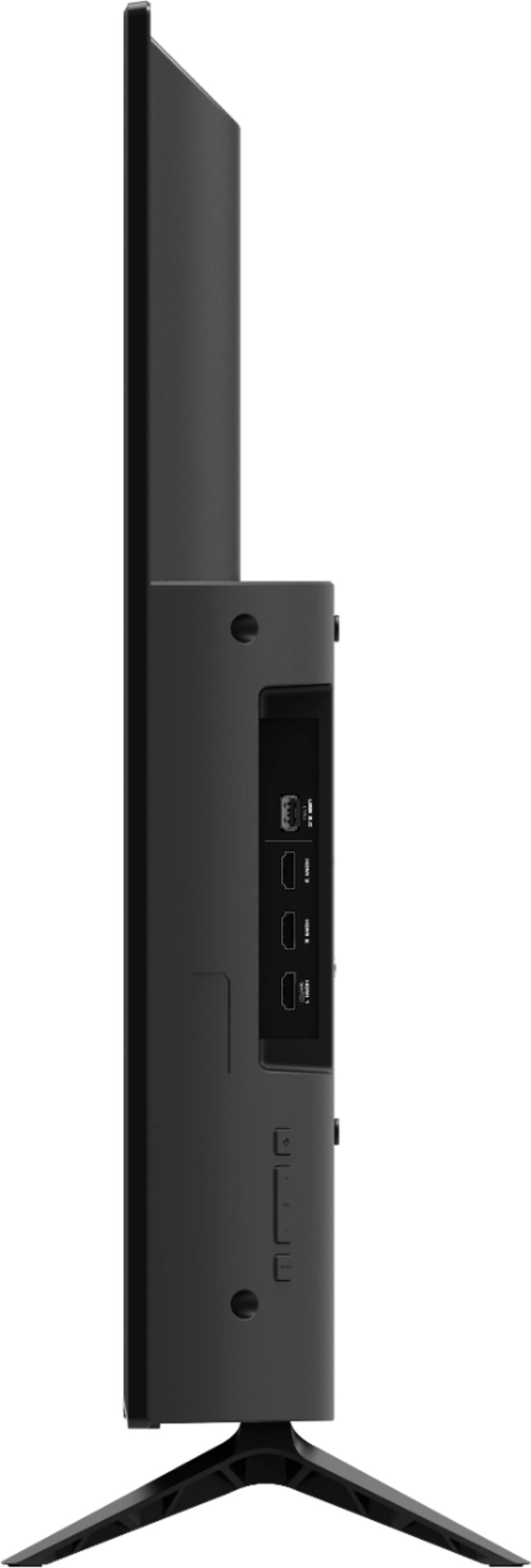
A:AnswerYes you can use a Roku on this TV, it would just connect into an HDMI port. The TV does have a built in Chrome Cast as well as several built in apps too. The native refresh rate is 60 Hz. However, the native refresh rate does NOT fully describe the TV’s motion clarity technology. The “open cell” or “native” refresh rate describes only the glass panel’s ability to refresh the image on the screen, without taking into account the benefit of the scanning backlight. The “native” refresh rate for this TV is 60Hz. VIZIO’s TVs have a Dynamic Motion Rate, which better describes the TV’s ability to achieve motion clarity through the use of its glass panel and scanning backlight. The Dynamic Motion Rate for this TV is 120.