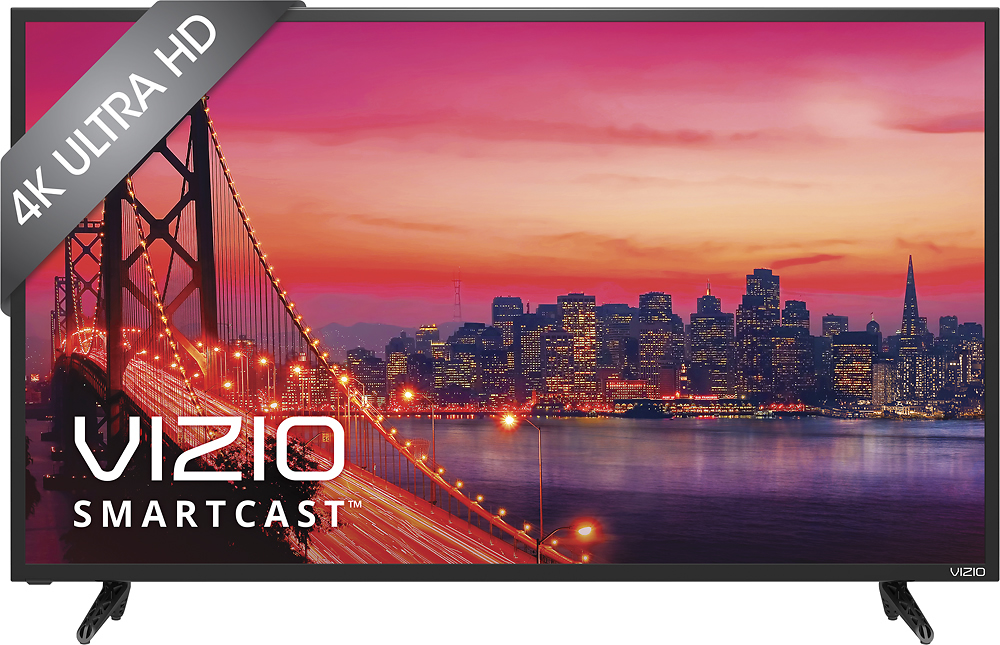
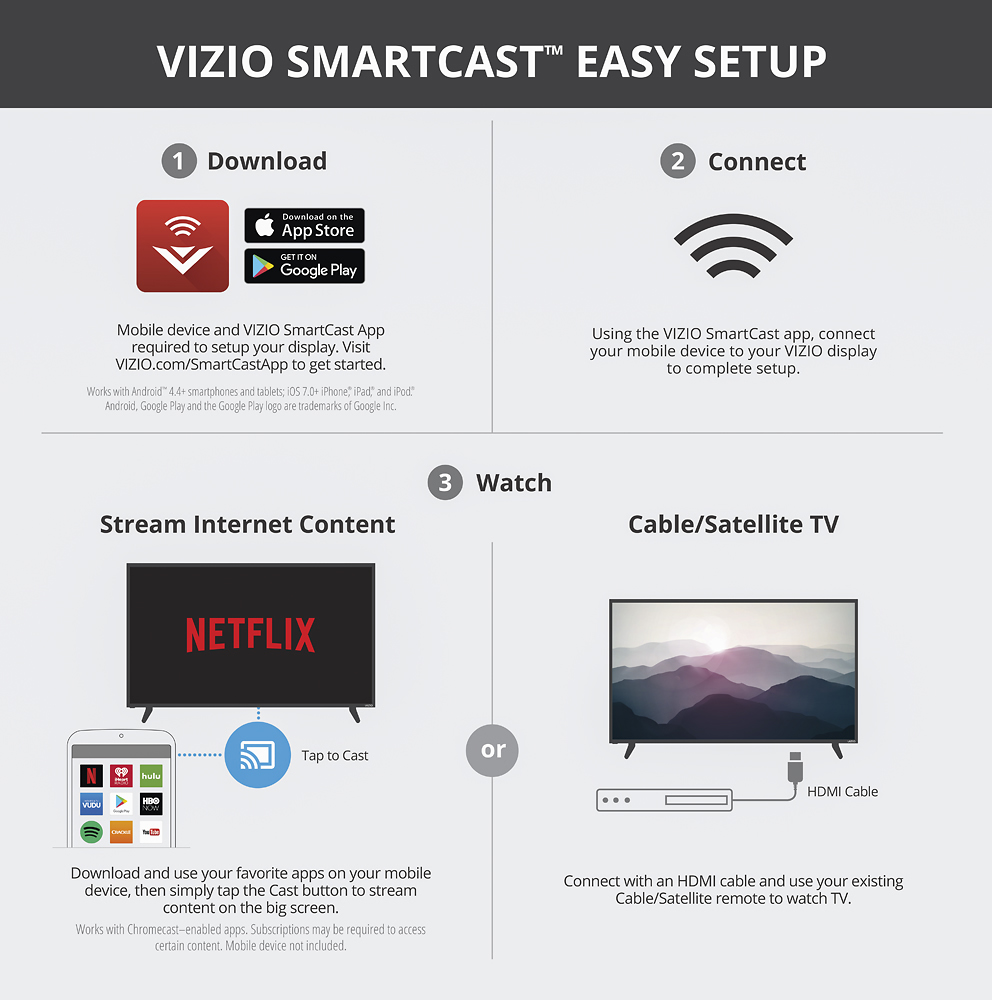
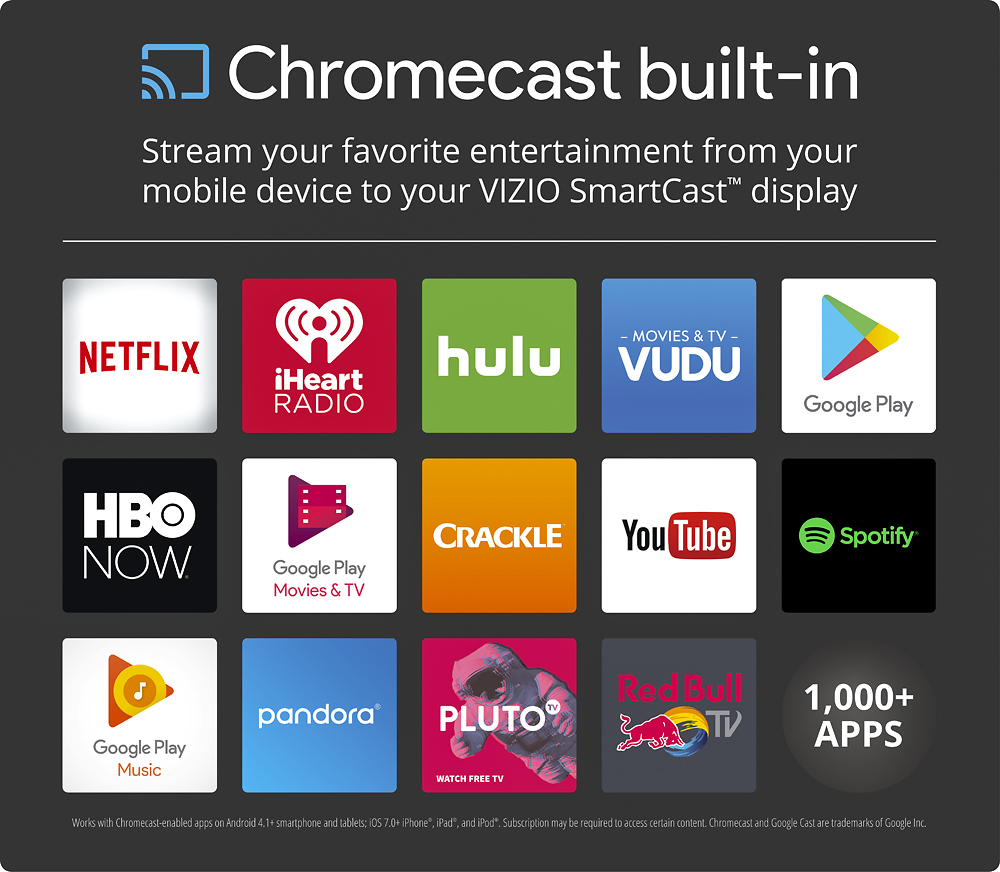
A:AnswerThe unit has built in wifi for accessing the Chromecast items on it. To have actual web access you are going to need to use Google Home on Android which will allow you to cast the desktop and audio from your mobile device essentially making the unit a large monitor. If using a laptop the same effect can be obtained by using the Chromecast add on in the Google Chrome browser.
A:AnswerI currently have a Samsung 5 point sound bar with sub woofer hooked up to ours. The plan is to add a set of Bluetooth satellites to it for full surround in the future. We currently do not use the units audio at all as the added system far out performs it.
A:AnswerThe current price online is what I paid for ours. You can always purchase it online and pick it up in the store the same day if they have it in stock to insure you get the online price.
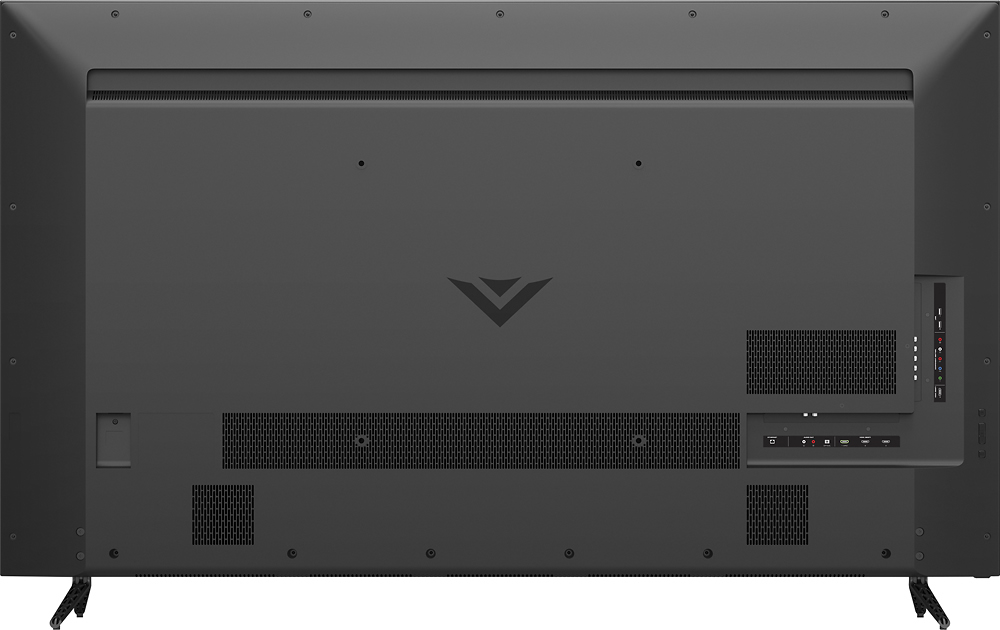
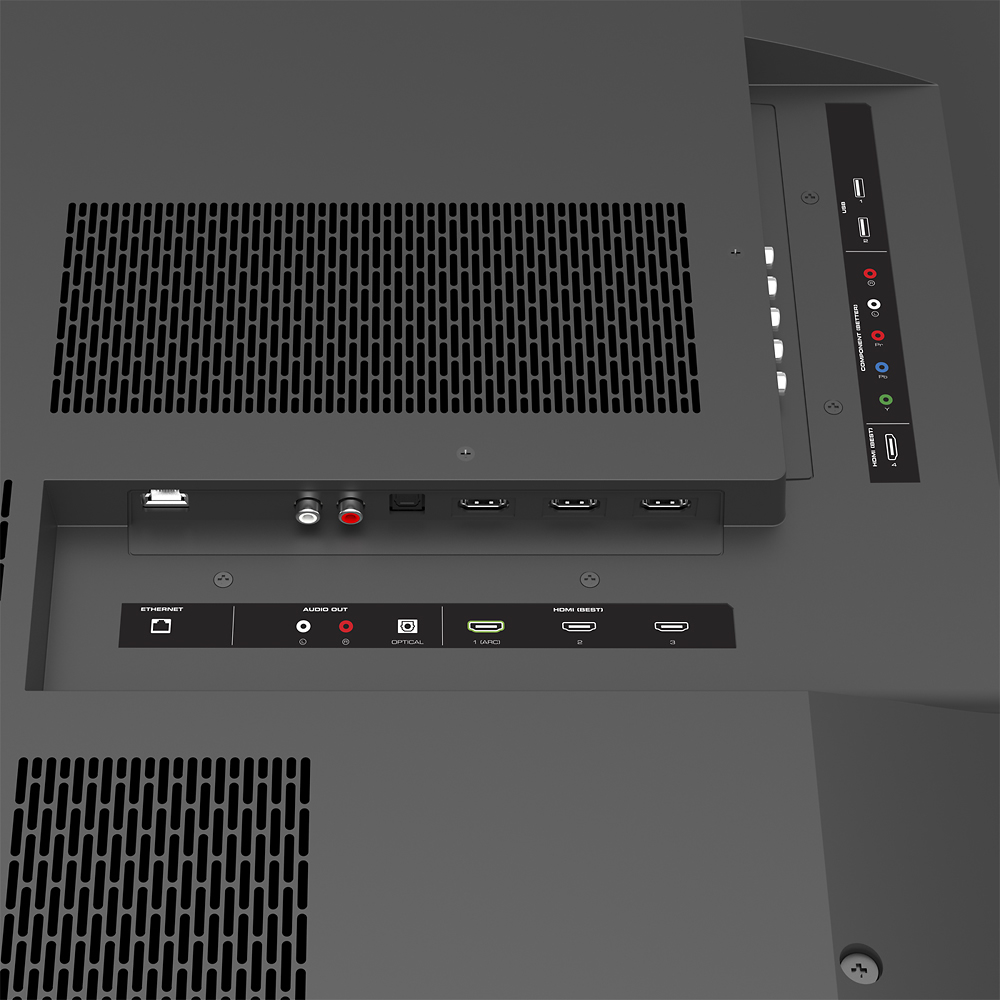
A:AnswerIf your cable box is actually RF cable from the box to you existing set the answer is no. Your connection options are HDMI and RCA audio video.
A:AnswerThe USB is for firmware updates. Various files may or may not work in the port, as it is not designed to be a media reader. We recommend connecting devices through the provided HDMI inputs. Thanks! -Randal
A:AnswerHaving cable will affect little impact on the tv meaning you will need to call Tech support from your cable company to program your cable remote to the tv basically to adjust your screen AN programing your remote to turn off the tv an add volume and changing the cable channel only.
A:AnswerWe appreciate your interest. Apps are Cast from a mobile device, such as a smart phone or tablet. We recommend checking with the app developer for Cast compatibility. Thanks! -Randal